
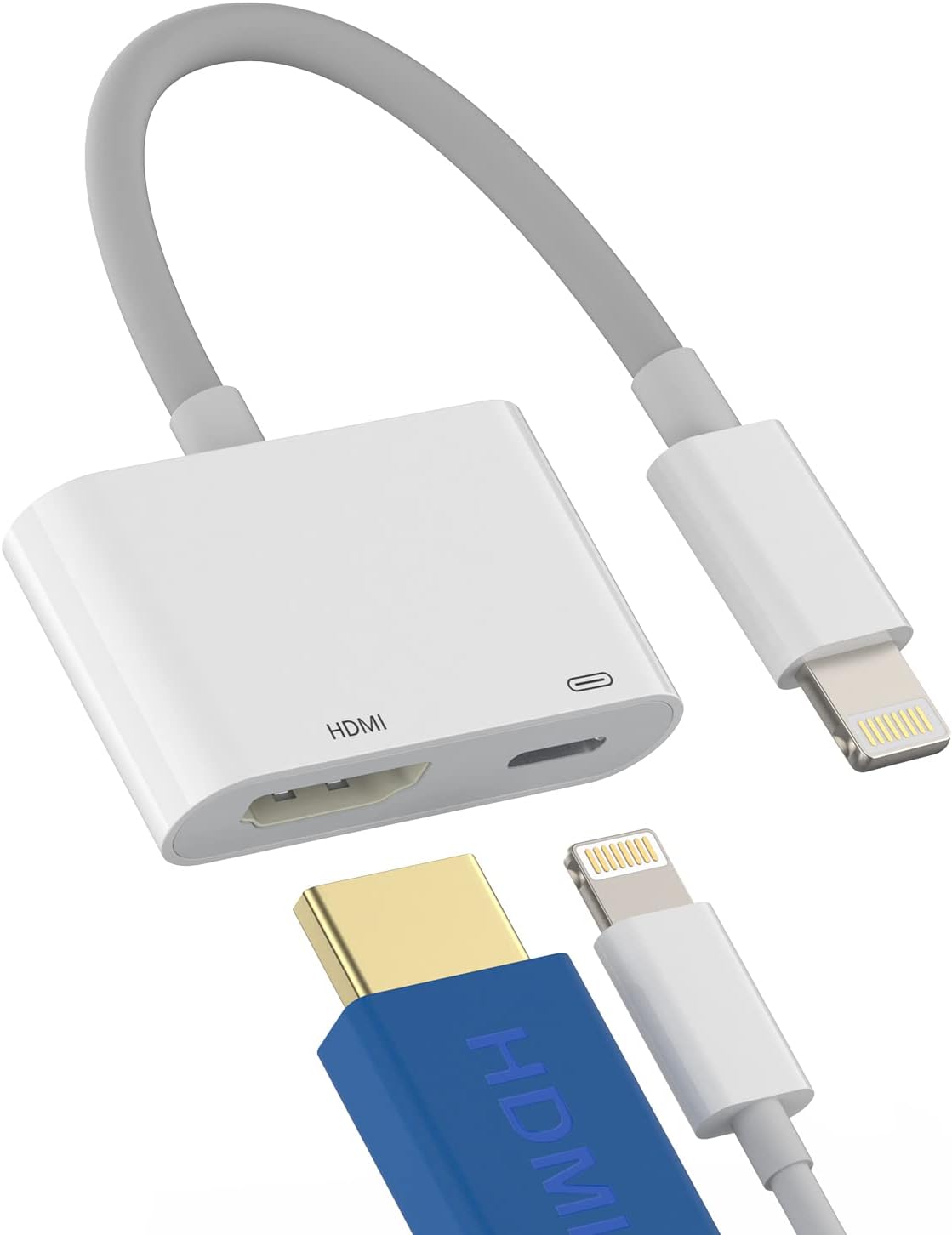
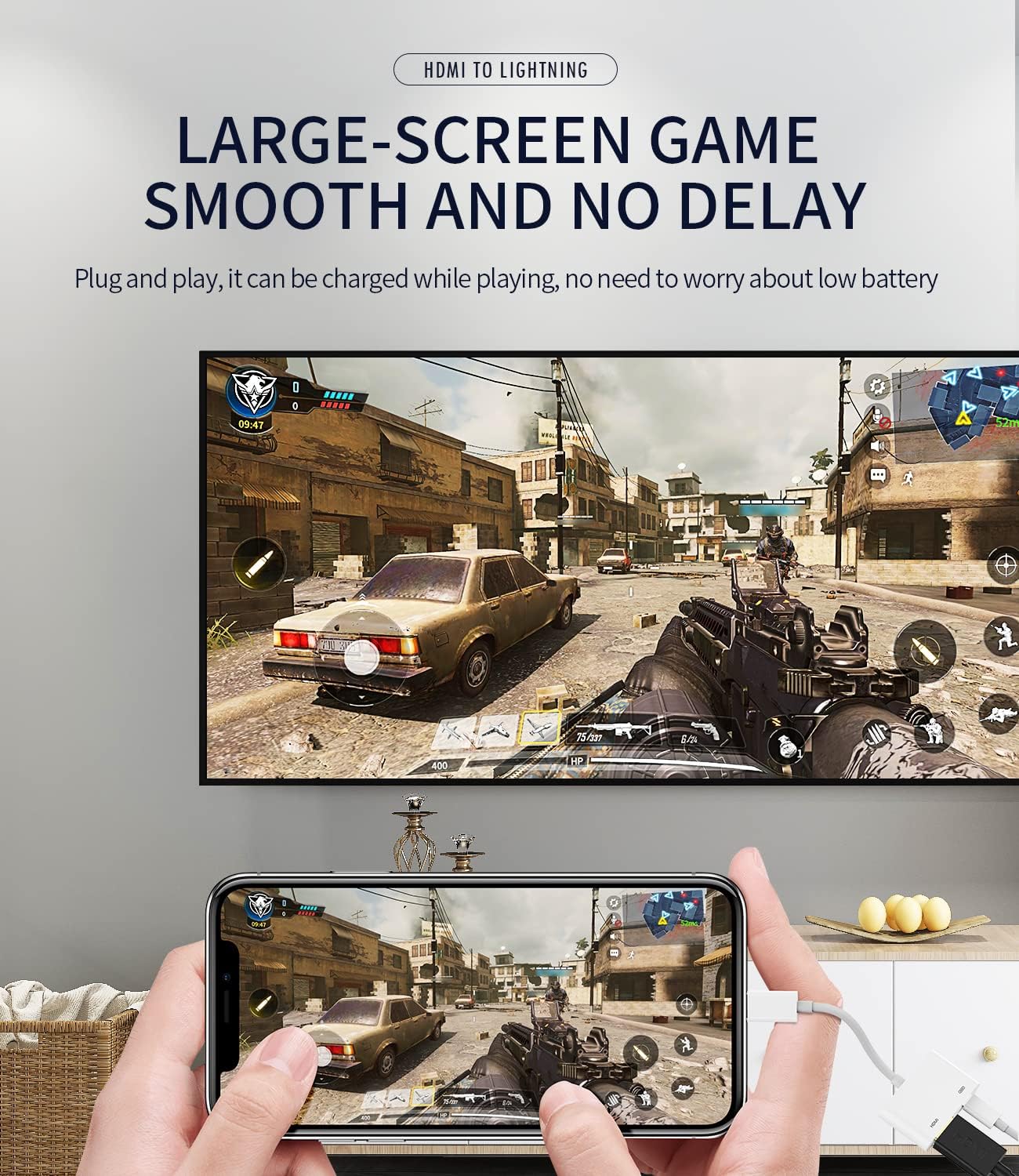
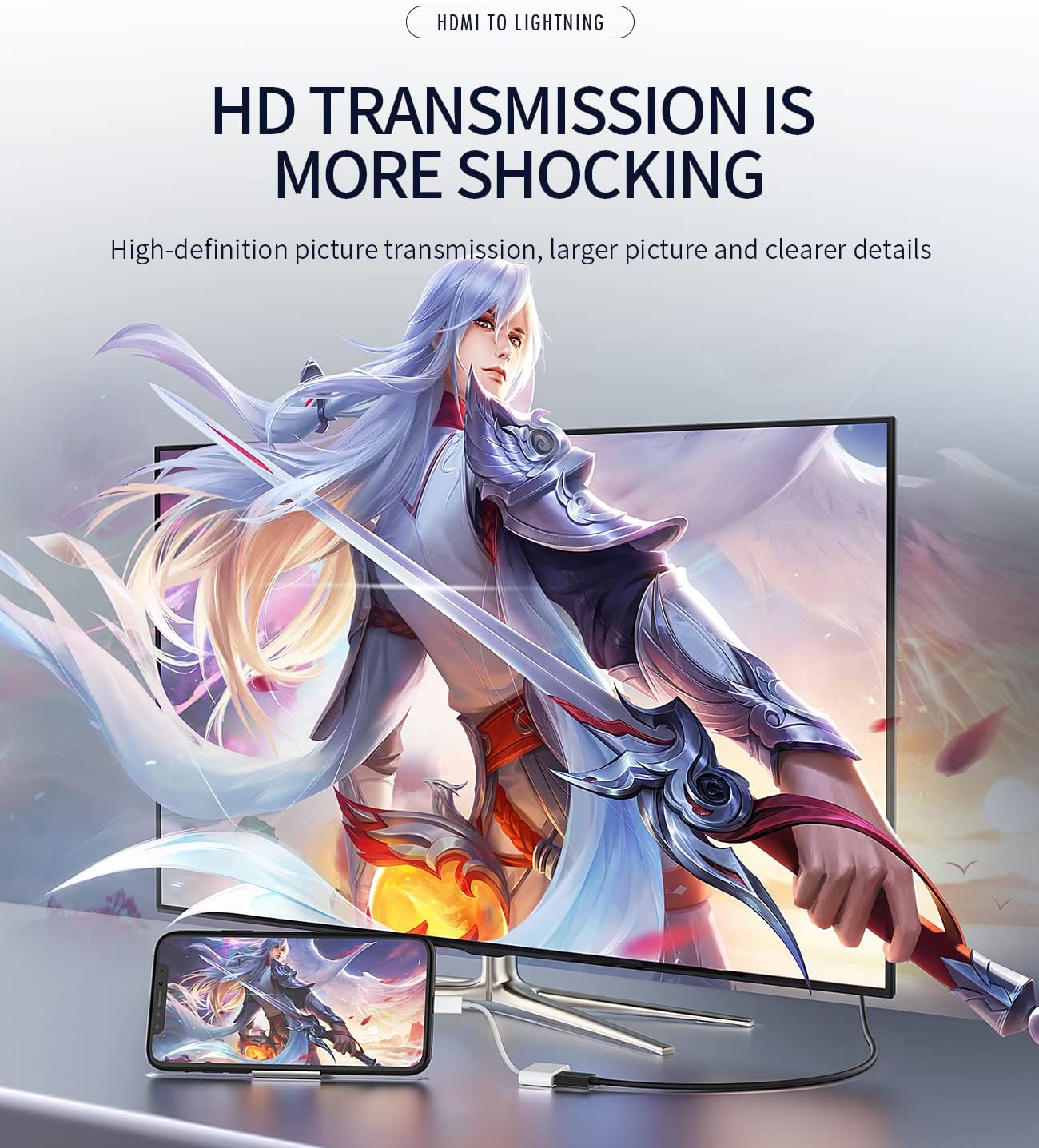
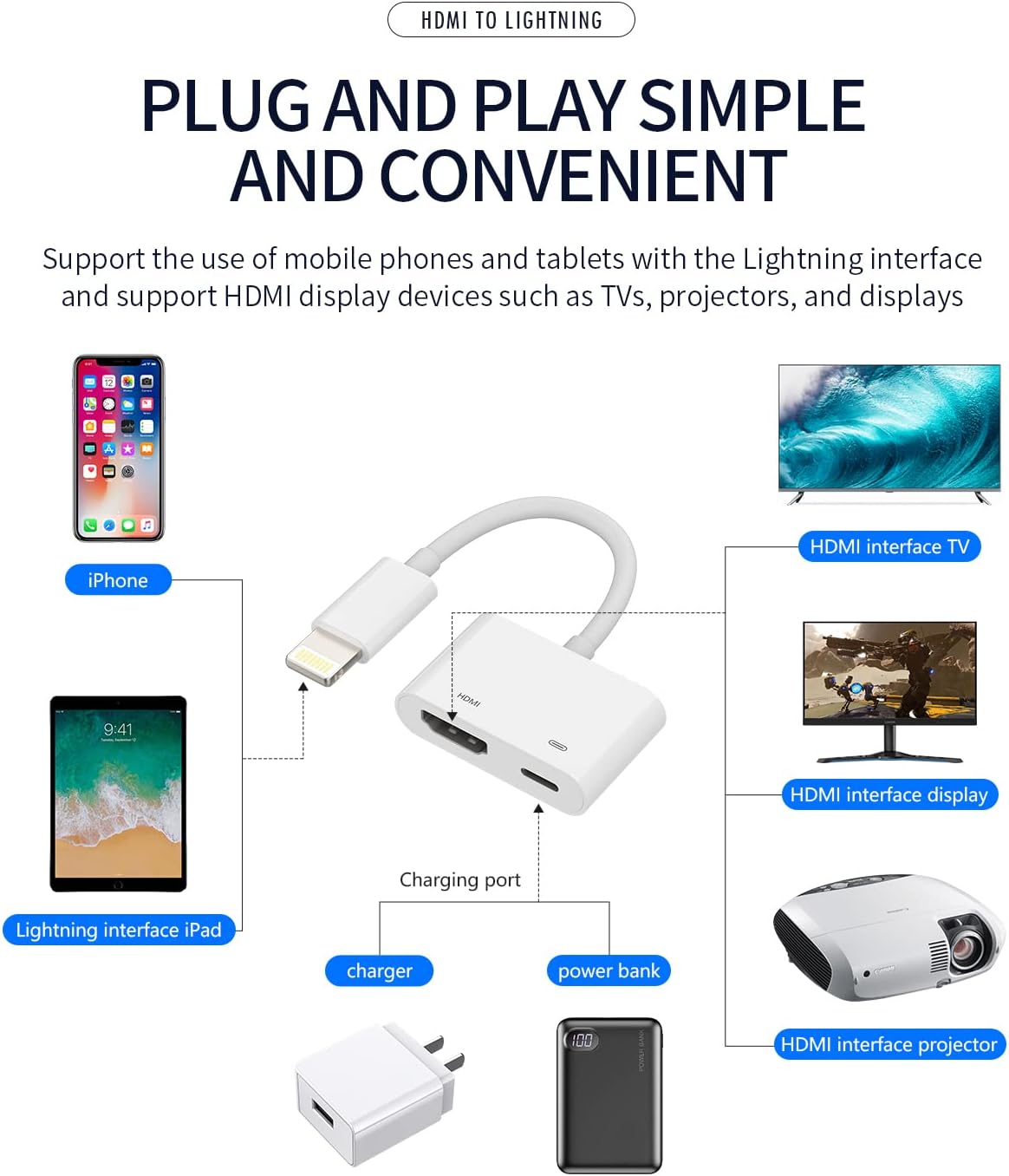
Lightning to HDMI Adapter for iPhone 12/13 Pro Max, iPad Mini with Charging Port
₦8.62
Description
About the Product 🔑
| Feature 🌟 | Description ✨ |
|---|---|
| Lightning to HDMI Adapter 🔌 | For TV, iPhone 12, 13 Pro Max |
| Digital AV Female Port Converter 🔄 | And Charging Connector Cord |
| Projector Monitor Sync Screen 🎬 | Ipad Mini Charge Charger |
| Mirroring Content 🖼️ | Pictures, movies, games up to 1080P |
| Apple MFi Certified ✅ | Compatible with various iPhone/iPad models |
| Plug and Play ▶️ | No power needed, no app installation |
| High-Speed Transmission 🚀 | Ensures sync of HD video and digital audio |
| Ultra HD Visual Experience 🌈 | For daily life and work |
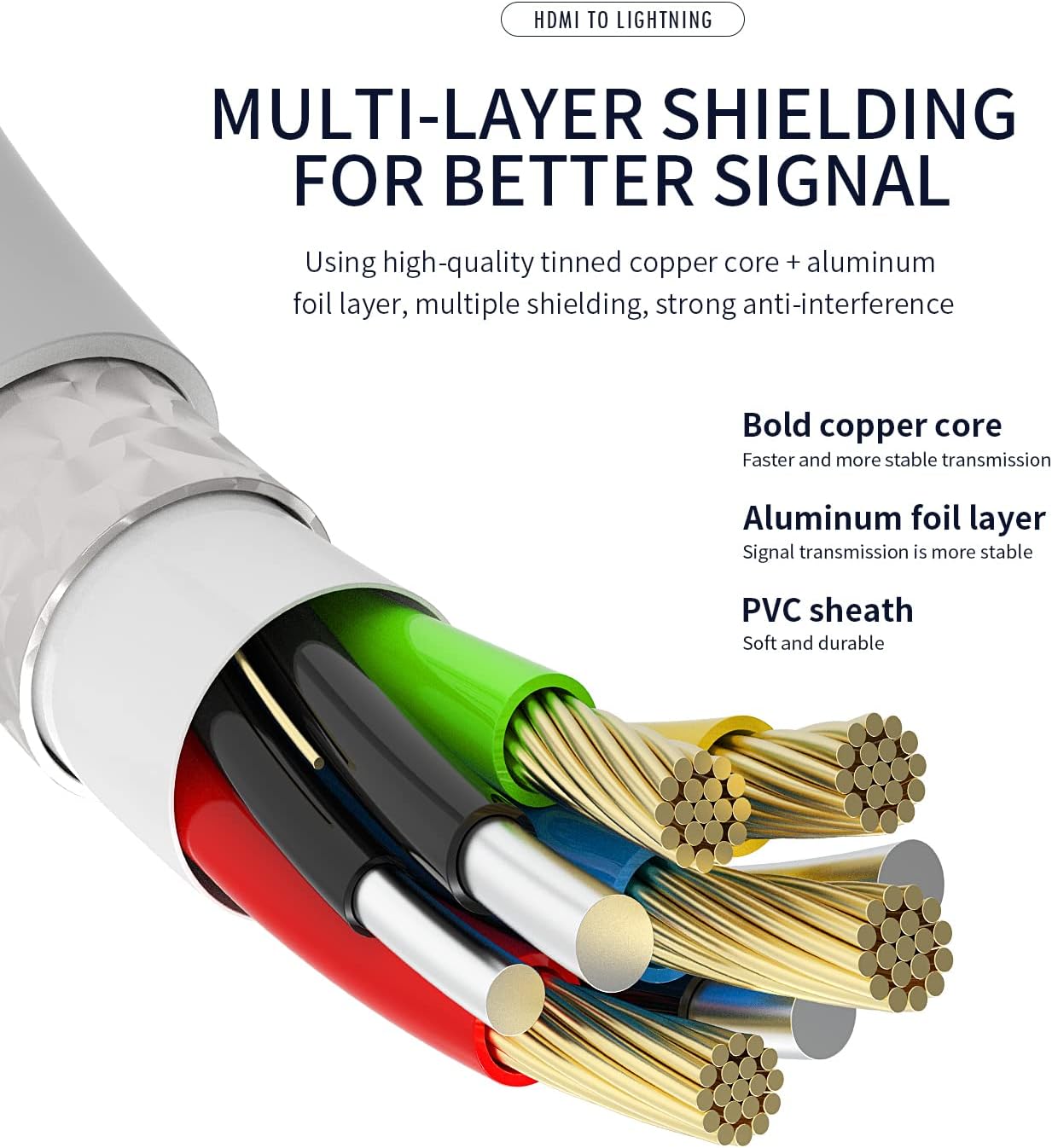
| Lightweight Design ✈️ | Compact, portable, durable bend lifespan |
| Latest Version HDMI Convector ⚡ | Advanced chip for iOS 10.3+ devices |
| Charger + HDMI 2 in 1 Adapter 🔌✨ | Includes warranty and guarantee |
Product Benefits 💡
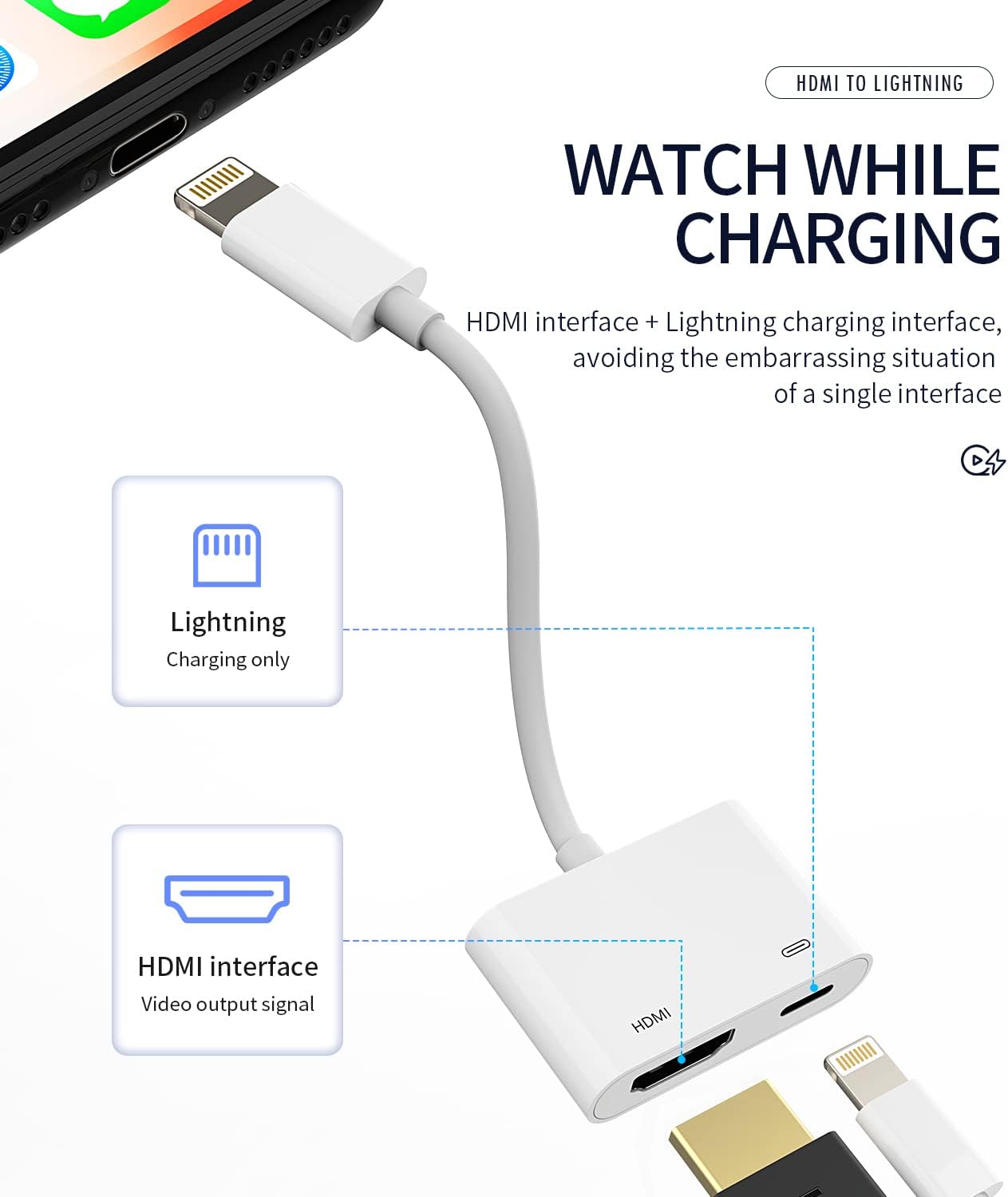
- Connect the charger at the same time.
- Supports mirroring content up to 1080P.
- Perfect for various iPhone and iPad models.
- Syncs successfully without needing power or apps.
- Provides an ultra-clear overspeed visual experience.
- Lightweight and portable for easy carrying.
- Ensures high-speed transmission of HD video and digital audio.
Usage Instruction 🧾
- Step 1: 🔌 Plug the Lightning Digital AV Adapter into your device’s lightning connector.
- Step 2: 🔌 Connect an HDMI cable from the adapter to your TV or projector.
- Step 3: ▶️ Enjoy synchronized content on the larger screen.
Product Specification 📱
| Specification ⚙️ | Description 📝 |
|---|---|
| Resolution 🖥️ | Up to 1080P HD |
| Power Requirement 🔋 | No power needed (newly upgraded) |
| App Requirement 📱 | No app installation needed |
| Transmission Speed 🚀 | High-speed |
| Durability 💪 | Bend lifespan up to 8000+ |
| Chipset 칩 | Advanced high-performance |
| iOS Compatibility 🍏 | iOS 10.3 or above |
| Guarantee 💯 | 60-days money-back, 1-year warranty |
Product Details 🏷️
Lightning to Hdmi Adapter for TV Compatible for Iphone 12 13 Pro Max Splitter Digital AV Female Port Converter and Charging Connector Cord Projector Monitor Sync Screen Ipad Mini Charger Charge
Full Images
Product Standout Benefits
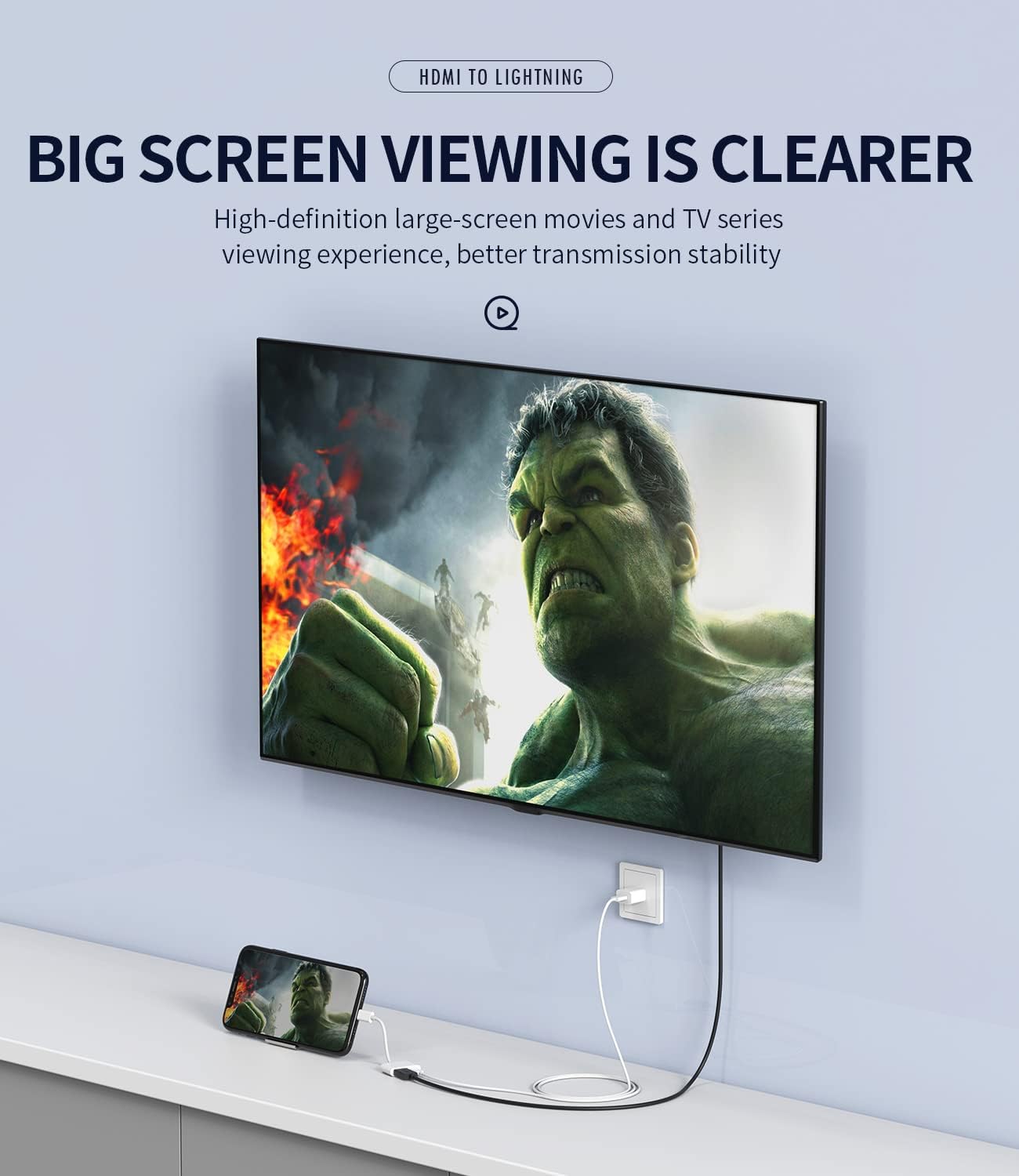
This Lighting to HDMI adapter brings your phone’s display to the big screen with ease!
- Mirror your phone screen to your TV, monitors, or projectors in up to 1080P HD resolution.
- Features an advanced high-performance chip for high-speed transmission and clear HD video and digital audio.
- Small and portable, making it easy to carry in your bag or pocket.
- Supports hot-swappable functionality with no driver installation needed.
- Simple to operate: just plug in your interfaces, click “Trust” when prompted, and enjoy automatic connection.
- Compatible with a wide range of iPhone and iPad devices, supporting iOS 13 and earlier.
Customer Questions and Answers
Got questions? We’ve got the answers!
-
Q: How do I use this adapter? 🤔
It’s super easy! Just insert the HDMI cable into the adapter, then connect the other end to your TV or large screen. If your phone needs charging while projecting, connect your charging cable to the adapter too. Then, make sure to click “Trust” when your phone asks, and you’ll be enjoying your screen on the big display in no time! 📺✨
-
Q: Can I use this to watch paid streaming services like Netflix? 🎬
So, this adapter is awesome for mirroring most content, but it’s not compatible with certain paid video apps like Netflix, HBO GO, Amazon Prime, or Hulu. It’s best for content that isn’t protected by specific streaming service apps. 😕
-
Q: My adapter feels a little warm, is that normal? 🔥
Totally normal! It’s completely safe for the adapter to get a little warm while it’s in use. Think of it as working hard to bring you that big-screen experience! 👍
-
Q: What if the display is unstable or flickering? ⚡
No worries! If you notice the display getting a bit unstable, it might be that the device is using a lot of power. Just connect your charger to the adapter at the same time, and that should smooth things out. 🔌😊
-
Q: How do I connect if I don’t see “Screen Mirroring”? 🤷♀️
If you don’t automatically see “Screen Mirroring,” try restarting your phone and connecting the adapter again. Make sure you select “Air OTG Adapter” if prompted. That usually does the trick! 💡
Related Products
-

6FT Apple MFi Certified Lightning to HDMI Cable 1080P Digital AV Adapter for iPhone iPad to HDTV Monitor Projector Sync Screen Connector
₦15.99 -

Wireless HDMI Streaming Adapter for Phones Tablets PCs to HDTV Projector
₦35.99 -

iShare iOS Wireless HDMI Display Adapter Mirroring iPhone to TV HD Video Audio Sync YouTube TikTok
₦32.49 -

ANTPO 4K 60Hz USB C to HDMI Adapter for iPhone 16/15 with 100W Charging Port
₦10.99 -

Portable Wireless HDMI Display Dongle Adapter Stream Media from Smartphone Laptop to HDTV
₦85.99 -

4K HD Wireless Display Adapter Stream iPhone/Tablet/Laptop to TV Projector Monitor
₦29.99 -

Ankky 6.6ft USB C to HDMI Cable for iPhone 15/16 to HDTV 4K Video Adapter
₦8.88 -

Plugable 6ft USB C to HDMI 2.0 Adapter Cable for 4K 60Hz Monitors iPhone 15
₦28.95 -
Charcoal Black Wireless Screen Mirroring Adapter for iOS Android Laptops to HDTV Projector
₦26.99 -

4K Wireless HDMI Display Adapter Miracast Dongle Plug and Play 5.8G for Smartphone PC to TV
₦47.97 -

4K Wireless HDMI Display Dongle Adapter No Delay Screen Mirroring for iOS Android Windows Mac to HDTV Monitor Projector
₦39.88 -

4K Wireless HDMI Display Adapter for Phone Tablet Laptop to HDTV, 1080P WiFi Streaming Receiver
₦29.99 -

Unitek 4K Wireless HDMI Display Dongle Adapter Screen Mirroring Receiver 2.4G/5G for iOS Android Windows
₦49.99 -

4K 5G HDMI Wireless Display Dongle Adapter Screen Mirroring for iPhone iPad Android Laptop to HDTV
₦39.99 -

Anycast 1080P HDTV Wireless Display Adapter for Mobile Screen Mirroring on TV/Projector, Supports Android, Mac, iOS, Windows
₦19.99 -

XTRONS 4K Wireless Display Adapter for TV iOS Android Screen Mirroring WiFi HDMI Dongle
₦29.89 -
SmartSee 4K/1080P Wireless Display Adapter for Phone Laptop to TV Projector, Dual Core Streaming Device
₦25.99 -

4K HD Wireless HDMI Display Dongle Adapter Plug and Play No App for Laptop PC Smartphone HDTV Projector
₦24.99 -

SmartSee 1080P HD Wireless WiFi Display Adapter for iPhone, iPad, Android, Windows to HDTV/Monitor
₦24.99 -

4K Wireless HDMI Display Dongle Adapter for Seamless Streaming Media Audio Video from Laptop PC Smartphone to HDTV Projector Monitor
₦59.99
Reviews
There are no reviews yet.