
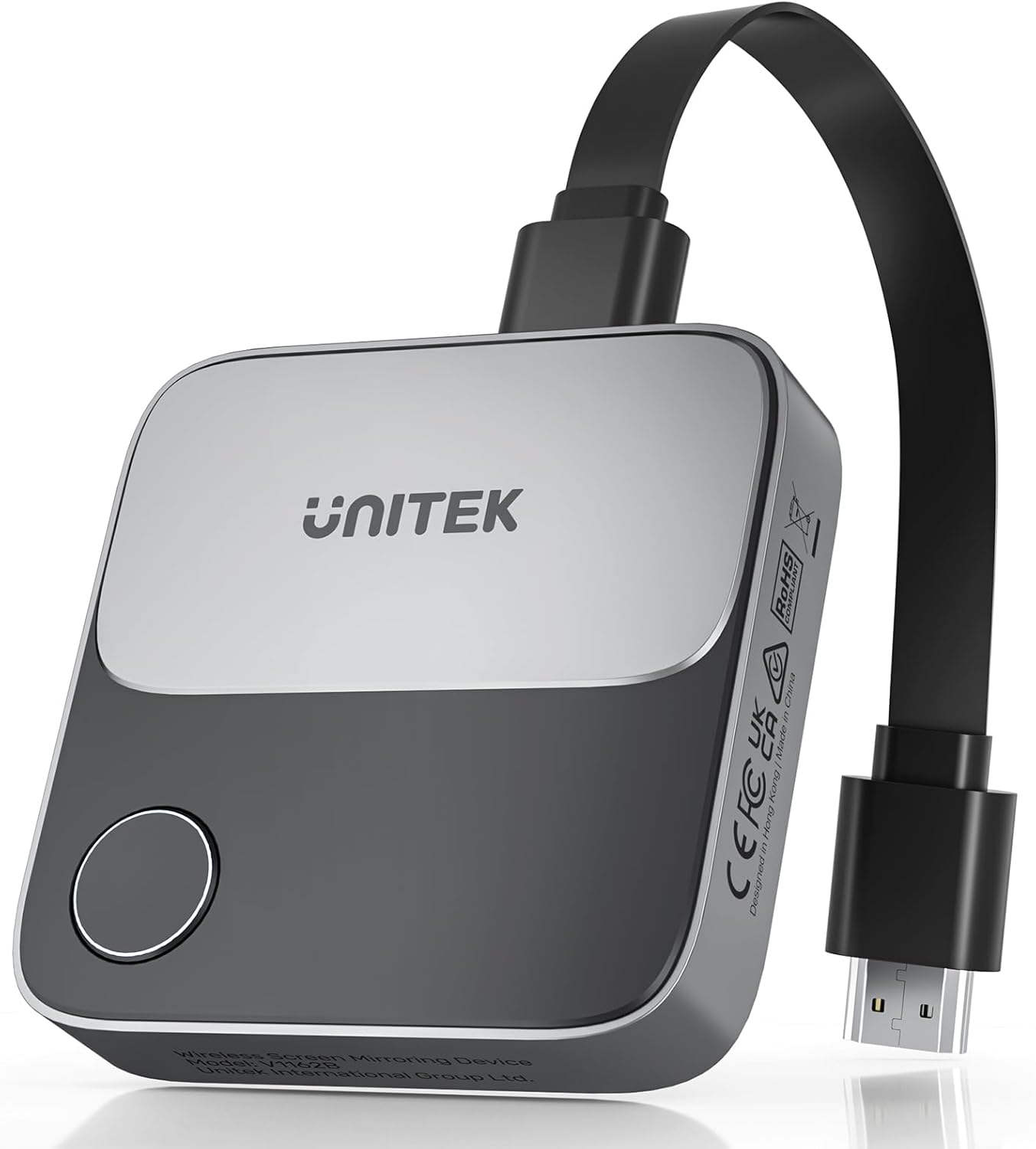
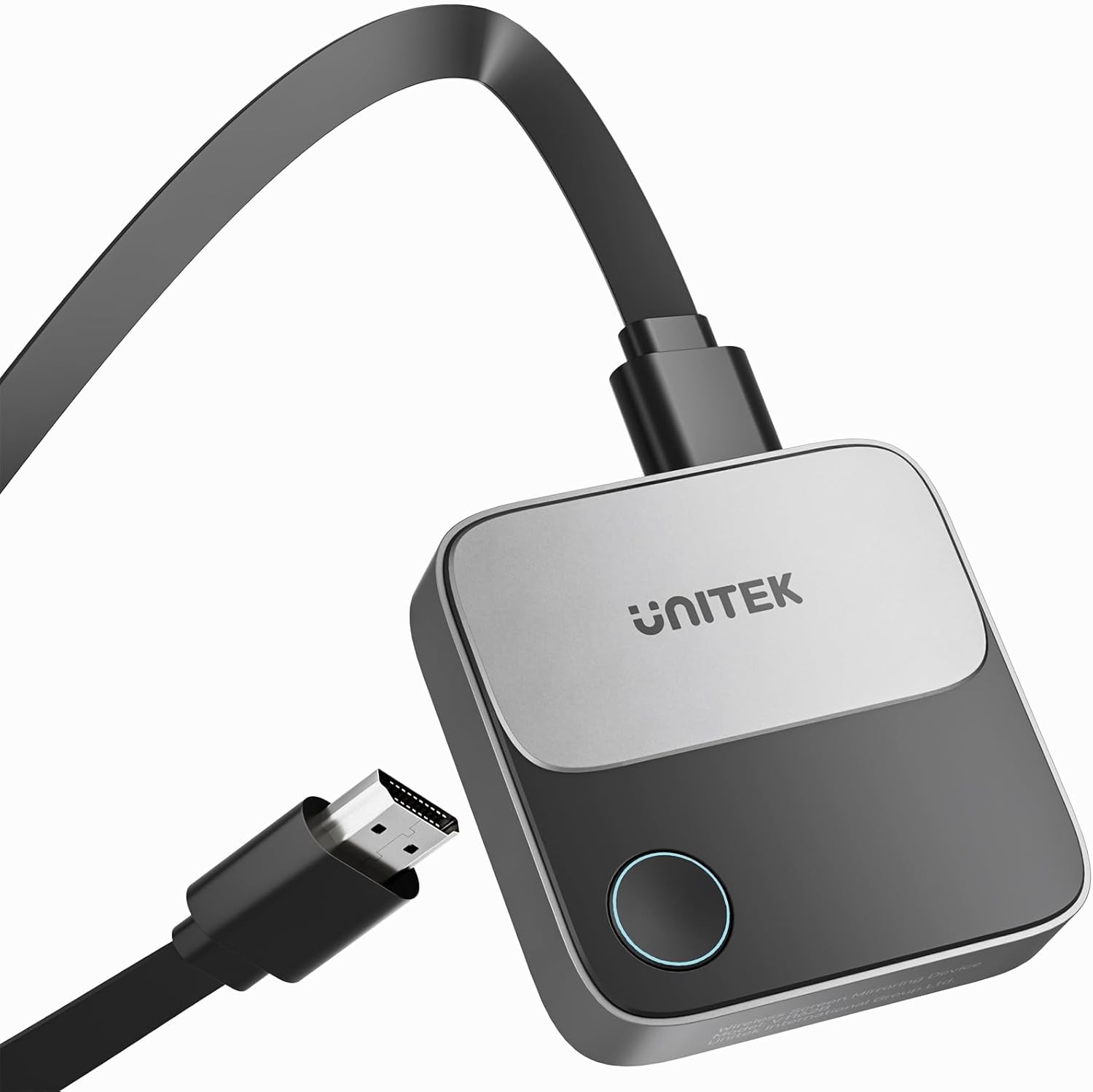
Unitek 4K Wireless HDMI Display Dongle Adapter Screen Mirroring Receiver 2.4G/5G for iOS Android Windows
₦49.99
Description
About the Product 🔑
| Features ✨ | Description 🌟 |
|---|---|
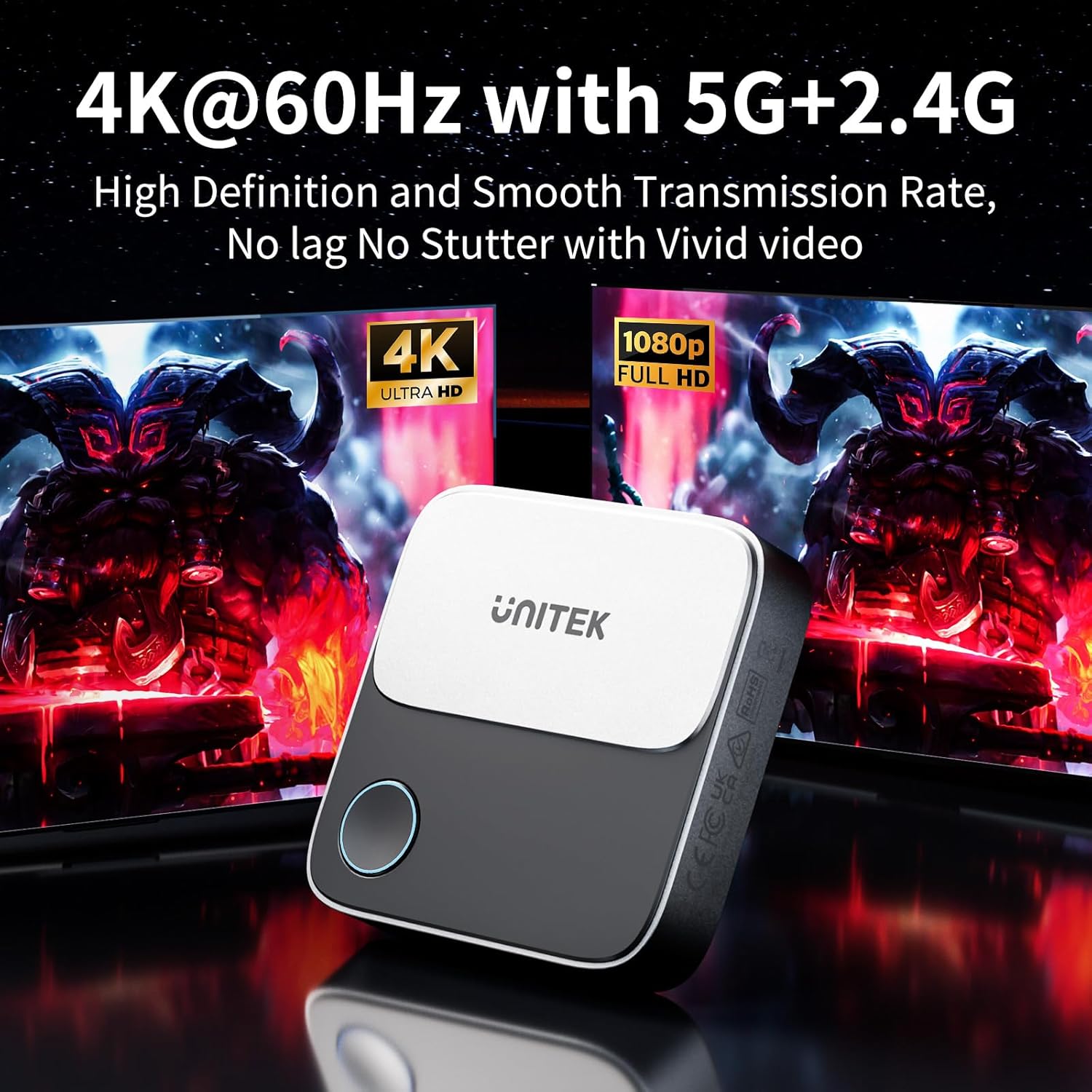
| 4K@60Hz Ultra Clear Experience ✅ | Stunning 4K@60Hz HD Output 📺 |
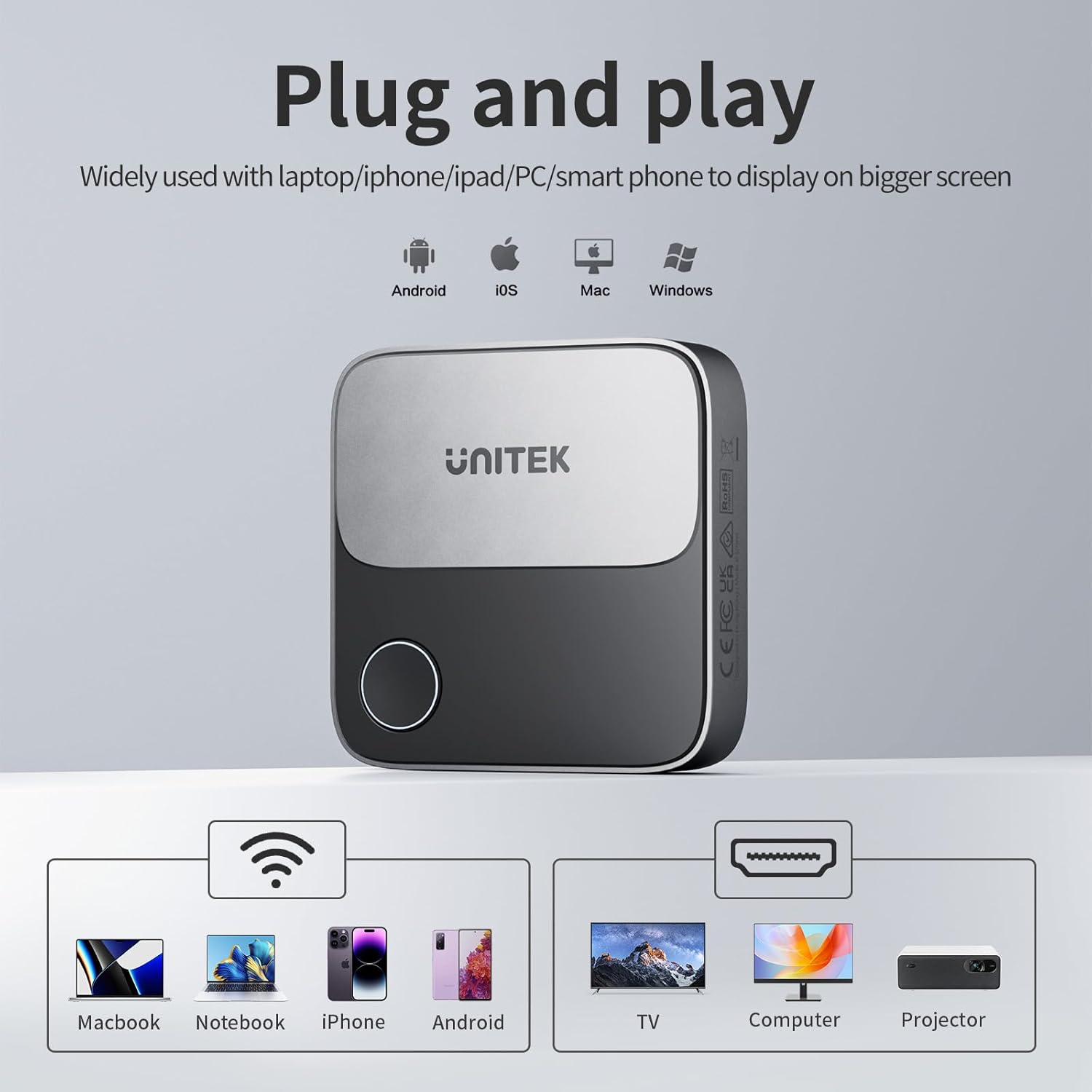
| Seamless Streaming 🚀 | Mirroring from iOS, macOS, Windows, Android 📱💻 |
| Dual WiFi Bands 📶 | 5G + 2.4G Smooth Transmission 💨 |
| Plug-and-Play Gauge 🔌 | Easy WiFi Connection ▶️ |
| Extended Range 🗺️ | Up to 25 meters open space 📡 |
| Supports Airplay, Miracast, DLNA 🔄 | Versatile Casting Options 🔳 |
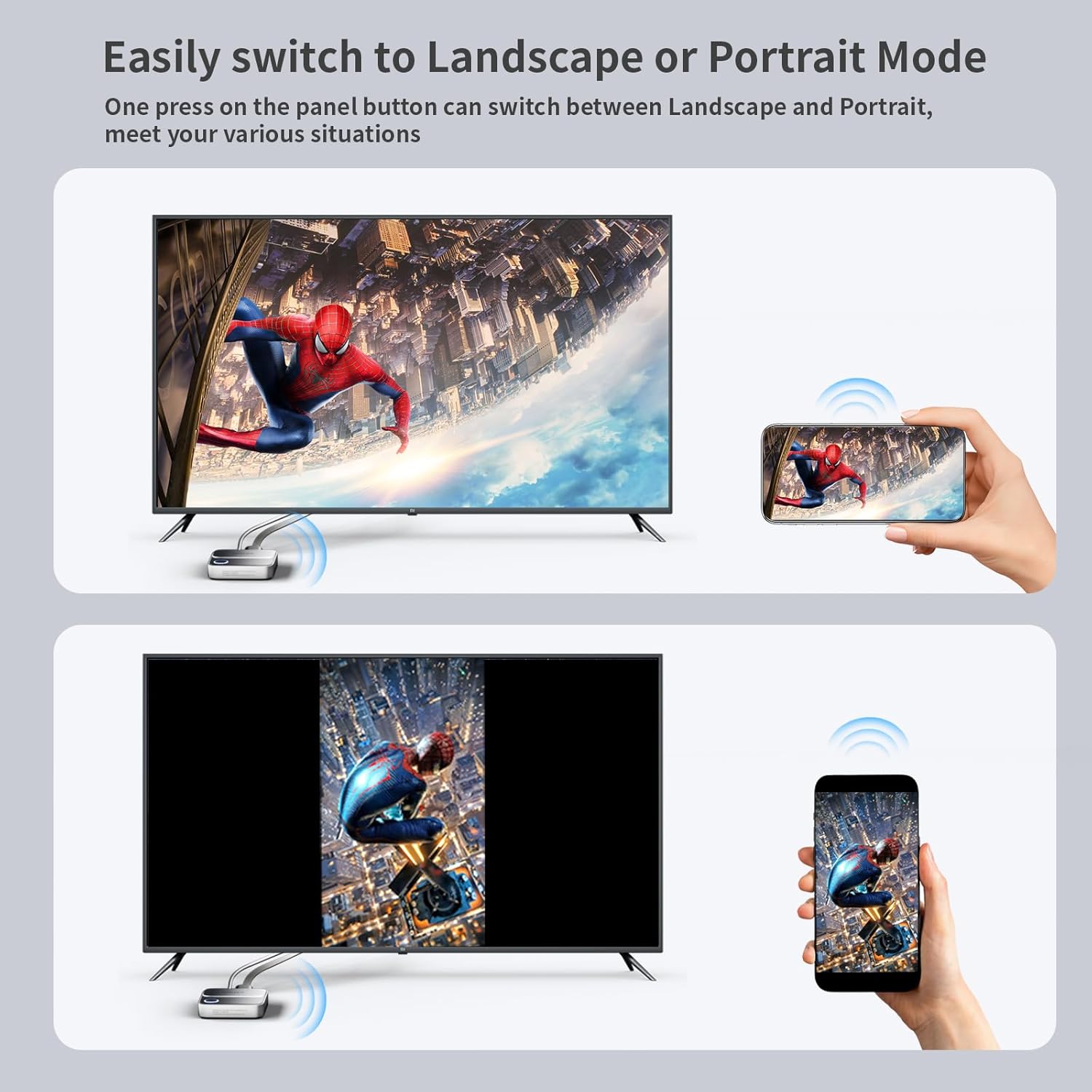
| Landscape or Portrait Mode ↔️ | One-touch Full-Screen Switch 📱🎬 |
| Portable and Versatile 🌍 | Compact Size for On-the-Go ✈️ |
Product Specification 📱
| Specification ⚙️ | Description 🚀 |
|---|---|
| Resolution 🖼️ | 4K@60Hz 📺 |
| WiFi Bands 📶 | 2.4G / 5G 🚀 |
| Transmission Range 📡 | Up to 25 meters (open space) 🏞️ |
| Supported Protocols ▶️ | Airplay, Miracast, DLNA 🔳 |
| Dimensions 📏 | 7.2 x 7.2 x 1.7cm 📦 |
| Power Consumption ⚡ | Low Consumption 💡 |
| Device Compatibility 💻📱 | iOS, macOS, Windows, Android 🔄 |
Usage Instruction 🧾
- 🔌 Plug the HDMI Wireless Dongle adapter into the TV’s HDMI port.
- 📶 Connect to Wi-Fi using the UNITEK network.
- ▶️ Start streaming contents from your device.
- 📱 For smartphones, use the one-touch switch for Landscape or Portrait mode.
- 🔗 For iPhone/Mac OS Laptop internet setup: Connect to UNITEK Wi-Fi, open browser to 192.168.203.1, click “Internet”, select home router’s WiFi, enter password, and click “OK”.
Product Details 🏷️
Unitek Wireless Hdmi Display Dongle Adapter – Screen Mirroring Receiver 2.4G/5G 4K TV Casting Device Screen Mirroring Adapter/Extender for Streaming Video to Monitor from Mac iOS Android Windows
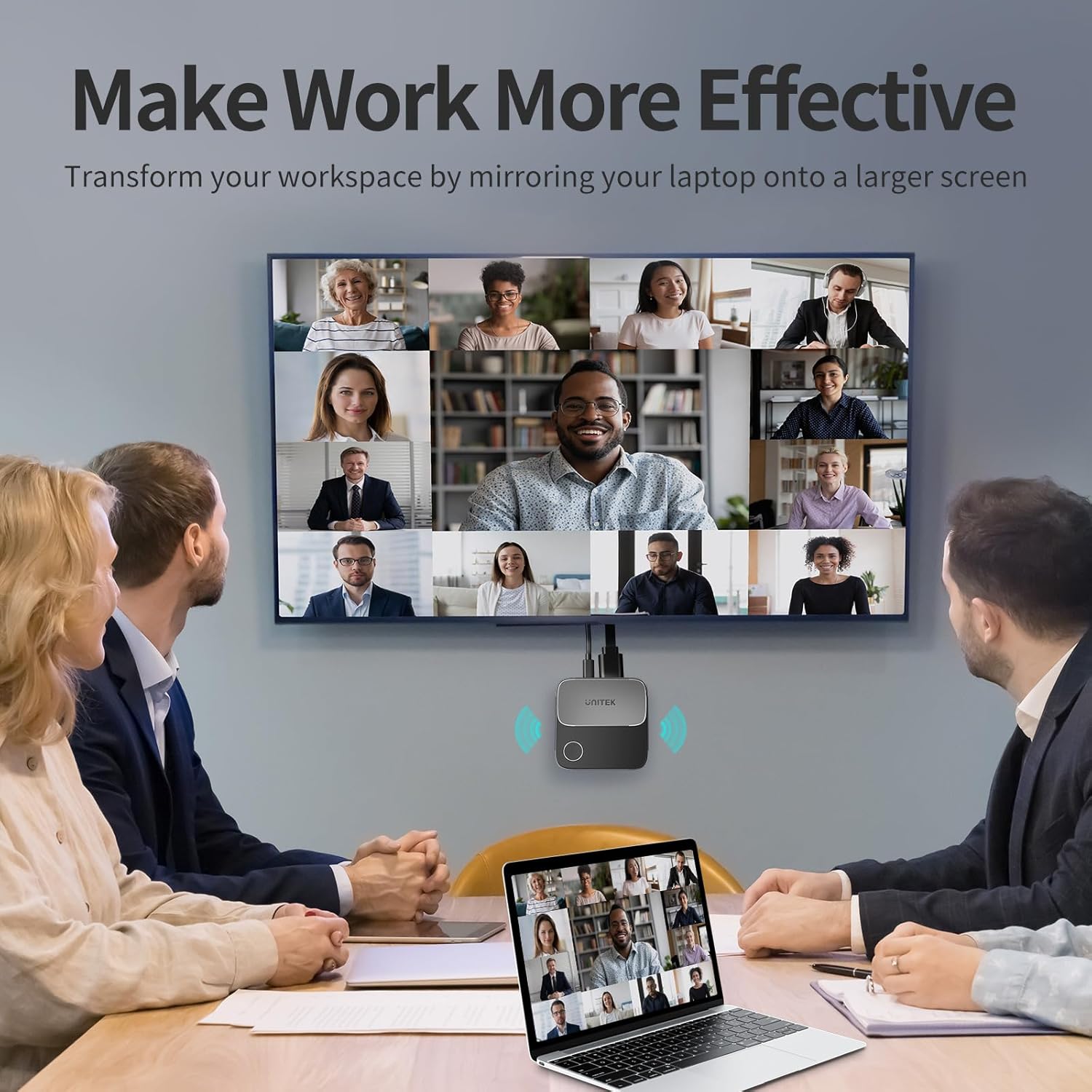
4K@60Hz Ultra Clear Experience: UNITEK 4K Wireless HDMI Adapter supports 4K decoding, delivering stunning 4K@60Hz high-definition output, and also combines with 5G + 2.4G WiFi bands. Ensures the most real original color and smoothest transmission. Perfect for home theater, live sport match, live meeting and online teaching.
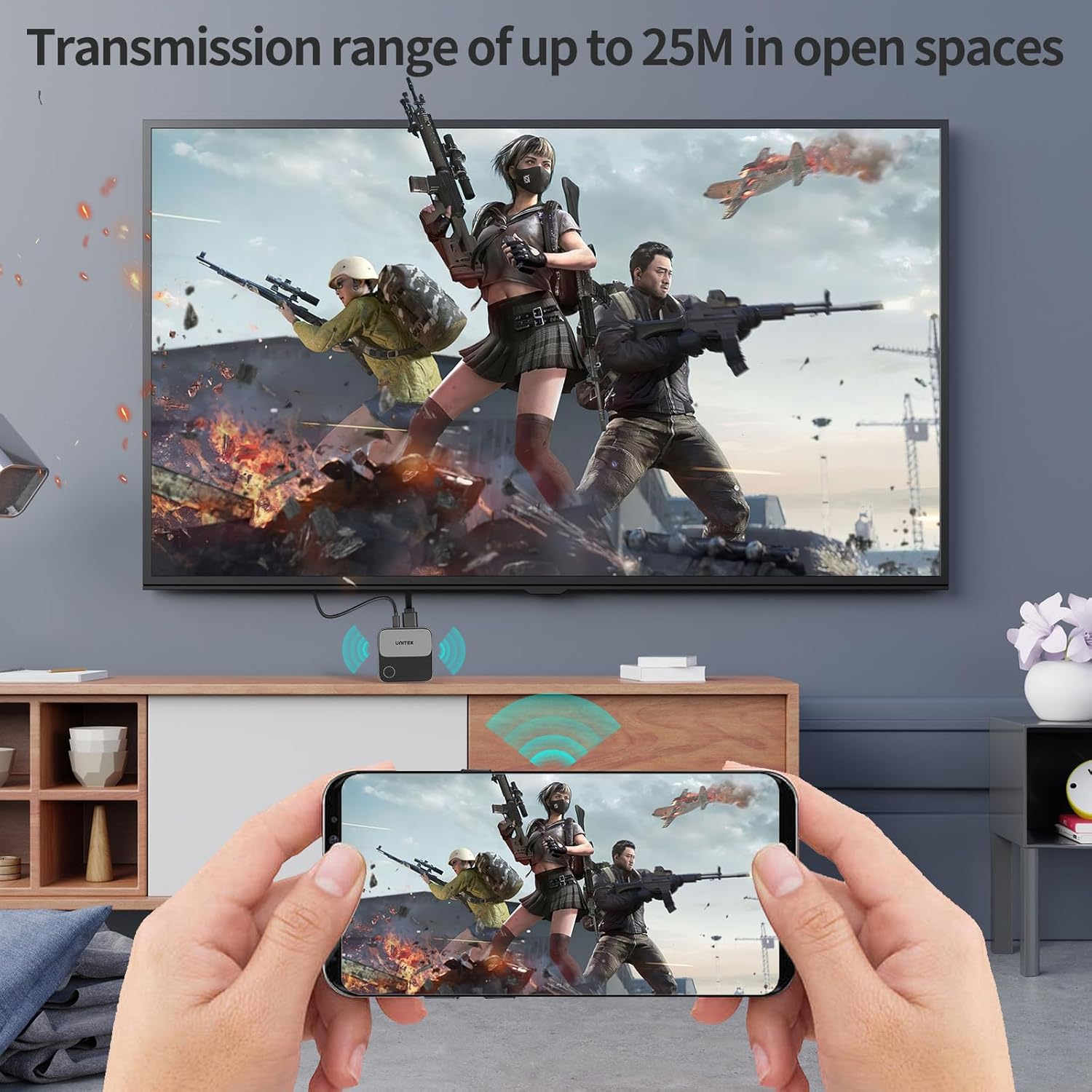
Experience Seamless Wireless Streaming: This Wireless Display Dongle is a plug-and-play gauge, simply connected with WiFi signal. Effortlessly cast and stream contents from Android/ iOS devices, laptops/ tablets. With an impressive transmission range of up to 25 meters in open spaces, you can enjoy wireless streaming from virtually anywhere in the room. Say goodbye to messy cables and hello to freedom. If there are many electronic devices, they will interfere with each other, which will cause the signal to be poor and the connection distance may be only 5 meters.
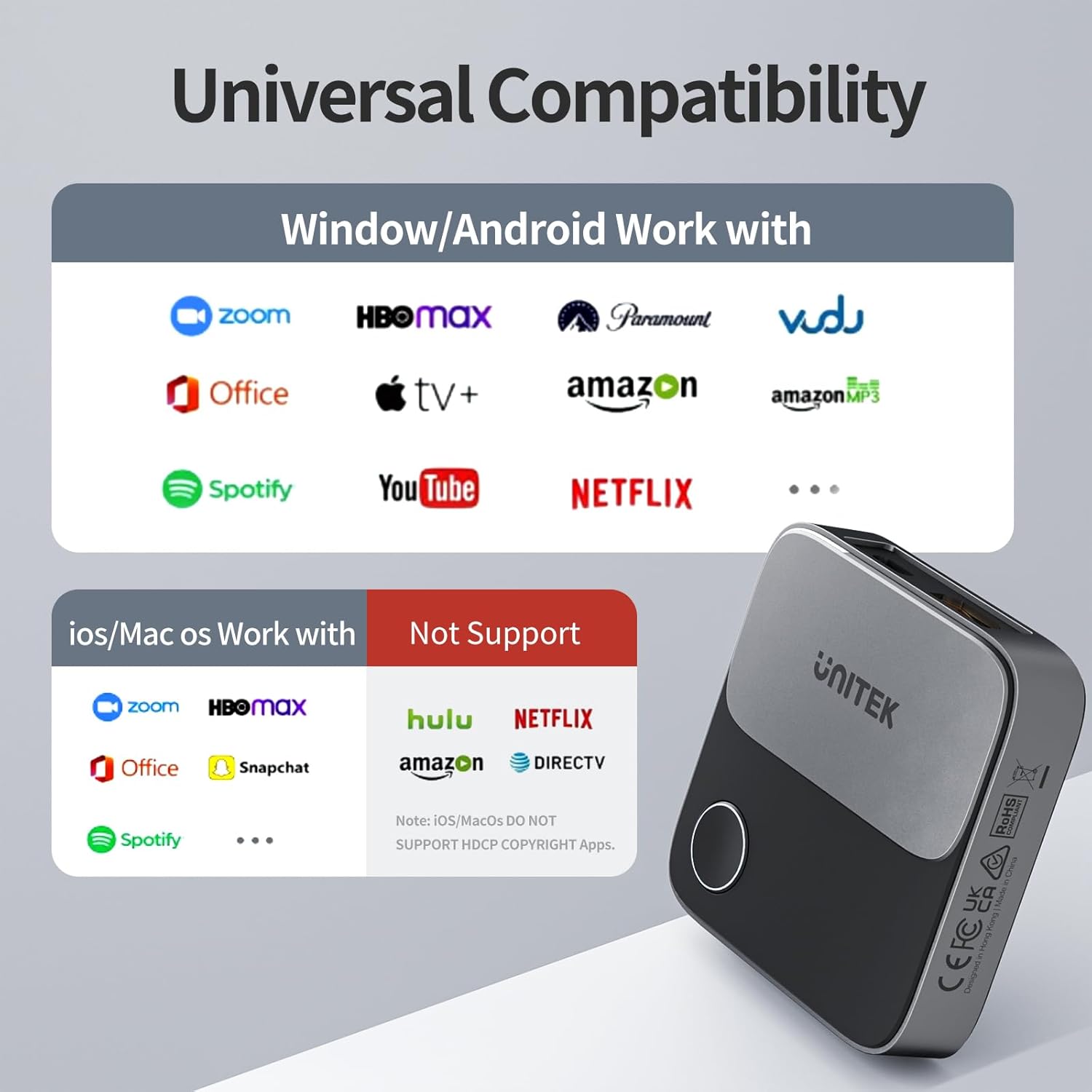
Effortless Setup: Simply plug the HDMI Wireless Dongle adapter into the TV’s HDMI port, connect to Wi-Fi and start streaming without the need for additional apps or Bluetooth connection. This Wireless Display Adapter supports Airplay, Miracast and DLNA. Compatible with most streaming apps or websites on Android and Windows system. Note: iOS and MacOS system do not support HDCP copyright reserved apps like NETFLIX.
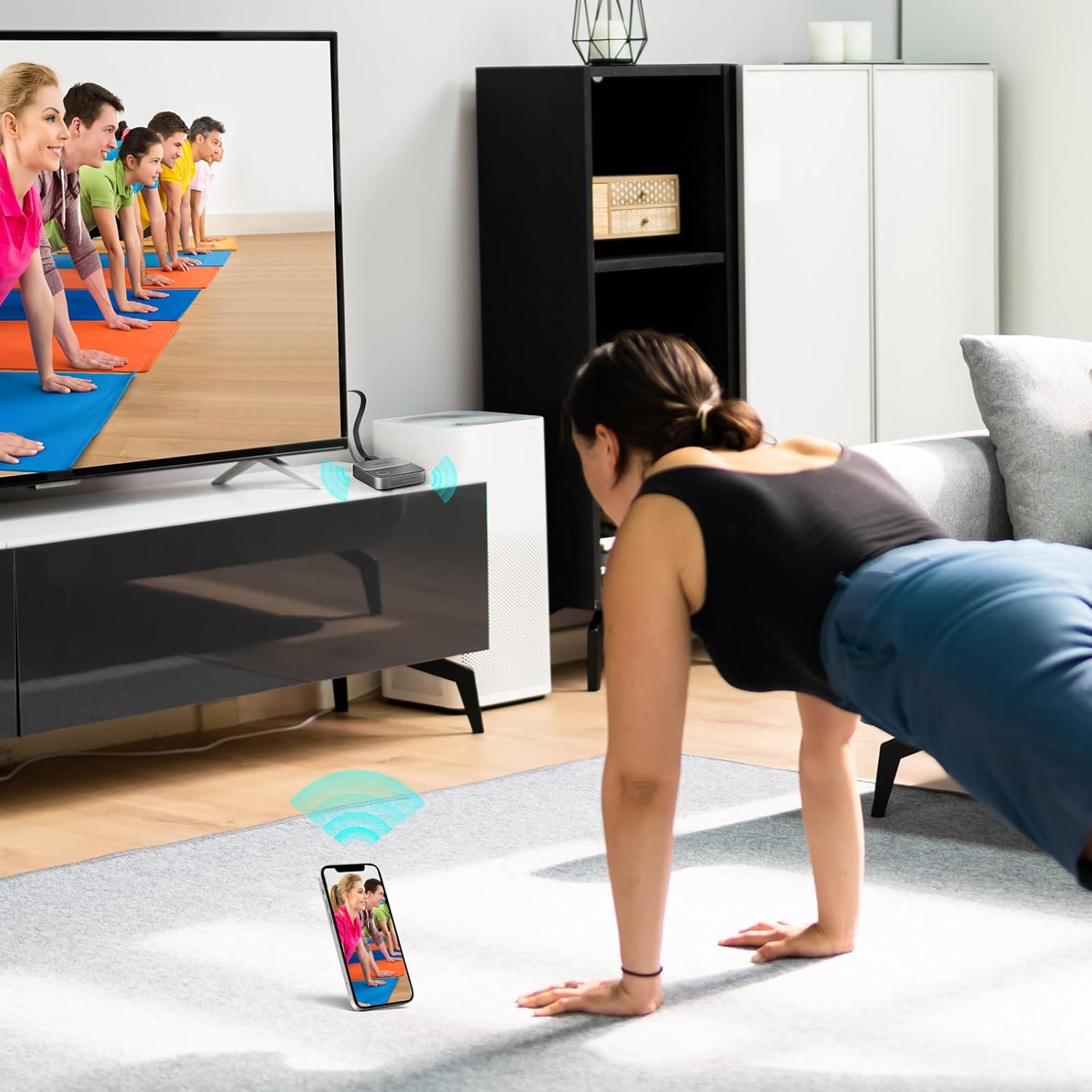
Landscape or Portrait Mode: This HDMI Wireless Dongle features a one-touch switch that allows you to seamlessly transition between Landscape and Portrait orientations for a true full-screen display. Use Landscape mode for movies and gaming, and switch to Portrait mode for live streaming and meetings (for smartphones only). It’s designed to meet your needs across various situations.
IPhone /Mac OS Laptop requires internet setup: 1: Connect your iPhone/Mac device to the Wi-Fi network of the UNITEK screen mirroring device. 2: Open a browser and navigate to the URL: 192.168.203.1. 3: Click on “Internet” and select your home router’s WiFi name. 4: Enter your home router’s wireless WiFi password and click “OK”.
Portable And Versatile: Compact size (7.2 x 7.2 x 1.7cm) to bring along and use on the go. With no messy cables to deal with and low power consumption, this HDMI casting device is perfect for use in business meetings, classrooms, travels or other entertainment scenarios. Streamline your connectivity and take your multimedia experience to the next level with this compact and efficient device.
Full Images


Product Standout Benefits
Experience an Ultra Clear 4K@60Hz Experience with UNITEK’s Wireless HDMI Adapter. It supports 4K decoding, delivering stunning high-definition output. Combined with 5G + 2.4G WiFi bands, it ensures the most real original color and smoothest transmission. This makes it perfect for home theaters, live sports matches, live meetings, and online teaching.
Enjoy Seamless Wireless Streaming with this Wireless Display Dongle. It’s a plug-and-play device that connects simply with a WiFi signal. Effortlessly cast and stream content from Android/iOS devices, laptops, and tablets. With an impressive transmission range of up to 25 meters in open spaces, you can enjoy wireless streaming from virtually anywhere in the room, saying goodbye to messy cables and hello to freedom.
Effortless Setup means you simply plug the HDMI Wireless Dongle adapter into your TV’s HDMI port, connect to Wi-Fi, and start streaming without needing additional apps or Bluetooth. This Wireless Display Adapter supports Airplay, Miracast, and DLNA, and is compatible with most streaming apps or websites on Android and Windows systems.
- Seamless transition between Landscape and Portrait orientations for a true full-screen display.
- Portable and versatile with a compact size, making it easy to bring along and use on the go.
- Low power consumption.
Customer Questions and Answers
Q: How do I use this product? 🤔
A: It’s super easy! Just plug the HDMI Wireless Dongle adapter into your TV’s HDMI port, connect it to Wi-Fi, and you’re ready to stream. No extra apps or Bluetooth needed!
Q: Is it good for watching movies and participating in meetings? 🌿
A: Absolutely! This Wireless HDMI Dongle features a one-touch switch to seamlessly transition between Landscape and Portrait orientations. Use Landscape mode for movies and gaming, and switch to Portrait mode for live streaming and meetings (for smartphones only). It’s designed to meet your needs across various situations.
Q: How do I take care of it? 🧼
A: This device has low power consumption, so you don’t have to worry too much about keeping it charged. Just make sure it’s connected to Wi-Fi and it’s good to go!
Q: Can I use this on the go? 🎁
A: Oh, for sure! It’s compact and portable, making it perfect for business meetings, classrooms, travels, or any other entertainment scenario. Streamline your connectivity and take your multimedia experience to the next level with this efficient device!
Q: What happens if there are many electronic devices around? 🔗
A: If there are many electronic devices nearby, they can interfere with each other. This might cause a poor signal, and the connection distance may be reduced to only about 5 meters.
Q: Do I need to set up the internet for my iPhone/MacBook? ⏳
A: Yes, for iPhone/Mac OS Laptops, you’ll need to set up the internet connection. Here’s how: First, connect your iPhone/Mac device to the Wi-Fi network of the UNITEK screen mirroring device. Then, open a browser and go to 192.168.203.1. Click on “Internet,” select your home router’s WiFi name, enter your home router’s wireless WiFi password, and click “OK.”
Related Products
-

SmartSee 1080P HD Wireless WiFi Display Adapter for iPhone, iPad, Android, Windows to HDTV/Monitor
₦24.99 -

SmartSee 4K 1080P Wireless Display Receiver Dual Band 5G/2.4G Mobile Screen Cast Mirroring Adapter Dongle for iPhone Mac iOS Android to TV Projector Support Miracast Airplay DLNA
₦38.99 -

iPhone Wireless HDMI Display Adapter for TV/Projector, HD Video/Audio Sync, iOS Mirroring (No Netflix)
₦29.99 -

4K Wireless HDMI Display Dongle Adapter for Seamless Streaming Media Audio Video from Laptop PC Smartphone to HDTV Projector Monitor
₦59.99 -

RUPA Android TV Box 2nd Gen 4GB RAM 32GB ROM 8K Ultra HD Smart TV Box
₦35.99 -

GREVA 4GB/32GB Android 11 Smart TV Box with Dual Band WiFi and Voice Remote
₦27.99 -

Great Bee Arabic Times Muslim 4K Ultra HD TV Box 2GB RAM 16GB ROM Dual-Band WiFi
₦128.90 -

AT-Mizhi 4K Wireless HDMI Display Dongle 1080P Mirroring for Phone Pad Laptop PC to TV Projector Monitor
₦29.99 -

2.4G HD 1080P Wireless Display Receiver Dongle for Streaming Laptop PC Smartphone to HDTV Projector Support Android iOS Windows
₦18.88 -

Android 13 TV Box 4GB 64GB 8K HDR10 WiFi 5 Voice Remote
₦49.99 -

4K Wireless HDMI Display Dongle Adapter No Delay Screen Mirroring for iOS Android Windows Mac to HDTV Monitor Projector
₦39.88 -

LEFFOT L3 Android 14 4K UHD TV Box 2025 with 2GB RAM 16GB ROM and Voice Remote
₦23.99 -

Raxxio RAX2100 Android 9.0 4K HDR Smart TV Box 64GB ROM, 4GB RAM
₦85.99 -

4GB+32GB Android 13.0 TV Box RK3528 8K WiFi 5 HDR10 Bluetooth Voice Remote
₦39.99 -

Anycast 1080P HDTV Wireless Display Adapter for Mobile Screen Mirroring on TV/Projector, Supports Android, Mac, iOS, Windows
₦19.99 -

RUPA Android TV Box 13.0 4GB RAM 64GB ROM Dual WiFi 6 8K HDR BT5.0
₦42.99 -

4K Wireless HD Display Adapter Mirror Cast Dongle Receiver for iOS Android Mac Windows to TV Projector Monitor
₦36.99 -

X96 Mini Android 11.0 4K Smart TV Box 1GB RAM 8GB ROM Dual WiFi HDR
₦33.99 -
SmartSee 4K/1080P Wireless Display Adapter for Phone Laptop to TV Projector, Dual Core Streaming Device
₦25.99 -

LEFFOT Android 14 4K UHD Smart TV Box 2025, 2GB RAM 16GB ROM
₦25.99
Reviews
There are no reviews yet.