
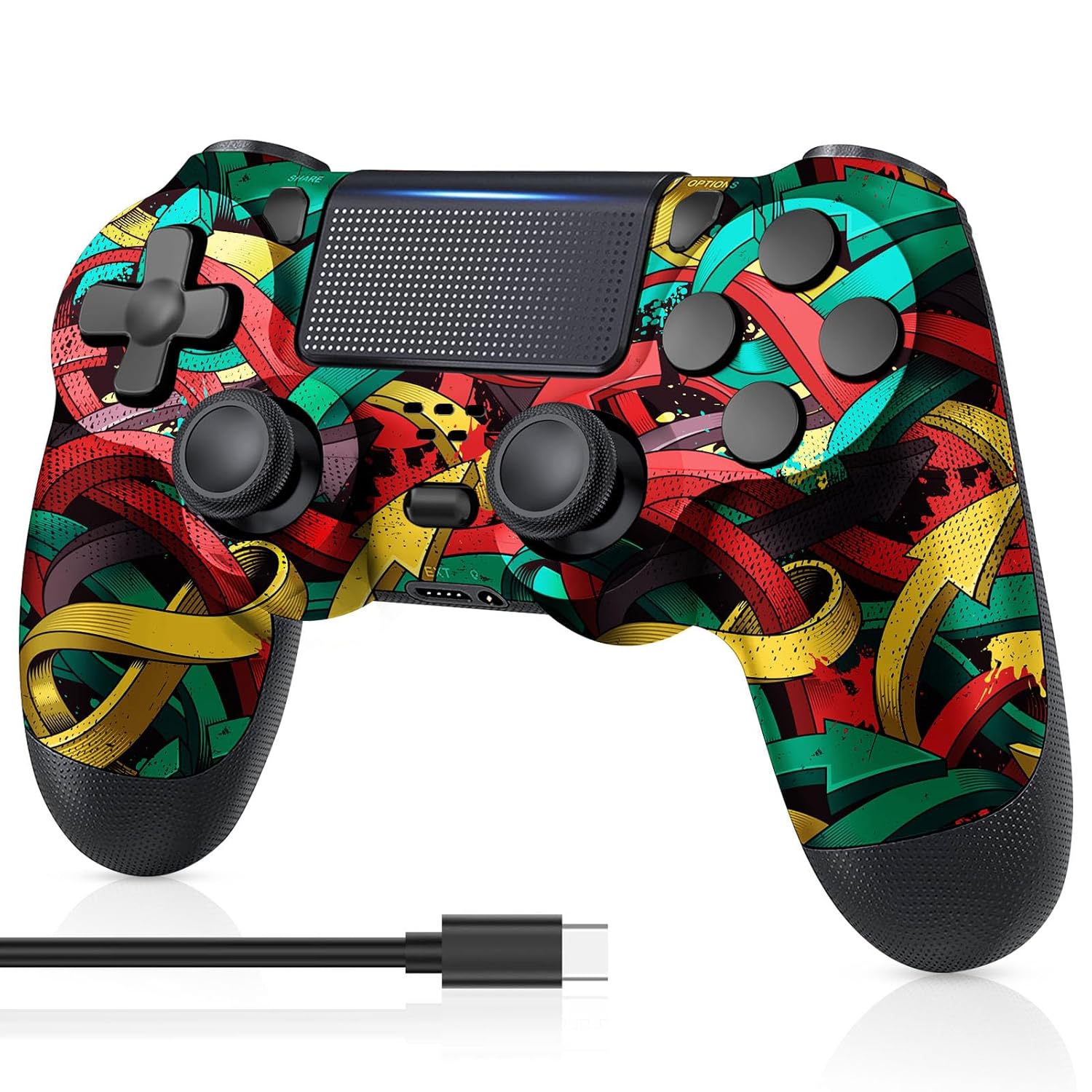
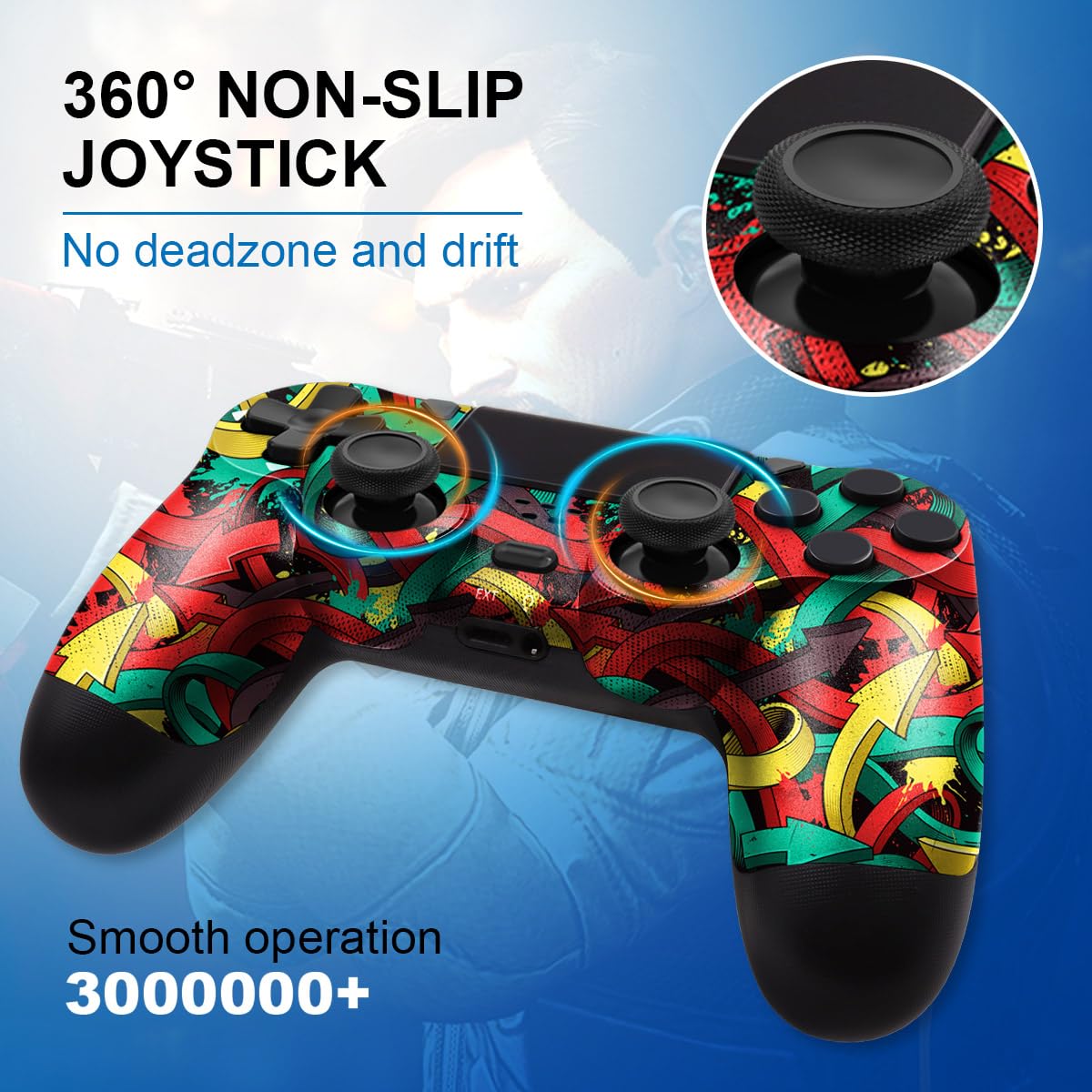
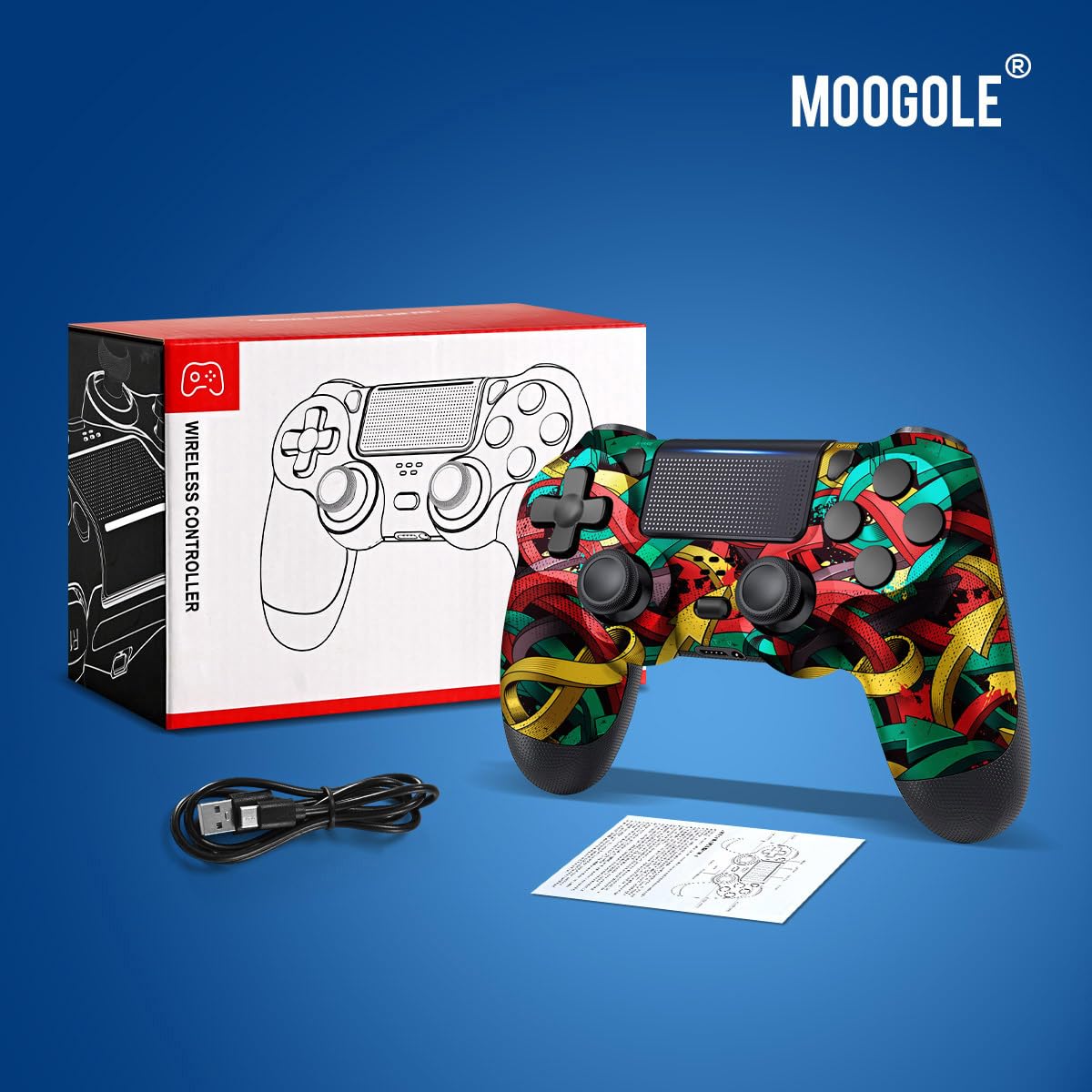
MOOGOLE PS4 Wireless Controller Colorful Arrows 1000mAh Battery USB C
₦19.98
Description
### About the Product 🔑
|
Controller Features 🎮 |
|
Product Specification 📱
| ASIN | B0B67PQ6HR 🏷️ |
| Release date | June 9, 2025 🗓️ |
| Customer Reviews | 4.2 out of 5 stars ⭐⭐⭐⭐ |
| Best Sellers Rank | #155 in Video Games 🕹️ #2 in PlayStation 4 Gamepads & Standard Controllers 🎮 |
| Product Dimensions | 6 x 2 x 4 inches; 9.1 ounces 📏 |
| Type of item | Video Game 🎮 |
| Item Weight | 9.1 ounces ⚖️ |
| Manufacturer | MOOGOLE 🏭 |
| Batteries | 1 9V batteries required. (included) 🔋 |
| Date First Available | July 11, 2022 📅 |
Usage Instruction 🧾
Step 1: 🔌 Connect the controller to the console using the included USB C charging cable to activate the device.
Step 2: 🖱️ For PC connection, turn on PC Bluetooth and add the device. Press and hold the “Share+Home” button on the controller for 3s to pair.
Step 3: ✅ When “Wireless Controller” appears in the PC Bluetooth list, select the connection.
Step 4: 🎧 Plug in any supported headset with the 3.5mm audio jack.
Step 5: 📸 Use the share button to seamlessly capture and share content.
Step 6: 🔋 Enjoy playtime for 15-20 hours with the built-in 1000mAh battery.
Product Details 🏷️
- Package Includes: 📦
- Wireless Controller * 1
- USB C Charging Cable * 1
- Product Manual * 1
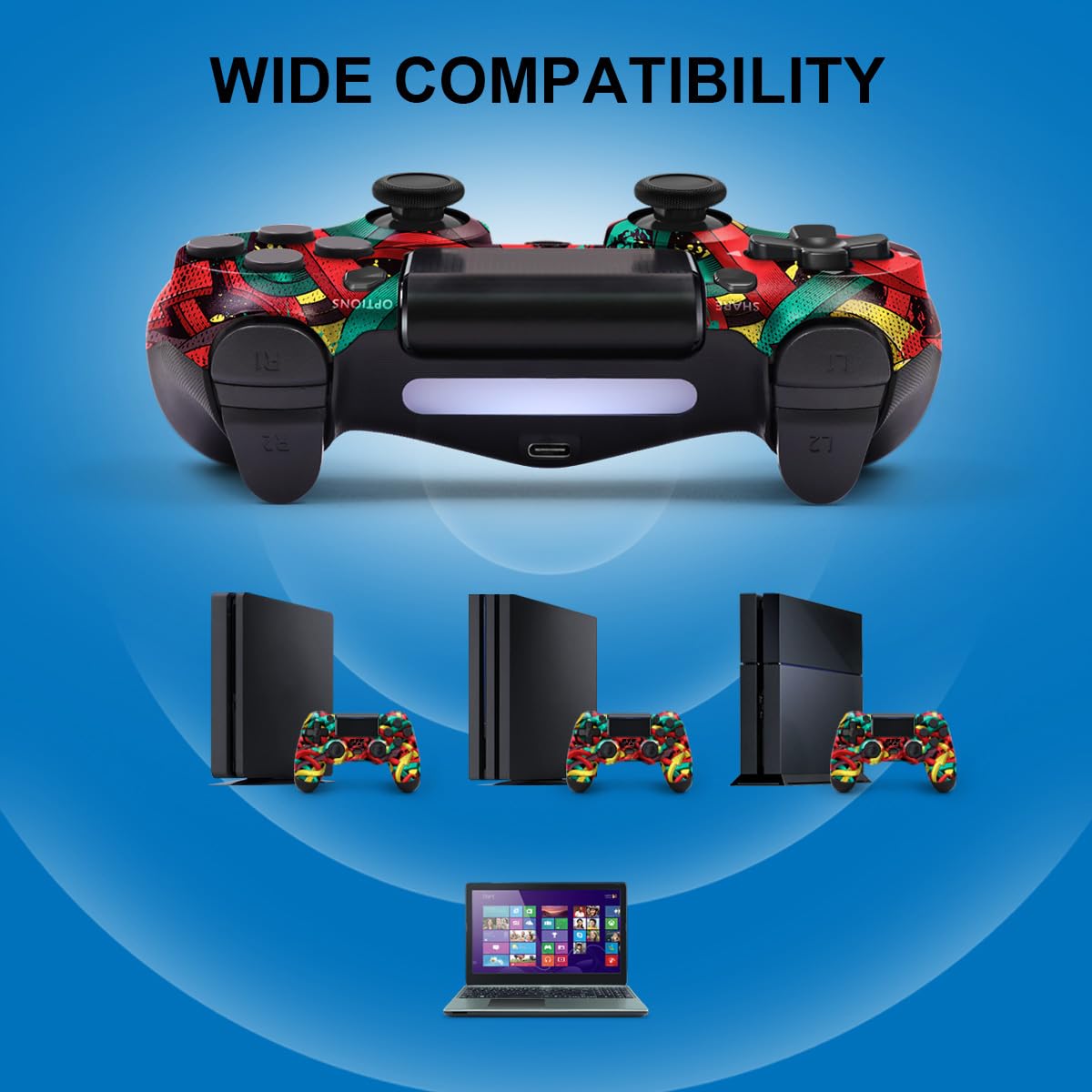
- Wide Compatibility: 💻 Compatible with PS4/Slim/Pro console and PC windows.
- How to connect: 🔗
- Connecting to Console: The first connection to console requires to use the included USB C charging cable to activate the device.
- Connect to PC: Turn on PC Bluetooth and add the device. Press and hold the “Share+Home” button on the controller for 3s to pair. When “Wireless Controller” appears in the PC Bluetooth list, select the connection.
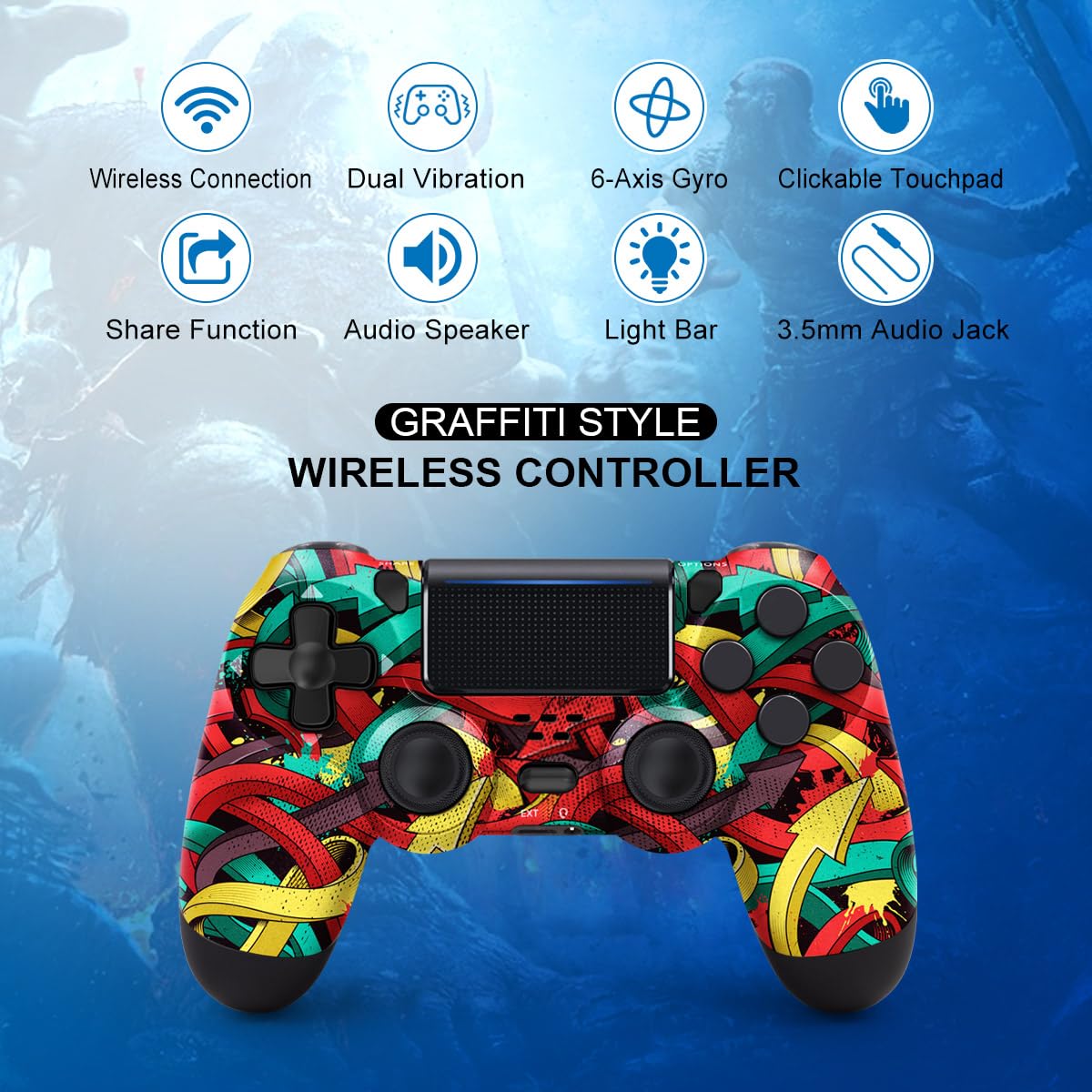
- Dual vibration feedback 📳
- 6-Axis Motion sensing 🧭
- Non-slip handle 👍
- Clickable Touch Pad 🖱️
- 3.5mm Audio Jack 🔌
- Share Button 📤
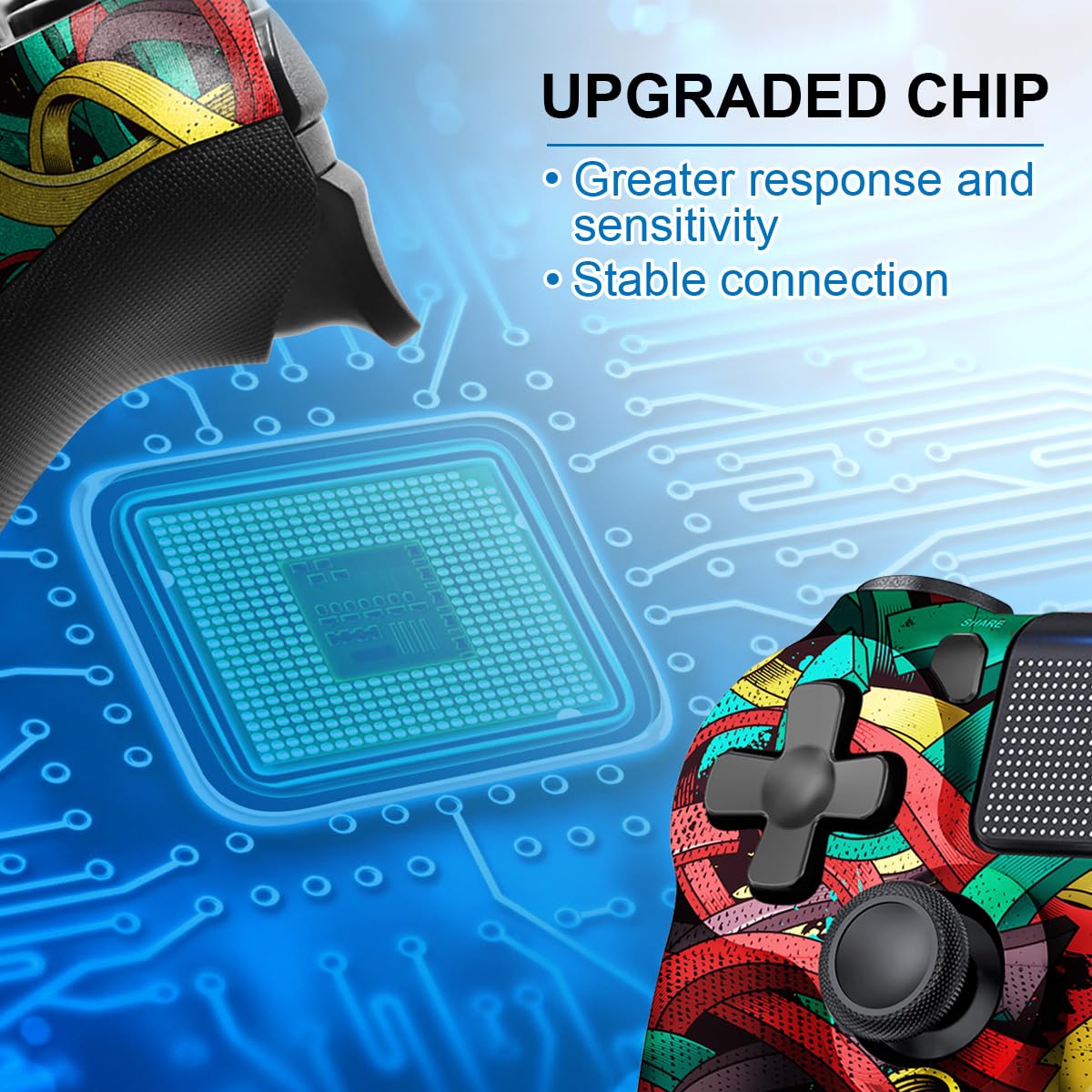
- Upgraded Chip: The wireless controller is equipped with a updated chip, which can deliver greater response and sensitivity. 🚀
- 360° Non-Slip Joystick: No deadzone and drift. 🕹️
- Built-in 1000mAh High-Capacity Battery: 15-20 hours of playtime. 🔋
- New Ways to Play: Revolutionary features like the touch pad, integrated light bar, and built in speaker offer exciting new ways to experience and interact with your games. ✨
| Warranty & Support | Product Warranty: For warranty information about this product, please click here. 📜 |
|---|
Full Images
Product Standout Benefits
Get ready for an upgraded gaming experience with this wireless controller, designed for seamless compatibility and exceptional performance.
- Enhanced Compatibility: Compatible with PS4/Slim/Pro console and PC windows. The first connection to the console requires using the included USB C charging cable to activate the device.
- Superior Response and Sensitivity: Equipped with an updated chip for greater response and sensitivity. Enjoy a 360° non-slip joystick with no delay and drift.
- Advanced Gameplay Features: Supports motion sensing via built-in 6-axis gyro and dual vibration feedback via built-in dual motors.
- Innovative Play Modes: Revolutionary features like the touch pad, integrated light bar, and built-in speaker offer exciting new ways to experience and interact with your games.
- Integrated Audio: The controller can plug in any supported headset with the 3.5mm audio jack.
- Effortless Sharing: Seamlessly capture and share content with the share button.
- Extended Playtime: Built-in 1000mAh high-capacity battery provides 15-20 hours of playtime.
Customer Questions and Answers
-
Q: How do I connect this controller to my PS4? 🤔
A: For the first connection to your console, just use the included USB C charging cable to activate the device. Easy peasy!
-
Q: How do I connect it to my PC? 💻
A: To connect to your PC, turn on PC Bluetooth and add the device. Then, just press and hold the “Share + Home” button on the controller for 3 seconds to pair. When “Wireless Controller” pops up in the PC Bluetooth list, select it to connect!
-
Q: Does it have vibration and motion controls? 🫨
A: Absolutely! This controller has motion sensing with a built-in 6-axis gyro and dual vibration feedback thanks to its built-in dual motors. Get ready for immersive gameplay!
-
Q: Can I plug my headphones into the controller? 🎧
A: Yep! You can plug any supported headset right into the controller’s 3.5mm audio jack. Enjoy your game audio without extra clutter.
-
Q: How long does the battery last? 🔋
A: You get a built-in 1000mAh high-capacity battery that gives you about 15-20 hours of playtime. Game on for longer!
-
Q: What makes this controller stand out? ✨
A: It’s packed with awesome features like a touch pad, integrated light bar, and a built-in speaker for exciting new ways to play! Plus, the share button makes capturing and sharing your best moments super simple.
Related Products
-

Pink Silicone Controller Skin Protector Set for PS4 Slim Pro with 8 Thumb Grips Camouflage White
₦12.99 -
Flame Red Wireless Controller for PS4/Pro/Slim and PC with Touchpad, Headphone Jack, Motion Control
₦19.99 -

Officially Licensed DC Comics Harley Quinn Rebirth Legacy Color Variant Art Gaming Skin for PS4 Controller
₦15.99 -

GameSir Super Nova Wireless Controller Blue, 1000Hz Polling, Hall Effect Sticks, RGB, 1000mAh Battery
₦89,980.00 -
![AIMZENIX Game Controller Adapter for Nintendo Switch Xbox PS4 PS3 FPS TPS RTS Games [2023 Upgrade]](https://tvshop.com.ng/wp-content/uploads/2025/07/Keyboard-and-Mouse-Adapter-for-Nintendo-SwitchXbox-OneXbox-SeriesPS4PS3-AIMZENIX-380x380.jpg)
AIMZENIX Game Controller Adapter for Nintendo Switch Xbox PS4 PS3 FPS TPS RTS Games [2023 Upgrade]
₦19.99 -

Yellow Wireless PS4 Game Controller Replacement for Playstation 4 Pro Slim PC Dual Vibration Motion Control
₦13.99 -

Uncharted The Nathan Drake Collection for PlayStation 4 3 Game Bundle
₦34,500.00 -

2 Pack Wireless PS4 Controllers for PS4 Slim Pro PC with Double Shock 6-Axis Motion Sensor and Headphone Jack
₦35.00 -
Sale!

Just Cause 3 Gold Edition for PlayStation 4 – Used Condition
Original price was: ₦34,500.00.₦19,155.00Current price is: ₦19,155.00. -
Sale!
God of War Remastered Hits Collection for PlayStation 4
Original price was: ₦24,674,000.00.₦15,184.00Current price is: ₦15,184.00. -

Eco-Friendly 500GB PS4 Gaming Console with Controller – Slim Portable Design, Fast Delivery
₦553,869.00 -
Sale!

The Order 1886 PlayStation 4 Game, New Condition
Original price was: ₦59,985.00.₦44,700.00Current price is: ₦44,700.00. -

OKHAHA PS3 Wireless Controller 2 Pack Blue Red Rechargeable Motion Sensor
₦23.38 -
Sale!

Mafia Trilogy Standard Edition for PlayStation 4
Original price was: ₦59,985.00.₦54,369.00Current price is: ₦54,369.00. -

Rechargeable Wireless PS4 Game Controller with Dual Shock and Adjustable LED Lights Black+White
₦99,960.00 -
Sale!

Batman Arkham Collection Standard Edition for PlayStation 4
Original price was: ₦37,485.00.₦32,610.00Current price is: ₦32,610.00. -

Puning Wireless PS4 Controller Remote for Playstation 4 Slim Pro 128GB
₦16.99 -
Sale!
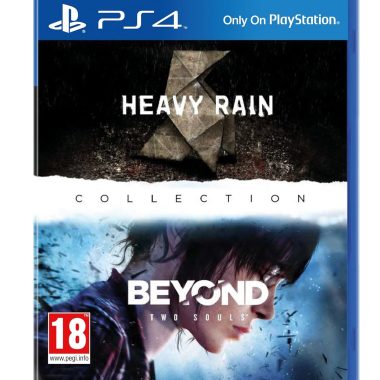
PlayStation Heavy Rain and Beyond Two Souls Double Pack PS4
Original price was: ₦44,985.00.₦40,485.00Current price is: ₦40,485.00. -

Dualshock 4 Camouflage Silicone Controller Skin Set for PS4/slim/Pro Red Blue with 8 Pro Thumb Grips
₦13.99 -
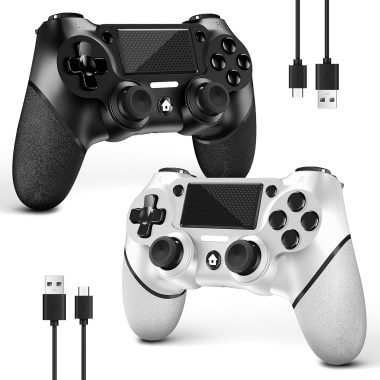
AceGamer DualShock Wireless Controller Twin Pack for PS4 Pro Slim PC Black White Non-Slip Grip
₦14.99
Reviews
There are no reviews yet.