


SAMSUNG 22 Inch Essential IPS Monitor Ergonomic Design Game Ready New
₦165,094.99
Description
About the Product 🔑
| Feature 🌟 | Description ✨ |
| Screen Size 🖥️ | 22″ |
| Panel Type 🌈 | IPS Panel |
| Color Experience 🎨 | Stunning, consistent, accurate |
| Viewing Clarity 👀 | Clarity from any viewpoint |
| Refresh Rate ⚡ | 100Hz |
| Motion Performance 🏃 | Reduces lag and motion blur |
| Productivity Boost 📈 | Heightened productivity |
| Comfort 🧘 | Greater comfort |
| Design Aesthetic 💼 | Slim, sleek |
| Special Modes 🎮 👓 | Eye Saver Mode & Game Mode |
| Stand Type ⬆️ | Tilt-only stand |
Usage Instruction 🛠️
Step 1: 🔌 Connect the power cable to the monitor.
Step 2: 💡 Press the power button to turn on the monitor.
Step 3: ⚙️ Adjust the stand to your preferred tilt angle.
Step 4: 🖥️ Connect your device using the appropriate cable.
Step 5: 🖼️ Enjoy smooth visuals and heightened productivity.
Full Images
















Product Standout Benefits
-
VIVID COLORS
Experience stunning colors across the entire display with the IPS panel. Colors remain bright and clear across the screen, even when you change angles. Tones and shades are represented consistently and beautifully with less color washing.
-
SMOOTH PERFORMANCE
Stay in the action when playing games, watching videos, or working on creative projects. The 100Hz refresh rate reduces lag and motion blur so you don’t miss a thing in fast-paced moments.
-
MORE GAMING POWER
Gain a competitive edge with optimizable game settings. Color and image contrast can be instantly adjusted to see scenes more clearly, while Game Mode adjusts any game to fill your screen with every detail in view.
-
EASY ON THE EYES
Protect your vision and stay comfortable, even during long sessions. Stay focused on your work with reduced blue light and screen flicker.
-
A MODERN AESTHETIC
Featuring a super-slim design with ultra-thin border bezels, this monitor enhances any setup with a sleek, modern look. Enjoy a lightweight and stylish addition to any environment.
-
CONNECT TO MORE
Plug devices straight into your monitor for increased flexibility, making your computing environment even more convenient.
Customer Questions and Answers
-
Q: How do I adjust the refresh rate?
A: The default refresh rate is set to 60Hz, and may be adjusted to 100Hz in the monitor’s settings.
-
Q: Is this monitor good for long work sessions?
A: Yes, it’s easy on the eyes! Protect your vision and stay comfortable, even during long sessions. Stay focused on your work with reduced blue light and screen flicker.
-
Q: What makes the colors so good?
A: Experience stunning colors across the entire display with the IPS panel. Colors remain bright and clear across the screen, even when you change angles. Tones and shades are represented consistently and beautifully with less color washing.
-
Q: Can I play games on this monitor?
A: Absolutely! Gain a competitive edge with optimizable game settings. Color and image contrast can be instantly adjusted to see scenes more clearly, while Game Mode adjusts any game to fill your screen with every detail in view. Plus, the 100Hz refresh rate reduces lag and motion blur.
-
Q: How does this monitor look in a setup?
A: It has a modern aesthetic! Featuring a super-slim design with ultra-thin border bezels, this monitor enhances any setup with a sleek, modern look. Enjoy a lightweight and stylish addition to any environment.
-
Q: Can I connect multiple devices easily?
A: Yes, you can connect to more! Plug devices straight into your monitor for increased flexibility, making your computing environment even more convenient.
Buyer’s Guide
-
Step 1: 📦 Review the Features & Benefits
Check out the vivid colors from the IPS panel, the smooth performance with the 100Hz refresh rate, enhanced gaming power, eye-care features, modern aesthetic, and connectivity options to make sure it’s exactly what you need.
-
Step 2: 📝 Read the FAQs
Go through the FAQs for any last-minute questions about adjusting the refresh rate, gaming capabilities, color quality, or how it looks in a setup.
-
Step 3: 🎨 Choose Your Option
Select the size, color, or version that’s best suited to your needs. For this monitor, it’s a 22-inch display with a 1920×1080 resolution.
-
Step 4: 🛒 Add to Cart & Checkout
Add the product to your cart and proceed with the simple checkout process.
-
Step 5: 📦 Upon Delivery
Verify it’s the correct product, check for any damage, and make sure all parts are included.
-
Step 6: 🛠️ Consider Adding Accessories or Related Products
Look into additional accessories or related products to enhance your experience, like a compatible HDMI cable for optimal connection, a monitor stand for better ergonomics, or a screen cleaning kit.
Related Products
-
Sale!
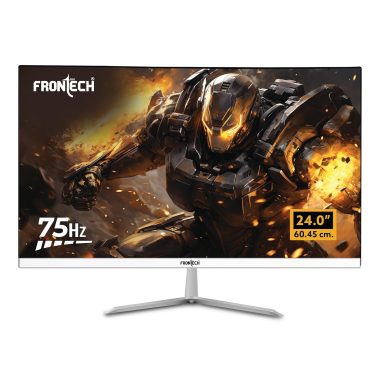
FRONTECH 24 Inch Full HD 1080p LED Monitor 75Hz IPS HDMI VGA Dual Speakers
Original price was: ₦16,000.00.₦6,439.00Current price is: ₦6,439.00. -
Sale!

MSI G244F E2 24 Inch FHD Gaming Monitor 180Hz 1ms Rapid IPS 118% sRGB
Original price was: ₦18,899.00.₦11,299.00Current price is: ₦11,299.00. -
Sale!
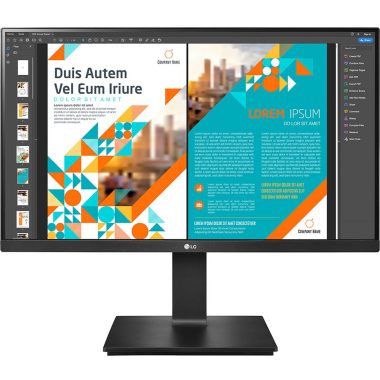
LG 24 Inch QHD IPS 99% sRGB Monitor with Height Adjust Pivot Swivel Black 24QP550
Original price was: ₦25,000.00.₦14,799.00Current price is: ₦14,799.00. -
Sale!

Dell 24 Inch Full HD LCD Monitor 1920×1080 VA Panel 75Hz 5ms Grey 3 Year Warranty
Original price was: ₦30,795.00.₦9,499.00Current price is: ₦9,499.00. -
Sale!

LG Ultragear 24 Inch FHD IPS Gaming Monitor 144Hz 1ms HDR10 Black
Original price was: ₦19,000.00.₦15,990.00Current price is: ₦15,990.00. -
Sale!
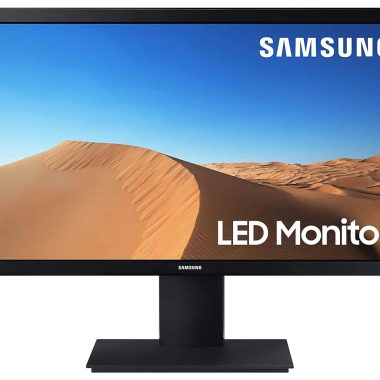
Samsung 24 Inch VA Panel LED Flat Computer Monitor Black
Original price was: ₦15,600.00.₦9,999.00Current price is: ₦9,999.00. -
Sale!

Lenovo Thinkvision S24E-20 23.8-inch FHD LED Monitor Raven Black 16:9 Aspect Ratio
Original price was: ₦20,020.00.₦8,100.00Current price is: ₦8,100.00. -
Sale!
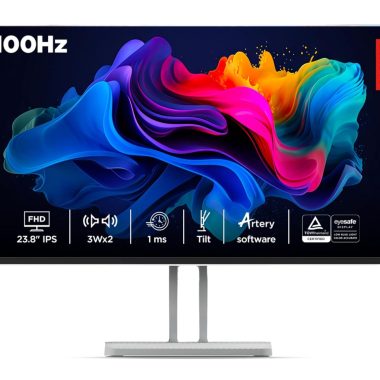
Lenovo L24i-4A 24 inch FHD IPS 100Hz 1ms FreeSync Monitor, Artery Cloud Grey
Original price was: ₦11,190.00.₦8,549.00Current price is: ₦8,549.00. -
Sale!

LG 24 Inch Ultragear FHD IPS Gaming Monitor 180Hz 1ms Black Tilt Adjustable 24GS60F
Original price was: ₦15,000.00.₦12,500.00Current price is: ₦12,500.00. -
Sale!

Samsung 24 Inch FHD 100Hz Curved Monitor Black HDMI VGA Headphone ports Eye Saver Mode
Original price was: ₦14,900.00.₦8,199.00Current price is: ₦8,199.00. -
Sale!

LG 24 Inch FHD IPS Monitor 100Hz 1920×1080 AMD FreeSync sRGB 99% Black
Original price was: ₦16,500.00.₦7,499.00Current price is: ₦7,499.00. -
Sale!

Zebronics PA124 24 Inch FHD 1920×1080 LED Monitor 75Hz HDMI VGA Built-in Speakers Slim
Original price was: ₦24,999.00.₦5,999.00Current price is: ₦5,999.00. -
Sale!

LG 24MS550-B 24 Inch FHD IPS 100Hz 5ms Black Monitor with Adjustable Stand and Built-in Speakers
Original price was: ₦13,500.00.₦8,349.00Current price is: ₦8,349.00. -
Sale!

LG 24 inch Full HD 100Hz IPS Monitor with USB-C PD65W and Full Stand Adjustments Black
Original price was: ₦34,999.00.₦19,900.00Current price is: ₦19,900.00. -
Sale!
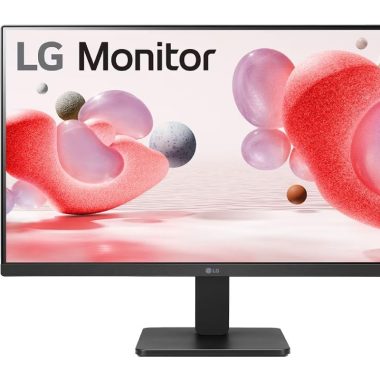
LG 24MR400-B 24 Inch IPS Full HD 100Hz Gaming Monitor Black
Original price was: ₦17,990.00.₦8,490.00Current price is: ₦8,490.00. -
Sale!

BenQ GW2486TC 24 Inch IPS 100Hz Full HD White Coding Monitor with USB-C 65W PD
Original price was: ₦19,990.00.₦14,998.00Current price is: ₦14,998.00. -
Sale!

Samsung 24-inch FHD IPS 100Hz Flat Monitor, Bezel-Less Black
Original price was: ₦16,000.00.₦8,999.00Current price is: ₦8,999.00. -
Sale!

Lenovo L24i-40 24 Inch FHD IPS Ultraslim Monitor 100Hz 99% sRGB HDMI Grey
Original price was: ₦14,000.00.₦11,990.00Current price is: ₦11,990.00. -
Sale!

LG 24 Inch Full HD IPS Monitor 100Hz HDMI DP VGA Built-in Speaker Black New
Original price was: ₦15,299.00.₦11,299.00Current price is: ₦11,299.00. -
Sale!

LG 24 Inch IPS Full HD 100Hz Monitor with USB-C PD65W and Adjustable Stand
Original price was: ₦20,000.00.₦11,899.00Current price is: ₦11,899.00.
Reviews
There are no reviews yet.