
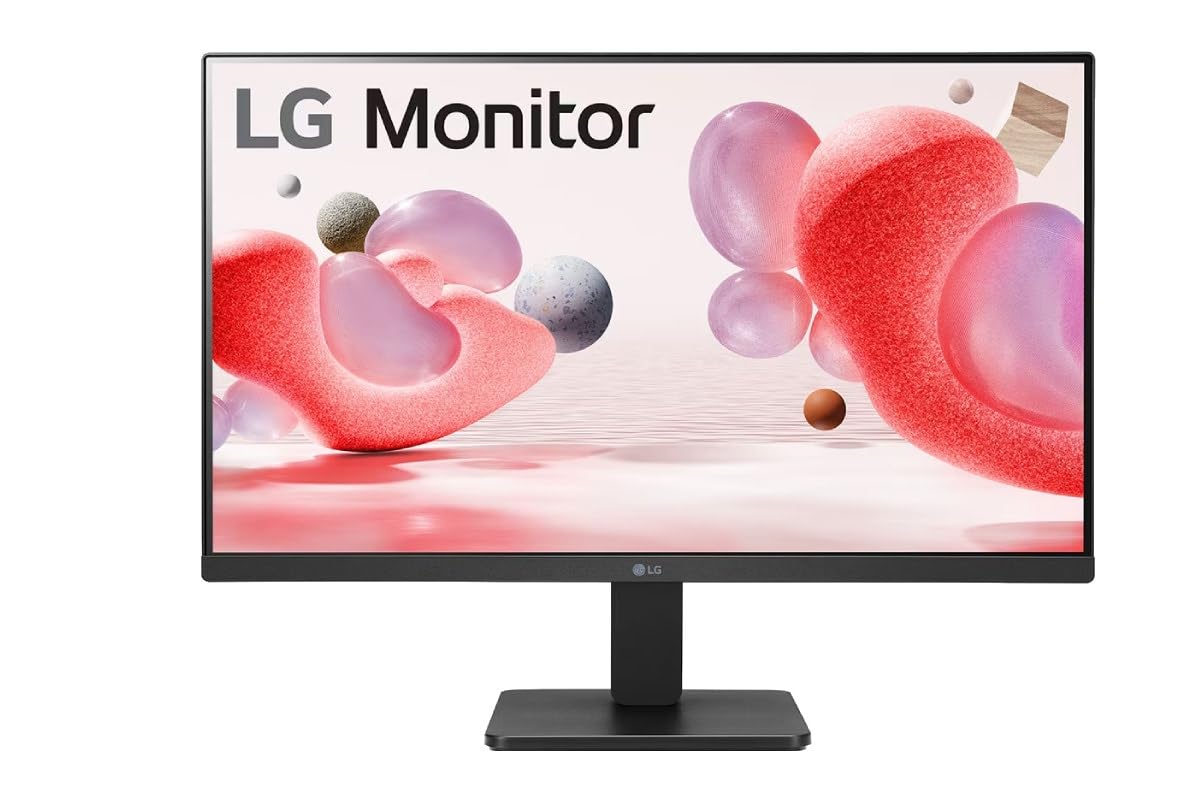
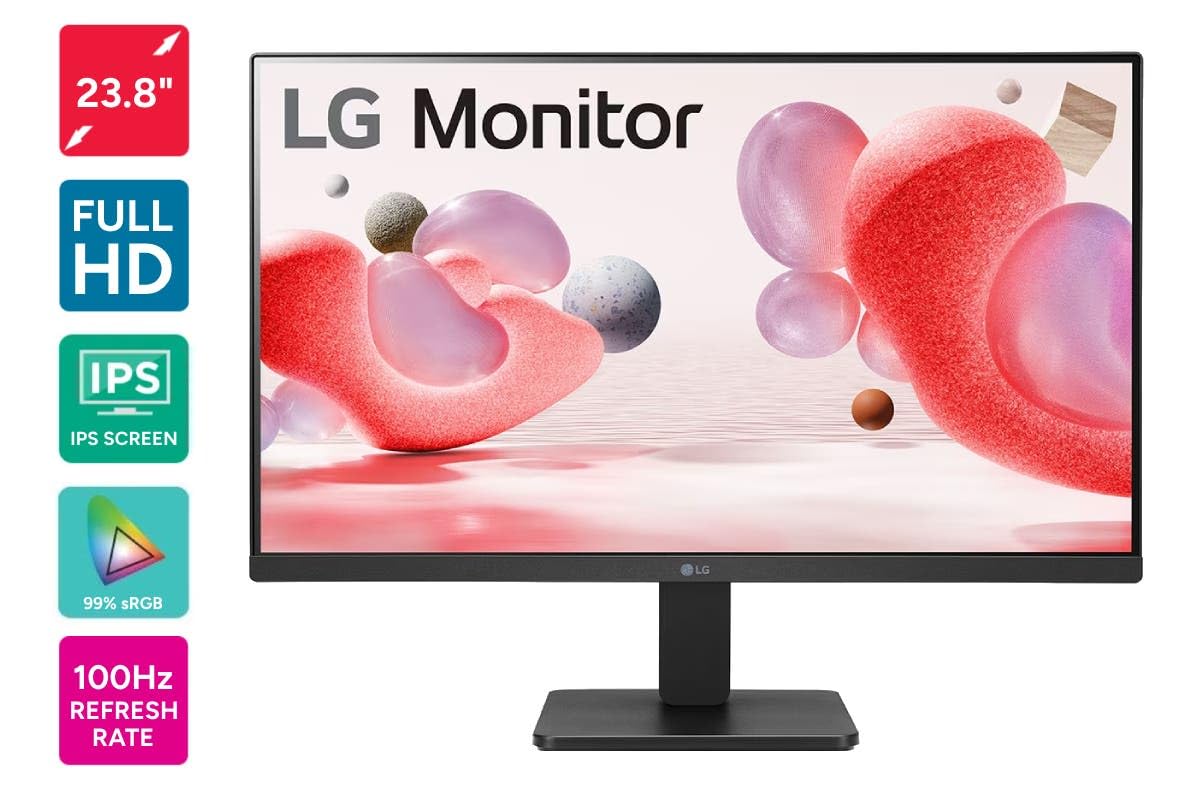
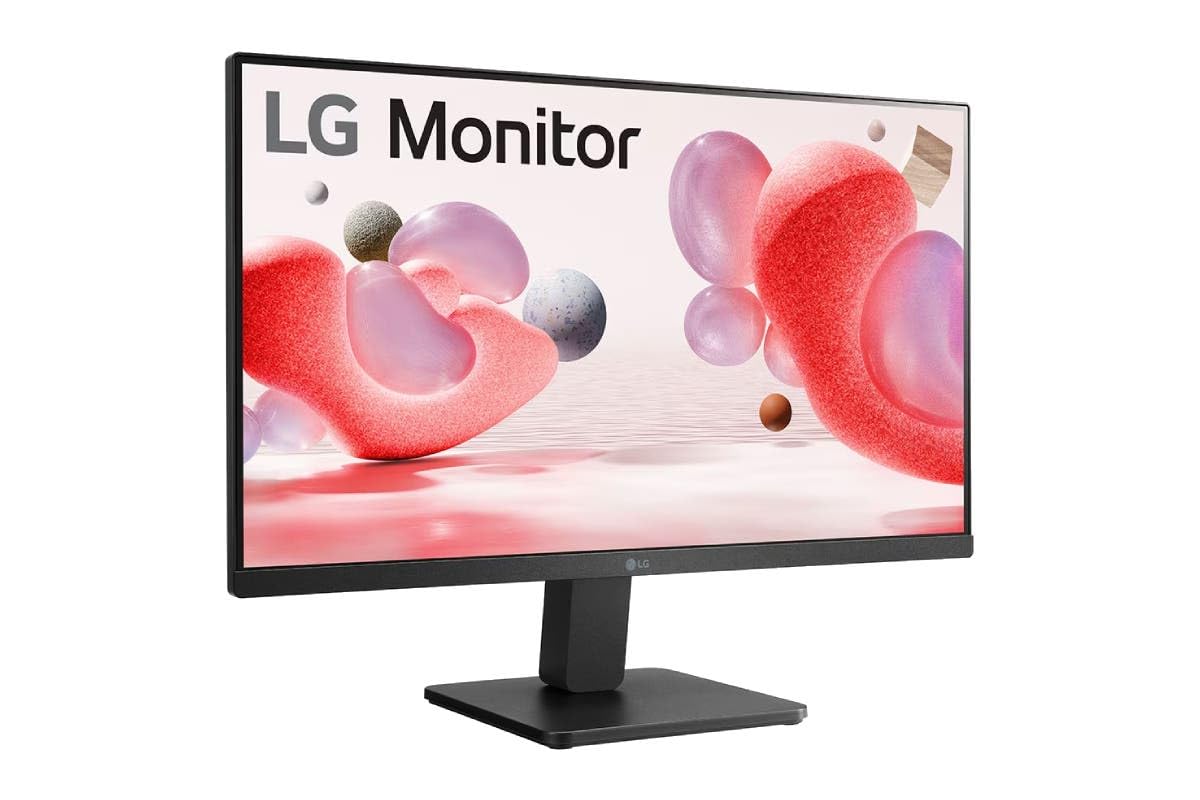
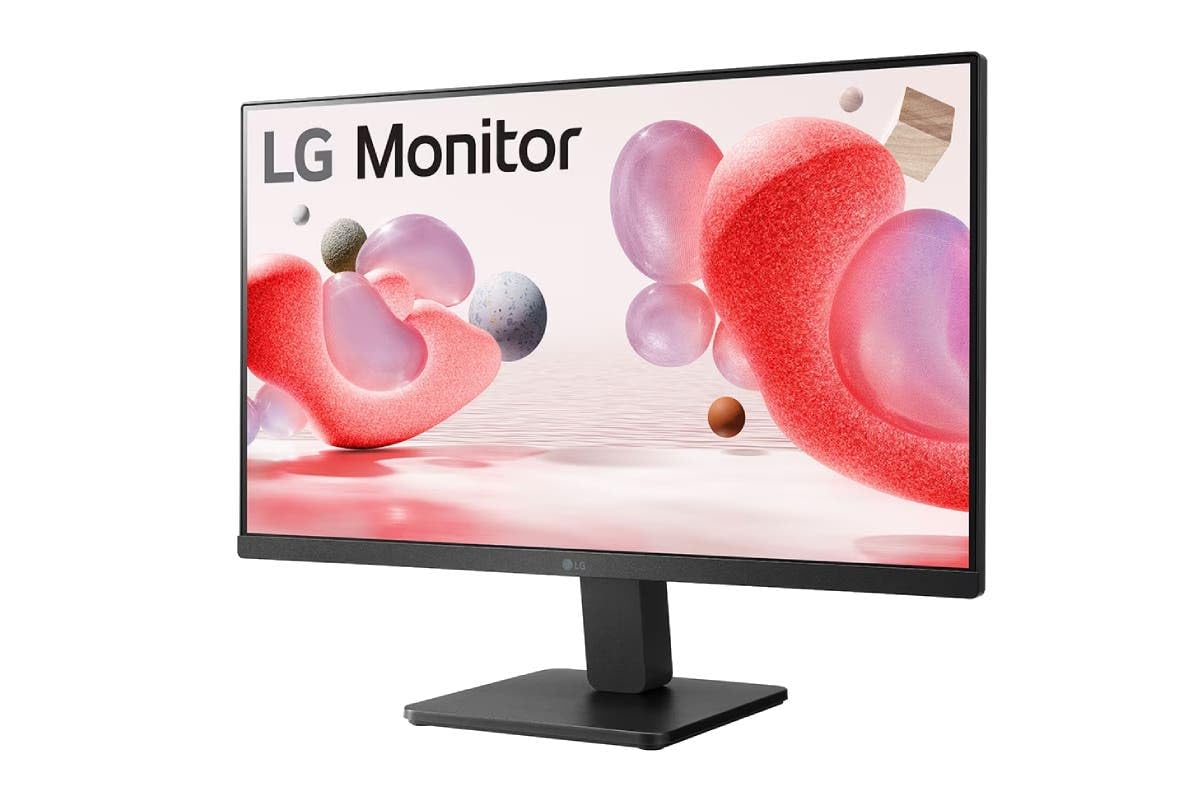
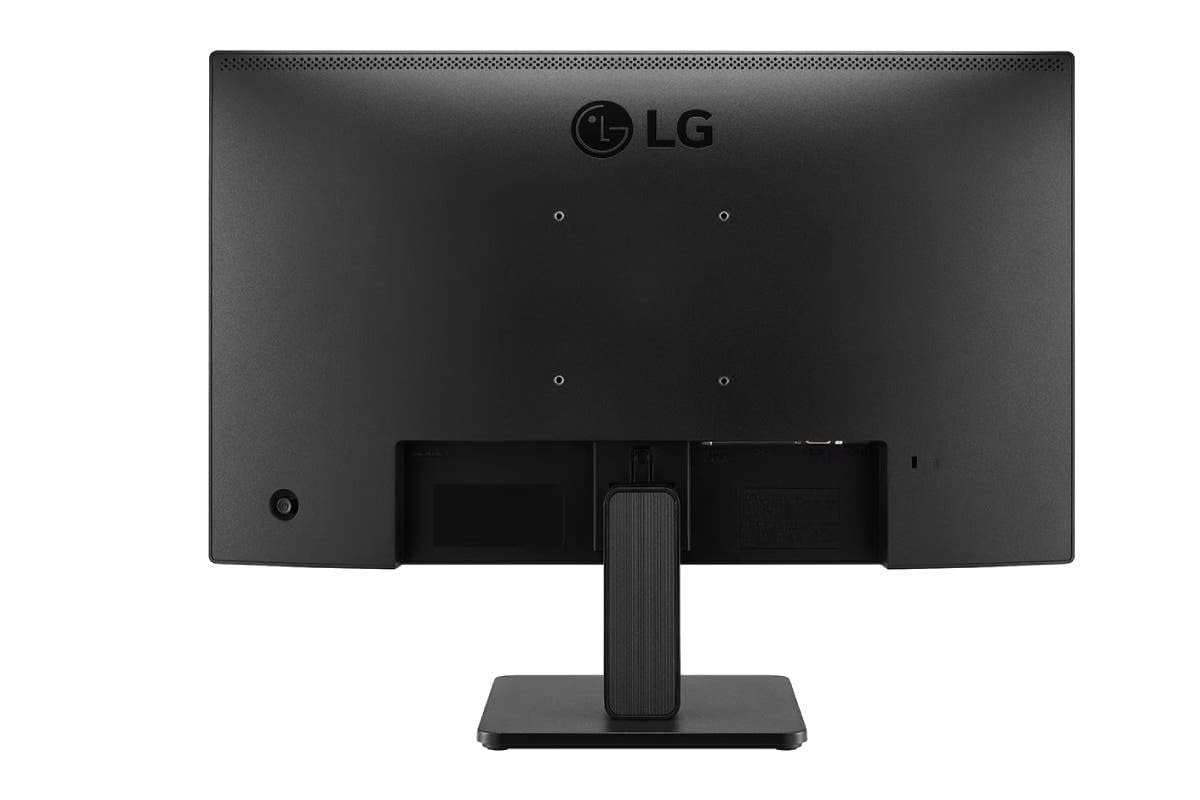
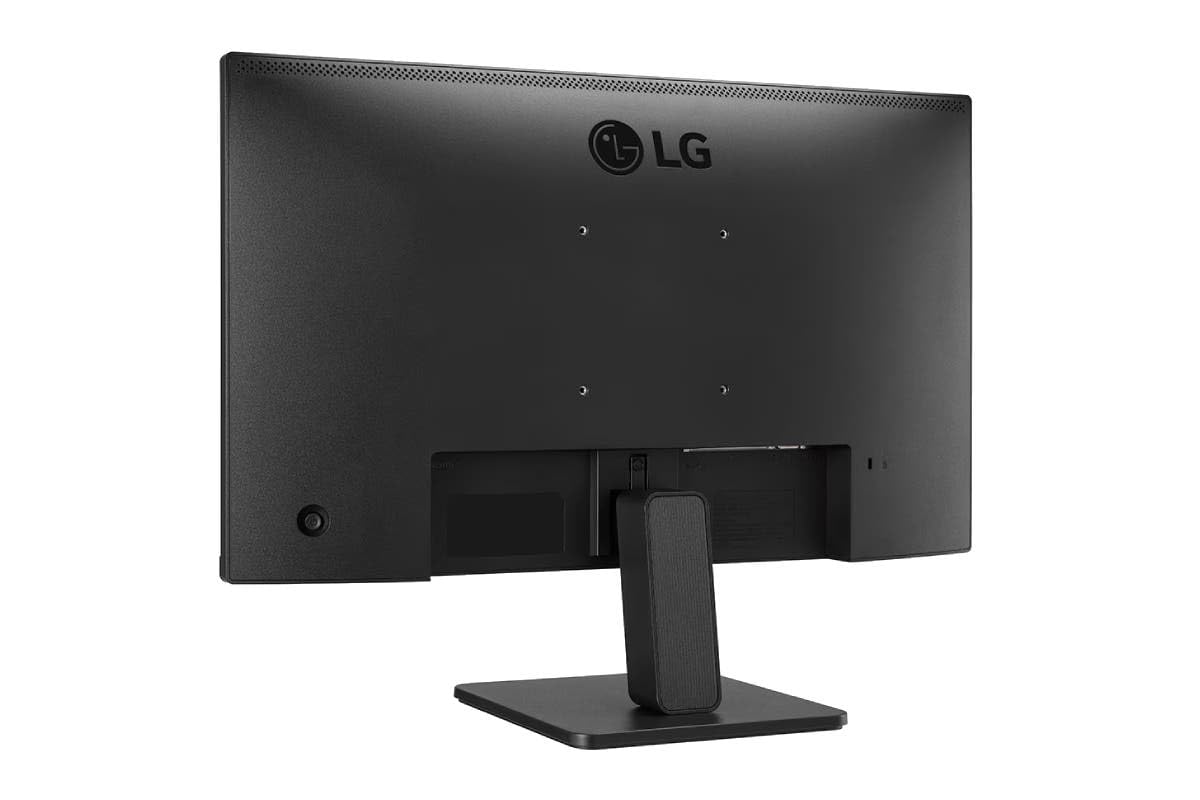
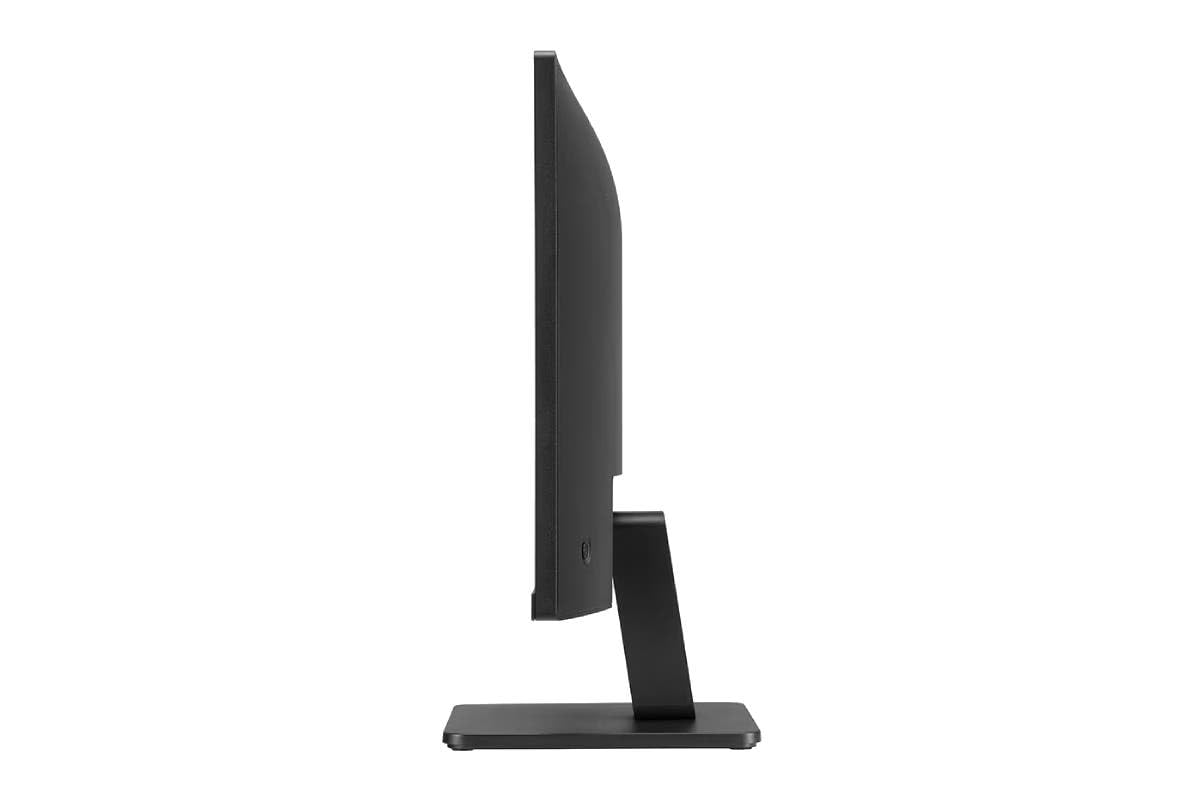
LG 24MR400-B 24 Inch IPS Full HD 100Hz Gaming Monitor Black
Original price was: ₦17,990.00.₦8,490.00Current price is: ₦8,490.00.
Description
About the Product 🔑
| Feature 🌟 | Description ✨ |
| Display Size 📏 | 24″ FHD |
| Panel Type 🖥️ | IPS |
| Refresh Rate ⚡ | 100Hz |
| Synchronization Technology 🔄 | FreeSync™ |
| Bezels 🖼️ | 3-Side Borderless |
| Color Gamut 🎨 | sRGB 99% |
| Response Time ⏱️ | 1ms MPRT |
| Special Features 💡 | Virtual Borderless, Black Stabiliser, Flicker Safe, Reader Mode, OnScreen Control |
| Connectivity 🔌 | HDMI, VGA |
| Model Number 🔢 | 24MR400-B |
Key Features 🔑
- 24″ FHD 3-Side Borderless IPS Monitor that features FreeSync™ and 100Hz Refresh Rate.
- LG 24MR400-B. Click for pictures, reviews, and tech specs for the LG LG 23.8 (60.45 cm) IPS Full HD monitor with AMD FreeSync™.
- LG 24MR400-B. Click for pictures, reviews, and tech specs for the LG 23.8″ IPS Full HD monitor with AMD FreeSync™.
- LG’s new narrow bezel 23.8-inch IPS Full HD monitor with AMD FreeSync™ and Black Stabiliser.
- LG 24MR400-B, 24 inch IPS Full HD Monitor with AMD FreeSync, 1ms MPRT, sRGB 99%, 100Hz Refresh Rate, Virtual Borderless, Flicker Safe, Reader Mode, OnScreen Control, HDMI, VGA (Black)
- LG 24 Inch Full HD IPS 100Hz Monitor
- 24″ FHD (1920 x 1080) IPS Display with 100Hz Refresh Rate & AMD FreeSync
- 3 side virtually borderless.
- VGA & HDMI PORT
- 1 MS RESPONSE TIME
Product Details 🏷️
LG 24MR400-B, 24 inch IPS Full HD Monitor with AMD FreeSync, 1ms MPRT, sRGB 99%, 100Hz Refresh Rate, Virtual Borderless, Flicker Safe, Reader Mode, OnScreen Control, HDMI, VGA (Black)
3 Years onsite Warranty
Product Images 🖼️

Full Images
### Product Standout Benefits 🌟
IPS Full HD Display
See the quick response of an IPS Display. At 1920×1080 resolution, LG’s FHD IPS Display features vibrant color and clarity at wide angles. Work through your projects with ease and efficiency.
Reader Mode
Watch your monitor for longer periods of time. Reader Mode provides optimal conditions for reading by reducing blue light.
Ergonomic Design
The ergonomic stand makes it easy to flexibly adjust the tilt of the screen in the optimal position for you.
OnScreen Control
You can customize the workspace by splitting the display or adjusting basic monitor options with just a few mouse clicks.
AMD FreeSync
Gamers can experience seamless, fluid movement in high resolution and fast-paced games.
Dynamic Action Sync
Get a pro-level experience with the closest thing to real-time gaming. Dynamic Action Sync elevates your gameplay so you can respond every moment of the action with reduced input lag and unbelievable performance.
Black Stabilizer
Light up your gameplay with enhanced vision. Black Stabilizer brightens dark scenes to give you an advantage over the competition—even when they’re hiding in the shadows.
Crosshair
Crosshair offers an accuracy advantage with center-display crosshairs that provide enhanced vision and precision for increased accuracy in first-person shooter games.
Customer Questions and Answers 🤔
Q: How do I use this monitor?
A: You can customize the workspace by splitting the display or adjusting basic monitor options with just a few mouse clicks using OnScreen Control.
Q: Is it good for gaming?
A: Absolutely! Gamers can experience seamless, fluid movement in high resolution and fast-paced games with AMD FreeSync. Dynamic Action Sync elevates your gameplay for reduced input lag and unbelievable performance. Black Stabilizer brightens dark scenes, and Crosshair offers an accuracy advantage with center-display crosshairs.
Q: How do I take care of it?
A: To optimize your viewing experience for longer periods, utilize Reader Mode which provides optimal conditions for reading by reducing blue light. For adjustments, the ergonomic stand makes it easy to flexibly adjust the tilt of the screen in the optimal position for you.
Q: What are the display specifications?
A: It features an IPS Full HD Display with a 1920×1080 resolution, offering vibrant color and clarity at wide angles. The maximum screen resolution is 1920 x 1080.
Q: Can I adjust the screen position?
A: Yes, the ergonomic stand makes it easy to flexibly adjust the tilt of the screen in the optimal position for you.
Q: What are the benefits of the IPS display?
A: An IPS FHD Display features vibrant color and clarity at wide angles, allowing you to work through your projects with ease and efficiency.
Buyer’s Guide 🛒
Step 1: 🌟 Review the Display Features
Check out the IPS Full HD Display with its 1920×1080 resolution for vibrant color and clarity at wide angles. Consider Reader Mode for comfortable extended viewing by reducing blue light.
Step 2: 🎮 Explore Gaming Benefits
If you’re a gamer, look into AMD FreeSync for seamless, fluid movement, Dynamic Action Sync for real-time response, Black Stabilizer for enhanced vision in dark scenes, and Crosshair for accuracy in first-person shooter games.
Step 3: 🎨 Adjust for Comfort
The ergonomic stand allows you to flexibly adjust the tilt of the screen to your optimal viewing position.
Step 4: 🖱️ Customize Your Workspace
Utilize OnScreen Control to customize your workspace by splitting the display or adjusting basic monitor options with just a few mouse clicks.
Step 5: 📦 Upon Delivery
Verify it’s the correct monitor and check for any damage. Ensure all included parts are present.
Step 6: 🛠️ Consider Related Accessories
Think about a monitor stand for different mounting options, a high-quality HDMI or DisplayPort cable for optimal connection, or a screen cleaning kit to keep the display pristine.
Related Products
-
Sale!

LG 24 Inch FHD IPS Monitor 100Hz 1920×1080 AMD FreeSync sRGB 99% Black
Original price was: ₦16,500.00.₦7,499.00Current price is: ₦7,499.00. -
Sale!

Lenovo L24i-40 24 Inch FHD IPS Ultraslim Monitor 100Hz 99% sRGB HDMI Grey
Original price was: ₦14,000.00.₦11,990.00Current price is: ₦11,990.00. -
Sale!

LG 24MS550-B 24 Inch FHD IPS 100Hz 5ms Black Monitor with Adjustable Stand and Built-in Speakers
Original price was: ₦13,500.00.₦8,349.00Current price is: ₦8,349.00. -
Sale!

LG 24 Inch IPS Full HD 100Hz Monitor with USB-C PD65W and Adjustable Stand
Original price was: ₦20,000.00.₦11,899.00Current price is: ₦11,899.00. -
Sale!

LG 24 Inch Full HD IPS Monitor 100Hz HDMI DP VGA Built-in Speaker Black New
Original price was: ₦15,299.00.₦11,299.00Current price is: ₦11,299.00. -
Sale!

MSI G244F E2 24 Inch FHD Gaming Monitor 180Hz 1ms Rapid IPS 118% sRGB
Original price was: ₦18,899.00.₦11,299.00Current price is: ₦11,299.00. -
Sale!
FRONTECH 24 Inch Full HD 1080p LED Monitor 75Hz IPS HDMI VGA Dual Speakers
Original price was: ₦16,000.00.₦6,439.00Current price is: ₦6,439.00. -
Sale!

Dell 24 Inch FHD IPS Monitor 100Hz 99% sRGB 5ms 250 Nits 1500:1 Contrast USB-C
Original price was: ₦35,978.00.₦13,099.00Current price is: ₦13,099.00. -
Sale!
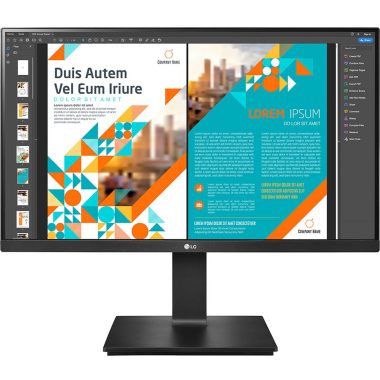
LG 24 Inch QHD IPS 99% sRGB Monitor with Height Adjust Pivot Swivel Black 24QP550
Original price was: ₦25,000.00.₦14,799.00Current price is: ₦14,799.00. -
Sale!

Dell 24 Inch Full HD LCD Monitor 1920×1080 VA Panel 75Hz 5ms Grey 3 Year Warranty
Original price was: ₦30,795.00.₦9,499.00Current price is: ₦9,499.00. -
Sale!

LG Ultragear 24 Inch FHD IPS Gaming Monitor 144Hz 1ms HDR10 Black
Original price was: ₦19,000.00.₦15,990.00Current price is: ₦15,990.00. -
Sale!

Lenovo Q24i-20 24 Inch FHD IPS Monitor with Height Adjustment, Speakers, 75Hz, AMD FreeSync
Original price was: ₦16,000.00.₦12,990.00Current price is: ₦12,990.00. -
Sale!

LG 24 Inch Ultragear FHD IPS Gaming Monitor 180Hz 1ms Black Tilt Adjustable 24GS60F
Original price was: ₦15,000.00.₦12,500.00Current price is: ₦12,500.00. -
Sale!

BenQ GW2480T 24 Inch Full HD IPS Monitor with Height Adjustment HDMI DP Port
Original price was: ₦21,990.00.₦19,240.00Current price is: ₦19,240.00. -
Sale!

Samsung 24 Inch FHD 100Hz Curved Monitor Black HDMI VGA Headphone ports Eye Saver Mode
Original price was: ₦14,900.00.₦8,199.00Current price is: ₦8,199.00. -
Sale!
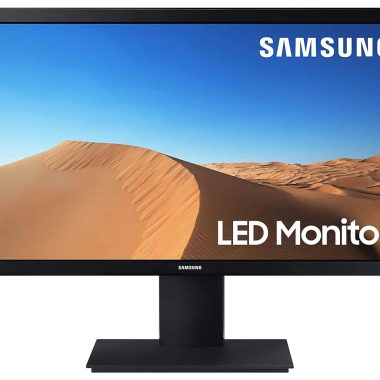
Samsung 24 Inch VA Panel LED Flat Computer Monitor Black
Original price was: ₦15,600.00.₦9,999.00Current price is: ₦9,999.00. -
Sale!

Zebronics PA124 24 Inch FHD 1920×1080 LED Monitor 75Hz HDMI VGA Built-in Speakers Slim
Original price was: ₦24,999.00.₦5,999.00Current price is: ₦5,999.00. -
Sale!
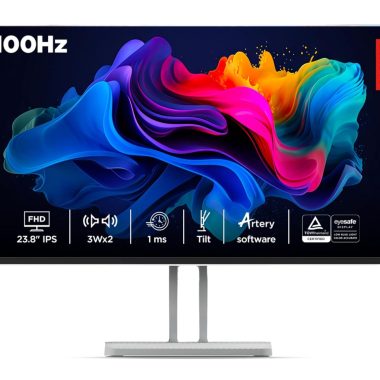
Lenovo L24i-4A 24 inch FHD IPS 100Hz 1ms FreeSync Monitor, Artery Cloud Grey
Original price was: ₦11,190.00.₦8,549.00Current price is: ₦8,549.00. -
Sale!

LG 24 inch Full HD 100Hz IPS Monitor with USB-C PD65W and Full Stand Adjustments Black
Original price was: ₦34,999.00.₦19,900.00Current price is: ₦19,900.00. -
Sale!

BenQ GW2486TC 24 Inch IPS 100Hz Full HD White Coding Monitor with USB-C 65W PD
Original price was: ₦19,990.00.₦14,998.00Current price is: ₦14,998.00.
Reviews
There are no reviews yet.