


Professional Audio Recorder and Editor for Windows 11, 10, 8.1, 7 – All Common File Formats
₦35,980.00
Description
About the Product 🔑
| Feature 🌟 | Description ✨ |
|---|---|
| 🎧 Popular Audio Software | Audacity is the world’s most popular free software for recording and editing audio. |
| 🎶 Versatile Use | So if you’re producing music, a podcast, or just playing around with audio, Audacity is for you. |
| 🔊 Audio Recorder and Editor | Professional sound studio for recording, editing and playing all common audio files: WAV, AIFF, FLAC, MP2, MP3, OGG. |
| 💻 Operating Systems | For Windows 11, 10, 8.1, 7. |
| 🔧 Editing Capabilities | Editing is another core strength of the program. |
| 🎵 Music Studio 8 | Flagship music editing software for songs and audio files. |
| ✂️ Editing Functions | Edit, burn, or cut audios quickly. |
| 🌐 Online Audio Editor | An online audio editor for humans. |
| MP3/WAV Export | Cut, copy, record and export to mp3 or wav files. |
| 🎶 Music Studio 9 | All-in-one solution for music and audio files. |
| 💿 CD Ripping | Ripping audio CDs is straightforward. |
| 💽 Multiple File Formats | WAV, AIFF, FLAC, MP2, MP3, and Ogg Vorbis files. |
| 🔊 High-Quality Sound | Record in 16-bit, 24-bit, and 32-bit audio. |
Product Benefits 💡
- More sound, more mixing options, more order!
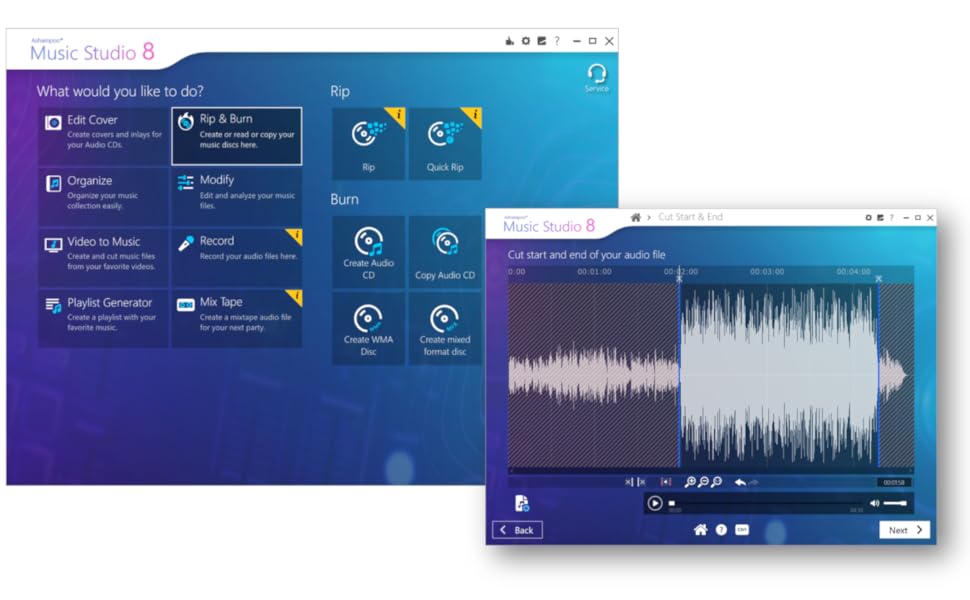
- EASIER SOUND AND MUSIC EDITING ♫ the most important features in one program ♫ blend individual parts, remove or insert passages, apply fade effects, cut and trim sections, modify track speeds and more.
- POWERFUL RECORDING TOOL ♫ record with a microphone or what you can hear ♫ mix on up to three tracks.
- ANY FORMAT YOU NEED ♫ use this program to convert your audio files into other formats to make sure they are compatible with all of your devices.
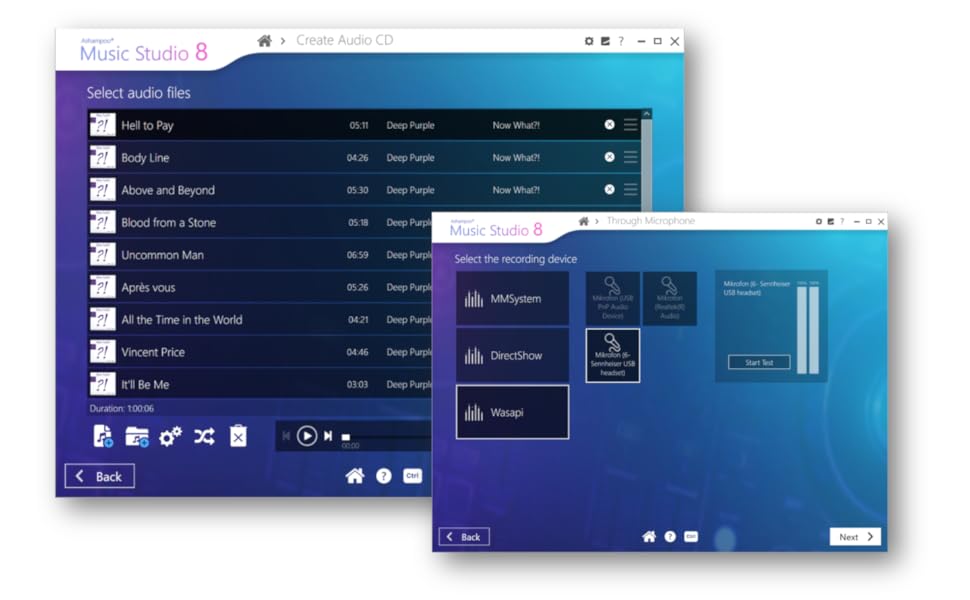
- COMPLETE YOUR PROJECT ♫ burn your music to CD and create your own CD covers and inlays ♫ you do not need to buy another burning program.
- EASY TO INSTALL AND USE ♫ user-friendly and intuitive interface, free tech support whenever you need assistance.
Usage Instruction 🛠️
- Step 1: 🎧 Open Audacity or your chosen audio editor.
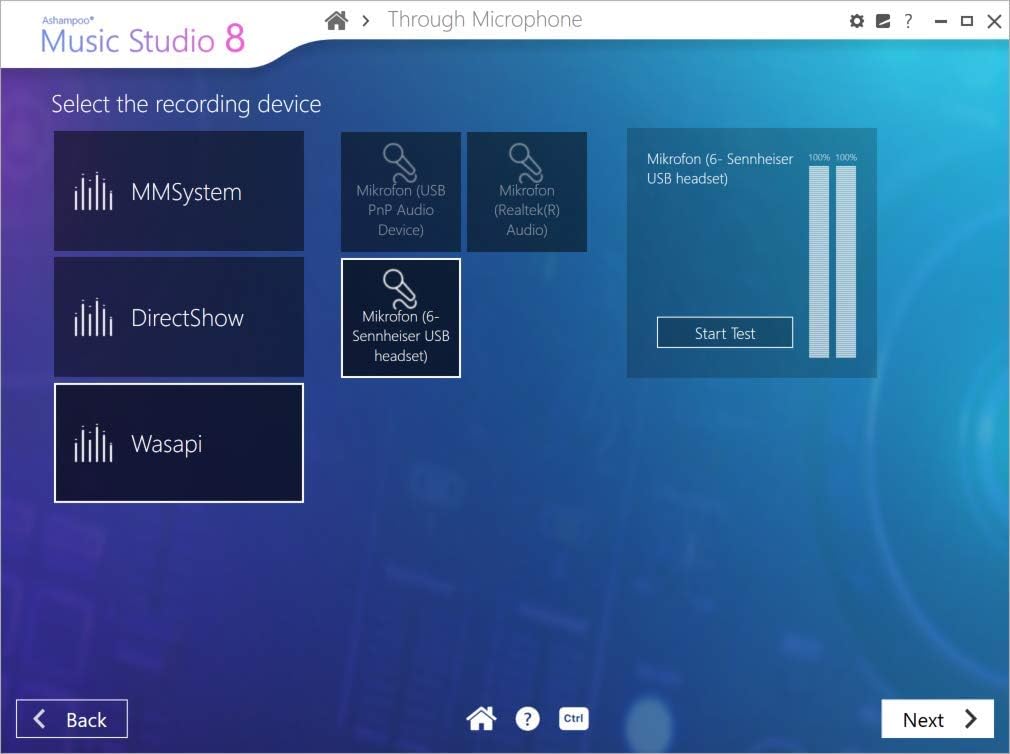
- Step 2: 🎤 Select your input device (microphone or audio source).
- Step 3: ▶️ Press the record button to start capturing audio.
- Step 4: ✂️ Use editing tools to cut, copy, trim, or blend audio sections.
- Step 5: 💾 Export your finished audio in desired formats like WAV or MP3.
Product Specification 📱
| Specification Name ⚙️ | Description 🏷️ |
|---|---|
| Supported Files 📁 | WAV, AIFF, FLAC, MP2, MP3, Ogg Vorbis |
| Recording Quality 🔊 | 16-bit, 24-bit, 32-bit audio |
| Operating Systems 💻 | Windows 11, 10, 8.1, 7 |
| Interface 🖱️ | User-friendly and intuitive |
| Tracks 🎚️ | Up to three tracks |
| Tech Support ❓ | Free |
Product Details 🏷️
Audio Recorder and Editor – professional sound studio for recording, editing and playing all common audio files: WAV, AIFF, FLAC, MP2, MP3, OGG for Windows 11, 10, 8.1, 7


Full Images


![Corel PaintShop Pro 2023 Ultimate | Powerful Photo Editing & Graphic Design Software + Creative Suite | Amazon Exclusive ParticleShop + 5 Brush Starter Pack [PC Download]](https://m.media-amazon.com/images/I/51nxJm9NxdL._AC_SR100,100_QL65_.jpg)





Product Standout Benefits
EASIER SOUND AND MUSIC EDITING ♫
The most important features in one program:
- Blend individual parts, remove or insert passages, apply fade effects, cut and trim sections, modify track speeds and more.
POWERFUL RECORDING TOOL ♫
Record with a microphone or what you can hear.
- Mix on up to three tracks.
ANY FORMAT YOU NEED ♫
Use this program to convert your audio files into other formats to make sure they are compatible with all of your devices.
COMPLETE YOUR PROJECT ♫
Burn your music to CD and create your own CD covers and inlays.
- You do not need to buy another burning program.
EASY TO INSTALL AND USE ♫
User-friendly and intuitive interface, free tech support whenever you need assistance.
Customer Questions and Answers
How do I edit sound and music? 🤔
It’s super easy with this program! You can blend individual parts, remove or insert passages, apply fade effects, cut and trim sections, and even modify track speeds. It has all the most important features right there for you! ♫
Can I record audio with this? 🎤
Totally! It’s a powerful recording tool. You can record with a microphone or even record what you can hear. Plus, you can mix on up to three tracks. Pretty neat, huh? ♫
What if I need to convert my audio files? 🔄
No problem at all! You can use this program to convert your audio files into any format you need. This makes sure they’re compatible with all of your devices. ♫
Can I burn my music to CD? 💿
Absolutely! You can complete your project by burning your music to CD. You can even create your own CD covers and inlays, so you won’t need to buy another burning program. ♫
Is it difficult to install and use? 💻
Not at all! It’s designed to be easy to install and use with a user-friendly and intuitive interface. And if you ever need a hand, there’s free tech support available whenever you need assistance. ♫
Related Products
-

Focusrite Vocaster One Studio Podcasting Interface with DM1 Dynamic Mic and HP60v Headphones for Solo Recording
₦179,980.00 -

RØDECaster Duo 2-Channel Production Studio for Podcasting Streaming Music Content Creation
₦998,000.00 -

F993 BM-800 Podcast Equipment Bundle White with Voice Changer Live Sound Card
₦79,980.00 -

LED Stage Party Lights with Remote DMX Sound Activated Strobe for Events Karaoke 8.7 Inch
₦49.98 -

Movo Portable Podcast Kit for iPhone/Android Smartphones with Audio Interface, 2 Dynamic Mics, Stands
₦799,900.00 -

QFX PBX-800TWS 8-Inch TWS Bluetooth Stereo PA System with 2 Speakers, 2 Mics, 2 Stands
₦123.00 -

Red 2×2 USB Audio Interface for PC Mac Music Recording 24Bit/192kHz with 48V Phantom Power
₦107,980.00 -
Sale!

Yamaha DBR12 12-inch 1000W Powered PA Speaker with Auxiliary Input Black
Original price was: ₦50,600.00.₦38,500.00Current price is: ₦38,500.00. -

Samsung VHS to DVD Recorder VCR Combo 1080p HDMI Output with Remote
₦829.00 -
Sale!

JBL IRX ONE 1300W All-in-One Column PA Line Array with Built-in Mixer and Bluetooth Streaming Tower
Original price was: ₦84,199.00.₦55,949.00Current price is: ₦55,949.00. -
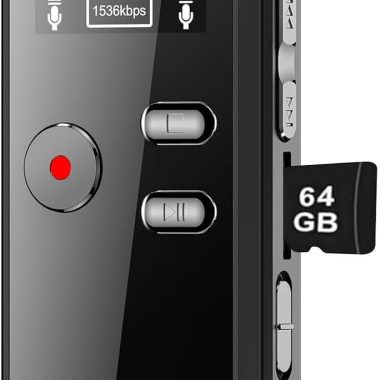
64GB Digital Voice Activated Recorder with Playback – 4552 Hrs Audio, HD Dual MIC, MP3 Player
₦51,900.00 -

Easy Traditional Recorder Duets for Beginners 28 Global Melodies Two Descant Recorders
₦23,740.00 -

52 Pack 1″x12″x12″ Black Acoustic Foam Wedge Studio Sound Absorption Wall Panels
₦34.98 -

SAVIOUR Large DJ Gear Bag Backpack for Solo Musicians Equipment Mic Stands and Cables
₦189.99 -
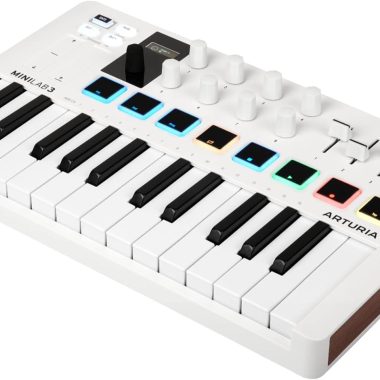
Arturia MiniLab 3 White Universal MIDI Controller 25-Key with Software Package
₦238,000.00 -
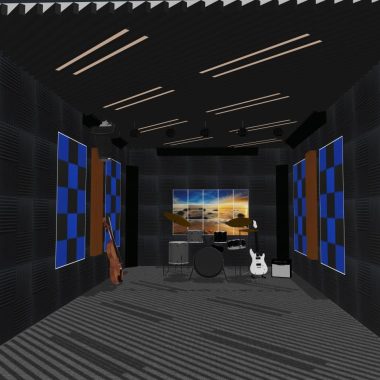
52 Pack 1″ x 12″ x 12″ Black Double-sided Tape Acoustic Grid Studio Foam Sound Absorption Panels
₦30.99 -

YPY Acoustic Panels Soundproof Decorative Wall Art for Recording Studio Home 6 Pack 72″x48″
₦89.99 -
Sale!

Professional USB Dynamic Studio Microphone Recording Set with Table Stand and 6.5′ Cable for Mac and Windows
Original price was: ₦35.99.₦28.21Current price is: ₦28.21. -
Sale!

RØDECaster Pro II All-in-One Production Studio for Podcasting Streaming Music Content Creation Black
Original price was: ₦1,242,000.00.₦621.00Current price is: ₦621.00. -

Pyle PMUX9 24-Effect USB Audio Interface with Mic/Line, Guitar, Aux, RCA Inputs & Headphone Outputs
₦168,440.00
Reviews
There are no reviews yet.