
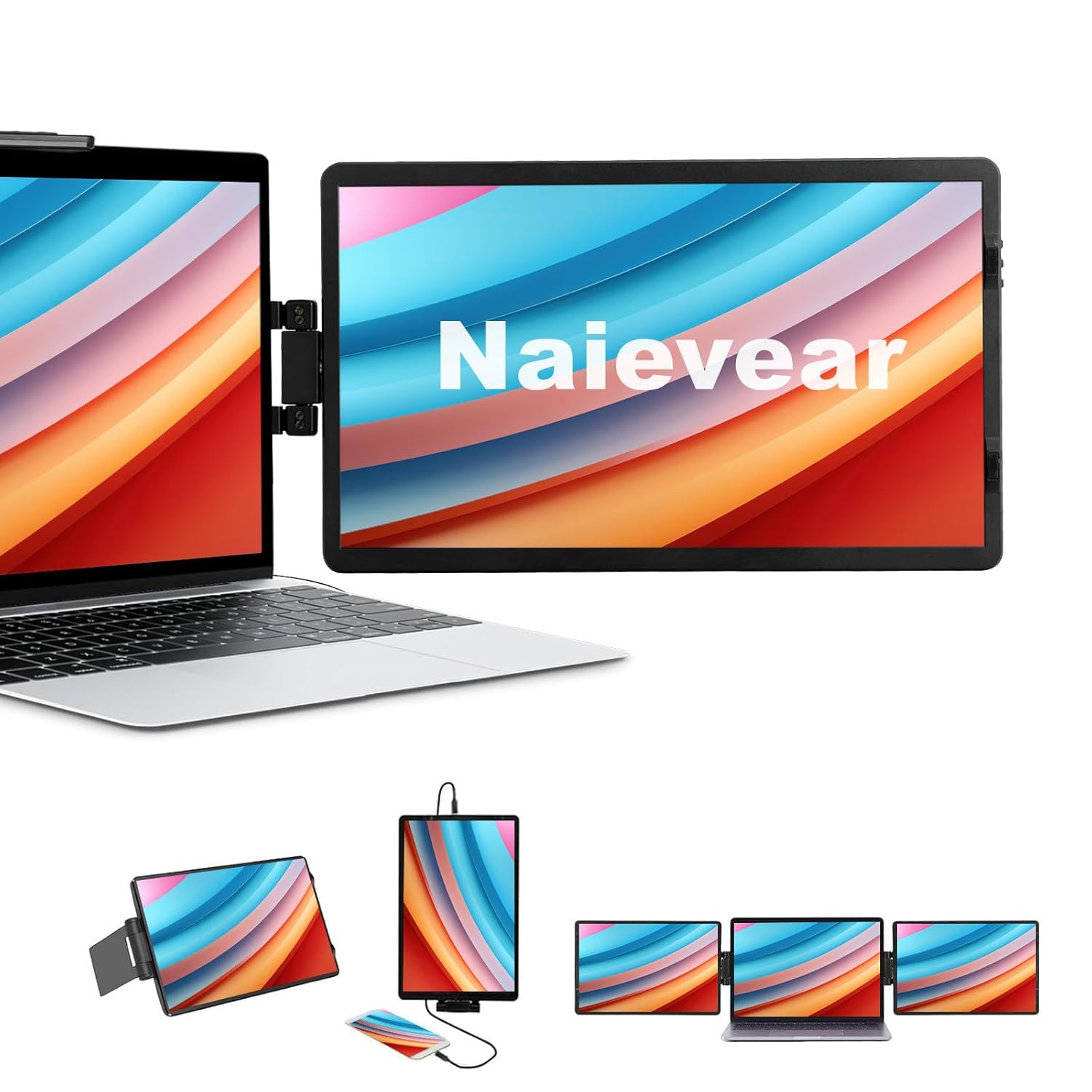


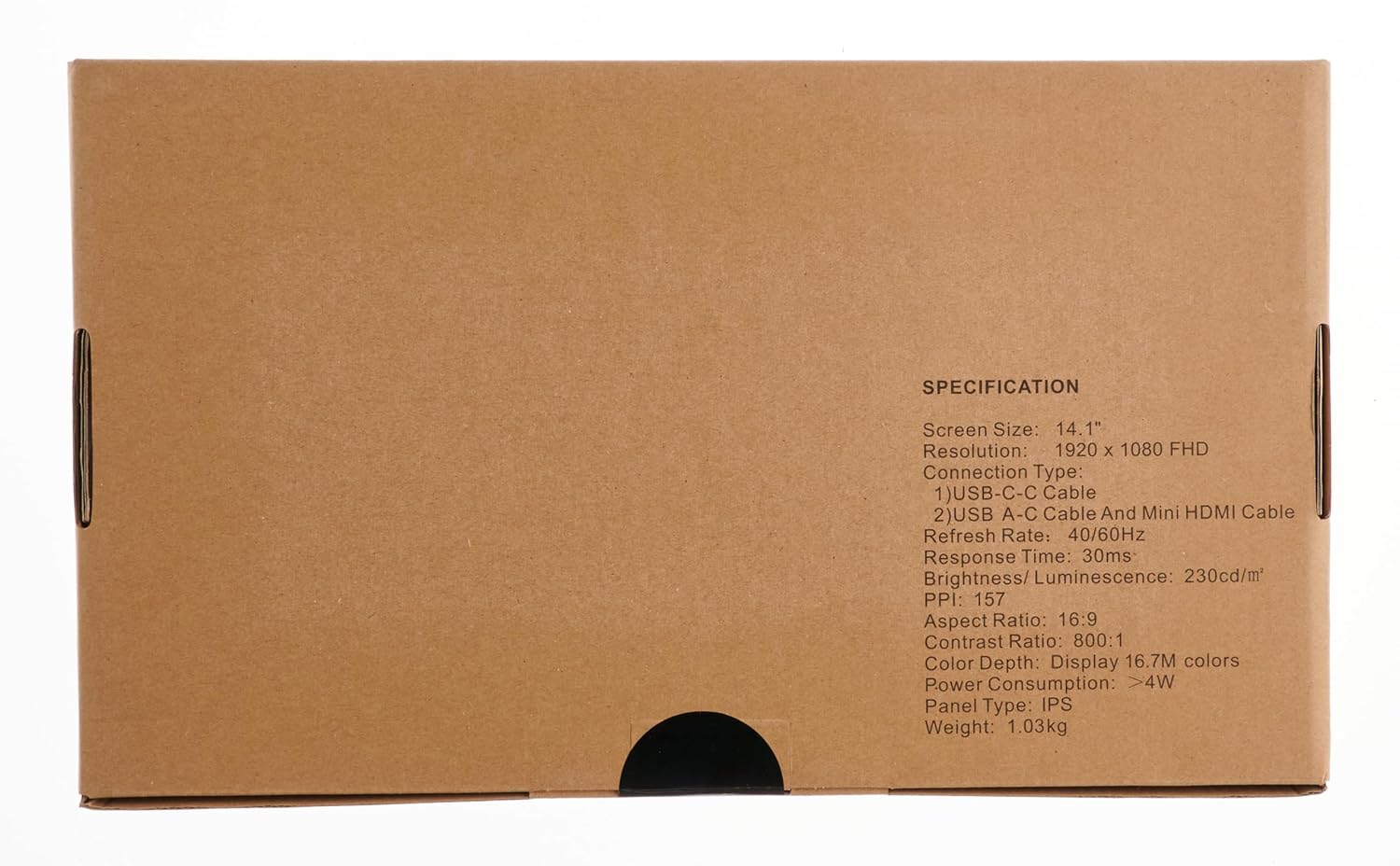
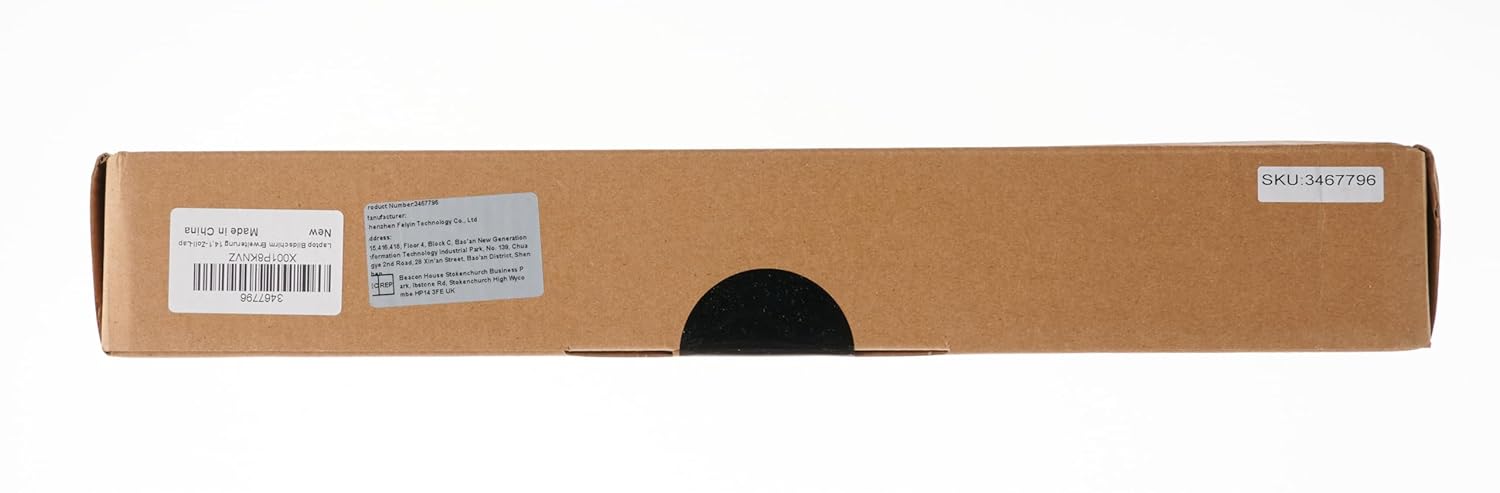



Naievear 14.1 inch FHD 1920×1080 Portable External Monitor Second Screen for Laptops and Smartphones
Original price was: ₦68,270.40.₦42,527.00Current price is: ₦42,527.00.
Description
About the Product 🔑
| Naievear 14 Inch Portable Monitor | ✨ 1080P FHD USB C HDMI External Screen |
| Display | 🌟 14.1 inch large portable screen |
| Screen Rotation | 🔄 30-degree rotating screen, independent work |
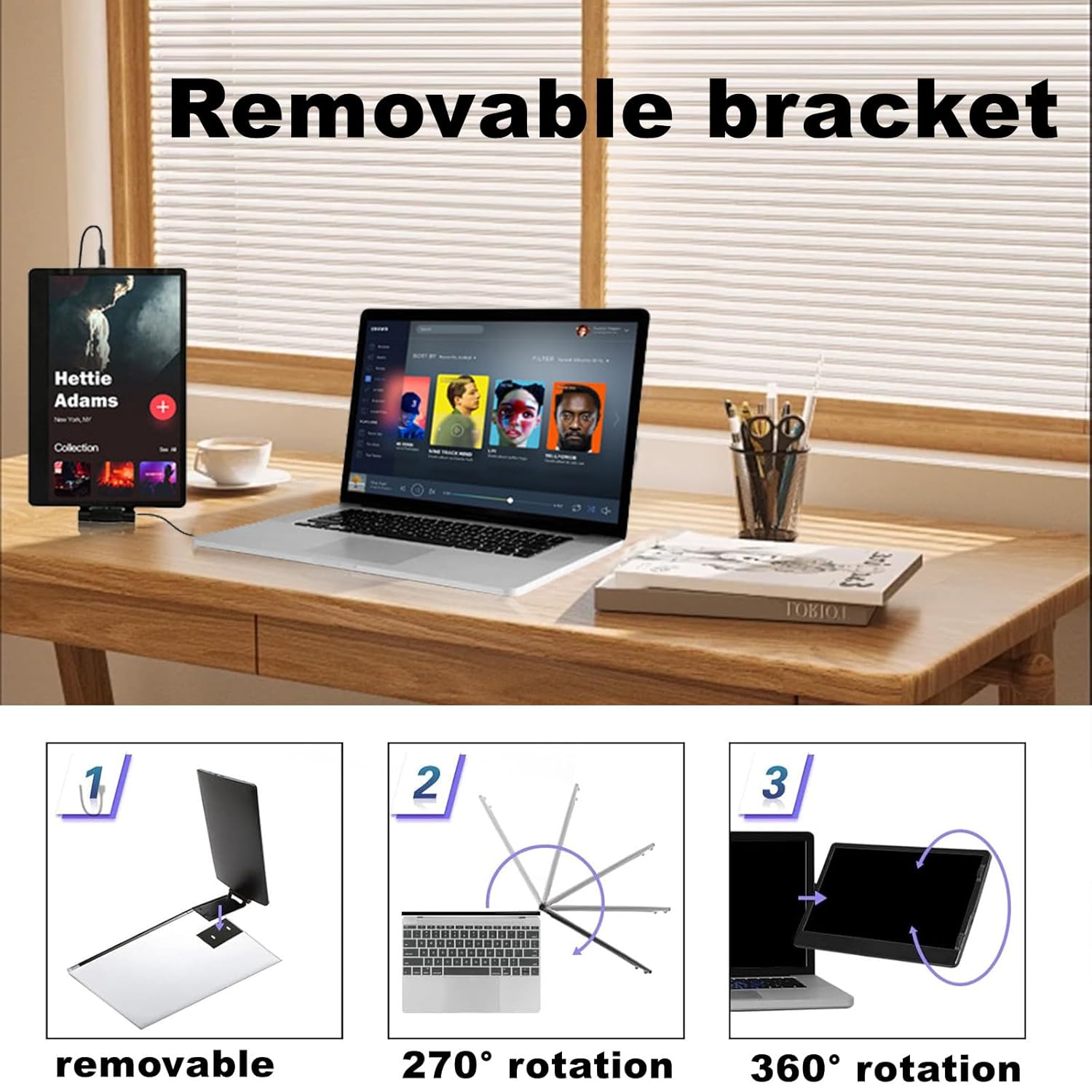
| Portability | 📦 Detachable stand and foldable screen |
| Connectivity | 🔌 Plug and play |
| Aspect Ratio | 📏 16:9 |
| Resolution | ✅ 1920 x 1080 |
Key Features 🔑
| 🌟 Portable screen: 14.1 inch large portable screen, removable stand and foldable screen. |
| 🔄 30 degree swivel screen, independent work, plug and play. |
| ✨ 30 Degree Screen Rotation: This laptop … |
| ✅ Naievear 14 Inch Portable Monitor – 1080P FHD USB C HDMI External Screen for Laptop, PC, MacBook, Xbox, PS5 – Travel & Gaming Second Display for Work & Entertainment |
| 📦 Portable screen: 14.1inch large portable screen, detachable stand and foldable screen. |
| 🔄 30-degree rotating screen, independent work, plug and play. |
| 💡 30-degree screen rotation: This laptop … |
| ⭐ Display resolution maximum: 1920 x 1080. |
| 🚀 30-degree rotating screen, independent work, plug and play. |
| 🔗 Aspect ratio: 16:9. |
| 💫 30-degree screen rotation: This laptop screen expander … |
| 💡 14.1inch Portable Monitor. |
| 💯 14.1inch large portable screen, detachable stand and foldable screen. |
| 🚀 360-degree rotating screen, independent work, plug and play. |
Product Guide 🧾
- Portable screen: 14.1 inch large portable screen, removable stand and foldable screen.
- 30 degree swivel screen, independent work, plug and play.
- 30 Degree Screen Rotation: This laptop …
Product Details 🏷️
Item Name: Monitor Screen
Material: Plastic, Metal
Model: EM1411
Screen Type: TFT IPS
Screen Size: 14.1 Inches
Brightness: 220cd/Square Meter
Operating Frequency: 40/60Hz
Resolution: FHD 1920 x 1080
Screen Response: 30ms
PPI: 157
Screen Scale: 16:09:00
CPU: RTD2556T or RTD2555T
Supported Systems: for Windows, for Chrome, for Mac
Input Interface: 1920 x 1200 60Hz, RGB, HDMI-compatible 1.4 and HDCP1.4
Output Interface: 1920 x 1080 EDP
Power Consumption: More Than 5W
Reminder: The interface supports Type-C 3.1.
Size Details:
Monitor Screen: L: 33cm/12.99″, W: 21.8cm/8.58″, H: 1.33cm/0.52″ (Approx.)
Type-C 3.1 Data Line Length: 120cm/47.24″ (Approx.)
MINI HDMI-compatible Data Line Length: 120cm/47.24″ (Approx.)
Portable screen: 14.1inch large portable screen, detachable stand and foldable screen. 30-degree rotating screen, independent work, plug and play.
30-degree screen rotation: This laptop screen expander is equipped with a 360-degree self-adhesive rotating bracket which is detachable. Even if you are fixed to the computer, you can still disconnect the screen and put it on the table or anywhere you want.
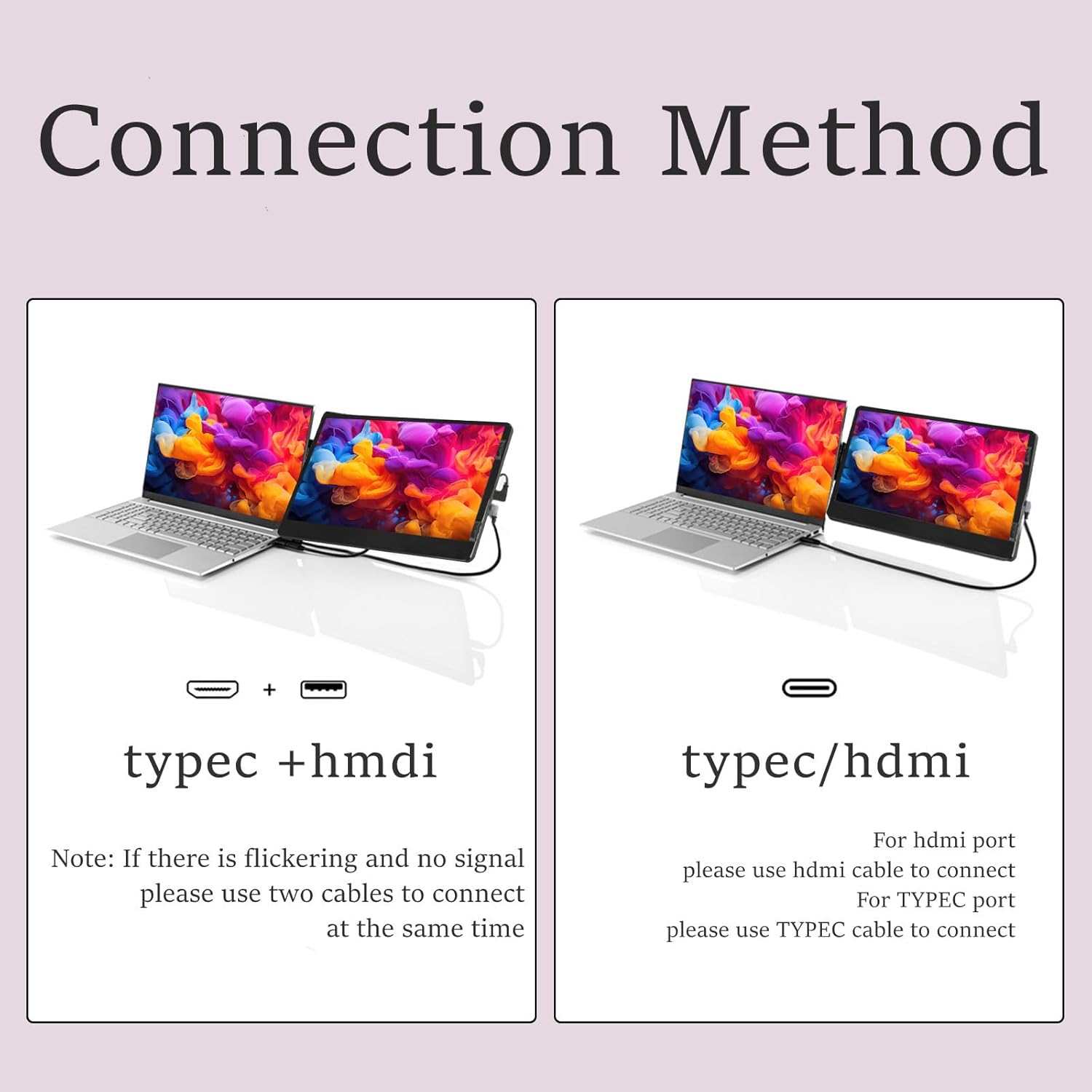
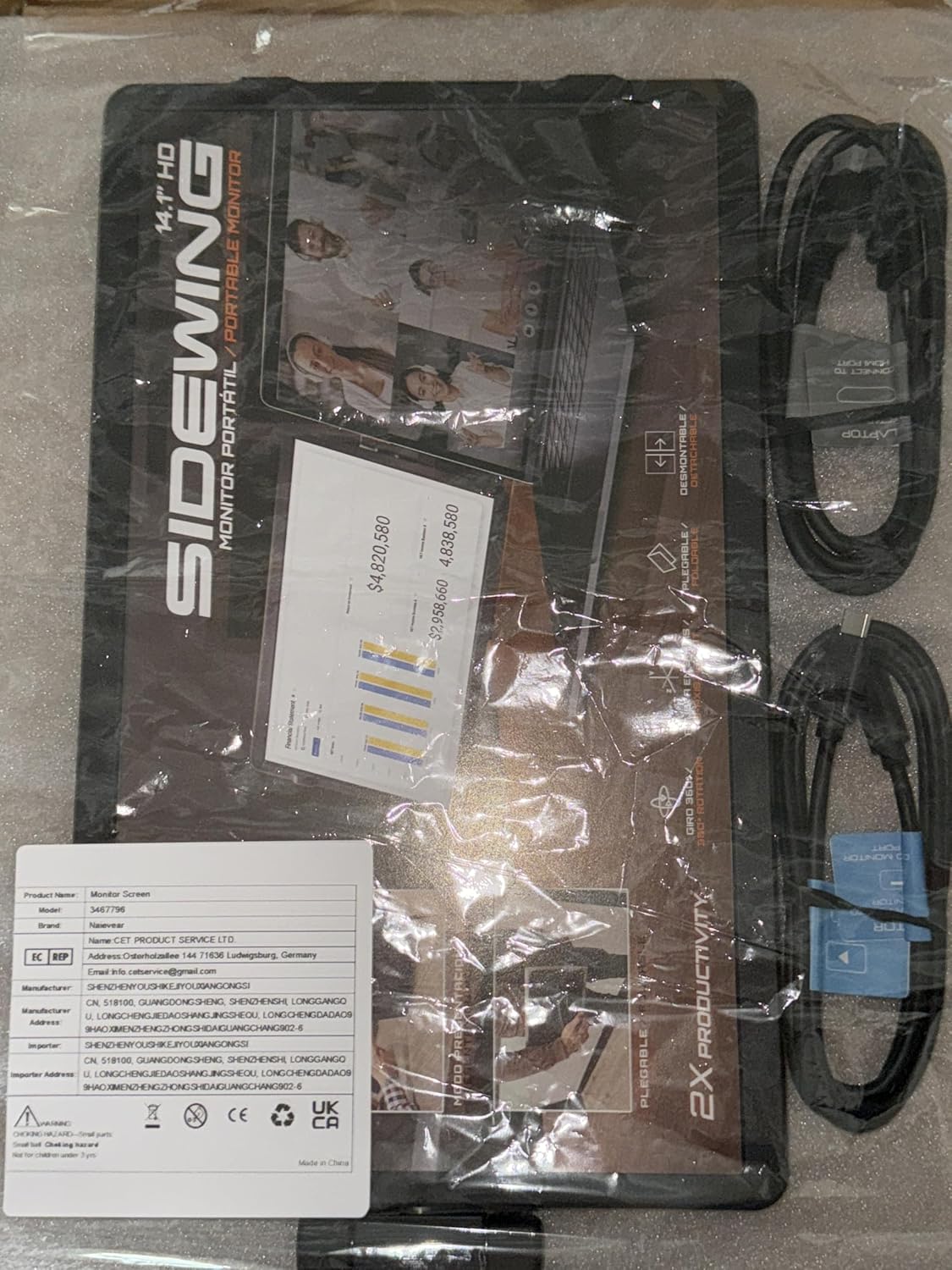
Plug and Play: The package includes three cables (Type-C 3.1- 3.1, Type-C -USB2.0, MINI HDMI), which can support a variety of devices, saving time and improving efficiency without drivers.
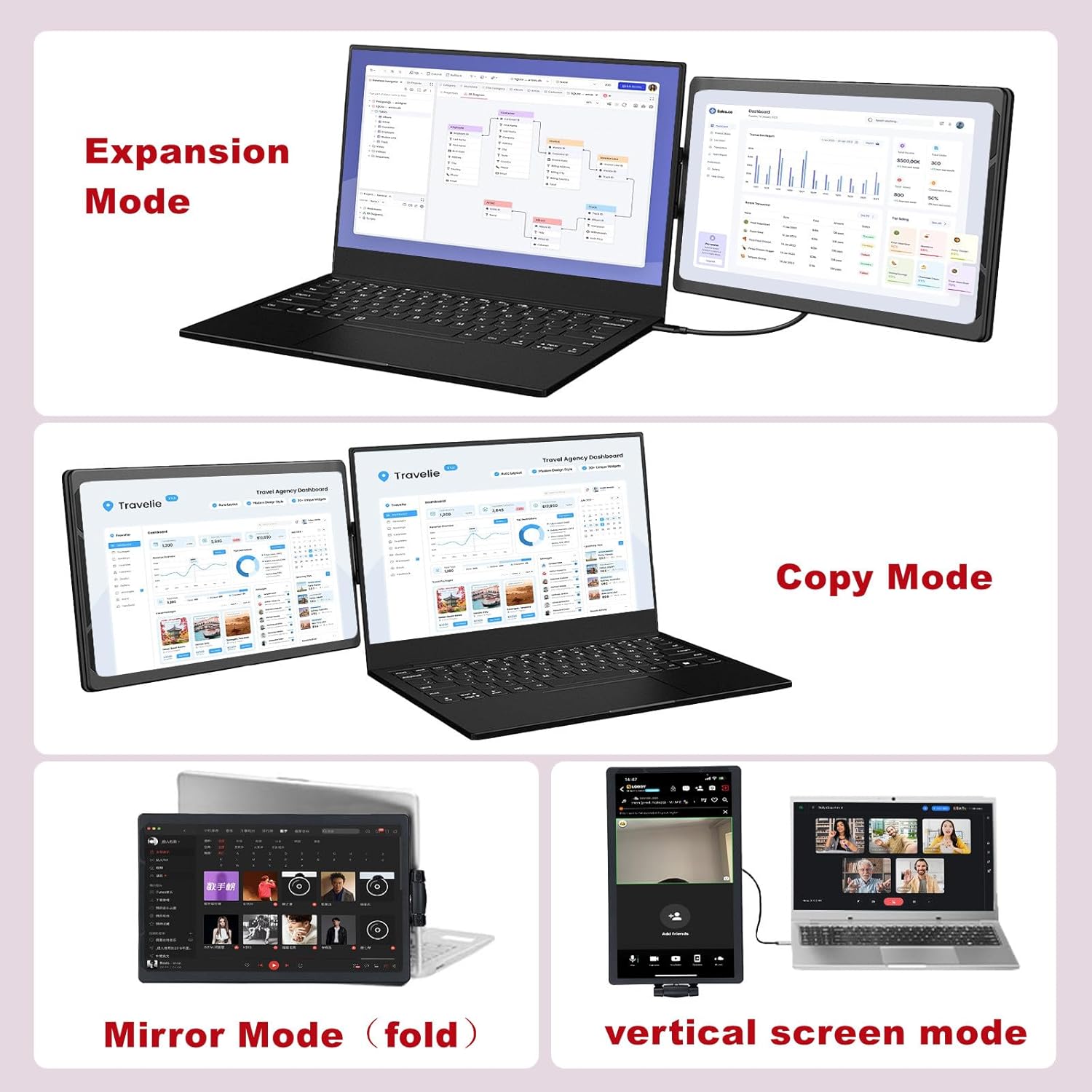
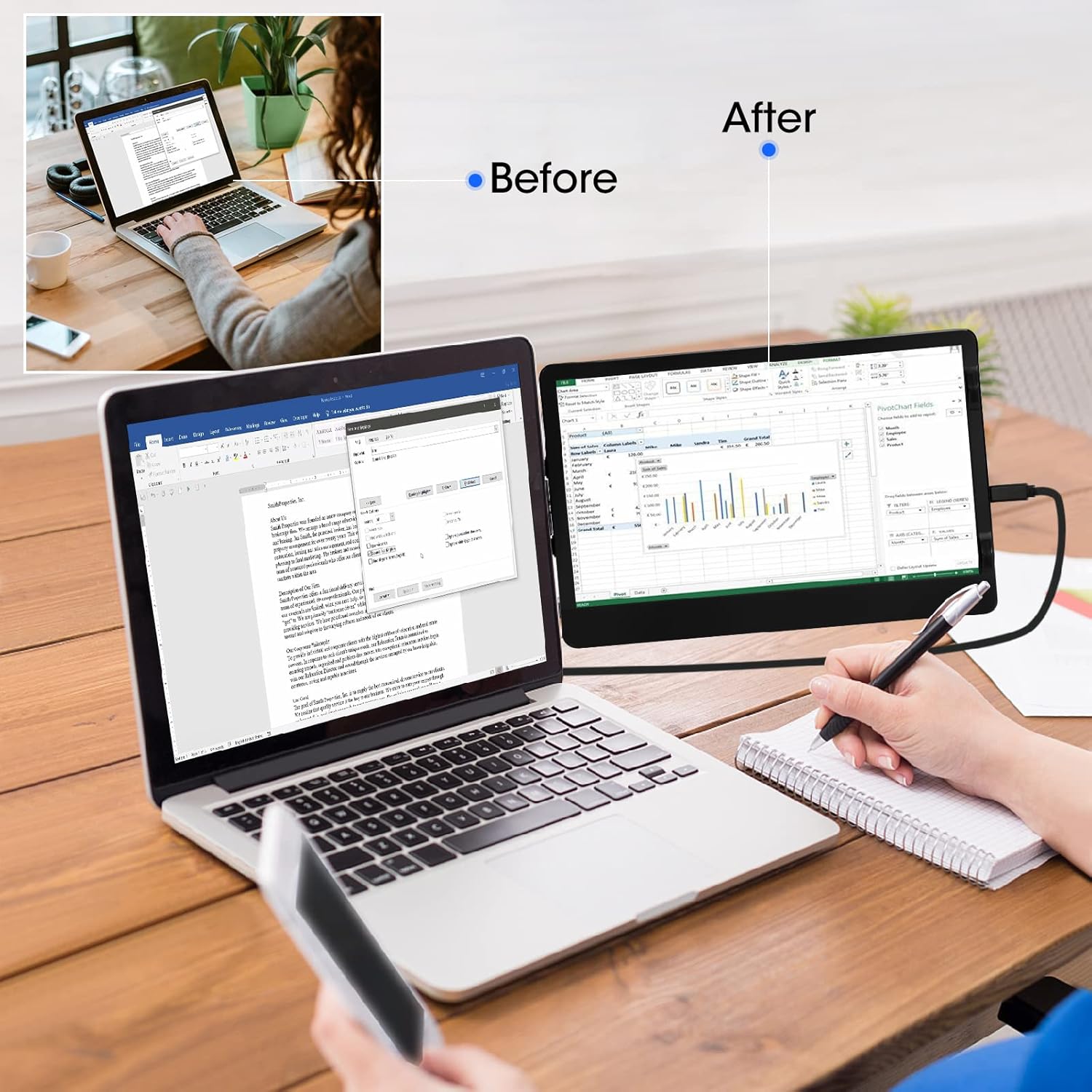
Display mode: You can turn your laptop into two screens. Each screen can work independently. Quickly set up a mobile studio for personal daily work, and improve work efficiency by up to 50%.
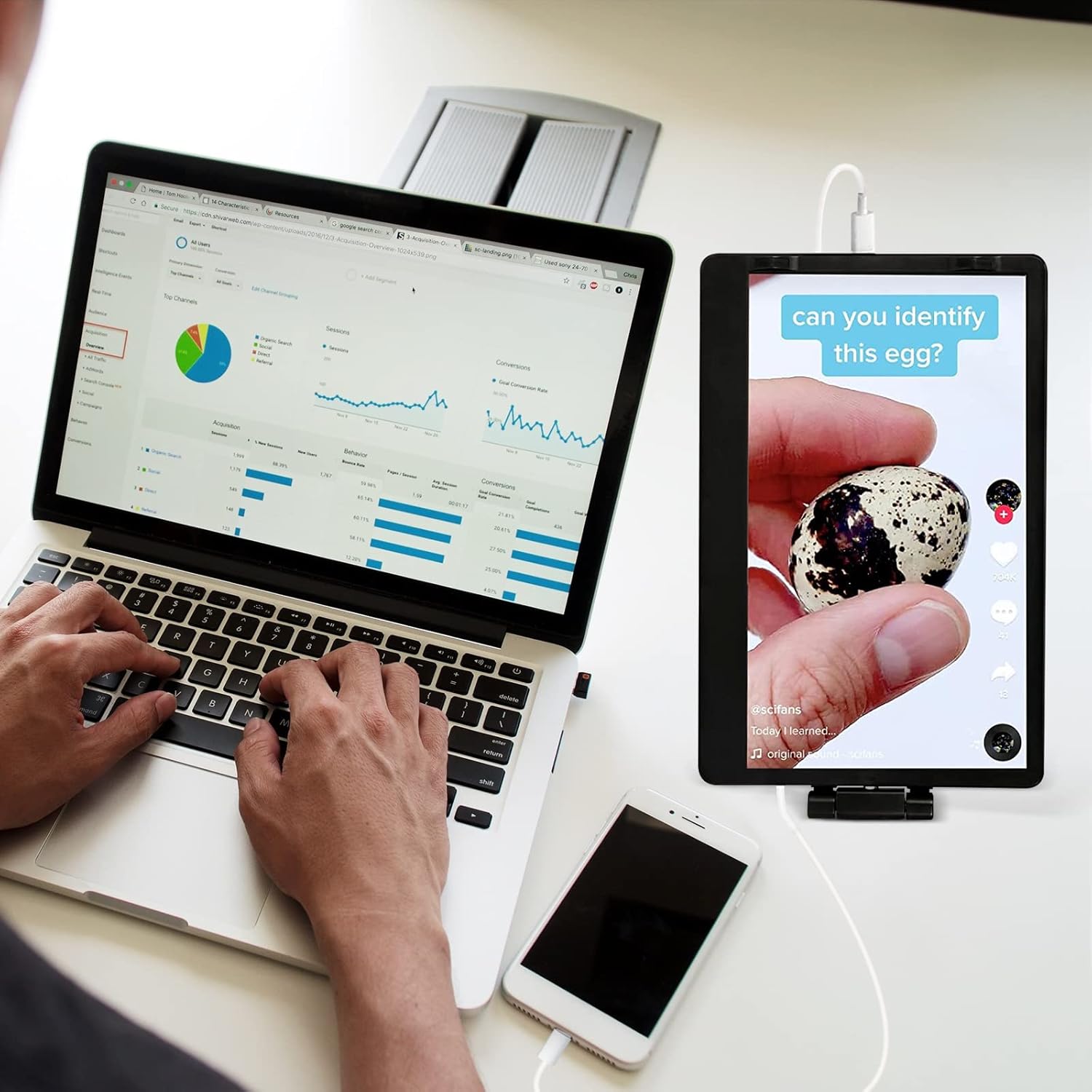
Mobile mode: When you connect your mobile phone, you can choose computer mode or projection mode. At this time, your mobile phone will become a keyboard and mouse, and the display has computer mode, so as to realize a simple computer device that can satisfy your daily work and entertainment.
| Brand | Naievear |
| Manufacturer | Naievear |
| Model | EM1411 |
| Product Dimensions | 39 x 23 x 6 cm; 1.03 kg |
| Hardware Interface | HDMI, mini HDMI, USB 2.0 |
| Response Time | 3 Milliseconds |
| Resolution | FHD 1080p |
| Special Features | Foldable |
| Display Technology | LCD |
| Standing screen display size | 14.1 Inches |
| Display Type | LCD |
| Viewing Angle | 170 Degrees |
| Image Aspect Ratio | 16:9 |
| Aspect Ratio | 16:9 |
| Screen Resolution | 1920 x 1080 |
| Maximum vertical resolution | 1080 Pixels |
| Refresh Rate | 60 Hz |
| Total USB ports | 2 |
| Connector Type | USB |
| Mounting Type | Wall Mount |
| Manufacturer | Naievear |
| Item Weight | 1 kg 30 g |
| ASIN | B0BL3NZDLY |
| Customer Reviews | ⭐ 4.1 out of 5 stars (173 ratings) |
| Date First Available | 4 February 2025 |
| Item Dimensions LxWxH | 39 x 23 x 6 Centimeters |
Usage Instruction 🛠️
- Step 1: 🔌 Connect the expanded display to mobile phones and notebooks through Type-C cable to realize the function of video copy on the same screen.
- Step 2: 💻 Connect the expanded display to the notebook through the MINI HDMI-compatible cable to realize the same screen copy or expansion function. (The customer needs to manually set the display end)
- Step 3: 🖥️ Turn your laptop into two screens. Each screen can work independently.
- Step 4: 📱 When you connect your mobile phone, you can choose computer mode or projection mode.
Product Specification 📱
| Screen Size | ✨ 14.1 Inches |
| Resolution | 🌟 1920 x 1080 FHD |
| Aspect Ratio | 📏 16:9 |
| Screen Type | ✅ TFT IPS |
| Brightness | 💡 220cd/Square Meter |
| Response Time | 🚀 30ms |
| Connectivity | 🔌 USB-C, Mini HDMI |
| Power | ⚡ More Than 5W |
| Supported Systems | 💻 Windows, Chrome, Mac |
Full Images


🌟 Product Standout Benefits 🌟
Discover the incredible advantages of this portable screen designed to elevate your workflow and entertainment.
- 🔥 Portable Screen: Enjoy a large 14.1-inch portable screen that is detachable and foldable.
- 🔥 30-Degree Rotating Screen: The screen can be rotated 30 degrees, allowing for independent work and easy adjustment.
- 🔥 Plug and Play: This device offers plug-and-play functionality, saving you time and improving efficiency without the need for drivers. It supports a variety of devices through the included cables (Type-C 3.1- 3.1, Type-C -USB 2.0, MINI HDMI).
- 🔥 Display Mode: Transform your laptop into a dual-screen setup. Each screen can operate independently, enabling you to quickly set up a mobile studio for personal daily work and boost work efficiency by up to 50%.
- 🔥 Mobile Mode: When connected to your mobile phone, you can choose between computer mode or projection mode. Your mobile phone can function as a keyboard and mouse, providing a simple computer device for your daily work and entertainment needs.
🤔 Customer Questions and Answers 🤔
-
Q: How do I use this product?
A: Just set up your new portable screen following these steps, and you’re good to go! -
Q: Is it good for improving work efficiency?
A: Absolutely! It’s great for people who need to multitask or manage multiple applications simultaneously, as it can improve work efficiency by up to 50% by allowing each screen to work independently. -
Q: How do I set it up?
A: It’s plug and play! The package includes three cables (Type-C 3.1- 3.1, Type-C -USB 2.0, MINI HDMI), which can support a variety of devices, saving time and improving efficiency without drivers. -
Q: Can I use this with my mobile phone?
A: Totally! When you connect your mobile phone, you can choose computer mode or projection mode. At this time, your mobile phone will become a keyboard and mouse, and the display has computer mode, so as to realize a simple computer device that can satisfy your daily work and entertainment. -
Q: What kind of display modes does it offer?
A: You can turn your laptop into two screens. Each screen can work independently. Quickly set up a mobile studio for personal daily work, and improve work efficiency by up to 50%. -
Q: What cables are included?
A: The package includes three cables (Type-C 3.1- 3.1, Type-C -USB 2.0, MINI HDMI).
🛒 Buyer’s Guide 🛍️
Ready to get your hands on this awesome portable screen? Here’s a super simple guide to make your purchase a breeze!
-
Step 1: 📦 Review the Features & Benefits
Check out the key features and benefits, like the 14.1-inch portable screen, 30-degree rotating display, and plug-and-play functionality, to make sure it’s exactly what you need. -
Step 2: 📝 Read the FAQs
Go through the FAQs for any last-minute questions about how the product works, its setup, or compatibility. -
Step 3: 🎨 Choose Your Option
This product comes in a sleek black color. Select the version that best suits your needs. -
Step 4: 🛒 Add to Cart & Checkout
Add the portable screen to your cart and proceed with the simple checkout process. -
Step 5: 📦 Upon Delivery
Verify it’s the correct product, check for any damage during transit, and ensure all included cables (Type-C 3.1- 3.1, Type-C -USB 2.0, MINI HDMI) are present. -
Step 6: 🛠️ Consider Adding Accessories or Related Products
To enhance your experience, consider a protective sleeve for portability or additional display cables if you plan to connect to multiple devices simultaneously.
5 reviews for Naievear 14.1 inch FHD 1920×1080 Portable External Monitor Second Screen for Laptops and Smartphones
Related Products
-

ASUS ProArt 14 Inch Portable Touchscreen Monitor Full HD IPS 100% sRGB Calman Verified Black
₦798,000.00 -
Sale!

14 Inch 2K Portable Laptop Monitor Ultra-Slim IPS HDR Display with Smart Cover & Speakers
Original price was: ₦112.99.₦79.99Current price is: ₦79.99. -

11.6″ Portable HDMI USB-C IPS External Monitor with Dual Speakers, Black
₦59.00 -
Sale!

MSI Pro MP161 E2 Portable 15.6″ FHD IPS 1080p Monitor USB-C Mini-HDMI Speakers Metal Gray
Original price was: ₦129.99.₦99.99Current price is: ₦99.99. -
AOC 16T10 Portable Monitor 15.6 Inch FHD IPS with Smart Cover Included
₦102.70 -

QAF 18.5 Inch 100Hz FHD HDR Portable Monitor 100% sRGB Black
₦219,980.00 -

Innoview 23.8″ 4K UHD Portable Monitor 100% sRGB IPS with Stand
₦799,980.00 -
Sale!

KYY 15.6 Inch 1080P FHD IPS Portable USB-C Triple Monitor Screen Extender for Laptops
Original price was: ₦349.99.₦227.99Current price is: ₦227.99. -
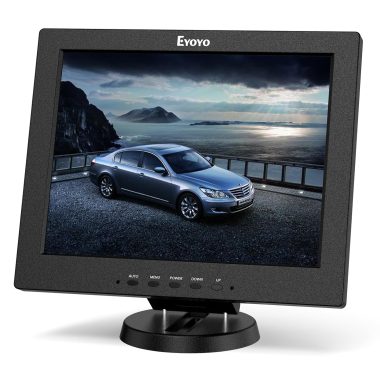
Eyoyo 12 Inch Portable 4:3 TFT LCD HDMI Monitor 800×600 Color Video Screen Built-in Speaker
₦29,492.24 -
Sale!

ASUS ZenScreen 16 Inch Full HD OLED Portable Monitor MQ16AHE 3 Year Warranty
Original price was: ₦655,980.00.₦327.99Current price is: ₦327.99. -
Sale!

VIEWMEI 8 Inch Mini LCD Monitor 1280×800 Portable HDMI Screen for PC Laptops Raspberry Pi Game Consoles
Original price was: ₦16,603.00.₦15,603.00Current price is: ₦15,603.00. -

AYY 15 Inch FHD 1080P HDR IPS Portable Monitor for Laptops with 100% sRGB
₦127,980.00 -
Sale!

KYY 15.6 Inch 1080P FHD IPS HDR Portable Monitor with Smart Cover and Dual Speakers
Original price was: ₦104.99.₦79.99Current price is: ₦79.99. -
Sale!

16 Inch Portable Touchscreen Monitor HDR10 Metal Shell with Smart Cover and Speakers, IPS 1920x1200P USB-C HDMI Secondary Display
Original price was: ₦109.99.₦99.99Current price is: ₦99.99. -
Sale!
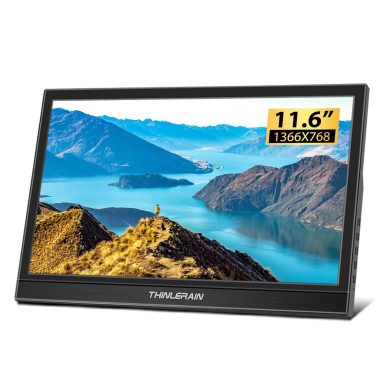
Thinlerain 11.6 Inch HD 1366×768 Portable HDMI Monitor with Built-in Speakers
Original price was: ₦16,373.00.₦12,373.00Current price is: ₦12,373.00. -

12 Inch Portable Monitor FHD 1080P IPS Laptop Screen Extender for 13.3 Inch MacBook, Plug and Play P1M
₦478,000.00 -
Sale!
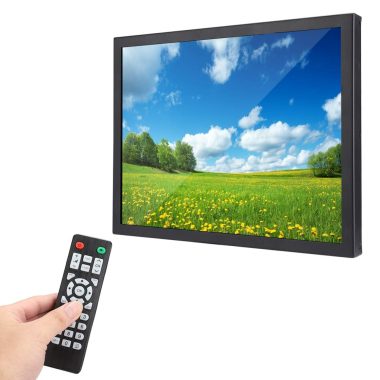
UniMarket 15 Inch Portable Industrial Monitor TFT HD Screen 4:3 Black
Original price was: ₦52,277.94.₦47,525.00Current price is: ₦47,525.00. -
Sale!
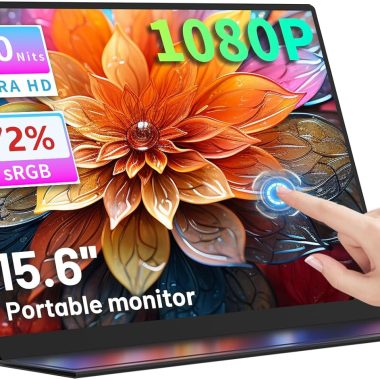
15.6 Inch Portable FHD 1080P Touchscreen Monitor with Protective Case and Built-in Speaker
Original price was: ₦109.99.₦86.99Current price is: ₦86.99. -

ASUS ZenScreen 24 Inch 1080P FHD IPS Portable USB-C Monitor with Speaker, Multi-Stand, 3-Year Warranty
₦679,980.00 -
Sale!

KOORUI 15.6 Inch 1080P FHD Portable Laptop Display IPS USB-C HDMI Travel Monitor w/Cover & Speakers
Original price was: ₦95.99.₦79.99Current price is: ₦79.99.
Pirâmide de Números –
fantástico, uma ferramenta essencial para acrescentar ao PC Portátil
Sergio M. –
Quando lo colleghi al laptop va a scatti, provato sia con l’hdmi che con usb-c, si accende ma appena tocchi i cavi salta tutto
Ahmet Seyhun –
2 yıldır kullanıyorum gerçekten harika bir ürün
MUSTAFA KEMAL TÃRKERÄ° –
Yorumumu neredeyse 1 yıl sonra yazıyorum. Birçok farklı cihazda denedim, farklı Åekillerde denedim, o yüzden almadan önce mutlaka okuyun derim. Benim aldıÄım farfi yazılı (markalı) modeldi. Kutusu ve içeriÄi çok çok iyi, kurulum ve montaj yönlendirmeleri mükemmeldi. Hatta kabloların üzerinde nereye takmanız gerektiÄi bile yazıyor. Thunderbolt 3 uyumlu geliyor, özellikle mac cihazlarda tek kablo ile görüntü aktarımı mümkün. Thunderbolt 4 windows cihazlarda yanında çıkan kablosu çalıÅmayabilir, daha güçlü bir type c dp alt veya thunderbolt 4 kablosu çalıÅıyor. Cihaz hdmi 2.1b destekliyor (kablosu da dahil), bu Åu anlama geliyor, yanında çıkan kabloyu hdmi 2.1b destekleyen bir bilgisayara taktıÄınızda type c ile ekstra güç vermenize gerek kalmıyor (bu özellik kullanım kılavuzunda vs. yok). OlaÄanüstü bir özellik, thunderbolt 4 kablosu alana kadar sadece hdmi kablosuyla kullandım ben. Montaj yapmadan önce lütfen arka aparatını 45 derece açıp ekran tutucu gibi kullanmayı deneyin (resimde gösterildiÄi gibi pivot deÄil, yatak kullanarak montaj aparatını tutucu gibi kullanın). EÄer 14 inç bir bilgisayara monte edecekseniz monitör uzun gelebiliyor. Birazcık aÄırlık verdiÄi için bilgisayarınızın menteÅesini zorluyor. O yüzden monte edip etmeme konusunu iyice tartın, monte etmeden de kullanabiliyorsunuz. Samsung dex modu eski telefonlarda çalıÅmayabiliyor (samsung fazla güç çekimi görünce izin vermiyor ve kullanıcıya bu kısıtı kaldırma özelliÄi de sunmamıÅ) Ben S10+ ile denedim, dex açılmıyor ancak telefonu mirroring ile kullanabiliyorsunuz. S7 tablet ile ise dex gayet güzel bir Åekilde çalıÅtı, o yüzden type c ile doÄrudan dex aktarımını baÅka bir Åekilde denemeden bu monitörü özellikle samsung dex için almayın. Ama hdmi ile tabii ki de baÄlayabiliyorsunuz, çift kablo sizi rahatsız etmeyecekse sorun yok. Monitörün paneli efsane deÄil, ancak fazlasıyla iÅ görüyor. Type c ile baÄlayacaksanız görüntü kalitesi gayet yeterli. EÄer almayı düÅünüyorsanız lütfen önce kullanmayı planladıÄınız cihazın type c ile görüntü aktarımını baÅka monitörlerle deneyin ya da araÅtırın. EÄer sorunsuz çalıÅıyorsa bunda da çalıÅacaktır. Type c yoksa her türlü zaten hdmi ile kullanabiliyorsunuz.
Marie CHRISTEL –
J’ai acheter cette article pour le travaille, au début je n’avais aucun problème mais 1 mois plus tard l’écran s’éteint et se rallume sans arrêt. Je ne peut demander ni remplacement ni remboursement car la période de 30 jours est passer. Trouver quelque choses de meilleurs qualité