
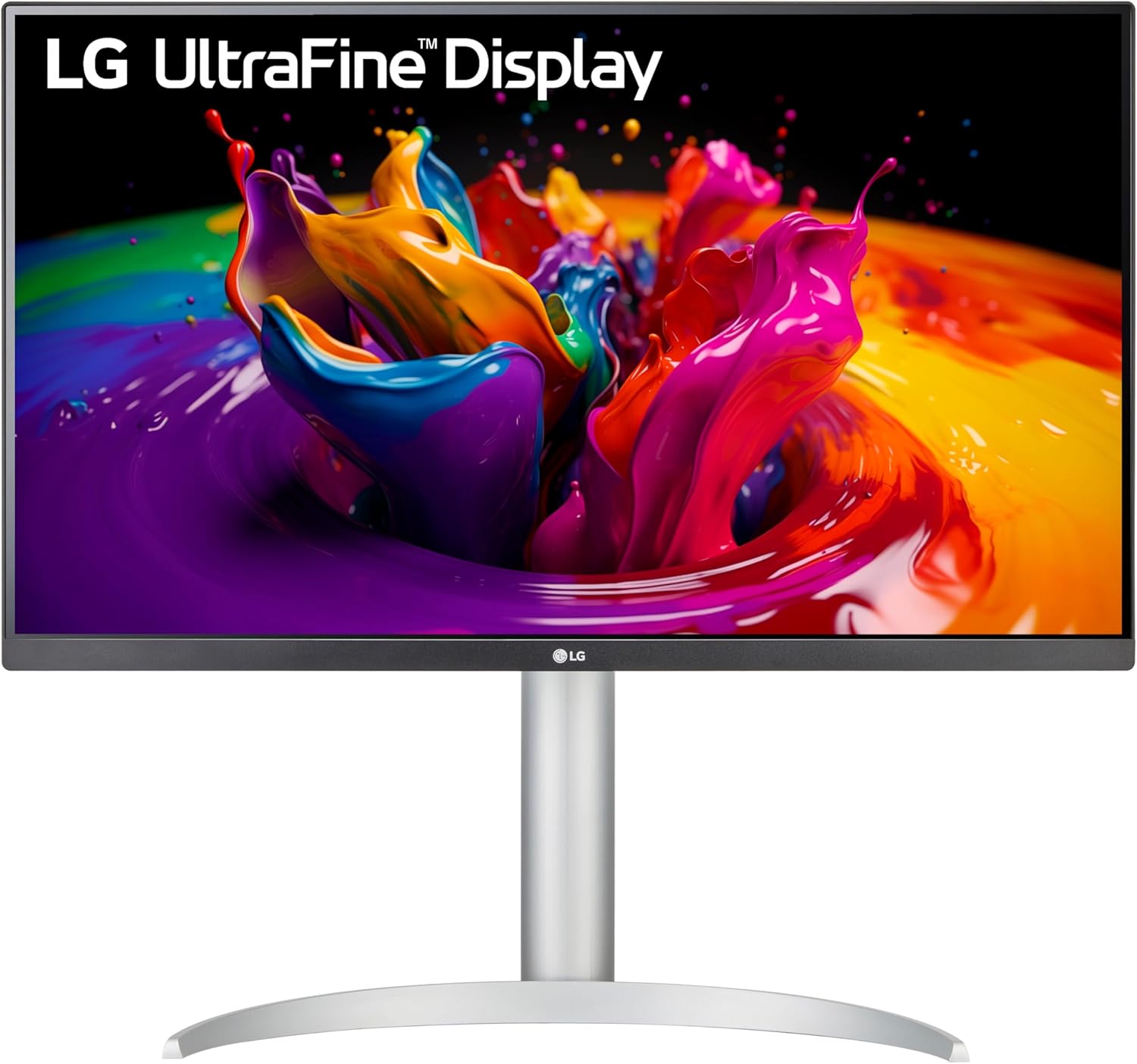
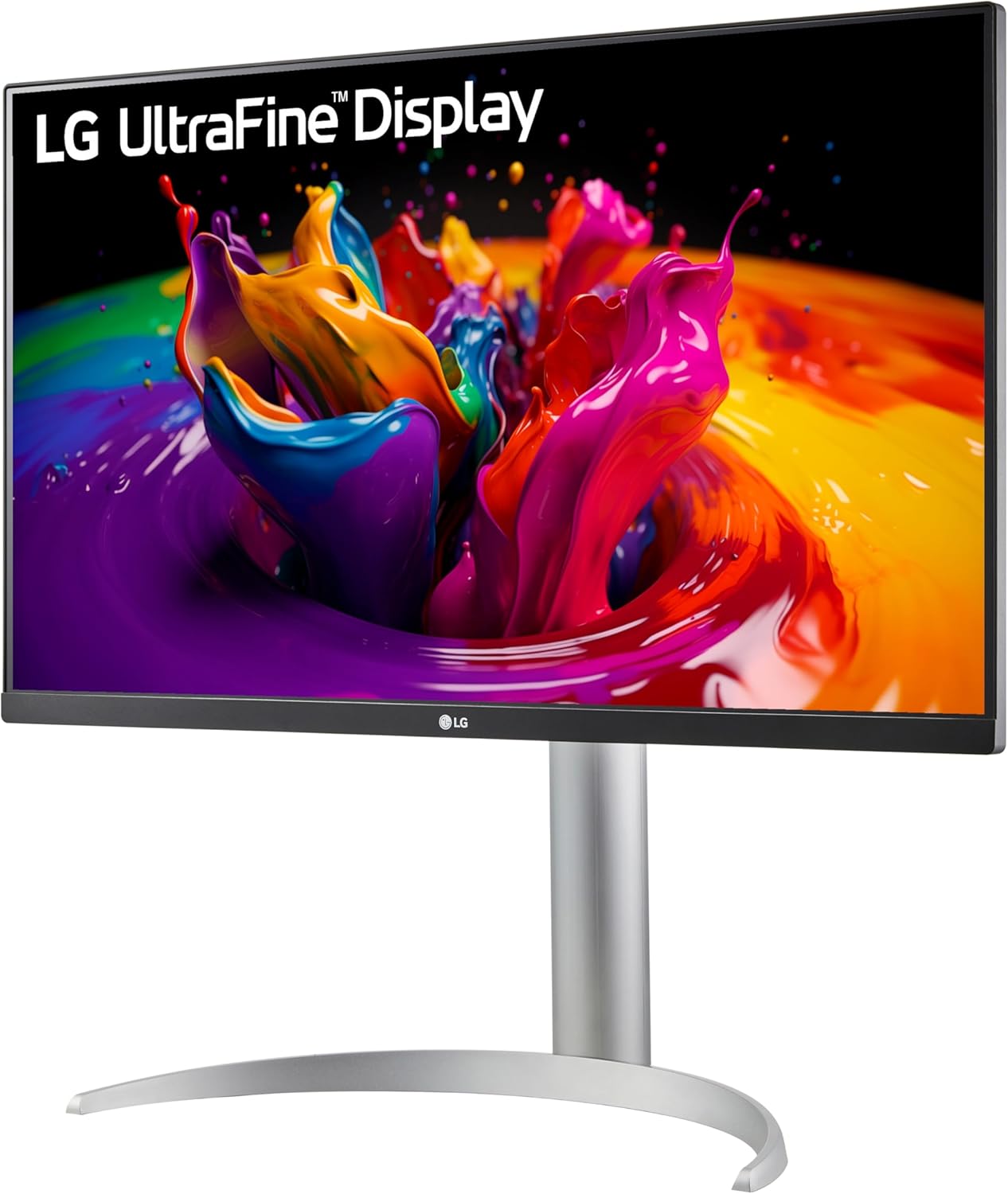
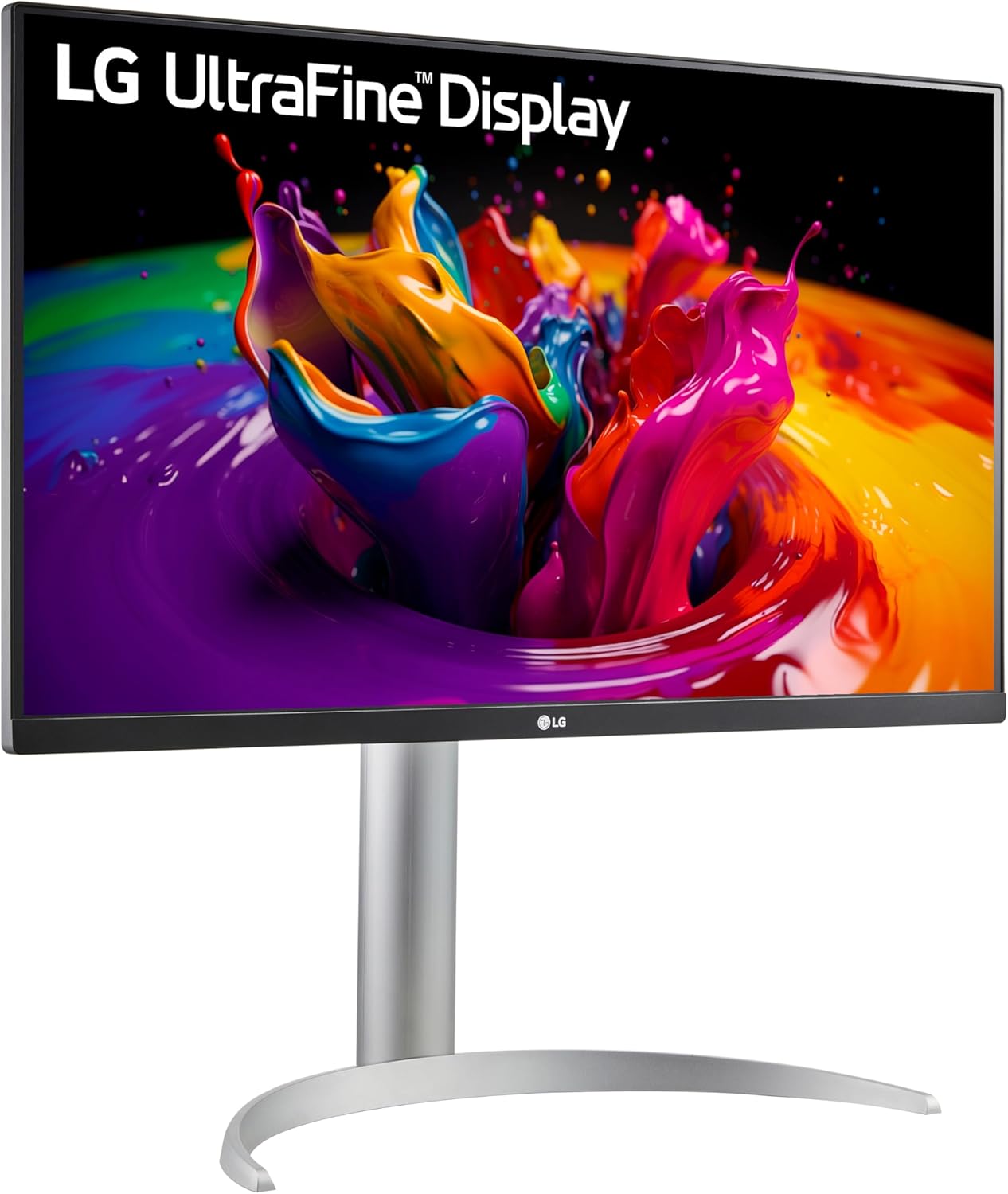
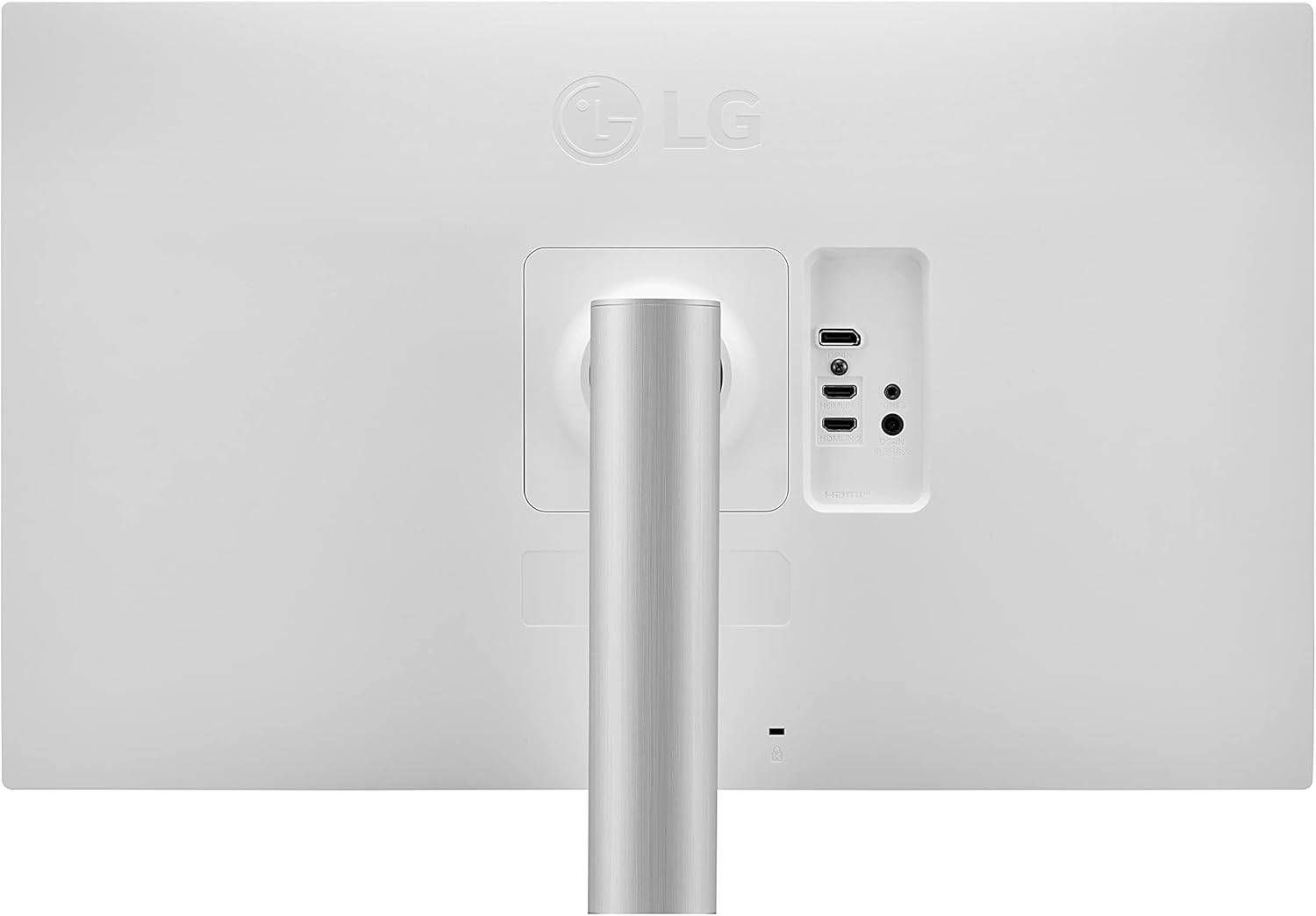
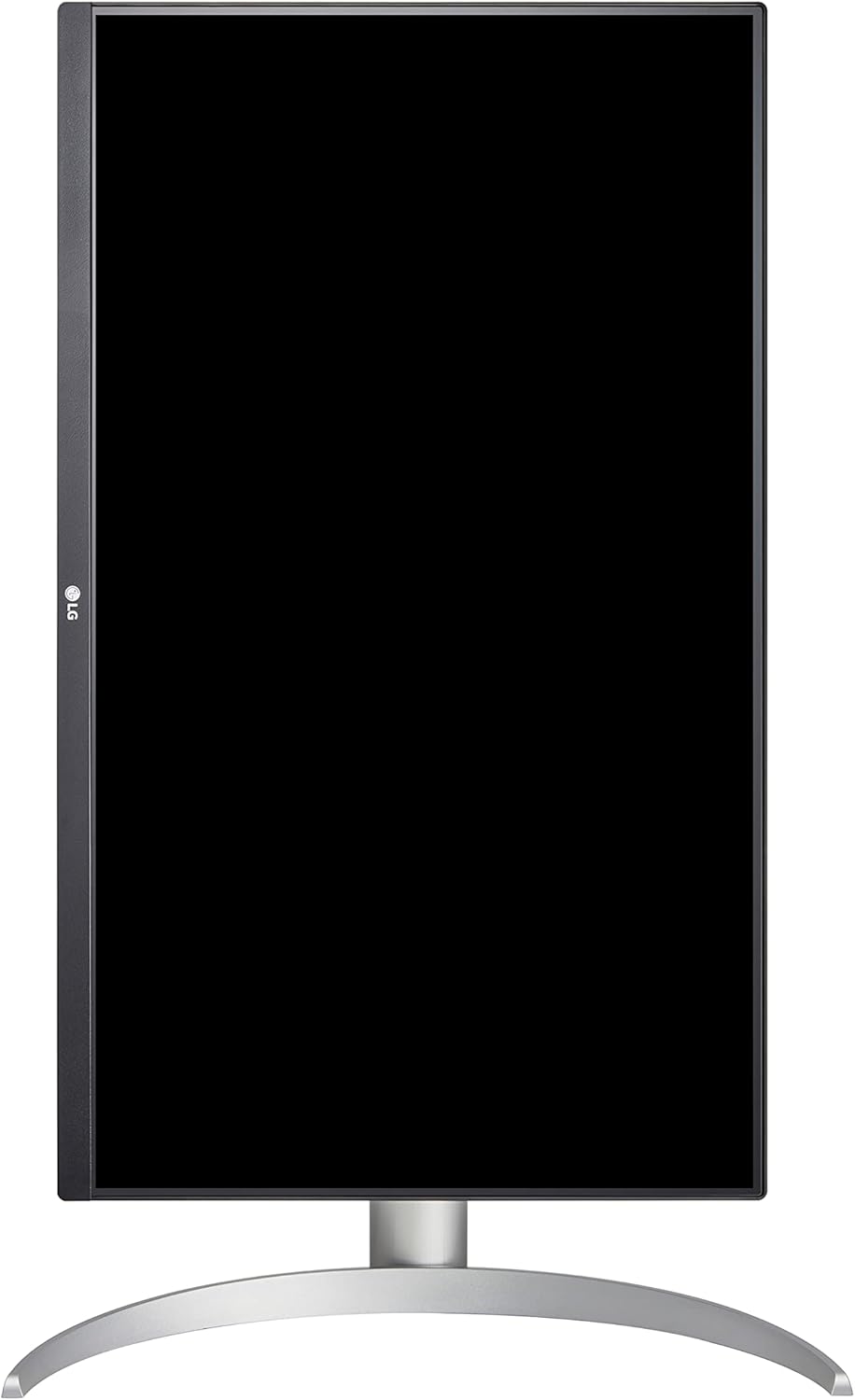
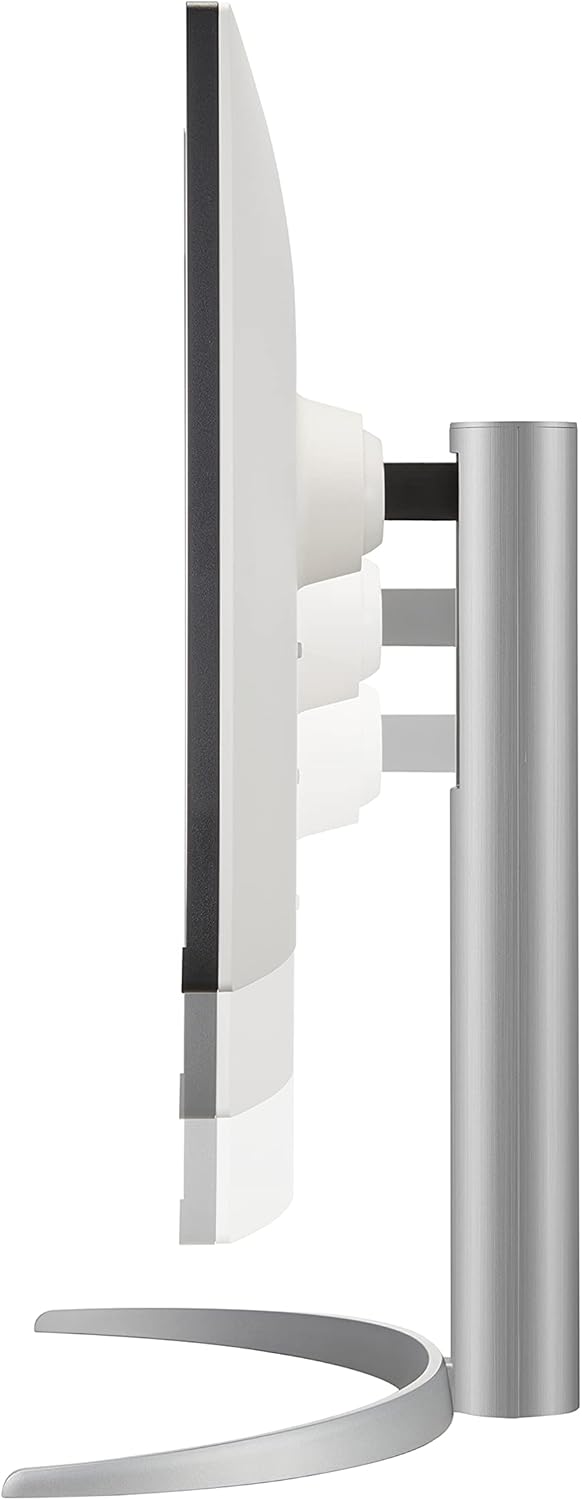
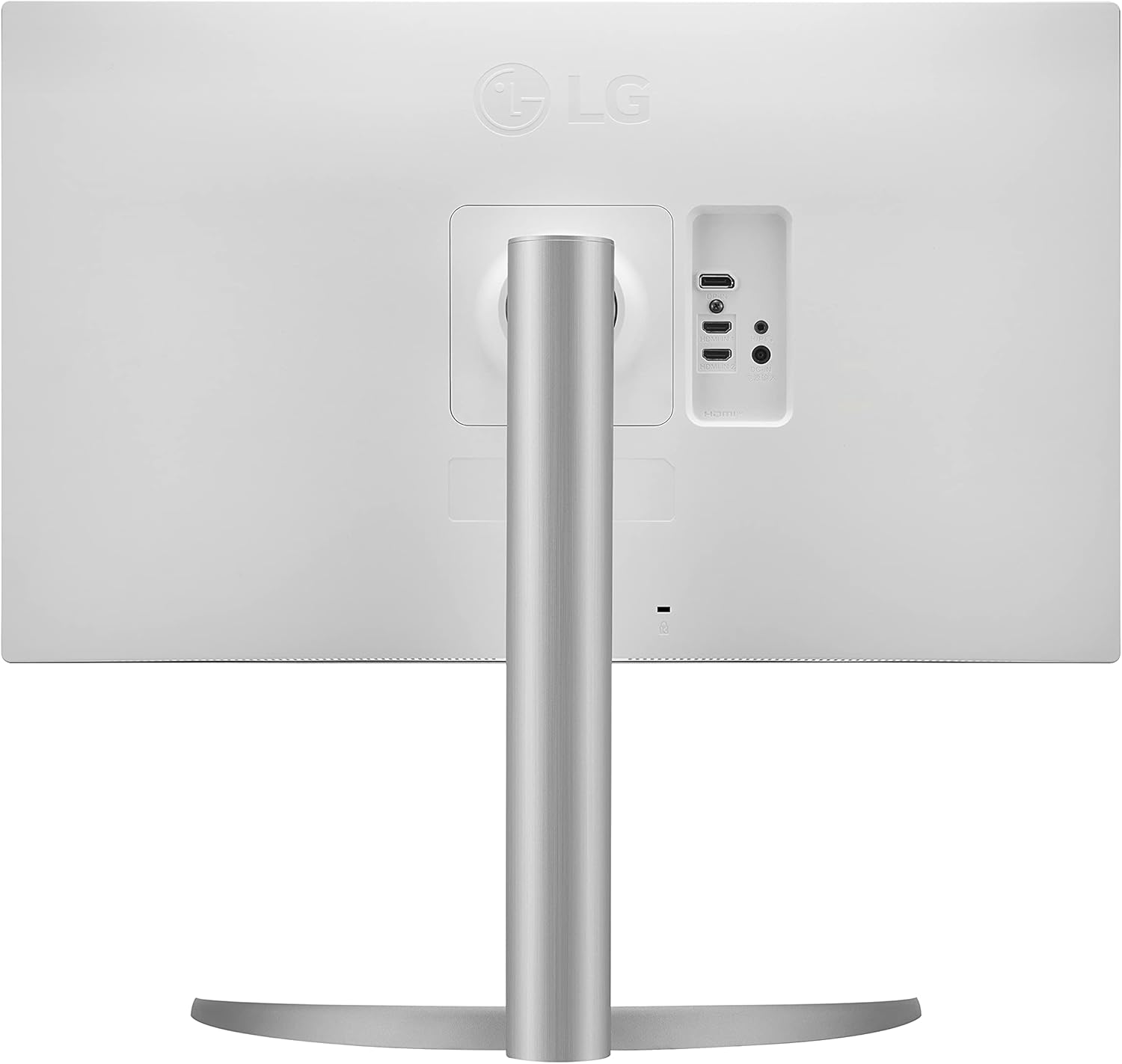
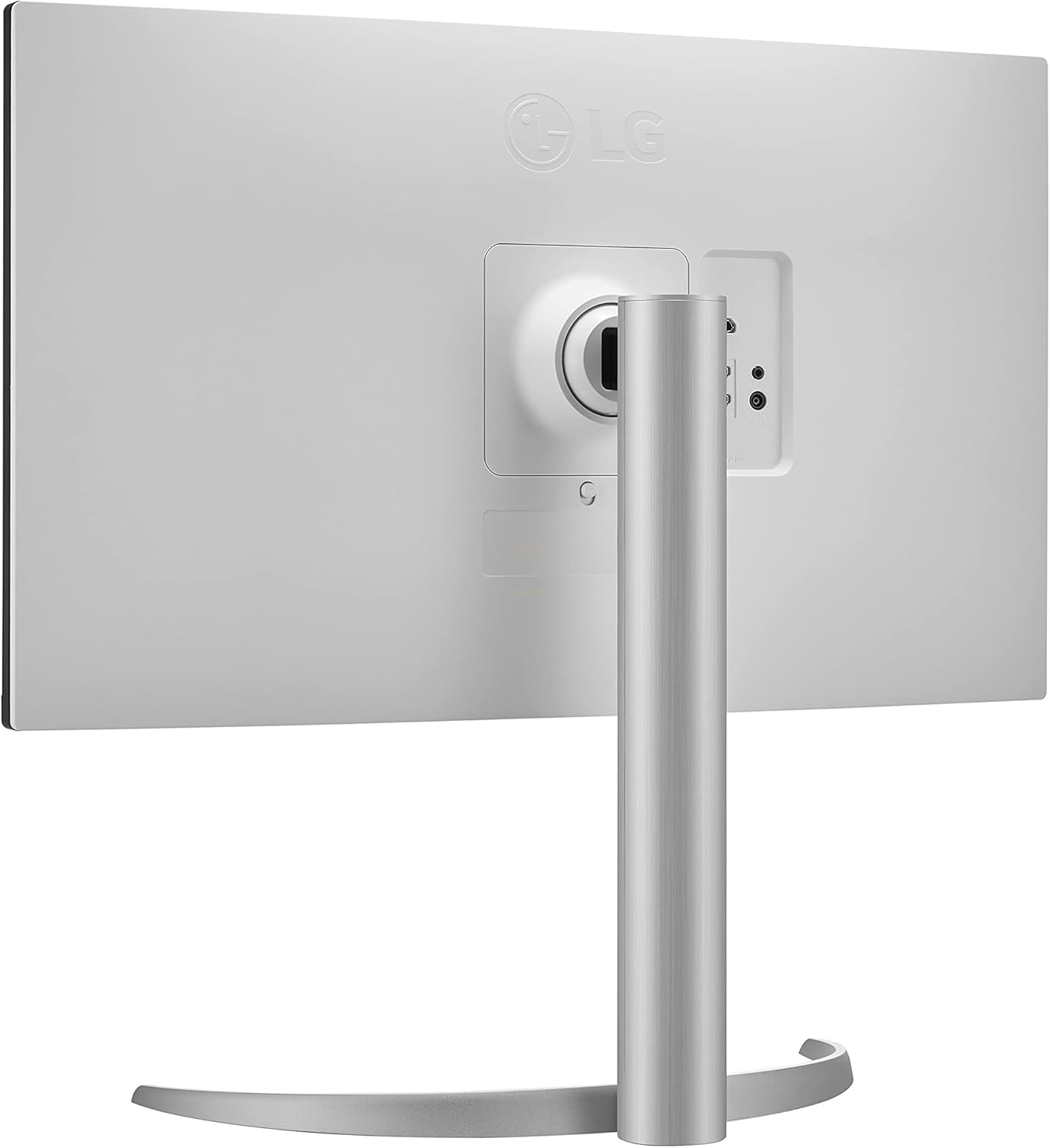
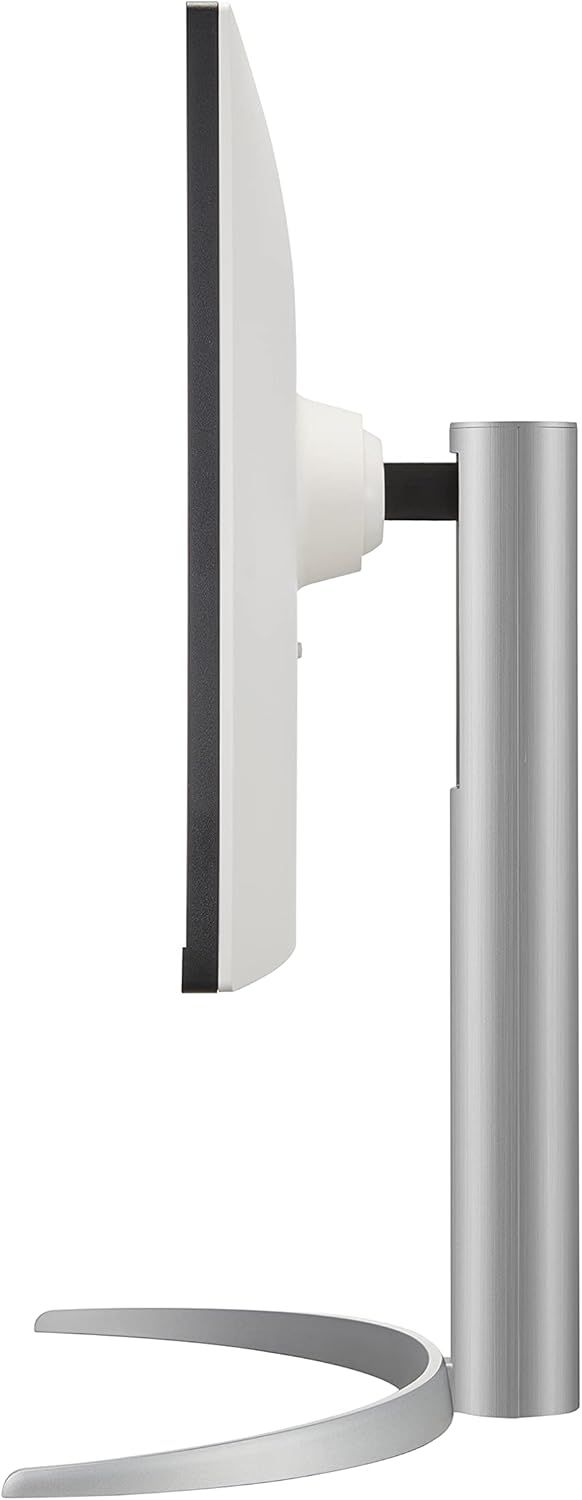

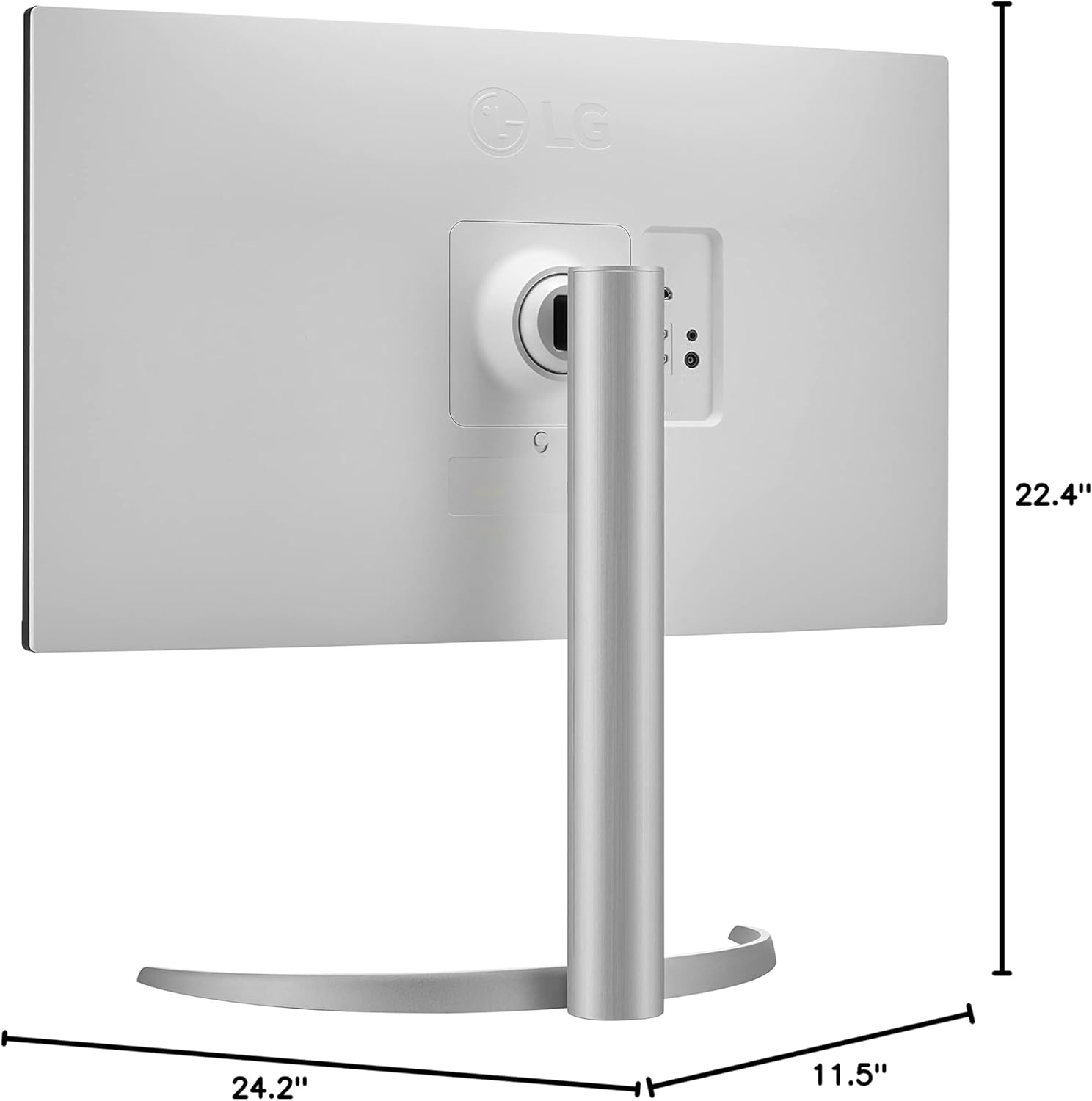
LG 27UP650-W 27 Inch 4K UHD IPS Monitor with VESA DisplayHDR 400 and Adjustable Stand
₦999,980.00
Description
About the Product 🔑
|
Discover the 27” 4K UHD UltraFine™ IPS Monitor that features ESA DisplayHDR™ 400 and UHD IPS Display. Find reviews, specs, and more for 27UP650-W.AUM. |
|
Specifications of LG 27UP650. Display: 27 in, IPS, W-LED, 3840 x 2160 pixels, Viewing angles (H/V): 178 ° / 178 °, Brightness: 400 cd/m², Static contrast: 1200 : 1, Refresh rate: 40 Hz – 61 … |
|
The monitor supports VESA DisplayHDR™ 400 with wide-range brightness and contrast, enabling dramatic visual immersion in the latest HDR games, movies and images. |
|
Upgrade to an LG UHD IPS 4K screen, delivering ultra HD (3840 x 2160) resolution with supremely accurate colors courtesy of VESA DisplayHDR 400 with DCI-P3 95% Color Gamut, … |
Product Guide 📑
- Discover the 27” 4K UHD UltraFine™ IPS Monitor that features ESA DisplayHDR™ 400 and UHD IPS Display. Find reviews, specs, and more for 27UP650-W.AUM.
Product Details 🏷️
LG 27UP650-W Monitor 27” UHD (3840 x 2160) IPS Display, VESA DisplayHDR 400, DCI-P3 95% Color Gamut, 3-Side Virtually Borderless Display, Height/Pivot/Tilt Adjustable Stand – Silver
27” UHD (3840 x 2160) IPS Display.
Specific uses for product – Personal.
Viewing Angle is 178/178 (CR≥10) (Typ).
Brightness is 350nits.
Aspect Ratio is 16:9.
VESA DisplayHDR 400.
DCI-P3 95% Color Gamut.
3-Side Virtually Borderless Display with Height / Pivot / Tilt Adjustable Stand.
AMD FreeSync.
Usage Instruction 🛠️
Step 1: 🔌 Connect the power cable to the monitor.
Step 2: 💡 Press the power button.
Step 3: ⚙️ Adjust settings using the on-screen display controls.

Product Specification 📱
| Display | 27 in, IPS, W-LED 🚀 |
| Resolution | 3840 x 2160 pixels 🌟 |
| Viewing Angles | 178 ° / 178 ° 👁️ |
| Brightness | 400 cd/m² 💡 |
| Static Contrast | 1200 : 1 ↔️ |
| Refresh Rate | 40 Hz – 61 Hz ⏱️ |
| HDR Support | VESA DisplayHDR™ 400 ✨ |
| Color Gamut | DCI-P3 95% 🌈 |
| Display Design | 3-Side Virtually Borderless 🖼️ |
| Stand Adjustments | Height/Pivot/Tilt ↕️ |
| Sync Technology | AMD FreeSync 👍 |
Full Images
Product Standout Benefits
LG UHD IPS 4K screen delivers ultra HD (3840 x 2160) resolution with supremely accurate colors. This is courtesy of VESA DisplayHDR 400 with DCI-P3 95% Color Gamut, even when viewed off angle.
- 27” UHD (3840 x 2160) IPS Display 🌟
- Viewing Angle is 178/178 (CR≥10) (Typ) 🌟
- Brightness is 350nits 🌟
- Aspect Ratio is 16:9 🌟
- VESA DisplayHDR 400 DCI-P3 95% Color Gamut 🌟
- 3-Side Virtually Borderless Display 🌟
- Height / Pivot / Tilt Adjustable Stand 🌟
- AMD FreeSync 🌟
Customer Questions and Answers
Q: How do I use this product?
Upgrade to an LG UHD IPS 4K screen for an enhanced viewing experience.
Q: What are the display specifications?
The display features a 27-inch UHD (3840 x 2160) IPS screen with a 178/178 viewing angle, 350 nits brightness, and a 16:9 aspect ratio. It also supports VESA DisplayHDR 400 with a DCI-P3 95% Color Gamut and is a 3-Side Virtually Borderless Display.
Q: What features enhance usability?
The display comes with a Height / Pivot / Tilt Adjustable Stand for comfortable positioning and supports AMD FreeSync for smooth visuals.
Q: What connectivity options are available?
The product includes Number of USB 2.0 Ports: 2.
Buyer’s Guide
Here’s a simple guide to help you get the most out of your new display.
- Step 1: 📦 Unboxing and Setup
Carefully unbox your 27-inch LG UHD IPS 4K display. Use the Height / Pivot / Tilt Adjustable Stand to position it perfectly for your viewing needs. Connect the necessary cables to your device. - Step 2: 🌟 Verify Display Quality
Experience the ultra HD (3840 x 2160) resolution and vibrant colors. Check the VESA DisplayHDR 400 and DCI-P3 95% Color Gamut for accurate and rich visuals. Ensure the 3-Side Virtually Borderless Display offers an immersive view. - Step 3: 🛠️ Explore Features
Test the AMD FreeSync for smooth, lag-free visuals. Adjust the brightness to 350 nits and enjoy the wide 178/178 viewing angle. - Step 4: 🔌 Connect Your Devices
Utilize the 2 USB 2.0 ports for convenient connectivity. - Step 5: 💡 Consider Complementary Products
To enhance your setup, consider a high-quality HDMI or DisplayPort cable for optimal performance, a comfortable ergonomic chair to match the adjustable stand, or a professional calibration tool to fine-tune the DCI-P3 95% color gamut for creative work.
Related Products
-
Sale!

FRONTECH 20 Inch HD LED Monitor Slim Stylish Design 1600×900 60Hz HDMI VGA Black
Original price was: ₦128,001.00.₦65,297.00Current price is: ₦65,297.00. -
Sale!
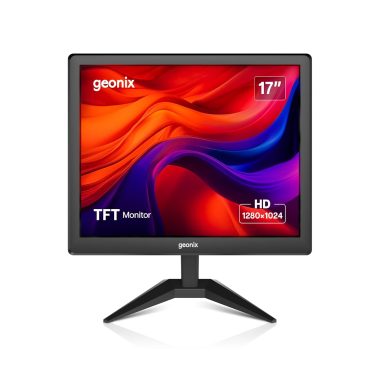
GEONIX 17 Inch LED Monitor 1280×1024 VGA HDMI 16.7M Colors 2 Year Warranty
Original price was: ₦143,985.00.₦54,027.00Current price is: ₦54,027.00. -
Sale!

ZEBRONICS Zeb-V19Hd 18.5 Inch HD LED Monitor Glossy Black Wall Mountable
Original price was: ₦111,984.00.₦59,777.00Current price is: ₦59,777.00. -
A013 24 Inch Full HD 1080p LED Monitor 75Hz Refresh Rate HDMI VGA
₦55,985.00 -

Sceptre 22 Inch Frameless Ultra Thin 1080P LED Monitor 75Hz HDMI VGA Speakers Freesync Compatible
₦69.97 -
Sale!
ZEBSTER 19 Inch HD LED Monitor with HDMI and VGA, Black
Original price was: ₦111,984.00.₦68,977.00Current price is: ₦68,977.00. -

LG 27UP600-W 27-inch 4K UHD IPS Computer Monitor White AMD FreeSync VESA DisplayHDR 400
₦599,980.00 -

Geonix 24 Inch Full HD LED Monitor 1920×1080 VGA HDMI Used
₦21,013,600.00 -
Sale!
Intex 21.5 Inch HD LED Monitor VA Panel 5ms Response Time 60Hz Refresh Rate Anti-Glare
Original price was: ₦103,984.00.₦102,327.00Current price is: ₦102,327.00. -
Sale!

FRONTECH 15.4 Inch HD LED Monitor Black 16.7M Colors HDMI VGA Wall Mountable Slim Design
Original price was: ₦88,001.00.₦51,865.00Current price is: ₦51,865.00. -
Sale!

LAPCARE 19 Inch HD Monitor 1440×900 Resolution HDMI VGA Fast Response Tilt Stand
Original price was: ₦119,984.00.₦59,777.00Current price is: ₦59,777.00. -
Sale!

Zebion 20-Inch HD LED Monitor Black Glossy Panel 1600×900 HDMI VGA
Original price was: ₦159,985.00.₦74,727.00Current price is: ₦74,727.00. -
Sale!
Samsung M9 Series 32 Inch 4K QD-OLED Vision AI Smart Monitor 165Hz 0.03ms 12MP Camera Carbon Silver
Original price was: ₦285,000.00.₦127,099.00Current price is: ₦127,099.00. -

Sony INZONE M10S 27″ 1440p OLED Gaming Monitor 480Hz 0.03ms G-SYNC Compatible
₦2,196,000.00 -
Sale!

Zebronics EA122 21.5 inch HD+ LED Monitor 1680×1050 16:10 Aspect Ratio 16.7M Colors
Original price was: ₦204,785.00.₦91,977.00Current price is: ₦91,977.00. -

LG 40WP95C-W 40 Inch WUHD 5K2K Curved Nano IPS Computer Monitor with Thunderbolt 4 and 96W PD
₦2,898,000.00 -
Sale!
GEONIX 18.5 Inch HD LED Monitor VGA HDMI 1366×768 Resolution 21W 3 Year Warranty
Original price was: ₦175,985.00.₦62,997.00Current price is: ₦62,997.00. -

LG 24 Inch FHD IPS Monitor with Flicker Safe and Adjustable Stand
₦36,500.00 -
Sale!

GEONIX 19.5 Inch LED Monitor VGA HDMI 1600 x 900 Resolution 21W Max Power
Original price was: ₦175,985.00.₦64,607.00Current price is: ₦64,607.00. -

VTech 7″ HD Video Baby Monitor 2025 Upgrade with Pan Tilt Zoom Camera and Two-Way Talk
₦89.95
Reviews
There are no reviews yet.