

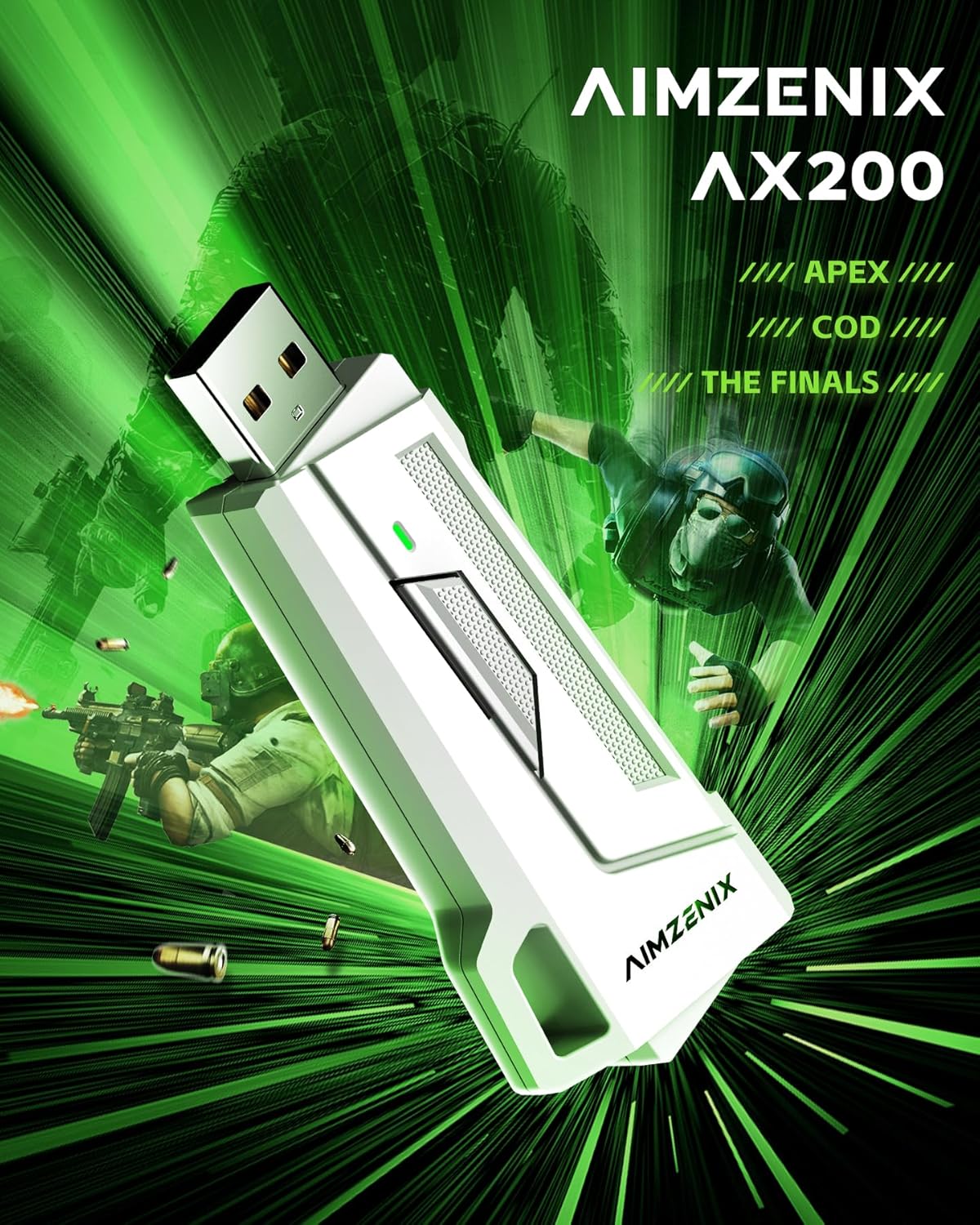


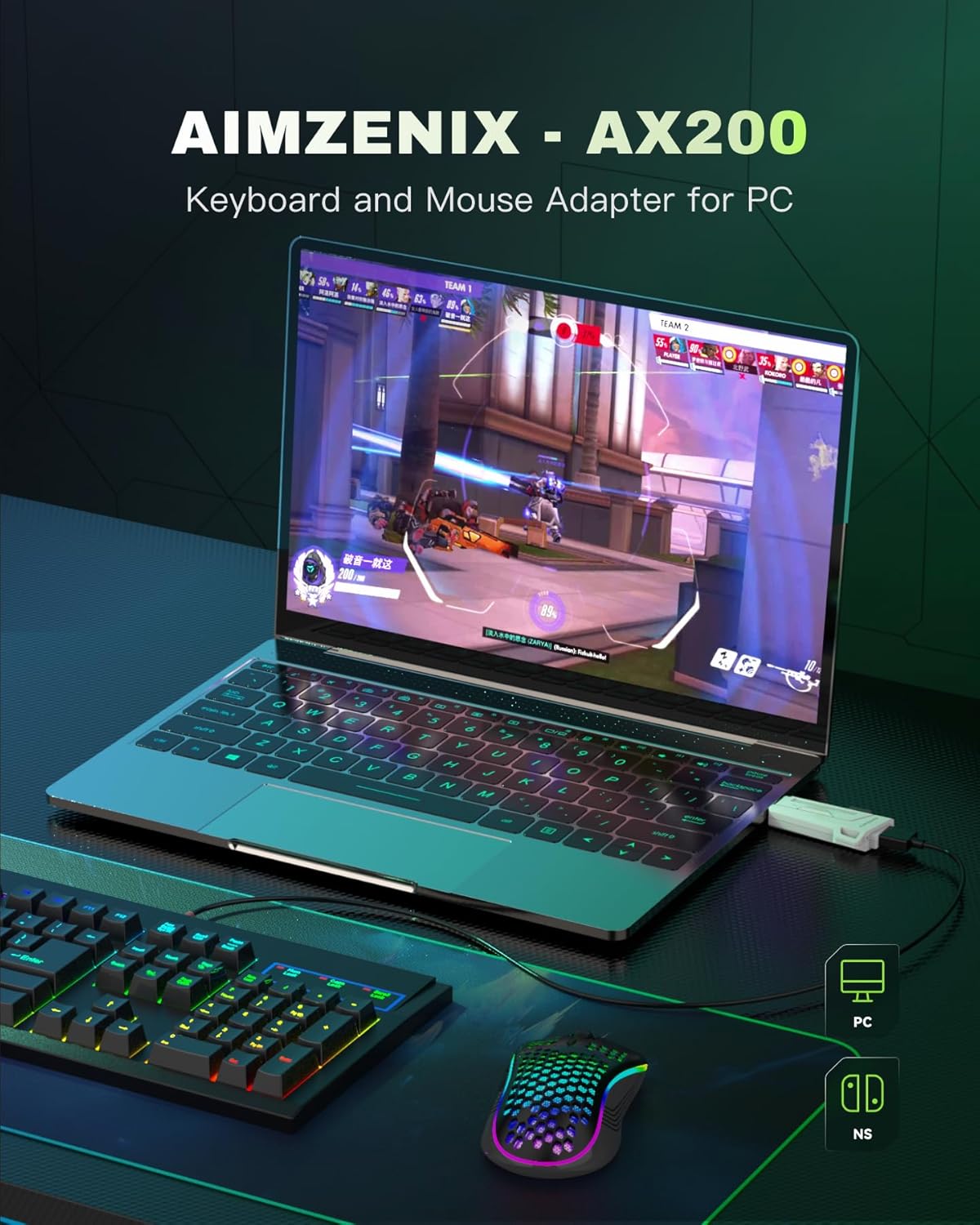
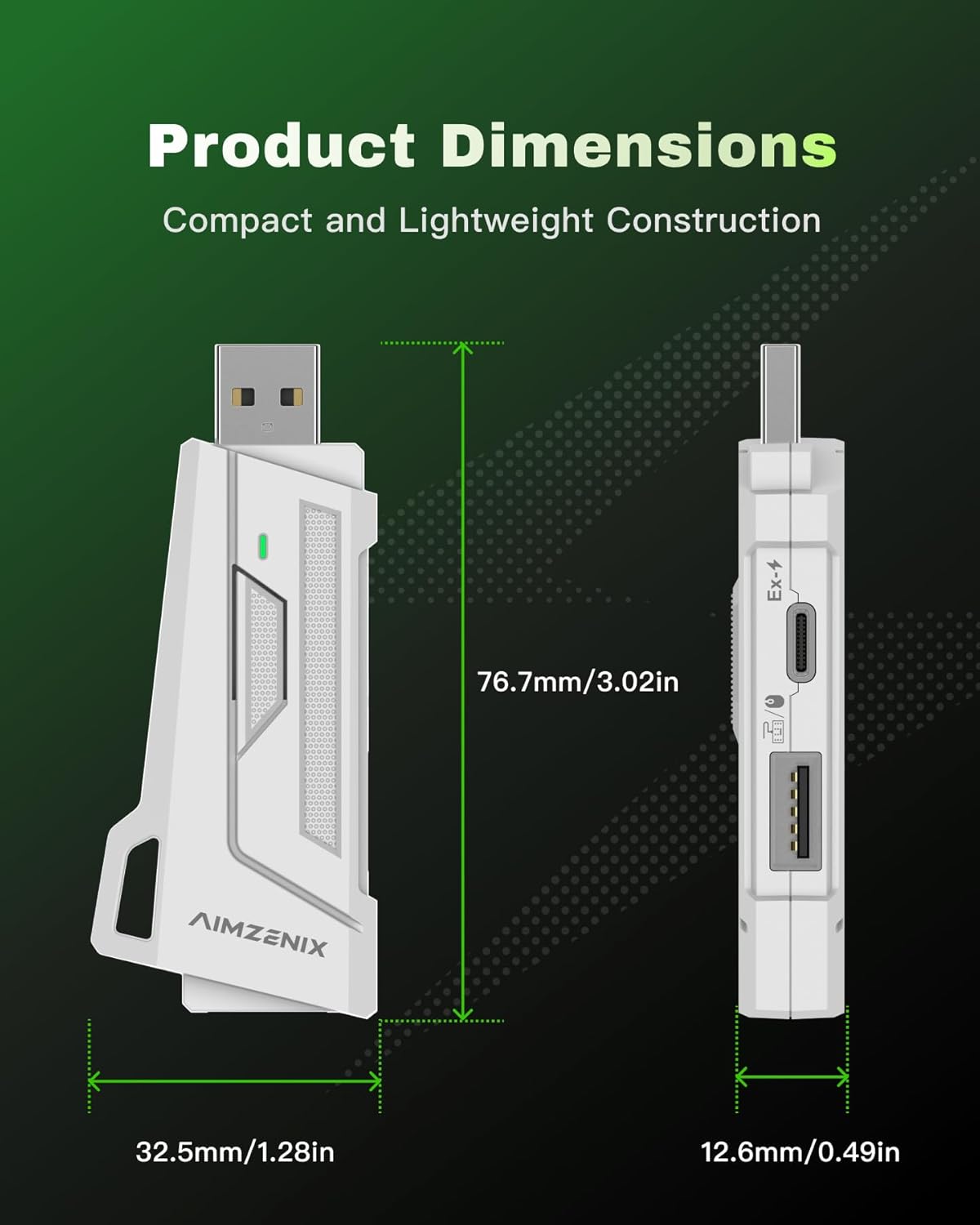

Keyboard and Mouse Adapter for PC Nintendo Switch 2 Latest Version 2610 with App Customization No Recoil Macro Aim Assist
₦42.99
Description
About the Product 🔑
| Feature ✨ | Description 📝 |
|---|---|
| Versatile Compatibility 🎮 | PC and Nintendo Switch 2 support |
| Advanced Gaming Features 🎯 | Jitter Aiming, Recoil Control Macro, Aiming Assist |
| App Customization 📱 | Sensitivity, key layouts, macro settings |
| Plug and Play 🔌 | Easy setup for PC gaming |
| Dual-Mode Switching 🔄 | Seamlessly switch between Controller and K&M Modes |
| Latest Version 🚀 | V2610 firmware, App v1.4.8 |
Product Benefits 💡
- Elevate your game with precision and style.
- Enhance FPS and TPS gameplay.
- Enjoy flexible control of keyboard and mouse.
- Gain an advantage in FPS games.
- Fine-tune your gaming experience.
- Get a dual gaming experience.
Usage Instruction 🛠️
- For PC: Start the game platform that supports X360 controller (such as STEAM and EA).
- Plug AX200 into the USB port of PC.
- Open the “GEEKVICE” APP.
- Set what you need.
- Start the games.
- For Nintendo Switch 2: Connect to NS/NS2 via OTG adapter.
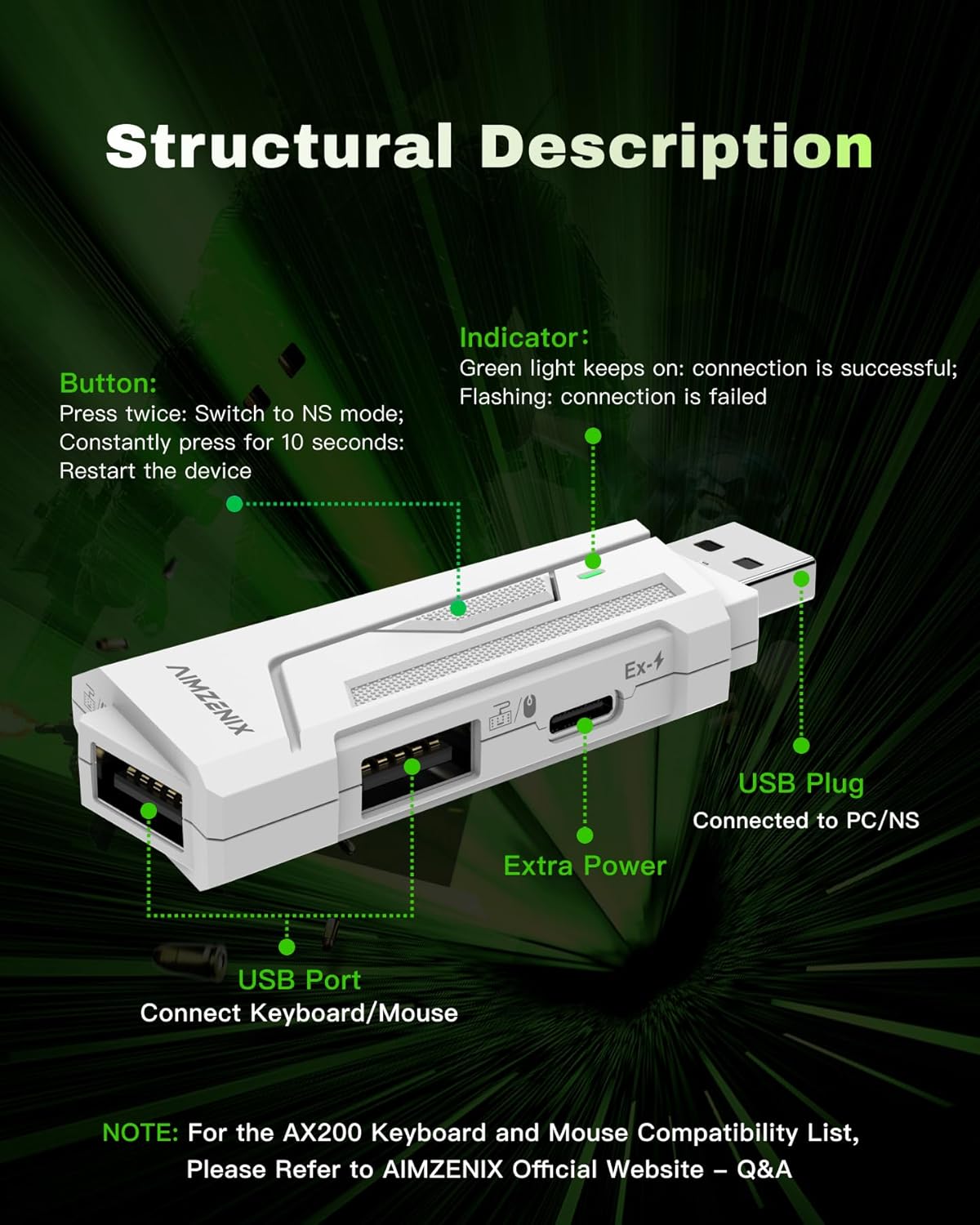
- Double-click the button on AX200 to switch to NS mode.
- Or set NS mode through the APP.
- Turn on “Flex Mapping” function in the APP for seamless switching.
- Ensure both GEEKVICE app [1.4.8] and AX200 firmware [2610] are updated to the latest version.
Product Specification 📱
| Specification ⚙️ | Description 📝 |
|---|---|
| Firmware Version 🔢 | V2610 |
| App Version 📱 | Android: 1.4.8, iOS: 1.4.8 |
| Compatibility 🖥️🎮 | PC, Nintendo Switch 2 |
| Key Features 🌟 | Jitter Aiming, Recoil Control, Aim Assist, Customization |
| Connection Type 🔌 | USB, OTG Adapter |
| Modes 🔄 | Controller Mode, K&M Mode |
Product Details 🏷️
AX200 Keyboard and Mouse Adapter for PC and Nintendo Switch 2, Supports App Customization, No Recoil, Macro, Aim Assist [Latest Version: 2610]
Designed Exclusively for PC Gaming: The AX200 converts mouse and keyboard input into a X360 controller, allowing you to enjoy the flexible control of keyboard and mouse and the aiming assistance of the controller in FPS/TPS games, for enhanced gameplay.
APP Real-time Adjustment: You can configure MOUSE/ADS/ROCKER/KEY MAPPING, etc. via the “GEEKVICE” mobile App according to your gaming preferences. AX200 supports Jitter Aiming, Recoil Control Macro, and Aiming Assist, giving you an advantage in FPS games.
Plug and Play, Easy Setup: When using on PC, start the game platform that supports X360 controller (such as STEAM and EA), plug AX200 into the USB port of PC, open the “GEEKVICE” APP, set what you need, and you can start the games.
Suitable for Nintendo Switch 2: AX200 supports connecting to NS/NS2 via OTG adapter. You only need to double-click the button on AX200 to switch to NS mode at one time, or you can set it to NS mode through the APP.
Seamless Dual-Mode Switching: The Flex Mapping function of this converter allows you to seamlessly switch between “Controller Mode” and “K&M Mode” during the game to get a dual gaming experience. Turn on this function in the APP.
Latest version update: To ensure the best gaming experience, please update both the GEEKVICE app [1.4.8] and AX200 firmware [2610] to the latest version.

Full Images


Product Standout Benefits
Designed Exclusively for PC Gaming: The AX200 converts mouse and keyboard input into a X360 controller, allowing you to enjoy the flexible control of keyboard and mouse and the aiming assistance of the controller in FPS/TPS games, for enhanced gameplay.
- APP Real-time Adjustment: You can configure MOUSE/ADS/ROCKER/KEY MAPPING, etc. via the “GEEKVICE” mobile App according to your gaming preferences.
- AX200 supports Jitter Aiming, Recoil Control Macro, and Aiming Assist, giving you an advantage in FPS games.
- Plug and Play, Easy Setup: When using on PC, start the game platform that supports X360 controller (such as STEAM and EA), plug AX200 into the USB port of PC, open the “GEEKVICE” APP, set what you need, and you can start the games.
- Suitable for Nintendo Switch 2: AX200 supports connecting to NS/NS2 via OTG adapter. You only need to double-click the button on AX200 to switch to NS mode at one time, or you can set it to NS mode through the APP.
- Seamless Dual-Mode Switching: The Flex Mapping function of this converter allows you to seamlessly switch between “Controller Mode” and “K&M Mode” during the game to get a dual gaming experience. Turn on this function in the APP.
- Latest version update: To ensure the best gaming experience, please update both the GEEKVICE app [1.4.8] and AX200 firmware [2610] to the latest version.
Customer Questions and Answers
Q: How do I use this product?
A: When using on PC, start the game platform that supports X360 controller (such as STEAM and EA), plug AX200 into the USB port of PC, open the “GEEKVICE” APP, set what you need, and you can start the games!
Q: Can I use this with my Nintendo Switch?
A: Totally! AX200 supports connecting to NS/NS2 via OTG adapter. You just need to double-click the button on AX200 to switch to NS mode at one time, or you can set it to NS mode through the APP. It’s super easy to switch modes!
Q: What kind of adjustments can I make?
A: You can configure MOUSE/ADS/ROCKER/KEY MAPPING, etc. via the “GEEKVICE” mobile App according to your gaming preferences. Plus, AX200 supports Jitter Aiming, Recoil Control Macro, and Aiming Assist, giving you an advantage in FPS games!
Q: How do I make sure I have the best gaming experience?
A: To ensure the best gaming experience, please update both the GEEKVICE app [1.4.8] and AX200 firmware [2610] to the latest version. Keeping things updated is key!
Q: Can I switch between controller and keyboard/mouse modes easily?
A: Yes, you can! The Flex Mapping function of this converter allows you to seamlessly switch between “Controller Mode” and “K&M Mode” during the game to get a dual gaming experience. Just turn on this function in the APP.
Related Products
-

ZEULKEX PS5 Replacement Controller for PS4 Slim Pro PC with No Drift ALPS Joystick Built-in Speaker Turbo Macro Gyro Aim
₦49.99 -
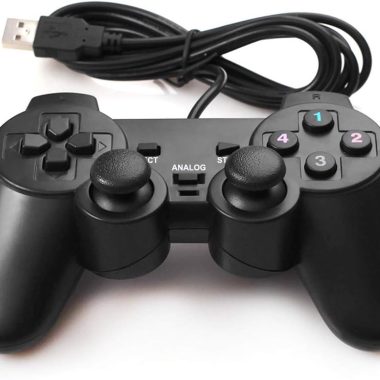
Wired USB PC Game Controller Dual Vibration 6ft Cable for Windows 11/10/8/7 & Raspberry Pi Gaming
₦17.99 -

8BitDo Ultimate 2C Wireless Controller for PC Android Black Myth Wukong – Hall Joysticks Triggers
₦59,800.00 -

Wii Classic Controller Pro and Classic Controller Adapter for Windows PC 39 inch Cable White
₦21.99 -

EasySMX X15 Enhanced Wireless Bluetooth PC Controller Hall Joysticks RGB Lighting 13 Words
₦71,980.00 -

Hyperkin Duchess Wired Controller White for Xbox One Series X|S PC with 3.5MM Audio Jack Hall Effect Sticks
₦72,000.00 -

ECHTPower Wireless PC Gaming Controller Hall Effect Joystick 2.4G Wired 1000Hz 800mAh Battery for PC Switch iOS Android
₦47,980.00 -

2 Pack Wireless PS4 Controllers for PS4 Slim Pro PC with Double Shock 6-Axis Motion Sensor and Headphone Jack
₦35.00 -

EasySMX D05 Enhanced Wireless Bluetooth Pro Controller for PC Android Steam Switch – Black, 1000mAh Battery
₦71,980.00 -

EasySMX X10 Wireless PC Controller White Faceplate Bluetooth for PC Switch Steam Android TV
₦56,780.00 -
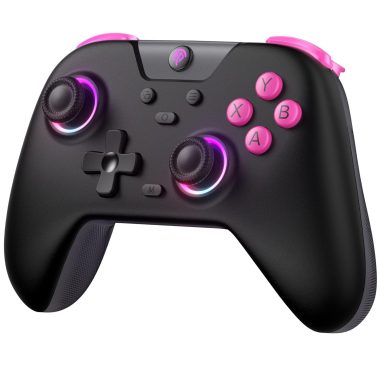
EasySMX X05 2.4g Wireless Gaming Controller for PC, Steam, iPhone, Android, Switch – Anti-Drift, RGB
₦47,960.00 -
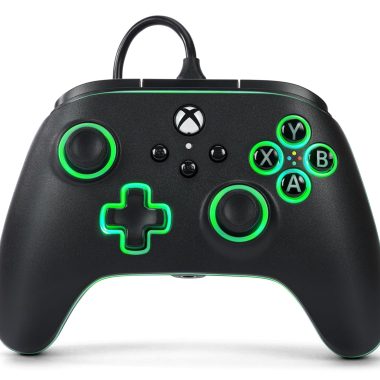
PowerA Advantage Wired Controller for Xbox Series X|S Lumectra Black 10ft Cable
₦75,980.00 -
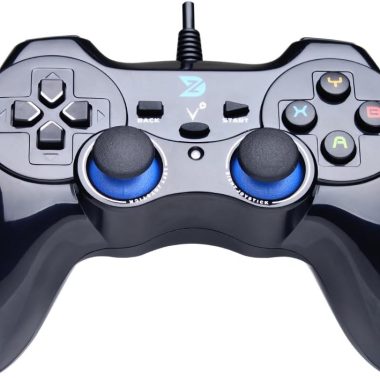
ZD-V+ Black USB Wired Gaming Controller Gamepad for PC, PS3, Android, and Steam
₦39,980.00 -

Officially Licensed Hyperkin DuchesS Wired Controller for Xbox Series X|S, Xbox One, Windows 10/11 PC Black
₦68,480.00 -

Dinosoo Blue RGB Wireless Controller for PS5 PC Bluetooth with 1000mAh Battery and Dynamic Vibration
₦119,980.00 -
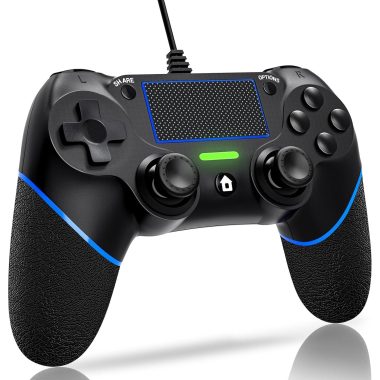
DIANVEN Wired PS4 Controller for Playstation 4/Pro/Slim and PC Windows with Dual Vibration
₦19.97 -

RGB Wireless Controller for Nintendo Switch and PC, Comfortable Grips, Fast Delivery
₦39,980.00 -
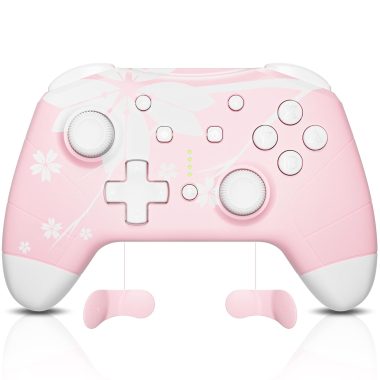
Mytrix Pink Wireless Bluetooth Controller for PC iOS Android Steam Deck with Programmable Buttons and Vibration
₦63,980.00 -

REEYEAR PS5 Pro Controller Fast Charging Wall Mount Station with LED Indicators
₦16.99 -

GameSir Super Nova Wireless Controller Blue, 1000Hz Polling, Hall Effect Sticks, RGB, 1000mAh Battery
₦89,980.00
Reviews
There are no reviews yet.