



Mytrix Pink Wireless Bluetooth Controller for PC iOS Android Steam Deck with Programmable Buttons and Vibration
₦63,980.00
Description
About the Product 🔑
| Feature ✨ | Description 🌟 |
|---|---|
| Multi-Platform Compatibility 🎮 | Compatible with Nintendo Switch/Lite/OLED, Windows PC, Steam, Steam Deck 🖥️, iOS (13.4+) 🍎, and Android (10.0+) 🤖. Wireless and wired options available. |
| Hall Sensor Joystick 🕹️ | Ensures precise and durable joystick performance. |
| Programmable Back Buttons 🖲️ | Includes 4 remappable buttons for customized gameplay. |
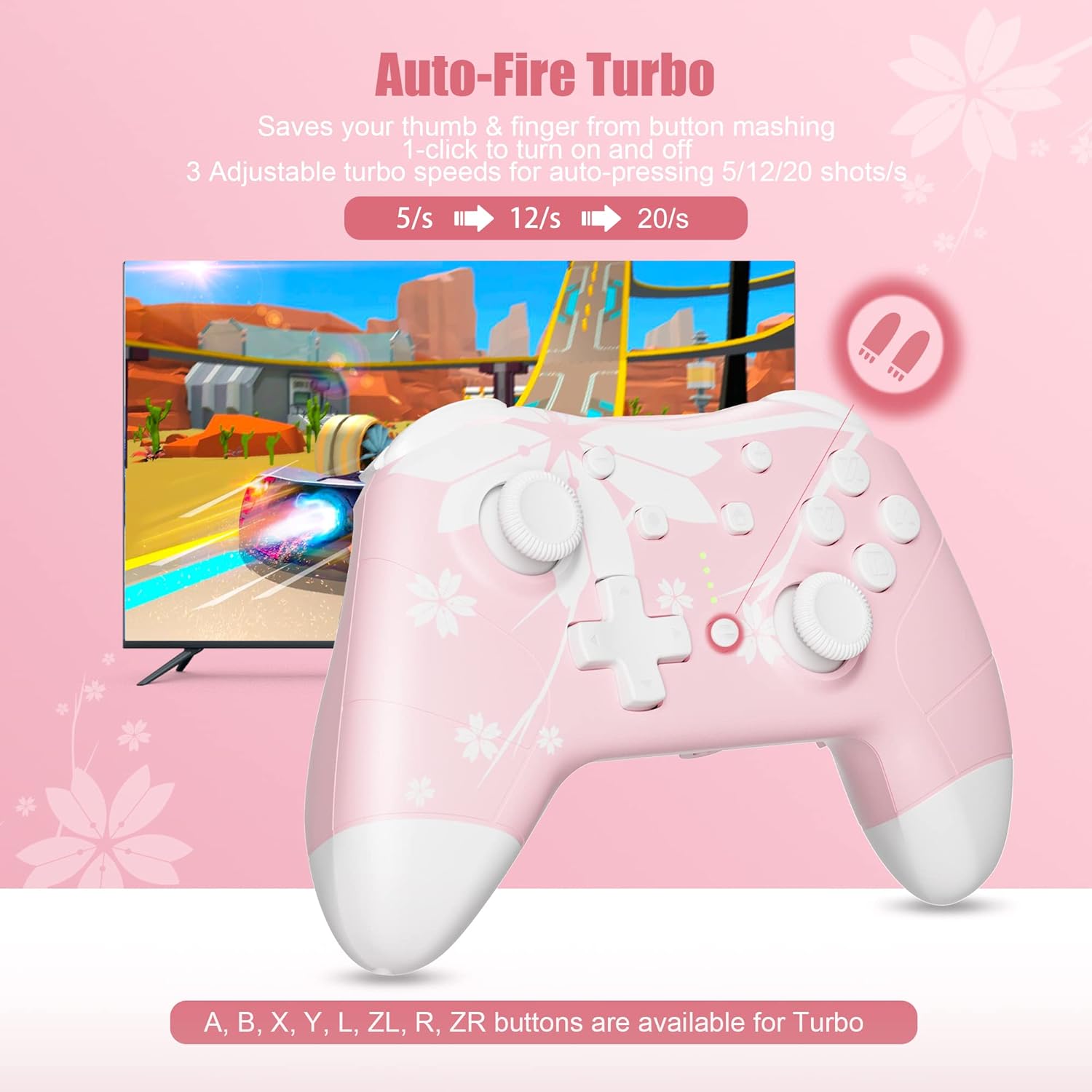
| Turbo Function ⚡ | 3 adjustable turbo speeds (5/15/25 shots/s) for rapid firing. |
| Wake-Up Function 💡 | Press the Home button to wake up and connect to the console remotely. |
| 3.5mm Audio Jack 🎧 | Supports wired headset for audio and chat via wired connection with the console. |
| Ergonomic Design 🙌 | Comfortable, non-slip ABS material with ergonomic grips for extended gameplay. Unique cherry blossom design 🌸. |
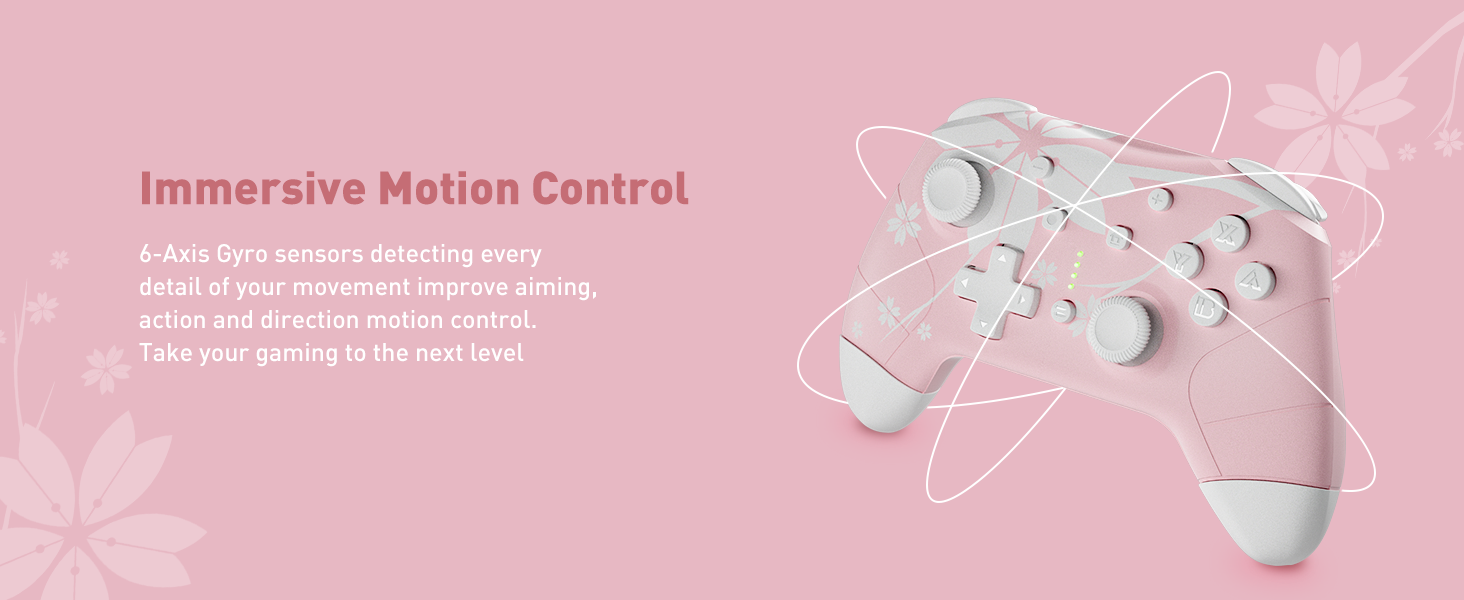
| Motion Control 🏃 | 6-Axis Gyro motion sensors for enhanced accuracy and precise movement. |
| Adjustable Vibration 📳 | Dual motors with 4 levels of adjustable vibration intensity. |
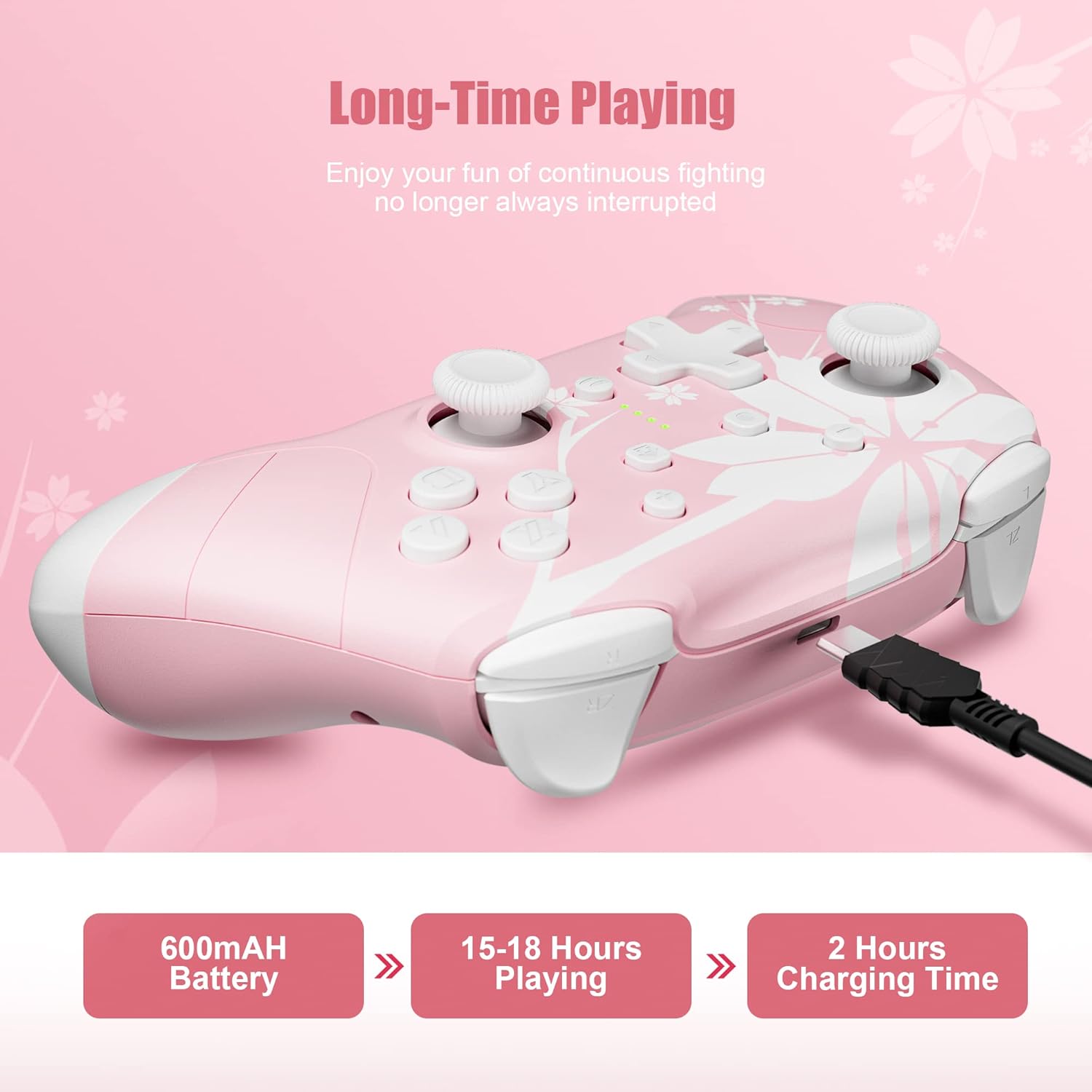
| Long Battery Life 🔋 | Built-in 600mAh rechargeable battery for up to 18 hours of gameplay. |
| Warranty 🛡️ | Comes with a 1-Year warranty. |
Product Benefits 💡
- Offers a unique and stylish cherry blossom design 🌸.
- Ensures comfortable gameplay for extended periods 🙌.
- Provides enhanced accuracy and precise control with motion sensors 🏃.
- Allows for personalized gameplay with programmable back buttons 🖲️.
- Delivers rapid firing capabilities with adjustable turbo speeds ⚡.
- Conveniently wakes and connects to the console remotely 💡.
- Supports wired headset for immersive audio and chat 🎧.
- Provides a delightful gift choice for various occasions 🎁.
Usage Instruction 🛠️
- Connect the controller wirelessly or via USB cable.
- For wireless connection, press and hold the “SYNC” button for 5 seconds, all 4 LEDs will flash quickly.
- For wired connection, use the included USB Type C to A cable.
- To connect to Switch: Press and hold the “SYNC” button for 5 seconds, then select “Pro Controller” from Bluetooth device list.
- To connect to PC (Xbox Mode): Press the “Sync” and “X” buttons together for 3 seconds, LED1 and LED4 will flash, select “Xbox Wireless Controller”.
- To connect to PC (Android Mode): Press the “Sync” and “Y” buttons together for 3 seconds, LED2 and LED3 will flash, select “Mytrix-M01”.
- To connect to PC (Wired Pro Controller Mode): Press down the right joystick vertically and connect with USB cable, LED1 will have a steady light.
- To connect to PC (Wired “Xbox 360” Mode): Connect with USB cable, LED1 and LED4 will have steady lights.
- Calibrate Control Joysticks and Motion Control before first use.
- Use Switch charger, Switch Dock, 5V2A power adapter, or USB power supplies for charging; avoid high-wattage chargers.
- The audio function only works in Wired Connection Mode with a Switch console.


Product Specification 📱
| Specification ⚙️ | Description 👍 |
|---|---|
| Platform Compatibility 🖥️ | Switch/Lite/OLED, Windows PC, Steam, Steam Deck, iOS, Android |
| Connection Type 🔌 | Wireless or Wired (2 in 1) |
| Joystick Type 🕹️ | Hall Sensor |
| Back Buttons 🖲️ | 4 Programmable buttons |
| Turbo Speeds ⚡ | 5/15/25 shots/s |
| Wake-Up Feature 💡 | Yes (Home Button) |
| Audio Jack 🎧 | 3.5mm Stereo Headphone Port |
| Motion Control 🏃 | 6-Axis Gyro |
| Vibration Levels 📳 | 4 Adjustable |
| Battery Capacity 🔋 | 600mAh (rechargeable) |
| Playtime ⏱️ | 18 hours |
| Charging Port 🔌 | USB Type-C |
| Item Weight ⚖️ | 13.4 ounces |
| Product Dimensions 📏 | 5.91 x 5.51 x 2.36 inches |
| ASIN 🏷️ | B0DN115L4V |
Product Details 🏷️
What’s in the Box 📦
- Wireless Pro Controller
- USB Type C to A cable
Tips for Using the Sakura Controller:
- Calibrate Joysticks and Motion Control before first use.
- DO NOT use high-wattage chargers; use Switch charger, Dock, 5V2A adapter, or USB power supplies.
- Audio function ONLY works in Wired Connection Mode with a Switch console.
- In “Xbox Mode”, button “A” and “B” are reversed, “X” and “Y” are reversed. Adjust in-game or use Programmable Buttons.
- When plugging in the USB cable, DO NOT touch joysticks or buttons to avoid drifting.
- If Joystick drifting occurs, reset and calibrate the Control Joysticks.
- Keep the controller away from dust, water, and static electricity.
- Contact us for any issues; we are happy to assist.




| ASIN 🏷️ | B0DN115L4V |
|---|---|
| Customer Reviews ⭐ | 4.4 out of 5 stars 4,220 ratings |
| Best Sellers Rank 🥇 | #8,417 in Video Games #458 in PC Game Controllers |
| Product Dimensions 📏 | 5.91 x 5.51 x 2.36 inches; 13.44 ounces |
| Item Weight ⚖️ | 13.4 ounces |
| Batteries 🔋 | 1 Lithium Polymer batteries required. (included) |
| Date First Available 🗓️ | December 1, 2023 |
Warranty & Support 🛡️
Product Warranty: For warranty information about this product, click here.
Full Images


Product Standout Benefits
Experience a unique and stylish gaming setup with our wireless pro controller, featuring a beautiful cherry blossom sakura flower design. Crafted from high-quality, non-slip ABS material, its ergonomic grips offer a comfortable hold and balanced weight for those extended gaming sessions.
- 🌟 Unique Cherry Blossom & Ergonomic Design
- 🔥 Multi-Platform Compatibility: Works with Windows PC, Steam, Steam Deck, iOS (13.4+), and Android (10.0+).
- 🎧 3.5mm Audio Jack for wired headsets, supporting audio and chat.
- 🚀 Turbo Function with 3 adjustable speeds (5/15/25 shots/s) for auto-pressing/shooting.
- 🔂 4 Remappable Back Buttons for programming custom combos and actions.
- 💡 Home Button Remote Wake-Up for easy console connection from sleep mode.
- 🔋 Long Battery Life: Built-in 600mAh rechargeable battery provides 18 hours of gameplay.
- 🕹️ 6-Axis Gyro Motion Control for enhanced accuracy and precise movement.
- 🎚️ 4 Adjustable Vibration Levels to customize your gaming experience.
Customer Questions and Answers
Q: How do I connect this controller? 🤔
A: You can connect it wirelessly or wired! It’s compatible with Windows PC, Steam, Steam Deck, iOS (13.4 and above), and Android (10.0 and above) devices. Plus, you can use the 3.5mm audio jack for your wired headset when connected to the console.
Q: What games can I play with this? 🎮
A: It’s great for so many games! You can enjoy titles like Zelda, Mario Kart, and more on PC, mobile, or console. It’s also perfect for games like Genshin Impact or Fortnite on your PC or phone.
Q: Can I customize the buttons? 🔂
A: Absolutely! This controller comes with 4 remappable back buttons. You can program and store your own complex combos and actions into these buttons to really personalize your gameplay.
Q: Is there a warranty? 🛡️
A: Yes, our controllers come with a 1-Year warranty! If you have any questions at all, feel free to reach out.
Q: How long does the battery last? 🔋
A: It has a built-in 600mAh rechargeable battery that gives you about 18 hours of gameplay on a single charge. A USB C to A cable is included for charging.
Q: Is this a good gift idea? 🎁
A: Oh, for sure! If you’re looking for the perfect gift for a girl, student, friend, child, or family member for Thanksgiving, Christmas, a birthday, or any special occasion, this wonderful wireless controller is a delightful choice. Surprise your loved ones with it and let the adventures begin!
Related Products
-

EasySMX X10 Wireless PC Controller White Faceplate Bluetooth for PC Switch Steam Android TV
₦56,780.00 -
PowerA Advantage Wired Controller for Xbox Series X|S Lumectra Black 10ft Cable
₦75,980.00 -
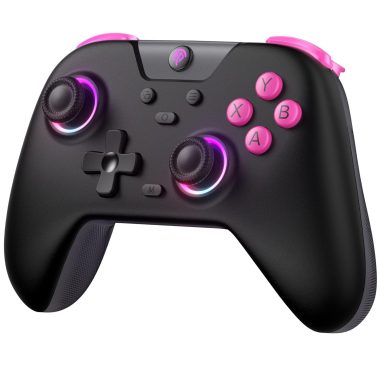
EasySMX X05 2.4g Wireless Gaming Controller for PC, Steam, iPhone, Android, Switch – Anti-Drift, RGB
₦47,960.00 -

Officially Licensed Hyperkin DuchesS Wired Controller for Xbox Series X|S, Xbox One, Windows 10/11 PC Black
₦68,480.00 -
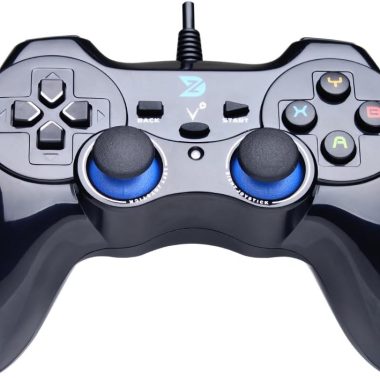
ZD-V+ Black USB Wired Gaming Controller Gamepad for PC, PS3, Android, and Steam
₦39,980.00 -
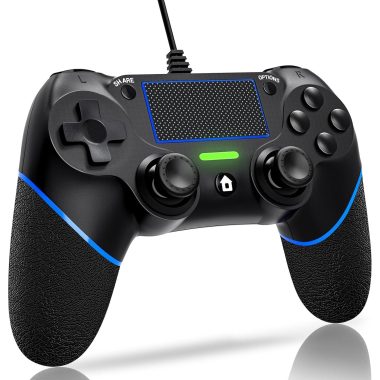
DIANVEN Wired PS4 Controller for Playstation 4/Pro/Slim and PC Windows with Dual Vibration
₦19.97 -

Dinosoo Blue RGB Wireless Controller for PS5 PC Bluetooth with 1000mAh Battery and Dynamic Vibration
₦119,980.00 -

GameSir Super Nova Wireless Controller Blue, 1000Hz Polling, Hall Effect Sticks, RGB, 1000mAh Battery
₦89,980.00 -

RGB Wireless Controller for Nintendo Switch and PC, Comfortable Grips, Fast Delivery
₦39,980.00 -
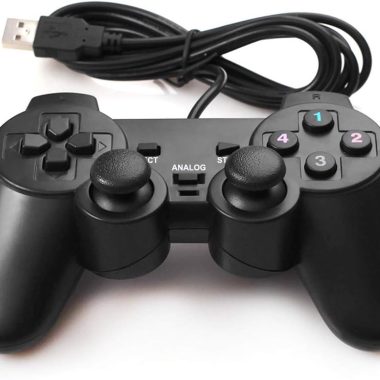
Wired USB PC Game Controller Dual Vibration 6ft Cable for Windows 11/10/8/7 & Raspberry Pi Gaming
₦17.99 -

8BitDo Ultimate 2C Wireless Controller for PC Android Black Myth Wukong – Hall Joysticks Triggers
₦59,800.00 -

Wii Classic Controller Pro and Classic Controller Adapter for Windows PC 39 inch Cable White
₦21.99 -

EasySMX X15 Enhanced Wireless Bluetooth PC Controller Hall Joysticks RGB Lighting 13 Words
₦71,980.00 -

Hyperkin Duchess Wired Controller White for Xbox One Series X|S PC with 3.5MM Audio Jack Hall Effect Sticks
₦72,000.00 -

ECHTPower Wireless PC Gaming Controller Hall Effect Joystick 2.4G Wired 1000Hz 800mAh Battery for PC Switch iOS Android
₦47,980.00 -

Ergonomic RGB Wireless Controller for Switch Lite OLED PC Android iOS 7 Color Lighting Vibration
₦50,980.00 -

EasySMX D05 Enhanced Wireless Bluetooth Pro Controller for PC Android Steam Switch – Black, 1000mAh Battery
₦71,980.00 -

2 Pack Wireless PS4 Controllers for PS4 Slim Pro PC with Double Shock 6-Axis Motion Sensor and Headphone Jack
₦35.00 -

SZYUYU Wireless Controller for PS4 Slim Pro PC Black Skull 3.5mm Audio Jack Six Axis
₦19.99 -

KIWITATA Classic Gray N64 Wired USB PC Game Pad Controller for Windows MAC Raspberry Pi 3
₦19.99
Reviews
There are no reviews yet.