
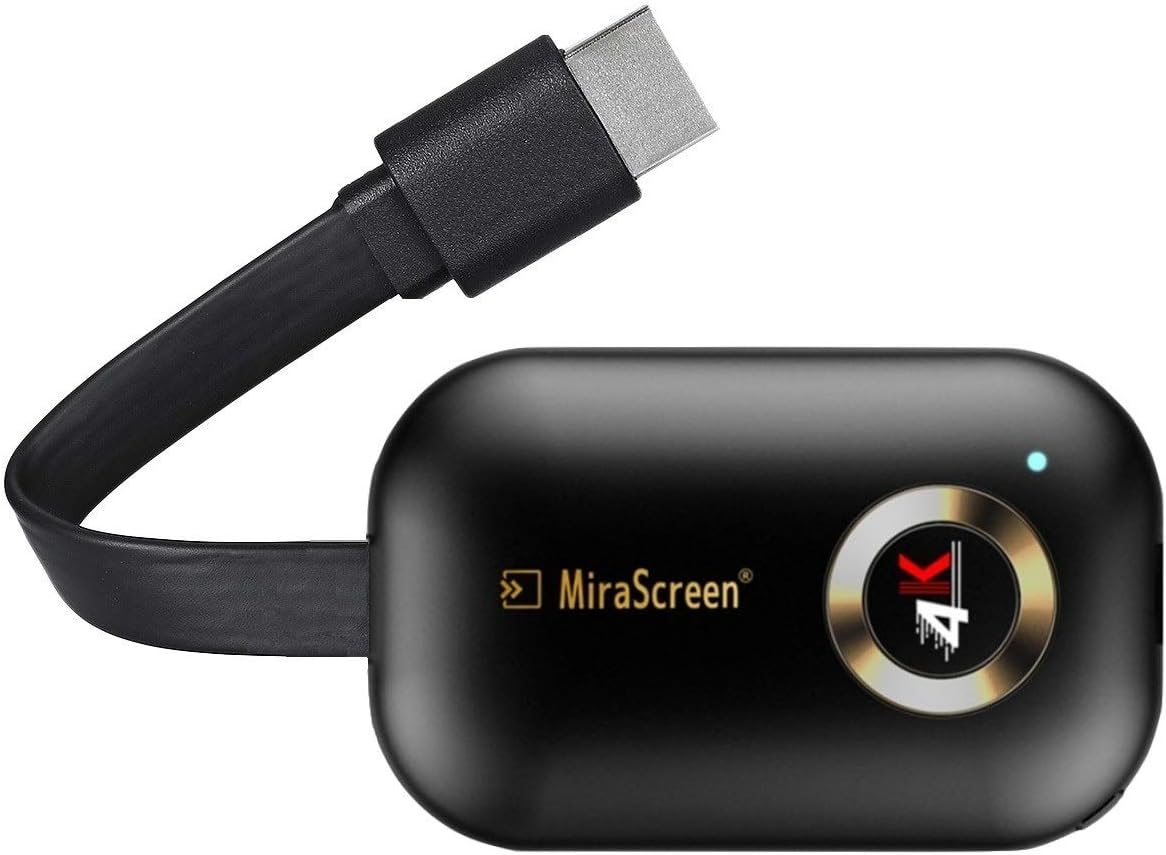
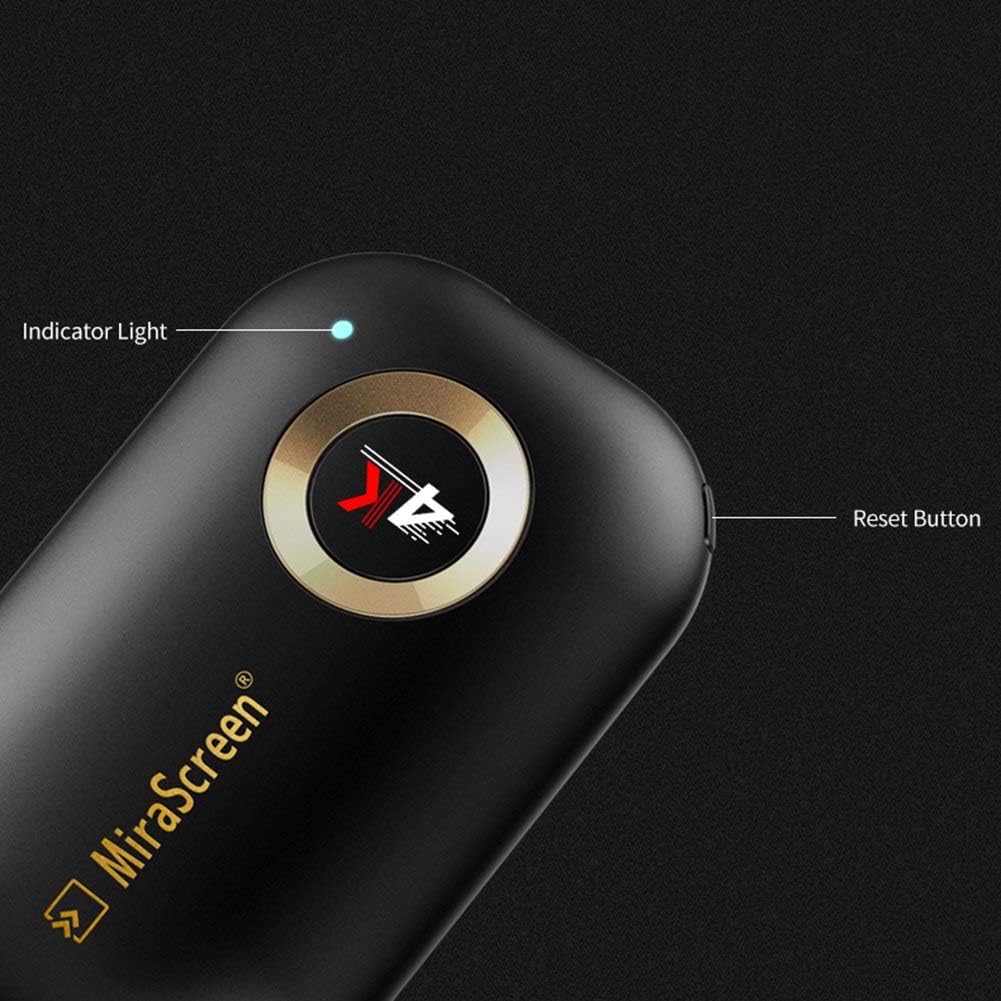
SmartSee HD Wireless Screen Mirroring Adapter Dongle 4K 1080P for iPhone Mac Android TV
₦31.99
Description
About the Product 🔑
| Feature 🌟 | Description ✅ |
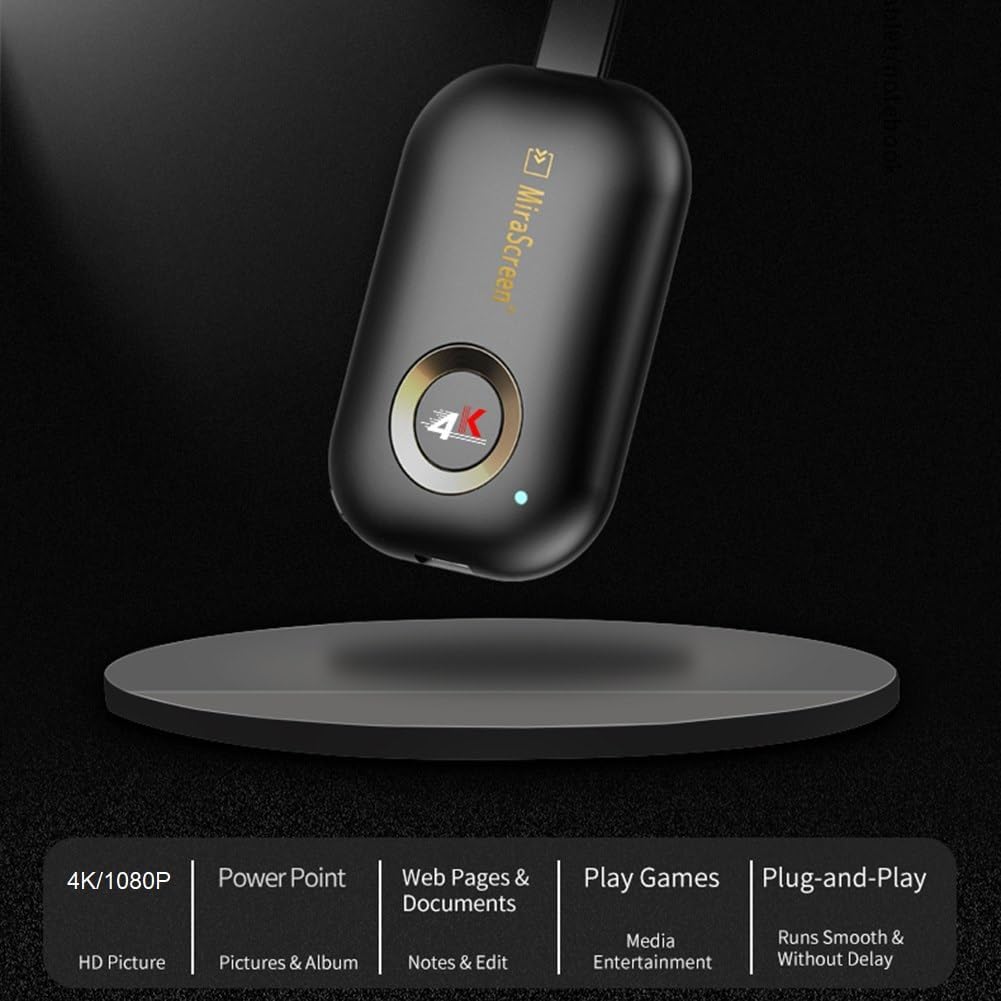
| Display Resolution 📺 | 4K / 1080P |
| Connectivity 📶 | Dual Band 2.4G/5G WiFi |
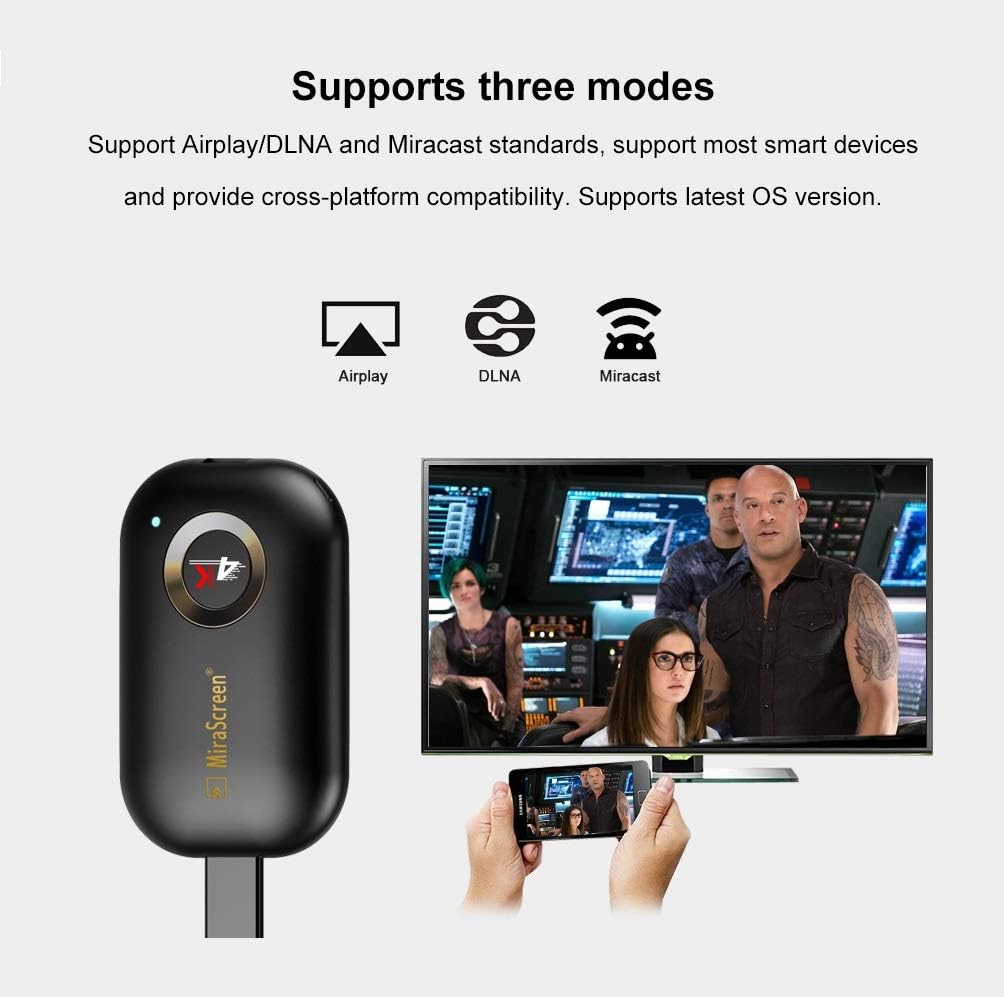
| Streaming Support 🔄 | Airplay, DLNA, Miracast |
| Device Compatibility 📱💻 | iOS, Mac, Android, Windows |
| Cable Design 🔌 | Extended HD Cable |
| Lag-Free Streaming ⚡ | Zero Lag for Videos |
| App Casting 🏠 | Google Home App Support |
| Firmware Updates ☁️ | Regular OTA Updates |
Product Benefits 💡
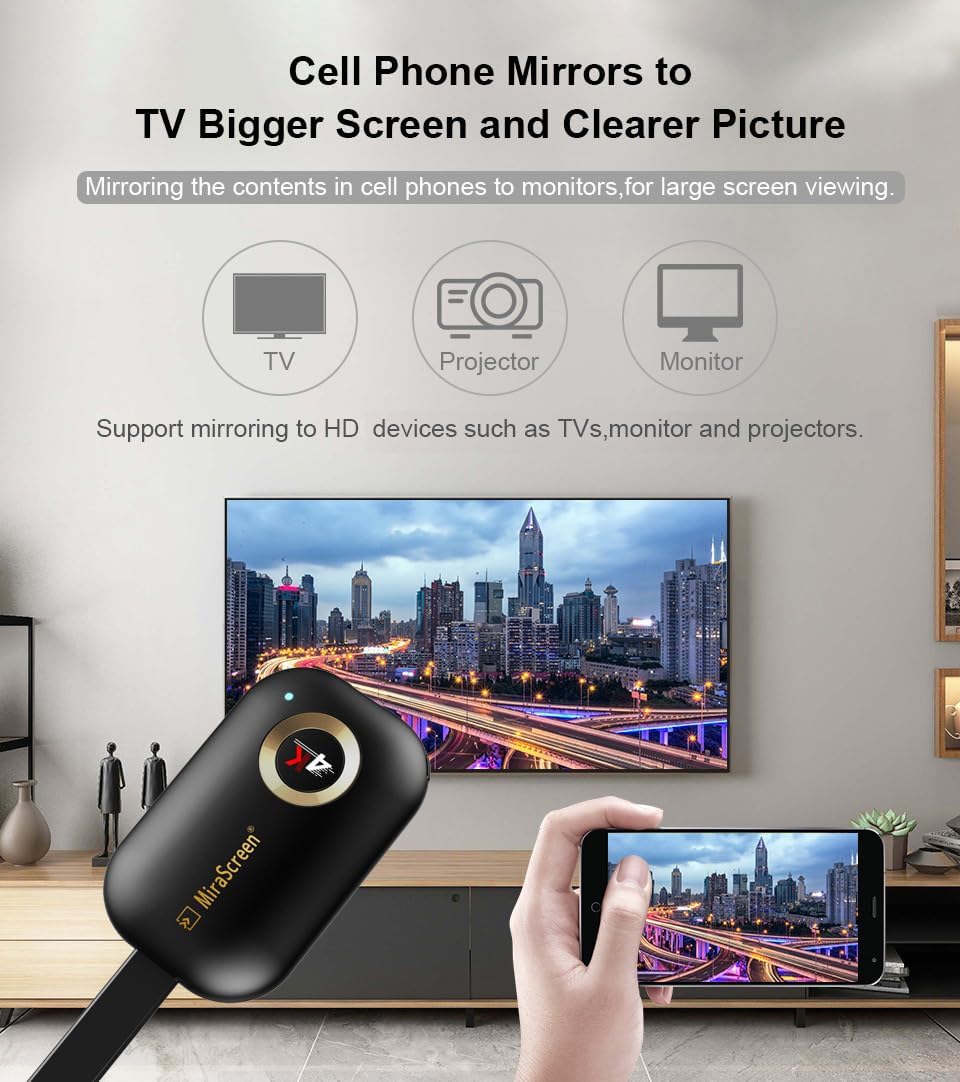
- Wirelessly casts smartphone, tablet, or laptop to TV/projector/monitor.
- No cables needed for connection.
- Supports Airplay and DLNA streaming on iOS and Mac devices.
- Wide compatibility with Android, iOS, Mac, and Windows.
- Extended HD cable solves the short-come of the first generation.
- Easier to plug into any HD port without getting stuck.
- Supports H.265/HEVC Decoder.
- Supports Netflix/Amazon Video/HBO go/Hulu Plus/sky go/DIRECTV etc on Android device.
- Only unencrypted videos for iOS device.
- Regularly updates firmware from cloud server.
- Compatible with the newest version of iOS/Android/Windows device anytime.
Usage Instruction 🛠️
- Connect the MiraScreen WiFi on your iOS device.
- Connect MiraScreen dongle to your home router: Go to Safari and input 192.168.203.1 at the very top searching bar, this step accesses to MiraScreen Setting, connect to your home wifi by Setting “Internet”.
- Go back to confirm your phone is connected to the same wifi.
- Once all setting done, access Airplay Mirroring on your iOS device and pair with MiraScreen to cast your iOS screen to your TV wirelessly.
- For Windows Users, press the short key ”Win+P” on your keyboard and select “Connect to a wireless display”.
- For Android Users, open Miracast function on your Android device and select Anycast to cast your device to TV directly.
Product Specification 📱
| Specification ⚙️ | Description ✨ |
| Chipset 🚀 | Dual Core |
| Resolution 📺 | 4K / 1080P |
| Decoder 🎥 | H.265/HEVC |
| WiFi Bands 📶 | 2.4G / 5G |
| Protocols 🔄 | Miracast, Airplay, DLNA |
| Android Version 🤖 | 4.4+ |
| iOS Version 🍎 | 9.0+ |
| Mac OS 🍏 | 10+ |
| Windows Version 💻 | 8.1+ (Miracast enabled) |
Product Details 🏷️
SmartSee HD Wireless Display Receiver
- WiFi 4K 1080P Mobile Screen Cast Mirroring Adapter Dongle for iPhone Mac iOS Android to TV Projector Support Miracast Airplay DLNA No Switching (2.4G)
This new SmartSee Wireless display adapter is designed with extending HD cable which solves the shortcome of the first generation. Powered by RAM Dual core chipset. Support H.265/HEVC Decoder, support 4K(3840 X 2160) and 1080P resolution. Support Google Home App casting on Android device and Google brower casting on Windows. No Need Switching in Miracast Airplay DLNA Modes.
- While friends gathering or family reunion, you can share photos or videos or movies from phone/tablet to your big screen wirelessly.
- Share presentation or files on big screen in conference or classroom.
We will regularly update the firmware from the cloud server to add features and improve compatibility, connect this dongle to your wifi and it will be upgraded automatically, so this dongle could be compatible with the newest version of your iOS/Android/Windows device anytime. When Apple or Android updates the system, our company will update the dongle version within one week. Only our company can do it in time in the market .
Full Images
Product Standout Benefits
SmartSee Wireless display adapter is designed with extending HD cable which solves the shortcome of the first generation.
- Powered by RAM Dual core chipset.
- Support H.265/HEVC Decoder.
- Support 4K(3840 X 2160) and 1080P resolution.
- Support Google Home App casting on Android device and Google browser casting on Windows.
- No Need Switching in Miracast Airplay DLNA Modes.
- Easy Mirroring.
Customer Questions and Answers
Q: What makes this display adapter stand out? 🤔
A: It’s designed with an extending HD cable, which is a big improvement! Plus, it’s powered by a RAM Dual core chipset and supports both H.265/HEVC decoding, so you get awesome 4K and 1080P resolutions. You can also cast from your Android device using the Google Home App or from your Windows computer using the Google browser. Best part? No need to switch between Miracast, Airplay, or DLNA modes – it’s super easy mirroring! 🔥
Q: Can I cast from my phone and computer? 🔗
A: Totally! For Android devices, you can use the Google Home App for casting. If you’re on a Windows computer, you can cast right from your Google browser. It’s all about making it easy for you to share your screen! ✨
Q: What kind of resolution can I expect? 🌟
A: You’re going to get crystal clear visuals! It supports both 4K (that’s 3840 X 2160) and 1080P resolutions, so your movies and presentations will look fantastic. 💯
Q: Is it complicated to switch between different casting modes? 💡
A: Nope, not at all! This adapter is designed to be super user-friendly. You don’t need to mess with switching between Miracast, Airplay, or DLNA modes. It just works, making mirroring a breeze! 😊
Related Products
-

iShare iOS Wireless HDMI Display Adapter Mirroring iPhone to TV HD Video Audio Sync YouTube TikTok
₦32.49 -

4K Wireless HDMI Display Dongle Adapter Plug & Play 2.4G 5G Miracast Airplay
₦67,233.99 -

Portable Wireless HDMI Display Dongle Adapter Stream Media from Smartphone Laptop to HDTV
₦85.99 -

4K Wireless HDMI Display Adapter for Phone Tablet Laptop to HDTV, 1080P WiFi Streaming Receiver
₦29.99 -
Charcoal Black Wireless Screen Mirroring Adapter for iOS Android Laptops to HDTV Projector
₦26.99 -

4K 5G HDMI Wireless Display Dongle Adapter Screen Mirroring for iPhone iPad Android Laptop to HDTV
₦39.99 -

SmartSee MiraScreen 1080P Wireless HDMI Display Adapter for Tablets and Smartphones
₦33,595.98 -

XTRONS 4K Wireless Display Adapter for TV iOS Android Screen Mirroring WiFi HDMI Dongle
₦29.89 -

TIMBOOTECH 4K@30Hz 5G Wireless HDMI Display Adapter Miracast Dongle 65FT for All Devices
₦112,065.99 -

4K HD Wireless HDMI Display Dongle Adapter Plug and Play No App for Laptop PC Smartphone HDTV Projector
₦24.99 -
XL HDMI Extender Cable for Streaming Sticks, Improves WiFi Signal, Faster Streaming
₦17.99 -

AIMIBO 4K Wireless HDMI Display Adapter Plug & Play 2.4G 5G Dongle for iOS Android Windows Mac
₦69.99 -

4K WiFi Anycast Miracast Airplay Wireless HDMI Dongle Adapter for Clear Image Video Projection
₦22,401.99 -

Wireless HDMI Transmitter Receiver Kit for Media Audio Video Files and HDTVs
₦79.99 -

1080p Wireless HDMI Streaming Dongle Adapter for Seamless Screen Mirroring
₦98,055.99 -
Sale!

TIMBOOTECH 5G 4K@30Hz Wireless HDMI Display Adapter Blue for Screen Mirroring from Mobile and PC to TV
Original price was: ₦126,075.99.₦112,065.99Current price is: ₦112,065.99. -

Wireless HDMI Streaming Adapter for Phones Tablets PCs to HDTV Projector
₦35.99 -

4K HD Wireless Display Adapter Stream iPhone/Tablet/Laptop to TV Projector Monitor
₦29.99 -

iShare Wireless HDMI Display Adapter for iPhone iPad, 33FT HD Streaming Mirroring, Black
₦39,213.99 -
4K 60Hz Wireless HDMI Display Dongle Adapter 2.4G 5G Screen Mirroring Receiver for iOS Android Windows
₦49.99
Reviews
There are no reviews yet.