
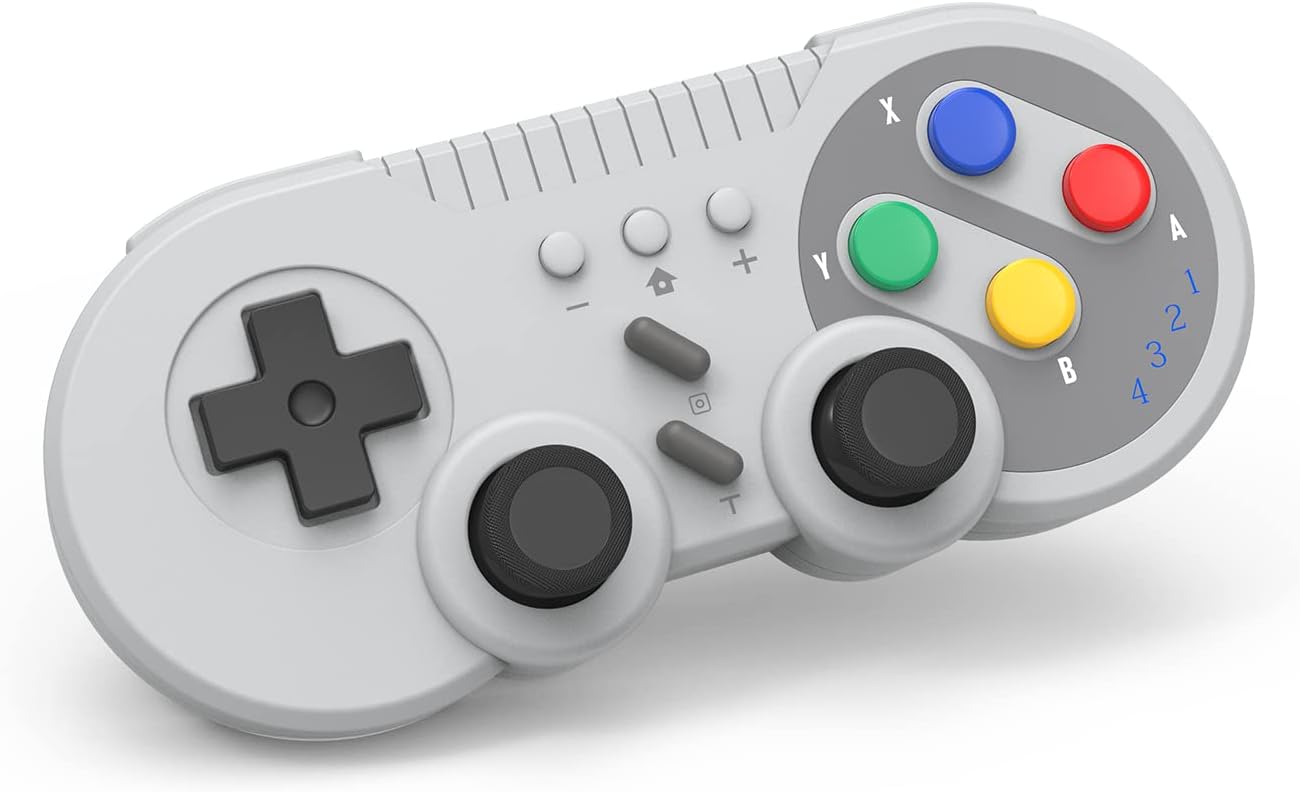
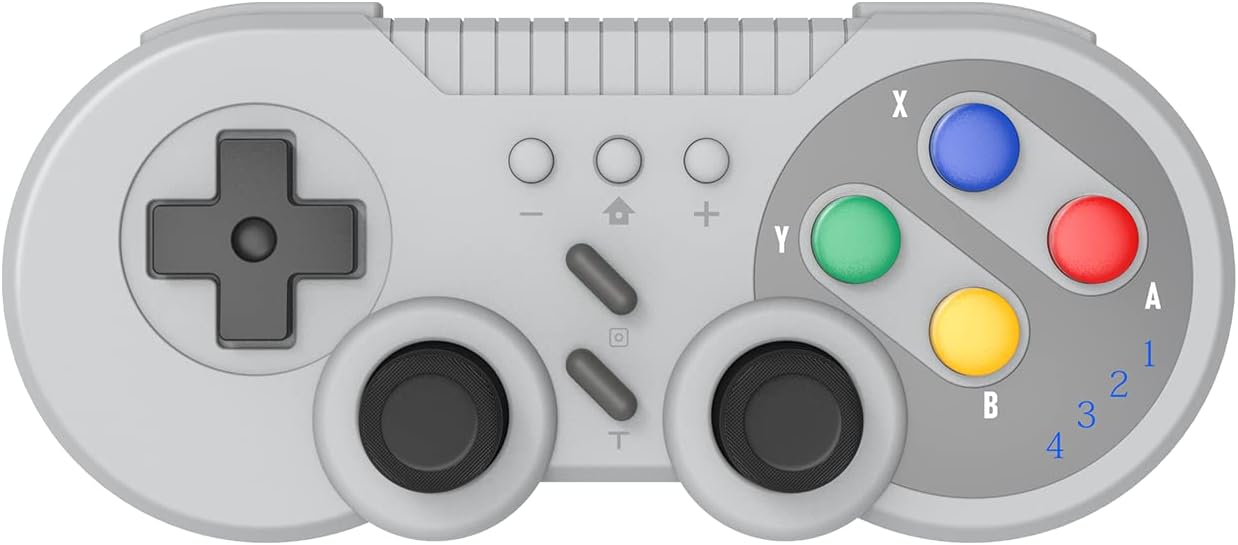
SNES Style Wireless Controller for Switch OLED PC Gray Classic Retro Gaming with Motion Vibration Turbo
₦59,760.00
Description
About the Product 🔑
| Feature ⭐ | Description ✅ |
|---|---|
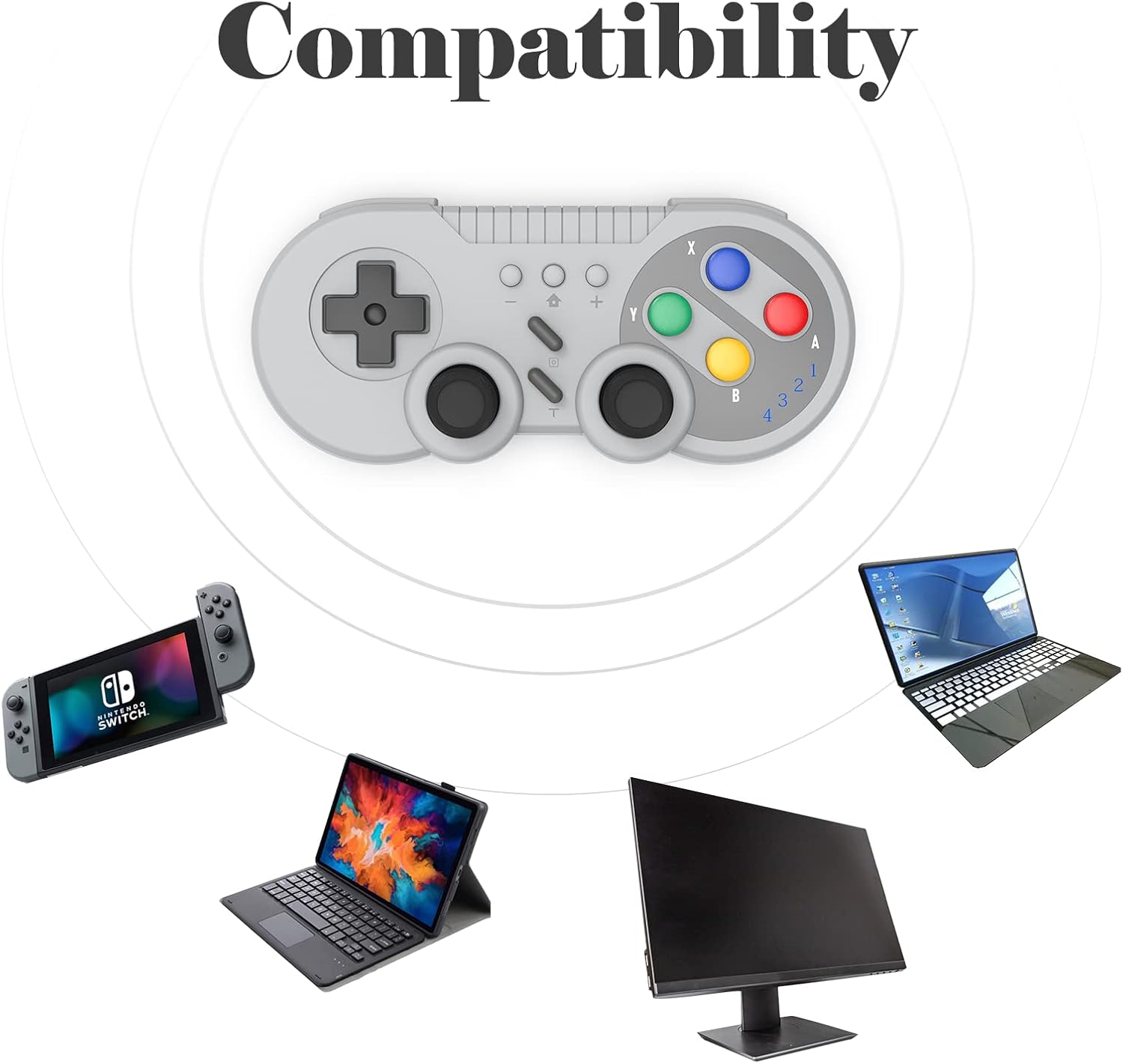
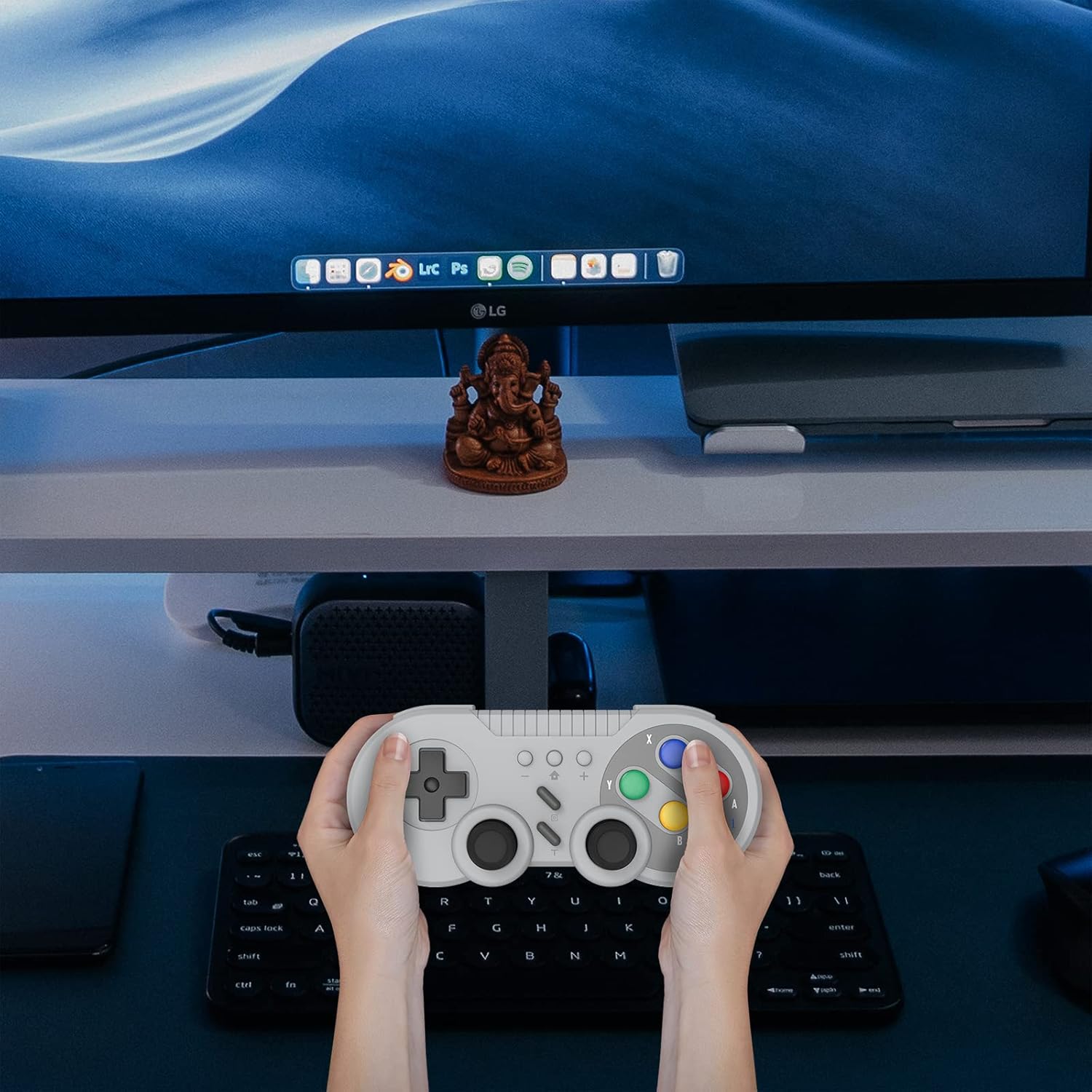
| Wireless Controller for Nintendo Switch | Compatible with Switch console and supports Windows PC 💻 |
| Connection Technology | New wireless connection, strong anti-interference, stable connection 📡 |
| Battery | Built-in large capacity battery for long time use 🔋 |
| Wake-up Function | Support wake-up function 💡 |
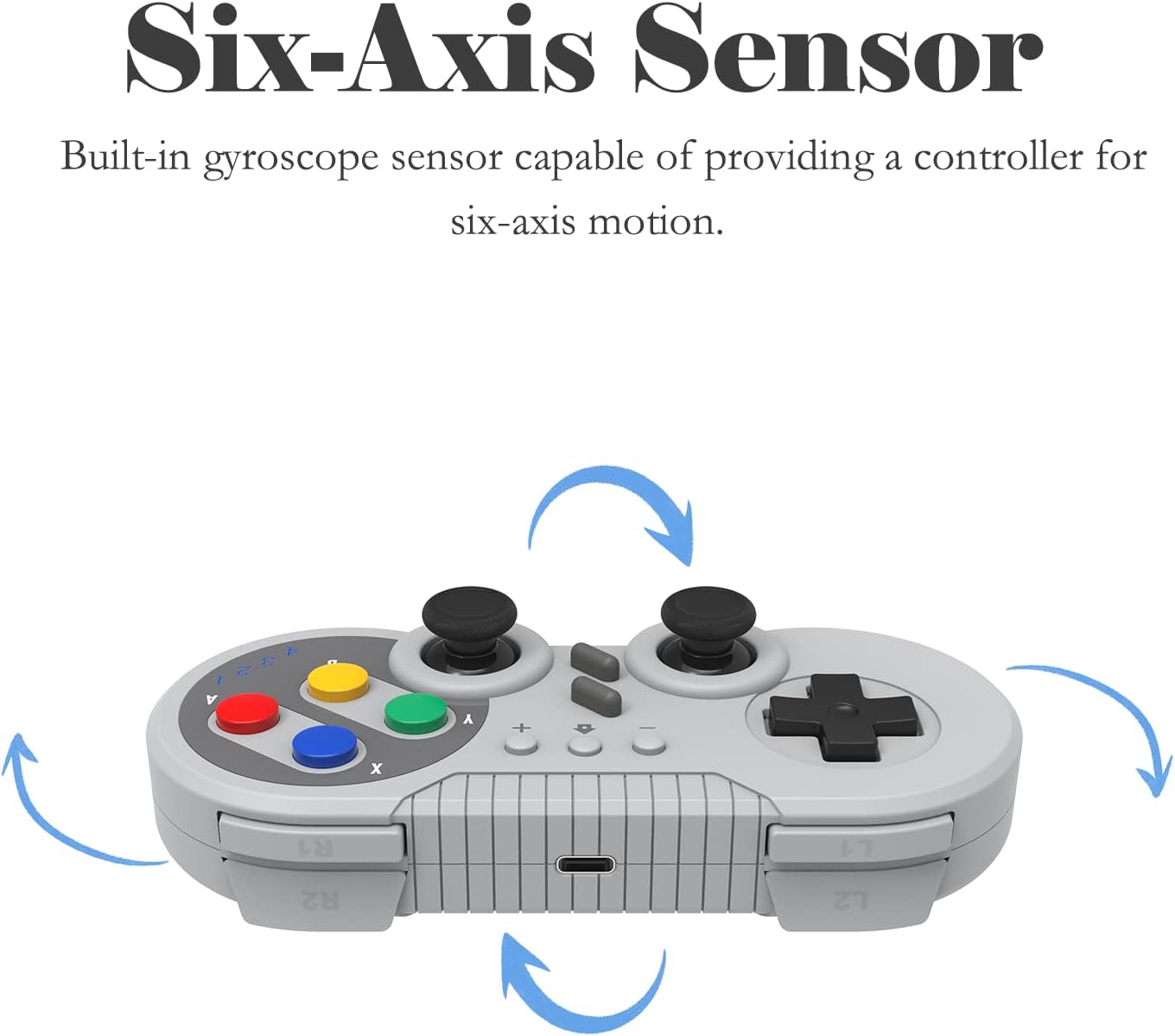
| Motion Control | Built-in gyroscope for motion control 🎮 |
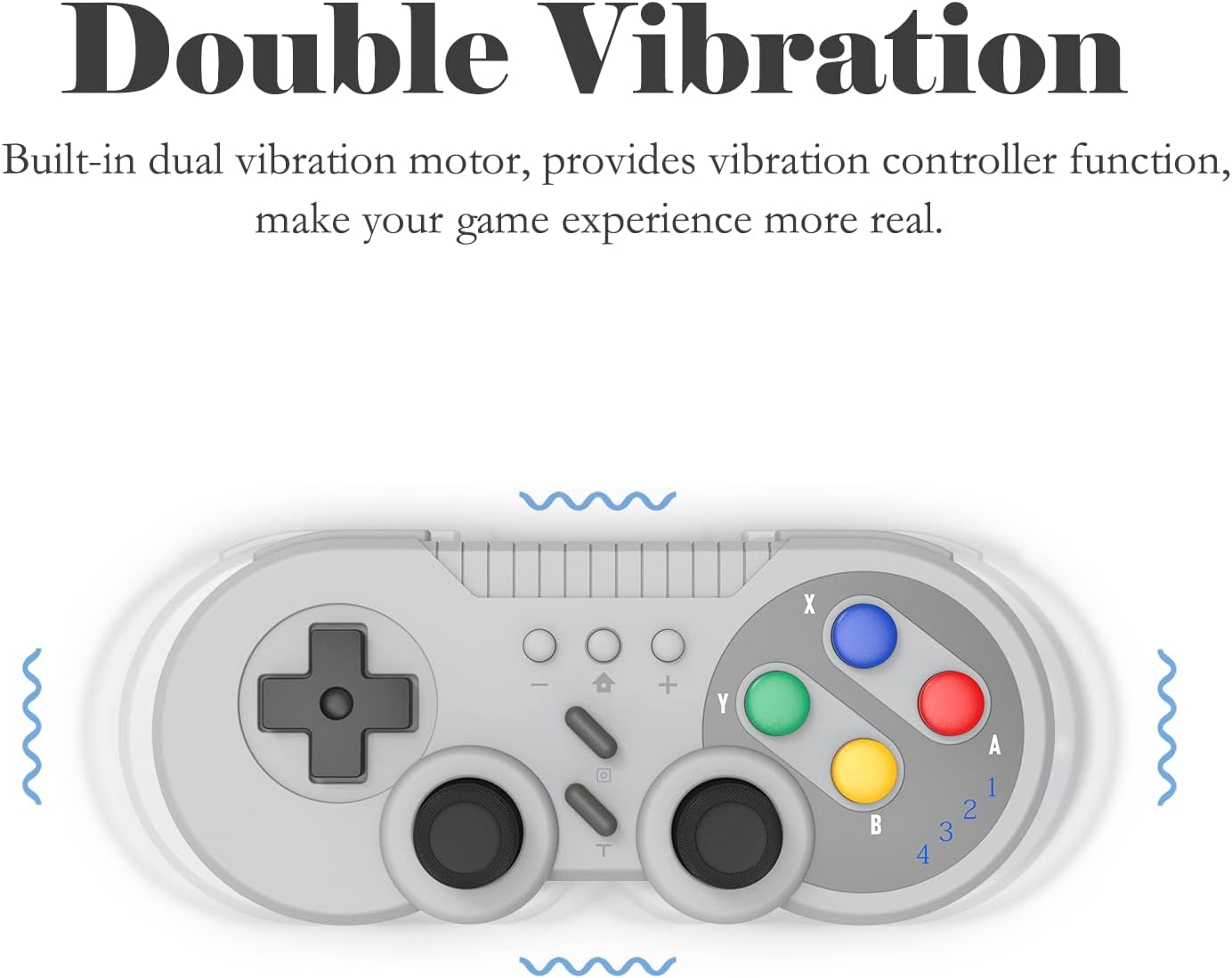
| Dual Motor Vibration | Built-in dual motor for dual vibration function ⚡ |
| Compatibility | Classic SNES style, compatible with Nintendo Switch/Switch OLED/Windows PC ✔️ |
| Vibration Intensity | 3 gear adjustable vibration intensity 🎛️ |
| Enhance Gaming | Dual motor vibration and six-axis gyroscope 🕹️ |
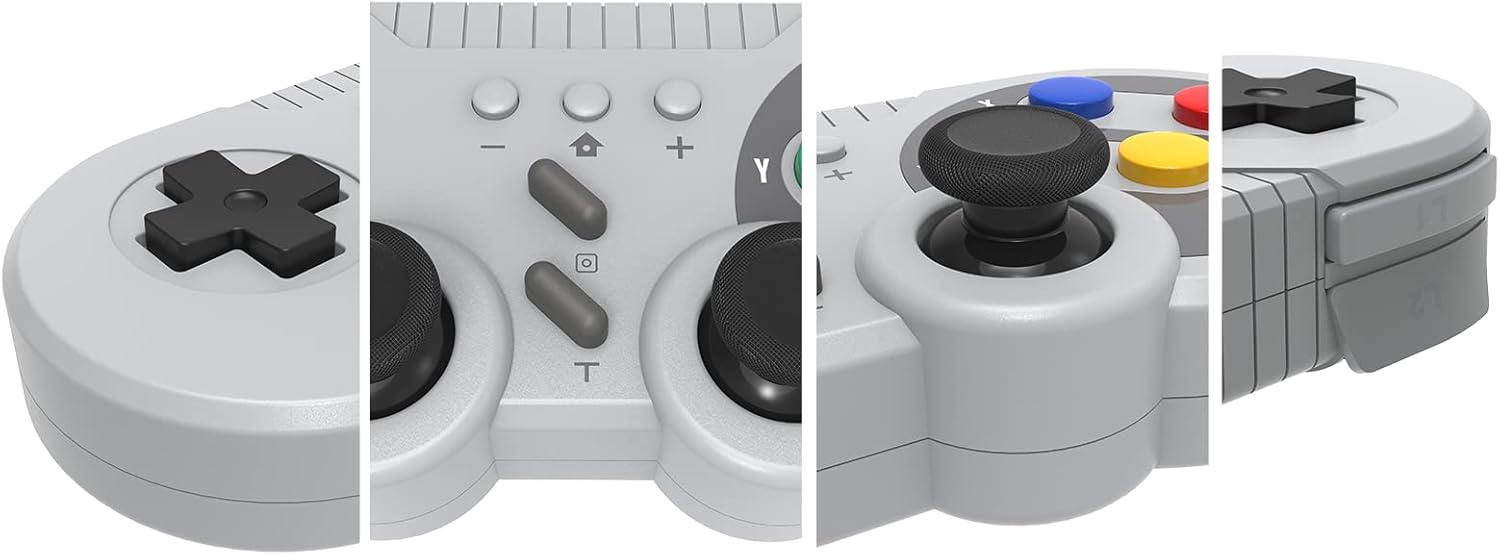
| LED Indicator | Stylish LED indicator design ✨ |
| Charging | Fast charging and long-lasting battery ⚡ |
| Turbo Function | Provides Turbo Function for efficiency 💨 |
| Screen Capture | Provides ScreenShot Function 📸 |
Usage Instruction 🧾
-
First Connection:
- Select the [ Controller ] Menu.
- Select the [ Change Grip/Order ] Menu.
- Press and Hold the [ HOME ] key 4 seconds on the [ Change Grip/Order ] Page and 4 indicators blink fast. (Enter the search configuration.)
- After the connection is successful, the LED lights indicate the corresponding game player.
-
Connect The Controller To The Console Again:
Switch Console In the Open state, press the [ HOME ] button to start the controller, and the gamepad will be automatically connected to the console.
-
Wake Up Console:
At the same time also supports the [ HOME ] button to wake up the console.
-
Six-axis Sensing Function:
The Switch gamepad, which has a gyroscope sensor built in, allows you to provide six-axis induction control in games.
-
Dual Vibration Control:
- Press and Hold [ T ] key + [ Up ] key to enhance vibration.
- Press and Hold [ T ] key + [ Down ] key to reduce vibration.
-
Turbo Function:
- Press the [ Turbo ] key to enable the combo function.
- Press the [ Turbo ] key again to disable the combo function.
Pressing [ Turbo ] allows you to reduce the number of times you have to press a key, improving your game efficiency.
-
ScreenShot Function:
Press the [ Screenshot ] button to capture a moment of the game.
Product Specification 📱
| Specification Name ⚙️ | Description 📝 |
|---|---|
| Package Dimensions | 6.38 x 3.7 x 1.81 inches 📏 |
| Item Weight | 5.3 ounces ⚖️ |
| ASIN | B0BV26P76P 🆔 |
| Customer Reviews | 4.3 out of 5 stars ⭐⭐⭐⭐ |
| Best Sellers Rank | #7,794 in Video Games 🏆 |
| Nintendo Switch Controllers Rank | #305 in Nintendo Switch Controllers 🏅 |
| Date First Available | June 9, 2022 📅 |
Product Details 🏷️
Wireless Controller for Nintendo Switch
This wireless gamepad compatible with switch console and also supports Windows PC.
Adopt new wireless connection technology, strong anti-interference ability, more stable connection.
Built-in large capacity battery for long time use.
Support wake-up function, built-in gyroscope to provide motion control and built-in dual motor to provide dual vibration function.
You can use the Turbo and screen-capture buttons to implement corresponding functions.
HOW TO CONNECT?
First Connection:
- Select the [ Controller ] Menu.
- Select the [ Change Grip/Order ] Menu.
- Press and Hold the [ HOME ] key 4 seconds on the [ Change Grip/Order ] Page and 4 indicators blinks fast. (Enter the search configuration.)
- After the connection is successful, the LED lights indicate the corresponding game player.
Connect The Controller To The Console Again:
Switch Console In the Open state, press the [ HOME ] button to start the controller, and the gamepad will be automatically connected to the console.
At the same time also supports the [ HOME ] button to wake up the console, wired to connect the computer and other functions, please see the manual operation.
Support Controller Six-axis Sensing Function
The Switch gamepad, which has a gyroscope sensor built in, allows you to provide six-axis induction control in games.
It can directly use the controller to control the steering of the car, the aim of the arrow and other application scenarios. Provide you with more rich game experience.
About Dual Vibration
Dual motors are built in to provide dual vibration function.
1. Press and Hold [ T ] key + [ Up ] key to enhance vibration.
2. Press and Hold [ T ] key + [ Down ] key to reduce vibration.
About Turbo
Provides Turbo Function.
1.Press the [ Turbo ] key to enable the combo function.
2.Press the [ Turbo ] key again to disable the combo function.
Pressing [ Turbo ] allows you to reduce the number of times you have to press a key, improving your game efficiency.
About ScreenShot
Provides ScreenShot Function.
Press the [ Screenshot ] button to capture a moment of the game.
Warranty & Support
Product Warranty: For warranty information about this product, please click here
Full Images
Product Standout Benefits
The product is designed for an enhanced gaming experience. It features innovative technology to deliver superior performance and user satisfaction.
Key Advantages
- Innovative Technology: Engineered with cutting-edge features for optimal functionality.
- Superior Performance: Delivers exceptional results for a top-tier gaming session.
- User Satisfaction: Designed with the user in mind for an enjoyable and seamless experience.
Product Specifications
Here’s a look at the details:
- Package Dimensions: 6.38 x 3.7 x 1.81 inches
- Item Weight: 5.3 ounces
- ASIN: B0BV26P76P
Customer Feedback
- Customer Reviews: 4.3 out of 5 stars
- Number of Ratings: 216 ratings
Market Position
- Best Sellers Rank: #6,176 in Video Games
- #253 in Nintendo Switch Controllers
Availability
- Date First Available: June 9, 2022
Customer Questions and Answers
Got questions? We’ve got you covered!
When was this product first available? 🤔
You could get your hands on this starting June 9, 2022!
What are people saying about it? 💬
Customers seem to really like it! It’s got a solid 4.3 out of 5 stars from 216 ratings.
Where does it rank among bestsellers? 🏆
It’s doing pretty well! It’s #6,176 in Video Games and even better at #253 in Nintendo Switch Controllers.
How big is it and how much does it weigh? 📏
It measures 6.38 x 3.7 x 1.81 inches and weighs 5.3 ounces. Pretty standard size for a controller!
Related Products
-
eXtremeRate Cherry Blossoms Pink Replacement Housing Shell for Nintendo Switch Pro Controller
₦20.99 -

Gammeefy Wireless Pro Controller for Nintendo Switch OLED Lite 9 Color LED Blue·tooth PC Android iOS
₦32.99 -

PowerA Enhanced Gold Rider Wireless Controller for Nintendo Switch, Switch OLED, Switch Lite
₦109,980.00 -

HORI Nintendo Switch Battle Pad Zelda GameCube Style Controller New
₦65,520.00 -

PDP Rock Candy Wired Gaming Controller for Nintendo Switch Zelda Blue See Through OLED Lite Compatible
₦45,980.00 -

2.4 GHz Wireless N64 Controller for Switch Online, PC, Mac, iOS – Rechargeable, Black
₦65,980.00 -

HORI Nintendo Switch Fighting Commander Controller Official Nintendo Licensed Used
₦67,980.00 -

Neon Red Lizard Skins Controller Grip for Nintendo Switch Pro Controller 0.5mm Thick
₦30,260.00 -

DBEPANK Wireless Pro Controller for Nintendo Switch OLED Lite Rechargeable Gamepad with 6-Axis Gyro and 10 RGB Lights
₦32.99 -

Turquoise Nintendo Switch Lite Handheld Console – 32GB
₦398,000.00 -

Gammeefy Wireless Switch Pro Controller with 9 Color Adjustable LEDs for Nintendo Switch OLED Lite PC
₦26.99 -
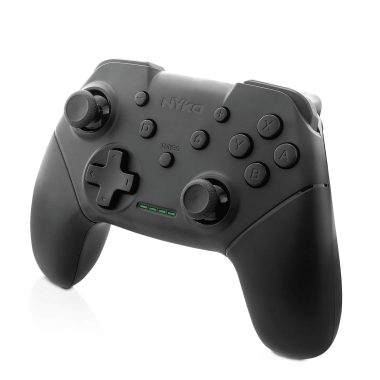
Nyko Wireless Core Controller for Nintendo Switch – Black, Ergonomic Design, Turbo Functionality, Type-C Charging
₦29.99 -
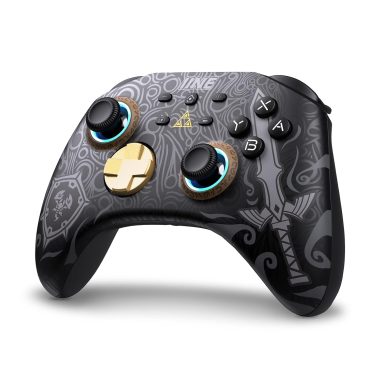
IINE RGB Wireless Pro Controller for Nintendo Switch Lite OLED with Headset Jack Turbo Macro Wake-Up Vibration
₦39.99 -

20-Piece Silicone Joy-Con Thumb Grip Caps for Nintendo Switch/Lite/OLED Controllers
₦13,995.99 -

eXtremeRate Clicky Hair Trigger Kit for Nintendo Switch Pro Controller with Flashshot Trigger Stop Flex Cable
₦14.99 -

PowerA Wired Controller for Nintendo Switch Black 10ft Detachable USB Cable Officially Licensed
₦22.99 -

PowerA Enhanced Wireless Controller Nintendo Switch Animal Crossing K.K. Slider Edition
₦99,980.00 -
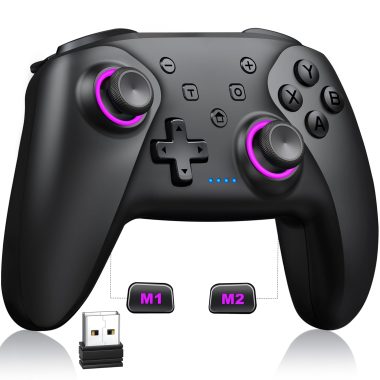
NealGamefy Bluetooth Wireless PC Controller Hall Effect Joysticks 1000mAh Battery for PC Switch iOS Android
₦59,980.00 -

EasySMX D10 Wireless Gaming Controller Bluetooth Gamepad 1000Hz Polling RGB Mechanical Keys with Charging Dock
₦101,980.00 -

2.4 GHz Wireless N64 Controller with USB & N64 Receivers, Rechargeable, Plug and Play, PC/Mac/iOS/Pi Compatible
₦121,980.00
Reviews
There are no reviews yet.