
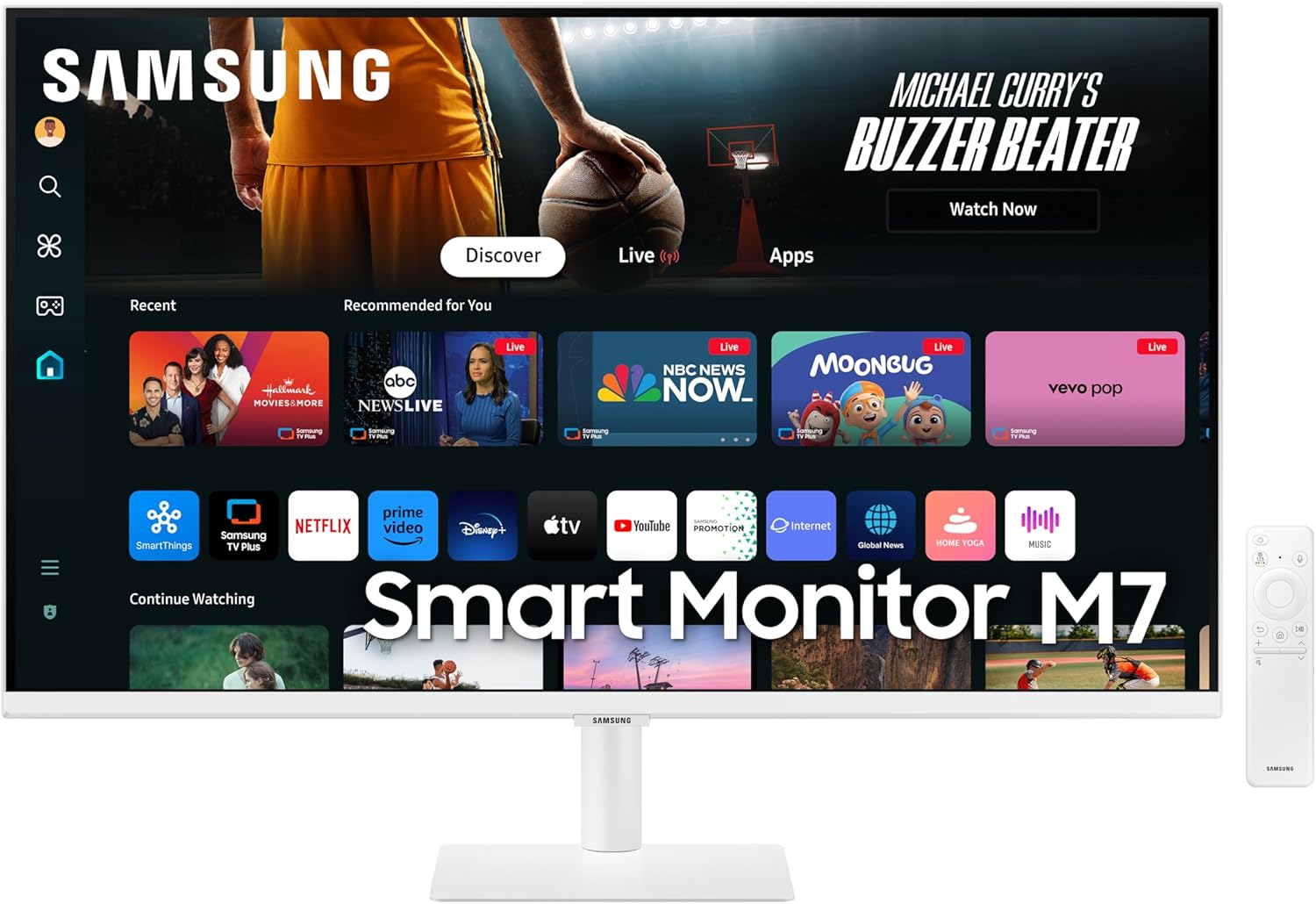
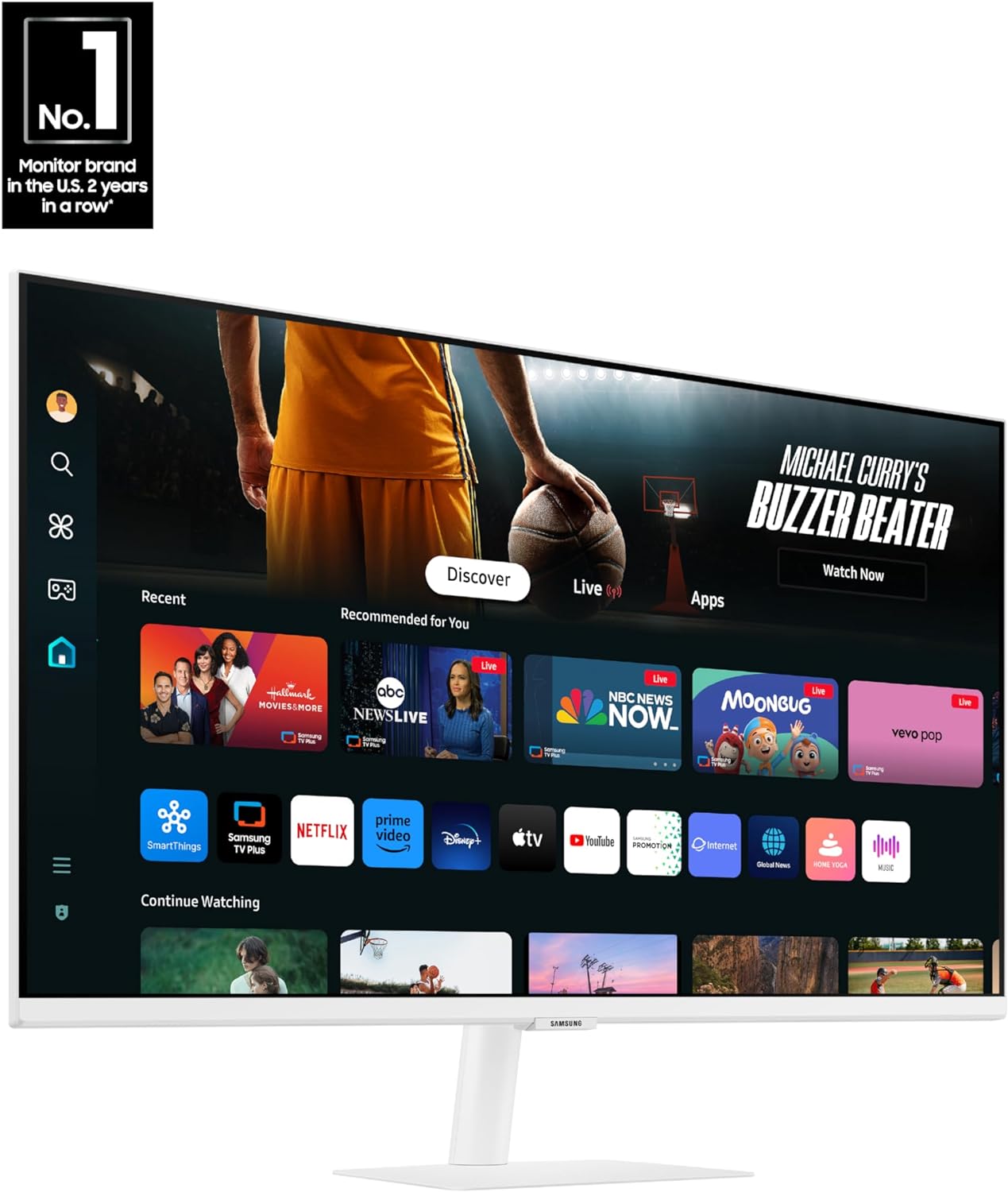
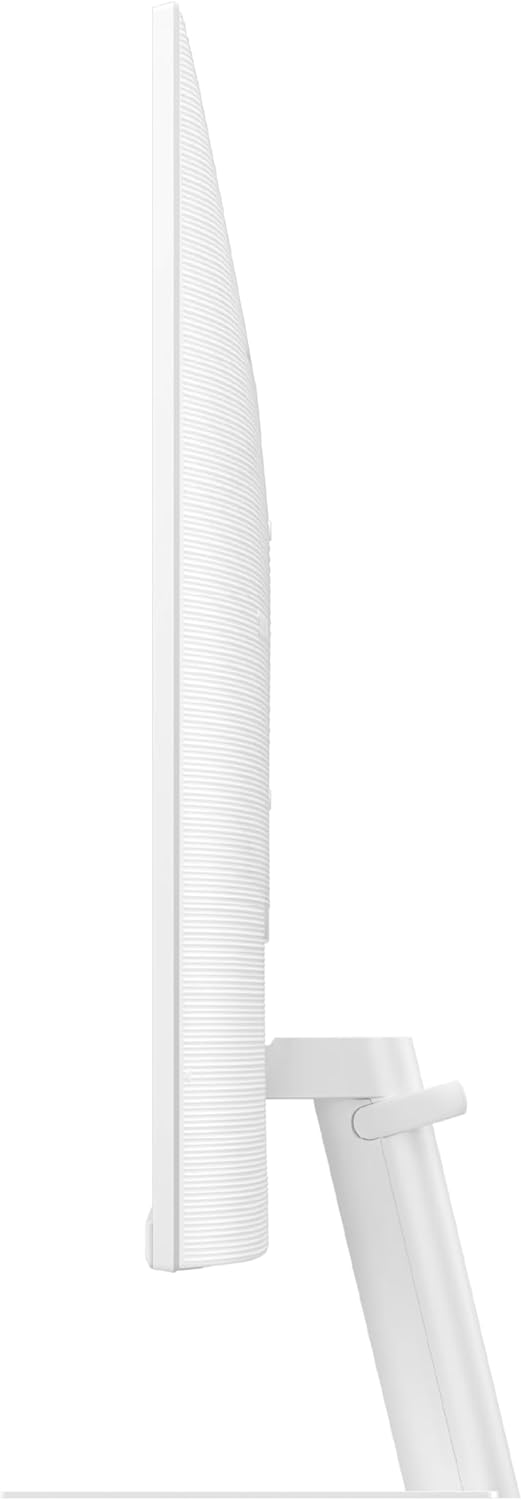
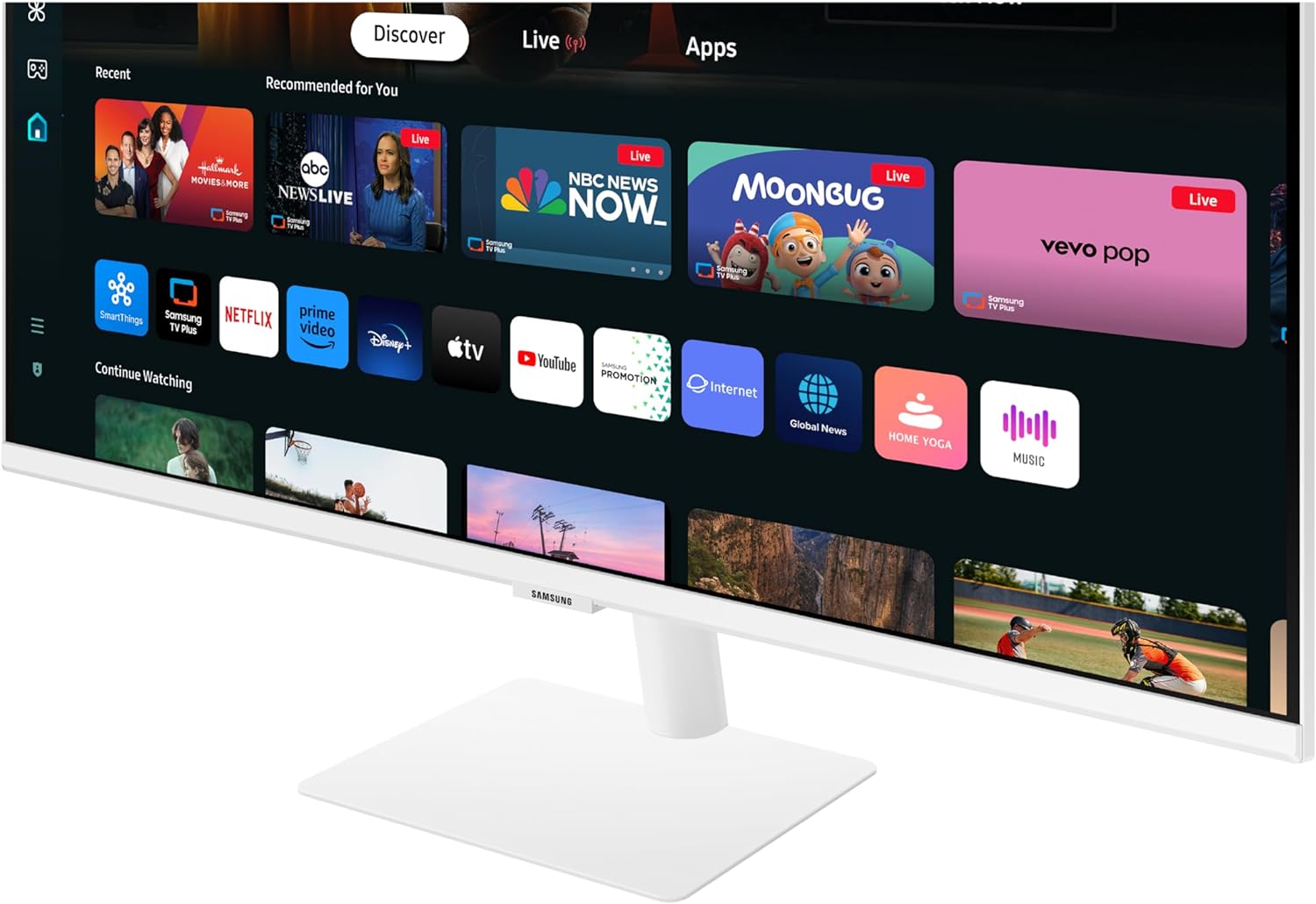
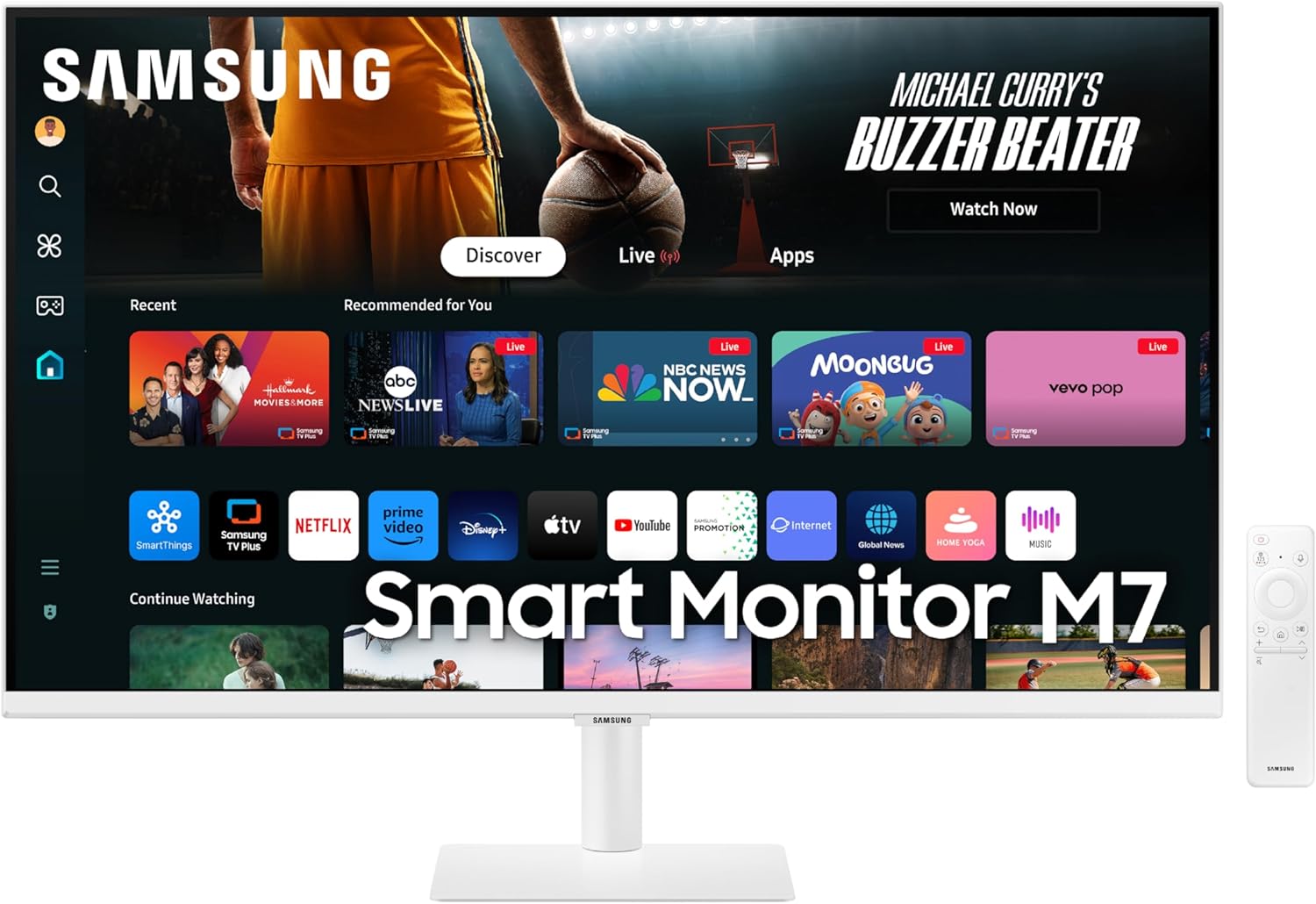
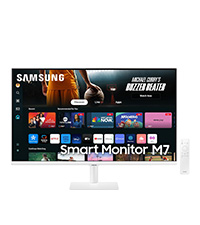
Samsung 32-Inch M7 Series 4K UHD Smart Monitor with Built-in TV, White, 2024 Model
₦399.99
Description
About the Product 🔑
| Feature 🌟 | Description ✨ |
|---|---|
| Connectivity 🔌 | Single USB C cable supplies 4k 60Hz video, power, and access to two USB A data ports. |
| Stand 📐 | Solid, small, all metal stand that only tilts. |
| Smart Features 📺 | Built-in apps, Airplay, Streaming TV. |
| Resolution 👁️ | 4K UHD resolution brings content to life with vivid clarity and incredible detail. |
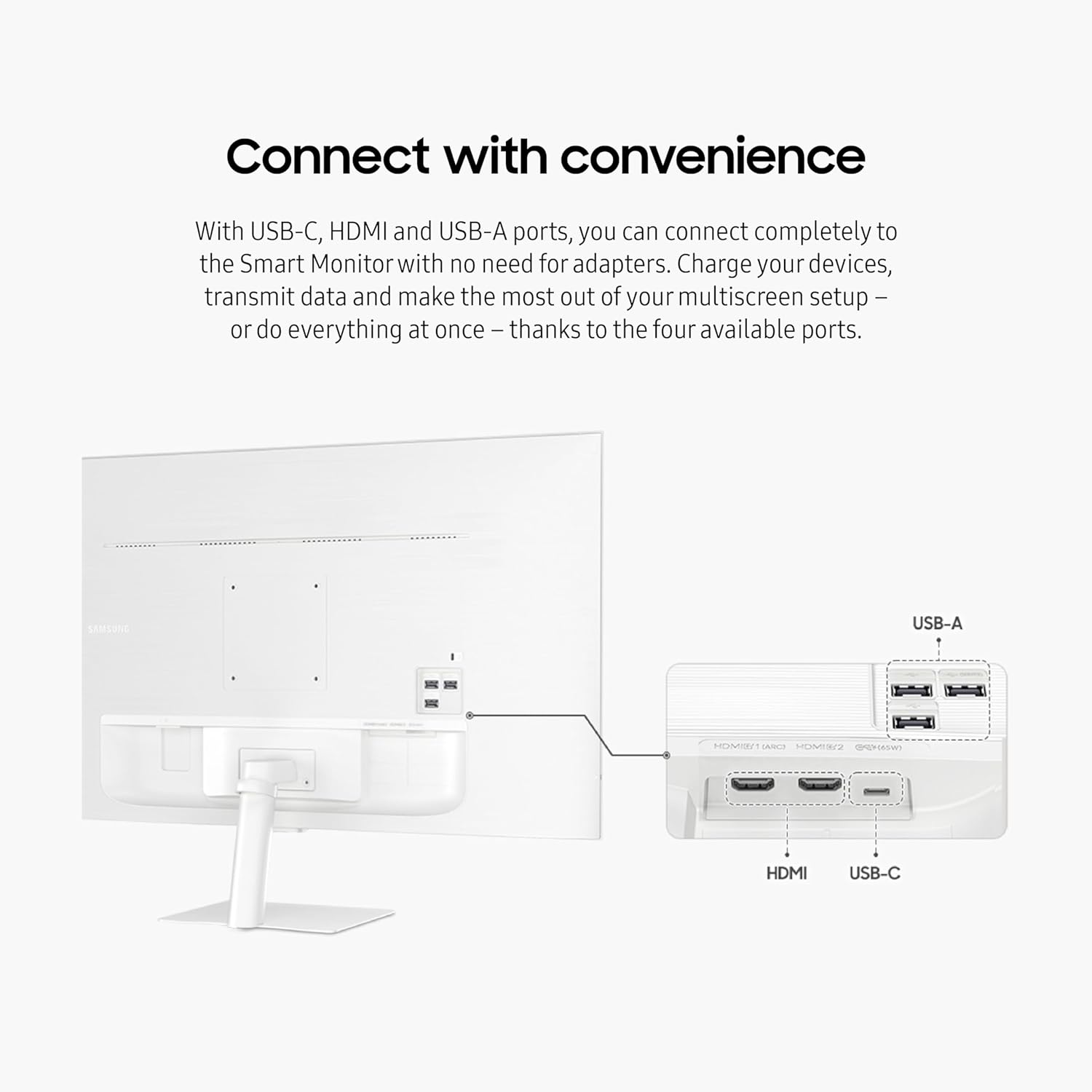
| Ports 🗄️ | Multiple ports, including USB-C, eliminate the need for adapters. |
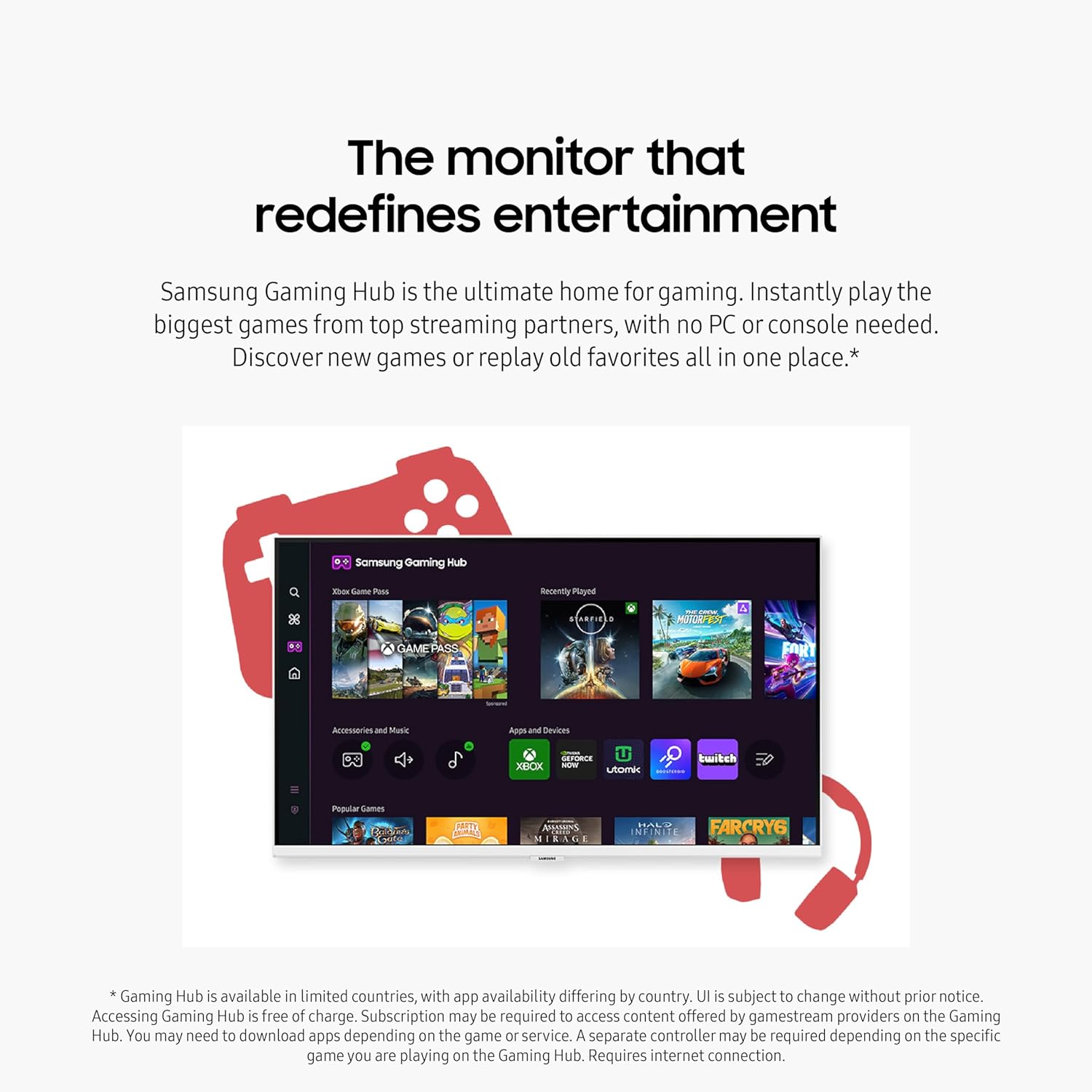
| Gaming 🎮 | Gaming Hub for streaming games. |
| Remote ☀️ | SolarCell Remote with solar charging panel. |
| Accessibility 🧑🦯 | Vision Accessibility Tools for low vision users. |
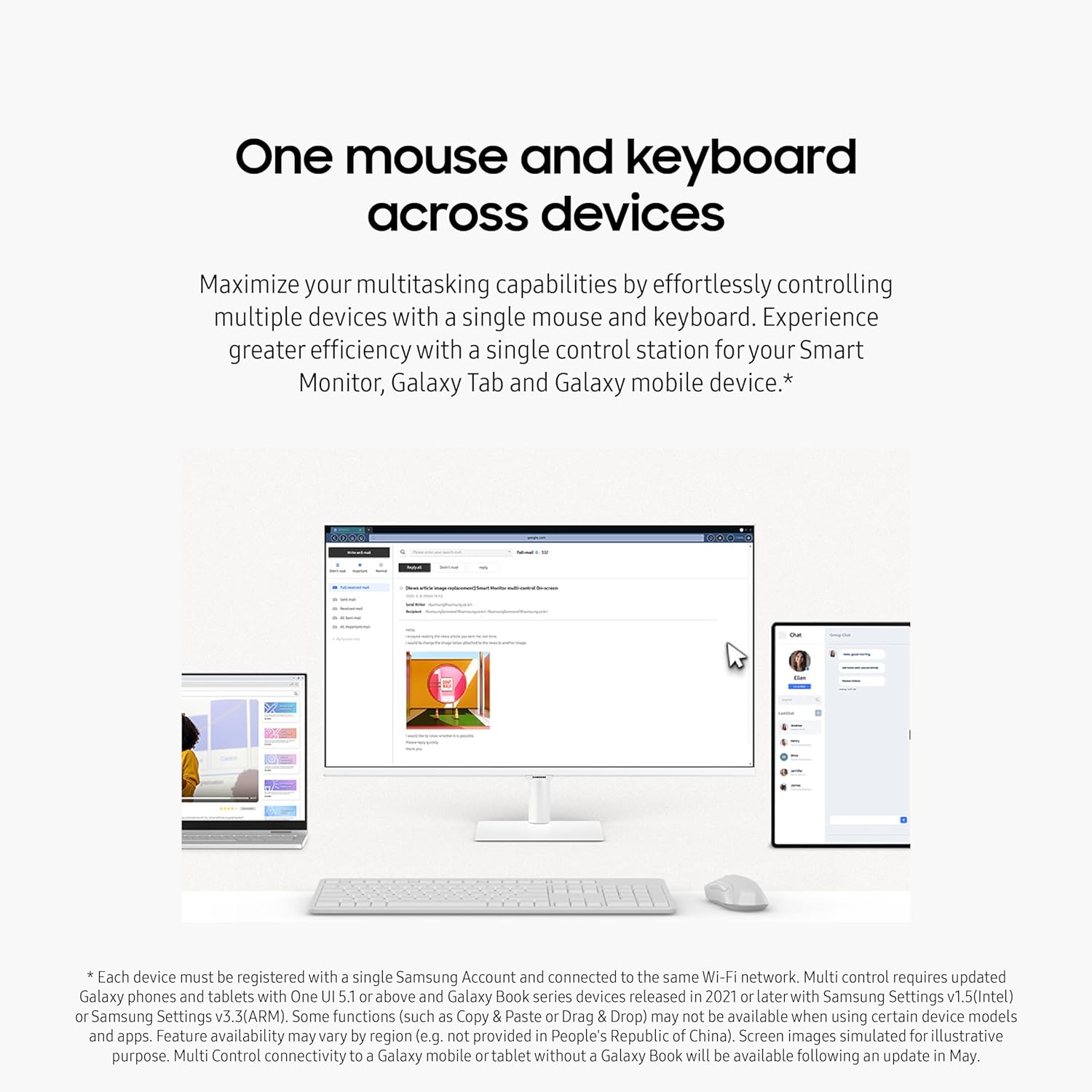
| Multitasking 🖱️<0xF0><0x9F><0x96><0xA5>️ | Control multiple devices with one mouse and keyboard; Seamlessly drag & drop content across devices. |
| Productivity 💼 | Embedded productivity apps like Microsoft 365. |
| Smart Home Control 💡 | See all your smart home devices in a new 3D Map View. |
Product Benefits 💡
- Stream content directly from the monitor or tune into live TV channels.
- Maximize your multitasking using a single mouse and keyboard across devices.
- Lose yourself while exploring nuanced settings with incredible detail.
- Connect to the Smart Monitor without adapters.
- Instantly play the biggest games from top streaming partners, with no PC or console needed.
- Eco-friendly choice with the SolarCell Remote.
- Tools that help low vision users see and use the screen more easily.
- Enjoy better control when switching between your PC and Smart Monitor’s home screen controls.
- Bypass the PC for a simpler, streamlined working environment.
- Easier way to manage devices in different rooms.
- Save money by turning on energy-saving modes.
Usage Instruction 🛠️
- Step 1: 🔌 Connect the monitor using a single USB C cable.
- Step 2: 💡 Turn on the monitor by pressing the power button.
- Step 3: ⚙️ Navigate the smart interface to stream content or tune into live TV channels.
- Step 4: 🖱️ Use one mouse and keyboard to control multiple devices and multitask.
- Step 5: 🎮 Access the Gaming Hub to play games from top streaming partners.
- Step 6: ☀️ Utilize the SolarCell Remote for control, which is powered by solar energy.
- Step 7: 🧑🦯 Explore Vision Accessibility Tools for an inclusive user experience.
- Step 8: 💻 Switch between your PC and the Smart Monitor’s home screen controls easily.
- Step 9: 💼 Access and control your PC remotely or work directly on the monitor using embedded productivity apps.
- Step 10: 🏡 Manage your smart home devices using the 3D Map View.
Product Specification 📱
| Specification ⚙️ | Description ✨ |
|---|---|
| Screen Size 🖥️ | 32-Inch |
| Series 📅 | M7 (M70D) |
| Resolution 🖼️ | 4K UHD |
| Features ⭐ | Speakers, HDR10, USB-C, Multiple Ports, Gaming Hub, SolarCell Remote, Vision Accessibility Tools |
| Color 🤍 | White |
| Model Number 🏷️ | LS32DM703UNXZA |
| Year 🗓️ | 2024 |
| Video 🎬 | Crystal clear |
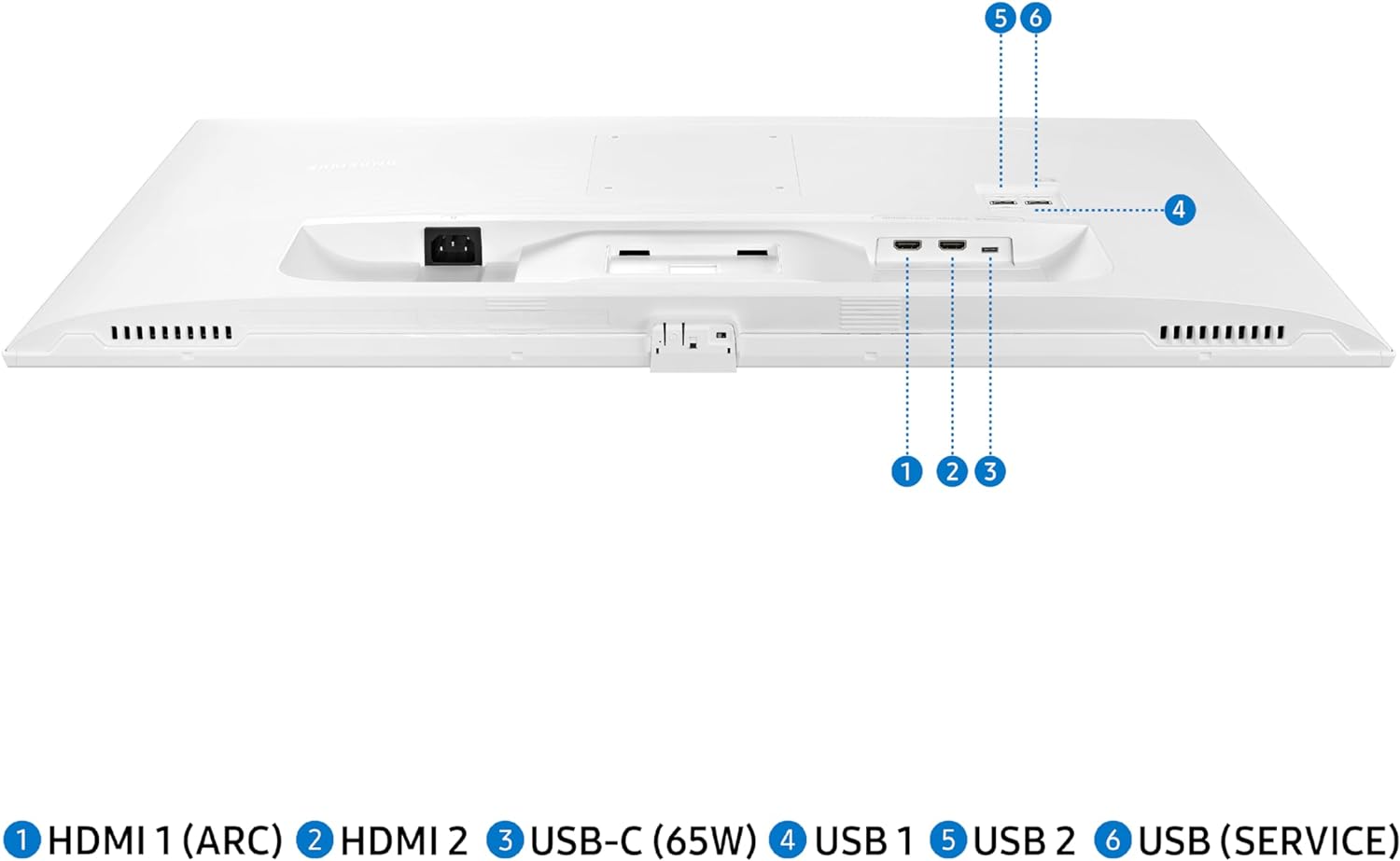
| Ports Available 🗄️ | USB-C, HDMI, USB-A (4 total) |
| Remote Power ☀️ | Solar Charging |
| Accessibility Tools 🧑🦯 | Magnification, Color Switching, Audio Descriptions |
| PC Control 💻 | Remote Access, Embedded Apps |
| Smart Home View 🏡 | 3D Map |
Product Details 🏷️
🏷️ About the Product:
- I bought the Samsung M7 32″ monitor a couple of weeks ago. This is a newer version that was released in the fall. I was surprised to learn that it connects to my MBP with a single USB C cable that supplies 4k 60Hz video, power, and access to two USB A data ports on the back. It has a very solid and small all metal stand that only tilts. It also has built-in apps, Airplay, and …
- Samsung’s Smart M7 Monitor is an all-in-one streaming TV and desktop monitor. Stream content directly from the monitor or tune into live TV channels. Maximize your multitasking using a single mouse and keyboard across devices. 4K UHD resolution brings content to life with vivid clarity and incredible detail, and multiple ports, including USB-C, eliminate the need for adapters. Gaming …
- Explore the M7 M70D 32″ Smart Monitor 4K UHD with speakers, Streaming TV, USB-C port, & SolarCell Remote in white. Buy today!
- The M7 32 or 46, are great for a monitor and a tv. The tv smart interface is a little slow, mostly when you turn it on – but speeds up a bit after its had time to turn on and think.
- The innovative Gaming Hub and SolarCell Remote add convenience and efficiency to your setup, while Vision Accessibility Tools ensure an inclusive user experience.
🏷️ Usage Instructions:
- I bought the Samsung M7 32″ monitor a couple of weeks ago. This is a newer version that was released in the fall. I was surprised to learn that it connects to my MBP with a single USB C cable that supplies 4k 60Hz video, power, and access to two USB A data ports on the back. It has a very solid and small all metal stand that only tilts.
- The M7 32 or 46, are great for a monitor and a tv. The tv smart interface is a little slow, mostly when you turn it on – but speeds up a bit after its had time to turn on and think.
- The innovative Gaming Hub and SolarCell Remote add convenience and efficiency to your setup, while Vision Accessibility Tools ensure an inclusive user experience.
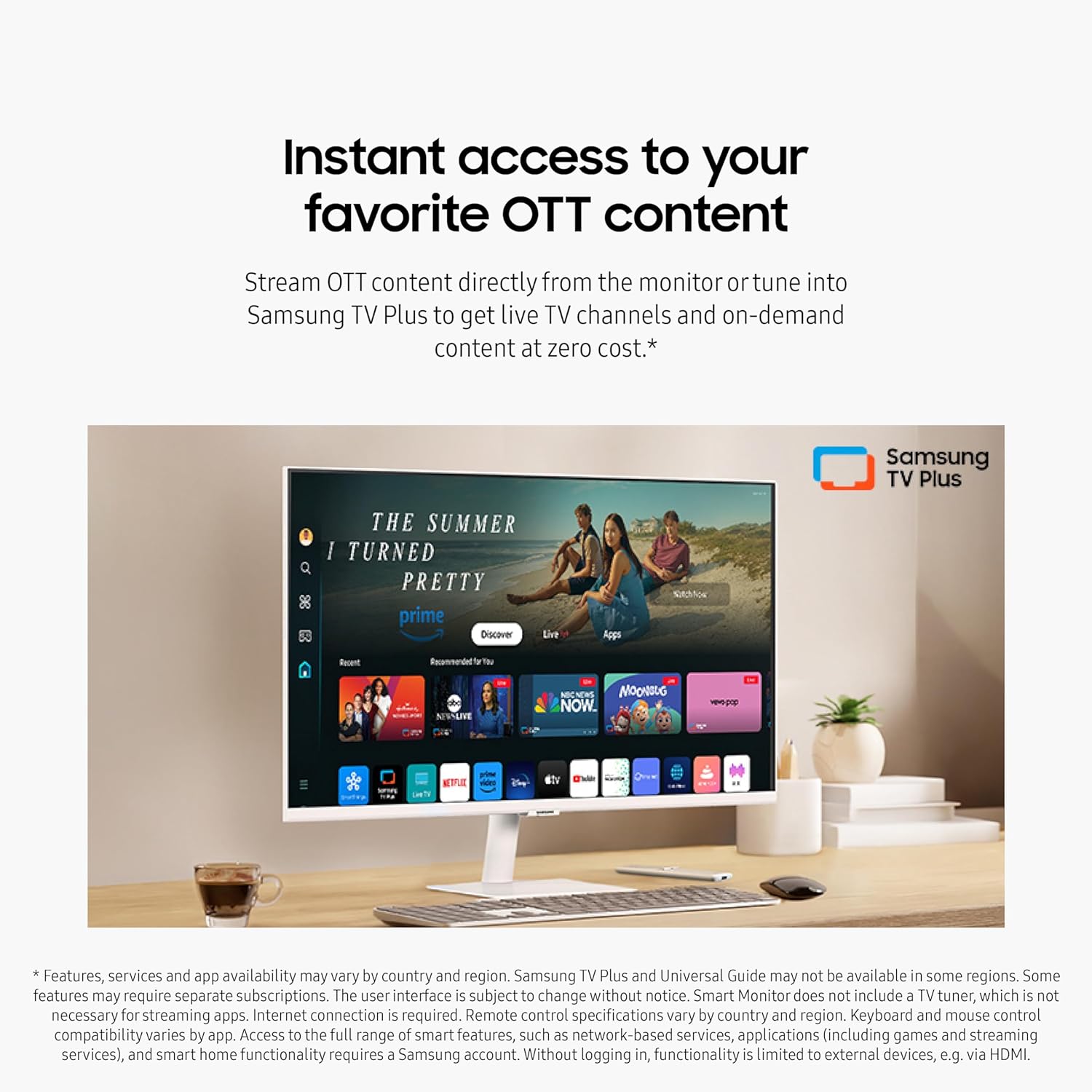
INSTANT ACCESS TO OTT CONTENT: Stream OTT content directly from monitor or tune into Samsung TV Plus¹ to get live TV channels and on-demand content at zero cost
1 MOUSE & KEYBOARD ACROSS DEVICES: Maximize multitasking by controlling multiple devices with one mouse and keyboard; Seamlessly drag & drop content across the Smart Monitor, a Galaxy Tab & Galaxy mobile device, streamlining your workflow²
ENJOY CONTENTS IN VIVID DETAIL: Crystal clear video; 4K UHD resolution brings your content to life with vivid clarity; Lose yourself while exploring nuanced settings with incredible detail³
CONNECT w/ CONVENIENCE: With USB-C, HDMI & USB-A ports, you can connect to the Smart Monitor without adapters; Charge devices, transmit data & make the most out of your multiscreen setup – or do all at once – thanks to the 4 available ports
WHERE GAMING COMES TOGETHER: Samsung Gaming Hub is the ultimate home for gaming; Instantly play the biggest games from top streaming partners, with no PC or console needed; Discover new games or replay old favorites all in one place⁴
SOLAR POWERED CONTROL: The SolarCell Remote, featuring a solar charging panel on its back, eliminates the need for disposable batteries, making it an eco-friendly choice
DESIGNED FOR LOW VISION USERS: Designed with accessibility in mind, it comes equipped with tools that help low vision users see and use the screen more easily, including screen magnification, color switching and audio descriptions for TV settings
EASY SWITCHING BETWEEN MONITOR & PC: Enjoy better control when switching between your PC and Smart Monitor’s home screen controls; With the Easy Setting Box installed on your PC, move between these configurations with just one mouse and keyboard
EASIER ACCESS TO YOUR WORK TOOLS: Access & control your PC remotely or work directly on the monitor; Embedded productivity apps like Microsoft 365 let you bypass the PC for a simpler, streamlined working environment⁵
SIMPLE CONTROL FOR YOUR SMART HOME: See all your smart home devices in a new 3D Map View, for an easier way to manage devices in different rooms; See energy, usage and costs by device & save money by turning on energy-saving modes⁶
Full Images










Product Standout Benefits
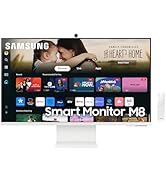
Samsung’s Smart M7 Monitor is an all-in-one streaming TV and desktop monitor. Stream content directly from the monitor or tune into live TV channels.
- INSTANT ACCESS TO OTT CONTENT: Stream OTT content directly from monitor or tune into Samsung TV Plus¹ to get live TV channels and on-demand content at zero cost.
- 1 MOUSE & KEYBOARD ACROSS DEVICES: Maximize multitasking by controlling multiple devices with one mouse and keyboard; Seamlessly drag & drop content across the Smart Monitor, a Galaxy Tab & Galaxy mobile device, streamlining your workflow².
- ENJOY CONTENTS IN VIVID DETAIL: Crystal clear video; 4K UHD resolution brings your content to life with vivid clarity; Lose yourself while exploring nuanced settings with incredible detail³.
- CONNECT w/ CONVENIENCE: With USB-C, HDMI & USB-A ports, you can connect to the Smart Monitor without adapters; Charge devices, transmit data & make the most out of your multiscreen setup – or do all at once – thanks to the 4 available ports.
- WHERE GAMING COMES TOGETHER: Samsung Gaming Hub is the ultimate home for gaming; Instantly play the biggest games from top streaming partners, with no PC or console needed; Discover new games or replay old favorites all in one place⁴.
- SOLAR POWERED CONTROL: The SolarCell Remote, featuring a solar charging panel on its back, eliminates the need for disposable batteries, making it an eco-friendly choice.
- DESIGNED FOR LOW VISION USERS: Designed with accessibility in mind, it comes equipped with tools that help low vision users see and use the screen more easily, including screen magnification, color switching and audio descriptions for TV settings.
- EASY SWITCHING BETWEEN MONITOR & PC: Enjoy better control when switching between your PC and Smart Monitor’s home screen controls; With the Easy Setting Box installed on your PC, move between these configurations with just one mouse and keyboard.
- EASIER ACCESS TO YOUR WORK TOOLS: Access & control your PC remotely or work directly on the monitor; Embedded productivity apps like Microsoft 365 let you bypass the PC for a simpler, streamlined working environment⁵.
- SIMPLE CONTROL FOR YOUR SMART HOME: See all your smart home devices in a new 3D Map View, for an easier way to manage devices in different rooms; See energy, usage and costs by device & save money by turning on energy-saving modes⁶.
Customer Questions and Answers
-
Q: How do I use the Smart Monitor for multitasking? 🤔
A: You can maximize multitasking by controlling multiple devices with one mouse and keyboard. Seamlessly drag & drop content across your Smart Monitor, a Galaxy Tab, and Galaxy mobile device, streamlining your workflow!
-
Q: How can I connect my devices to the monitor? 🔗
A: Connecting is super convenient! With USB-C, HDMI & USB-A ports, you can connect to the Smart Monitor without any adapters. You can charge devices, transmit data, and make the most out of your multiscreen setup – or do all at once – thanks to the 4 available ports.
-
Q: Can I play games without a PC or console? 🎮
A: Absolutely! Samsung Gaming Hub is the ultimate home for gaming. You can instantly play the biggest games from top streaming partners, with no PC or console needed. Discover new games or replay old favorites all in one place!
-
Q: How does the SolarCell Remote work? ☀️
A: The updated SolarCell remote is eco-friendly and eliminates the need for disposable batteries! It features a solar charging panel on its back, so you can conveniently control your settings.
-
Q: Is this monitor good for working remotely? 🖥️
A: Yes! You can access and control your PC remotely or work directly on the monitor. Embedded productivity apps like Microsoft 365 let you bypass the PC for a simpler, streamlined working environment.
-
Q: How can I manage my smart home devices? 🏠
A: You can see all your smart home devices in a new 3D Map View, making it easier to manage devices in different rooms. You can also see energy, usage, and costs by device, and save money by turning on energy-saving modes.
Related Products
-

Eyoyo 12 Inch HDMI CCTV Monitor Portable User-Friendly Fast Delivery Nigeria
₦187,000.00 -

Samsung 55-inch QLED 4K Terrace Outdoor Smart TV, Partial Sun Rated, Weatherproof, HDR 32x, Latest Model
₦3,900,384.99 -

Samsung 32 Inch QLED 4K Smart TV Eco-Friendly Affordable
₦747,482.99 -

SAMSUNG 50 Inch Crystal UHD TU-8000 Series 4K HDR Smart TV Renewed
₦855,900.00 -

Samsung 43-inch The Frame QLED 4K AI TV 2025 Bundle with Teak Bezel and 26-Month Protection
₦897.99 -

Samsung 50-Inch Crystal UHD 4K Smart TV 2024 Model with Streaming Pack & 26-Month Protection
₦377.95 -

SAMSUNG 70 Inch Crystal UHD 4K Smart TV Bundle with HDMI Cable and 26 Month Protection
₦846.17 -

SAMSUNG 32 inch M5 Series FHD Smart Monitor Streaming TV 60Hz 4ms Black with GSF HDMI Cable
₦399.90 -

Samsung 50 Inch Crystal 4K UHD Smart TV Bundle with HDMI Cables and 26 Month Protection Pack
₦499.00 -

Samsung 50 Inch U7900 Series 4K UHD Smart Tizen TV 2025 Bundle with HDMI Cable and 26 Month Protection Pack
₦349.99 -

Samsung 32 Inch The Frame QLED HDR 4K Smart TV Bundle with 2 HDMI Cables and 26 Month Protection Plan
₦547.99 -
SAMSUNG 32 Inch ViewFinity S8 4K UHD Monitor HDR10 Height Adjustable Stand 2024
₦449.99 -

SAMSUNG 32 Inch ViewFinity S7 4K UHD IPS HDR10 Monitor TUV Certified Speakers DP Port
₦449.99 -
Samsung ViewFinity S8 32-inch 4K UHD IPS HDR10 Monitor with USB-C and KVM Switch
₦859,980.00 -

Samsung 50 Inch QLED 4K Smart TV 2024 Model with HDMI Cables and 12 Month Protection
₦797.99 -
Samsung 50 Inch QLED Q7F 4K Smart TV 2025 Vision AI Quantum HDR with 26 Month Protection Plan
₦579.99 -
SAMSUNG 32 Inch Curved Full HD Monitor 60Hz 4ms Response Time LC32R502FHNXZA Renewed
₦359,980.00 -

Samsung 43-Inch QLED 4K UHD Smart TV with HDR10+, Alexa, Bluetooth, and 12 Month CPS Plan
₦397.95 -
SAMSUNG 32 Inch ViewFinity UJ59 4K UHD LED Monitor Dark Gray Blue 60Hz 4ms FreeSync HDMI DP
₦339.89 -

Samsung 50″ The Frame QLED 4K Smart TV 2024 Bundle with 2 HDMI Cables and 26-Month Protection
₦997.99
Reviews
There are no reviews yet.