


SAMSUNG 24-inch IPS Ergonomic Monitor with Eye Care and Fast Delivery
₦195,114.99
Description
🏷️ About the Product
| Feature | Description |
|---|---|
| 🌟 Brand | SAMSUNG 24-Inch S43GC Series |
| 💡 Panel Type | IPS Panel |
| ⬆️ Stand | Height Adjustable Stand |
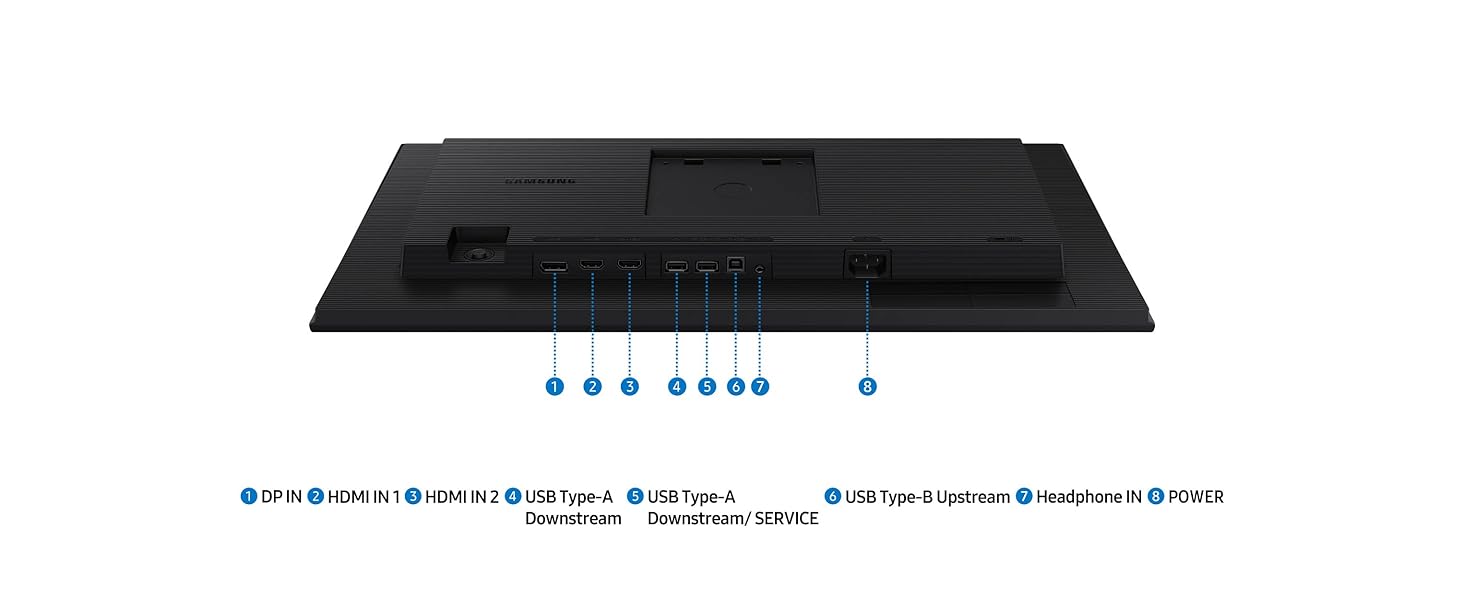
| 🔌 Inputs | Triple Input |
| 🆕 Port | New DisplayPort |
| ⚡ Refresh Rate | 100Hz |
| 🎮 AMD Sync | AMD FreeSync |
| 👁️ Eye Care | Advanced Eye Care |
| 💻 USB-C | USB Type-C with 65W charging |
| 🖼️ Image | |
| 🖼️ Image | |
| 🖼️ Image |
🛠️ Usage Instruction
- Step 1: 🔌 Connect the power cable.
- Step 2: 💡 Power on the monitor.
- Step 3: ⚙️ Adjust settings as needed.
📱 Product Specification
| Specification | Details |
|---|---|
| 📏 Screen Size | 24-inch |
| 🖼️ Resolution | Full HD |
| ✨ Display | IPS Display |
| 🔌 Connectivity | Versatile Connectivity |
| ⬆️ Design | Ergonomic Design |
| 🎮 Gaming Feature | AMD FreeSync |
| 👁️ Comfort | Eye Comfort |
| ⚡ Refresh Rate | 100Hz |
| 🔌 Charging | 65W Charging (USB-C) |
📄 Product Details
The Samsung S43GC Series Business Essential Computer Monitor is a 24-inch monitor with an IPS panel and height-adjustable stand. It features triple input, a new DisplayPort, 100Hz refresh rate, and AMD FreeSync for advanced eye care. The S Series also includes a USB Type-C port with 65W charging, allowing you to power your laptop and transmit data with a single cable. The Samsung S24R652FDU is a 24-inch Full HD business monitor known for its sharp IPS display, versatile connectivity, and ergonomic design, suitable for work, study, and casual gaming. It offers a compelling package for professionals seeking a reliable and ergonomic display solution, with a combination of vibrant visuals, adjustable stand, and eco-friendly features making it a suitable choice for office environments and home workstations alike. The 24″ (S30GD) Essential Monitor has an IPS Panel and Tilt Only Stand, with a 100Hz refresh rate, ergonomic design, advanced eye care, and game mode.
Full Images



















Product Standout Benefits
-
VIVID COLORS ACROSS THE WHOLE SCREEN
Experience stunning colors across the entire display with the IPS panel. Colors stay bright and clear across the screen, even when angles change. Tones and shades are represented consistently with less color washing.
-
SMOOTH PERFORMANCE ACROSS ANY CONTENT
Stay in the action when playing games, watching videos, or working on creative projects. The 100Hz refresh rate reduces lag and motion blur so you don’t miss a thing in fast-paced moments.*
-
OPTIMIZED GAME SETTINGS FOR EACH GENRE
Gain a competitive edge with optimizable game settings. Color and image contrast can be adjusted to see scenes more clearly, while Game Picture Mode adjusts any game to fill your screen with every detail in view.**
-
EASY ON THE EYES
Protect your vision and stay comfortable, even during long sessions. Stay focused on your work with reduced blue light and screen flicker.**
-
FLEXIBLE ADJUSTMENTS
A slim design adds style to any environment, with a height-adjustable screen to give you the best angle and more versatility. Ultra-thin border bezels make the most of screen space, and you can even pivot the screen for a vertical view.
-
CONNECT TO MORE
Plug devices straight into your monitor for increased flexibility, making your computing environment even more convenient.
Customer Questions and Answers
-
Q: How do I use this product?
A: The product offers flexible adjustments with a height-adjustable screen and the ability to pivot the screen for a vertical view. Multiple connectivity options allow devices to be plugged straight into the monitor for increased flexibility.
-
Q: Is it good for gaming?
A: Absolutely! The 100Hz refresh rate reduces lag and motion blur, keeping you in the action. Plus, optimizable game settings and Game Picture Mode help you gain a competitive edge by adjusting color and contrast to see scenes more clearly.
-
Q: How do I take care of it?
A: The product features Eye Saver Mode, which protects your vision by reducing blue light and screen flicker, ensuring comfort even during long sessions.
-
Q: Can I use this with other devices?
A: Totally! Multiple connectivity options enable devices to be plugged straight into your monitor for increased flexibility, making your computing environment even more convenient.
Buyer’s Guide
Here’s a quick guide to help you get the most out of your purchase:
-
Step 1: 🌟 Review the Features & Benefits
Check out the stunning colors from the IPS panel, smooth performance with the 100Hz refresh rate, and adjustable settings for gaming and eye comfort. See how flexible adjustments and connectivity options can enhance your setup.
-
Step 2: 📝 Read the FAQs
Go through the FAQs to understand how to optimize game settings, the benefits of Eye Saver Mode, and how to best utilize the connectivity options.
-
Step 3: 🎨 Choose Your Option
Consider the screen size of 24 Inches and the resolution of 1920×1080. The product also features two USB 3.0 Ports.
-
Step 4: 🛒 Add to Cart & Checkout
Add the product to your cart and proceed with the simple checkout process.
-
Step 5: 📦 Upon Delivery
Verify it’s the correct product and check for any damage. Ensure all parts are included and familiarize yourself with the product’s adjustable features, including height adjustment and pivot options.
-
Step 6: 🛠️ Consider Adding Accessories or Related Products
Look into additional accessories like a high-quality HDMI or DisplayPort cable to ensure you’re getting the best visual experience. Consider a comfortable, adjustable monitor stand if you plan to utilize the pivot feature extensively, or a keyboard and mouse combination that complements a smooth, responsive setup.
Related Products
-

SAMSUNG ViewFinity S80A 27-Inch 4K UHD Monitor, HDR10, Eye Care, Height Adjustable Stand, Black
₦660,000.00 -

LG 27-inch 4K UHD Smart Monitor with USB-C 65W PD and webOS 23 White
₦636,700.00 -

Samsung 27 Inch Full HD Curved Monitor LC27F391FHNXZA Display
₦359,980.00 -

LG 32 Inch FHD Curved VA Monitor 100Hz 5ms AMD FreeSync Black Stabilizer Reader Mode Flicker Safe with 5ave HDMI Cable
₦259.99 -

Samsung 34-Inch SJ55W Ultrawide WQHD 1440p Gaming Monitor Black
₦634,000.00 -
19-Inch 1440×900 LED Computer Monitor with Dual Speakers HDMI VGA VESA Black
₦125,980.00 -
Samsung 18 Inch Charcoal Gray LCD Monitor 1280×1024 Resolution 60hz Refresh Rate
₦1,924,240.00 -
LG 34″ Curved Ultrawide UW-QHD Webcam LED Monitor 21:9 Textured Black
₦739,900.00 -
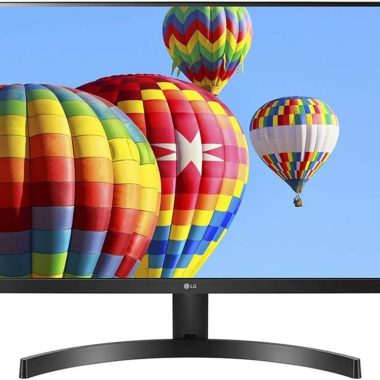
LG 24″ Full HD IPS Monitor 3-Side Borderless Radeon FreeSync Dual HDMI Black
₦368,000.00 -
Sale!
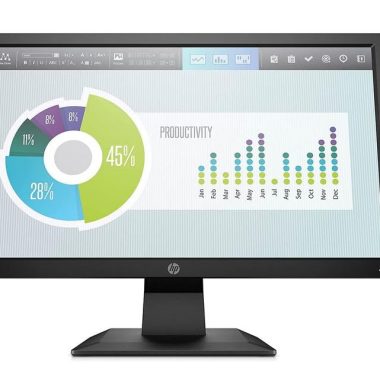
HP P204V 19.5 Inch HD+ LCD Monitor 1600×900 60Hz Black with HDMI and VGA
Original price was: ₦8,040.00.₦6,450.00Current price is: ₦6,450.00. -

LG 27 Inch 4K UHD IPS Computer Monitor HDR10 DCI-P3 90% USB-C White
₦299.99 -
Sale!

HP V20 19.5 Inch HD+ 1600×900 Anti-Glare Monitor with HDMI and VGA, 5ms Response Time
Original price was: ₦7,888.00.₦7,299.00Current price is: ₦7,299.00. -
Sale!

27 Inch Curved Full HD 1080P Frameless Gaming Monitor 1800R Black
Original price was: ₦123.99.₦117.79Current price is: ₦117.79. -
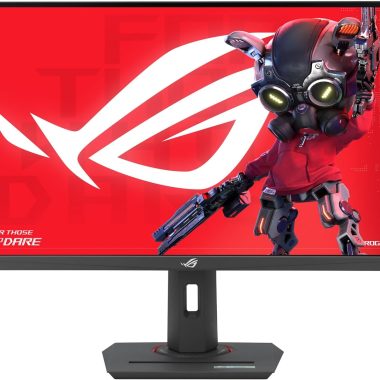
ASUS ROG Strix XG27UCS 27 Inch 4K 160Hz Fast IPS Gaming Monitor 1ms USB-C HDR400
₦939,980.00 -
Sale!

HP P204V 19.5-inch HD+ Monitor 1600×900 with HDMI and VGA Ports
Original price was: ₦13,080.00.₦7,130.00Current price is: ₦7,130.00. -
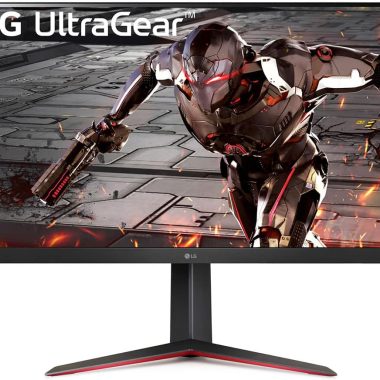
LG 32GN650-B 32 Inch QHD Gaming Monitor 165Hz 1ms MBR Black
₦598,000.00 -

LG 27-Inch 4K UHD HDR10 IPS Ultrafine Monitor White, Reader Mode Flicker Safe
₦498,000.00 -
Sale!
LG 19.5 Inch HD Ready LED Monitor Black VGA HDMI Flicker Safe Reader Mode 3 Year Warranty
Original price was: ₦9,900.00.₦5,499.00Current price is: ₦5,499.00. -

LG 27 inch FHD Computer Monitor 100Hz 5ms Reader Mode Tilt Stand Speakers Black
₦333,980.00 -
Sale!
LG 32-inch Full HD Curved Monitor 100Hz VA Panel HDMI Reader Mode Black
Original price was: ₦20,000.00.₦13,499.00Current price is: ₦13,499.00.
Reviews
There are no reviews yet.