
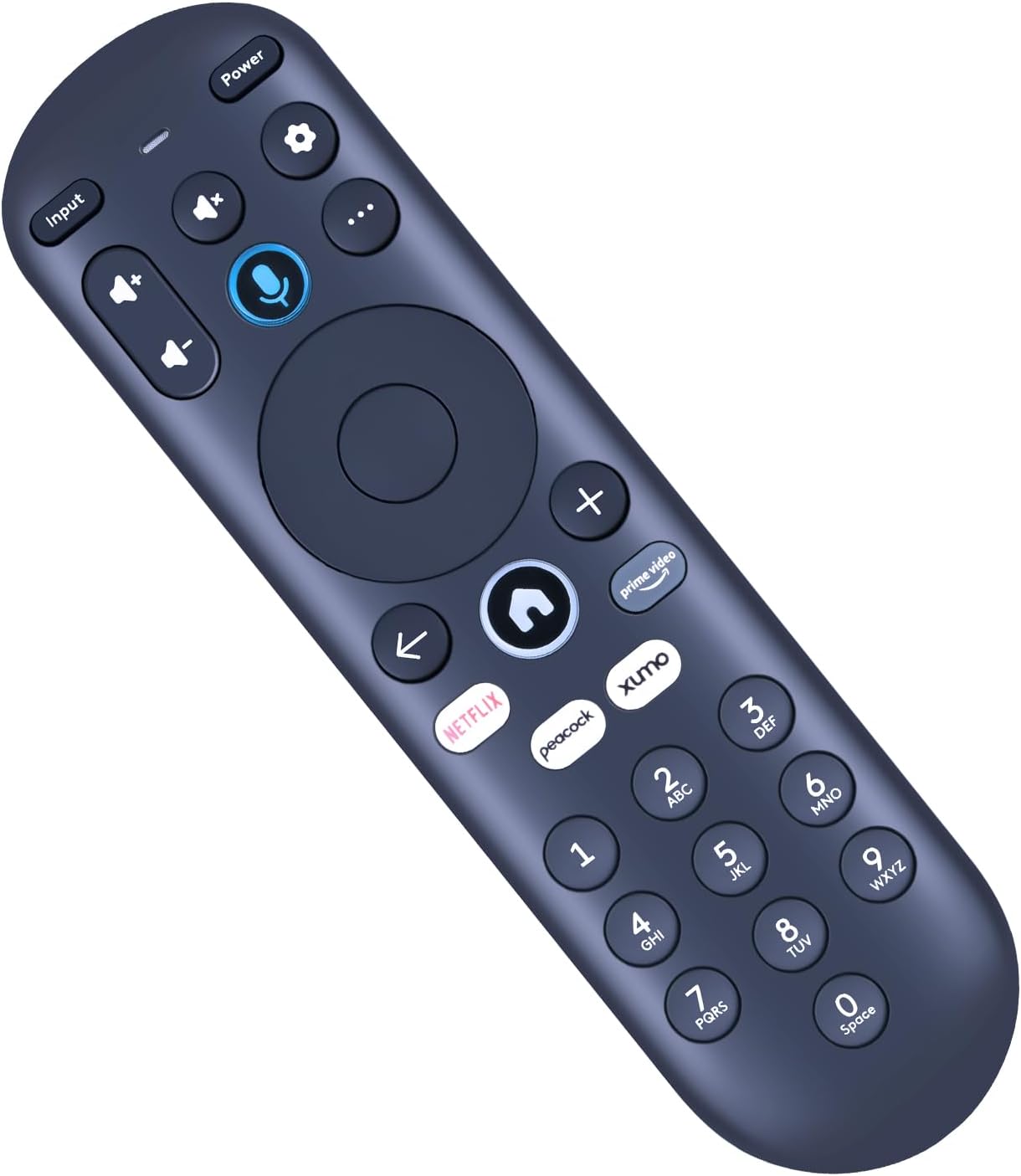
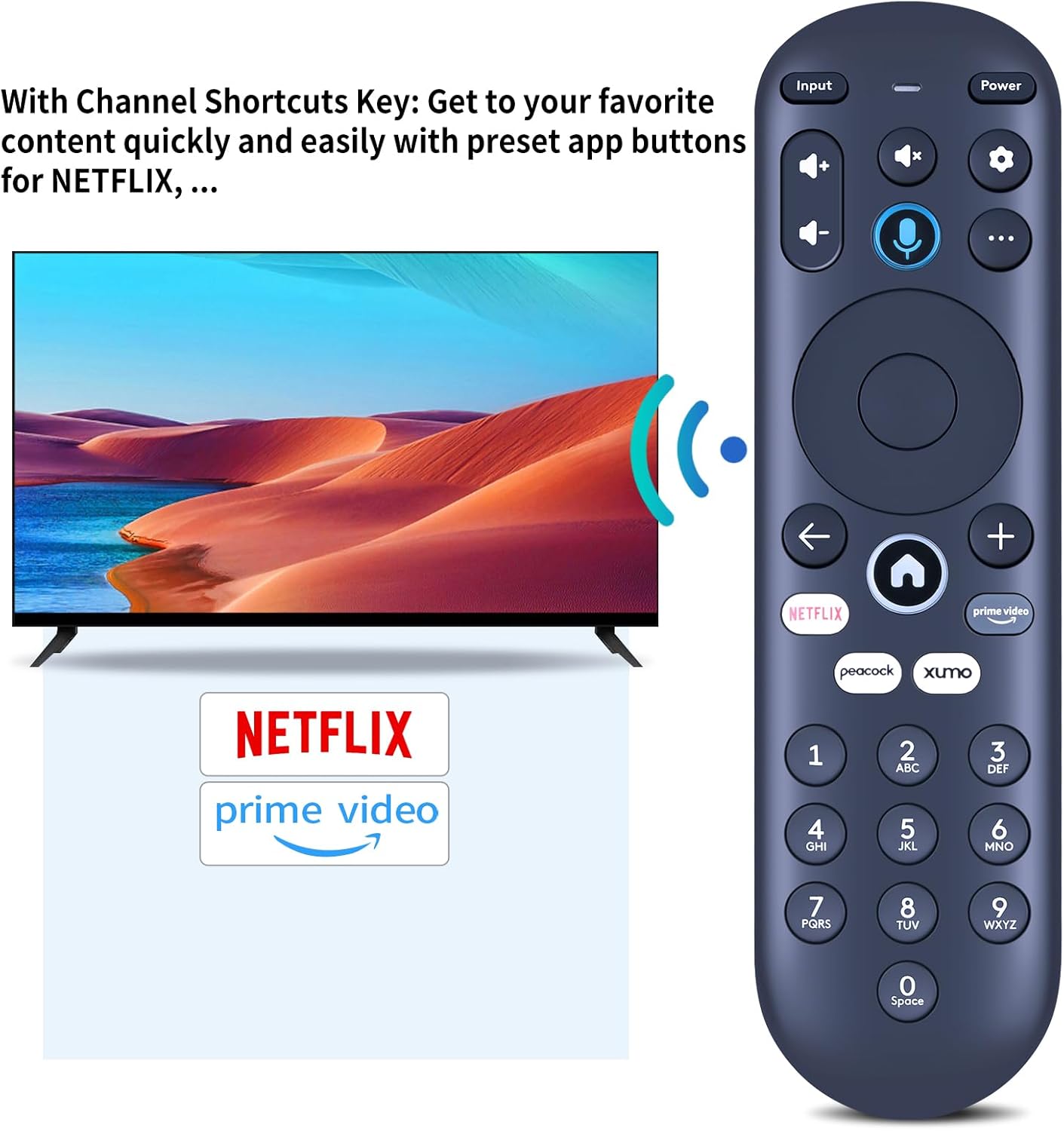
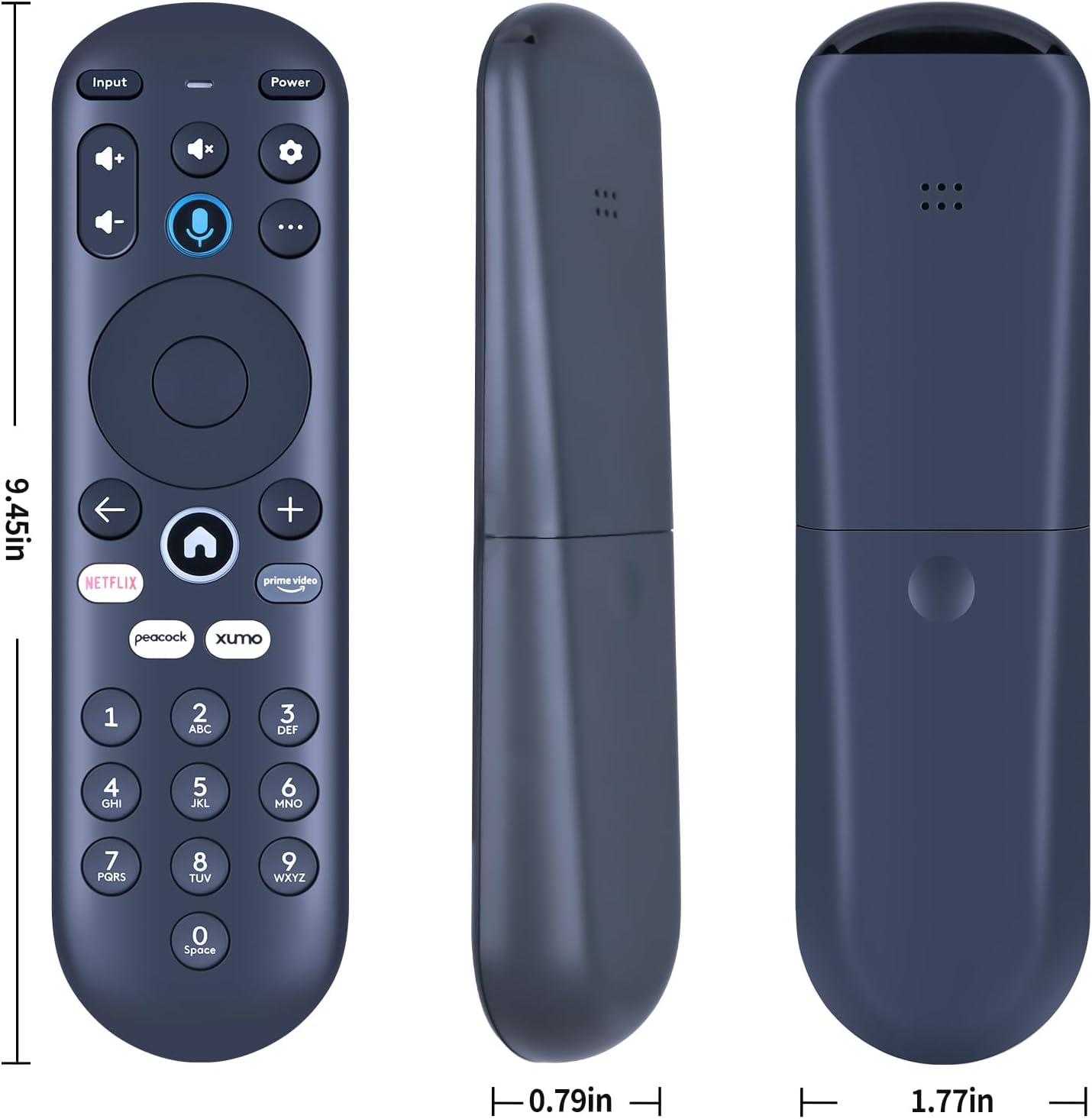
Replacement Voice Remote Control for Xumo Element 4K UHD HDR Smart TVs E500AC65C E500AC55C
₦37,812.99
Description
About the Product 🔑
| 🌟 New replacement remote control | Compatible with Element Xumo Stream Box 📦 |
| ⚡ Wireless 4K UHD Smart TV | No programming or pairing needed 🖱️ |
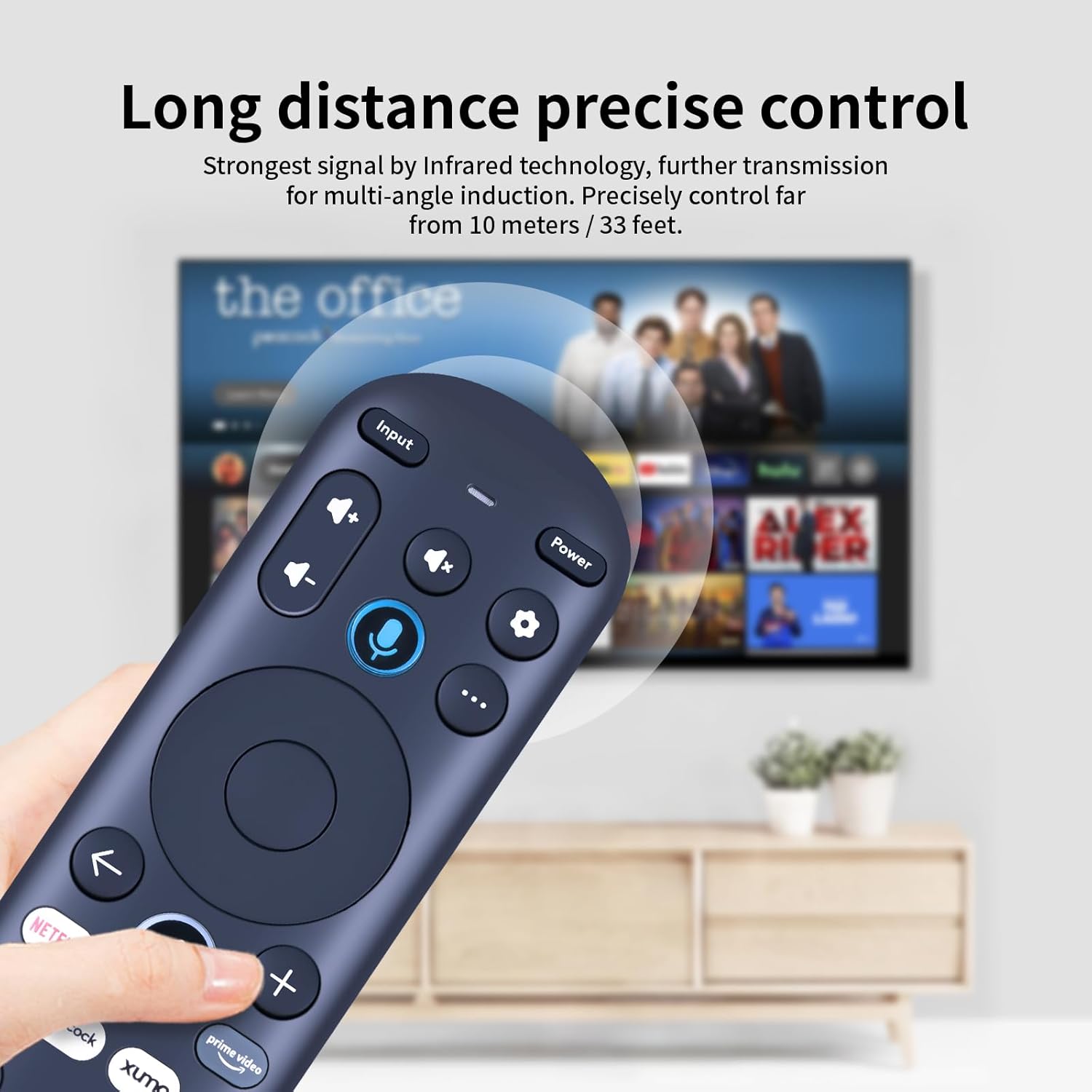
| ✅ Fast response signal | 3.0 technology 📶 |
| 💪 Durable ABS material | Ergonomic arc design 🙌 |
| 👍 Responsive keys | Comfortable feel 😊 |
| 📺 Full control | Power, channel, volume, settings ⚙️ |
| 🗣️ Voice control | Enabled after pairing 🎤 |
Product Benefits 💡
- Easy to hold 🙌
- Keys are responsive and feel great 😊
Usage Instruction 🧾
- Step 1: Insert battery. 🔋
- Step 2: Control all functions: power on/off, channel changes, volume adjustment, and Settings access. 📺
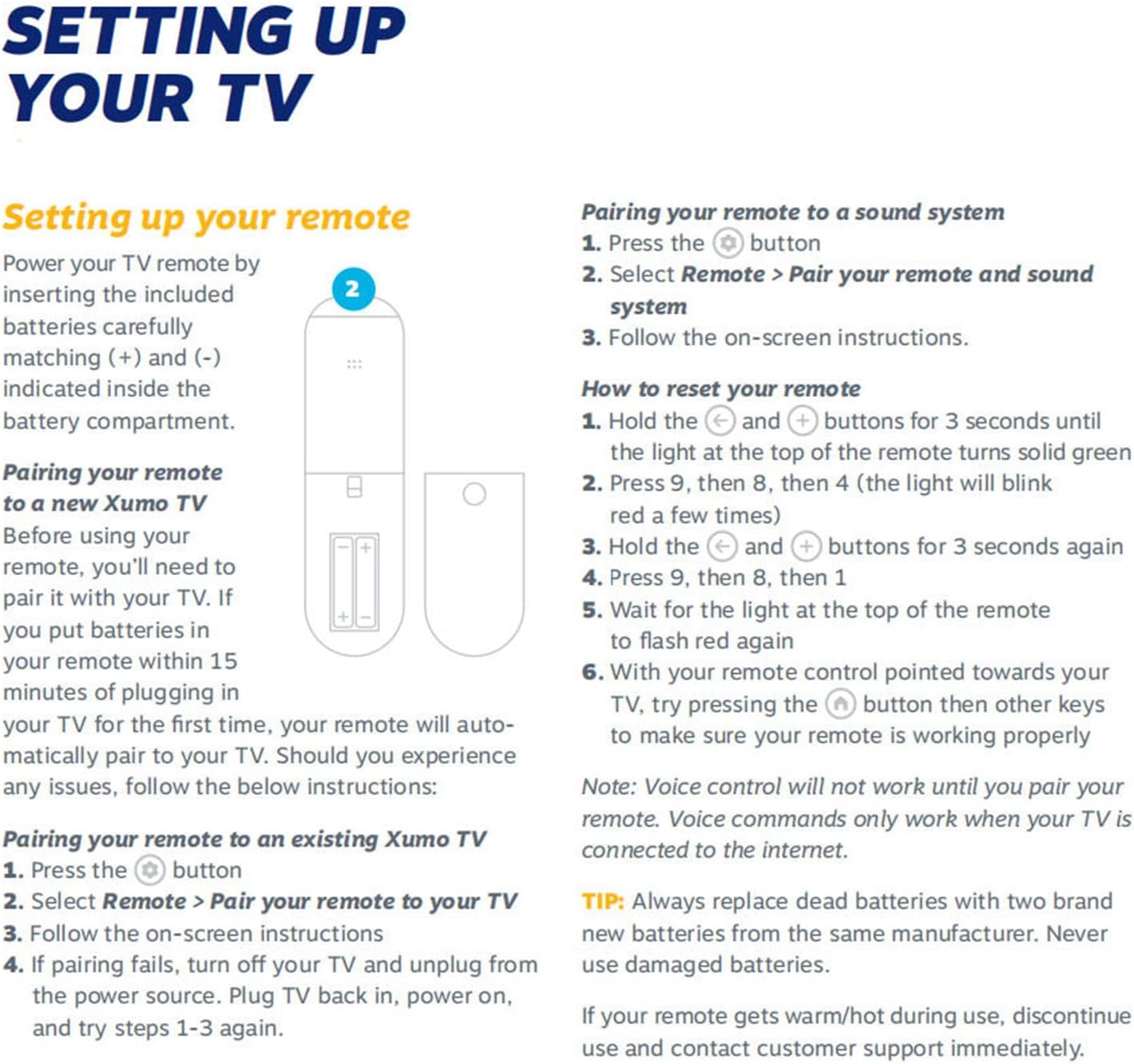
- Step 3: For pairing with a TV: Press the Setting Button ⚙️, Select Remote > Pair your remote to your TV 🖱️, Follow on-screen instructions. If pairing fails, turn off your TV and unplug from the power source. Plug TV back in, power on, and try steps again.
- Step 4: For pairing with a sound system: Press the Setting Button ⚙️, Select Remote > Pair your remote and sound system 🔊, Follow on-screen instructions.
- Step 5: To reset your remote: Hold the [button] and [button] buttons for 3 seconds until the light turns green 🟢. Press 9, then 8, then 4 (light blinks red a few times) 🔴. Hold the [button] and [button] buttons for 3 seconds again. Press 9, then 8, then 1. Wait for the light to flash red again 🔴.
- Step 6: With your remote control pointed towards your TV, try pressing the [button] then other keys to make sure your remote is working properly. Ensure your TV is connected to the internet for voice commands. 📶
Product Specification 📱
| Compatibility 🌟 | Element Xumo Stream Box 📦 |
| Technology 📶 | 3.0 |
| Material 🛠️ | ABS |
| Design 🙌 | Ergonomic arc |
| Control 📺 | Power, channel, volume, settings, voice 🎤 |
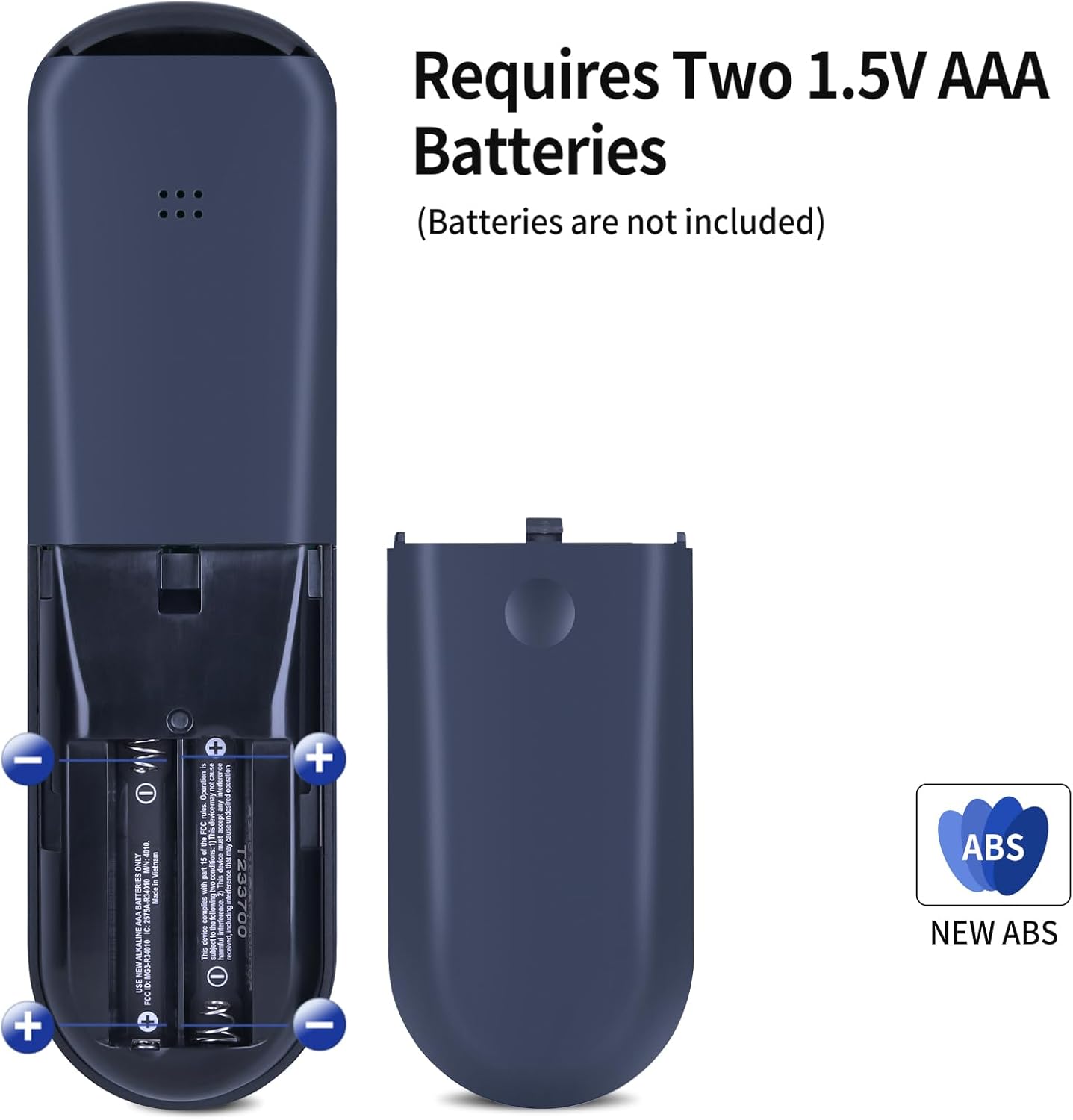
| Battery Required 🔋 | Yes (not included) |
Product Details 🏷️
- Replacement Voice Remote Control Compatible for Xumo Smart TV, for Element Electronics 4K UHD HDR Smart Xumo TV E500AC65C E500AC55C
- Note: Remote Will not work with Pioneer or Element TVs that have the Xumo made into them”. “The remote is only compatible with the Xumo Streaming Box
- Brand new Remote Control Made of high-quality ABS, which is wear-resisting and durable, comfortable hand feeling. Package Included:1 x Remote Controller (not include the battery)
- Any question, Please do not hesitate to contact us before leaving Feedback, We will help you resolve it, Thank you。
Full Images
Product Standout Benefits
This remote control is designed for a seamless user experience, offering durable construction and easy setup.
- Compatible with for Xumo Smart TV E500AC65C E500AC55C.
- Made of high-quality ABS, which is wear-resisting and durable.
- Provides a comfortable hand feeling.
Pairing and Setup:
Pairing your remote to an existing TV:
- Press the Setting Button.
- Select Remote > Pair your remote to your TV.
- Follow the on-screen instructions.
- If pairing fails, turn off your TV and unplug from the power source. Plug TV back in, power on, and try steps 1-3 again.
Pairing your remote to a sound system:
- Press the Setting Button.
- Select Remote > Pair your remote and sound system.
- Follow the on-screen instructions.
Resetting Your Remote:
If you need to reset your remote:
- Hold the and buttons for 3 seconds until the light at the top of the remote turns solid green.
- Press 9, then 8, then 4 (the light will blink red a few times).
- Hold the and buttons for 3 seconds again.
- Press 9, then 8, then 1.
- Wait for the light at the top of the remote to flash red again.
- With your remote control pointed towards your TV, try pressing the button then other keys to make sure your remote is working properly.
Note: Voice control will not work until you pair your remote. Voice commands only work when your TV is connected to the internet.
Customer Questions and Answers
Q: Which TVs is this remote compatible with? 🤔
A: This remote is compatible with for Xumo Smart TV E500AC65C E500AC55C. It’s important to note that this remote will not work with Pioneer or Element TVs that have Xumo built into them; it’s only for the Xumo Streaming Box. ✨
Q: How do I pair the remote to my TV? 🤔
A: It’s super easy! Just press the Setting Button, then select Remote > Pair your remote to your TV, and follow the on-screen steps. If it doesn’t work the first time, try unplugging your TV, plugging it back in, and trying again! 📺
Q: Can I pair this remote with my sound system? 🔗
A: Absolutely! Just press the Setting Button, choose Remote > Pair your remote and sound system, and follow the prompts. It’s designed to work smoothly with your audio setup. 🔥
Q: My remote isn’t working, how can I reset it? 💡
A: No worries, resetting it is straightforward! First, hold the and buttons for about 3 seconds until the light turns solid green. Then, press 9, 8, 4. After that, hold the and buttons again for 3 seconds, and press 9, 8, 1. Wait for the light to flash red, and then point it at your TV and try the buttons. Easy peasy! 🛠️
Q: Will the voice control feature work right away? 🗣️
A: You’ll need to pair your remote first for the voice control to kick in. Also, make sure your TV is connected to the internet, as voice commands only work when you’re online. 🌐
Related Products
-
Sony Bravia XR 4K HDR Smart Google TV Voice Remote Replacement
₦30,807.99 -

Hisense TV Remote Replacement 2 Pack for UHD ULED QLED 4K Smart TVs
₦23,802.99 -

New Vizio Smart TV Remote Control XRT112 for Amazon Netflix iHeartRadio Models
₦8,391.99 -
Voice Control Replacement Remote for Hisense UHD 4K ULED Smart Google TVs Netflix Prime Disney+
₦32,208.99 -
Replacement Voice Remote Control for Insignia Toshiba Pioneer Smart TVs and TV Stick Cube
₦16,797.99 -
Hisense ULED 4K UHD Google Smart TV Replacement Voice Backlit Remote Control 12-Device Capacity
₦22,401.99 -

Samsung BN59-01457A OEM Replacement Remote for Smart TVs and Monitors with Netflix, Prime, Disney+
₦35,010.99 -

Samsung Smart TV Universal Remote Replacement 4K UHD QLED HDTV LED TVs Hulu Netflix
₦21,000.99 -

Universal Samsung Smart TV Remote Control for HDTV, 4K UHD, Curved, QLED with Netflix, Prime Video, WWW Buttons
₦60,228.99 -
New OEM BN59-01388A Remote for Crystal UHD 4K CU7000 Smart TV
₦42,015.99 -
Element Roku TV Smart 4K Ultra HDTV Replacement Remote for All Models
₦21,000.99 -
Sony KD55X9500G KD55X9000H KD65X9000H KD75X9500G KD85X9500G KD55X9500H Smart TV Voice Remote Control New
₦19,599.99 -

LG Smart TV Universal Remote Control for All LCD LED OLED UHD HDTV Plasma 3D 4K WebOS with Netflix Amazon Shortcuts
₦29,406.99 -

RMF-TX910U Backlit Voice Remote for Sony BRAVIA XR OLED/LED 2023 TVs
₦70,035.99 -

LG Smart TV Magic Remote AKB75855501 Replacement for OLED QNED Webos with Pointer Function
₦30,807.99 -

Replacement Samsung TV Remote for Smart TVs 2019-2025 Voice Control No Solarcell 2-Year Warranty
₦35,010.99 -

Skyworth HS-7700 Voice Remote Control for Smart TV HS-7700J HS-7720 with Google Play
₦238,155.99 -

Element Smart TV Universal Remote Control with Netflix YouTube Google Play Discover Keys 13-Word Title
₦12,538.95 -

Vizio Smart TV Universal Replacement Remote XRT260 with Shortcut Buttons Disney Netflix Hulu Prime Video
₦18,170.97 -

Sony XBR-Z8H Series TV Bluetooth Voice Replacement Remote Control vieparts #140706893
₦53,223.99
Reviews
There are no reviews yet.