
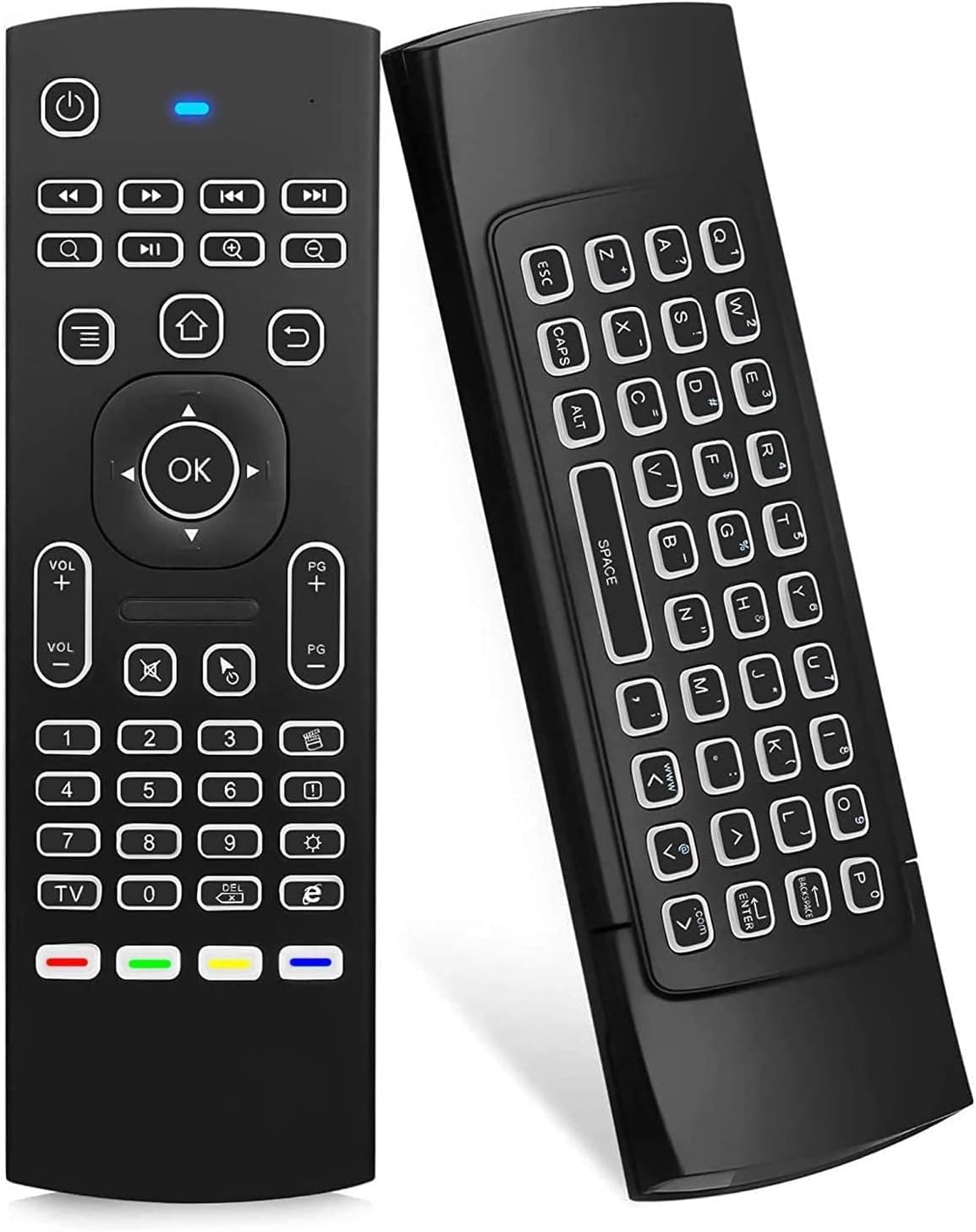
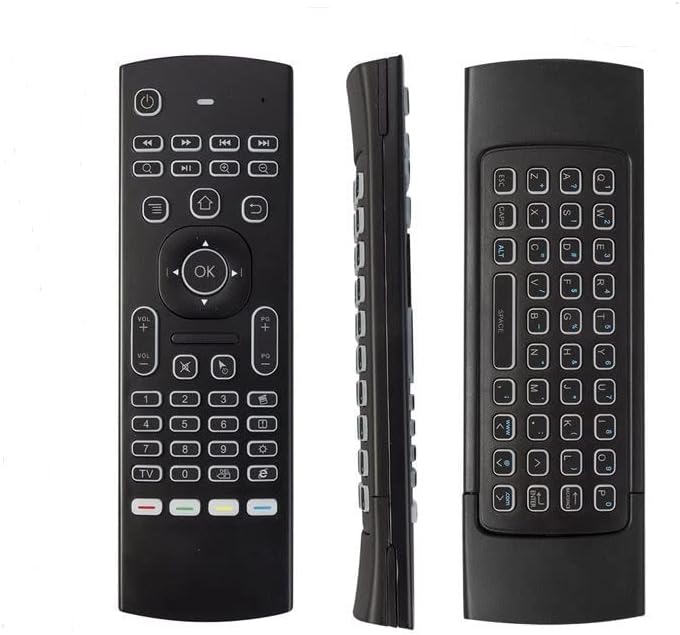
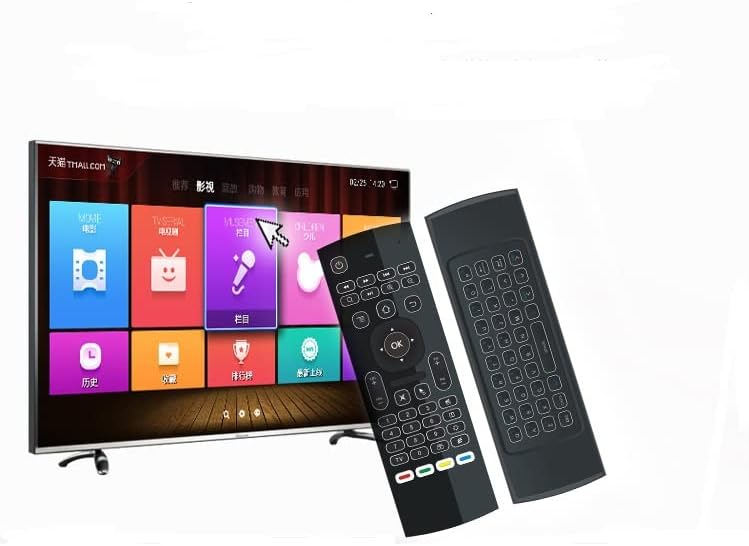
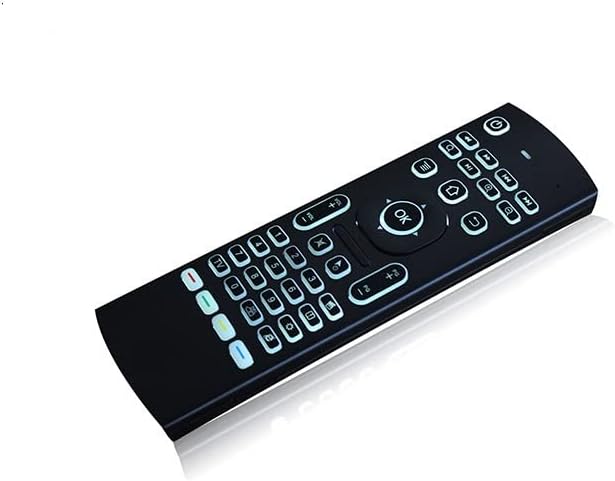
MX3 Pro Mini Wireless Keyboard with Backlight, IR Learning, and Fly Remote Mouse for Android TV Box, HTPC, and Mini PC
₦13,995.99
Description
About the Product 🔑
| Feature ⭐ | Description ✅ |
|---|---|
| Wireless Keyboard ⌨️ | LED Backlight buttons |
| Convenience 🌙 | Use in pitch-dark night |
| Compatibility 📺 | Android TV Box, Smart TV, Projector, HTPC, All-in-one PC, Xbox, Raspberry Pi |
| Product Name 🏷️ | Guiheng 2 Pack MX3 Pro Mini Keyboard |
| Functionality 🖱️ | Fly Remote Mouse |
| Versatility ✨ | Perfect accessory |
| System Support 🤖 | IPTV, Networked Set-top Box, Mini PC |
| Remote Type 📡 | Multifunctional fly Remote |
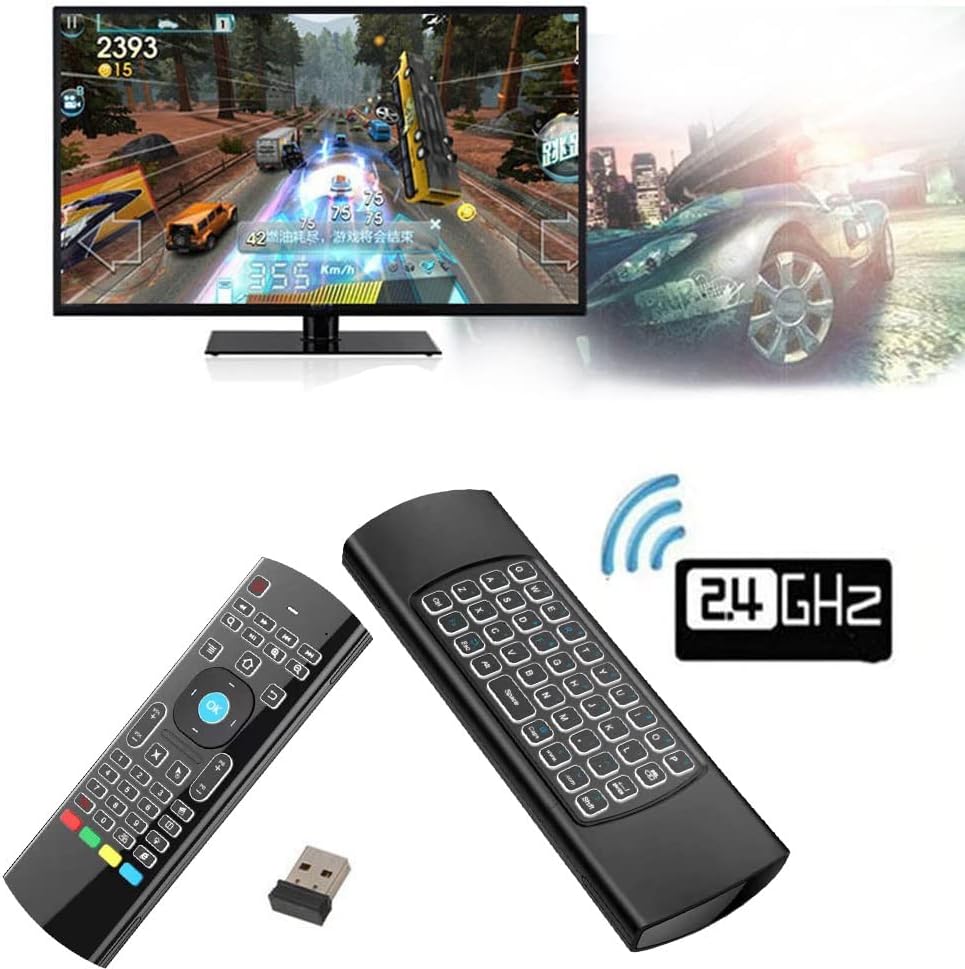
| Wireless Tech 📶 | 2.4G wireless Keyboard and Combo |
| Motion Control 🤸 | 6-Axis Somatosensory |
| Control Type 🎛️ | Infrared remote control |
| Learning Function 🧠 | IR Learning |
Usage Instruction 🛠️
- Step 1: 🔌 Plug in the USB dongle into the USB port of your device.
- Step 2: 🔋 Remove the back cover and insert 2*AAA batteries.
- Step 3: ⚙️ The remote will pair with the device automatically.
- Step 4: 🖲️ Test by moving the remote to see if the cursor is moving.
- Step 5: ❌ If the cursor is not moving and the red LED indicator is not flashing, press the cursor lock button and try again.
- Step 6: 🔄 If still not working, try plugging the USB dongle into another USB port.
- Step 7: 🎯 Control up to 5 keys from your TV remote for programming.
Product Specification 📱
| Specification ⚙️ | Description 📝 |
|---|---|
| Connectivity 📶 | 2.4G Wireless |
| Motion Sensors 🤸 | 3-Gyro + 3-Gsensor |
| Control Modes 🎮 | Horizontal and Vertical |
| LED Backlight 💡 | Yes |
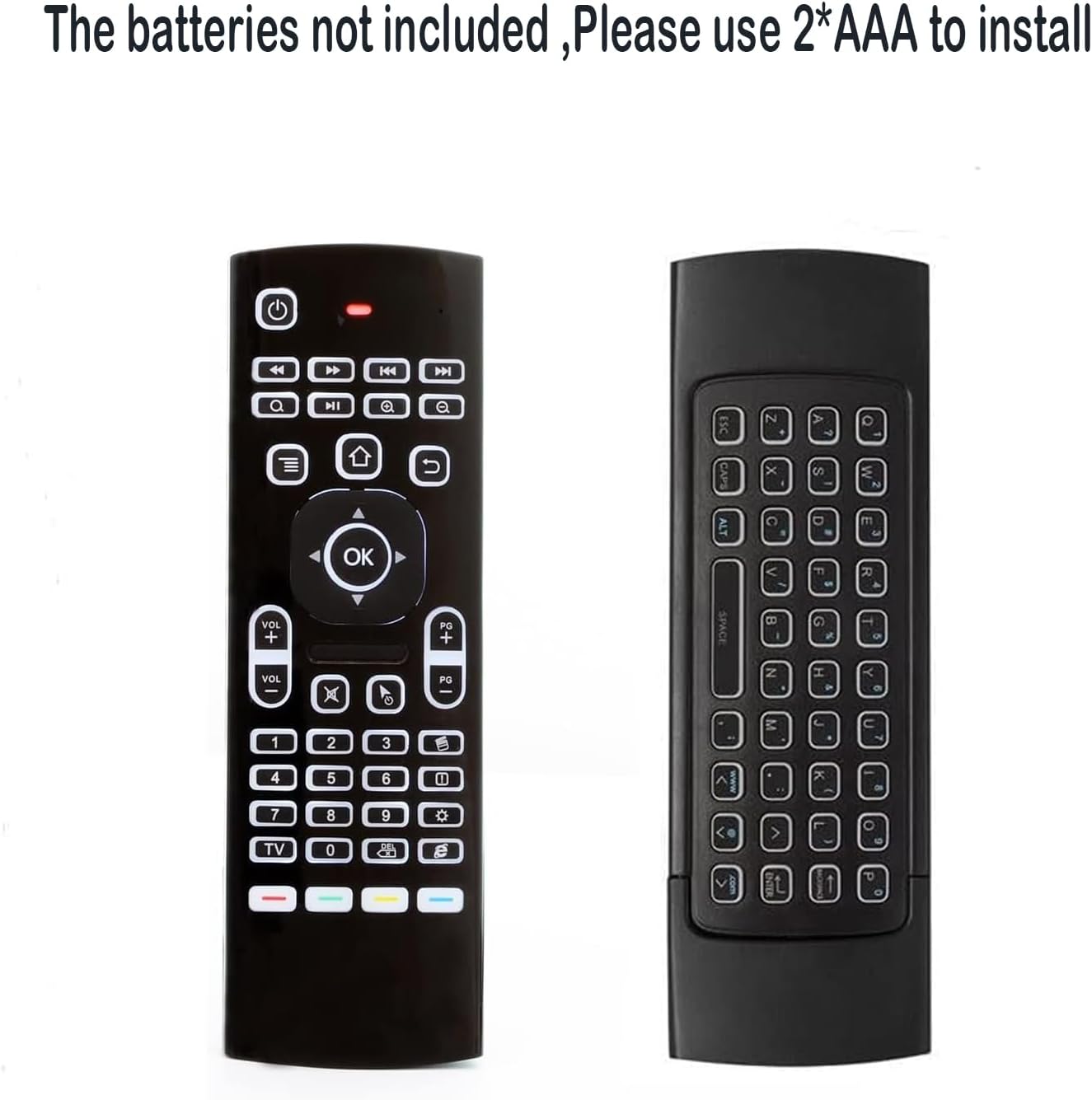
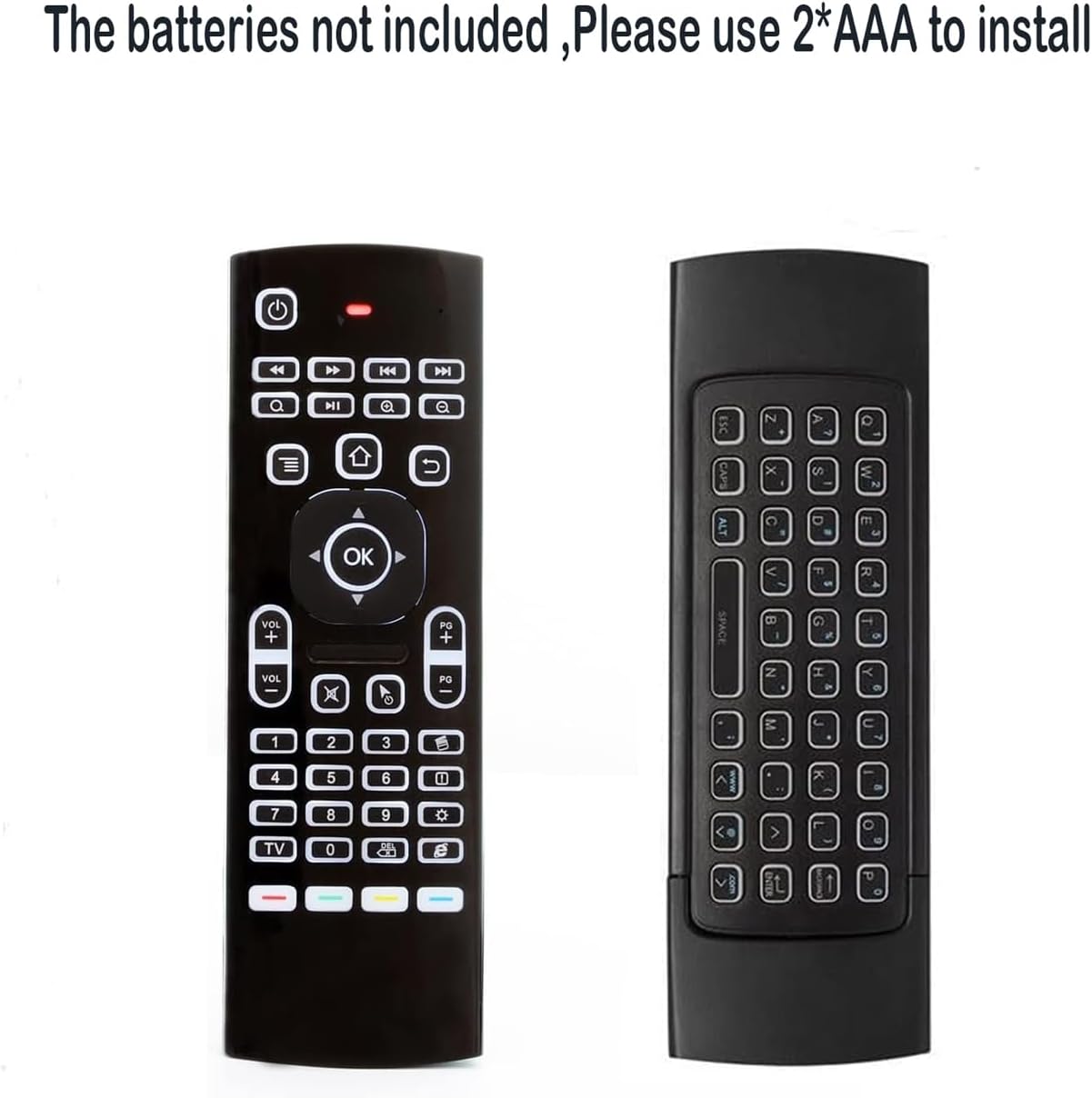
| Battery Type 🔋 | 2*AAA (Not Included) |
| Learning Function 🧠 | IR Learning |
| Compatibility 📺 | Android TV Box, Smart TV, Projector, HTPC, All-in-one PC, Xbox, Raspberry Pi, Mini PC, Networked Set-top Box |
| Limitations ⚠️ | Does not fit Fire TV and Fire TV stick, or some Samsung and Sony smart TV |
Product Details 🏷️
Multifunctional fly Remote: 2.4G wireless Keyboard and Combo, 6-Axis Somatosensory and Infrared remote control, please note that this remote do not fit for amazon fire TV and Fire TV stick, or some samsung and sony smart TV (the User manual Attention).
Plug and Play: With 3-Gyro + 3-Gsensor, it’s more convenient to operate in horizontal and vertical mode for games and typing.
How to pair: Firstly, make sure the new enough power battery install properly, secondly press OK+TV at the same time for 3 seconds, the red LED indicator will flash fast, then insert the USB dongle into the USB port of the device, red LED indicator stopped flashing, means pairing succeed.
How to use: Remove the back cover, and insert 2*AAA batteries, then plug the USB dongle into the USB port of your device, remote will paired with the device automatically, test by moving remote to see if the cursor is moving, if not, and red LED indicator is not flashing, press cursor lock button and try again, if still not, try plug the USB dongle into another USB port.
Compatibility: It Support Android TV Box, Android Smart TV, Projector, HTPC, All-in-one PC, Xbox, Raspberry Pi, Mini PC, Networked set-top Box, etc.
Universal Remote Controller: It is normal that a few keys might not be applicable to your device because of different codes by different manufacturer. Up to 5 keys can be programmed from your TV remote, it is much easier for you to control both TV and Android TV Box with one remote.


Full Images
Product Standout Benefits
This multifunctional remote is a 2.4G wireless keyboard and combo device, featuring 6-Axis Somatosensory and Infrared remote control capabilities. It’s designed for convenience and ease of use.
- Multifunctional Fly Remote: A 2.4G wireless keyboard and combo.
- 6-Axis Somatosensory and Infrared remote control.
- Plug and Play: Operates conveniently in horizontal and vertical modes for games and typing.
- Wireless remote keyboard with LED Backlight buttons for use in dark environments.
- Universal remote controller, with up to 5 keys programmable from your TV remote.
- Supports a wide range of devices including Android TV Box, Android Smart TV, Projector, HTPC, All-in-one PC, Xbox, Raspberry Pi, Mini PC, and Networked set-top Box.
Customer Questions and Answers
-
Q: How do I use this remote? 🤔
A: Just install 2*AAA batteries, plug the USB dongle into your device, and the remote should pair automatically! Test by moving the remote to see if the cursor moves. If not, try pressing the cursor lock button or plugging the dongle into another USB port.
-
Q: Can I use this with my Amazon Fire TV or Samsung/Sony Smart TV? 🔥
A: Please note, this remote does not fit for Amazon Fire TV and Fire TV stick, or some Samsung and Sony Smart TVs. Always check the User Manual Attention for compatibility.
-
Q: What kind of batteries does it need? 🔋
A: You’ll need 2*AAA batteries for this remote. Just remove the back cover to install them!
-
Q: How do I pair the remote if it doesn’t connect automatically? 🔗
A: To pair, make sure you have new batteries. Then, press OK+TV at the same time for 3 seconds until the red LED indicator flashes fast. Insert the USB dongle into your device, and the red LED indicator should stop flashing, meaning pairing is successful!
-
Q: Will all the buttons work with my device? 💡
A: This remote is a universal controller, so it’s normal that a few keys might not be applicable to your specific device due to different manufacturer codes. However, you can program up to 5 keys from your TV remote to make it easier to control both your TV and Android TV Box with one remote!
Related Products
-

MX3 7 Color Backlit Mini Wireless Keyboard and 2.4G Air Mouse Remote Control with IR Learning for Android TV Box and Projector
₦25,203.99 -

Upgraded Smart Voice Remote for Sony Android Google TV, Compatible 2019-2023 XBR XR KD Series
₦36,397.98 -

TCL Android Smart TV Replacement Voice Remote Control Q6 Q7 QM8 S3 S4 75R646 65R646 55R646 Google Voice Netflix PrimeVideo YouTube with Batteries Included
₦26,604.99 -

Amazon Fire TV Stick HD Newest Model 1080p Streaming with Alexa Voice Remote and Smart Home Controls
₦49,020.99 -

Kinhank G1 Android TV Box 14.0, 4+32GB, Ultra 4K HDR 10+, Wi-Fi 6, Voice Remote
₦126,075.99 -

Roku Streaming Stick HD 2025 – 1080p HD Streaming Device with Roku Voice Remote and Free Live TV
₦42,015.99 -

RIVIERA Universal Voice Remote for VIZIO Smart TVs D E M P V PX Series with Hot Keys
₦61,615.98 -

Sony Bravia XR/XBR/KD Series Smart TV Remote Control Replacement for 4K/8K LED OLED Google/Android TVs
₦19,599.99 -

Roku Express HD Streaming Device with Simple Remote Free Live TV
₦37,812.99 -

Amazon Fire TV Stick 4K Streaming Device with Alexa Voice Remote Pro
₦119,056.98 -

Sony Bravia TV Remote Control Replacement for Smart LED OLED Series with Voice Function
₦32,208.99 -

Allimity RMF-TX310P Replacement Voice Remote for Sony Bravia TV Models
₦32,138.94 -

Bose Black TV Speaker Soundbar with Bluetooth, HDMI-ARC, Remote and High-Speed HDMI Cable
₦390,879.00 -

WeChip W1 Air Mouse Remote with RF Keyboard IR TV Control 2.4GHz for Android TV Box and PC
₦25.99 -

4K 3D Smart TV Box Android 9.0 S905x3 4GB RAM 32GB Storage Dual WiFi BT 4.0 Media Player with Remote
₦52.99 -

SofaBaton U2 Backlit Universal Remote Control for TV Soundbar DVD Blu-ray Projector and More
₦98,055.99 -

RMT-AH514U Replacement Remote for Sony HT-A3000 3.1ch Dolby Atmos Soundbar Home Theater
₦999.00 -

Purple Smart VP Smartvp01 SMARTVP-01 RFRC-A Video Calling Device Telyhd Webcam Remote Control
₦22,401.99 -

Voice Replacement Remote for Sony Bravia Smart TV – 43 to 98 Inch UHD LED Models
₦21,000.99 -

MX3 Voice Air Mouse Mini Keyboard Wireless Remote 2.4G 3-Axis Gyro Motion Sensing for HTPC Smart TV Box
₦18,044.88
Reviews
There are no reviews yet.