
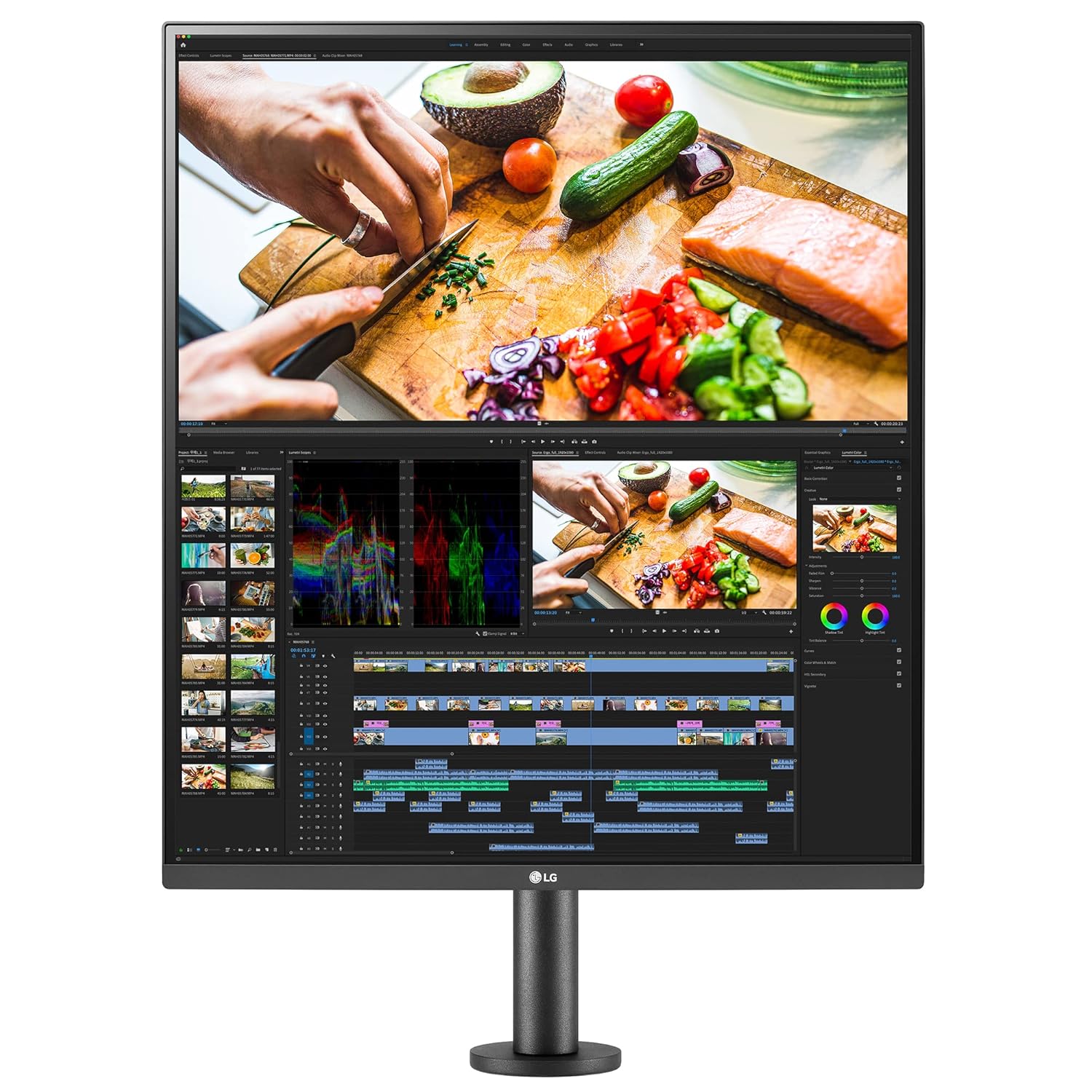
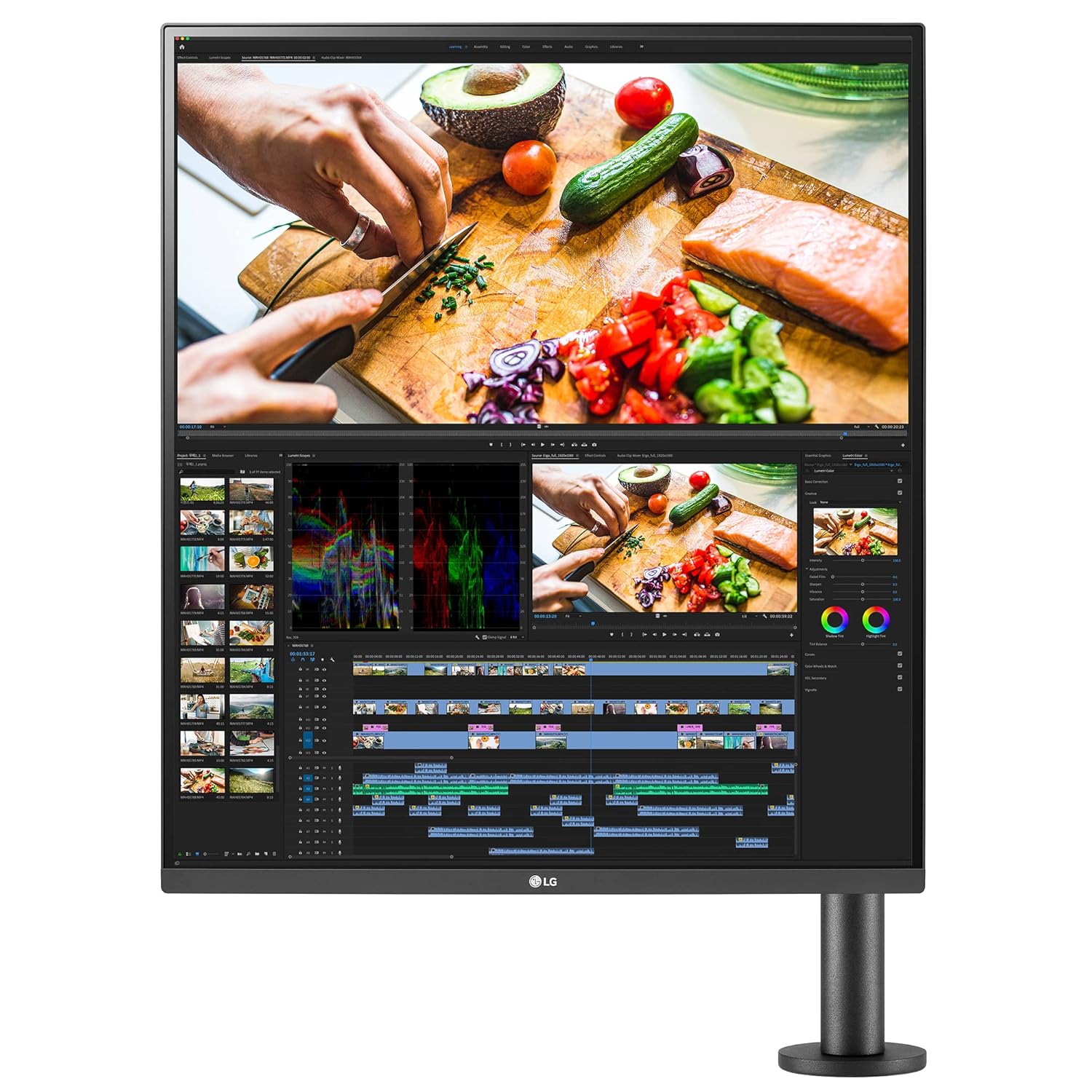
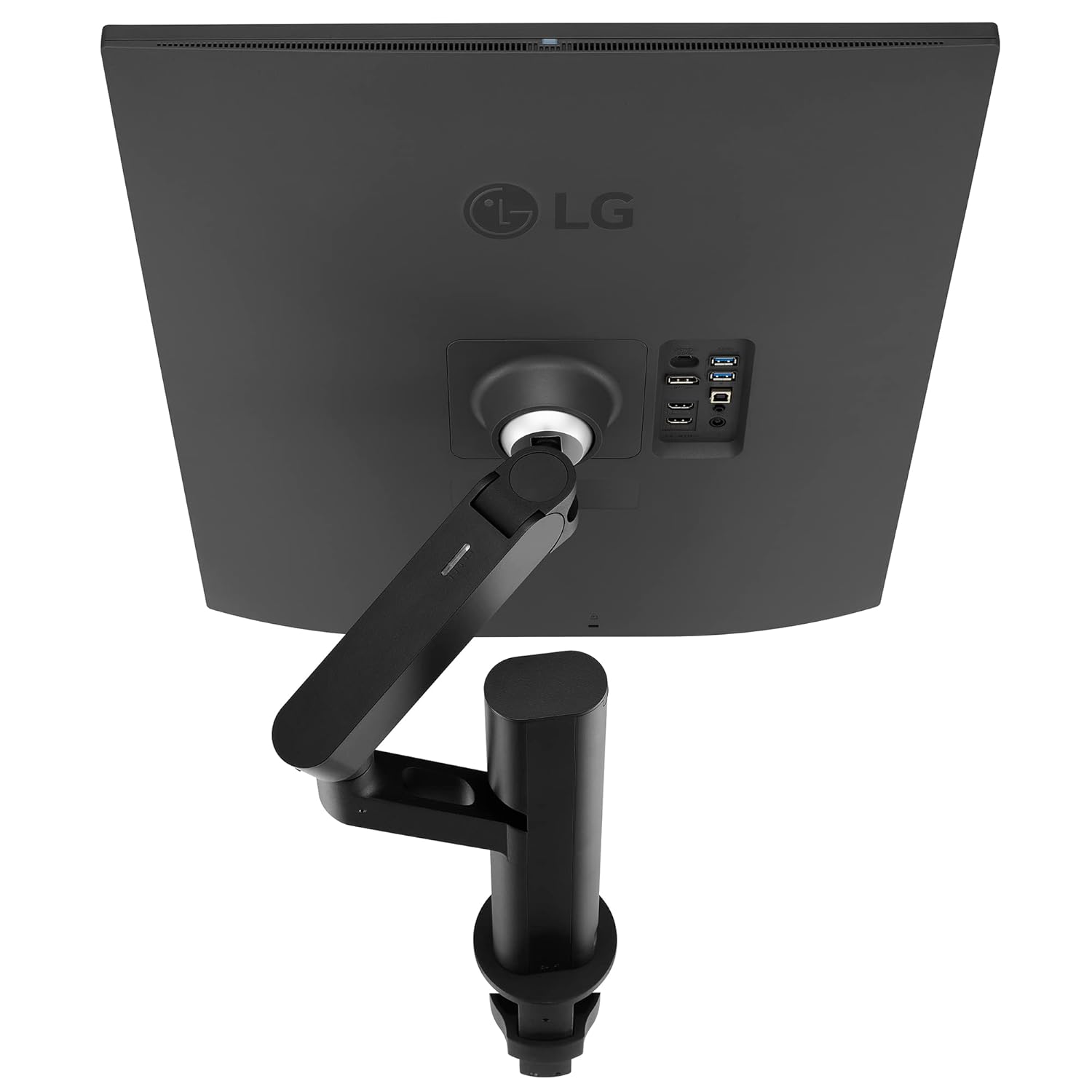
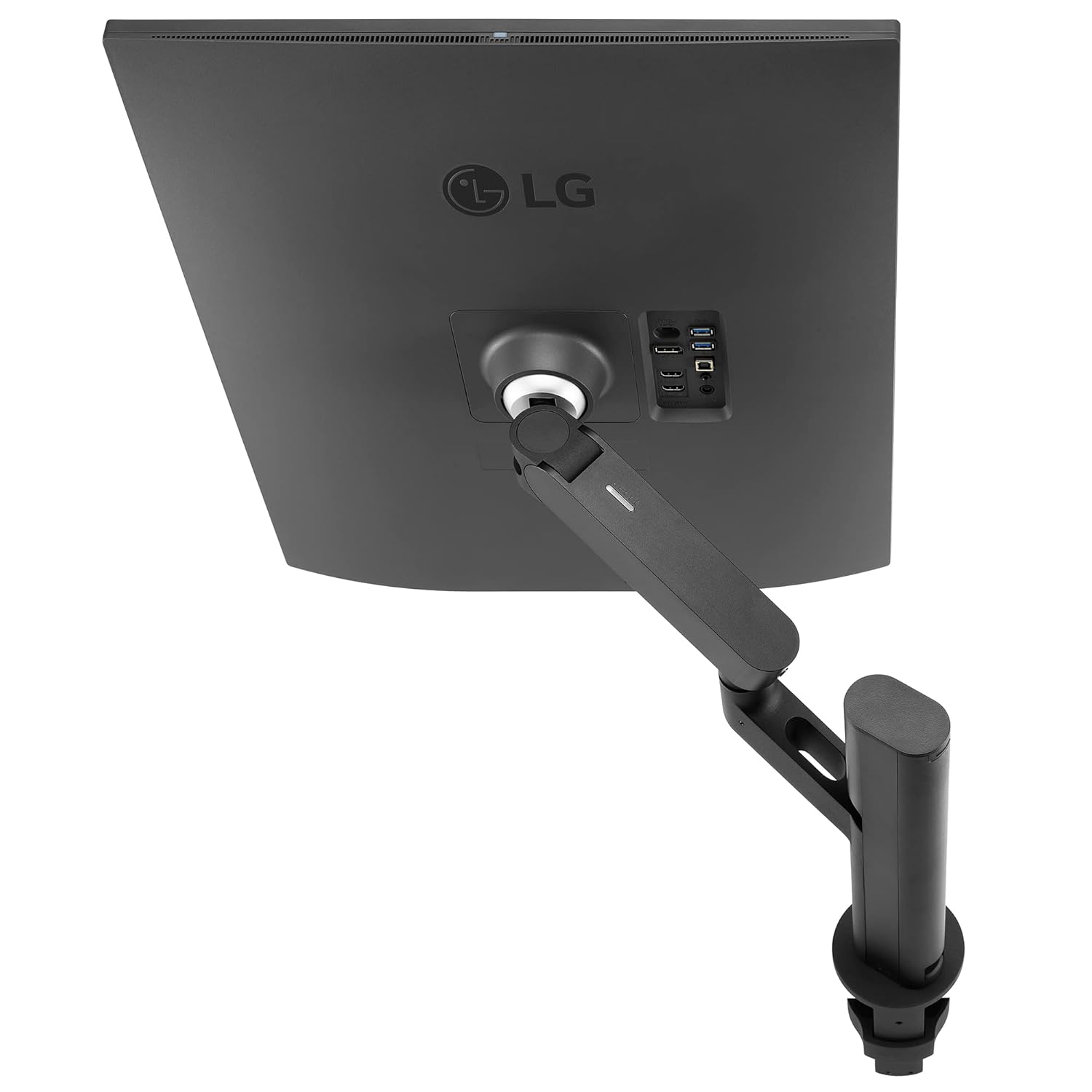
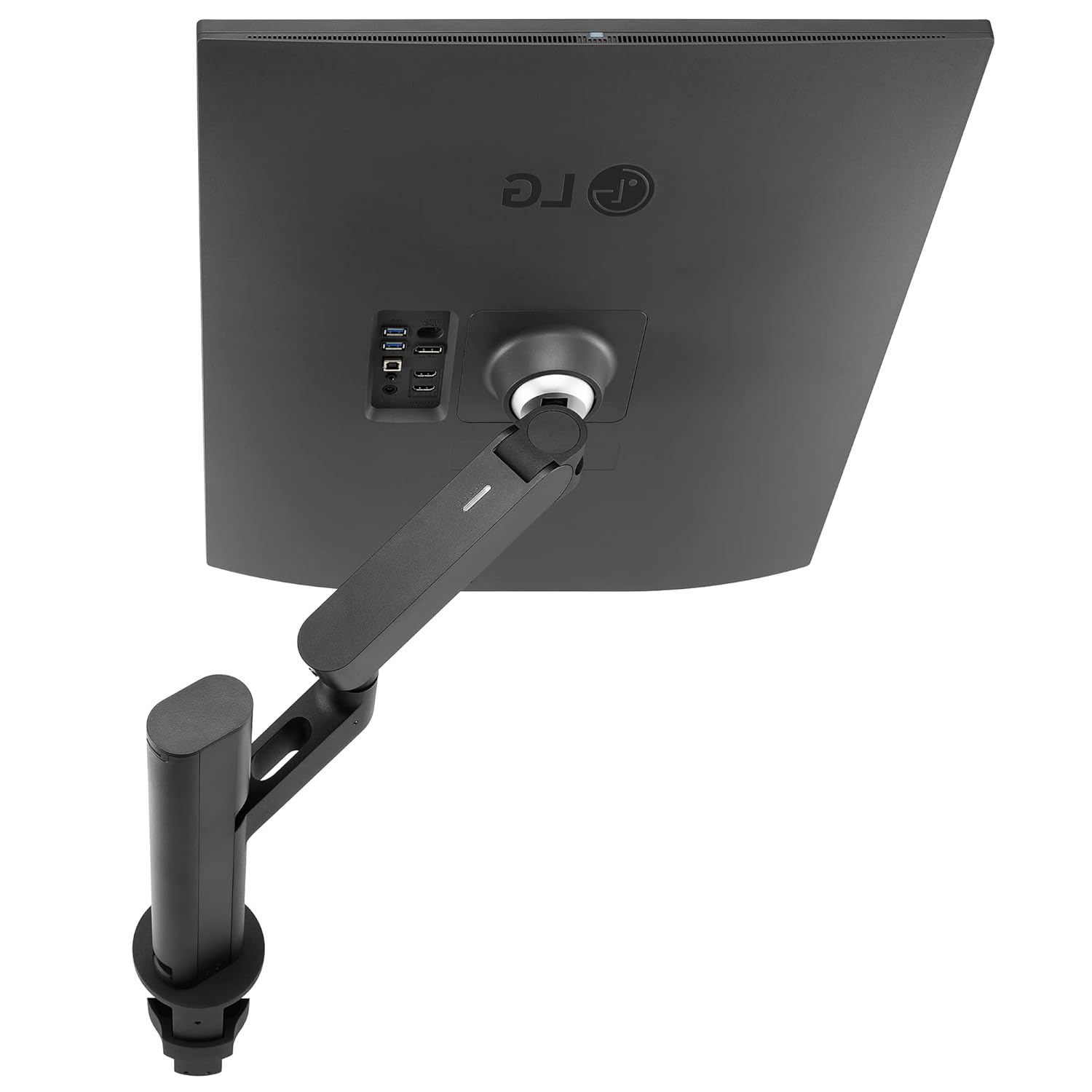
LG 27.6 Inch DualUp Monitor Ergo Stand 90W USB-C Nano IPS 98% DCI-P3 28MQ780
Original price was: ₦85,000.00.₦49,799.00Current price is: ₦49,799.00.
Description
About the Product 🔑
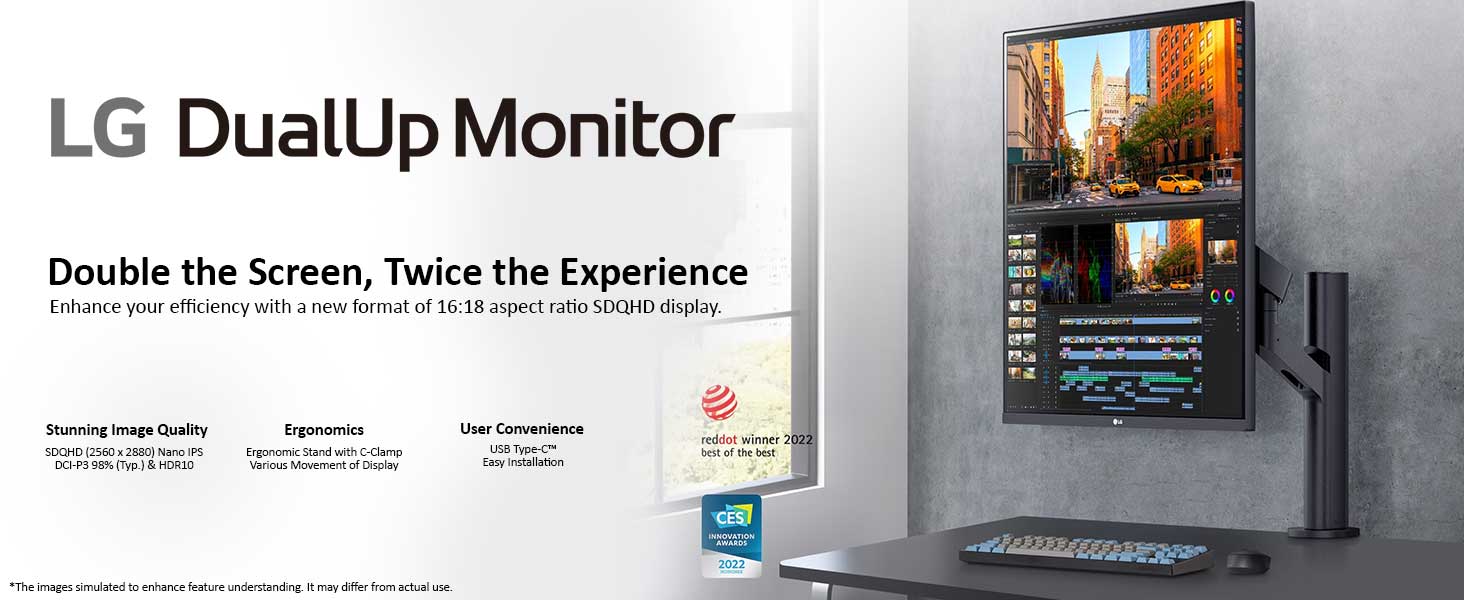
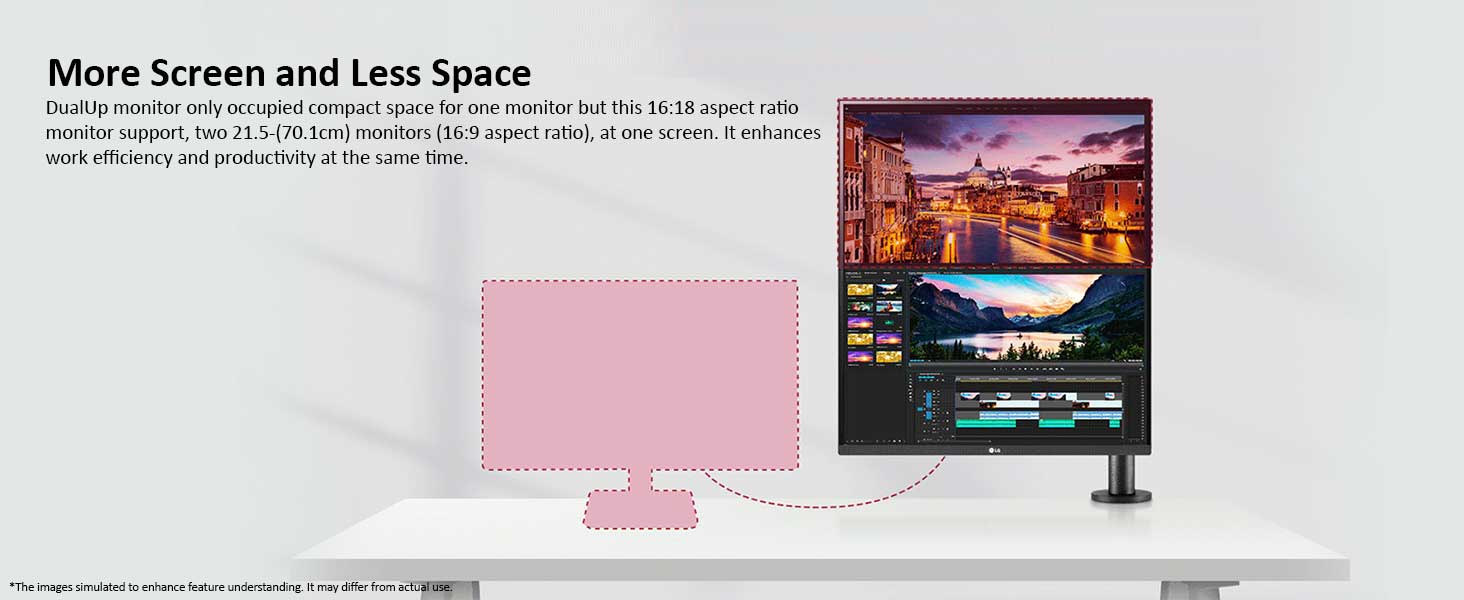
| The 27.6 (70.1cm) SDQHD (2560 x 2880, 16:18 aspect ratio) Nano IPS display supports a wide colour spectrum, 98% of DCI-P3 colour gamut, and offers vibrant colour reproduction with the support of HDR10. By connecting your laptop to the LG DualUp monitor via the HDMI, DisplayPort or USB Type C, you can easily control both displays without using software or shortcut keys. The LG DualUp Monitor boasts a stunning 70.1 cm (27.6) SDQHD (2560 x 2880) Nano IPS display, presenting a new world of clarity and color accuracy. Its unique 16:18 aspect ratio is akin to stacking two 70.1 cm (21.5) (16:9 aspect ratio) monitors vertically, offering the benefits of dual monitors without the need for additional space. This innovative design is a game-changer for professionals … |

|
Product Benefits 💡
- More Screen & Less Space 🖥️
- Nano IPS Display 🌈
- Live Colour Low Blue Light 💡 Increase Viewing Comfort while Maintaining Colour Quality
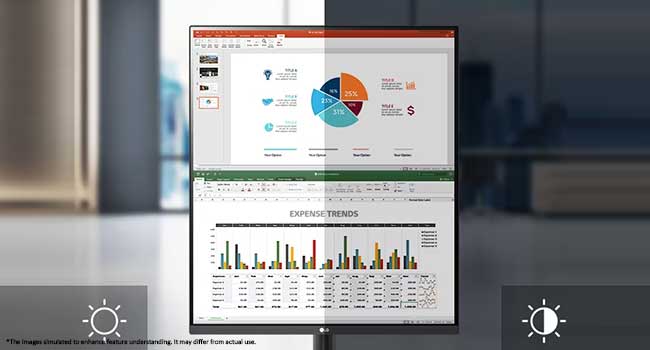
- Ambient Light Sensor 💡 Reducing Eye Strain with Auto Brightness Control The sensor reacts to light, making the screen brighter in bright areas and darker in the dark. It provides a comfortable working environment.
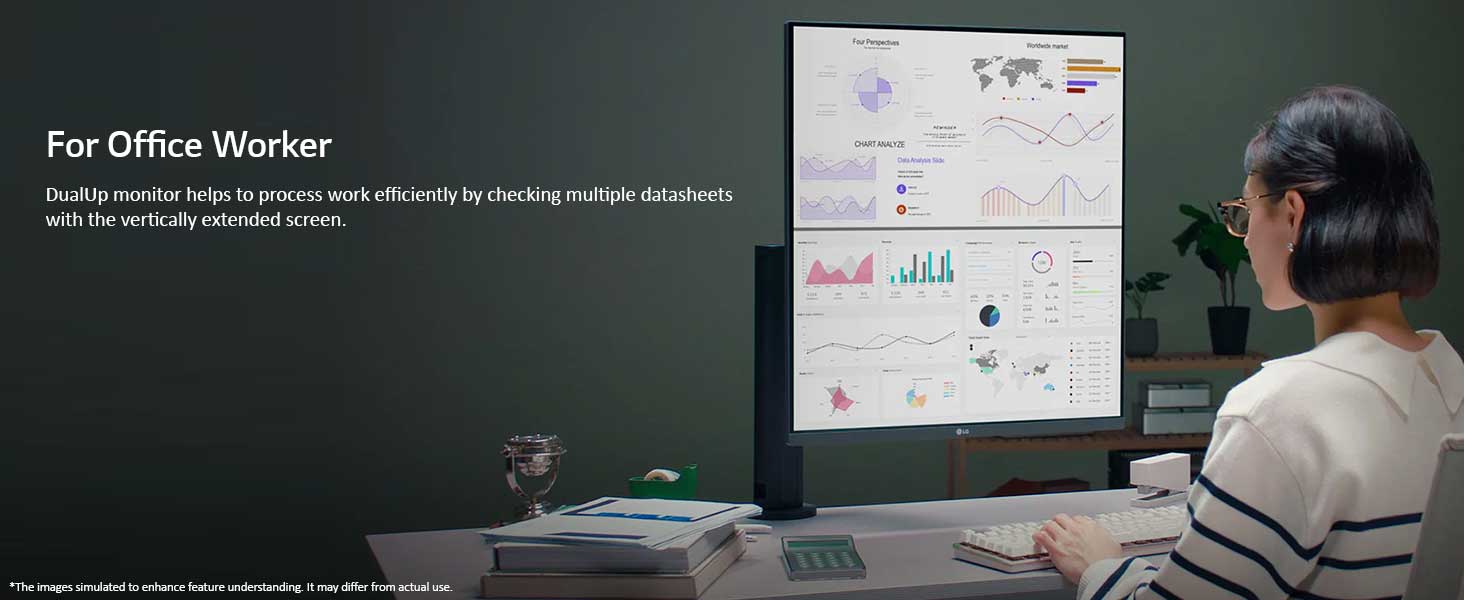
- Office Worker 👨💼
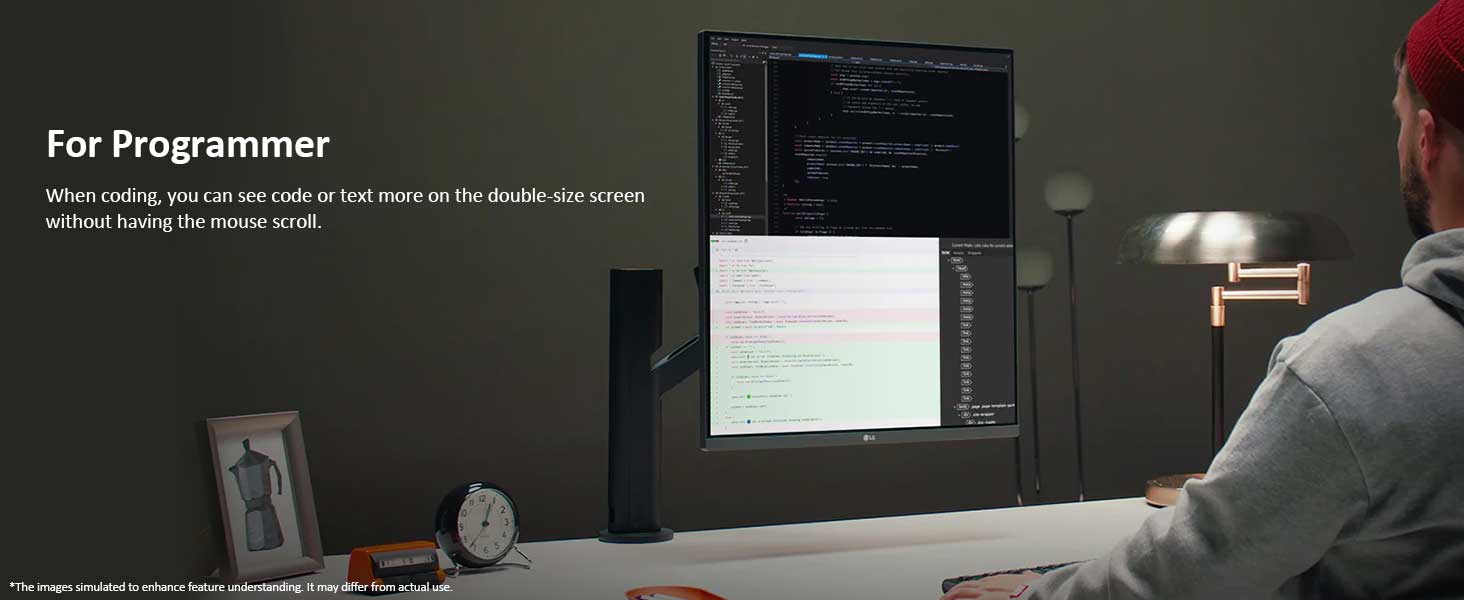
- For Programmer 💻
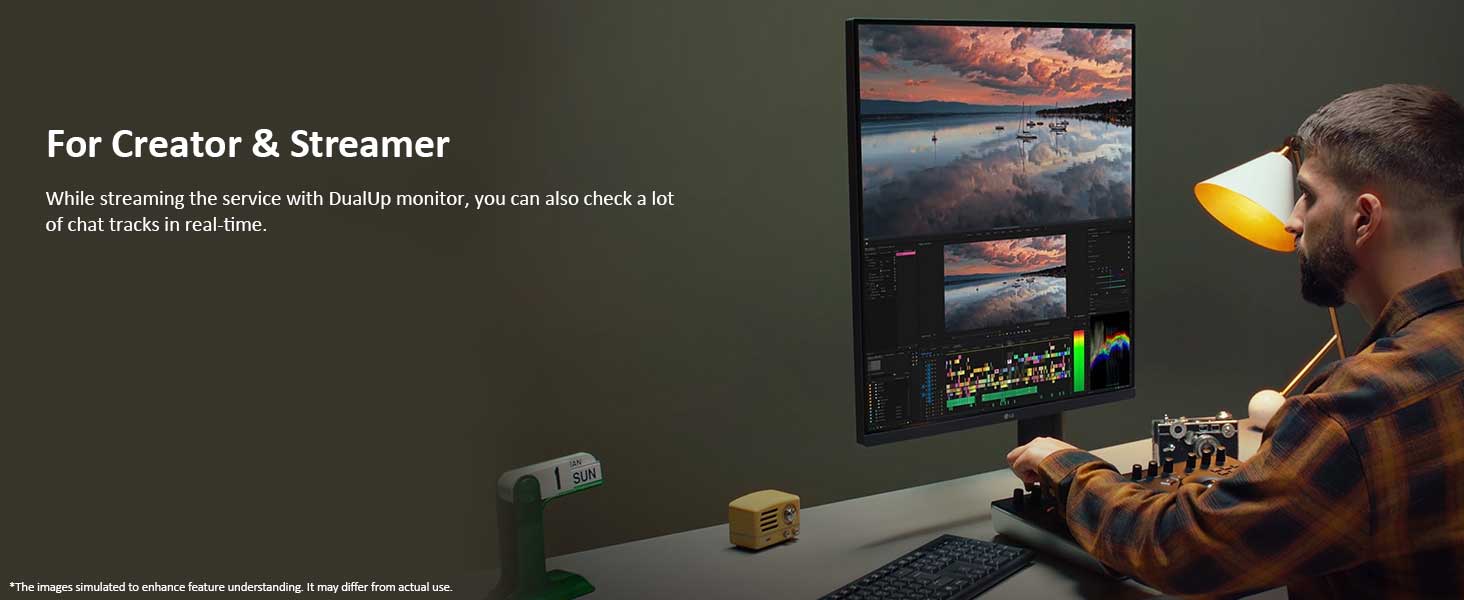
- For Creator & Streamer 🎬
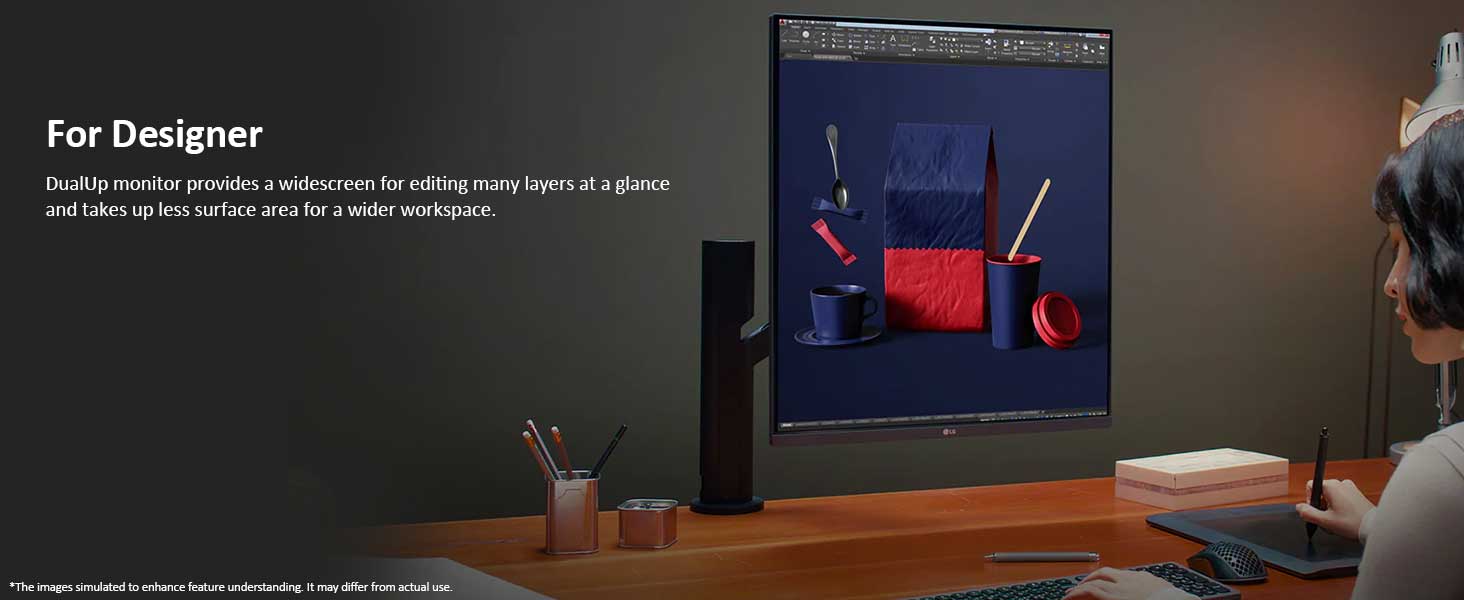
- For Designer 🎨
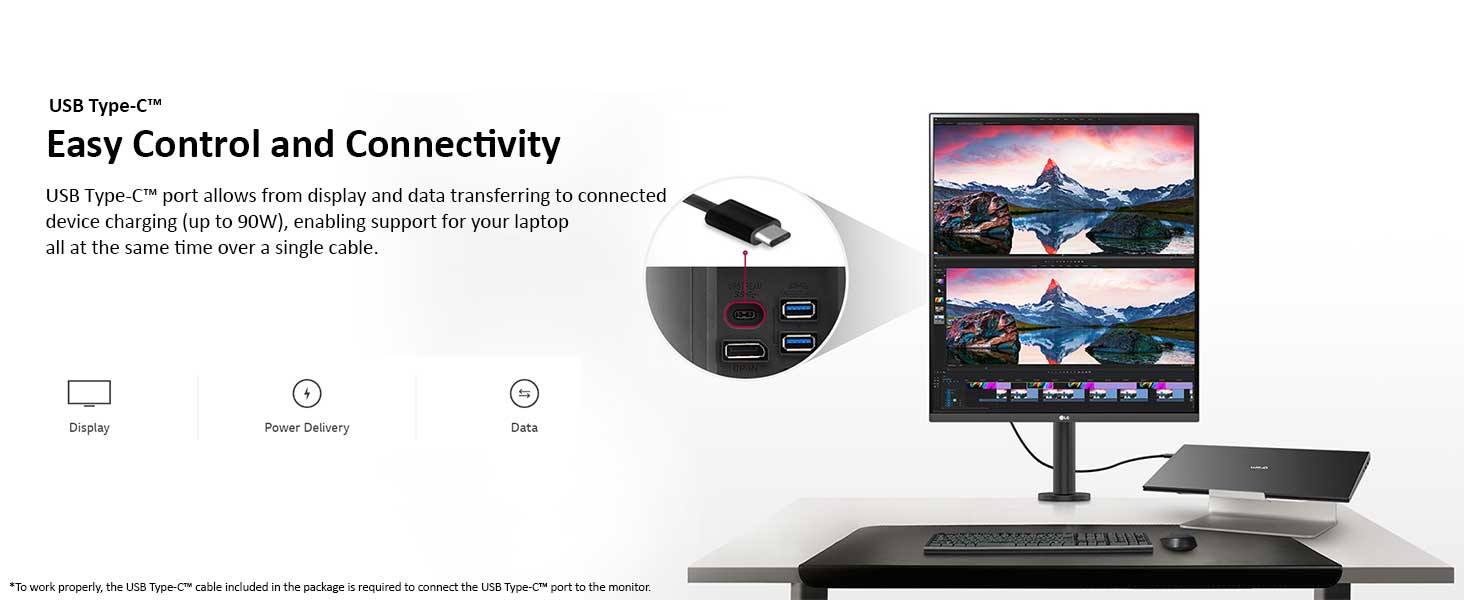
- USB Type-C 🔌
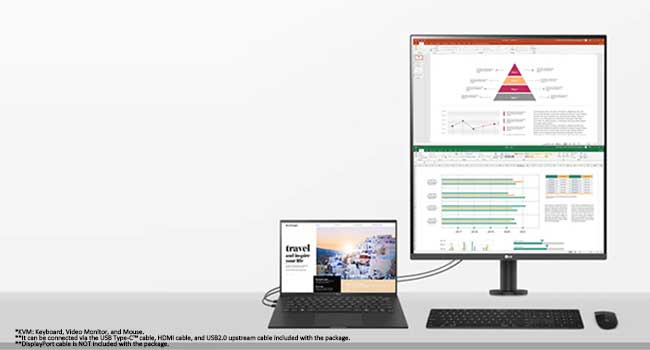
- PBP & Built-in KVM 🎛️ DualUp monitor allows you to control multiple contents from two computers with the picture-by-picture feature. Also, the built-in KVM feature helps to manage content with a single keyboard and mouse.
- Source PBP 🔌 By connecting two cables, out of HDMI, DisplayPort, and USB Type-C, you can utilize a dual monitor setup with 28MQ780. It helps to control two-screen easily without using software or shortcut keys.
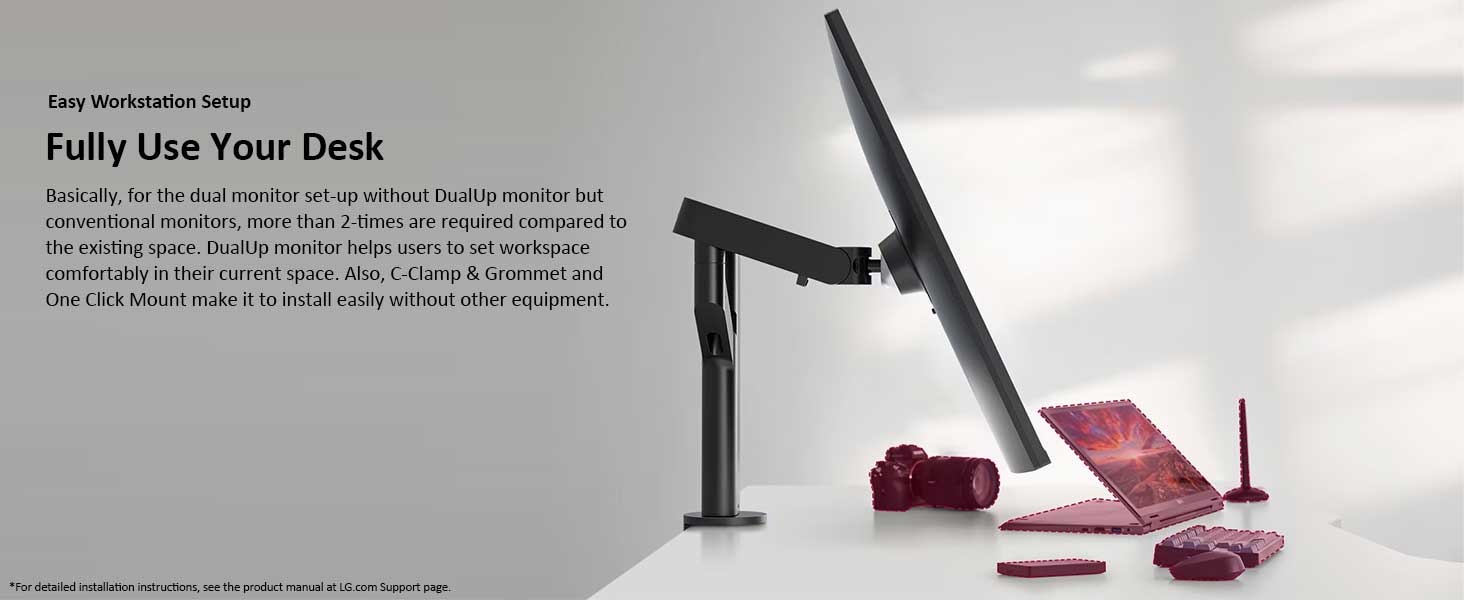
- Easy Workstation Setup 🧑💻
Usage Instruction 🛠️
Step 1: 🔌 Connect your laptop to the LG DualUp monitor via HDMI, DisplayPort, or USB Type-C.
Step 2: ⚙️ Easily control both displays without using software or shortcut keys.
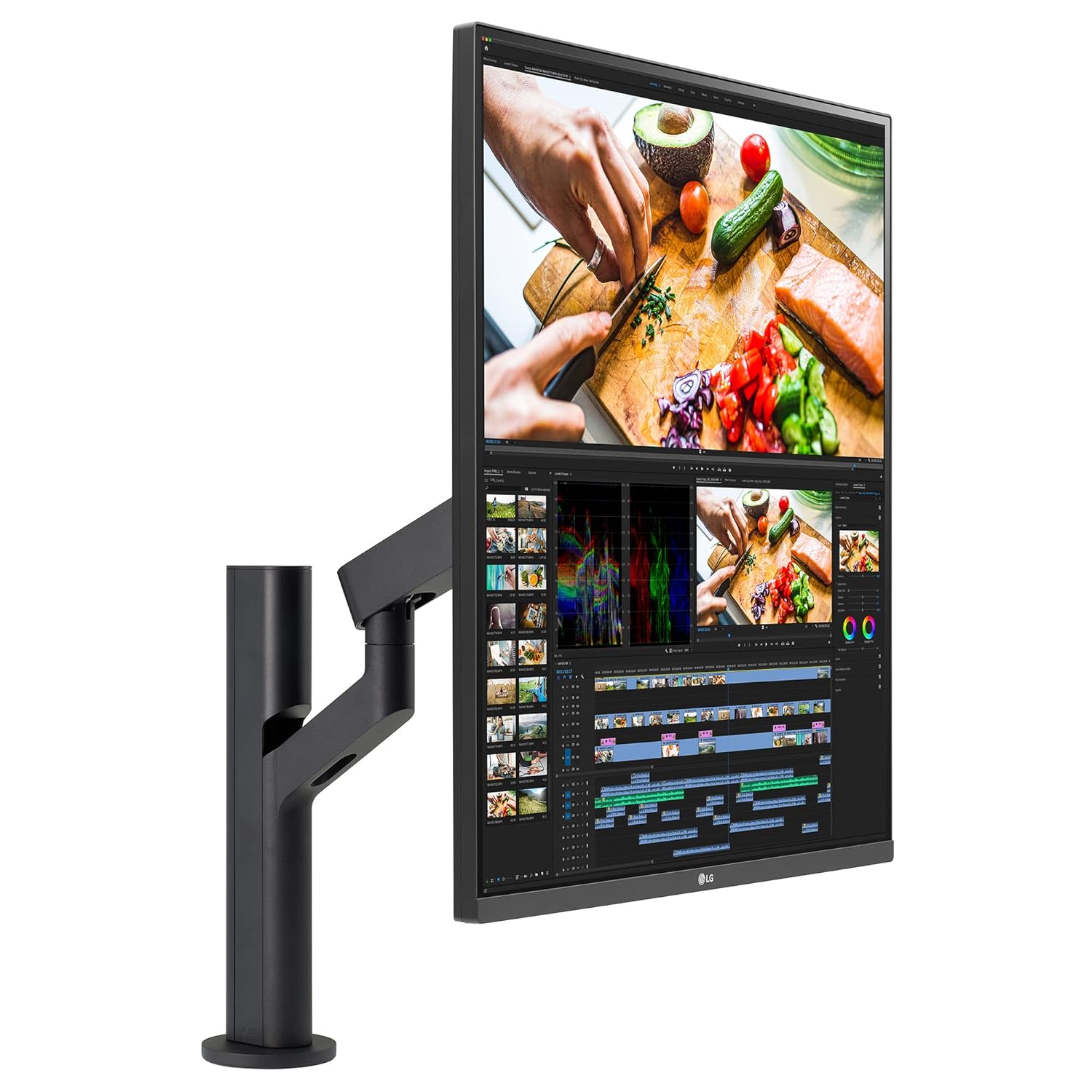
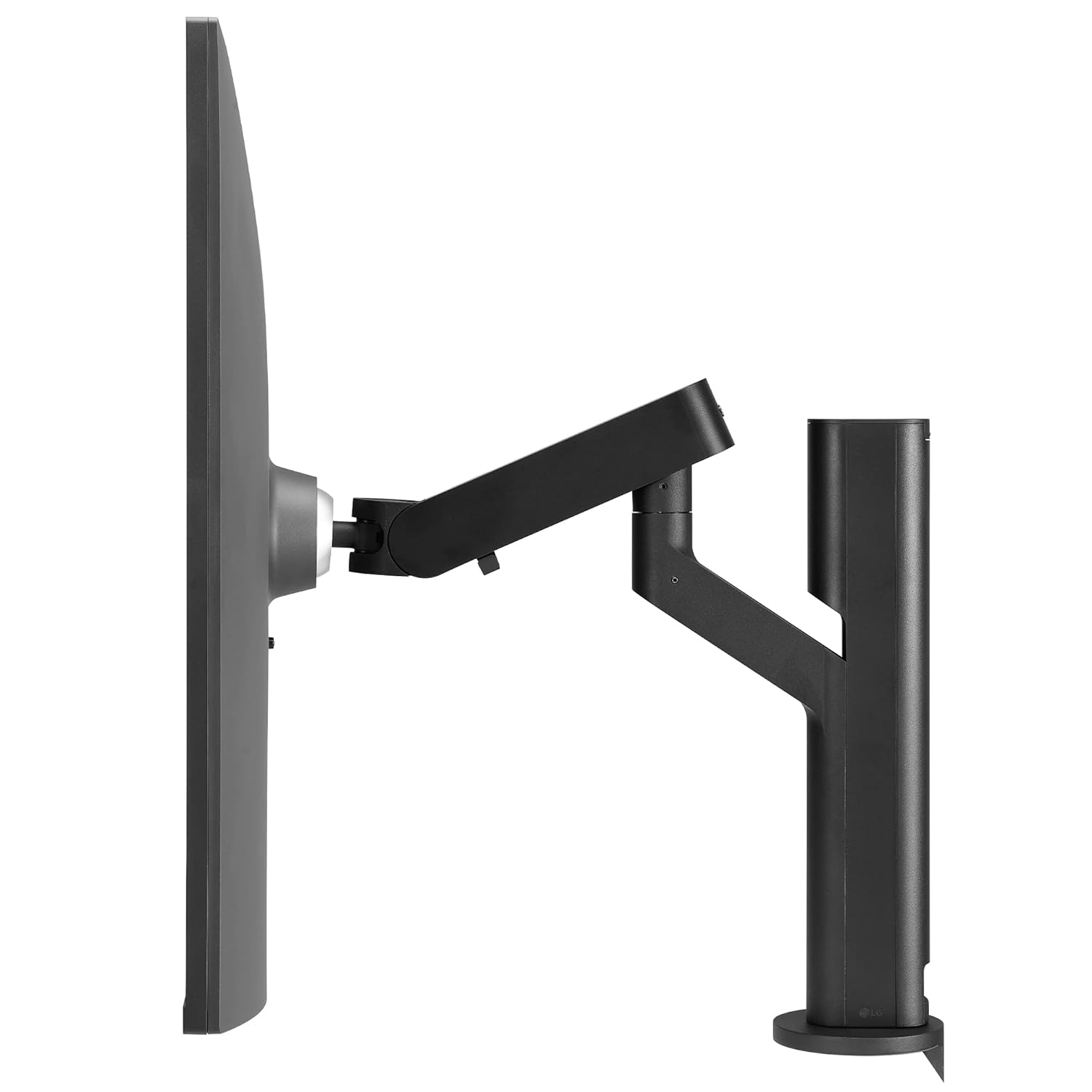
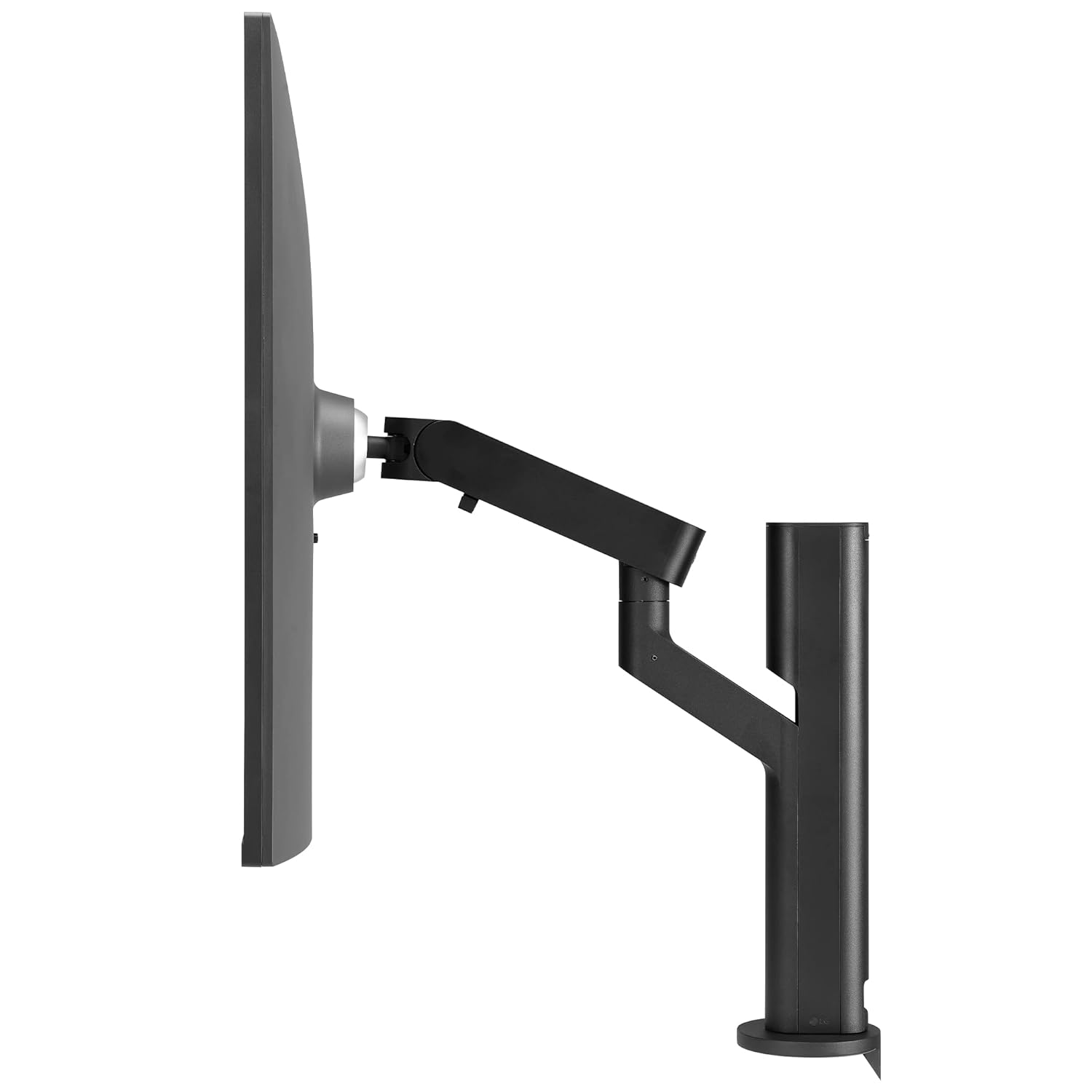
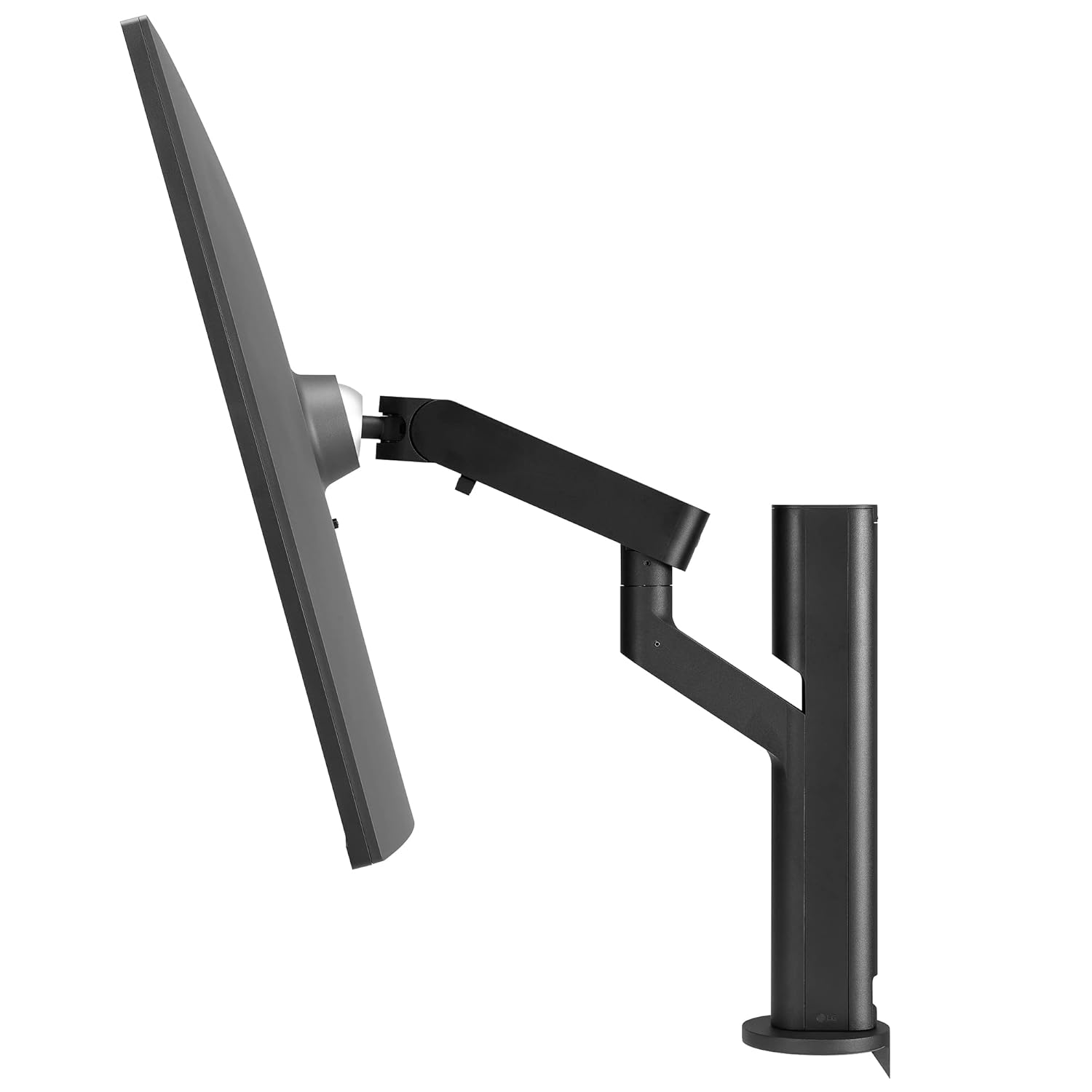
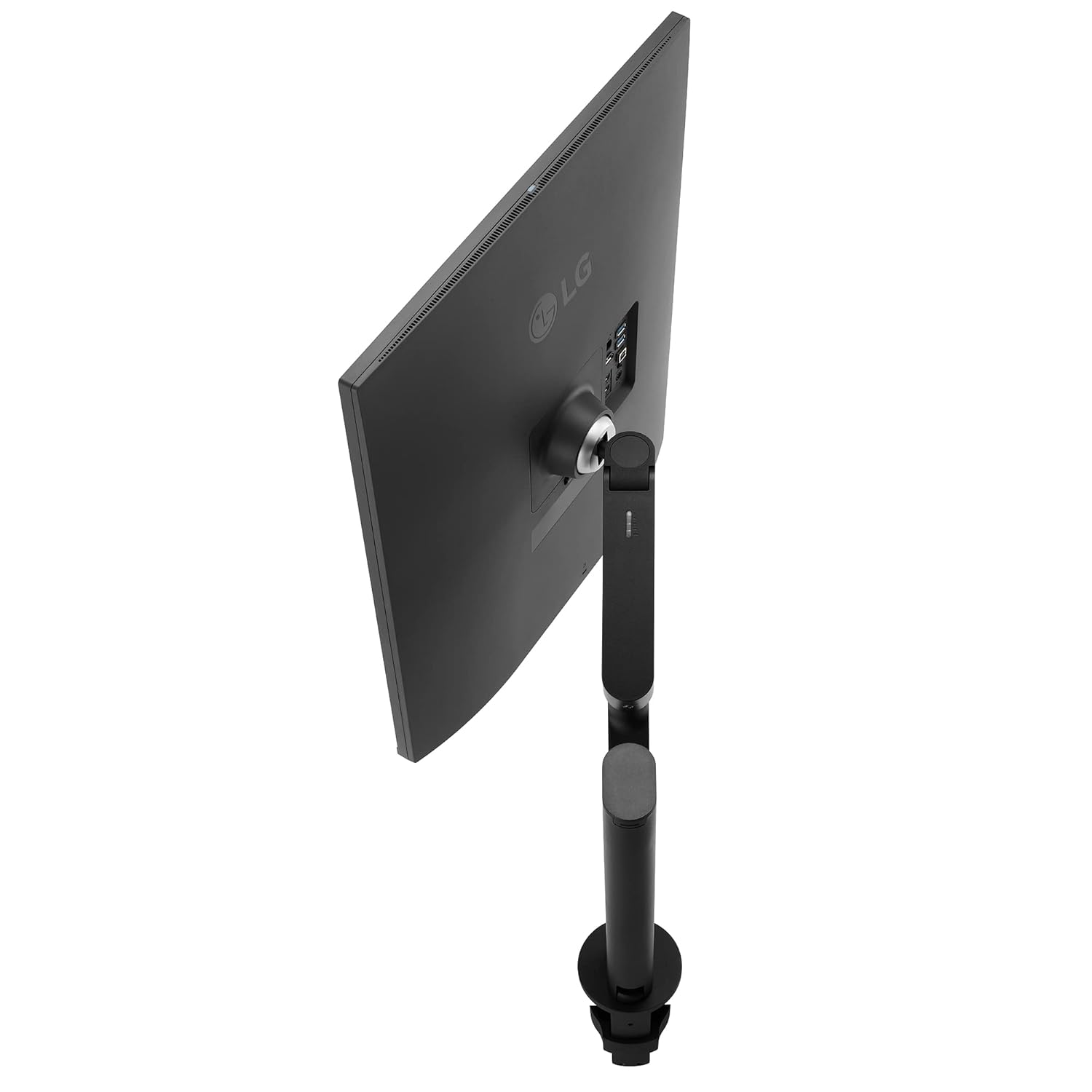
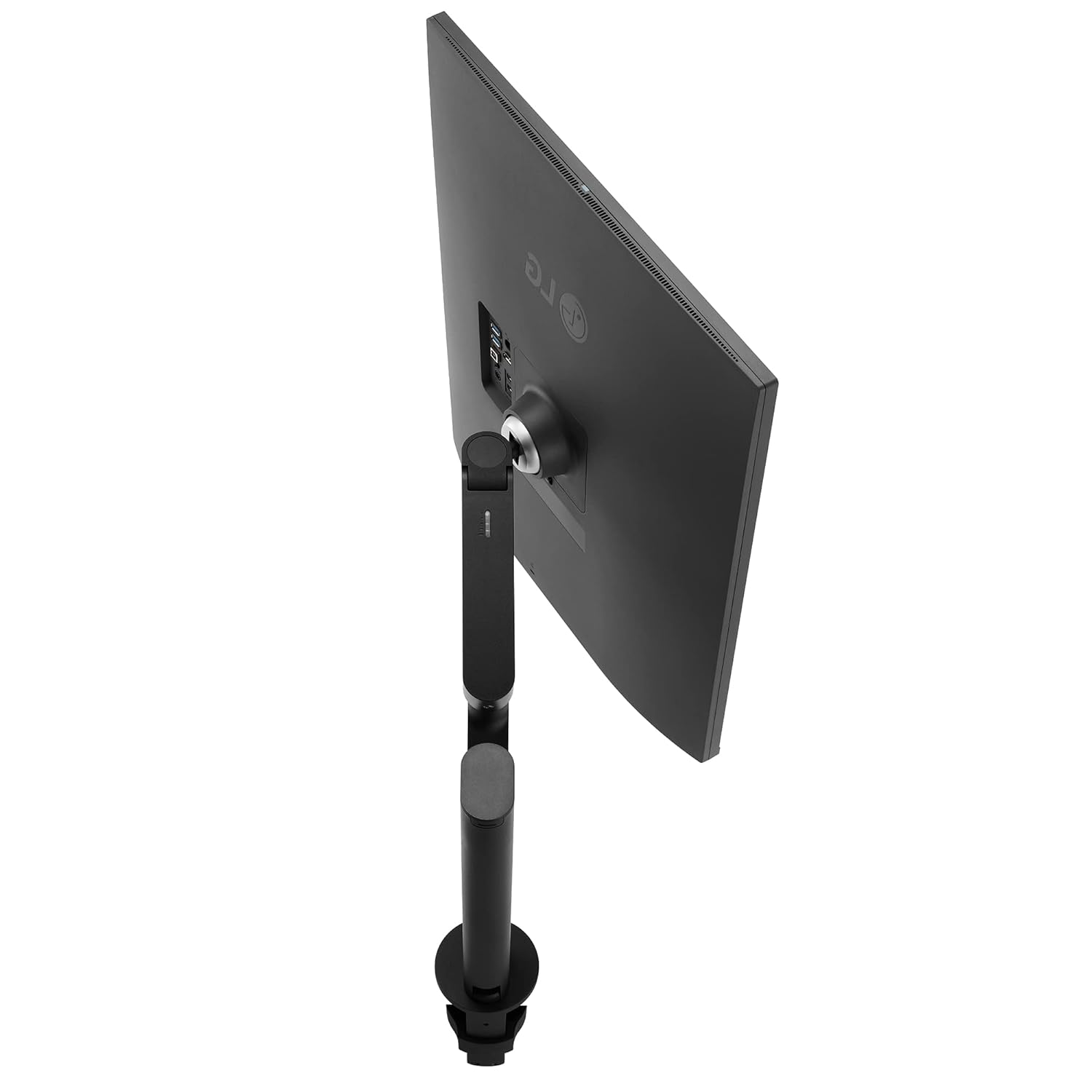
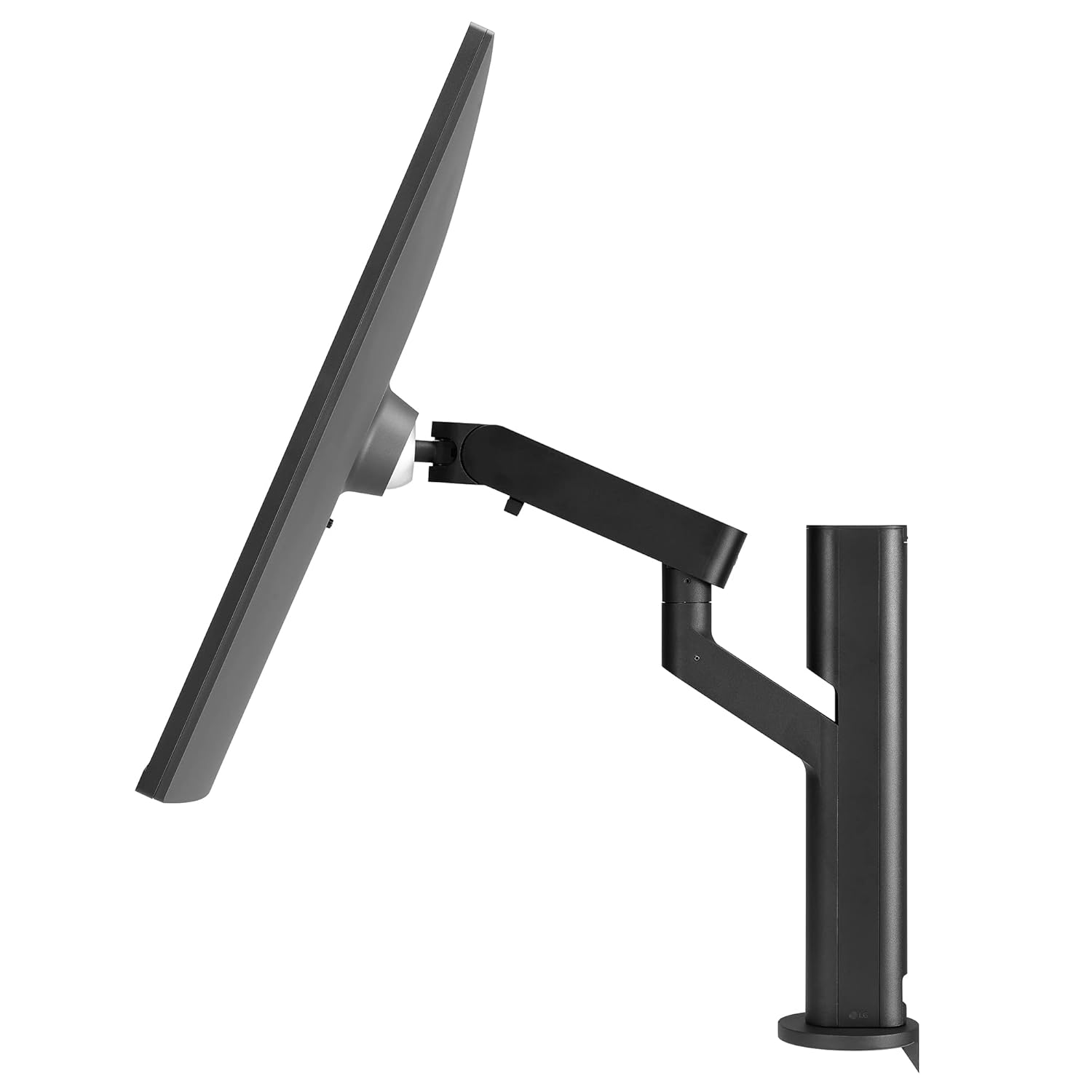
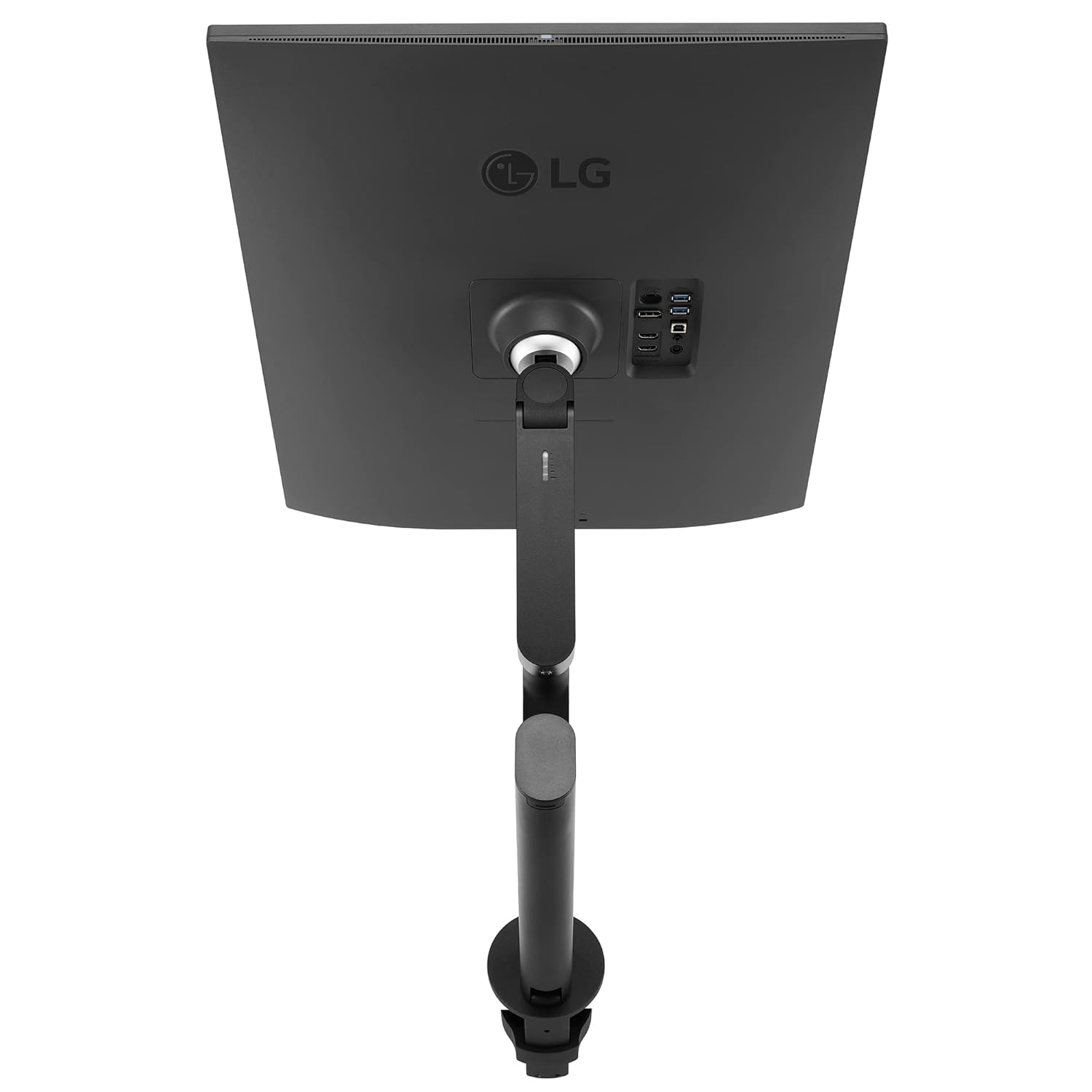
Step 3: 📐 Adjust the monitor using the Ergo Stand by moving it forward or backwards, swiveling, rotating, tilting, and more to optimize your setup.
Step 4: 🖥️ Enjoy the flexibility and efficiency of a stacked setup that swivels, freeing up your desk without giving up the screen space of a double monitor.
Product Specification 📱
| Display | 28″ SDQHD (2560 x 2880) | Nano IPS Display | DCI-P3 98% (Typ.) with HDR10 🌈 |
| Ergonomic Stand | C-Clamp 📐 |
| Power Delivery | USB Type-C (90W) ⚡ |
| Sensor | Ambient Light Sensor 💡 |
| Comfort | Live Color Low Blue Light 💙 |
| Features | Built-in KVM 🎛️ |
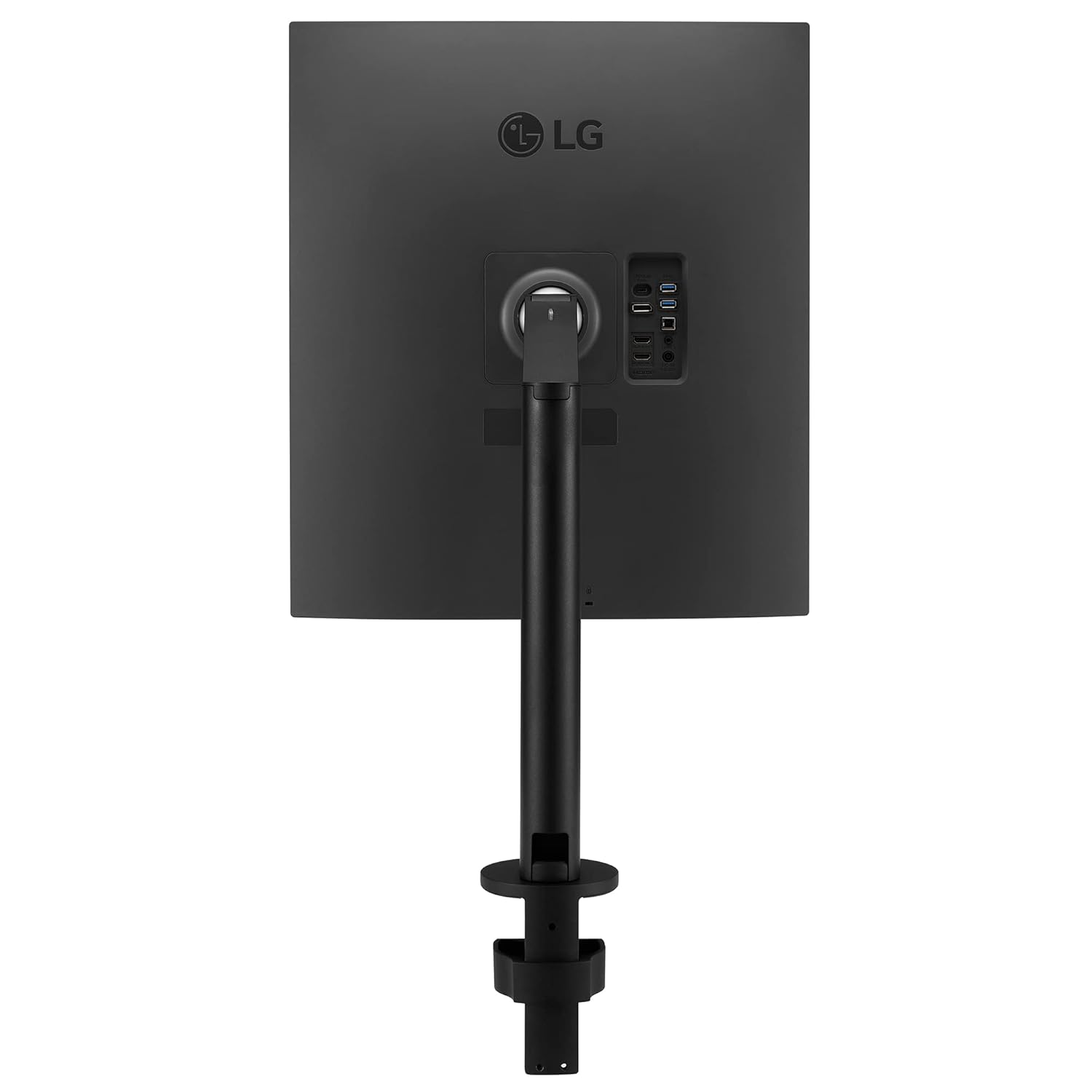
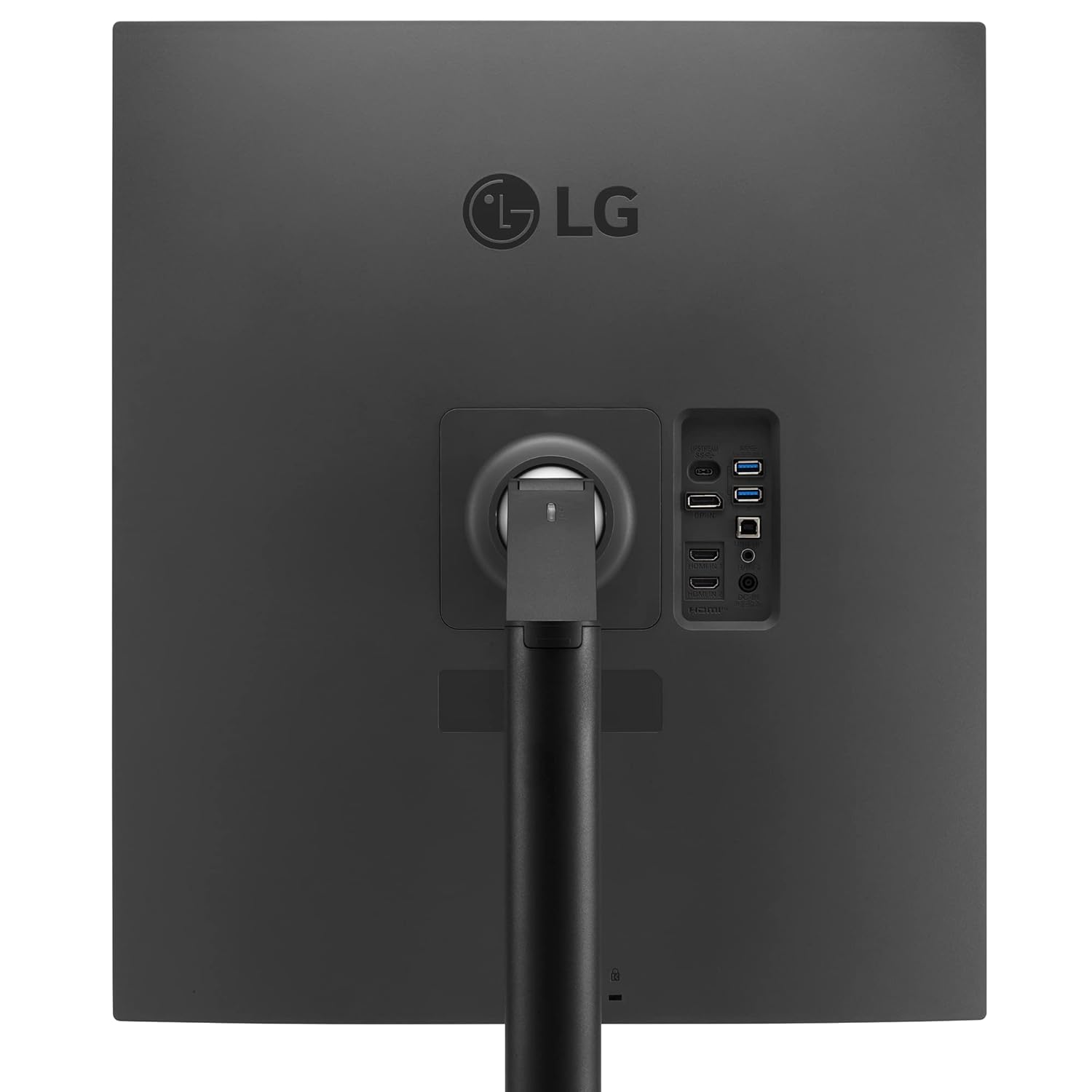
| Connectivity | HDMI X 2, DP X 1, USB-C, Headphone Out 🔌 |
| Audio | Speakers 🔊 |
| Warranty | 3 Years Parts & Labor 🛠️ |
| Brand | LG ⭐ |
| Manufacturer | LG Electronics 🏭 |
| Series | 28MQ780-B.ATR 🔢 |
| Colour | Black ⚫ |
| Item Height | 46.1 Centimeters 📏 |
| Item Width | 84.3 Centimeters 📏 |
| Screen Size | 28 Inches 🖥️ |
| Screen Resolution | 2560 x 2880 Pixels 🖼️ |
| Product Dimensions | 48.1 x 84.3 x 46.1 cm; 9 kg 📦 |
| Item model number | 28MQ780-B.ATR 🆔 |
| HDMI Ports | 2 Ports 🔌 |
| Voltage | 230 Volts ⚡ |
| Included Components | Power Cable 🔌 |
| Country of Origin | China 🇨🇳 |
| Item Weight | 9 kg ⚖️ |
| ASIN | B0BPBPHYCH 🆔 |
| Customer Reviews | 4.2 out of 5 stars ⭐⭐⭐⭐ |
| Best Sellers Rank | #39,104 in Computers & Accessories, #611 in Monitors 🏆 |
| Date First Available | 7 December 2022 🗓️ |
| Packer | LG Electronics Nanjing New Technology Co.,Ltd, NANJING,China 🇨🇳 |
| Importer | LG ELECTRONICS INDIA PVT.LTD. 🇮🇳 |
| Item Dimensions LxWxH | 48.1 x 84.3 x 46.1 Centimeters 📏 |
| Net Quantity | 1 Piece 📦 |
| Generic Name | Monitor 🖥️ |
Product Details 🏷️
| LG 27.6 (70.1cm) 16:18 DualUp Monitor with Ergo Stand and USB Type-C, Nano IPS Display, DCI-P3 98% (Typ.), USB Type-C (90W Power Delivery), Built-in KVM, Ambient Light Sensor (28MQ780) |
|---|
|
 
Increase Viewing Comfort while Maintaining Colour Quality Reducing Eye Strain with Auto Brightness Control The sensor reacts to light, making the screen brighter in bright areas and darker in the dark. It provides a comfortable working environment. |
|
 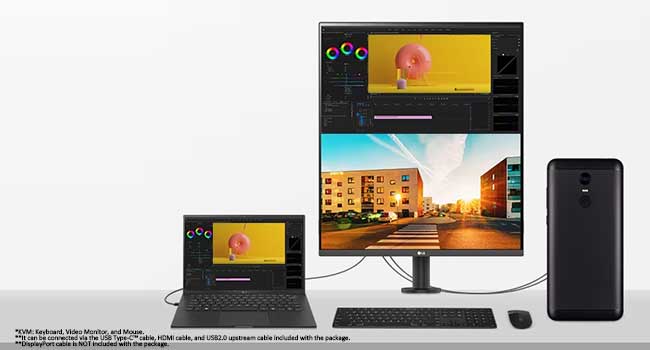
PBP & Built-in KVM DualUp monitor allows you to control multiple contents from two computers with the picture-by-picture feature. Also, the built-in KVM feature helps to manage content with a single keyboard and mouse. 1 Source PBP By connecting two cables, out of HDMI, DisplayPort, and USB Type-C, you can utilize a dual monitor setup with 28MQ780. It helps to control two-screen easily without using software or shortcut keys. |
🛍️ Order this amazing product today! 🚀
Full Images
Product Standout Benefits
Exceptional Display
16:18 SDQHD (2560 x 2880) Nano IPS Technology
Brightness (Typ.) 300nits
Space-Saving and Efficient Multitasking
Free up desk space and multitask efficiently with a new, 16:18 aspect ratio stacked setup that swivels, freeing up your desk without giving up the screen space of a double monitor.
Optimized Ergonomics
Tap into the flexibility of the Ergo Stand to optimize your setup. Adjust the monitor by moving it forward or backwards, swiveling, rotating, tilting and more.
Enhanced Productivity
Configure the setup to increase your productivity and immerse yourself in your work.
Versatile Connectivity
- USB-Type C
- Number of USB 3.0 Ports: 3
Eye Comfort Features
- Dynamic Action Sync
- Flicker Safe
Customer Questions and Answers
Q: How do I set up this monitor?
A: Just set up your new monitor following the instructions for the Ergo Stand and connect your devices via USB-Type C or the USB 3.0 ports, and you’re good to go!
Q: Is this monitor good for multitasking and productivity?
A: Absolutely! It’s great for people who need to multitask efficiently and increase productivity because of its unique 16:18 aspect ratio stacked setup and the flexibility of the Ergo Stand for an optimized setup.
Q: What are the key display features?
A: It features a 16:18 SDQHD (2560 x 2880) resolution with Nano IPS Technology and a typical brightness of 300 nits.
Q: How can I adjust the monitor for comfort?
A: You can adjust the monitor by moving it forward or backwards, swiveling, rotating, tilting, and more, thanks to the flexible Ergo Stand.
Q: What connectivity options are available?
A: It includes a USB-Type C port and three USB 3.0 ports, allowing for versatile connections.
Q: Does this monitor help reduce eye strain?
A: Yes, it features Dynamic Action Sync and Flicker Safe technology to help reduce eye strain.
Buyer’s Guide
Ready to get your hands on this amazing monitor? Here’s a super simple guide to help you out:
Step 1: 🌟 Review the Features & Benefits
Take a look at all the cool features like the 16:18 SDQHD display, the flexible Ergo Stand, and the USB-Type C connectivity. Make sure it’s exactly what you need to boost your productivity!
Step 2: ❓ Read the FAQs
Got any last-minute questions? Head over to the FAQs to get the inside scoop on setup, usage, and its awesome features. It’s like a quick chat to clear everything up!
Step 3: 🛒 Choose Your Option
This monitor comes with a specific screen size and resolution (27.6 inches, 2560 x 2880). Just confirm these details match your requirements.
Step 4: 🛍️ Add to Cart & Checkout
Once you’re all set, add the monitor to your cart and follow the easy checkout process. We’ll have it on its way to you in no time!
Step 5: 📦 Upon Delivery
When your monitor arrives, give it a quick once-over. Make sure it’s the correct product, check for any transit surprises, and confirm all the parts for the Ergo Stand are included.
Step 6: 🛠️ Consider Adding Accessories or Related Products
Want to make your setup even better? Think about adding a comfortable keyboard and mouse, a quality webcam for clear video calls, or even a surge protector to keep your new tech safe.
Full Images
### Product Standout Benefits
🌟 Immerse Yourself in Your Work 🌟
Free up desk space and multitask efficiently with a new, 16:18 aspect ratio stacked setup that swivels, freeing up your desk without giving up the screen space of a double monitor.
🔥 Unparalleled Flexibility for Your Setup 🔥
Tap into the flexibility of the Ergo Stand to optimize your setup.
* Adjust the monitor by moving it forward or backwards, swiveling, rotating, tilting and more.
🚀 Boost Your Productivity 🚀
Configure the setup to increase your productivity and immerse yourself in your work.
💡 Stunning Visuals 💡
* 16:18 SDQHD (2560 x 2880)
* Nano IPS Technology
* Brightness (Typ.) 300nits
⚡ Enhanced Performance ⚡
* USB-Type C
* Dynamic Action Sync
* Flicker Safe
🗄️ Ample Connectivity 🗄️
* Number of USB 3.0 Ports: 3
### 🤔 Customer Questions and Answers ❓💬
Q: What makes this monitor great for multitasking? 🤔
A: It frees up your desk space and lets you multitask efficiently with a new, 16:18 aspect ratio stacked setup that swivels, giving you the screen space of a double monitor without taking up extra room!
Q: How can I adjust the monitor to fit my needs? 💡
A: You can tap into the flexibility of the Ergo Stand to optimize your setup. You can adjust the monitor by moving it forward or backwards, swiveling, rotating, tilting and more.
Q: What are the display specifications? 🖥️
A: It’s a 16:18 SDQHD with a resolution of 2560 x 2880. It also features Nano IPS Technology and a brightness of 300 nits.
Q: What kind of connectivity options does it have? 🔗
A: It comes with USB-Type C and 3 USB 3.0 ports for all your connectivity needs.
Q: How does it help improve productivity? 🚀
A: You can configure the setup to increase your productivity and immerse yourself in your work!
Related Products
-

LG 32-Inch FHD 100Hz Curved Monitor with AMD FreeSync and Tilt Stand – Black
₦359,980.00 -
Sale!

LG 34 Inch UltraWide Full HD IPS HDR10 1080p Gaming Monitor 34WP500
Original price was: ₦35,500.00.₦29,499.00Current price is: ₦29,499.00. -
Sale!

LG 29-inch UltraWide FHD IPS Monitor 2560×1080, 100Hz, USB-C, White – 29WQ600
Original price was: ₦26,000.00.₦17,699.00Current price is: ₦17,699.00. -
Sale!

Acer SA322Q 31.5″ Full HD 1920×1080 IPS White LED Monitor 75Hz 1ms VRB
Original price was: ₦17,999.00.₦12,999.00Current price is: ₦12,999.00. -
Sale!

LG 27-inch QHD 240Hz OLED Gaming Monitor, 0.03ms, G-Sync/FreeSync, HDR, New
Original price was: ₦120,000.00.₦79,999.00Current price is: ₦79,999.00. -
Sale!

ViewSonic VX2758A-2K-PRO-2 27-Inch QHD 185Hz IPS Gaming Monitor 1ms HDR10 FreeSync
Original price was: ₦40,000.00.₦16,499.00Current price is: ₦16,499.00. -
Sale!

LG 43 Inch Ultrafine Smart UHD 4K IPS Monitor with Wireless, webOS, AirPlay 2, 65W USB-C
Original price was: ₦67,000.00.₦33,999.00Current price is: ₦33,999.00. -
Sale!
Acer 31.5 Inch WQHD IPS Ultra Slim Black LED Monitor 75Hz 1ms VRB HDR10
Original price was: ₦20,999.00.₦15,915.00Current price is: ₦15,915.00. -
Sale!

Acer 27 Inch Smart Full HD IPS LED Monitor with WebOS, HDR10, Ergo Stand
Original price was: ₦164,900.00.₦13,999.00Current price is: ₦13,999.00. -
Sale!

Zebronics AC32FHD 32 Inch 1080p Curved LED Gaming Monitor 165Hz Wall Mountable
Original price was: ₦44,999.00.₦12,999.00Current price is: ₦12,999.00. -
Sale!

LG Ultragear 34 Inch QHD 160Hz Curved Gaming LED Monitor 34GP63A
Original price was: ₦49,000.00.₦35,999.00Current price is: ₦35,999.00. -
Sale!
Acer CB272K 27 Inch UHD 4K HDR 10 IPS LED Monitor
Original price was: ₦25,999.00.₦20,999.00Current price is: ₦20,999.00. -
Sale!

LG 27-Inch 4K UHD IPS HDR10 Monitor with Height Adjustable Stand White
Original price was: ₦55,900.00.₦34,500.00Current price is: ₦34,500.00. -
Sale!

GIGABYTE M27Q 27 Inch 1440p 170Hz SS IPS Gaming Monitor 0.5ms MPRT HDR Ready Black
Original price was: ₦60,000.00.₦20,850.00Current price is: ₦20,850.00. -
Sale!

LG 27-inch 4K UHD IPS Monitor with Ergo Stand USB-C HDR400 sRGB 99% White
Original price was: ₦53,500.00.₦42,999.00Current price is: ₦42,999.00. -
Sale!

Lenovo L24Q-35 23.8 Inch 2K QHD IPS Monitor Black 75Hz AMD Freesync TUV Eyesafe
Original price was: ₦22,500.00.₦18,420.00Current price is: ₦18,420.00. -
Sale!
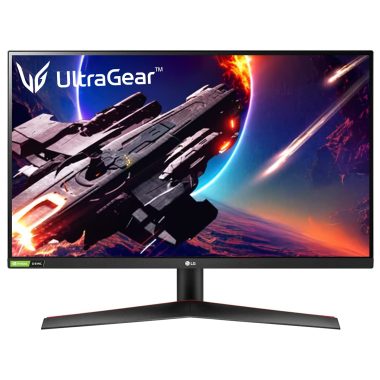
LG 27-inch QHD IPS Ultragear Gaming Monitor Black 2560×1440 144Hz 1ms HDR10
Original price was: ₦36,000.00.₦23,900.00Current price is: ₦23,900.00. -
Sale!

LG 34SR65QC Curved 34″ WQHD 21:9 Smart Monitor 100Hz White
Original price was: ₦55,000.00.₦33,999.00Current price is: ₦33,999.00. -
Sale!

LG 32SR75U Smart Monitor 32-inch 4K UHD HDR10 USB-C WebOS White Height Adjustable
Original price was: ₦38,000.00.₦32,999.00Current price is: ₦32,999.00. -
Sale!

LG 32 Inch UHD HDR Monitor 90W USB-C Power Delivery DCI-P3 90% AMD FreeSync
Original price was: ₦47,900.00.₦30,999.00Current price is: ₦30,999.00.
Reviews
There are no reviews yet.