


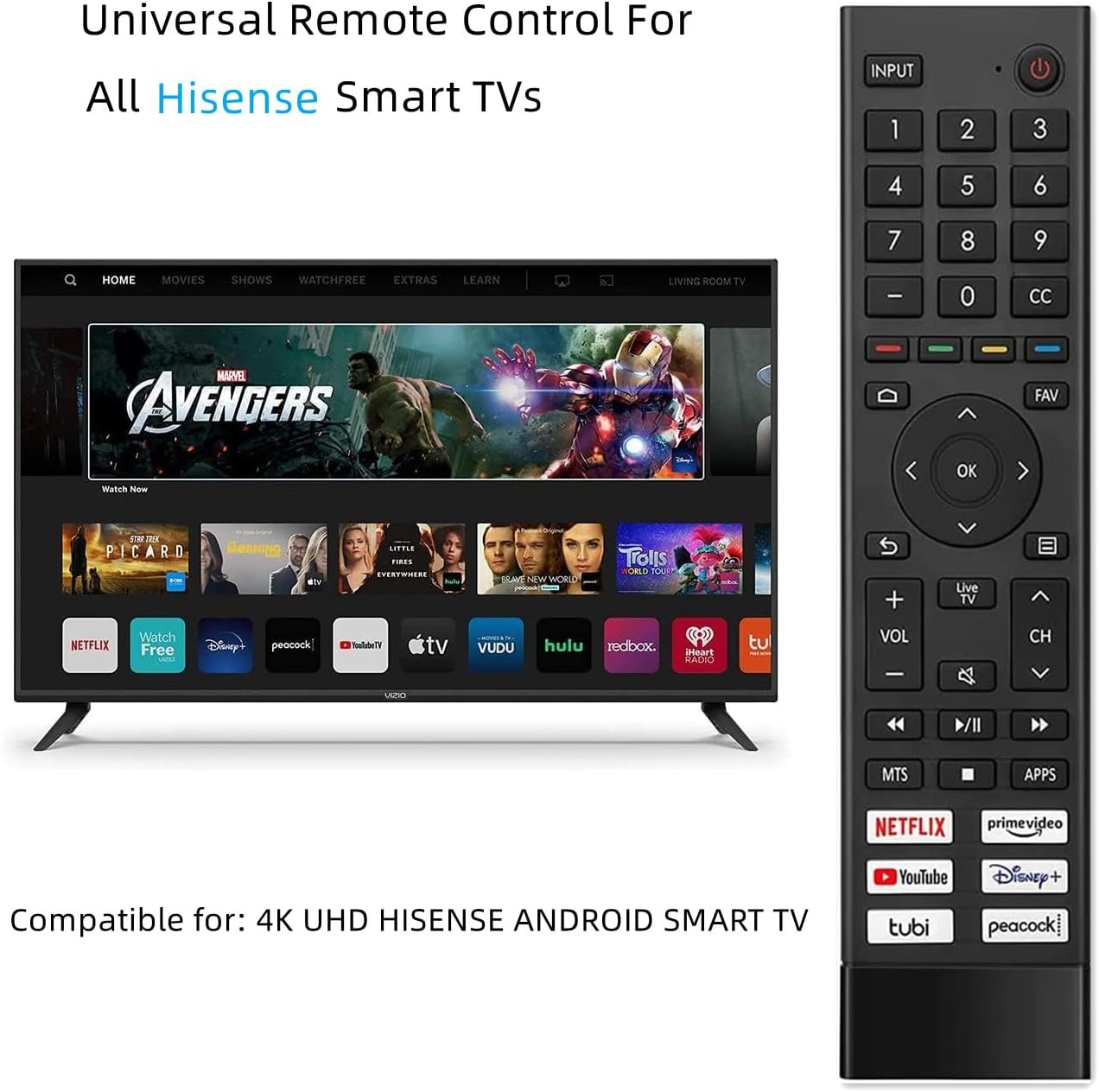
ERF3J80H Replacement Smart TV Remote for Hisense 4K UHD Android Models
₦9.99
Description
About the Product 🔑
| Voice Remote Model 🗣️ | ERF3J80H |
| Compatibility 📺 | Hisense Smart TVs, A6G Series, U6G Series, U8G Series |
| Features ⭐ | Voice Control, Hot Shortcut Keys ⚡ |
| Warranty 🛡️ | Two Year Free Warranty |
Product Benefits 💡
- Easy pairing process 🔗
- Direct access to streaming apps 🎬
- No programming needed; just add batteries 🔋
- Best replacement for damaged or lost remotes 🛠️
Usage Instruction 🧾
- Pairing Step: 1. Pair the remote to the TV after you power it on. Keep the remote near the TV.
- Setup: Install 2 new AAA alkaline batteries.
- Operation: Ready for use with hot shortcut keys for Netflix, PrimeVideo, YouTube, DSY+, Tubi, Peacock.
Product Specification 📱
| Remote Type 🎛️ | Voice Control IR Remote |
| Battery Type 🔋 | AAA Alkaline (Not Included) |
| Programming Required ⚙️ | No |
| Shortcut Keys 🚀 | Netflix, PrimeVideo, YouTube, DSY+, Tubi, Peacock |
Product Details 🏷️
This is a Voice Control remote. Some known compatible models include: A6G, 75A6G, 43A6G, 50A6G, 55A6G, 60A6G, 65A6G, 70A6G, U6G, 55U68G, 65U68G, 55U6G, 50U6G, 65U6G, 75U6G, 50U68G, 75U68G, Hisense 55U8G, 65U8G, U8G Series 4K ULED TV. If you can’t find your model, please email for assistance to find the right remote for your needs. The universal infrared remote features six shortcut buttons for Netflix, Prime video, YouTube, Disney, Tubi, Peacock. One click to your favourite TV Channels. Without any programming, just insert AAA batteries, the remote control can work. If you have any questions about your order, please contact us directly and we will reply within 24 hours on working days!

Full Images
Product Standout Benefits
- Voice Remote Model: ERF3J80H
- This is a Voice Replacement Remote Control
- Pairing Step: 1. Pair the remote to the TV after you power it on. Keep the remote control within 10 feet from the TV. Press and hold the “Menu” button at least 3 seconds to start pairing.
- If the remote paired successfully then a confirmation will display on the screen. If it did not pair successfully then an unsuccessful message will display. Repeat step 1.
- If an unknown error occurred with the remote then it could have been caused by interference.
- Try to remove what’s causing the interference and pair it again.
- If an unknown error occurred in the remote control while the battery power is normal, you can take out the batteries and press any key for 1~2 seconds, then the remote control can work normally.
- The remote cannot be paired to the TV while the TV is in standby mode.
- When using the remote control, please be closer to your TV
Product Information:
- Product Dimensions: 8.7 x 2 x 0.65 inches
- Item Weight: 3.2 ounces
- ASIN: B094HZ4ZZK
- Item model number: NCLIU-ERF3J80H-BT-TOTUS
- Batteries: 2 AAA batteries required.
Customer Questions and Answers
-
Q: How do I get this remote working with my TV? 🤔
A: First things first, you’ll need to pair it up! Just turn on your TV, make sure the remote is within 10 feet, and then hold down the “Menu” button for at least 3 seconds. If it works, you’ll see a confirmation on the screen. If not, no worries, just try step 1 again!
-
Q: What if I get an error message? 💡
A: Sometimes interference can cause issues. Try moving anything that might be blocking the signal and give pairing another go. If the batteries are good but it’s still acting up, try taking the batteries out, pressing any button for a second or two, and then popping them back in. That usually does the trick!
-
Q: Can I pair the remote when the TV is off? 🔌
A: Nope, the remote won’t pair if your TV is in standby mode. Make sure the TV is powered on!
-
Q: I’m not sure if this remote will work with my TV. What should I do? 💬
A: No problem at all! Feel free to send us a message with your TV details, and we can help check if it’s compatible and give you some advice.
-
Q: What kind of batteries should I use? 🔋
A: It’s best to use new alkaline batteries for this remote. You’ll need 2 AAA batteries.
-
Q: Should I be close to the TV when using the remote? 📺
A: Yep, for the best experience, try to be closer to your TV when you’re using the remote control.
Related Products
-
Hisense 4K UHD Android Smart TV Replacement Remote Control Universal Compatibility
₦16.88 -
Replacement Remote Control for Hisense Smart TVs EN2D36H EN2B36H Series
₦13.99 -

2 Pack Hisense Roku TV Smart 4K Ultra HDTV Replacement Remote Control
₦26.99 -

Hisense Roku TV OEM Replacement Voice Remote Control 4K Smart TV Netflix Disney+
₦399.99 -

Two-Pack Smart TV Remote Replacements for TCL Hisense Onn Roku Series TVs
₦5.99 -
HISENSE Replacement TV Remote Control for 40K366WN 32K20 Series Models
₦9.98 -

4 Pack Replacement Roku TV Remote Universal for Hisense TCL LG Philips Smart TVs
₦12.99 -

Voice Smart Replacement Remote for Hisense 4K UHD Android Smart TVs 55-75 Inch
₦16.48 -

WINFLIKE ERF6A80H Backlit Voice Remote Control for Hisense ULED 4K Smart TVs
₦19.89 -
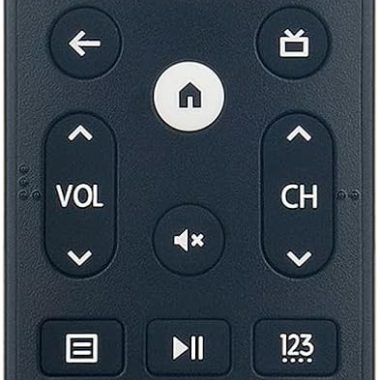
Hisense 4K Smart TV Replacement Voice Remote ERF3M90H for A6H U6H Series TVs
₦12.95 -

Hisense EN-33926A Universal Smart TV Remote for 4K LED HD UHD Models
₦6.99 -
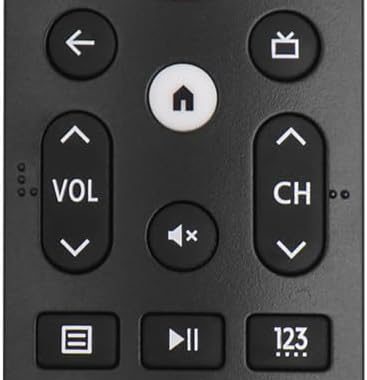
ERF3M90H Infrared Remote Control for Hisense Google TV 43A6H-75U8H 5000 mAh Capacity
₦13.98 -

HISENSE Smart Android LED TV ERF3M90H Voice Remote Control Replacement
₦14.99 -
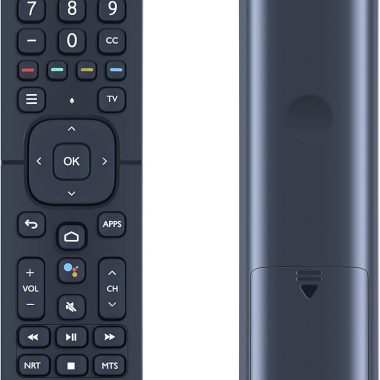
Hisense ERF2K60H Replacement Smart TV Remote Control for 4K UHD Android Models
₦8.49 -

Hisense ERF3M90H Remote Control for Android LED 4K UHD Smart TVs with 6 Shortcut Buttons
₦17.89 -
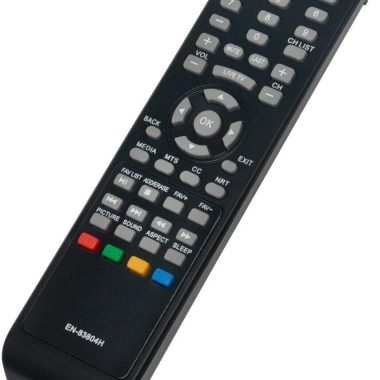
EN-83804H Replacement Remote for Hisense TV 32H3D 32DU3040 32DU3050 40EU3000 43H3D
₦7.45 -
Hisense EN2A27 Universal Smart TV Remote Control for 4K LCD LED HD UHD Models
₦6.99 -

Replacement Smart TV Remote Control for Hisense 4K UHD Android TVs 50A6G 55A6G 60A6G 65A6G 70A6G 75A6G and U6G U68G Models
₦6.99 -

Haier TV Remote Control RMT-17 for Smart LCD LED Televisions L26B1120B L32B1120A HL26P2
₦15.99 -
Hisense Roku Sharp Roku TV Universal Remote Control, 2AAA Batteries Included, No Setup Needed
₦6.75
Reviews
There are no reviews yet.