
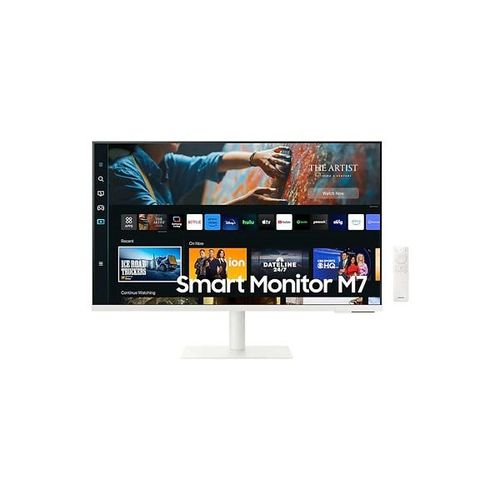
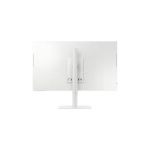
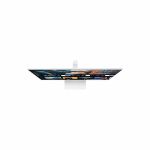
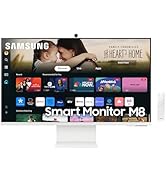
27 Inch M70C UHD Smart Monitor White with USB-C Speakers and Remote Included
₦270.76
Watch, Play, Work in Style Simple control for your smart homeBuilt-in IoT HubManage your smart home without pausing your shows. The Smart Monitor lets you live comfortably with the SmartThings app, an all-in-one hub for your smart home devices. With voice control, you can tell the monitor to turn off your lights, adjust your thermostat and
Description
About the Product 🔑
| Feature ✨ | Description 🌟 |
|---|---|
| 27″ M70C Smart Monitor | ✅ UHD |
| Streaming TV | ✅ USB-C |
| Ergonomic Stand | ✅ AI Powered |
| Smart TV Apps | ✅ 4K AI Upscaling |
| Multicontrol | ✅ Watch, Play, Work |
| Smart Entertainment | ✅ Native Streaming |
| IoT Hub | ✅ SmartThings App |
| 4K UHD Screen | ✅ Clear & Vivid |
| PC and Mac Compatibility | ✅ Wide Functionality |
Product Details 🏷️
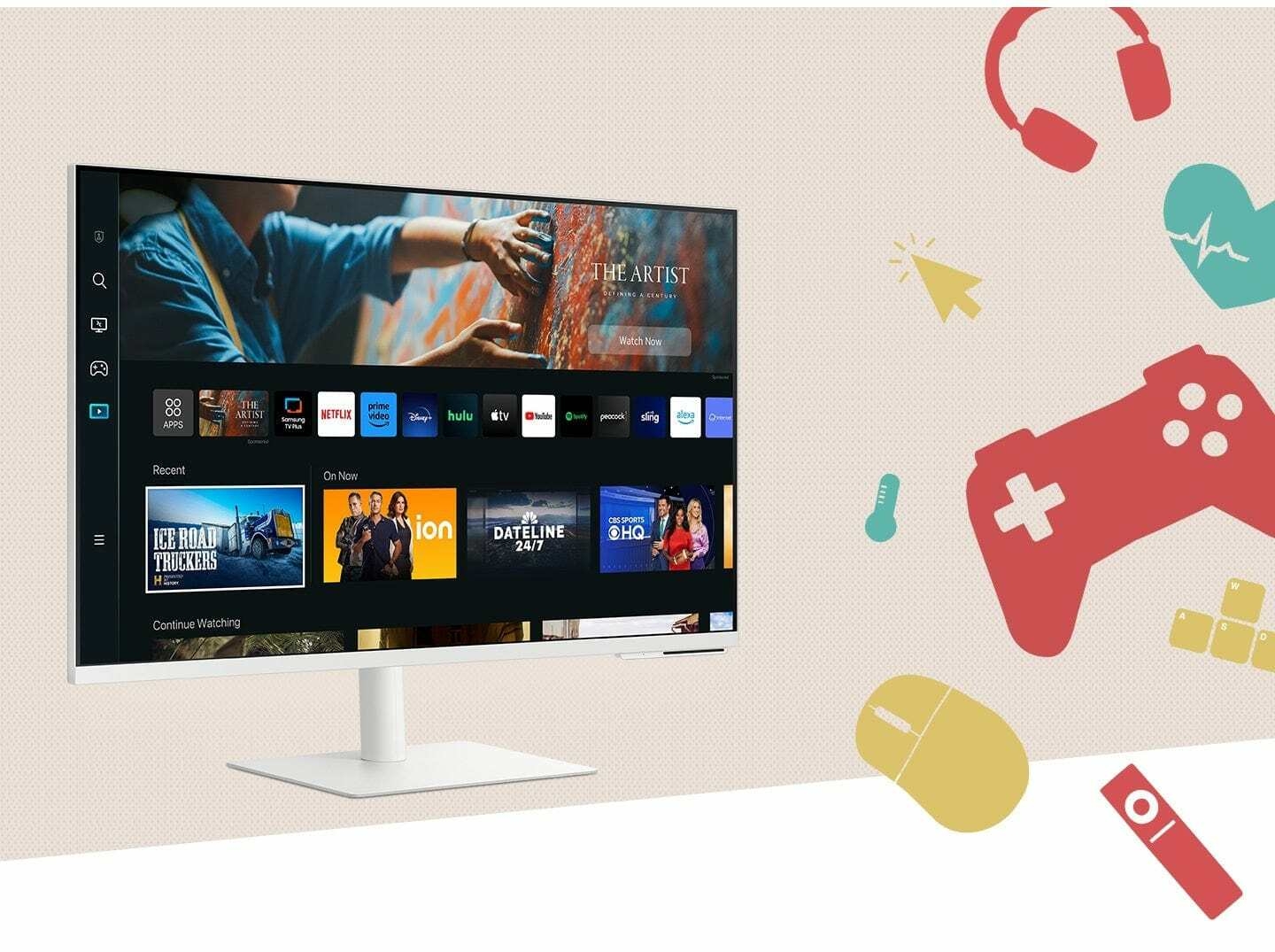
Watch, Play, Work in Style
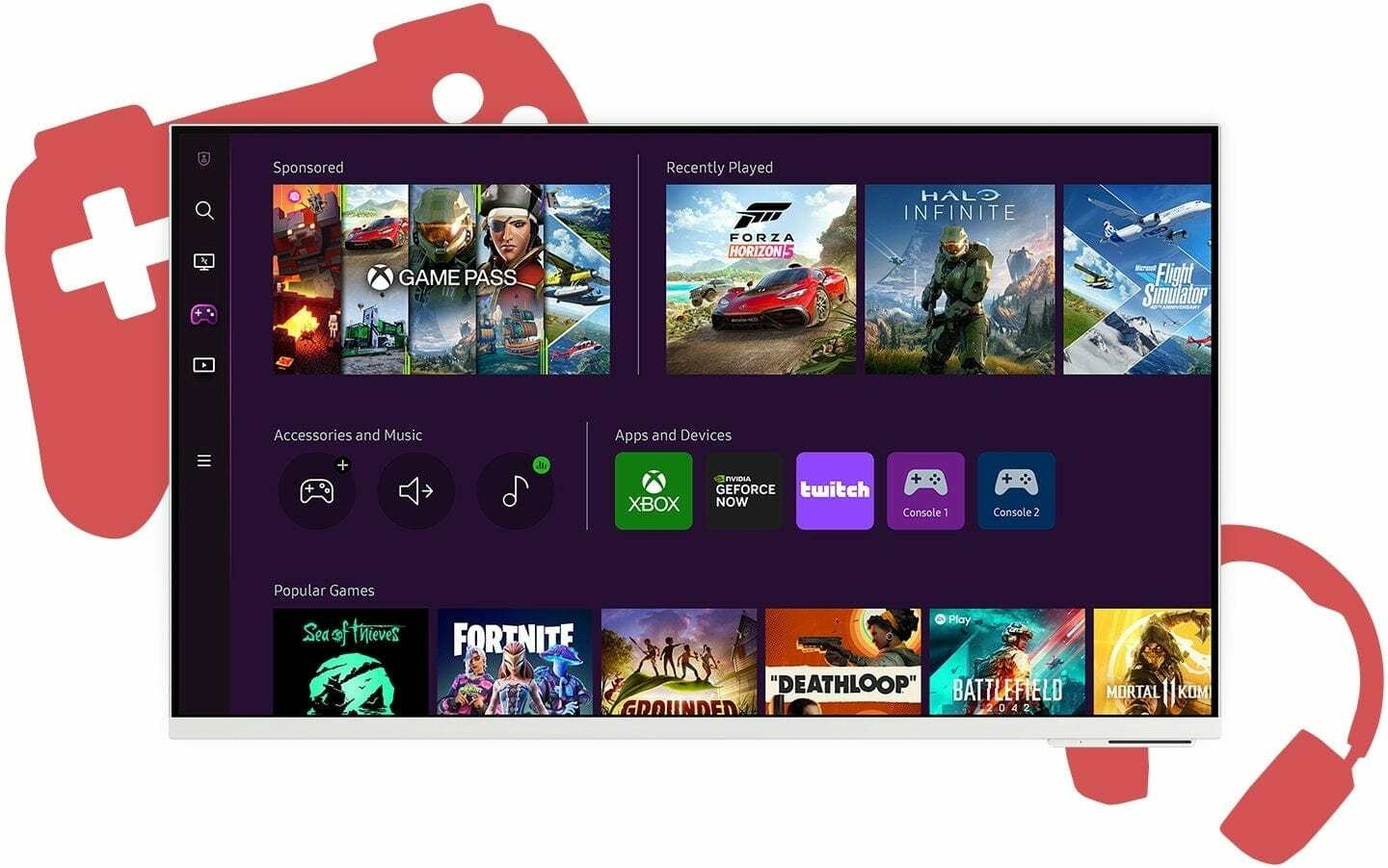
Where gaming comes together
Gaming Hub
Samsung Gaming Hub is the ultimate home for gaming. Instantly play the biggest games from top streaming partners, with no PC or console needed. Discover new games or replay old favorites all in one place.
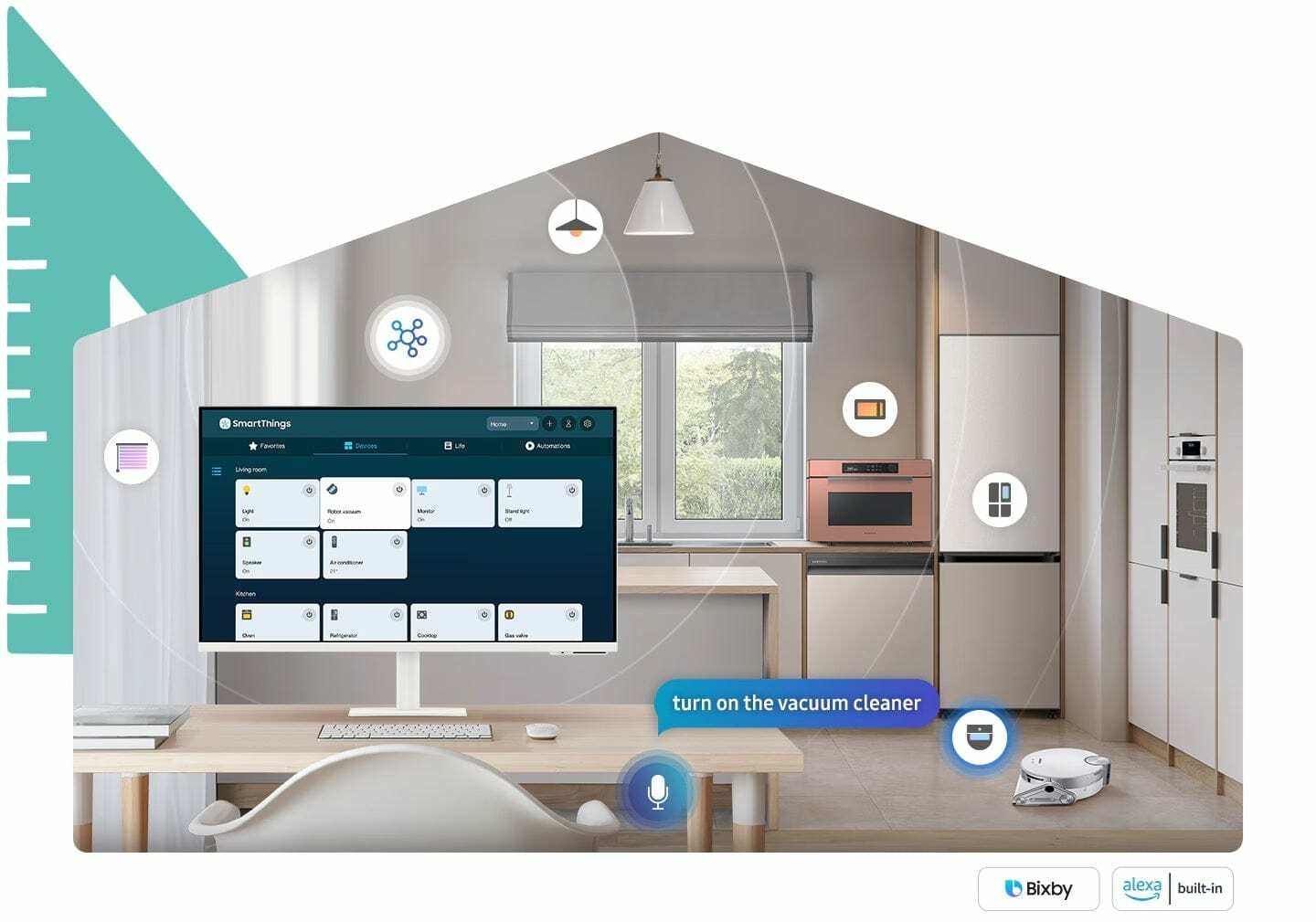
Simple control for your smart home
Built-in IoT Hub
Manage your smart home without pausing your shows. The Smart Monitor lets you live comfortably with the SmartThings app, an all-in-one hub for your smart home devices. With voice control, you can tell the monitor to turn off your lights, adjust your thermostat and more all without leaving your seat.
Product Specification 📱
| Specification ⚙️ | Description 🌟 |
|---|---|
| Screen Size | 27″ 🖥️ |
| Resolution | 4K UHD ✨ |
| Connectivity | USB-C 🔌 |
| Smart Features | Smart TV Apps 📺 |
| AI Technology | AI Upscaling 🧠 |
| Smart Home | IoT Hub 🏡 |
| Gaming | Gaming Hub 🎮 |
| Design | Ergonomic Stand 📏 |
| Color | White ⚪ |
Usage Instruction 🧾
Step 1: 🔌 Connect the USB-C cable for power and display.
Step 2: 💡 Power on the monitor using the remote.
Step 3: 🏠 Access Smart TV apps for streaming entertainment.
Step 4: 🎮 Launch Gaming Hub to play games without a PC.
Step 5: ⚙️ Use the SmartThings app to manage smart home devices.
Full Images




Product Standout Benefits
Discover a world of entertainment and productivity with the Smart Monitor. It’s designed to be your all-in-one hub for streaming, gaming, and working, all while offering an ergonomic and seamless user experience.
Smart TV Apps & OTT Content in 4K
Enjoy your favorite shows directly on the monitor without needing a PC. The native streaming apps and glorious 4K HDR video support turn your Smart Monitor into an immersive entertainment station.
Gaming Hub
The ultimate home for gaming is here! Instantly play the biggest games from top streaming partners, no PC or console required. Discover new games or replay old favorites all in one place.
Ergonomic Design
Work and play comfortably with an adjustable screen that tilts, pivots, and swivels for the best angle. Pivot the screen 90 degrees for viewing long documents, and keep your desk clutter-free with VESA compatible mounting.
Workspace Features
- Access and control your PC remotely.
- Work PC-free with embedded productivity apps like Microsoft 365 and an Internet browser on the same screen using Multi View.
SlimFit Camera
Adjust the SlimFit camera for your best angle. Auto Framing keeps you centered in video calls like Google Meet, and unlock mobile potential by connecting to Smart Monitor with Samsung DeX.
Multiple Ports & Mobile Connectivity
- Connect seamlessly with USB-C, HDMI, and USB-A ports. Charge devices, transmit data, and make the most of your multi-screen setup.
- Wirelessly connect Apple devices with AirPlay integration to view content from iPhone, iPad, and Mac on the bigger screen.
Built-in IoT Hub
Live comfortably with the SmartThings App, an all-in-one hub for your smart home devices. Control lights, thermostats, and more without leaving your seat.
My Contents Feature
Start every day with a friendly greeting. The My Contents feature automatically shows personalized content like photos and weather at a glance.
Customer Questions and Answers
Q: How do I use the Smart TV apps? 🤔
It’s super easy! Just use the native streaming apps directly on the monitor to catch up on your shows. You can switch between your apps with a mouse, and the Adaptive Picture & Adaptive Sound+ will automatically adjust the screen brightness and sound for your environment.
Q: Can I play games without a console or PC? 🎮
Absolutely! Samsung Gaming Hub is your ultimate home for gaming. You can instantly play the biggest games from top streaming partners with no PC or console needed. It’s all in one place!
Q: How can I set up the monitor for comfortable viewing? 💡
The ergonomic design lets you adjust the screen to your perfect angle. It tilts, pivots, and swivels, and you can even pivot it 90 degrees for viewing long documents. Plus, you can mount it using VESA compatibility to keep your desk tidy!
Q: What can I do in the Workspace mode? 🖥️
You can access and control your PC remotely, or work without a PC using the built-in productivity apps. Multi View lets you use apps like Microsoft 365 and the Internet browser on the same screen, so you don’t have to switch back and forth as much.
Q: How do I use the SlimFit Camera for video calls? 📹
Adjust the SlimFit camera to get your best angle, and Auto Framing will keep you right in the center of the frame. It works great with video apps like Google Meet, and you can even unlock mobile potential using Samsung DeX!
Q: What kind of ports does it have? 🔌
It’s got plenty of options! There are USB-C, HDMI, and USB-A ports, so you can connect completely without adapters. You can charge devices, transmit data, and do it all at once with the 4 available ports.
Q: How can I connect my Apple devices? 🍎
Totally! With AirPlay integration, you can wirelessly connect your Apple devices like iPhones, iPads, and Macs to view content on the bigger Smart Monitor screen. You can mirror apps, docs, and websites!
Q: Can I control my smart home devices with this monitor? 🏠
Yes, you can live comfortably with the built-in IoT Hub! The SmartThings App is an all-in-one hub for your smart home devices. You can turn off lights, adjust your thermostat, and more, all without leaving your seat.
Related Products
-

23.8 Inch FHD IPS Gaming Monitor 165Hz Refresh Rate
₦226.93 -

55-inch Curved 4K UHD Smart Gaming Monitor – Refurbished
₦3,453,634.00 -

39 Inch UltraGear OLED Curved WQHD Gaming Monitor 135Hz with USB-C Built-in Speakers
₦3,464,730.00 -

57 Inch Odyssey Neo G9 G95NC Dual UHD Curved Gaming Monitor
₦3,296,652.00 -

OMEN 27 Inch FHD IPS Gaming Monitor 1ms Response 240Hz Refresh Rate
₦331.61 -

P24v G5 24 Inch Full HD 16:9 Black LCD Monitor
₦278,580.00 -
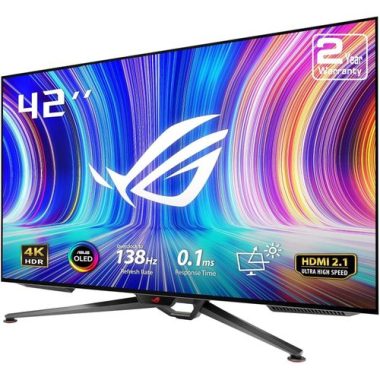
ROG Swift 41.5 Inch 4K UHD OLED Gaming Monitor PG42UQ
₦3,149,757.00 -

24 Inch Full HD 1080p Monitor with High Color Contrast – 24n3fp
₦224,820.00 -

ROG Swift 39-Inch 800R Curved OLED Ultrawide Gaming Monitor PG39WCDM
₦3,158,513.00 -

24 Inch FHD Monitor with Built-in Speakers White 241V8AW
₦234,940.00 -
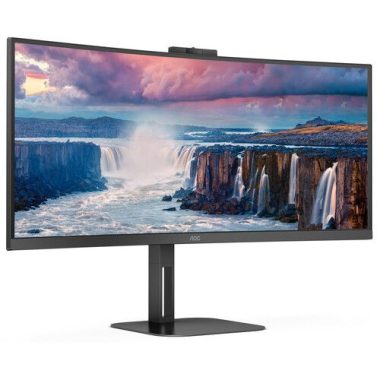
34 Inch 21:9 WQHD 100Hz Curved VA LED Monitor with Built-in Speakers
₦2,022,120.00 -

Odyssey AG320 24 Inch Full HD Black Gaming Monitor 165Hz 1ms
₦199.08 -

OMEN 23.8 inch FHD 165Hz Gaming Monitor, Full HD Display
₦221.87 -
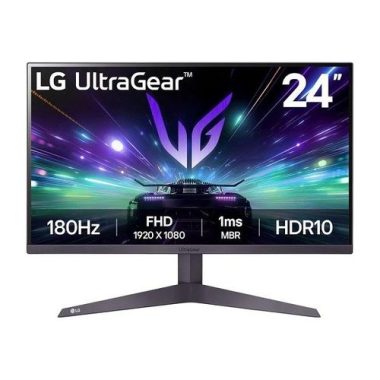
24 Inch UltraGear FHD 180Hz Gaming Monitor 1ms MBR HDR10
₦285,460.00 -

ProArt Display 34 Inch Ultrawide Curved Professional HDR Monitor PA34VCNV
₦2,920,860.00 -

Alienware AW3225QF 32-Inch 4K UHD Curved Gaming Monitor 1700R
₦3,200,235.00 -

Alienware AW2724DM 27″ QHD 180Hz Gaming Monitor with Overclock, FreeSync Premium Pro, G-SYNC
₦446.55 -

55 Inch Samsung Odyssey Ark G97NC 4K UHD 165Hz Gaming Monitor LS55CG970NUXEN
₦3,453,634.00 -

27 Inch FHD Monitor Black 27G15N2
₦221.87 -

57 Inch Odyssey Neo G9 G95NC Dual UHD 240Hz Curved Gaming Monitor
₦3,296,652.00