
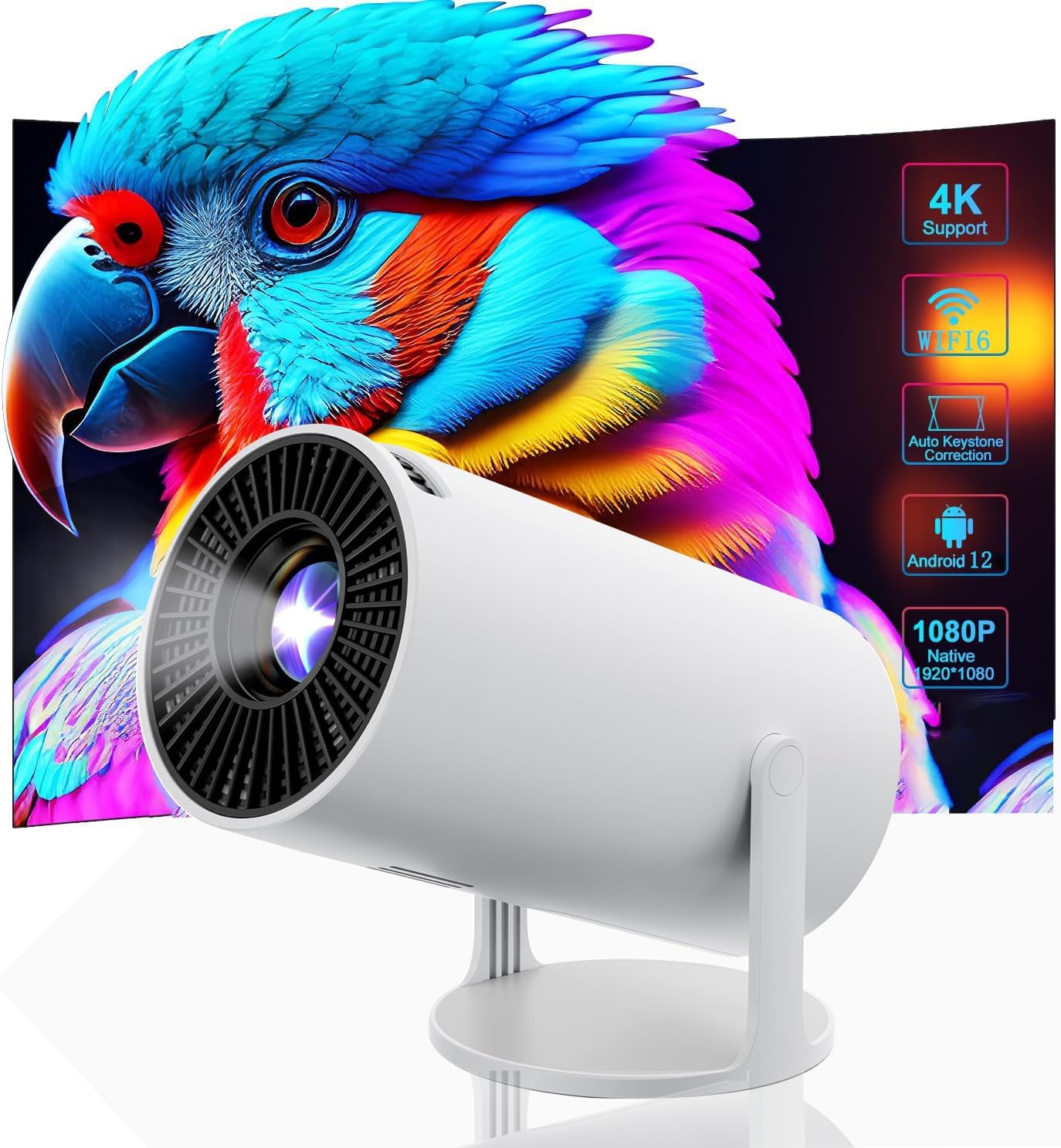
1080P Full HD 4K Mini Projector WiFi6 Bluetooth Android 11 Auto Correction 180° Rotation Outdoor
₦73,980.00
Description
About the Product 🔑
| Feature 🌟 | Description ✨ |
| Operating System 🤖 | Android 11.0 OS |
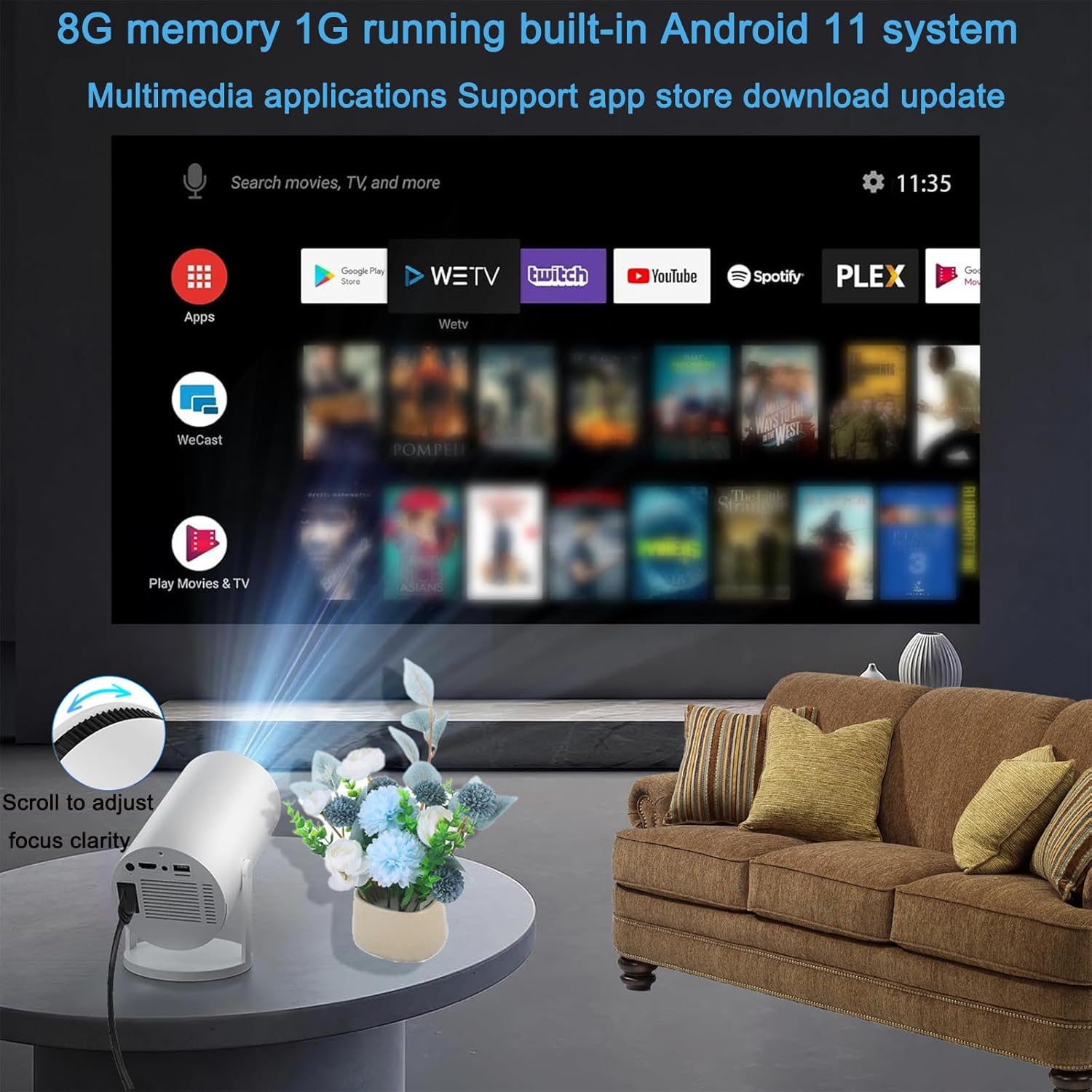
| Storage 💾 | 1GB + 8GB ROM |
| Audio 🔊 | 3W HiFi Speaker |
| Connectivity 📶 | WiFi6 and BT 5.0 |
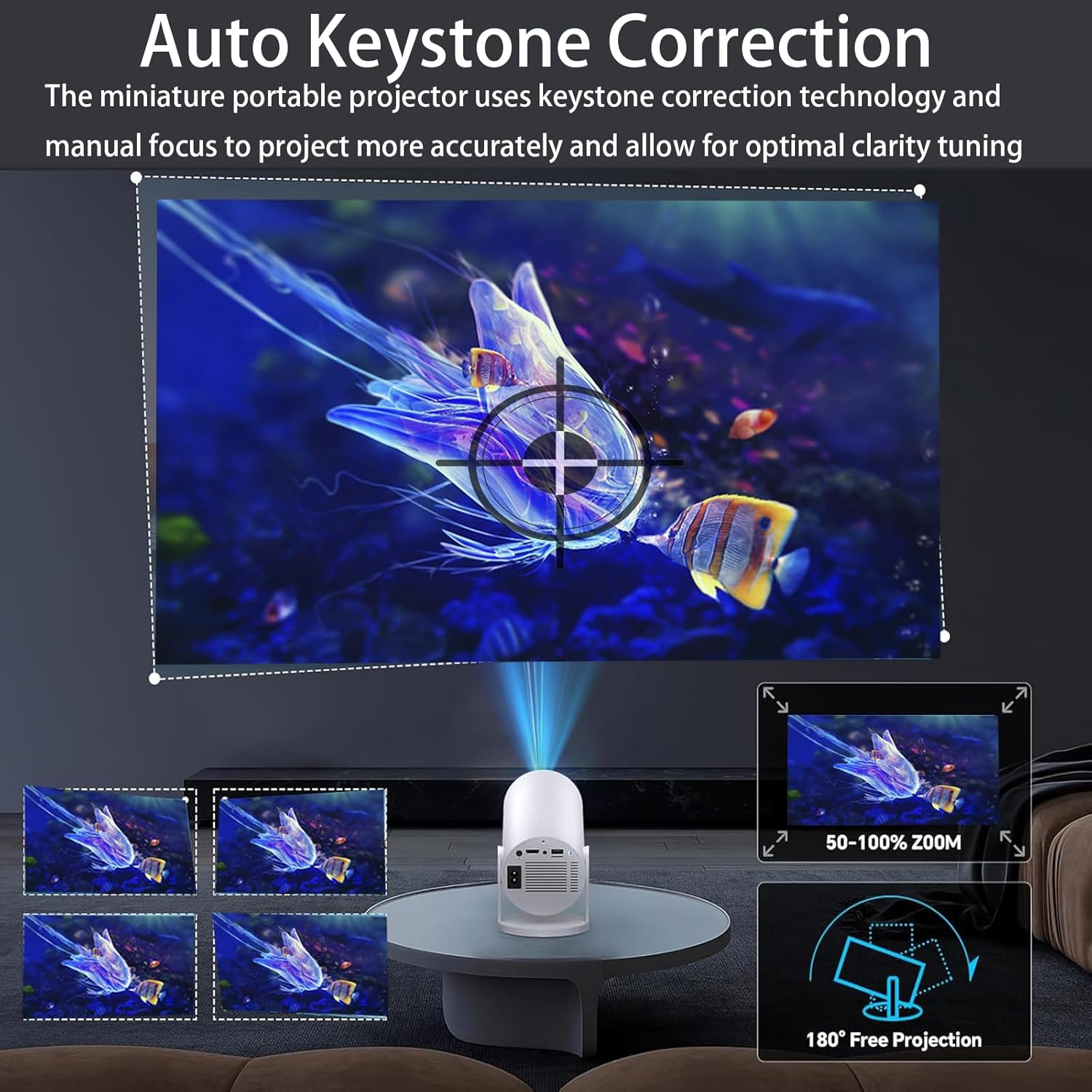
| Correction ✨ | Auto Keystone Correction |
| Stand 📐 | 180-degree Adjustable |
| Video Playback ▶️ | Supports 4K |
| Native Resolution 🖼️ | 1280*720 |
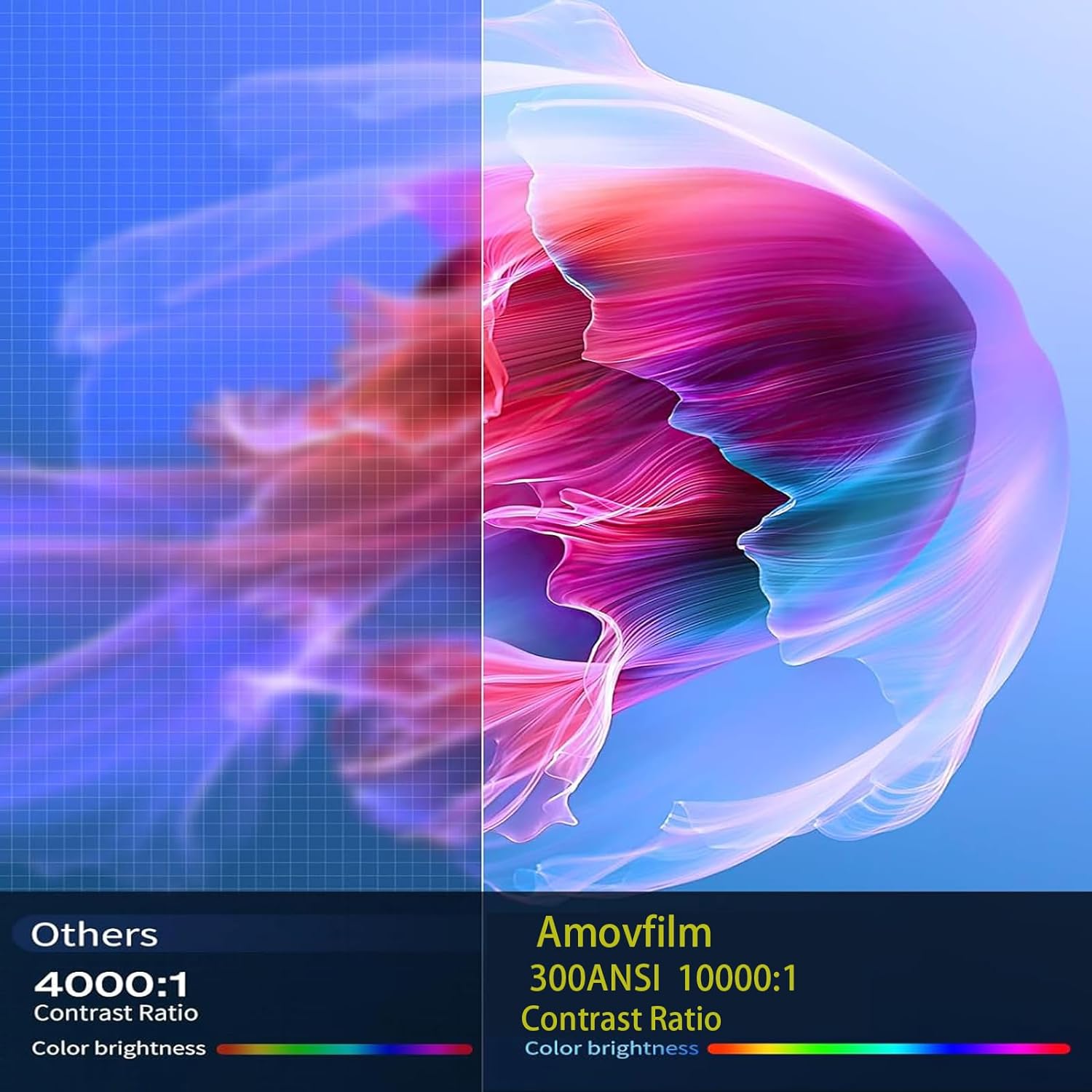
| Contrast Ratio 🔲 | 10,000:1 |
| Weight ⚖️ | 1.46 lbs |
| Dimensions 📏 | 7.83 x 5.39 x 4.8 inches |
| Package Contents 📦 | Projector, Remote |
Product Benefits 💡
- Offers WiFi6 and BT 5.0 connectivity.
- Features auto keystone correction for easy setup.
- Built-in Android 11.0 OS for smart functionality.
- Supports 4K video playback for a cinematic experience.
- Compact and portable design for on-the-go entertainment.
Usage Instruction 🧾
- Step 1: 🔌 Connect the power cable.
- Step 2: 💡 Turn on the projector.
- Step 3: ⚙️ Use the roller to manually focus and adjust clarity.
- Step 4: ⬆️ Auto keystone correction adjusts the image up and down.
- Step 5: 🎛️ Adjust side projection in settings if needed.
- Step 6: 📶 Connect to the same Wi-Fi for screen mirroring.
- Step 7: 🔗 Use HDMI or Screen Mirroring for connection.
- Step 8: 🎧 Connect external sound via Bluetooth or 3.5mm AUX.
- Step 9: 👆 For mobile versions, switch to remote mouse mode.
- Step 10: 🔄 If software is abnormal, reset, connect to Wi-Fi, and upgrade the system.
- Step 11: 📲 Download or update from the App Store after updating the system.
- Step 12: 🎚️ The remote control has infrared sensors on both front and back.
Product Specification 📱
| Specification Name ⚙️ | Description 📝 |
|---|---|
| Brand Name 🏷️ | Amovfilm |
| Item Weight ⚖️ | 1.68 pounds |
| Product Dimensions 📏 | 4.3 x 3.5 x 6.5 inches |
| Item model number 🔢 | HY300 |
| Color Name 🎨 | White |
| Native Resolution 🖼️ | 1280*720 |
| Brightness 🔆 | 200 ANSI / 8000 Lumens |
| Contrast Ratio 🔲 | 10,000:1 |
| Operating System 🤖 | Android 11 |
| Connectivity 📶 | WiFi6, BT 5.0 |
| Rotation 🔄 | 180° |
Product Details 🏷️
| ASIN 🆔 | B0DC65CXBS |
| Customer Reviews ⭐ | 3.5 out of 5 stars (41 ratings) |
| Best Sellers Rank 🥇 | #1,606 in Video Projectors |
| Date First Available 🗓️ | August 5, 2024 |
| Amazon.com Return Policy ↩️ | Voluntary 30-Day Return Guarantee |
| Product Warranty 🛡️ | Contact for information |

Full Images
Product Standout Benefits
Experience stunning visuals with this mini portable projector, designed for your entertainment needs.
Clarity and Image Adjustment
- Manual focus adjustment using the roller to achieve clarity after the projector is turned on.
- Automatic keystone correction that does not distort the image, correcting it up and down.
- Side projection adjustment available within the settings.
Connectivity and Audio
- Dual-band WiFi6 and Bluetooth 5 for higher transmission rates and lower latency.
- Connect external sound via Bluetooth or 3.5mm AUX, as the built-in speaker does not pursue high-quality audio.
Smart Features and Versatility
- Screen mirroring achievable through tranScreen/HDMI when the projector and mobile phone are on the same WiFi.
- Built-in Android 11 for online viewing.
- Mini portable projector base can be adjusted 180° for flexible placement on walls or ceilings.
- Zoom function included.
Device Compatibility
- Perfectly connectable with TV sticks, iPhones, Android phones, tablets, laptops, speakers, PCs, U disks, PS4, game consoles, and more.
- Ideal for family movie nights, bedrooms, children’s rooms, and game rooms.
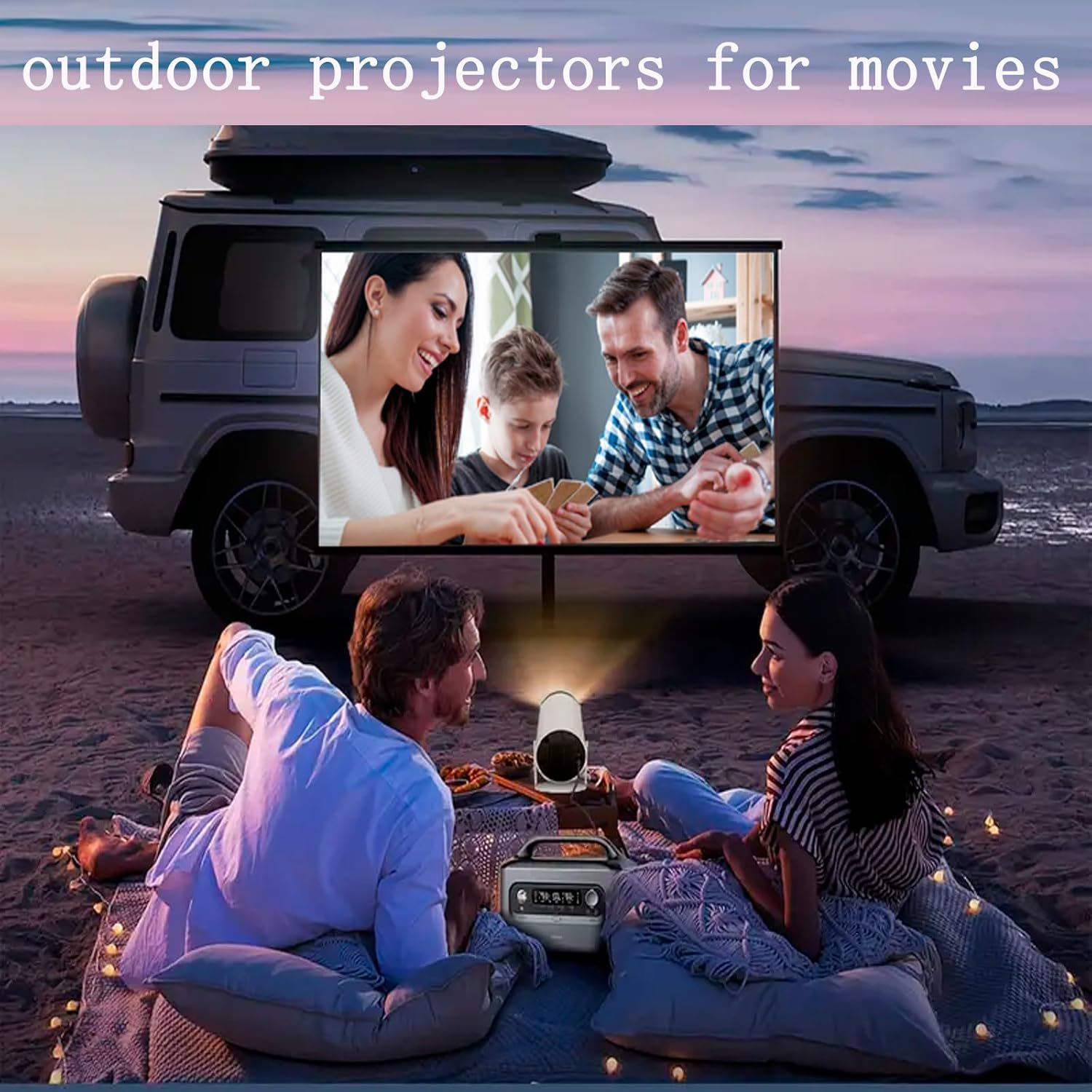
Portability and Outdoor Use
- Easy to carry and very suitable for terraces.
- Excellent for family entertainment and outdoor camping.
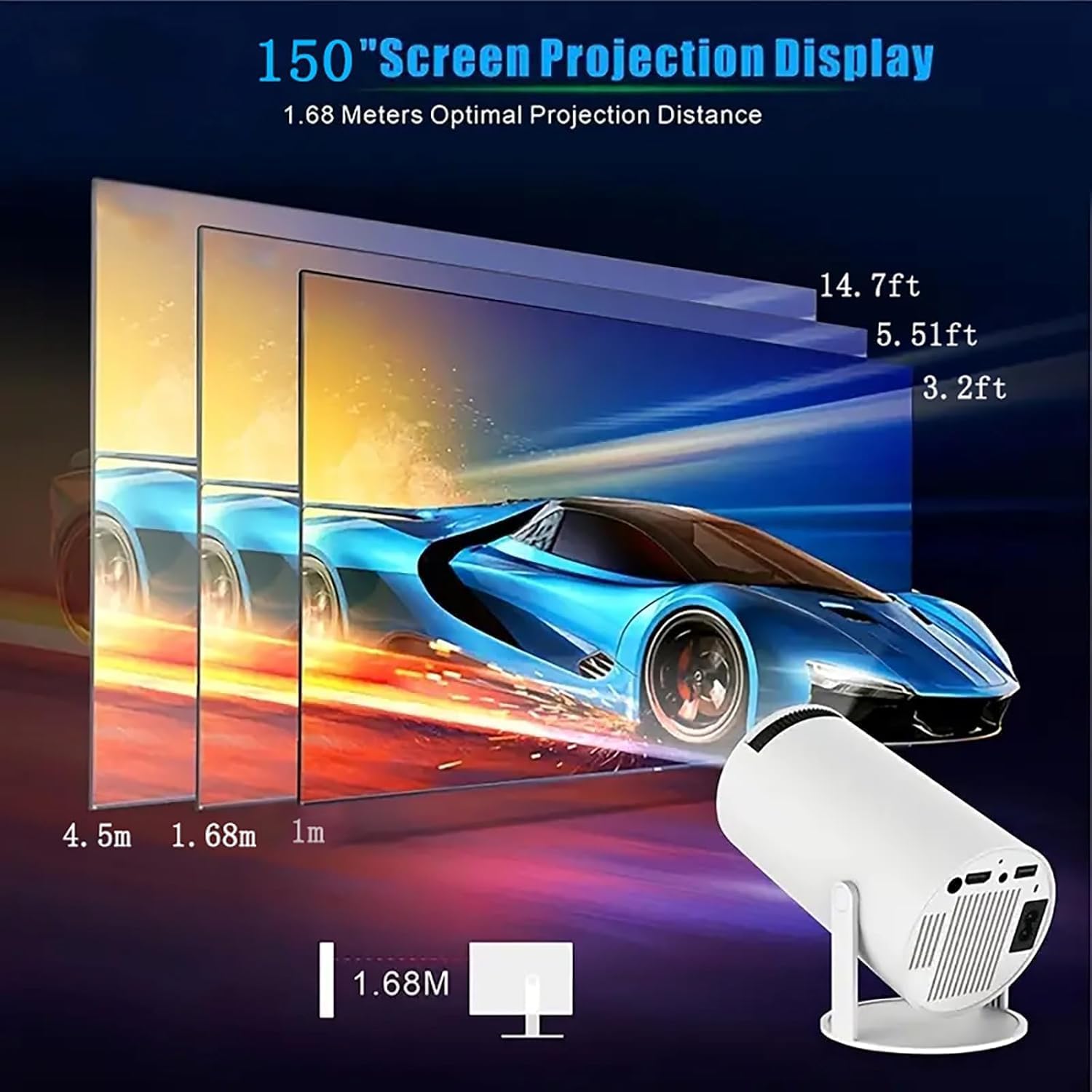
- Supports a visible screen diagonal of up to 150″ / 381 cm.
Customer Questions and Answers
How do I get a clear picture? 🤔
After you turn the projector on, just use the roller to manually focus and adjust the clarity. It’s pretty straightforward!
How does the screen mirroring work? 🔗
To mirror your screen, make sure the projector and your phone are connected to the same WiFi. You can do this wirelessly or through HDMI. Just a heads-up, due to copyright stuff with Netflix and Disco, screen mirroring might not work for those apps.
What’s up with the apps? Can I get more? 💡
If you don’t see the AppStore/App Market in your settings, no worries! You might need to reset the projector, connect to WiFi, and then go to Settings-About Device-Online Upgrade to get the latest system version. Sometimes, the software will pop up an update prompt automatically. Once updated, you should be able to find and use the AppStore/App Market to download or update apps. This helps make sure you can enjoy your multimedia home theater anytime, anywhere!
How do I use the remote control? 🖱️
The remote control works from both the front and the back because there are infrared sensors on both sides. Keep in mind, it only works in those positions. If you’re using it with a mobile device, you’ll need to switch to remote mouse mode. If the software isn’t acting right, you can update it through the AppStore/App Market.
What if I have issues with the projector? 🤝
The Amovfilm team is here to help! If you run into any problems at all, they can provide technical guidance via email and are available 24 hours a day to answer your questions. To make sure you’ve got the real deal, the appearance should match the main picture, so look out for Amovfilm.
Can I connect external speakers? 🔊
Yes, you totally can! Since the built-in speaker isn’t all about high-quality audio, you can easily connect external sound using Bluetooth or a 3.5mm AUX cable.
Related Products
-

Portable WiFi 6 Bluetooth Mini Home Projector Native 1080P 4K Support Compatible TV Stick
₦189.99 -

Netflix Certified 4K Mini Projector WiFi Bluetooth 1080P Full HD Auto Keystone 1500 ANSI Home Theater
₦75.99 -

Smart WiFi 6 Bluetooth 4K Outdoor Projector with Built-in Google TV and Voice Control
₦599,980.00 -

Netflix Official 4K Projector with Wifi Bluetooth, 1080P Native, Auto Focus, 360° Stand, Built-in Apps, Gray
₦179,980.00 -
DBPOWER 5G WiFi Bluetooth Portable Outdoor Projector 4K 1000ANSI Native 1080P Auto Focus 5″ LCD
₦229.99 -

GooDee 4K Outdoor Smart Projector 5G WiFi Bluetooth 400″ Zoom Home Theater Certified
₦299.99 -
Netflix Licensed Tecaki Smart Portable Mini Projector WiFi Bluetooth 180° Rotatable Stand 4K Supported
₦179,980.00 -

4K Smart Projector with 1800 ANSI Lumens, 5G WiFi, Bluetooth, HDR10+, 500″ Display, and Dolby Audio
₦329.99 -

VOPLLS 1200ANSI 4K WiFi Bluetooth Projector Auto Focus Keystone 300″ Display Grey
₦259,980.00 -

40-130 Inch 4K Smart Mini Projector White with 5G WiFi and Premium 360 Sound
₦171,980.00 -

FANGOR 4K Supported 900 ANSI Lumens 1080P Native HD Outdoor Home Video Projector 5G WiFi Bluetooth
₦99,960.00 -
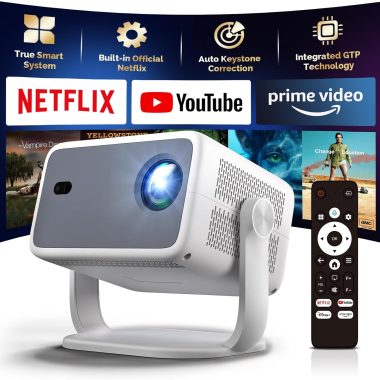
4K WiFi Bluetooth Projector 1080p Native, Netflix Built-in, Autofocus, Auto Keystone, Dolby Atmos
₦99.99 -

Smart Outdoor 4K Projector 2025 WiFi Bluetooth 600 ANSI Native 1080P Electric Focus Auto Keystone
₦319,980.00 -

Native 1080P 5G WiFi Bluetooth Projector 300 Inch Outdoor Display 350 ANSI 4K Supported for iOS Android TV Stick
₦59,980.00 -
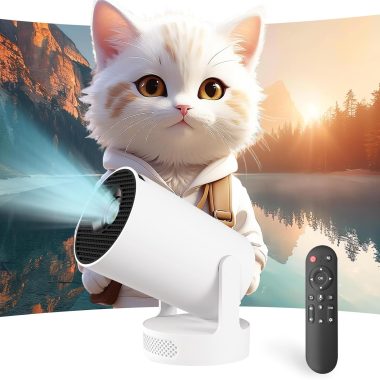
Portable WiFi Bluetooth Mini Projector 4K 1080P Support 180° Rotatable Mouse Control for 40-200″ Smart Outdoor Home Viewing
₦49.99 -

HY300 Portable Mini Projector 4K Compatible Native 480P 100 ANSI Lumens 180° Rotation
₦39.99 -

Epson EpiqVision LS300 Black Renewed Ultra Short Throw 3LCD Smart Laser Projector 3600 Lumens HDR Android TV
₦1,999,980.00 -

Portable 1080P Full HD 4K Projector WiFi 6 Bluetooth 5.2 Auto Keystone Correction 270° Rotation Black
₦120,780.00 -

Portable 4K Mini Smart Projector Android 11 180° Rotatable Home Movie Bluetooth 1080P Support
₦65,320.00 -

Netflix Certified 4K WiFi Bluetooth 5.4 Portable Mini Projector Android 11 Home Cinema
₦89.99
Reviews
There are no reviews yet.