



1080P Apple MFi Certified Lightning to HDMI Cable Adapter for iPhone to HDTV 6.6ft
₦13.99
Description
About the Product 🔑
| Features ⭐ | Description ✨ |
|---|---|
| 1080P iPhone to HDMI Adapter 📺 | Mirror device screen 📱 |
| Lightning to HDMI Adapter Cable 🔌 | Supports mirroring apps, presentations, websites, slideshows ➡️ HD TV, display, projector 🖥️ |
| Plug and Play ✅ | Fast and easy setup 🚀 |
| MFi Certified 💯 | High-quality connection ✅ |
| Sync Screen Connector Cable 🔄 | Connect iPhone/iPad to HDTV, projector, monitor 🌟 |
| Supports iOS 10.3 above ⬆️ | Works with new iOS versions ✅ |
| Aluminum Alloy Material 🦾 | Durable and lightweight construction 🌟 |
| Heat Dissipation & Signal Transmission 🔥⚡ | Improved performance ✅ |
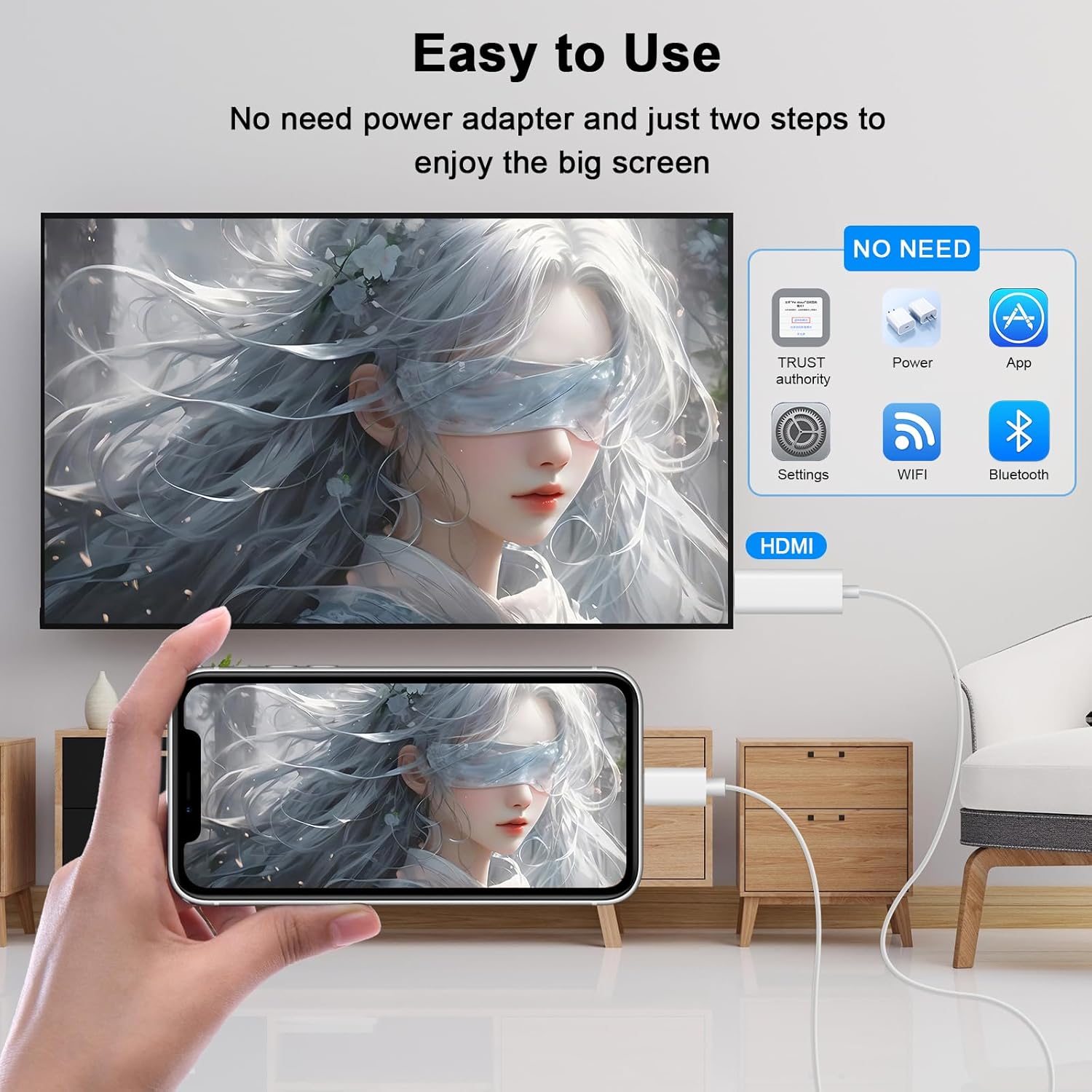
| No Driver/App Installation 🚫 | Simple plug-and-play operation 💡 |
| Supports YouTube, Hulu Plus, etc. 🎬 | Wide app compatibility ✅ |
| Does not work with Netflix, Prime Video, etc. ⚠️ | HDCP content restriction 🚫 |
Product Benefits 💡
- Seamless connectivity between iPhone and TV, projector, or monitor 🤝
- Enjoy crystal-clear audio and high-definition video with ease 🔊💎
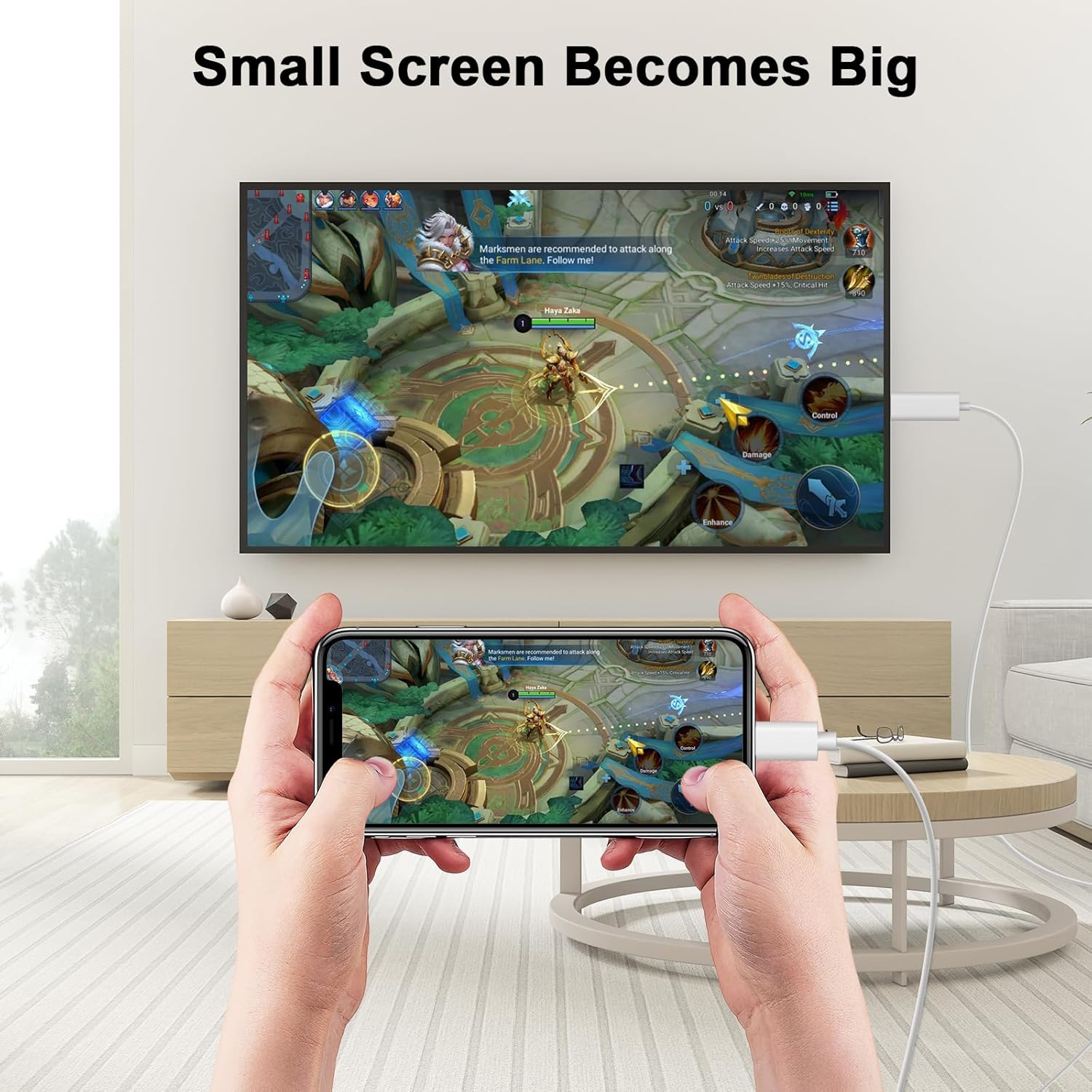
- Watch TV shows, meetings, games, video calls on the big screen 📺🎮🗣️
- Expand your work area and protect your eyes 👀
- Take entertainment to the next level 🚀
- Experience a life-changing transformation in your viewing experience ✨
- No lag or buffering for streaming movies and presentations 🚫🐌
- Say goodbye to the small screen and hello to the big screen 👋➡️🖥️
Usage Instruction 🛠️
Step 1: 🔌 Connect the Lightning end to your iPhone or iPad. 📱
Step 2: ➡️ Connect the HDMI end to your TV, monitor, or projector. 🖥️
Step 3: 💡 Ensure your TV, monitor, or projector is set to the correct HDMI input source. 🕹️
Step 4: ⏳ Wait a few seconds for the device to connect automatically. ⏱️
Step 5: 🎬 Enjoy mirroring your device screen on the larger display. 🤩
Product Specification 📱
| Specification | Description |
|---|---|
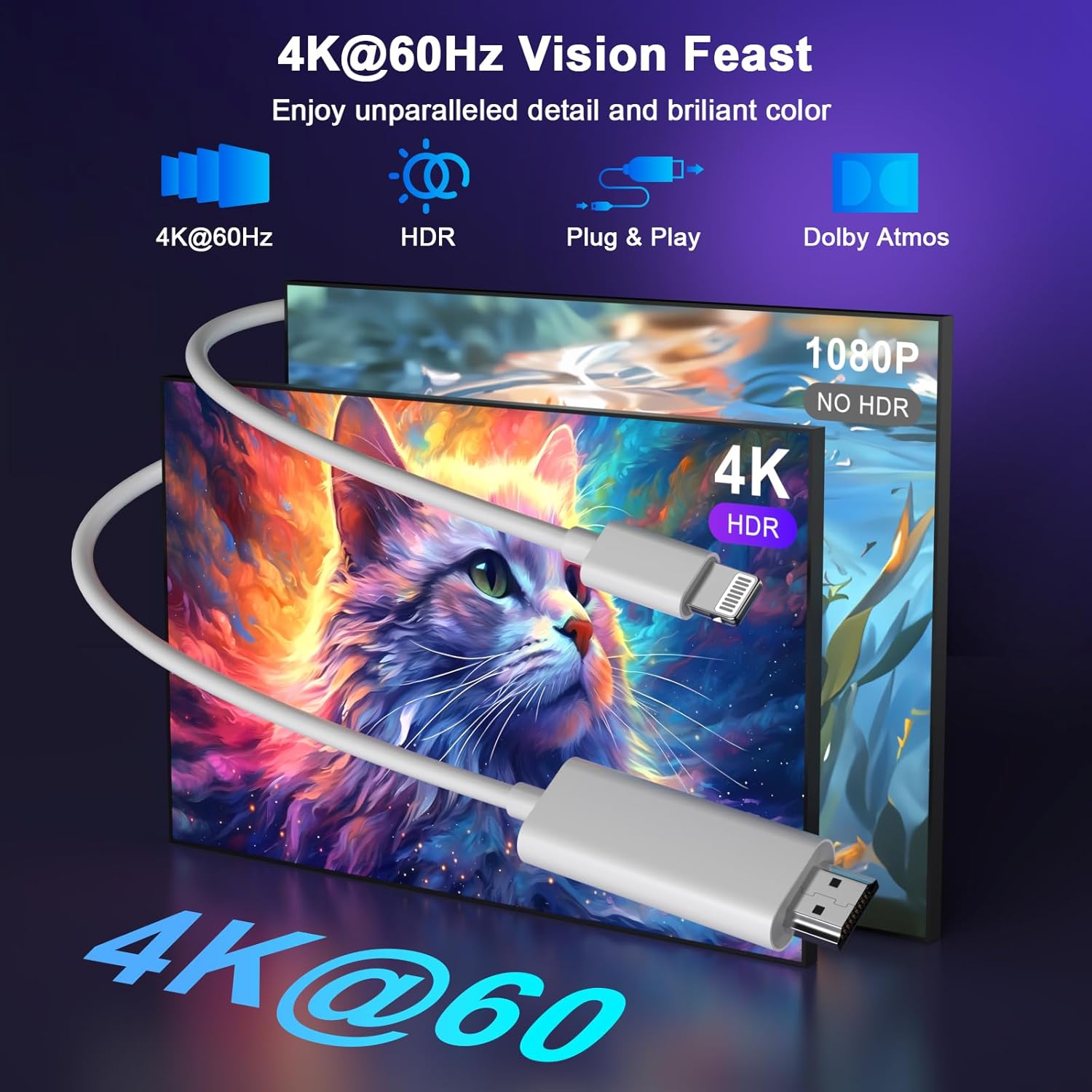
| Resolution Support 🌟 | Up to 1080P Full HD 📺 |
| Cable Length 📏 | 6.6ft (2 meters) 🔌 |
| Material 🦾 | Aluminum Alloy, Durable 🌟 |
| Compatibility 📱 | iPhone, iPad, iPod (iOS 10.3+) ✅ |
| Connectivity Type 🔗 | Lightning to HDMI 🔄 |
| Heat Dissipation 🔥 | Better performance 🚀 |
| Plug and Play ✅ | No drivers or apps needed 🚫 |
| HDCP Content Restriction ⚠️ | No Netflix, Prime Video, etc. 🚫 |
| Warranty 🛡️ | 36-month worry-free 📦 |
Product Details 🏷️
wamaxlink Lightning to HDMI Cable for TV
Connect your iPhone to HDMI cable with TV directly no need extra HDMI Cable, it is the perfect solution for seamless connectivity between your iPhone and TV, projector, or monitor. With a 6.6ft length, durable construction, and compatibility with the latest iPhone models, you can enjoy crystal-clear audio and high-definition video with ease.
Universal Compatibility: Ensure compatibility with multiple lightning devices using iPad to HDMI adapter for TV. Compatible with iPhone 14/14 Plus/14 Pro/14 Pro Max/13/13 Pro/13 Pro Max/13 Mini/12/12 Pro/12 Pro Max/12 Mini/11/11 Pro/11 Pro Max/SE 2020/XS/XS Max/XR/X/8/8 Plus/7/7 Plus/6S/6S Plus/6/6 Plus/5/5S/5C/SE, iPad, and other devices with a lightning interface, support for all iOS versions.
Hassle-Free HDMI to Lightning Adapter: Our lightning to HDMI cable offers seamless connectivity with no additional software or app installation required. With a durable design and compatibility with a wide range of iPhone models, streaming movies, playing games, or giving presentations, this HDMI cable for iPhone 14 Pro Max offers a hassle-free plug-and-play experience that take entertainment to the next level.
Transform Your Viewing Experience: Experience a life-changing transformation in your viewing experience with our HDMI to iPad adapter cable. Whether streaming movies or giving presentations, our lightning to HDMI adapter cable offers no lag or buffering. Say goodbye to the small screen and hello to the big screen.
Apps Supported: wamaxlink Lightning to HDMI adapter supports a variety of apps, including YouTube, Hulu Plus, IDMB, Quickly, Family On TV, ABC, NBC, and FOX, along with local videos. Please note that it does not work with apps that have “HDCP” video copyright protection, such as Netflix, Prime Video, Amazon Video, HBO Go, Hulu, etc. Enjoy a wide range of content on your preferred platform.
Package Dimensions: 6.77 x 4.57 x 0.55 inches; 1.76 ounces
Item model number: 20W-VCKUS-092
Date First Available: March 23, 2025
Manufacturer: Shenzhen Xihuida Electronics Co., Ltd
ASIN: B0DWSZ2GC9
Best Sellers Rank: #5,201 in Lightning Cables
What You Get
- 1 Pack 6.6ft Lightning to HDMI Cable Adapter for iPhone to TV 📦
- A 36-month worry-free warranty and 24/7 friendly customer service. 🛡️😊
Full Images
Product Standout Benefits
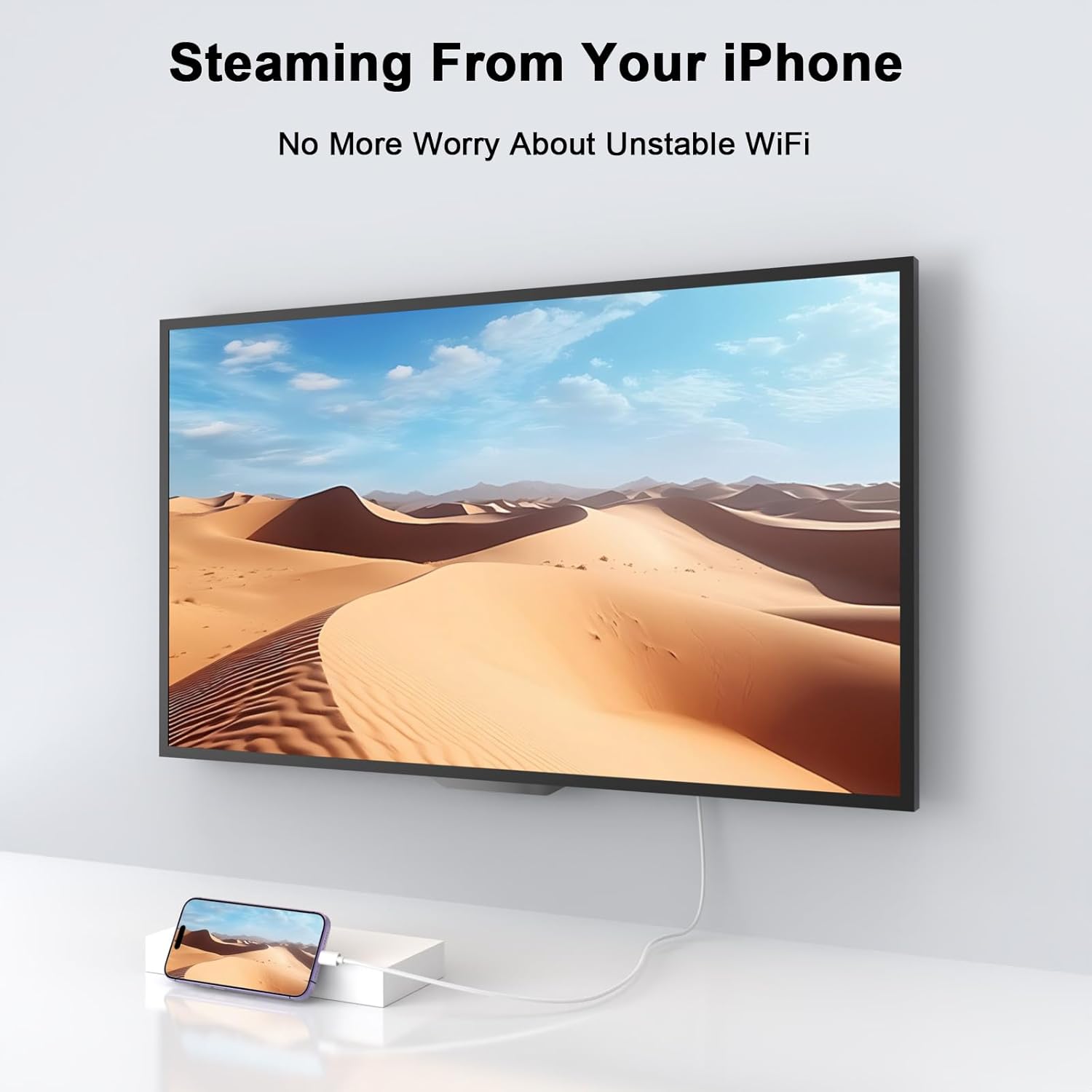
The Lightning to HDMI Adapter Cable offers a seamless way to share your device’s content on a larger screen.
Mirror Your Device in HD
This adapter supports mirroring what’s on your iPhone or iPad screen, including apps, presentations, websites, and slideshows. You can enjoy this mirrored content on any HDMI-equipped TV, display, or projector in stunning 1080P HD.
Effortless Setup
It’s plug and play, meaning you can set it up in just 30 seconds for a fast and stable connection. No need to install any special software or apps. Simply connect the adapter, plug in your device, and click “trust” when prompted. Remember to connect your device to a power source using the included charging cable before use.
Wide Compatibility
This adapter works with a variety of Apple devices that have a Lightning connector, including iPhone 14 series down to older models like iPhone 5, as well as iPads and iPods. It’s compatible with iOS 16 and earlier systems.
App Support
Enjoy your favorite content from apps like YouTube, Hulu Plus, and others on the big screen. It also supports local videos.
Durable and Portable Design
Crafted with a lightweight yet premium aluminum alloy shell, this adapter is built to last. Its compact and lightweight design makes it easy to carry in your bag or even a pocket, so you can connect your iPhone anywhere, anytime.
Customer Questions and Answers
Q: How do I set up this adapter? 🤔
It’s super easy! Just plug the lightning cable into the 5V/1A USB AC adapter, connect the HDMI cable to your TV or big screen, and then plug the lightning connection into your iPhone, iPad, or iPod. You’ll need to click “Trust” and wait about 15-20 seconds for your phone screen to sync with the TV. Make sure it’s connected to a power source to work!
Q: What kind of content can I watch with this adapter? 🎬
You can mirror your device to show apps, presentations, websites, and slideshows. It also works great for video content like movies and TV shows from apps like YouTube, Hulu Plus, and IDMB. You can also watch local videos!
Q: Can I watch Netflix or other paid video apps? 🚫
Because of copyright protection measures (HDCP), this adapter doesn’t work with some paid content from apps like Netflix, Amazon video, DIRECTV, or Hulu. So, you might not be able to watch those specific paid videos through the adapter.
Q: Is this adapter easy to carry around? ✈️
Absolutely! It’s got a compact and lightweight design, made from a premium aluminum alloy shell. You can easily toss it in your bag or even a small pocket, so it’s always with you when you need to share your screen.
Q: What devices are compatible with this adapter? 📱
It works with most Lightning devices, including iPhone 14 series all the way down to iPhone 5, iPhone SE (2020), and also iPads and iPods. It supports iOS 16 and older systems.
Q: What comes in the package? 📦
You’ll get 1 Lightning to HDMI Adapter and 1 User Manual. Plus, there’s a 48-month worry-free warranty and friendly customer service!
Related Products
-

240W 6.6ft USB C to USB C Fast Charging Cable for MacBook, iPad Pro, iPhone 15 Pro Max, Samsung S23
₦19.99 -

3 Pack 15ft iPhone 16 15 Carplay USB C Fast Charging Data Cables for TV Remote iPad
₦14.99 -

2 Pack 4FT 3-in-1 Multi USB C Charging Cable, 2A Nylon Cord, Black, Compatible with iPad Pro/Air, Samsung S23 Android
₦9.99 -
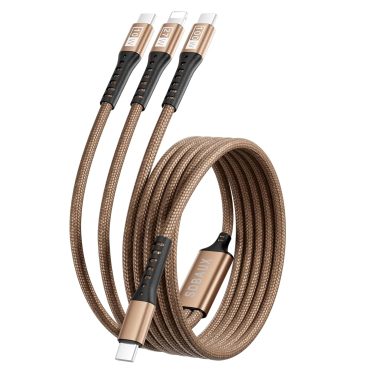
100W USB C to 3-in-1 Nylon Braided Charging Cable for iPhone, Galaxy, and More
₦9.99 -

4FT Red 2-Pack Multi USB C Cable 2-in-1 Type C Charging 3A Dual Splitter Nylon Cord USB A to Double USB C for iPhone 15 Samsung S23
₦9.99 -

Samsung Smart TV Remote USB-C Charging Cable Adapter for Frame TV Solar Cell Voice QLED Controls 3.3FT
₦6.99 -

Apple MFi Certified 4K HDMI Adapter USB-C Converter for iPhone iPad to TV 1-Pack
₦8.99 -

6.6 Foot Pink USB C Flowing Light Cable for Samsung Galaxy iPhone 16 15
₦9.99 -

4-in-1 USB C Multi Charger Cable for iPhone, iPad, MacBook, Airpods, Samsung, and All USB C L-Port Devices
₦19.99 -
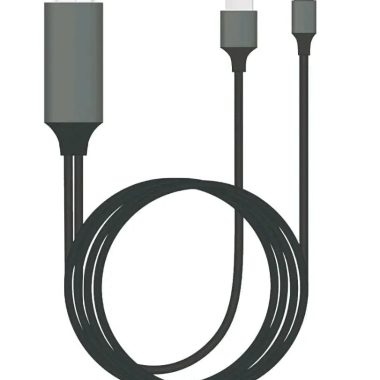
MFi Certified Lightning Digital AV Adapter 6ft Cable for iPhone 14-X to 1080p HDTV Projector Monitor
₦17.44 -

4ft MFi Certified Nylon Braided USB C Multi Charging Cable with Type-C Micro USB Lightning for Phones and Tablets
₦9.99 -

100W 5A 20Gbps 3.3ft USB C to USB C 3.1 Gen 2 Video Charging Cable 4K 60Hz
₦12.99 -
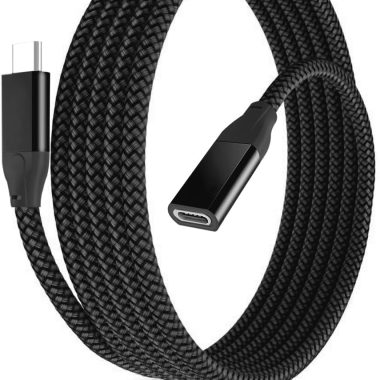
Basesailor 3.3FT USB-C 3.1/3.2 Gen2 10Gbps Extension Cable Male to Female for Magsafe Charger MacBook iPad Kindle iPhone 15/16 Pro Max
₦8.99 -

2 Pack 4FT Braided Multi Charging Cable Universal Phone Charging Cord Lightning Type C Micro USB
₦13.99 -
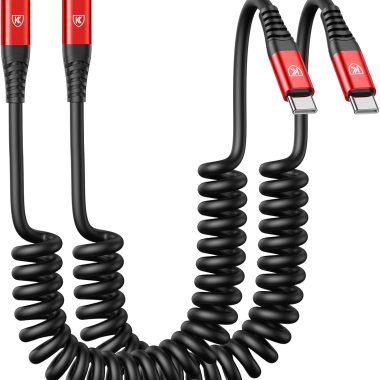
6ft Red Coiled USB C to USB C Fast Charging Cable 2-Pack for iPhone 16/15, MacBook Pro, iPad Pro, Samsung S23
₦9.99 -

Replacement USB-C Charging Cable for Sony WH-CH710N WH-XB910N Bluetooth Headphones
₦8.99 -

3.3FT Black USB to USB C Fast Charging Cable 2.4A with Data Transfer for Phone 15/Pro/Plus/Max/Samsung
₦8.99 -

Fast Charging Cable Cord for Sony SRS-XB33 SRS-XB23 SRS-XB43 Wireless Speakers
₦7.98 -

2 Pack 1FT USB A to USB C Fast Charging Cable for iPhone 16/15 Samsung Galaxy Google
₦12.99 -

10Gbps 3ft USB C Extension Cable Right Angle 90 Degree 100W PD Charging 4K Video
₦5.99
Reviews
There are no reviews yet.