
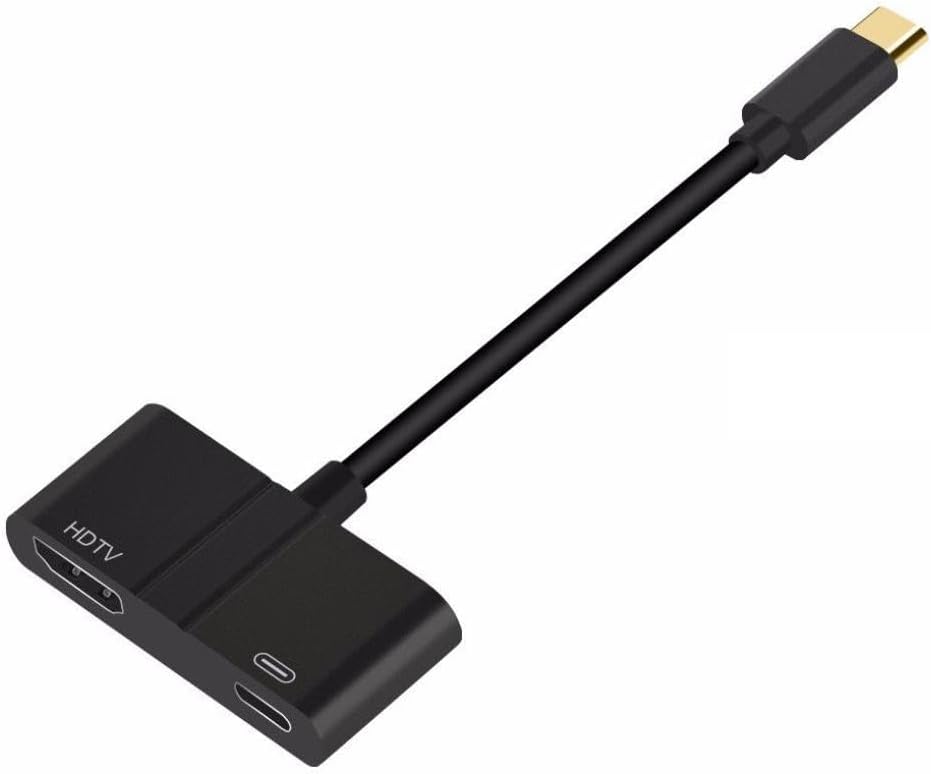
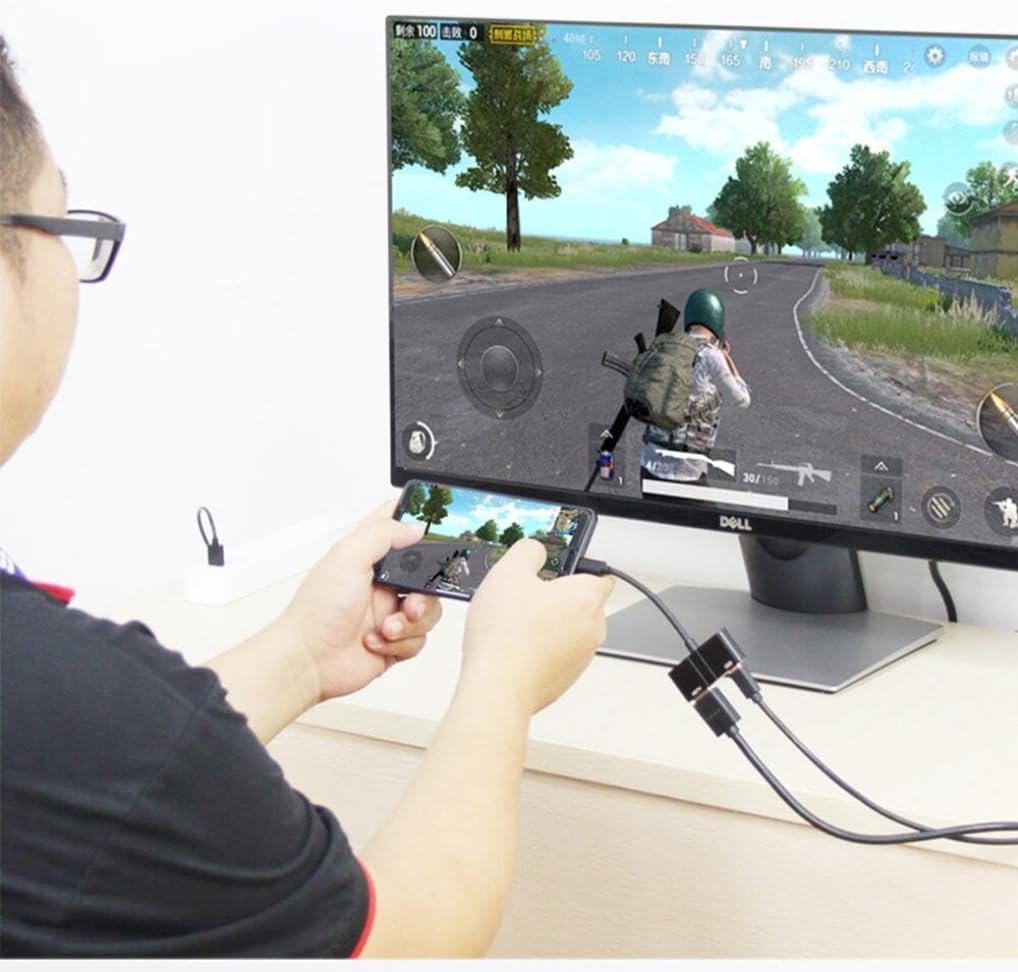
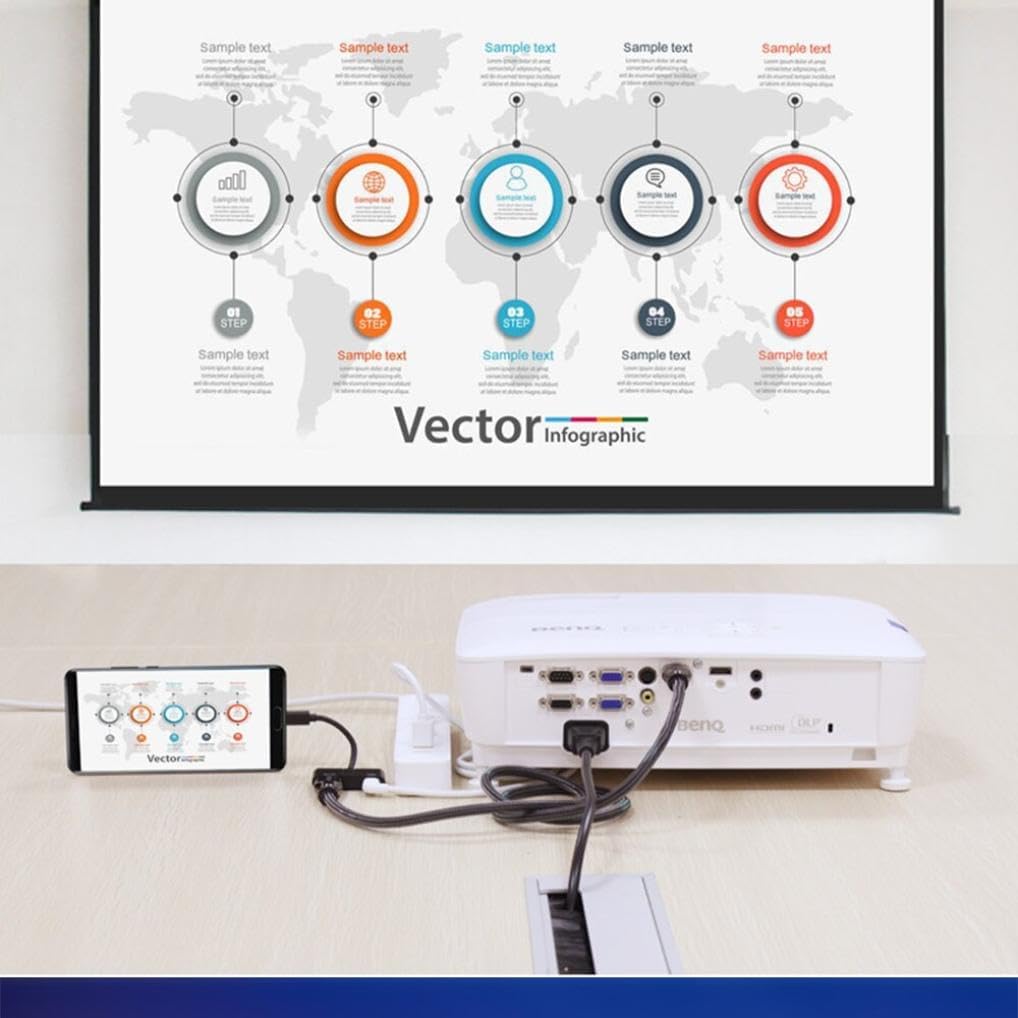
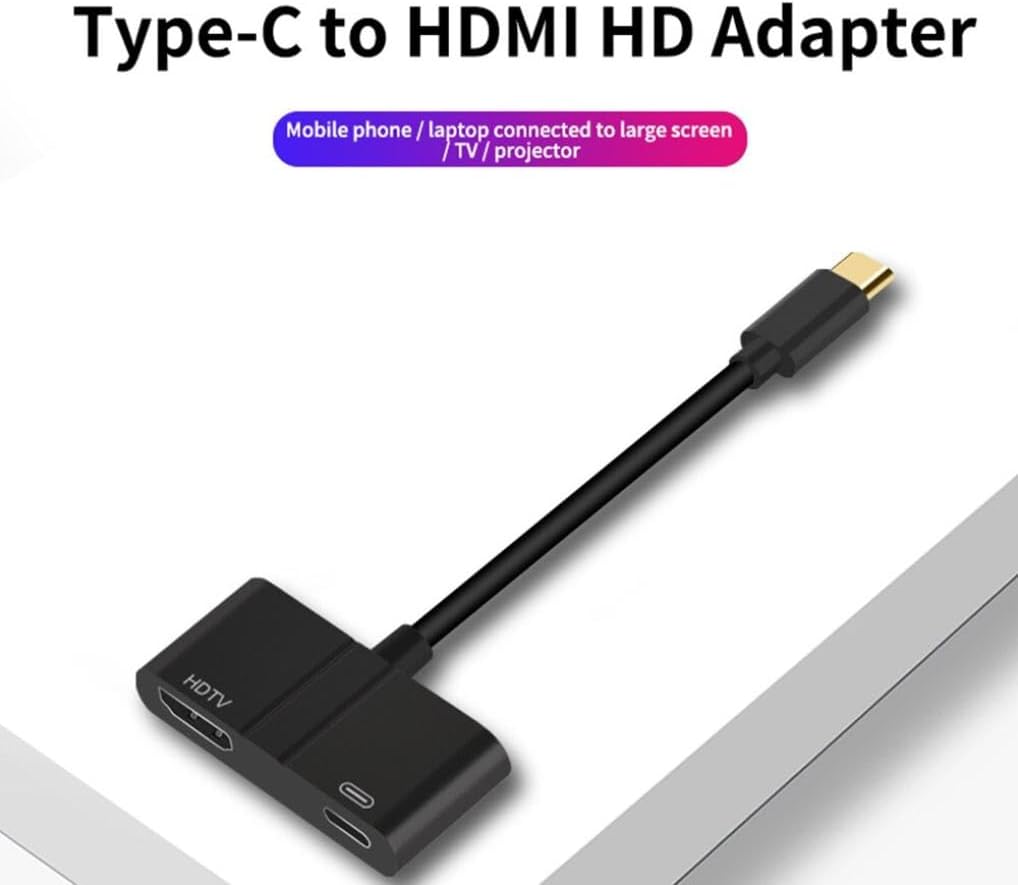
USB-C to 4K HDMI Adapter with PD Charging for Samsung Galaxy Tab S7/S8/S9 Plus 12.4″
₦43,416.99
Description
About the Product 🔑
| Feature ✨ | Description 📝 |
|---|---|
| ✅ USB-C to 4K HDMI Adapter Hub PD Charging Port | Compatible with Samsung Galaxy Tab S10 Ultra (14.6″ 2024)/S10 Plus (12.4″ 2024) |
| ✅ USB C to HDMI Adapter with Power Delivery Port | Designed for use with most laptops with built-in USB-C/Thunderbolt 3 port |
| ✅ USB C HDMI Multiport Adaptor | Maximize your USB-C device’s potential with uni’s multiport adapter, including 4K HDMI, USB 3.0, and 100W PD charging |
| ✅ Compatible with MacBook, Galaxy S22/S21, and more | Premium aluminum construction, braided nylon cable, and rubber grips ensure durability and stability |
| ✅ Comprehensive USB Type-C to HDMI 4K Video Adapter | Supports up to 60W of Power Delivery |
| ✅ Plug and Play | Works with Windows, Mac, Android & More |
| ✅ UHD HDMI 2.0 4k@60Hz | Mirror your MacBook display to your HDMI-enabled TV or display in up to 1080p at 60Hz or UHD (3840×2160) at 60Hz |
| ✅ USB-C power delivery charging port | Helps keep your laptop fully charged while you work or play |
| ✅ Plug and play | No additional drivers / software required |
| ✅ Friendly non-slip design | Easy to insert and remove |
| ✅ USB C Female Port (PD/Power Delivery Charger) | This Hub can charge your laptop while using the hdmi port and usb 3.0 port |
| ✅ UHD HDMI 2.0 4k@60Hz | An HDMI 2.0-compliant cable is required as utilizing the highest resolution 3840×2160@60Hz |
| ✅ Compact Design | TPE cable + ABS case material perfectly matches your Macbook, Chrombook Pixel and other devices |
| ✅ USB Type C Charger Port | Charge your USB type c devices through USB-C charger port with 14.5V/1.5A stable power |
| ✅ Wide Compatibility | Compatible with devices with built-in USB-C/Thunderbolt 3 port |
Product Benefits 💡
- Supports 4K HDMI output at 60Hz. 📺
- Provides 100W PD charging for laptops. ⚡
- Durable construction with premium aluminum and braided nylon. 💪
- Plug and play functionality for easy use. ▶️
Usage Instruction 🛠️
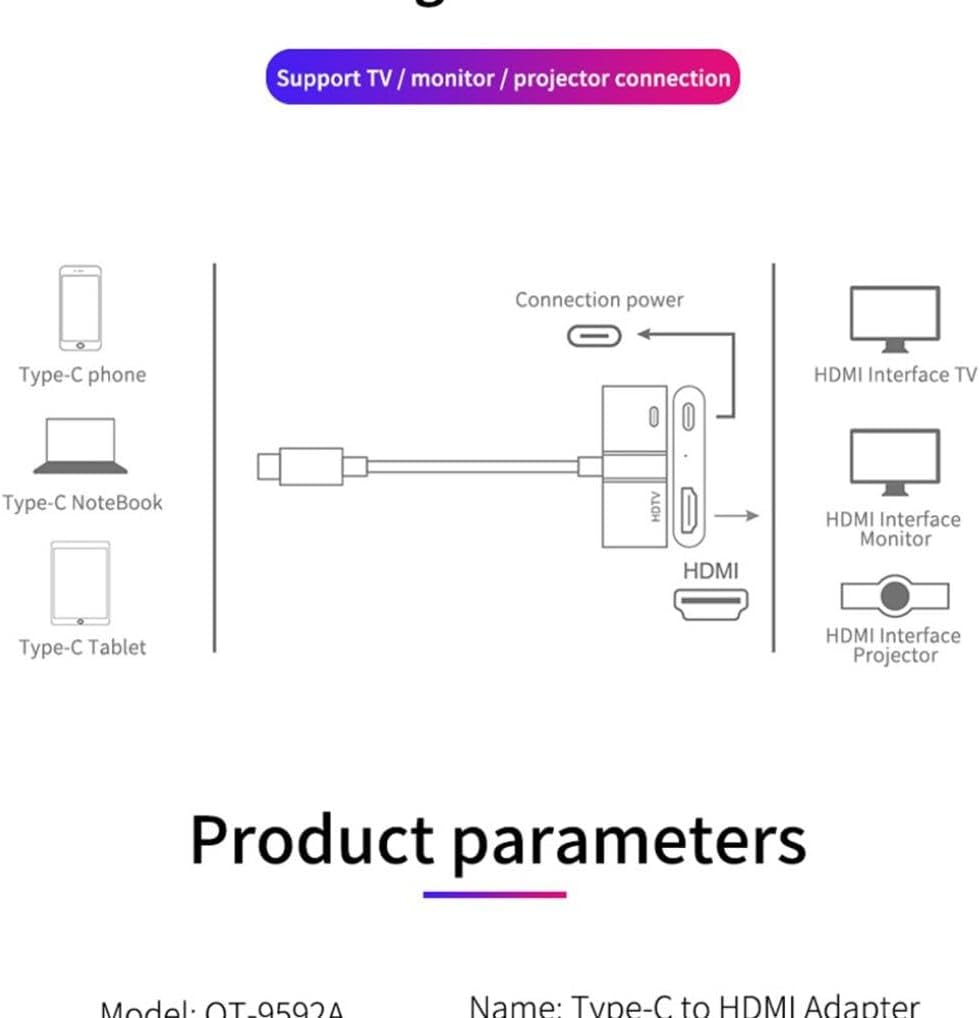
- Step 1: 🔌 Connect the USB-C cable to your laptop or compatible device.
- Step 2: 🖥️ Plug an HDMI cable into the adapter’s HDMI port and connect it to your monitor or TV.
- Step 3: 🔋 If charging your device, connect a USB-C PD charger to the adapter’s PD port.
- Step 4: ⚙️ Ensure your laptop/device supports DP alt mode for video output.
- Step 5: 🌟 Enjoy your extended display and charging capabilities.
Product Specification 📱
| Specification ⚙️ | Description 🚀 |
|---|---|
| Item Weight | 2 ounces ⚖️ |
| ASIN | B0DLBWYT7Y 🆔 |
| Item model number | Se-SE05716S4F-432 🔢 |
| Other display features | Wireless 📶 |
| Color | Black ⚫ |
| Manufacturer | Selna 🏭 |
| Date First Available | October 29, 2024 🗓️ |
| HDMI Output Resolution | Up to 4K@60Hz 💎 |
| Power Delivery | Up to 60W / 100W (model dependent) ⚡ |
| Host Connector | USB Type-C / Thunderbolt 3 ⚡ |
| Cable Length | 6 inches 📏 |
Product Details 🏷️
Item Weight: 2 ounces ⚖️
ASIN: B0DLBWYT7Y 🆔
Item model number: Se-SE05716S4F-432 🔢
Other display features: Wireless 📶
Color: Black ⚫
Manufacturer: Selna 🏭
Date First Available: October 29, 2024 🗓️
Product Warranty: For warranty information about this product, please click here 🔗

Full Images
Product Standout Benefits
This USB-C to 4K HDMI Adapter Hub offers versatile connectivity and charging capabilities for your devices.
-
UHD HDMI 2.0 4K@60Hz
Mirror your display to an HDMI-enabled TV or display in up to 1080p at 60Hz or UHD (3840×2160) at 60Hz. An HDMI 2.0-compliant cable is required for the highest resolution. HDMI 1.4/1.3 cables may result in a blank screen, digital noise, or display drop-offs. For laptops, they should be compatible with DP alt mode. Not Support MHL or SlimPort solution.
-
USB-C Female Port (PD/Power Delivery Charger)
Charge your laptop while using the HDMI port and USB 3.0 port. If using with a phone/tablet, a PD mode charger (Not Support QC/Quick Charge mode charger) is needed for charging.
-
USB Type C Charger Port
Charge your USB type C devices through the USB-C charger port with 14.5V/1.5A stable power.
-
Up to 60W USB-C Pass-through Charging Capability
The USB-C power delivery charging port helps keep your laptop fully charged while you work or play.
-
Plug and Play
No additional drivers or software required for easy setup.
-
Compact Design
Made with TPE cable and ABS case material, it perfectly matches devices like your Macbook or Chrombook Pixel.
Customer Questions and Answers
-
Q: How do I get the best resolution and refresh rate with the HDMI port? 🤔
A: For the best experience, make sure you’re using an HDMI 2.0-compliant cable to get that amazing 3840×2160@60Hz resolution! If you use older cables, you might get some weird screen issues.
-
Q: Can I charge my device while using the adapter? ⚡
A: Totally! It’s got a USB-C female port that supports Power Delivery, so you can charge your laptop or device while you’re using the HDMI and USB 3.0 ports. Just remember, if you’re charging a phone or tablet, you’ll need a PD mode charger, not a QC/Quick Charge one, for it to work.
-
Q: Is this adapter compatible with my device? 📱💻
A: This hub is designed for devices with a built-in USB-C/Thunderbolt 3 port. It’s compatible with devices like the Samsung Galaxy Tab S10 Ultra (14.6″ 2024) and S10 Plus (12.4″ 2024), Macbooks, and Chrombook Pixels. For laptops, make sure they support DP alt mode.
-
Q: What’s the ideal cable length for the HDMI connection? 📏
A: To ensure the most stable output, we suggest using a short HDMI cable, preferably within 5.9ft (about 1.8 meters), to connect to your display.
Related Products
-

4K HDMI Adapter USB-C to TV Projector Converter with PD Charging Port for Samsung Galaxy Z Flip5/Flip4/Flip3 5G
₦30.99 -

4K WiFi Anycast Miracast Airplay Wireless HDMI Dongle Adapter for Clear Image Video Projection
₦22,401.99 -

HP EliteDisplay E24 G4 24-Inch IPS FHD Monitor with HDMI, DisplayPort and USB-C Adapter
₦334,839.00 -
4K 60Hz USB-C to HDMI Adapter Digital AV Cable for iPhone 15/16 MacBook Pro Air iPad Samsung Galaxy Pixelbook
₦19,599.99 -
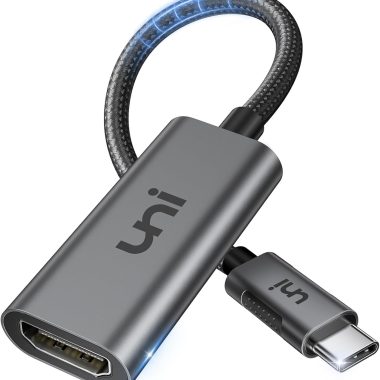
uni USB-C to HDMI Adapter 4K 60Hz Thunderbolt 3/4 for MacBook iPad Surface Galaxy
₦18,198.99 -
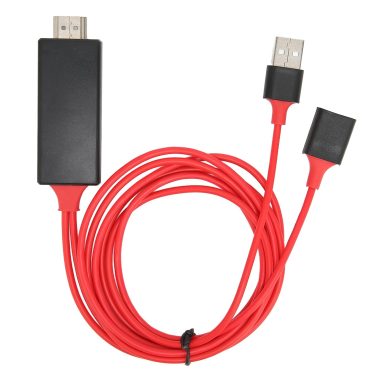
1080P Smartphone to HDMI Projector Mirroring Adapter Cable for Android and iOS iPhones Red
₦24,727.65 -
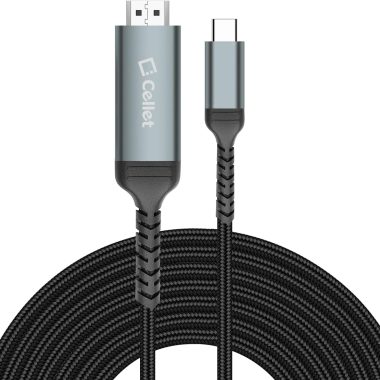
6-Foot USB-C to HDMI 4K Video Adapter Cable for iPhone 16/15, Samsung, Moto, Laptops
₦16,797.99 -
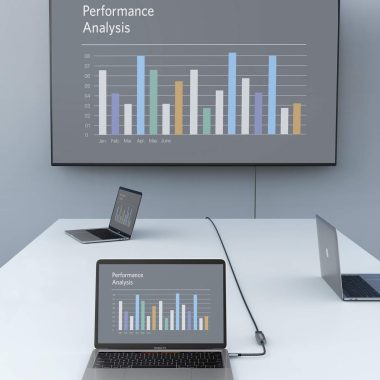
8K 4K HDMI Adapter for iPhone 15 Pro USB-C Thunderbolt 3/4 Converter 4320p 240-60Hz
₦22,401.99 -

PRO USB-C to HDMI Adapter Cable for Samsung Galaxy Tab A8 10.5 2021, 6ft, 4K 60Hz Gray
₦28,005.99 -

4K USB-C to HDMI Adapter for MacBook Pro Air XPS Galaxy S23 iPhone 15 Pro Max
₦13,995.99 -

BENFEI Gold-Plated Mini DisplayPort to HDMI Adapter 4K for MacBook Surface Monitors
₦13,995.99 -
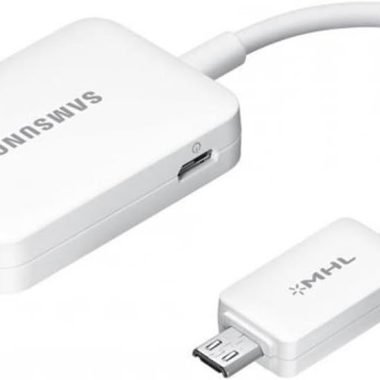
Samsung Open Box MHL 2.0 to HDMI HDTV Adapter for Samsung Galaxy Devices
₦65,062.44 -
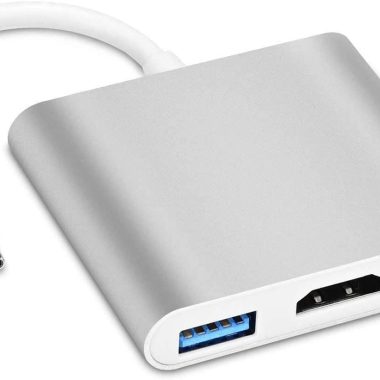
Samsung Galaxy Z Fold 5/4/3 5G USB-C to 4K HDMI Adapter with PD Charging Port
₦43,416.99 -

JSAUX Red USB C to HDMI Adapter 4K Thunderbolt 3 Compatible for iPhone 15 Pro Max
₦12,594.99 -
Sale!
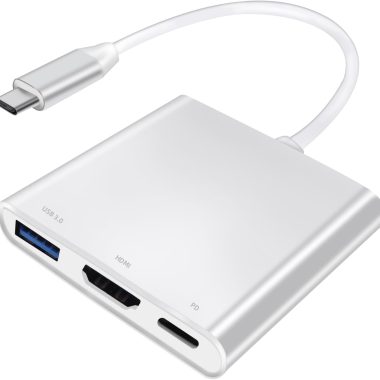
100W PD 4K USB C Hub Multiport HDMI Adapter with USB-A 3.0 Port for MacBook and More
Original price was: ₦26,604.99.₦21,000.99Current price is: ₦21,000.99. -

Lighting to HDMI Adapter for Phone Pad 1080P HD Digital AV Converter with Charging Port
₦13,995.99 -

Samsung Galaxy J4/J6/A6/A8 Plus 2018 HDMI Dongle AV Adapter Cable to HD TV
₦22,948.38 -

PlayStation 2 & 1 HDMI Cable Adapter with True RGB Signal Output for PS2 PS1 Consoles
₦21,000.99 -

4K Wireless HDMI Display Dongle Adapter Plug & Play 2.4G 5G Miracast Airplay
₦67,233.99 -

TIMBOOTECH 4K@30Hz 5G Wireless HDMI Display Adapter Miracast Dongle 65FT for All Devices
₦112,065.99
Reviews
There are no reviews yet.