
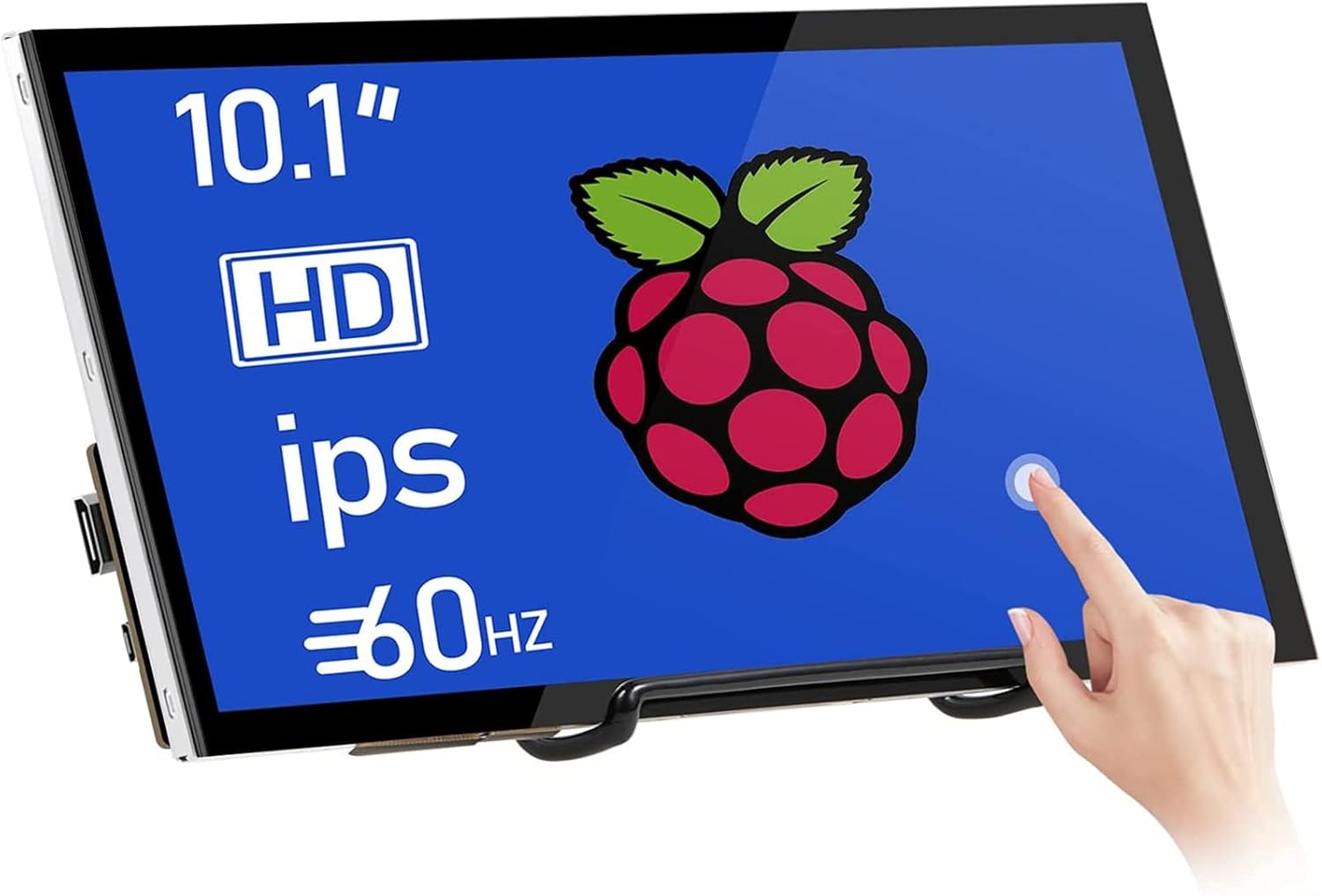
10.1 Inch Touchscreen Monitor 1024×600 Portable HDMI IPS Display for Raspberry Pi 5/4/3/2/Zero 16:9 Win11/10/8/7 Free-Driver
Original price was: ₦108,980.00.₦76,340.49Current price is: ₦76,340.49.
Description
About the Product 🔑
| Feature 🌟 | Description ✅ |
|---|---|
| IPS Screen Technology 💡 | Precise color, exquisite picture quality, rich color. Adjustable brightness, contrast, and color temperature. |
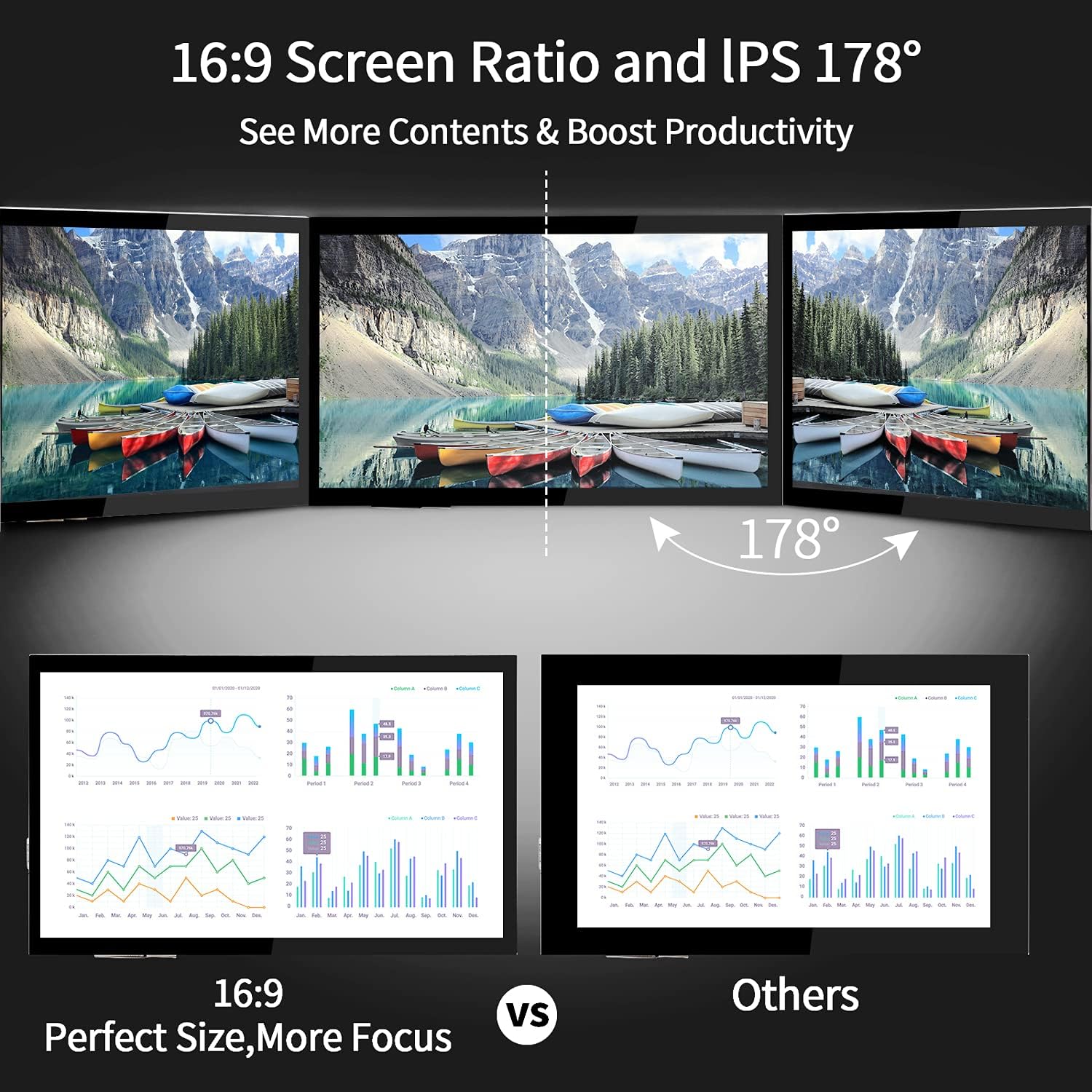
| 10.1-inch IPS FHD Screen 🖥️ | Expansive 178° viewing angles. 1024×600 resolution, up to 1920×1080. |
| Resistive Touchscreen LCD 👆 | 1024×600 resolution, wide viewing angles. Raspberry Pi and Raspberry Pi Zero compatible. |
| Onboard GPIO Header 🔌 | 40-pin female GPIO header included. |
| HDMI PCB Adapters 🔄 | Includes a set of HDMI PCB adapters. |
| Tempered Glass 🛡️ | Full bonding process with tempered glass. |
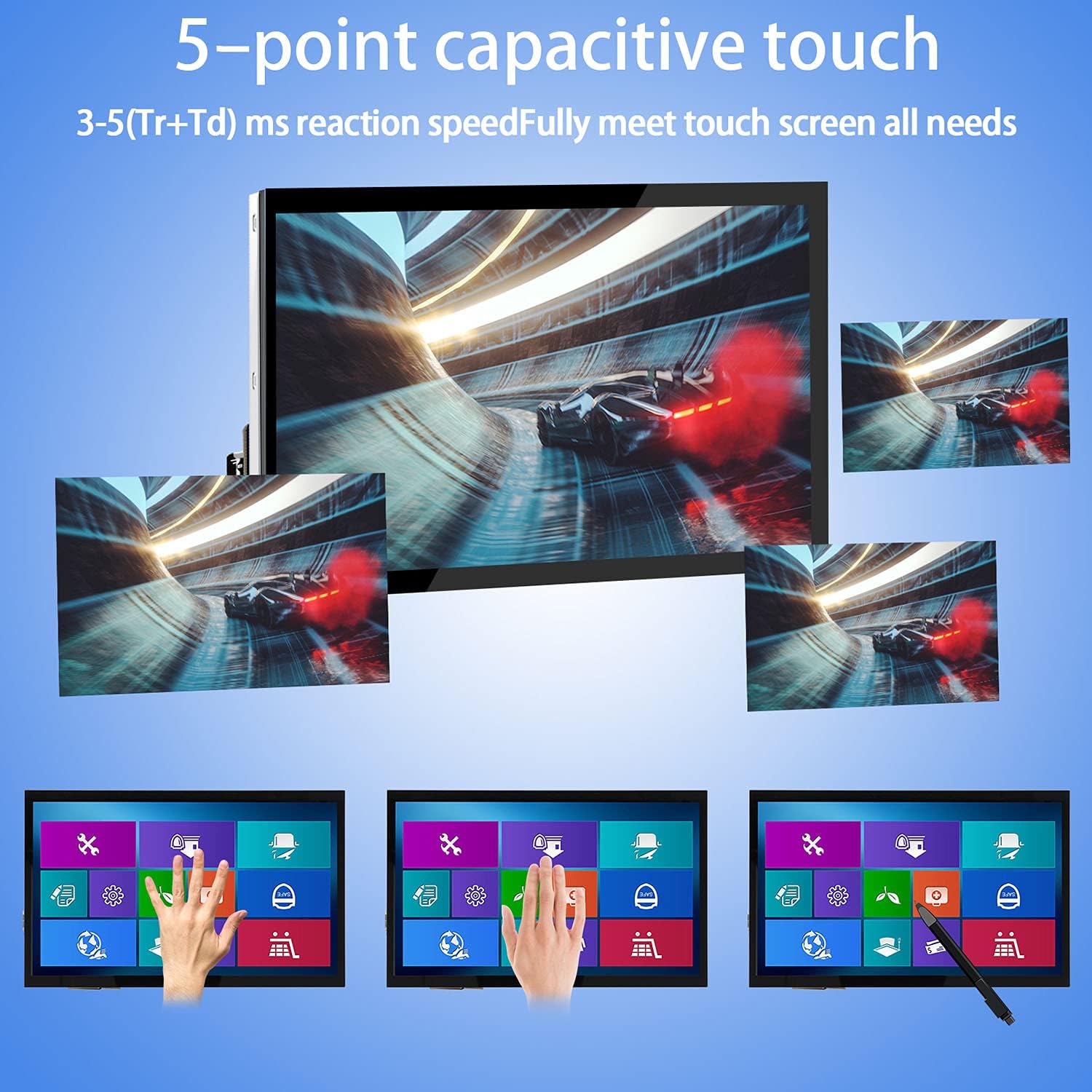
| Capacitive Touch Technology ✨ | Excellent sensitivity, multi-touch capability. Swipe, scroll, select, zoom in/out. 3-5 ms response time. |
| Integrated Touchscreen Drivers 🕹️ | Supports 5-finger touch and on-screen keyboard in Raspberry Pi OS. |
| Plug-and-Play Functionality ▶️ | Connect via HDMI and power USB touch port. No driver installation needed. |
| Adjustable Screen Resolution 📏 | Resolution can be set according to user requirements. |
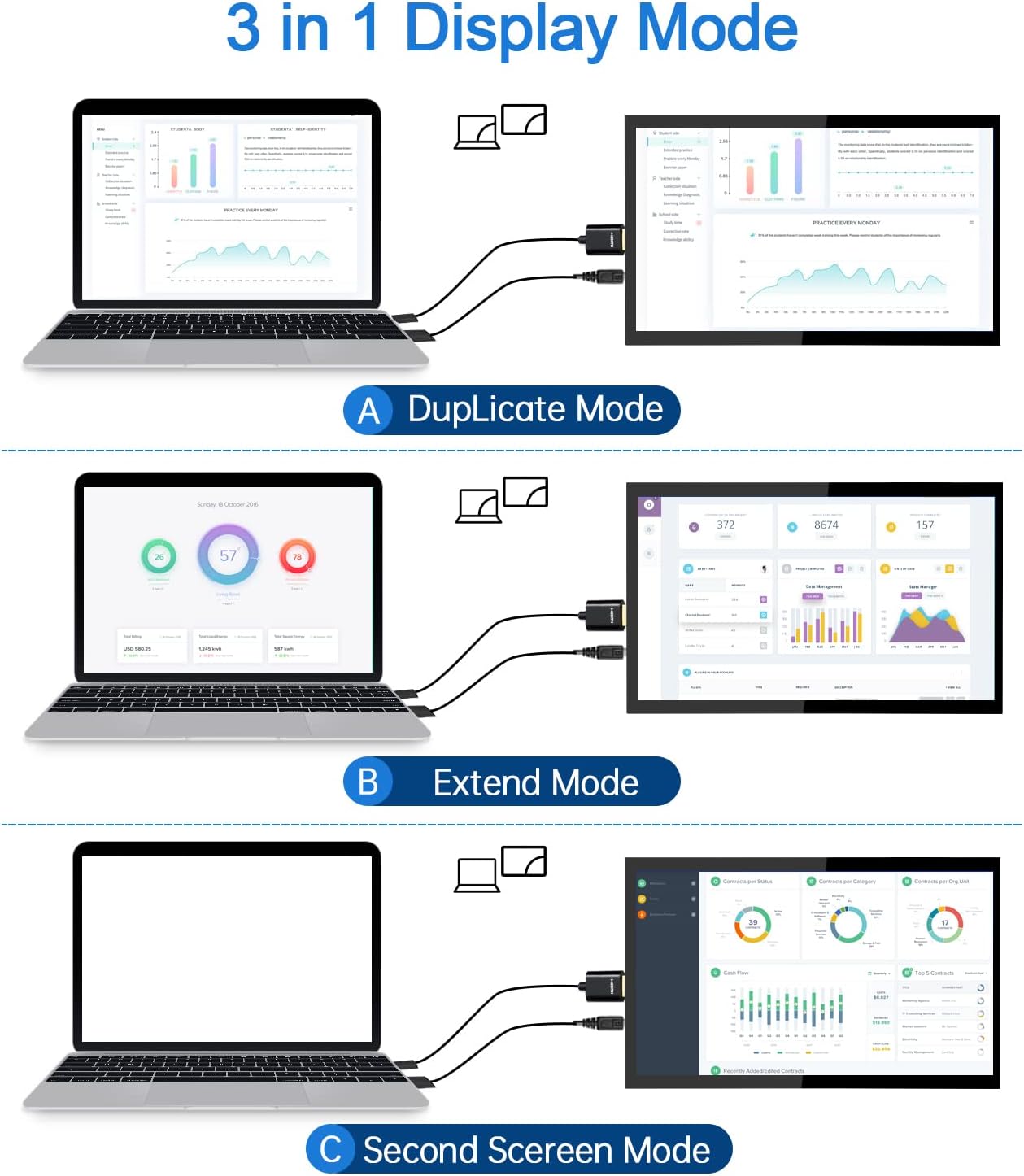
| Three Display Modes for Laptops 💻 | Duplicate mode, extend mode, second screen mode. |
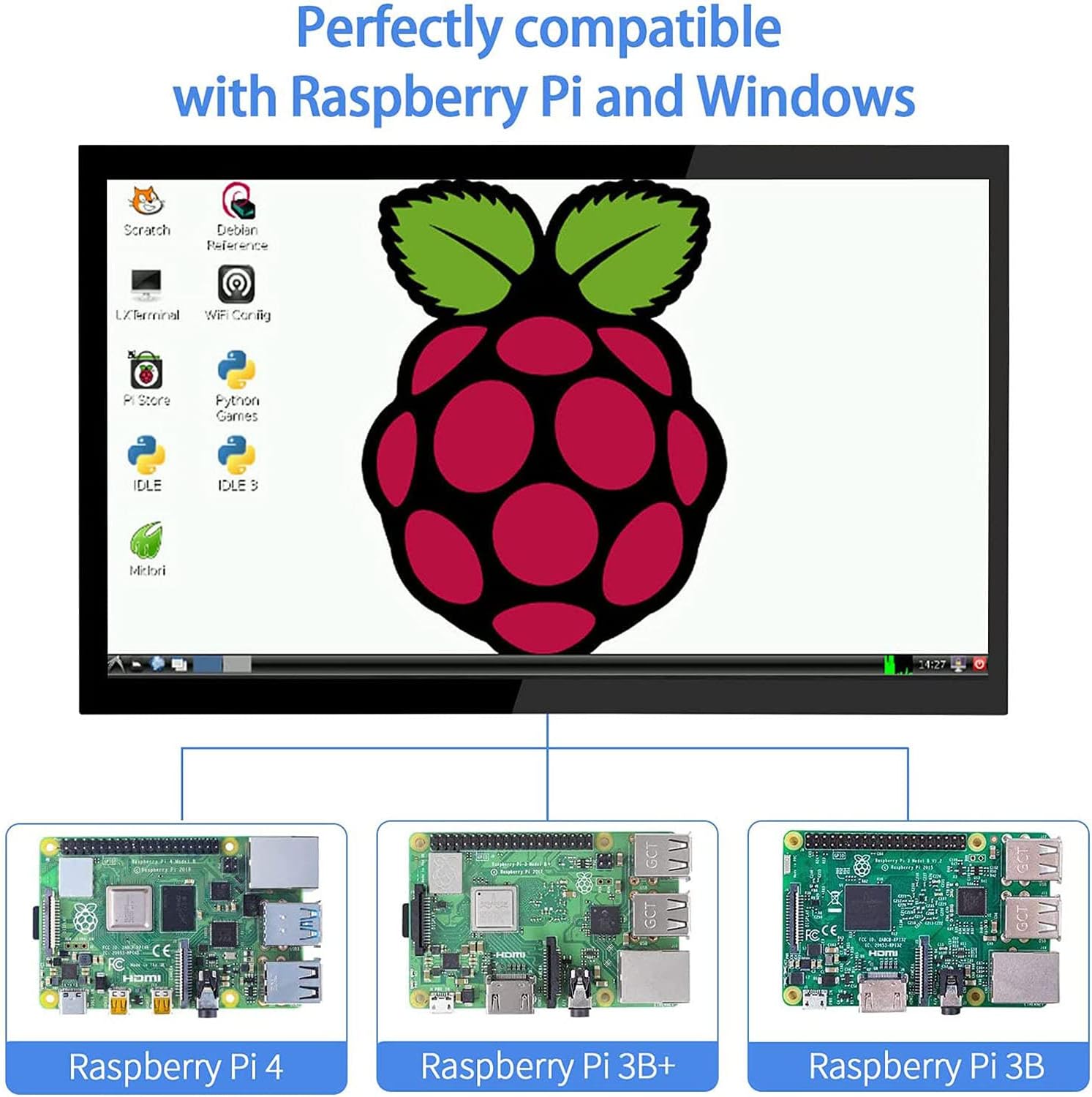
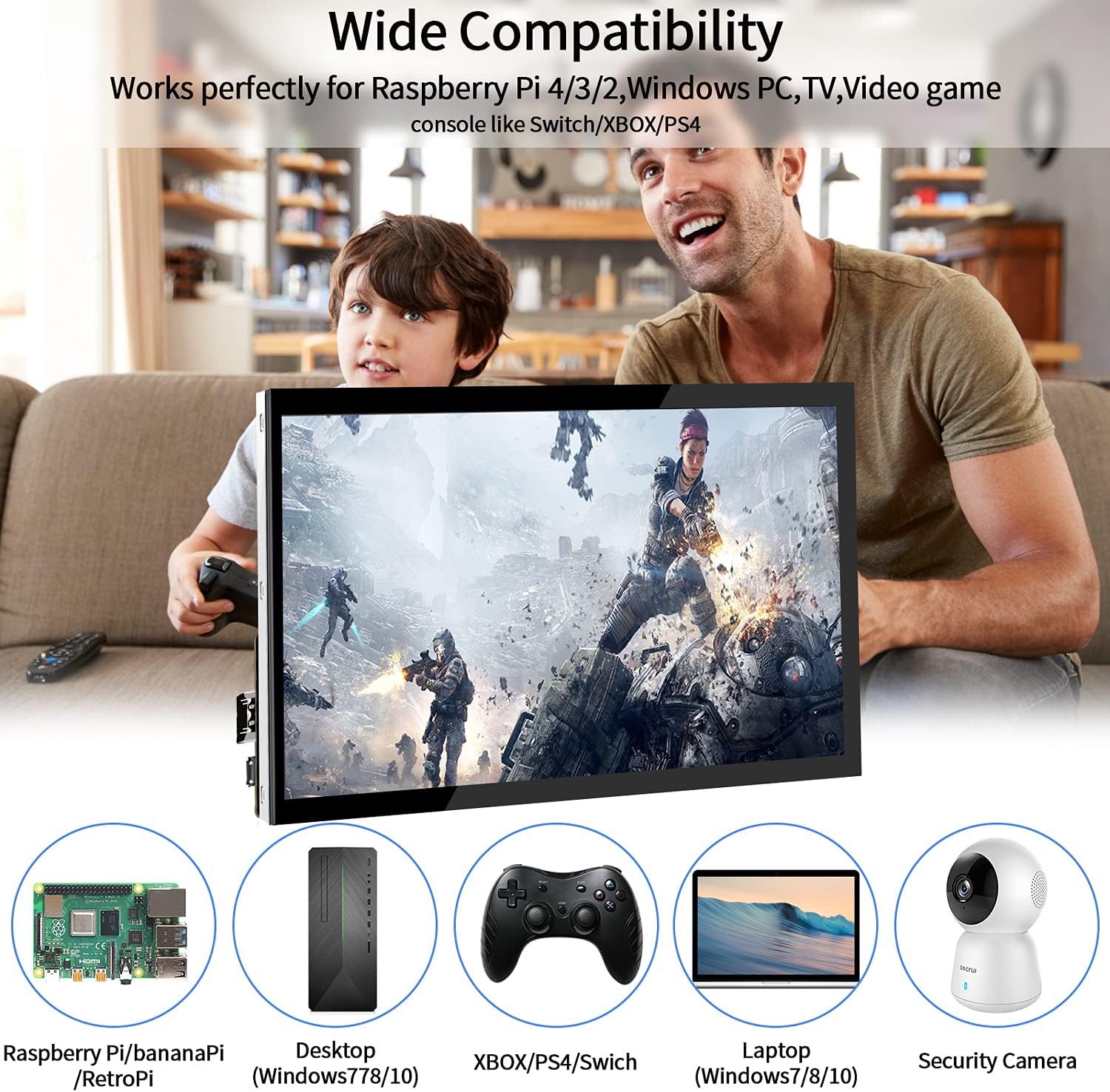
| Broad Compatibility 🌐 | Raspberry Pi 4/3/2/1/3B+/BB, Banana Pi, Windows 7/8/10 PC, Microsoft, TV, NS Switch, XBOX, Retro Pi, NOOBS, Debian, Ubuntu, Kodi. |
| Bracket Included 🔧 | Comes with a bracket. |
Product Benefits 💡
- Precise color restoration 🎨
- Exquisite picture quality 🖼️
- Rich color display ✨
- Adjustable brightness, contrast, and color temperature 🎛️
- Expansive viewing angles 👀
- Excellent touch sensitivity 👆
- Multi-touch capability 🖐️
- Driverless plug-and-play setup ▶️
- Multiple display modes for laptops 💻
- Broad device compatibility 🌟
Usage Instruction 🧾
- Connect the screen to your device via HDMI interface.
- Power the USB touch port for touch function.
- Adjust screen resolution settings as needed.
- For laptops, right-click display settings and select your preferred multi-display mode.
Product Specification 📱
| Specification ⚙️ | Description ⭐ |
|---|---|
| Screen Size 📏 | 10.1 Inch |
| Screen Type 🖥️ | IPS |
| Resolution 🖼️ | 1024×600 (up to 1920×1080) |
| Viewing Angle 👀 | 178° |
| Touch Type 👆 | Capacitive, Resistive |
| Touch Response ⏱️ | 3-5 ms |
| Touch Capability 🖐️ | Multi-touch |
| Connectivity 🔌 | HDMI, USB Touch |
| Compatibility 🤖 | Raspberry Pi, Windows PC, TV, Game Consoles |
| Glass Type 🛡️ | Tempered Glass |
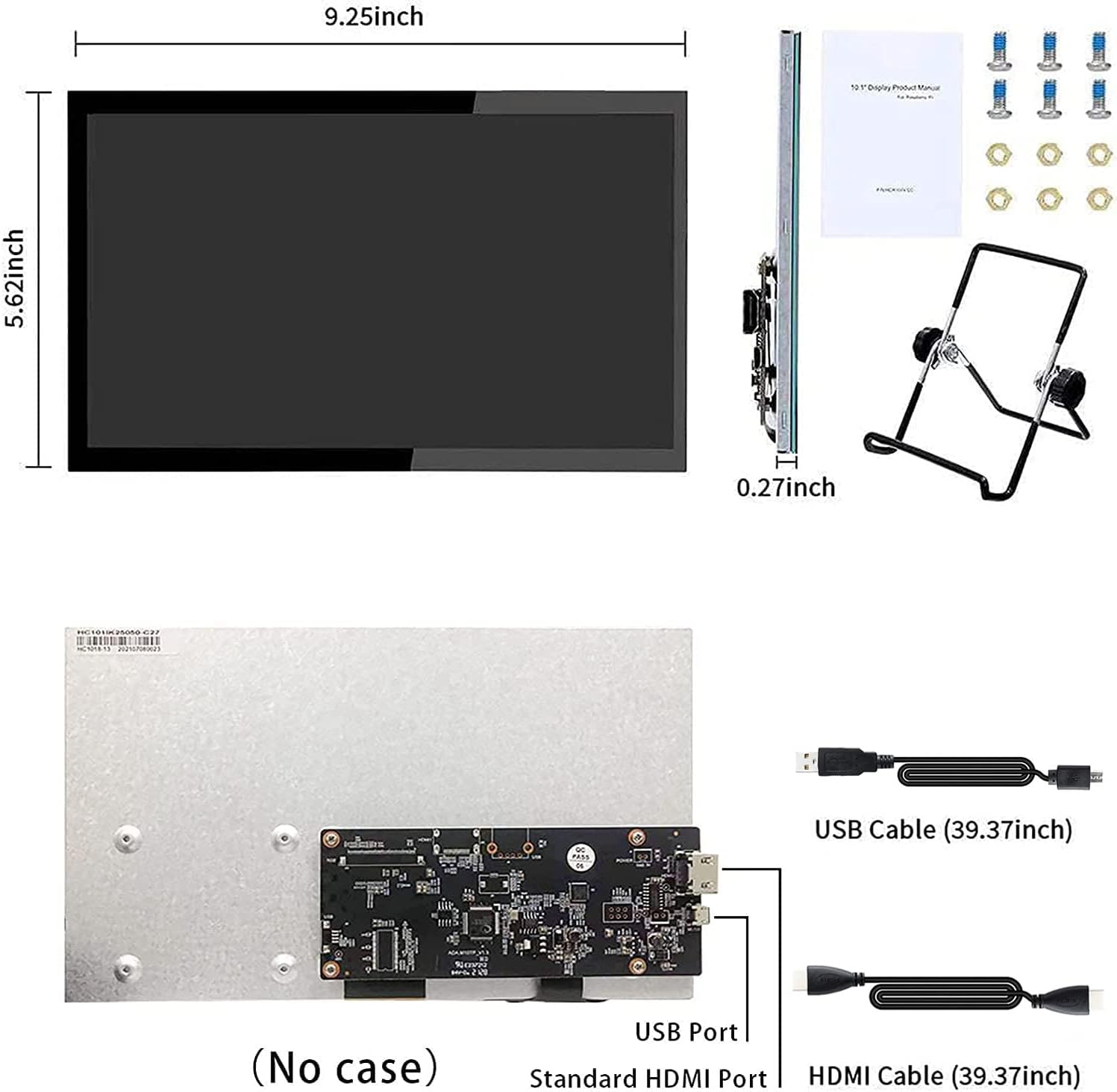
| Included Accessories 📦 | Bracket, HDMI Cable (standard), USB Cable |
Product Details 🏷️
🏷️ About the Product:
- HMTECH raspberry pi touch display equip with IPS screen to ensure the monitor more precise color restoration exquisite picture quality and more rich color. The brightness, contrast and color temperature are adjustable.
- 【IPS FHD Screen & Full Viewing Angle】10.1inch IPS HD raspberry pi touchscreen monitor equipped with an expansive 178° viewing angles. The Raspberry Pi display features a touchscreen with a resolution of 1024×600, which can be go up to maximum of 1920×1080.
- This Waveshare 10″ IPS Resistive Touchscreen LCD features a resolution of 1024×600 with wide viewing angles and is Raspberry Pi and Raspberry Pi Zero compatible, with an onboard 40-pin female GPIO header and included set of HDMI PCB adapters.

Raspberry Pi Screen 10.1 Inch Touchscreen Monitor 1024×600 Portable HDMI Monitor 16:9 IPS Screen Display for Raspberry Pi 5/4/3/2/Zero/B/B+ Win11/10/8/7, Free-Driver
Raspberry Pi Touchscreen Monitor — 10.1 inch Raspberry Pi monitor equip with IPS screen and HD 1024*600 high resolution, ensure the touch monitor more precise color restoration exquisite picture quality and more rich color. 178° viewing angles is more ideal for work and for reviewing on-screen with multiple people in the room.The monitor adopts tempered glass and full bonding process.
Easy-use for Touch Screen — Excellent sensitivity capacitive technology and multi-touch capability allows you to swipe, scroll, select, zoom in, zoom out, and move a cursor about in just 3-5 ms. Touchscreen drivers with support for 5-finger touch and an on-screen keyboard are integrated into the Raspberry Pi OS for full functionality without a physical keyboard or mouse.
Plug-n-play Raspberry Pi Display — Simply connect the screen to device via HDMI interface and power the USB touch port to achieve touch function and no need to install any driver. The monitor is fairly standard in size and shape without manual calibration. The screen resolution can also be adjusted setting according to the user’s requirements.
Three Display Modes for Laptop — Duplicate mode, extend mode and second screen mode. Each mode has different use effects, bringing convenience and leisure to your work and life. Right click display settings on your laptop desktop, and then select three different usage modes in the multi display settings bar according to your needs. Go and get a portable laptop monitor now and feel a different experience. Note: Do not support all Macbook model.
More Application HDMI Monitor — Broadly you can use it with your Raspberry Pi 4/3/2/1/3B+,Banana Pi. Windows 7/8/10 PC, Microsoft, TV. Video game console like NS Switch/XBOX. Other devices or systems like Retro Pi, NOOBS, Debian, Ubuntu and Kodi are all supported. Note:The attached HDMI cable is only applicable to devices with standard HDMI interface. If you need to use it for Raspberry Pi 4, please buy an Micro-HDMI-HDMI Cable. This screen does not come with a case, but with a bracket.
Full Images


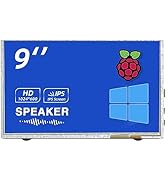
Product Standout Benefits
This 10.1-inch Raspberry Pi monitor features an IPS screen with a crisp HD 1024*600 resolution, delivering precise color restoration and exquisite picture quality with rich colors. Its 178° viewing angles make it ideal for both individual work and group reviews. The monitor is built with tempered glass and utilizes a full bonding process.
The touchscreen boasts excellent sensitivity with capacitive technology and multi-touch capabilities, allowing for smooth swipes, scrolls, selections, zooms, and cursor movements in as little as 3-5 ms. Drivers supporting 5-finger touch and an on-screen keyboard are integrated into the Raspberry Pi OS, providing full functionality without the need for a physical keyboard or mouse.
Enjoy a plug-n-play experience for your Raspberry Pi display. Simply connect the screen via HDMI and power the USB touch port for touch functionality, no driver installation required. The monitor is standard in size and shape, requiring no manual calibration. You can also adjust the screen resolution to meet your specific needs.
This monitor offers three display modes for laptops: Duplicate, Extend, and Second Screen mode. Each mode provides different usage effects, adding convenience and leisure to your work and life. Access these modes through your laptop’s display settings.
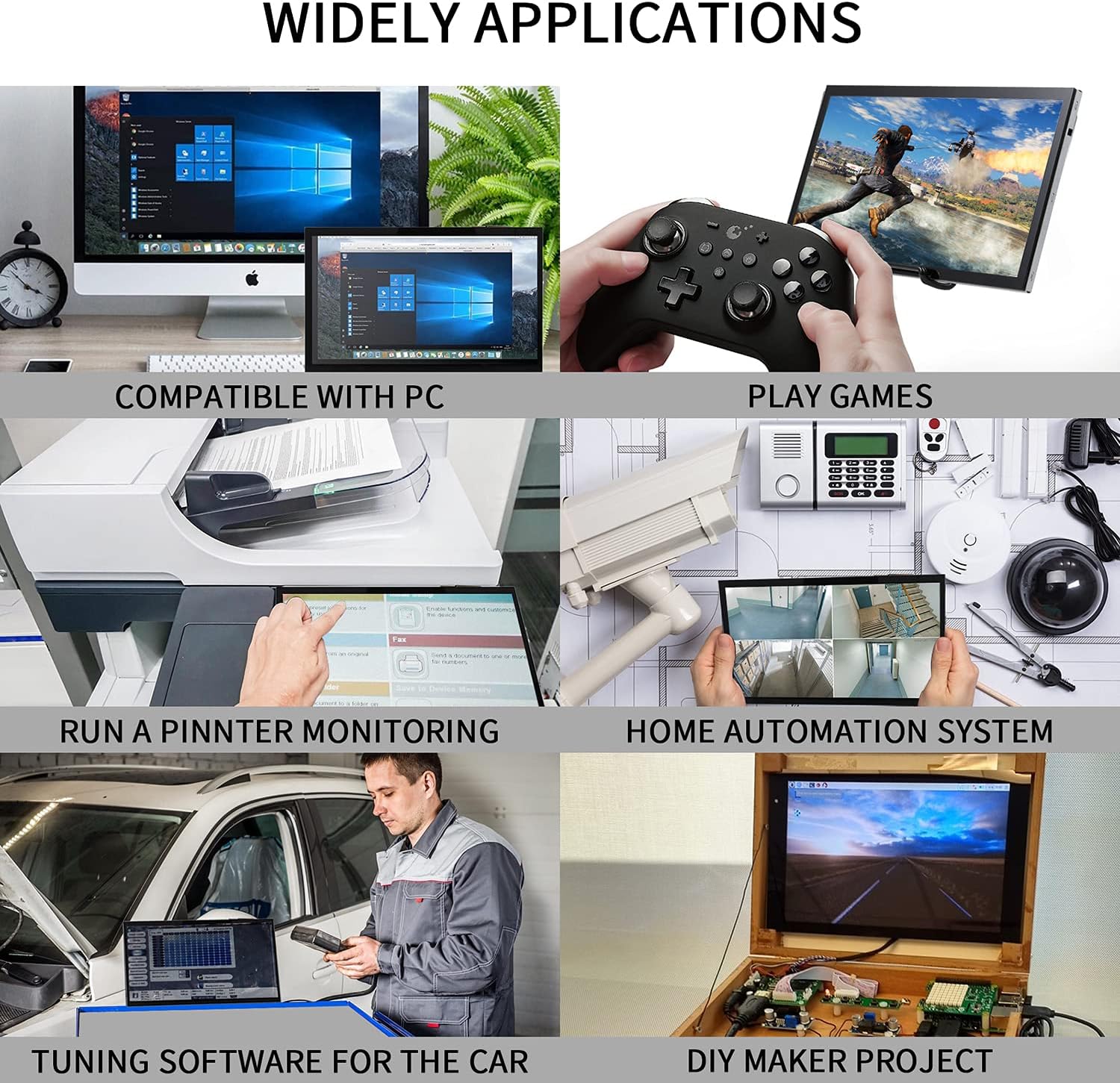
Beyond Raspberry Pi, this HDMI monitor has broad applications. It works seamlessly with Windows 7/8/10 PCs, Microsoft devices, TVs, and video game consoles like NS Switch and XBOX. It also supports systems such as Retro Pi, NOOBS, Debian, Ubuntu, and Kodi. Please note that the included HDMI cable is for standard HDMI interfaces; a Micro-HDMI-HDMI cable is needed for Raspberry Pi 4. This screen comes with a bracket but not a case.
- IPS screen with HD 1024*600 resolution for precise color and picture quality.
- 178° viewing angles for versatile use.
- Tempered glass and full bonding process construction.
- Sensitive capacitive touch with multi-touch capabilities (3-5 ms response).
- Integrated drivers for 5-finger touch and on-screen keyboard in Raspberry Pi OS.
- Plug-n-play setup with HDMI and USB touch connection.
- Adjustable screen resolution for user requirements.
- Three laptop display modes: Duplicate, Extend, and Second Screen.
- Wide compatibility with Raspberry Pi models, PCs, TVs, and game consoles.
Customer Questions and Answers
Q: How do I use this monitor with my Raspberry Pi? 🤔
A: It’s super easy! Just connect the screen to your Raspberry Pi using the HDMI interface, and power the USB touch port. That’s it – you’re ready to go with touch functionality, no driver installation needed! ✨
Q: Can I use this as a second monitor for my laptop? 💻
A: Absolutely! You can set it up in Duplicate, Extend, or Second Screen mode for your laptop. Just right-click your laptop’s desktop display settings and choose the mode that works best for you. It’s a great way to enhance your workspace!
Q: What other devices can I connect this monitor to? 🔗
A: Oh, it’s really versatile! You can use it with your Raspberry Pi (all models!), Windows PCs, Microsoft devices, TVs, and even game consoles like the NS Switch and XBOX. Plus, systems like Retro Pi, NOOBS, Debian, Ubuntu, and Kodi are all supported. 🔥
Q: How sensitive is the touchscreen? 👆
A: It’s incredibly sensitive! Thanks to its capacitive technology and multi-touch capabilities, you can swipe, scroll, select, zoom in and out, and move the cursor smoothly. It responds in just 3-5 ms!
Q: Does this monitor come with a case? 📦
A: This screen comes with a handy bracket to prop it up, but it doesn’t include a case.
Q: What if I have a Raspberry Pi 4, will the included HDMI cable work? 🔌
A: The attached HDMI cable is for devices with a standard HDMI interface. If you’re using it with a Raspberry Pi 4, you’ll need to get a Micro-HDMI-HDMI Cable.
Related Products
-
Sale!

27 Inch Curved Full HD 1080P Frameless Gaming Monitor 1800R Black
Original price was: ₦123.99.₦117.79Current price is: ₦117.79. -
Sale!
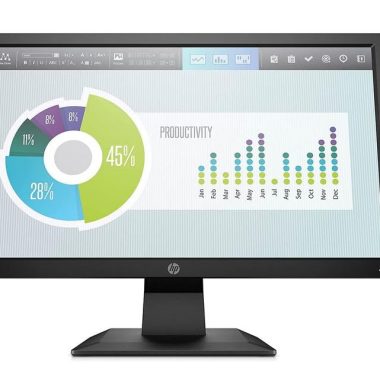
HP P204V 19.5 Inch HD+ LCD Monitor 1600×900 60Hz Black with HDMI and VGA
Original price was: ₦8,040.00.₦6,450.00Current price is: ₦6,450.00. -

BenQ RD280UA 28.2 Inch 4K Programming Monitor with 90W USB-C and Ergo Arm
₦1,439,980.00 -
Sale!
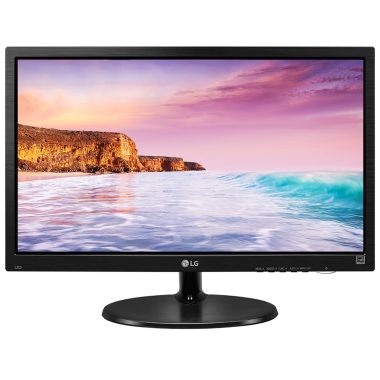
LG 19.5 Inch HD Ready LED Monitor Black VGA HDMI Flicker Safe Reader Mode 3 Year Warranty
Original price was: ₦9,900.00.₦5,499.00Current price is: ₦5,499.00. -
Sale!

HP V20 19.5 Inch HD+ 1600×900 Anti-Glare Monitor with HDMI and VGA, 5ms Response Time
Original price was: ₦7,888.00.₦7,299.00Current price is: ₦7,299.00. -
Sale!
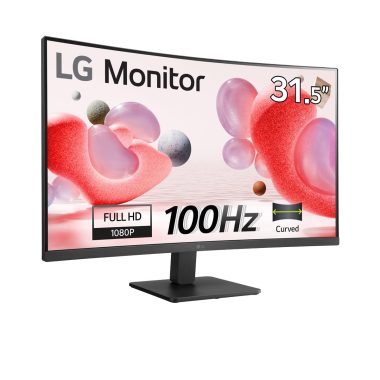
LG 32-inch Full HD Curved Monitor 100Hz VA Panel HDMI Reader Mode Black
Original price was: ₦20,000.00.₦13,499.00Current price is: ₦13,499.00. -
Sale!

HP P204V 19.5-inch HD+ Monitor 1600×900 with HDMI and VGA Ports
Original price was: ₦13,080.00.₦7,130.00Current price is: ₦7,130.00. -

LG 27-inch 4K UHD Smart Monitor with USB-C 65W PD and webOS 23 White
₦636,700.00 -

LG 27-Inch 4K UHD HDR10 IPS Ultrafine Monitor White, Reader Mode Flicker Safe
₦498,000.00 -

LG 32 Inch FHD Curved VA Monitor 100Hz 5ms AMD FreeSync Black Stabilizer Reader Mode Flicker Safe with 5ave HDMI Cable
₦259.99 -

LG 27 inch FHD Computer Monitor 100Hz 5ms Reader Mode Tilt Stand Speakers Black
₦333,980.00 -
Sale!

INNOCN 40C1R 40-inch Ultrawide WQHD 144Hz IPS Monitor 21:9 USB-C HDR400
Original price was: ₦549.99.₦449.99Current price is: ₦449.99. -

Samsung 34-Inch SJ55W Ultrawide WQHD 1440p Gaming Monitor Black
₦634,000.00 -
Sale!
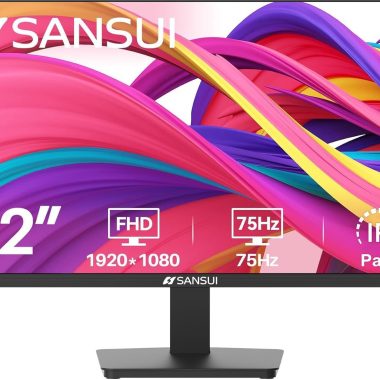
SANSUI 22-inch 1080p FHD 75Hz Computer Monitor, HDMI/VGA, Slim Bezel, Ergonomic Tilt, Eye Care LED, New
Original price was: ₦76.99.₦69.29Current price is: ₦69.29. -
Samsung 18 Inch Charcoal Gray LCD Monitor 1280×1024 Resolution 60hz Refresh Rate
₦1,924,240.00 -
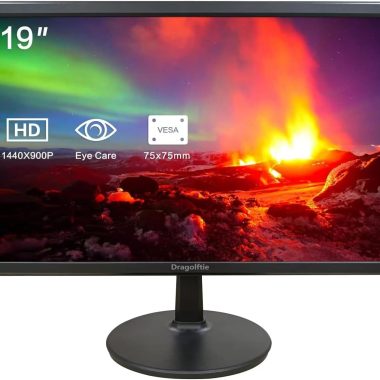
19-Inch 1440×900 LED Computer Monitor with Dual Speakers HDMI VGA VESA Black
₦125,980.00 -
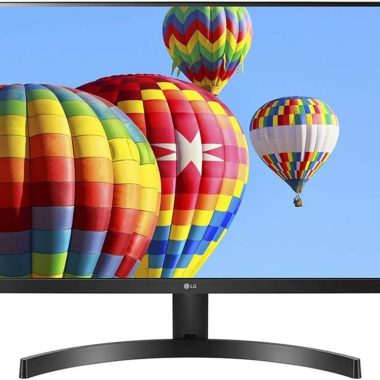
LG 24″ Full HD IPS Monitor 3-Side Borderless Radeon FreeSync Dual HDMI Black
₦368,000.00 -
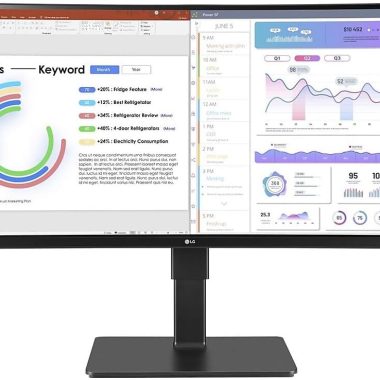
LG 34″ Curved Ultrawide UW-QHD Webcam LED Monitor 21:9 Textured Black
₦739,900.00 -

LG 27 Inch 4K UHD IPS Computer Monitor HDR10 DCI-P3 90% USB-C White
₦299.99 -
Sale!
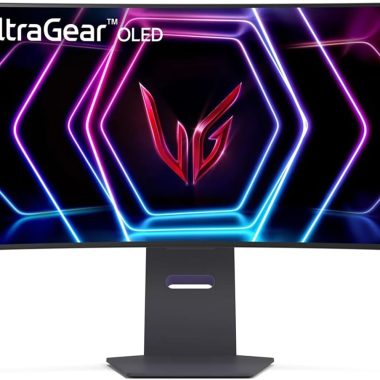
LG 39 Inch Ultragear OLED Curved Gaming Monitor WQHD 240Hz 0.03ms 800R Curvature
Original price was: ₦999.99.₦899.99Current price is: ₦899.99.
Reviews
There are no reviews yet.