
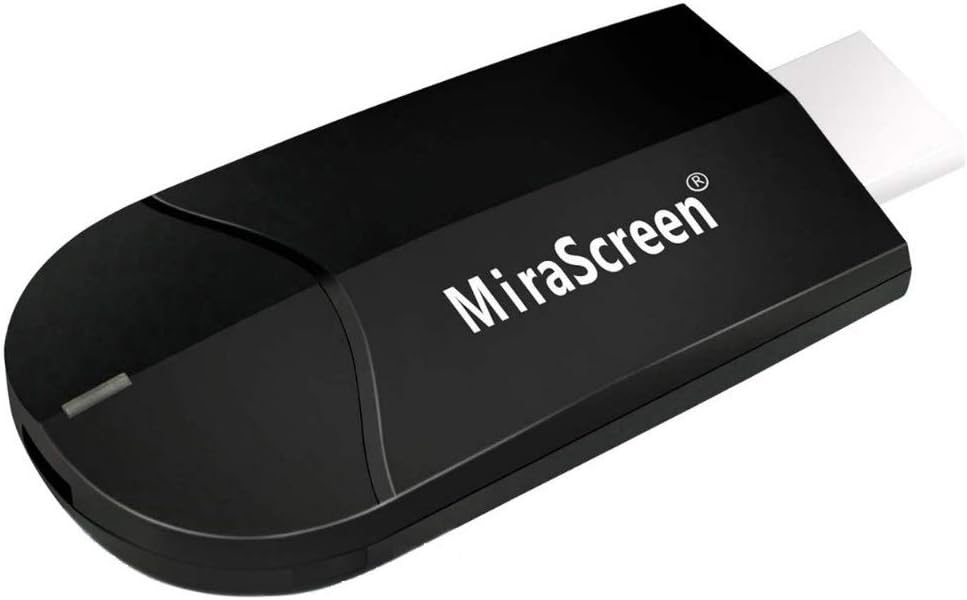
SmartSee 4K/1080P Wireless Display Adapter for Phone Laptop to TV Projector, Dual Core Streaming Device
₦25.99
Description
About the Product 🔑
| Feature 🌟 | Description ✅ |
| Upgrade 4K 2.4G Dongle Version 📡 | Upgraded wireless HD display dongle |
| Dual Core Chipset 🚀 | 1.6Ghz chipset for faster working |
| Dual Decode H.265/HEVC 📺 | Supports 1080P and 4K resolution |
| 3-in-1 Mode 🎛️ | No switching among Miracast, Airplay, DLNA |
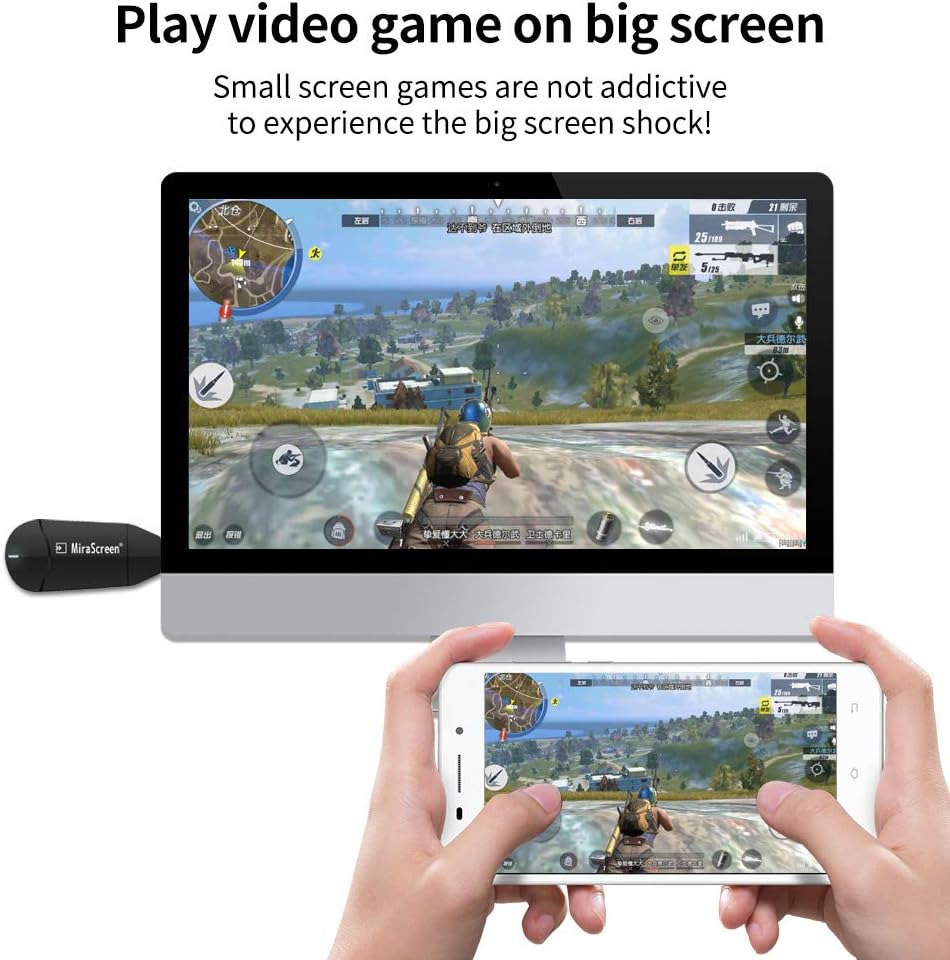
| Screen Mirroring 📱➡️📺 | Casts pictures, audio, video, files, live broadcasts, browser, games |
| Easy Operation ⚙️ | Plug and play, no APP needed |
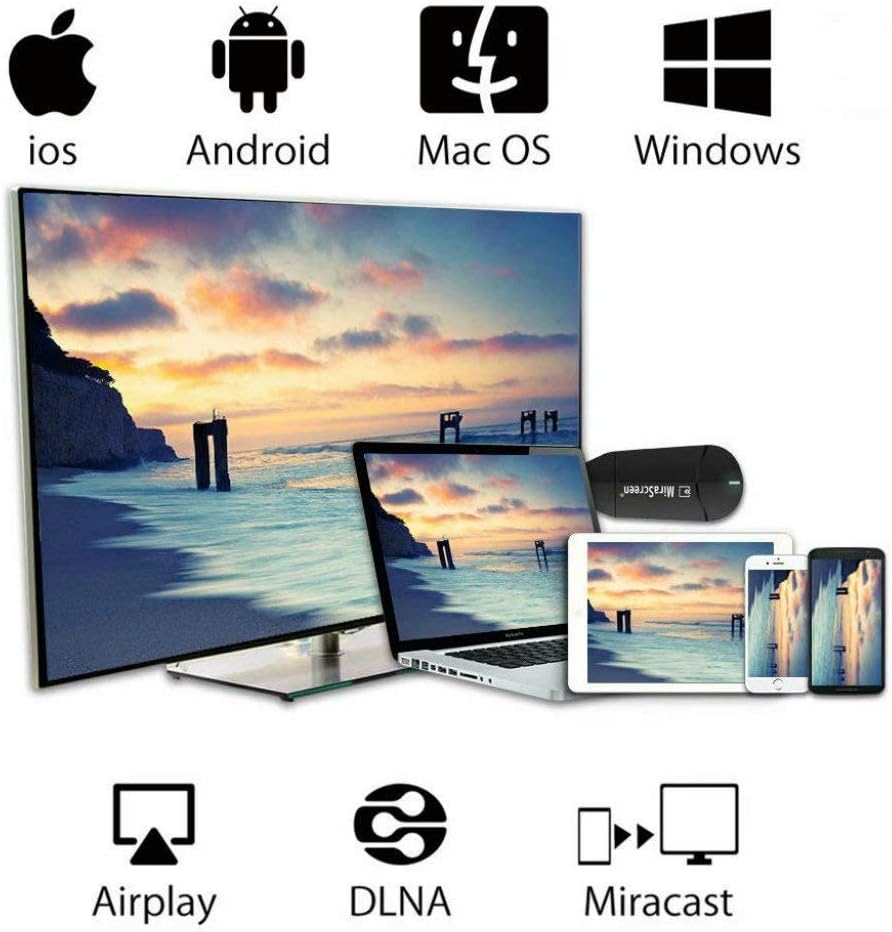
| Wide Compatibility 🌐 | Supports Miracast, Airplay, DLNA |
| Regular OTA Update 🔄 | Automatic firmware updates for improved compatibility |
Product Benefits 💡
- Supports 4K resolution for better image quality.
- Faster working with dual core chipset.
- Easy to use with plug-and-play functionality.
- Wide compatibility with various devices and operating systems.
- Automatic updates ensure compatibility with new device versions.
Usage Instruction 🛠️
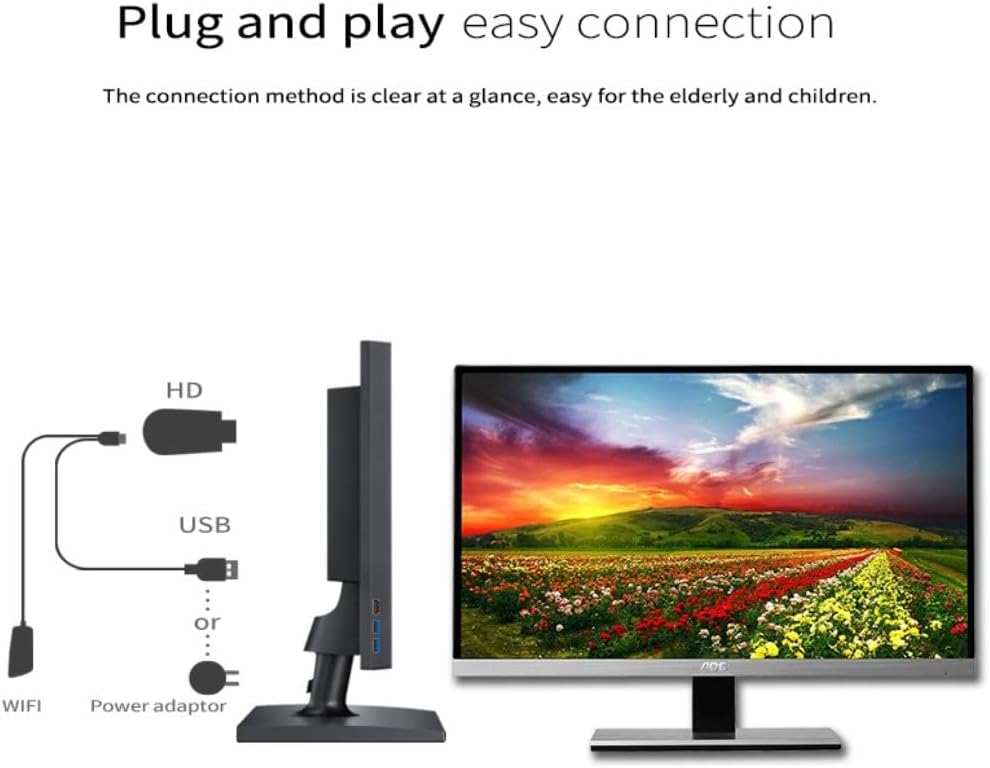
- Step 1: 🔌 Plug the HD display dongle into the HD port on your TV or monitor.
- Step 2: ⚡ Connect the USB cable to a power adapter (5V/1A minimum).
- Step 3: 📡 For iOS users: Connect to the device’s WiFi list and enable Airplay.
- Step 4: 📱 For Android users: Use Google Home App cast feature for videos.
- Step 5: ⚙️ Follow on-screen prompts to start mirroring.
Product Specification 📱
| Specification ⚙️ | Description ✨ |
| Chipset 🚀 | Dual Core 1.6Ghz |
| Video Decode 📺 | H.265/HEVC |
| Resolution 🌟 | 4K (3840×2160) |
| Wi-Fi 📡 | 2.4G |
| Modes 🎛️ | Miracast, Airplay, DLNA |
| Compatibility (iOS) 🍎 | iOS 9.0+ |
| Compatibility (Android) 🤖 | Android 4.4+ |
| Compatibility (macOS) 💻 | macOS 10+ |
| Compatibility (Windows) 🪟 | Windows 8.1+ (Miracast enabled) |
Product Details 🏷️
4K/1080P Wireless Display Adapter, SmartSee Screen Mirroring Casting from iOS Android Phone Laptop to TV Projector HD Display, Dual Core Streaming Device Support Miracast Airplay DLNA
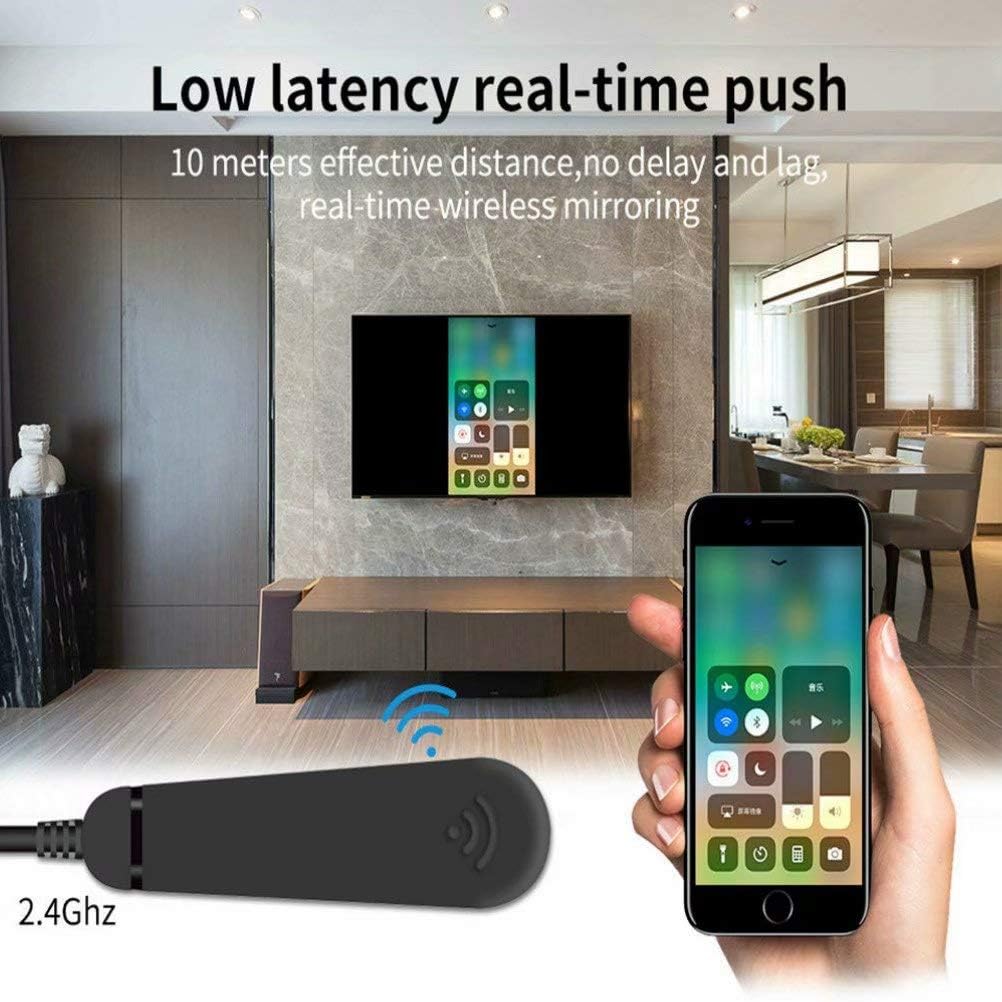
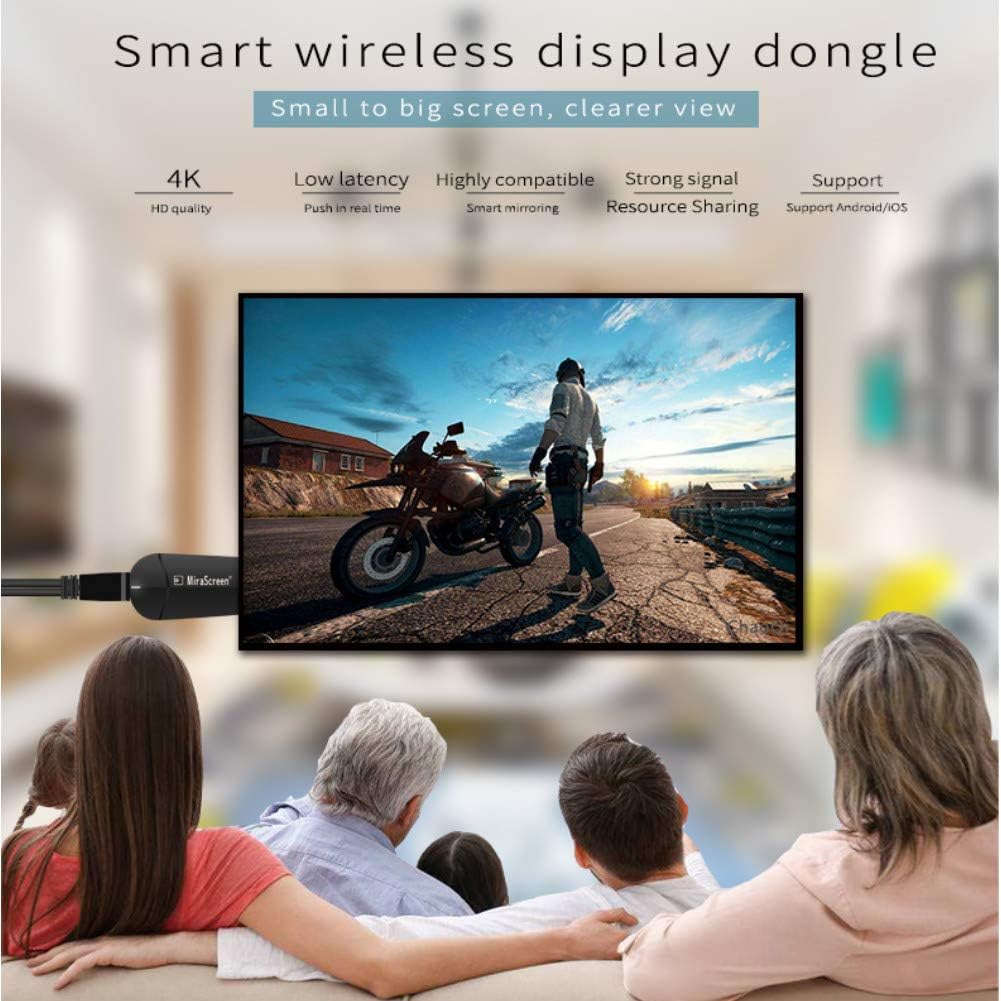
It casts the entire screen including pictures/audio/video/radio/files/live broadcast/camera/facetime/browser/games etc, to 4K/1080P HDTV, projector or monitor from a smartphone, tablet or laptop wirelessly. It has real ZERO lag for sending videos to big screen. Enjoy streaming and sharing.
Mirror your phone or laptop to any HDMI display wirelessly with the 4K/1080P SmartSee Wireless Display Adapter. Supports Miracast, Airplay, DLNA. Easy plug-and-play setup.
Wirelessly cast the content from a smartphone, tablet or laptop to a TV/projector/monitor/any HDMI display.
【Setup for Android Users】 Open Miracast function on your Android device and select Anycast to cast your device to TV. If you don’t know about Miracast, you can download.
Buy 4K/1080P Wireless Display Adapter, SmartSee Screen Mirroring Casting from iOS Android Phone Laptop to TV Projector Any HDMI Display, Dual Core Streaming Device Support.
We will regularly update the firmware from the cloud server to add features and improve compatibility, connect this dongle to your wifi and it will be upgraded automatically, so this dongle could be compatible with the newest version of your iOS/Android/Windows device anytime. When Apple or Android updates the system, our company will update the dongle version within one week.

Full Images
Product Standout Benefits
This upgraded wireless HD display dongle is powered with a dual core 1.6Ghz chipset, ensuring faster performance compared to single-core models. It features dual decode H.265/HEVC, supporting both 1080P and 4K resolutions for a superior image quality. Enjoy a seamless experience with its 3-in-1 mode, eliminating the need to switch between Miracast, Airplay, and DLNA.
- Wireless Display: Effortlessly mirror your mobile device (iOS and Android) or Windows laptop/tablet to your HDTV, projector, or monitor. Cast everything from pictures and audio to videos, live broadcasts, and games.
- Easy Operation: Experience plug-and-play simplicity with no apps required and no mode switching. Simply plug into your TV’s HD port, connect the USB for power (5V/1A), and start mirroring.
- Wide Compatibility: Supports Miracast, Airplay, and DLNA, making it compatible with Android 4.4+, iOS 9.0+, MacOS 10+, and Miracast-enabled Windows 8.1+.
- Regular OTA Updates: The dongle automatically updates firmware via the cloud server to add features and improve compatibility, ensuring it stays up-to-date with the latest system versions.
Customer Questions and Answers
Q: How do I use this product? 🤔
A: It’s super easy! Just plug it into your TV’s HD port, connect the USB to a power adapter (make sure it’s at least 5V/1A), and then wirelessly mirror your device. For iOS users, connect to the WiFi list and enable Airplay. Android users can cast their screen using the Google Home app. Full details are in the user manual!
Q: Is it good for sharing presentations in meetings? 🌿
A: Absolutely! You can share presentations or files on the big screen in conferences or classrooms, making it super convenient for work or study.
Q: How do I take care of it? 🧼
A: The dongle can automatically upgrade itself when connected to your WiFi, so it’s always up-to-date and ready to go. Just make sure it’s connected to the internet for these automatic updates!
Q: What kind of resolutions does it support? 🌟
A: It supports amazing resolutions like 3840*2160_30P (which is 4K!), 1920*1080_60P (1080p), and 1280*720_60P. So you get a really clear picture!
Q: Can I use this with Netflix? 🔗
A: While it’s great for mirroring most things, it’s not compatible with apps that have protocol protection, like Netflix, Amazon Video, HBO go, and others. You’ll need to check the user manual for the full list!
Q: How do I connect my iOS device? 🤔
A: It’s a breeze! First, connect the MiraScreen K6 in your iOS device’s WiFi list. Then, access the IP address 192.168.203.1 to open the Setting Menu and connect to the internet. Finally, pull up your Control Center, tap Airplay Mirroring, and select MiraScreen K6 to start mirroring!
Related Products
-

USB Mini Retro Screen Player for Easy Video Loading, Ships Fast Across Nigeria
₦89,984.95 -

Lemon TV L2 Smart Android 12.0 TV Box 4K HDR Streaming Dual-Band WiFi BT 5.4 2GB+16GB
₦58.99 -

2025 H8 4K Streaming TV Box WiFi 16GB Storage for Nigeria
₦307,705.00 -

2025 H8 Brazil TV 16GB ROM Ultra HD WiFi 2.4/5G Bluetooth 5.0 Voice Remote
₦205.00 -

iPhone Wireless HDMI Display Adapter for TV/Projector, HD Video/Audio Sync, iOS Mirroring (No Netflix)
₦29.99 -

Apple TV 4K Wi-Fi 3rd Gen 64GB with Siri Remote and 1 Year Warranty
₦179.00 -

Smart TV Box 4K HD 16GB Storage Voice Control Fast Delivery
₦160,000.00 -

Apple TV 4K 64GB 2nd Gen 2021 Model Black Renewed
₦377,660.00 -

VONTAR X4 Compact Android TV Box 128GB Storage Portable Streaming Device
₦170,000.00 -

MFi Certified USB C to HDMI Adapter for iPhone 15/16, 4K@60Hz with 100W Charging for TV, Projector, iPad, MacBook, Laptop
₦8.99 -

Kinhank G1 Smart TV Box 1080p Compact User-Friendly Streaming Device Fast Delivery
₦175,000.00 -

4K Wireless HD Display Adapter Mirror Cast Dongle Receiver for iOS Android Mac Windows to TV Projector Monitor
₦36.99 -

Raxxio Smart 4K Android TV Box – Fast Streaming, 16GB Storage, Nigeria Delivery
₦180,000.00 -

SmartSee 4K 1080P Wireless Display Receiver Dual Band 5G/2.4G Mobile Screen Cast Mirroring Adapter Dongle for iPhone Mac iOS Android to TV Projector Support Miracast Airplay DLNA
₦38.99 -

AT&T 4K Wireless Streaming Media Player, 2GB RAM, 16GB Storage, Brand New
₦224,985.00 -

4K HDMI Adapter USB-C to TV Projector Converter with PD Charging Port for Samsung Galaxy Z Flip5/Flip4/Flip3 5G
₦30.99 -
Sale!

4GB RAM 1080p HDR Android TV Box Compact User-Friendly Fast Delivery
Original price was: ₦90,044.99.₦79,537.99Current price is: ₦79,537.99. -

GREVA 8K Android TV Box 8GB RAM 128GB ROM Smart Player Black with Remote
₦79.99 -
Sale!

Smart 6K Android 12.0 TV Box with Dual-WiFi, Portable Entertainment Solution
Original price was: ₦55,521.99.₦52,219.79Current price is: ₦52,219.79. -

LEFFOT M1 Plus Android 14 4K Ultra HD TV Box 128GB ROM with Voice Remote
₦42.99
Reviews
There are no reviews yet.