
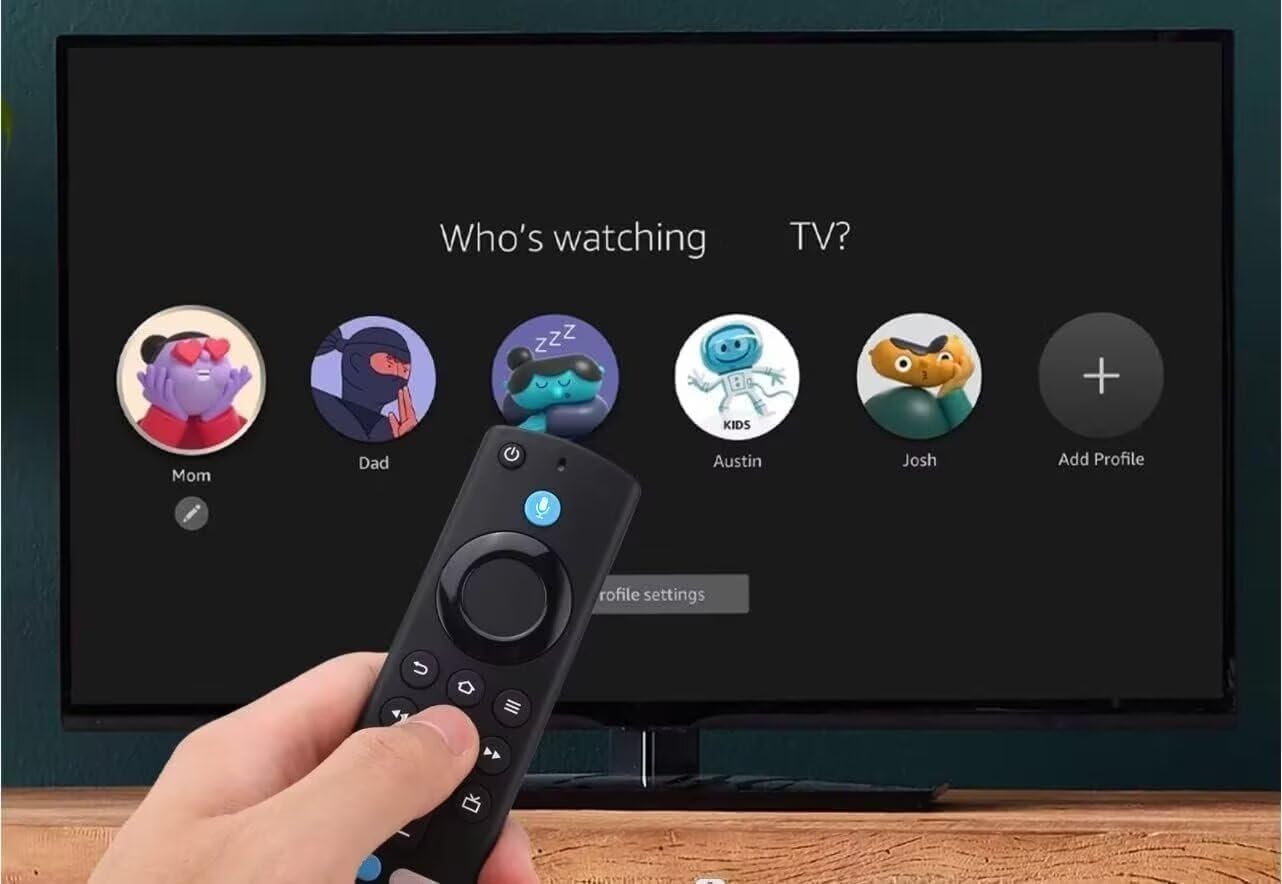
Fire Stick Voice Remote Replacement for 2nd/3rd Gen Lite 4K MAX Cube 1st-3rd Gen PendantDesign
₦7.93
Description
About the Product 🔑
| Feature ⭐ | Description ✅ |
|---|---|
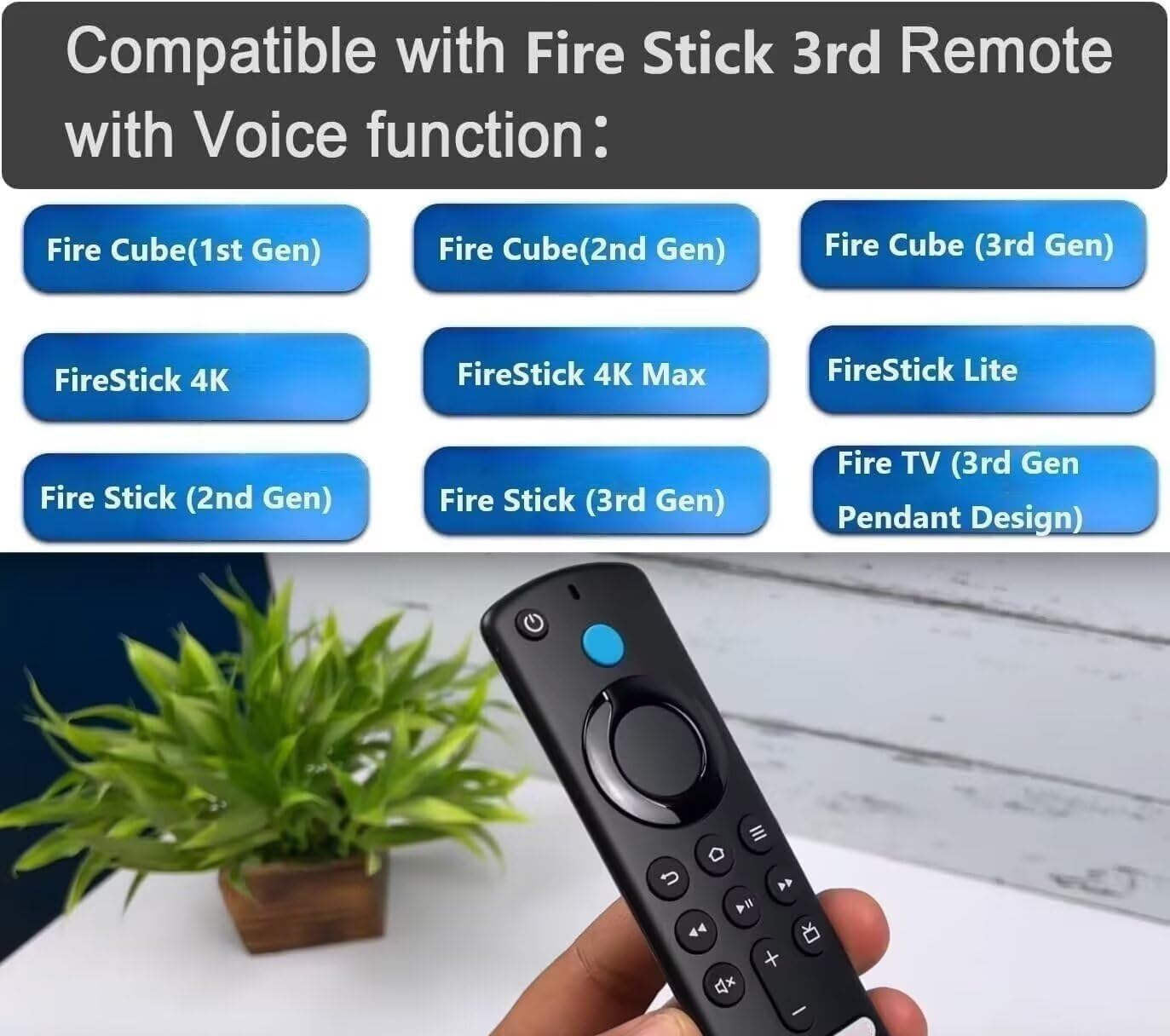
| Compatibility 🎯 | Fire Stick Remote Replacement FireStick Voice Control Fit for Fire Stick 2nd Gen, 3rd Gen, Lite, 4K,4K MAX Fire Cube (1st Gen, 2nd Gen, 3nd Gen), Fire (3rd Gen PendantDesign) |
| Brand 🏷️ | Rupmmehon |
| Connectivity 🔗 | Wireless Connectivity: Bluetooth technology for seamless voice control functionality |
| Setup ⚙️ | Easy Setup: No pairing required for normal usage |
| Functionality ⚡ | Universal Voice Function Remote Control Replacement for Streaming Devices (2nd, 3rd, 4K, Max) |
| Compatibility Note 🚫 | Not For Fire (1st and 2nd Gen ), Not For Fire Stick (1st Gen) and Fire Edition smart Device. |
Product Benefits 💡
- May 6, 2025
- FREE Returns
Usage Instruction 🧾
- Step 1: ⚙️ Press and Hold the Home button about 10-15 seconds.
- Step 2: 💡 Release when the LED starts to rapidly flash.
- Step 3: ⏳ Waiting about 30-60 seconds (Entering Pairing mode, LED Flash).
- Step 4: ✅ Remote should automatically Pair with your device.

Product Specification 📱
| Specification ⚙️ | Description ✅ |
|---|---|
| Voice Control 🎤 | Voice Function |
| Generation 🚀 | 3rd GEN Replacement Remote Control |
| Power ⚡ | 50% more powerful than the previous generation |
| Streaming Quality 🌟 | Fast streaming in Full HD |
| Search Capability 🔎 | Quickly search across thousands of top channels |
| Pairing 🔗 | Easy Pairing |
Product Details 🏷️
Fire Stick Remote Replacement FireStick Voice Control Fit for Fire Stick 2nd Gen, 3rd Gen, Lite, 4K,4K MAX Fire Cube (1st Gen, 2nd Gen, 3nd Gen), Fire (3rd Gen PendantDesign) 2025 7.13
Replacement Remote Control (3rd GEN) controls, 2021 release . Fit for Fire Cube (3rd Generation), Fit for Fire Cube (2nd Generation), Fit for Fire Cube (1st Generation), Fit for Fire Stick 4K Max, Fit for Fire Stick 4K, Fit for Fire Stick (3rd Generation), Fit for Fire Stick (2nd Generation), Fit for Fire Stick Lite, Fit for Fire (3rd Generation,Pendant Design)
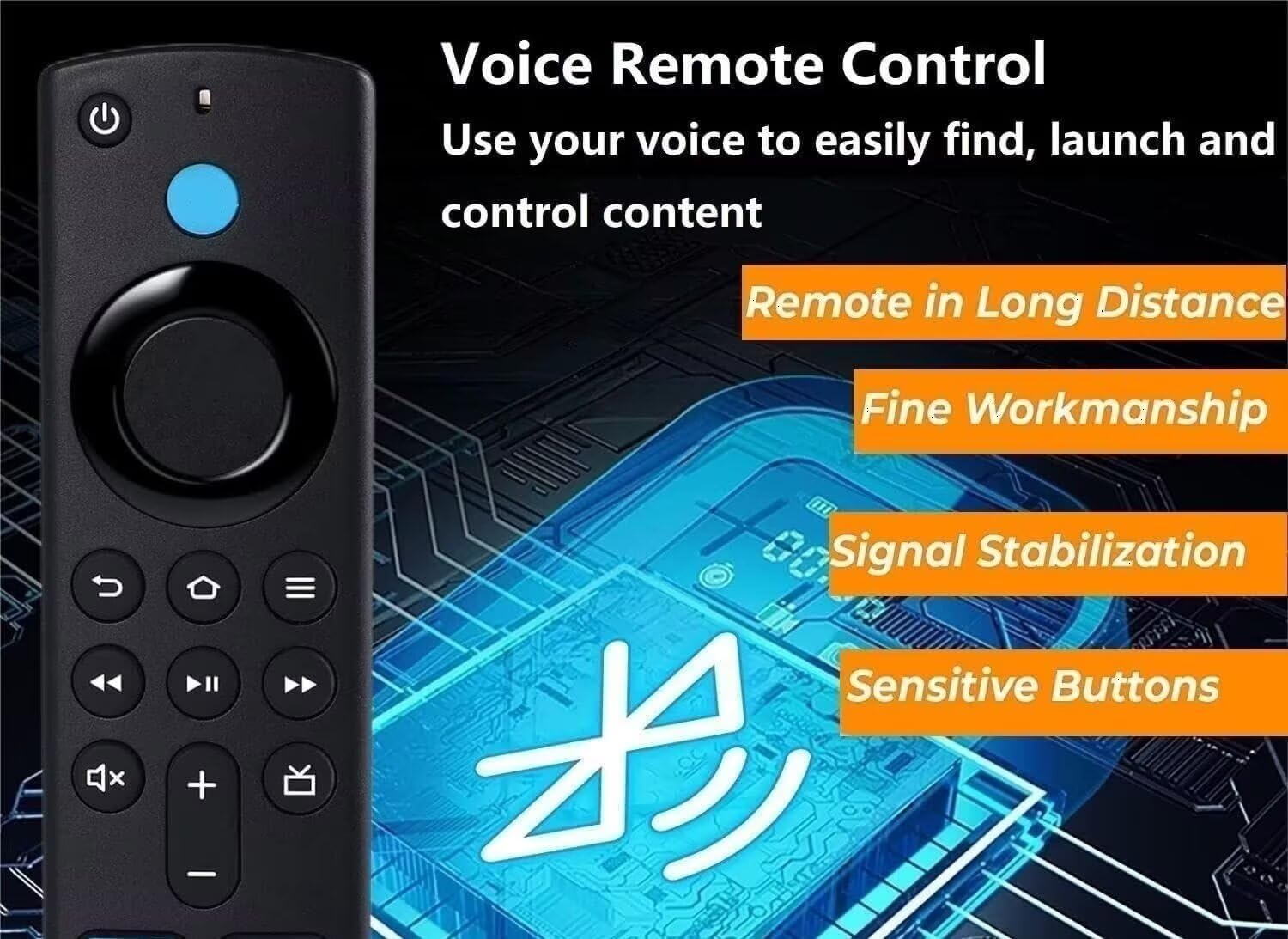
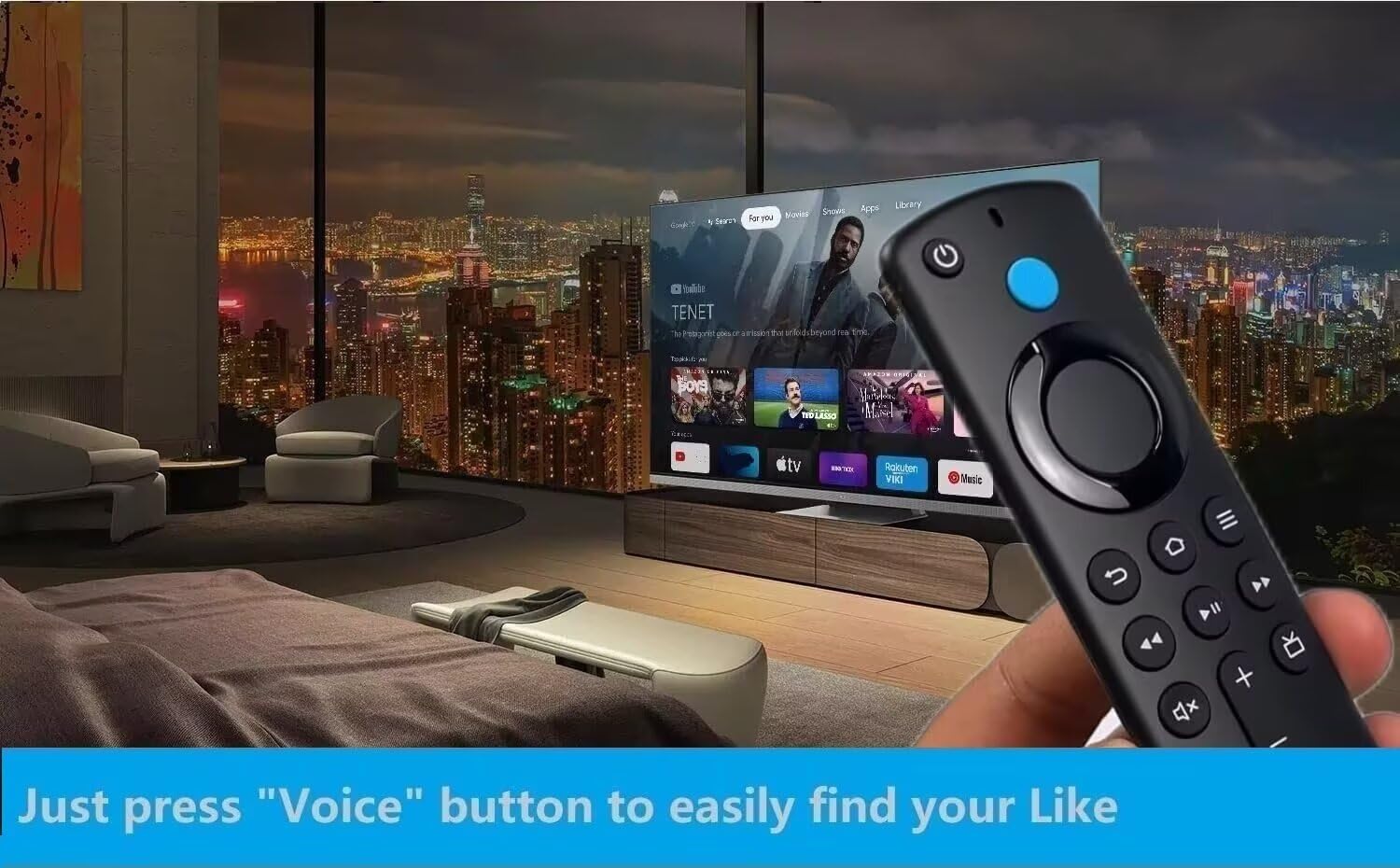
Easy voice search & control: 50% more powerful than the previous generation for fast streaming in Full HD. Quickly search across thousands of top channels, play entertainment, control your streaming, and more with your voice. Just press “Voice” button to easily find.
Reasons why the remote controller can’t work properly after pairing: (1) if the remote controller can’t work after pairing, it may be caused by too many devices paired with the device. (2)The battery of the old remote controller is not taken out. If the battery of the old remote controller is not removed, the old remote controller will still be paired with the device, so the new remote controller will not work properly.
Full Images
### Product Standout Benefits
This replacement remote control offers enhanced functionality and compatibility designed to make your streaming experience smoother.
🌟 **Voice Search & Control:**
Effortlessly navigate your entertainment.
* Search across thousands of channels.
* Play your favorite shows and movies.
* Control your streaming with just your voice.
* Features 60% more power than previous generations for fast Full HD streaming.
🌟 **Wide Compatibility:**
Designed to work with a range of popular devices.
* Compatible with:
* Cube (3rd Generation)
* Cube (2nd Generation)
* Cube (1st Generation)
* Stick 4K Max
* Stick 4K
* Stick (3rd Generation)
* Stick (2nd Generation)
* Stick Lite
* (13rd Generation, Pendant Design)
🌟 **Easy Pairing Process:**
Get your remote connected quickly and easily.
* Simply press and hold the Home button for 10-15 seconds.
* Release when the LED starts to flash rapidly.
* Wait about 30-70 seconds for pairing mode (LED flashes).
* The remote should automatically pair with your device.
### 🤔 Customer Questions and Answers ❓
Q: How do I pair this remote? 🤔
A: It’s super simple! Just press and hold the Home button for about 10-15 seconds. Release it when you see the LED start to flash really fast. Then, wait around 30-70 seconds while it enters pairing mode (you’ll see the LED flashing). Your remote should then automatically pair up with your device. ✨
Q: What devices does this remote work with? 📺
A: This remote is compatible with a bunch of cool devices like the Cube (3rd, 2nd, and 1st Generation), Stick 4K Max, Stick 4K, Stick (3rd and 2nd Generation), Stick Lite, and the 3rd Generation Pendant Design.
Q: What devices does this remote *not* work with? ❌
A: Just a heads-up, this remote is not compatible with the (1st and 2nd Gen) devices, or the Stick (11st Gen) and Edition smart devices.
Q: Why isn’t my remote working after pairing? 🤷♀️
A: Sometimes, if too many devices are already paired with your main device, it can cause issues. Also, make sure the battery from your old remote controller is removed. If the old battery is still in, it might still be paired and prevent the new remote from working properly.
Related Products
-

Westinghouse 40-inch Full HD 1080p Smart LED TV with Xumo, Voice Remote, Apple HomeKit & Wi-Fi
₦185.99 -

Hisense 50-Inch ULED 4K Quantum Dot QLED Smart TV with Alexa Voice Remote 2021 Model
₦349.99 -

VIZIO 65-Inch V-Series 4K UHD Smart TV with Voice Remote Dolby Vision HDR10+ 2022 Model
₦544.99 -
Westinghouse 43-inch FHD 1080p Smart LED TV with Xumo, Voice Remote, Apple HomeKit, Wi-Fi
₦209.99 -

VIZIO 65-Inch M-Series 4K QLED HDR Smart TV with Voice Remote Dolby Vision HDR10+ VRR AMD FreeSync 2022 Model
₦679.99 -

Haocrown 32-Inch 4K Smart Bathroom TV Mirror, IP66 Waterproof, Android 13, Voice Remote, ATSC Tuner, 500 Nits, Black Frame 2025 Model
₦749.00 -

Roku 32-Inch 720p HD Smart TV Select Series Flat Screen LED with Wi-Fi and Voice Remote
₦142.10 -
AKB76040302 Remote Commander 2 Pack for LG UHD OLED QNED Smart TVs
₦7.98 -

Hisense 65-Inch ULED 4K Smart TV Quantum Dot QLED HDR10+ Dolby Vision Alexa Voice Remote 2021 Model
₦399.99 -
Philips 55-Inch 4K UHD LED Android Smart TV with Voice Remote and HDR10
₦449.19 -

VIZIO 43-Inch M-Series 4K QLED HDR Smart TV with Voice Remote 2021 Model
₦329.99 -
LEFXMOPHY Blue Glow-in-Dark Solar Panel Remote Cover for 2023 Samsung Smart TV
₦9.99 -

Westinghouse 24-inch HD Smart TV Flat Screen LED Television with Voice Remote Xumo Apple Home Kit
₦119.99 -

2.4GHz Wireless Backlit Air Mouse Keyboard Remote with Infrared Learning for Android TV Box, 3-Gyro, 3-Gsensor, HTPC, Gaming Consoles – 6-Axis Motion Control
₦12.28 -

Hisense 50-Inch 4K UHD Smart Google TV 50A7N 2024 Model with Voice Remote Game Mode Plus Chromecast Built-in
₦269.99 -

3 Pack Silicone Protective Case for Samsung Smart TV Remotes BN59-01301A Bn59-01315A Bn59-01199F Glow in Dark
₦43.99 -

FPD 75 Inch 4K UHD Smart LED Google TV HDR10 Dolby Vision MEMC Voice Remote
₦794.99 -

Insignia 43 Inch Class F50 Series 4K UHD Smart Fire TV with Alexa Voice Remote
₦199.99 -

VIZIO 75 Inch V-Series 4K UHD LED Smart TV Dolby Vision HDR10+ Voice Remote 2022 Model
₦779.77 -

Voice Control Replacement Remote for Sony Bravia XR/XBR/KD/K Series Smart TVs 4K LED OLED Google Android
₦23.99
Reviews
There are no reviews yet.