
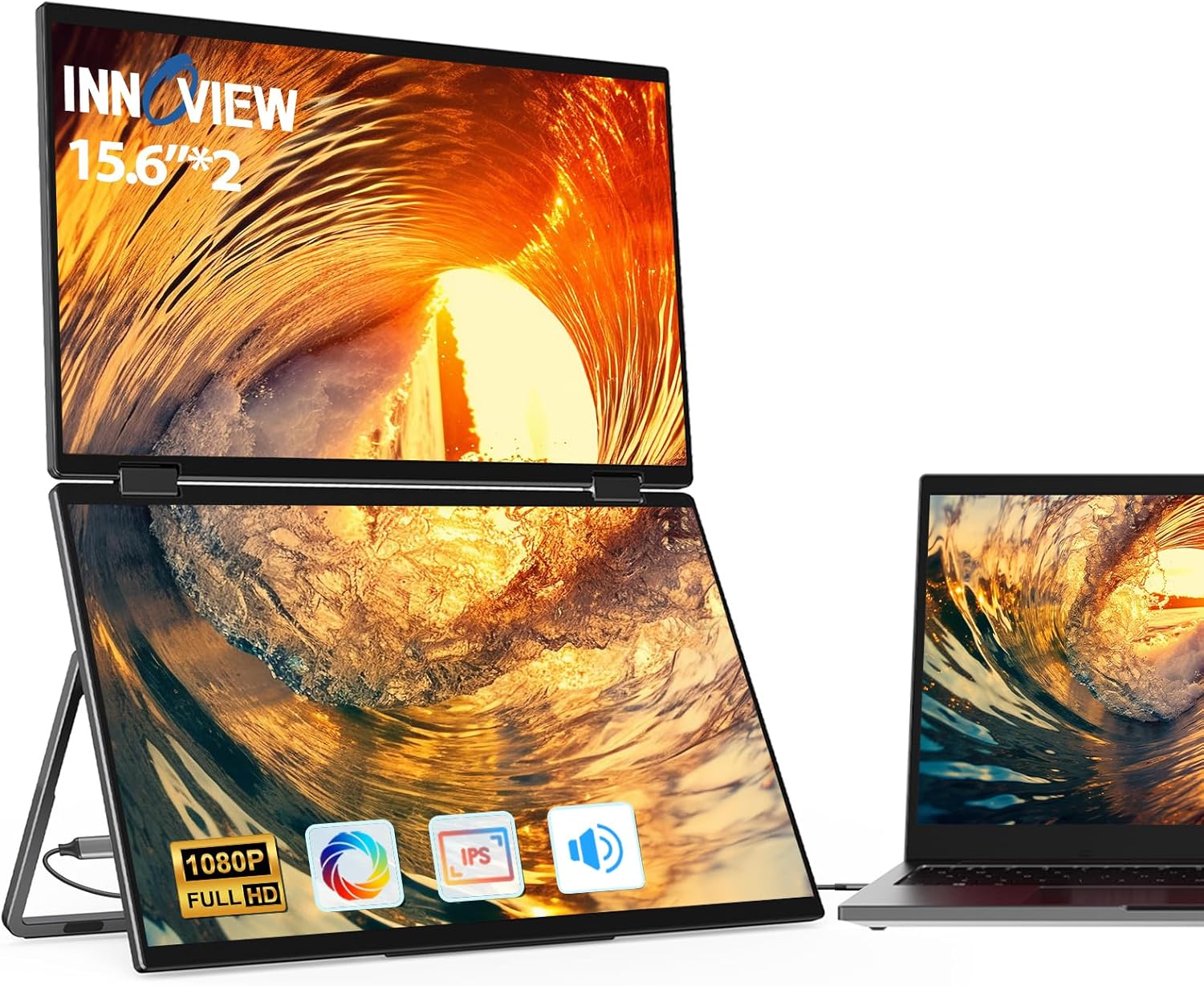
InnoView 15.6 Inch 1080P Triple Portable Laptop Monitor Extender 90/180 Degree Black
₦379,980.00
Description
About the Product 🔑
| Feature ⭐ | Description ✅ |
|---|---|
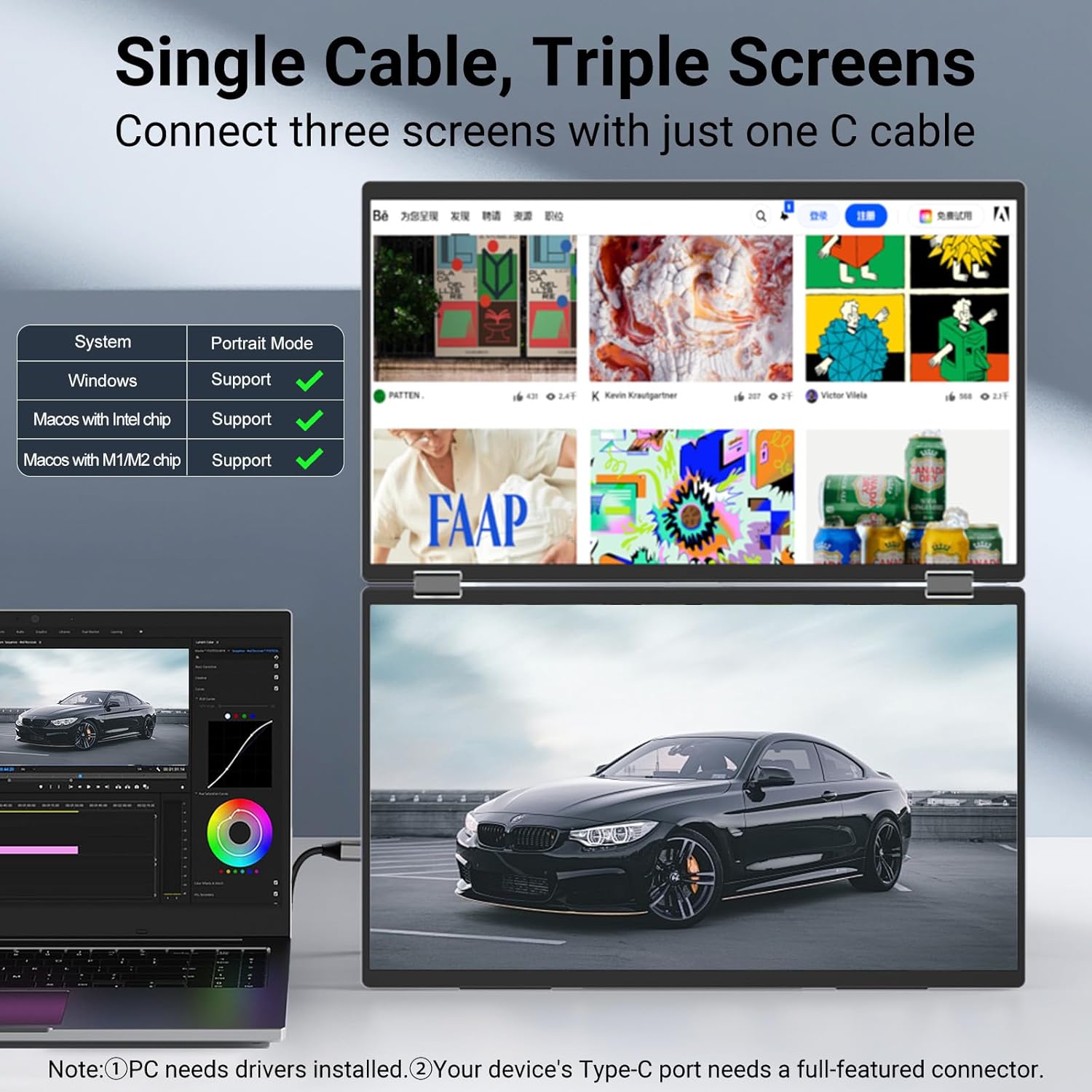
| Seamless Integration 🤝 | Windows and MacOS compatible |
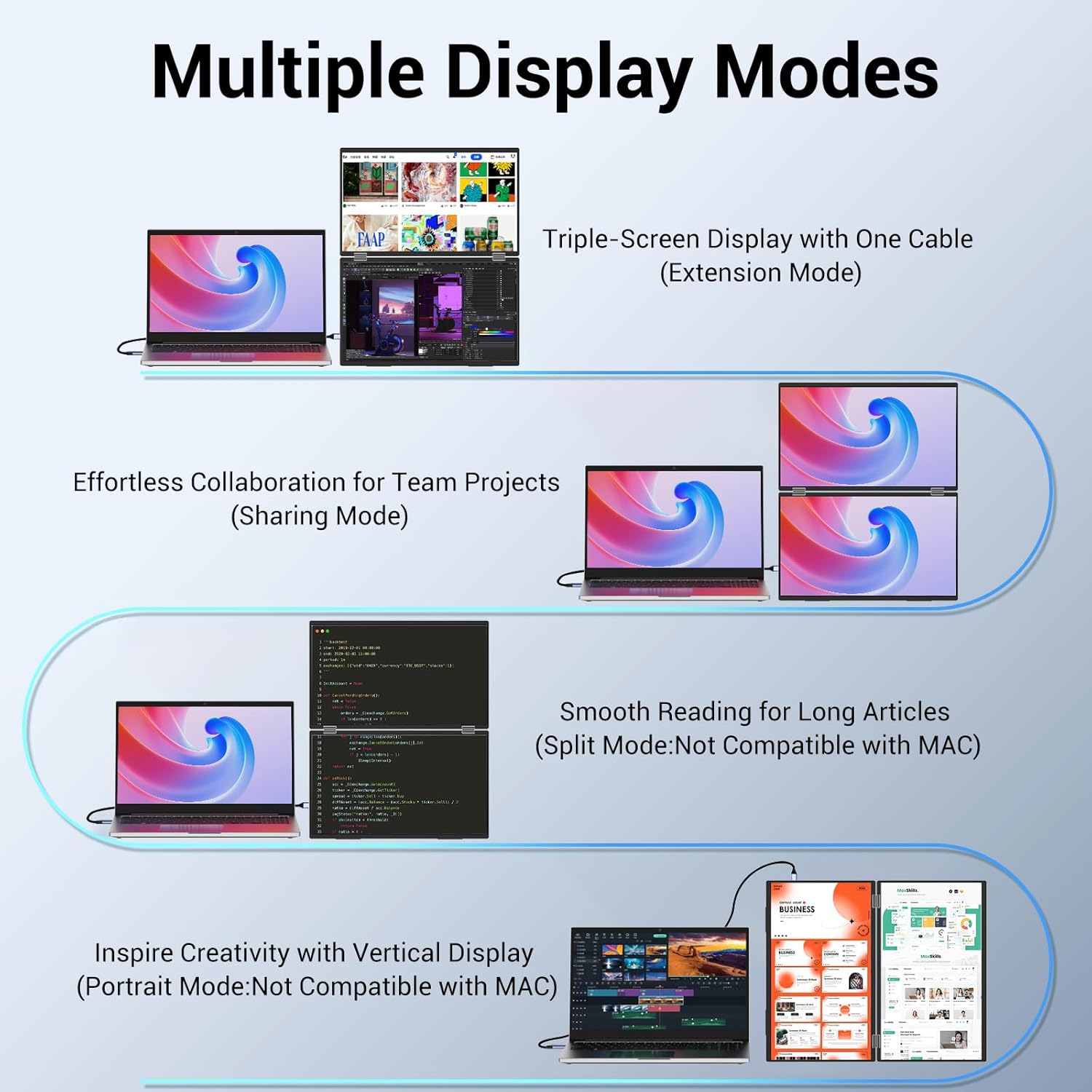
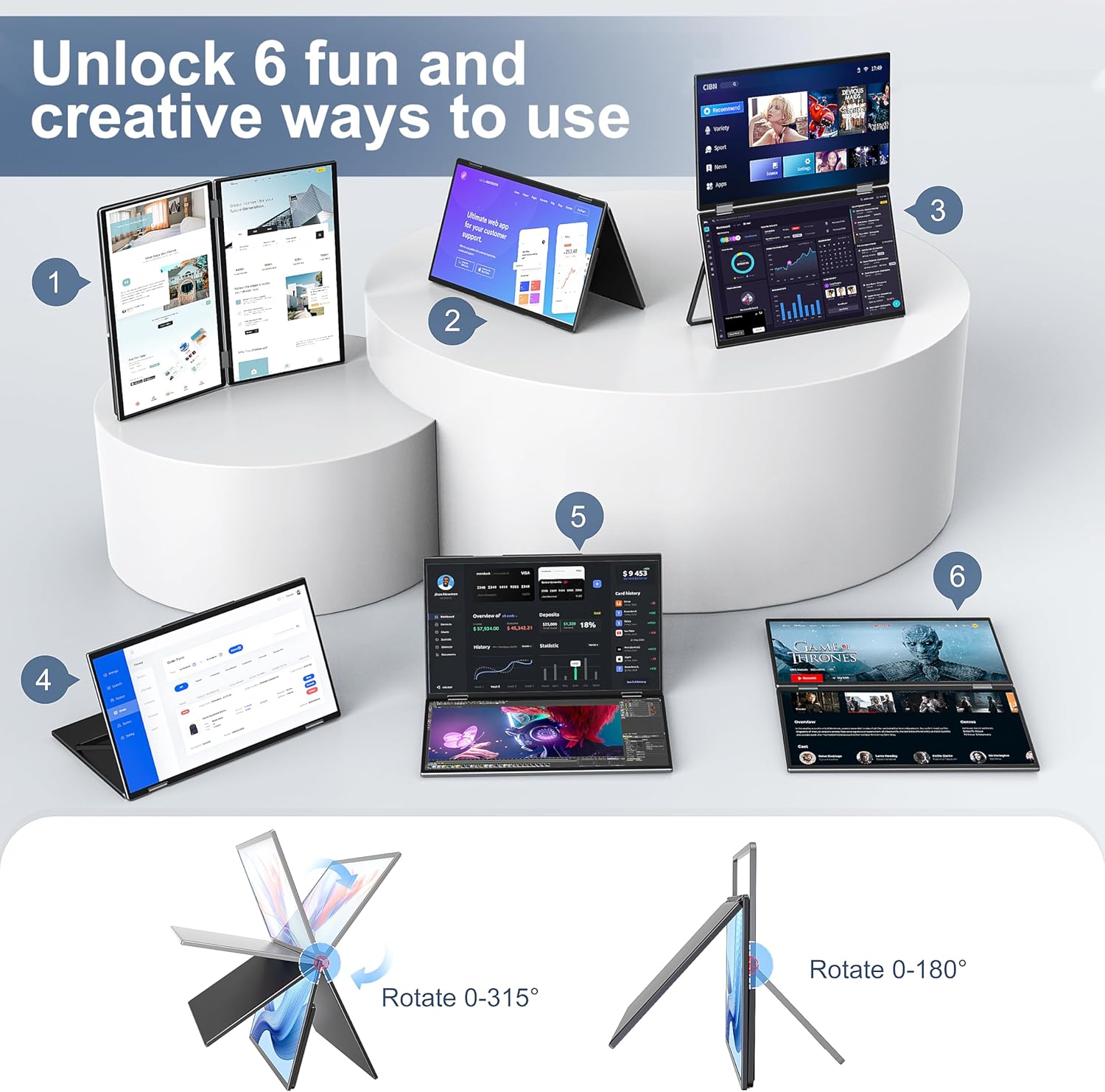
| Display Modes 🖥️ | Extension, splicing, copy |
| Resolution 🌟 | 1080P FHD |
| Stand Rotation 🔄 | 180° adjustable stand |
| Gravity Sensor ⚖️ | 180° automatic rotation |
| Screen Type 💡 | IPS A+ screen |
| Visuals ✨ | Vivid picture quality |
| Eye Care 👓 | Anti-glare, flicker-free |
| Color Options 🎨 | Black and Grey |
| Power Suggestion ⚡ | 30W+ power supply recommended |
| Return Policy 📦 | 30-day return |
| Guarantee 🛡️ | 18-month guarantee |
Usage Instruction 🛠️
- Step 1: 🔌 Connect the monitor to your laptop using USB-C or HDMI and USB A-C cable.
- Step 2: 💡 For Type-C connection, ensure your computer has a fully functional Type-C port for output.
- Step 3: 🎛️ For HDMI connection, use the HDMI and USB A-C cable along with a power source.
- Step 4: 💻 Scan the QR code to access the latest driver and setup video for first-time use.
- Step 5: ⚙️ Install the driver to enhance work efficiency and enable multitasking.
- Step 6: 🔄 Adjust the screen rotation (Mac: 180°; Windows: 90°/180°) for your preferred viewing angle.
- Step 7: 🔌 To optimize performance and avoid flickering, use a power supply of 30W or higher for each connection.
Product Specification 📱
| Specification Name ⚙️ | Description 📝 |
|---|---|
| Screen Size 📏 | 15.6″ |
| Resolution 🌟 | 1080P FHD |
| Display Modes 🖥️ | Extension, Splicing, Copy |
| Connection Type 🔌 | USB-C, HDMI |
| Color 🎨 | Black, Grey |
| Item Weight ⚖️ | 3.5 pounds |
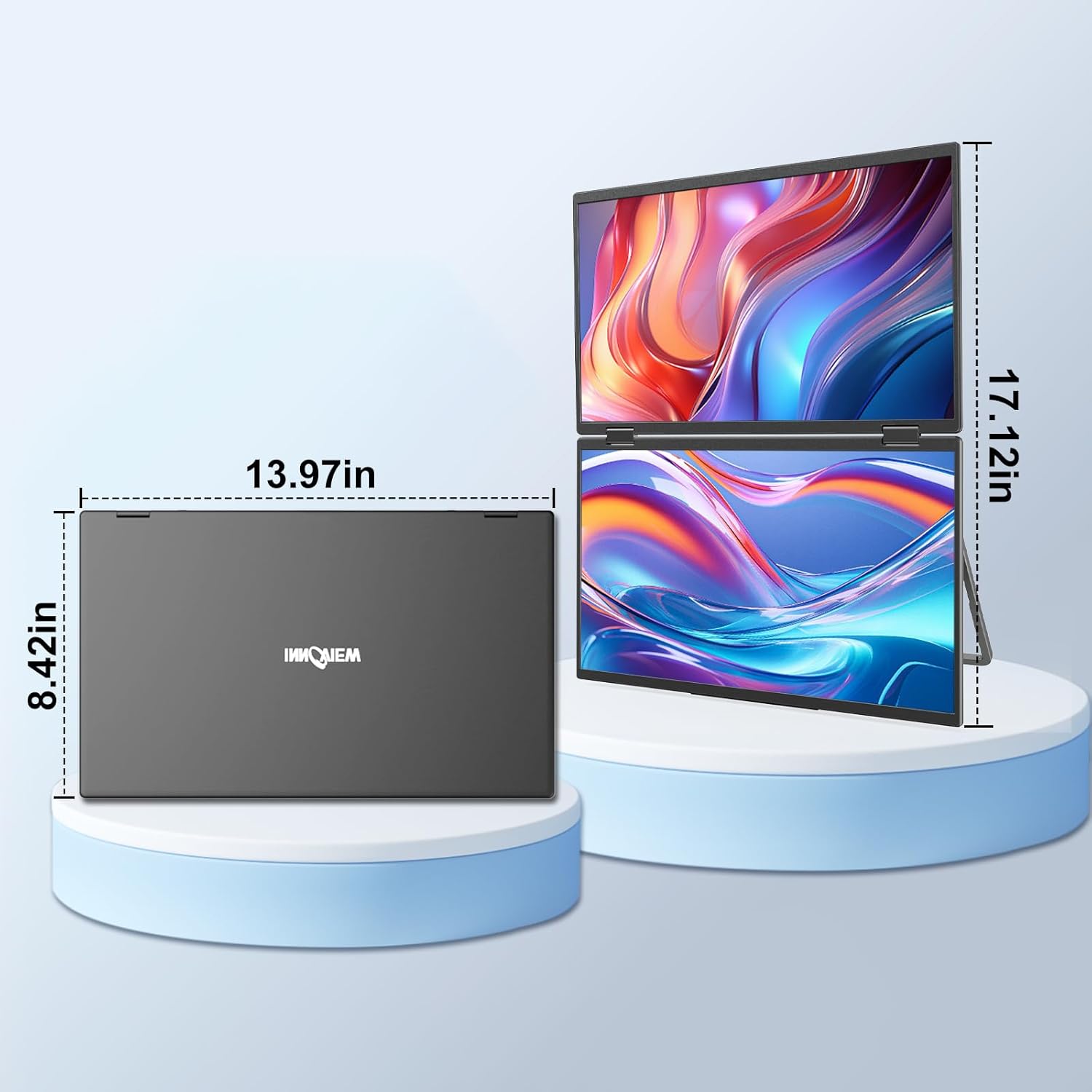
| Product Dimensions 📦 | 0.96 x 14 x 8.56 inches |
Product Details 🏷️
InnoView Laptop Screen Extender 15.6″ Dual Monitors Stacked Folding Triple Monitor (Wins/Mac) 1080P Triple Portable Monitor for Laptop 90°/180° Automatic Rotation Black
Price: [price_with_discount]
(as of [price_update_date] – Details)

【Seamless Integration, Effortless Setup】The InnoView portable laptop monitor seamlessly integrates with Windows and MacOS systems. Note: When connected to an iPad, only one screen may light up. This Innoview portable dual monitor requires a USB driver. For first-time use, please scan the QR code provided to access the latest driver and setup video. No need to worry if you encounter a risk warning during setup—it’s a false alarm. The driver is safe to install.
【Effortless Setup, Enhanced Productivity】Install the driver and boost your work efficiency by 300%. Whether it’s opening multiple spreadsheets or browsing websites on a large screen, multitasking is seamless. How to connect? For Type-C Connection: Type C & Power. (Your computer must have a fully functional Type-C port for output). For HDMI Connection: HDMI & USB A-C & Power.
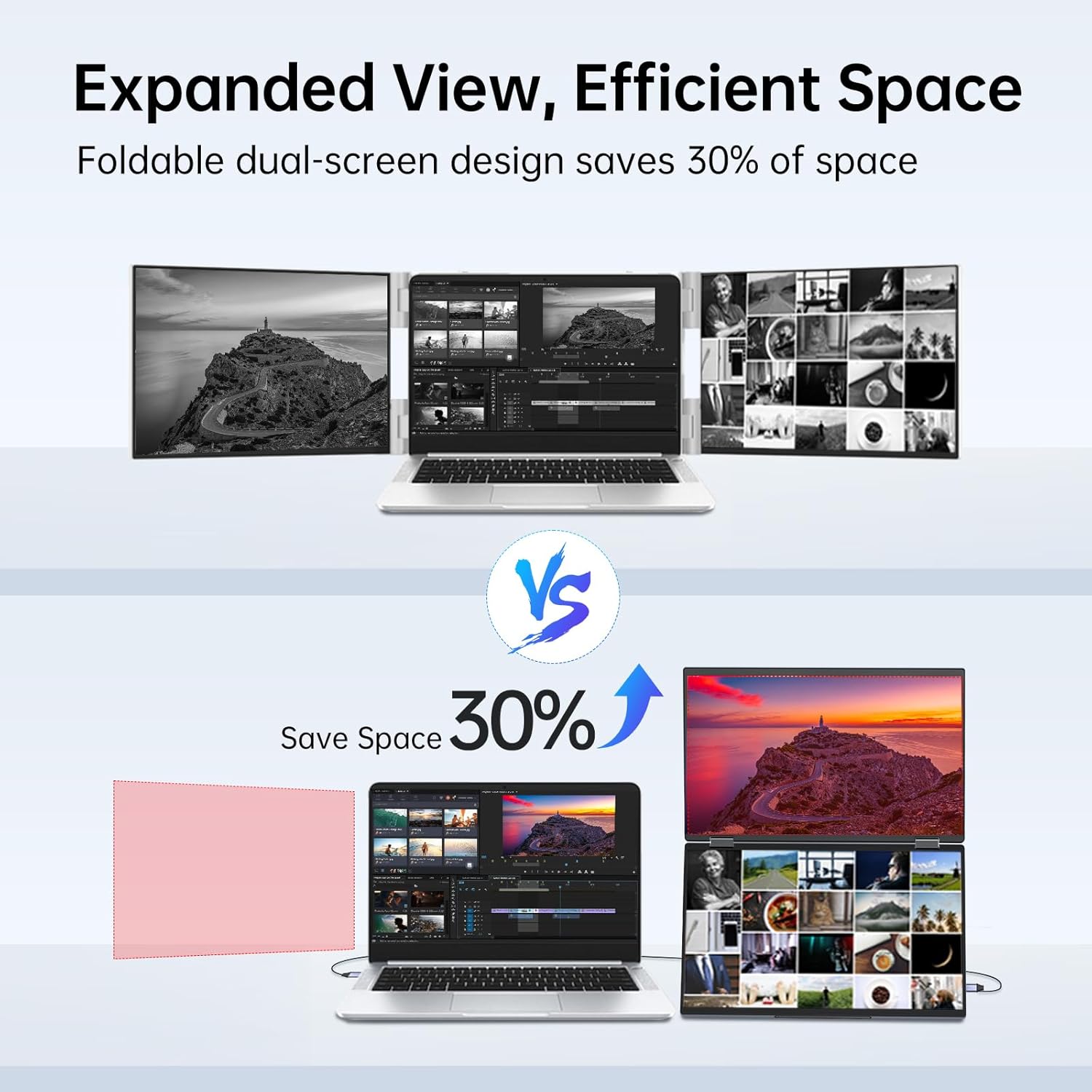
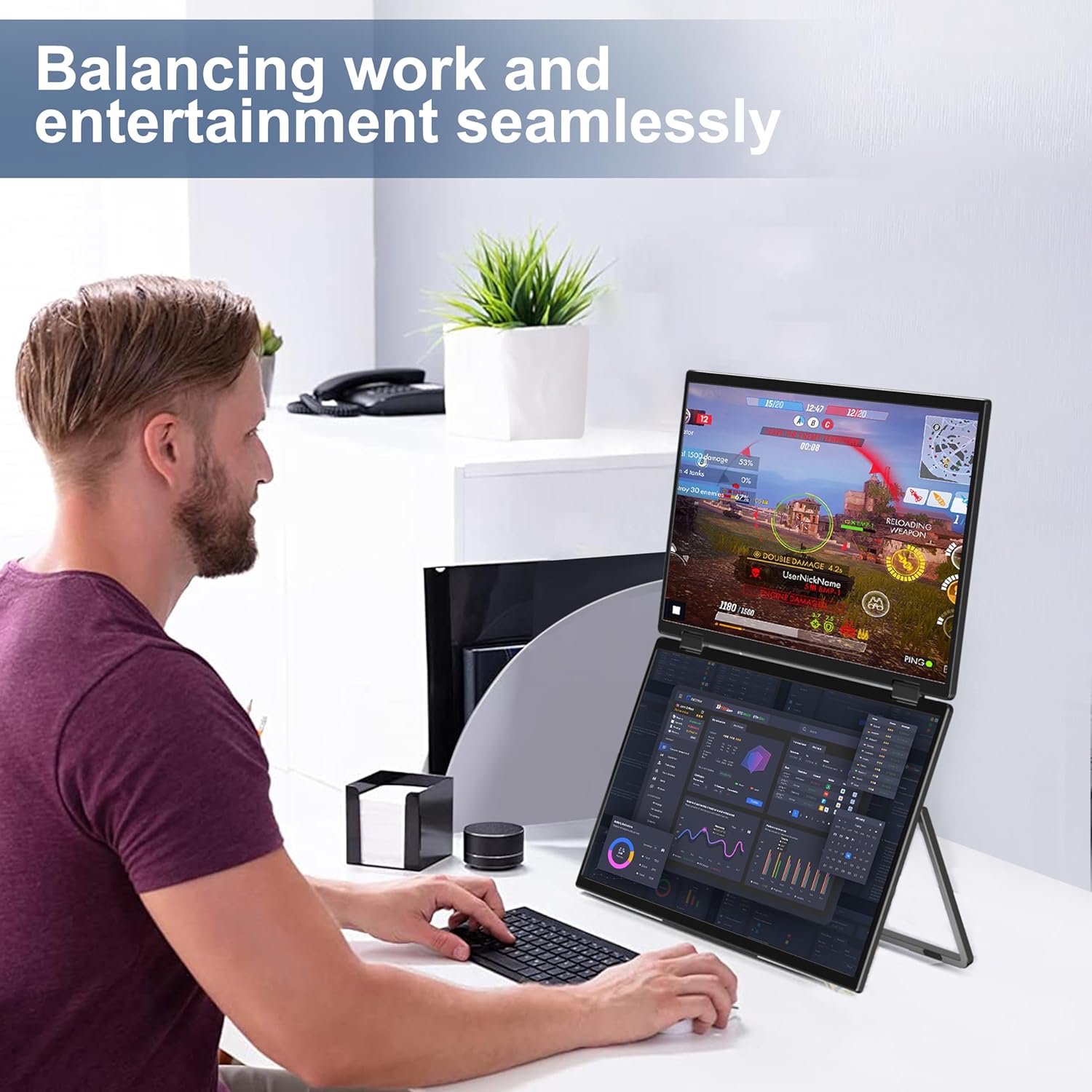
【User-Friendly Design, Enhanced Comfort】1080P resolution, IPS A+ screen. Vivid picture quality. Anti-glare, flicker-free, and featuring automatic rotation (Mac:180°; Windows:90°/180°;). Expand your viewing experience with ease. It adapts seamlessly to your preferences. Whether you prefer simultaneous or independent multi-screen displays, it’s designed to simplify your work. Black and Grey color of monitor for your choice.
【Reliable Performance, Steady Power】Dual screens require higher power, and insufficient supply may cause flickering or dimming. While one cable is adequate, we suggest using a power supply of 30W or higher for each connection to optimize performance.
【Purchase with Confidence, Reliable Support】Enjoy peace of mind with our 30-day return policy, 18-month guarantee (Excluding damage caused by misuse), and accessible customer service. If you have any questions or concerns, please don’t hesitate to contact INNOVIEW (displayed on the back of the monitor).
Full Images


Product Standout Benefits
The InnoView portable laptop monitor offers a seamless integration and effortless setup experience with Windows and MacOS systems.
- Seamlessly integrates with Windows and MacOS systems.
- Requires a USB driver for installation.
- Boosts work efficiency by 300% upon driver installation.
- Enables seamless multitasking by opening multiple spreadsheets or browsing websites on a large screen.
User-Friendly Design, Enhanced Comfort
Enjoy a visually stunning experience with the 1080P resolution and IPS A+ screen, delivering vivid picture quality.
- Features an IPS A+ screen with 1080P resolution for vivid picture quality.
- Incorporates anti-glare and flicker-free technology for enhanced comfort.
- Offers automatic rotation: 180° for Mac and 90°/180° for Windows.
- Adapts seamlessly to your preferences for simultaneous or independent multi-screen displays.
- Available in Black and Grey color options.
Reliable Performance, Steady Power
Dual screens require a consistent power supply for optimal performance. While one cable may suffice, a power supply of 30W or higher for each connection is recommended to prevent flickering or dimming.
Customer Questions and Answers
Q: How do I set up the InnoView portable laptop monitor? 🤔
Setting it up is a breeze! Just install the USB driver. You can scan the QR code provided to get the latest driver and a handy setup video. Don’t worry if you see a risk warning during setup; it’s just a false alarm, the driver is totally safe to install. 👨💻
Q: How can I connect the monitor? 🤔
For a Type-C connection, you’ll need a Type C & Power connection (make sure your computer has a fully functional Type-C port for output). If you’re going the HDMI route, you’ll need HDMI & USB A-C & Power. 😊
Q: How much does this monitor boost productivity? 🚀
Get ready to supercharge your work! Installing the driver can boost your work efficiency by a whopping 300%. Imagine opening multiple spreadsheets or browsing websites on a bigger screen – multitasking becomes totally seamless. 👨💻
Q: What about power supply for dual screens? 🔌
Dual screens do need a bit more power! If you notice any flickering or dimming, it might be due to an insufficient supply. While one cable can work, we really suggest using a power supply of 30W or higher for each connection to get the best performance. 🖥
Q: What is the return policy and guarantee? 🔄
No worries at all! You’ve got a 30-day return policy and an 18-month guarantee (just so you know, this excludes damage caused by misuse). If you have any questions, our customer service is easily accessible. Just reach out to INNOVIEW (you’ll find the info on the back of the monitor!). 👨💻
Related Products
-
SideTrak Solo Pro 15.8 Inch FHD 1080P Portable Laptop Monitor Dual Display with Anti-Glare Screen
₦229.99 -

14-Inch 2.5K HDR 400cd/m² Eye-Care Portable Monitor with 100% sRGB for Laptops, Mac, PC, and Phones
₦143,760.00 -

ViewSonic VG1655 15.6 Inch 1080p IPS Portable Monitor with 60W USB C and Built-in Stand
₦219.99 -

14.1″ FHD IPS HDR Portable Touchscreen Travel Monitor Dual Speakers Kickstand HDMI USB C
₦129,980.00 -

15.6 Inch FHD 1080P Portable IPS Travel Monitor with Smart Cover and Speakers
₦57.99 -

LG gram +View 16 Inch Portable IPS Monitor 2560×1600 WQXGA USB-C Folio Cover
₦346.00 -

16 Inch Pro Triple Laptop Screen Extender Dual 2K Portable Monitors 144Hz 100% DCI-P3 for MacBook Pro and Windows Laptops
₦799.99 -

ViewSonic VP1656 15.6 Inch 1080p Portable IPS Monitor 40W USB C Pantone Calibrated
₦339.99 -
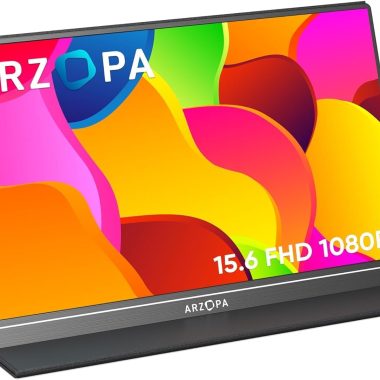
ARZOPA 15.6 Inch 1080P FHD Portable Monitor with HDR Eye Care, USB C HDMI, Smart Cover
₦109.99 -

14 Inch Portable Monitor Laptop Screen Extender Full HD 1080P IPS USB-C HDMI Dual Speakers
₦259.99 -

VisionOwl 15.6 Inch Portable Monitor FHD 1080P USB-C Computer Display with Cover Stand
₦139.99 -

UPERFECT 17.3 Inch 4K Portable Monitor 500 Nits 100% AdobeRGB HDR IPS
₦713,980.00 -
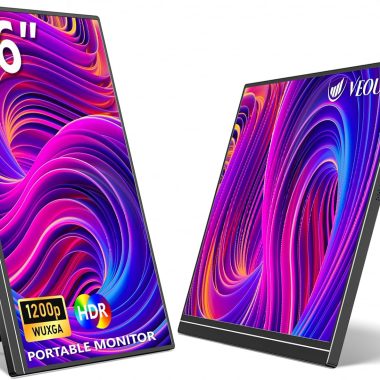
16 Inch Portable IPS Laptop Screen Monitor 1920x1200P USB-C HDMI Ultra-Slim with Kickstand for Travel Office
₦119.99 -
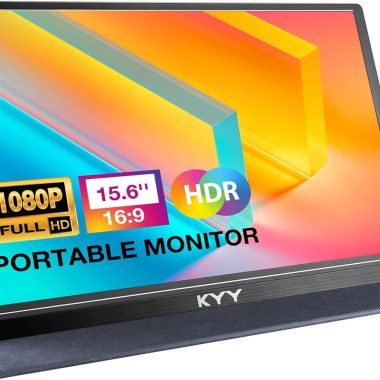
KYY 15.6 inch FHD 1080P Portable Monitor USB C HDMI IPS Ultra-Slim with Smart Cover and Speakers
₦129.99 -

ASUS ZenScreen 16-inch Full HD IPS Portable Monitor with Dual USB-C and Mini-HDMI
₦199,980.00 -
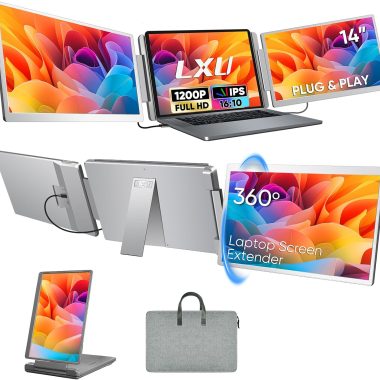
14 Inch FHD 1200P 16:10 IPS Portable Triple Screen Laptop Monitor Extender 12-16.2 Inch USB-C HDMI
₦249.99 -

18.5 Inch FHD 1080P 100% sRGB Portable Monitor with Smart Cover and Speakers
₦169.99 -

10.5” 2K FHD 60Hz Portable Laptop Monitor with HDR, USB-C, HDMI, Speakers, Smart Cover
₦99.99 -

Acer 15.6″ Full HD IPS Portable Monitor 1920×1080 AMD FreeSync 2x USB-C 1x Mini HDMI
₦199,980.00 -
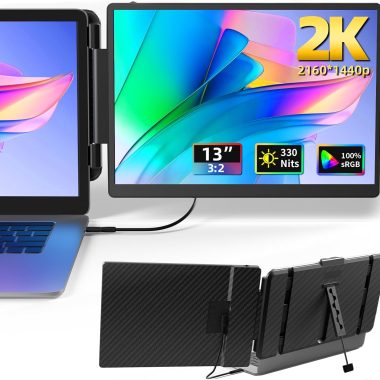
13 Inch 2K IPS Portable Laptop Monitor Extender Plug and Play for 13-17 Inch Laptops
₦271,980.00
Reviews
There are no reviews yet.