
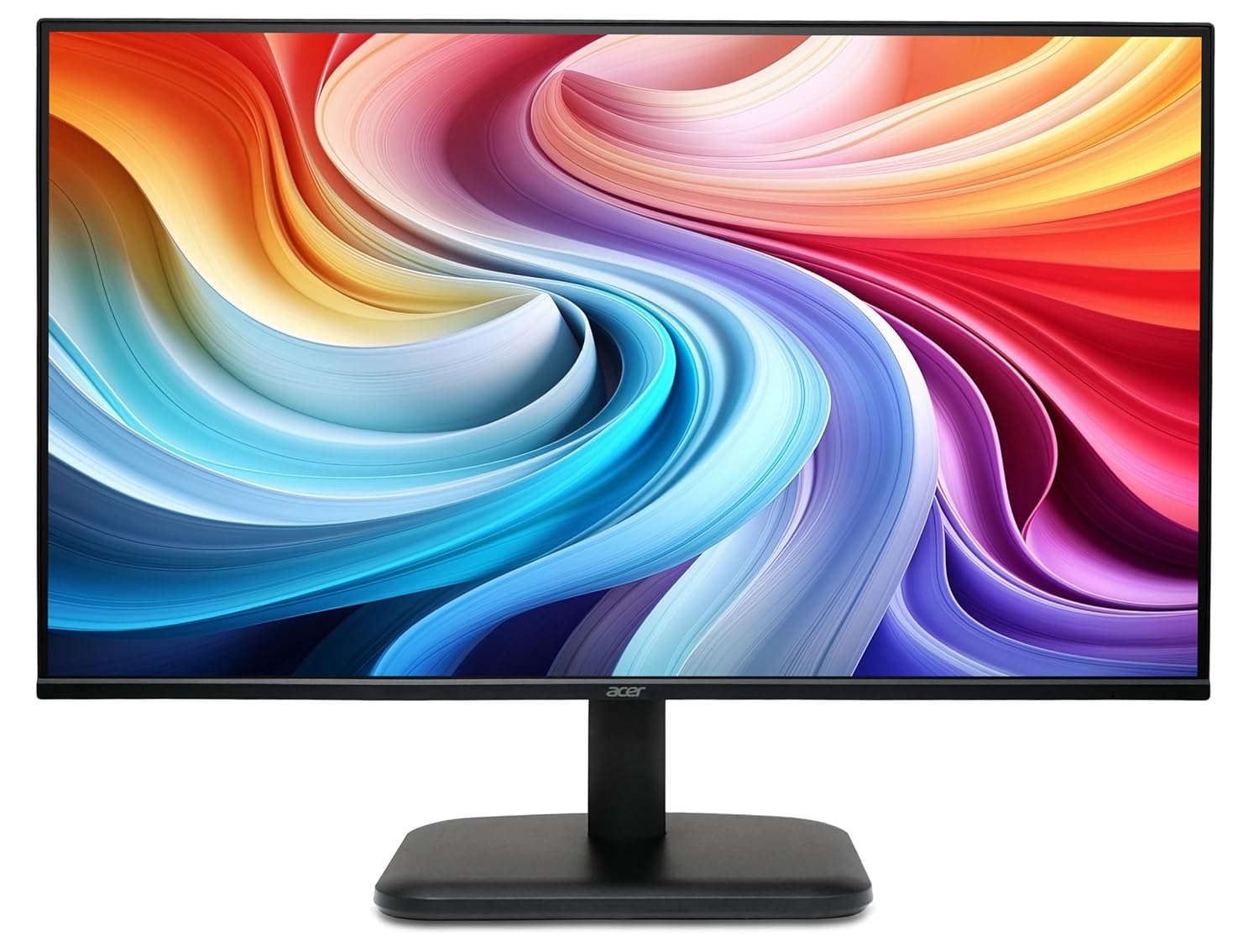
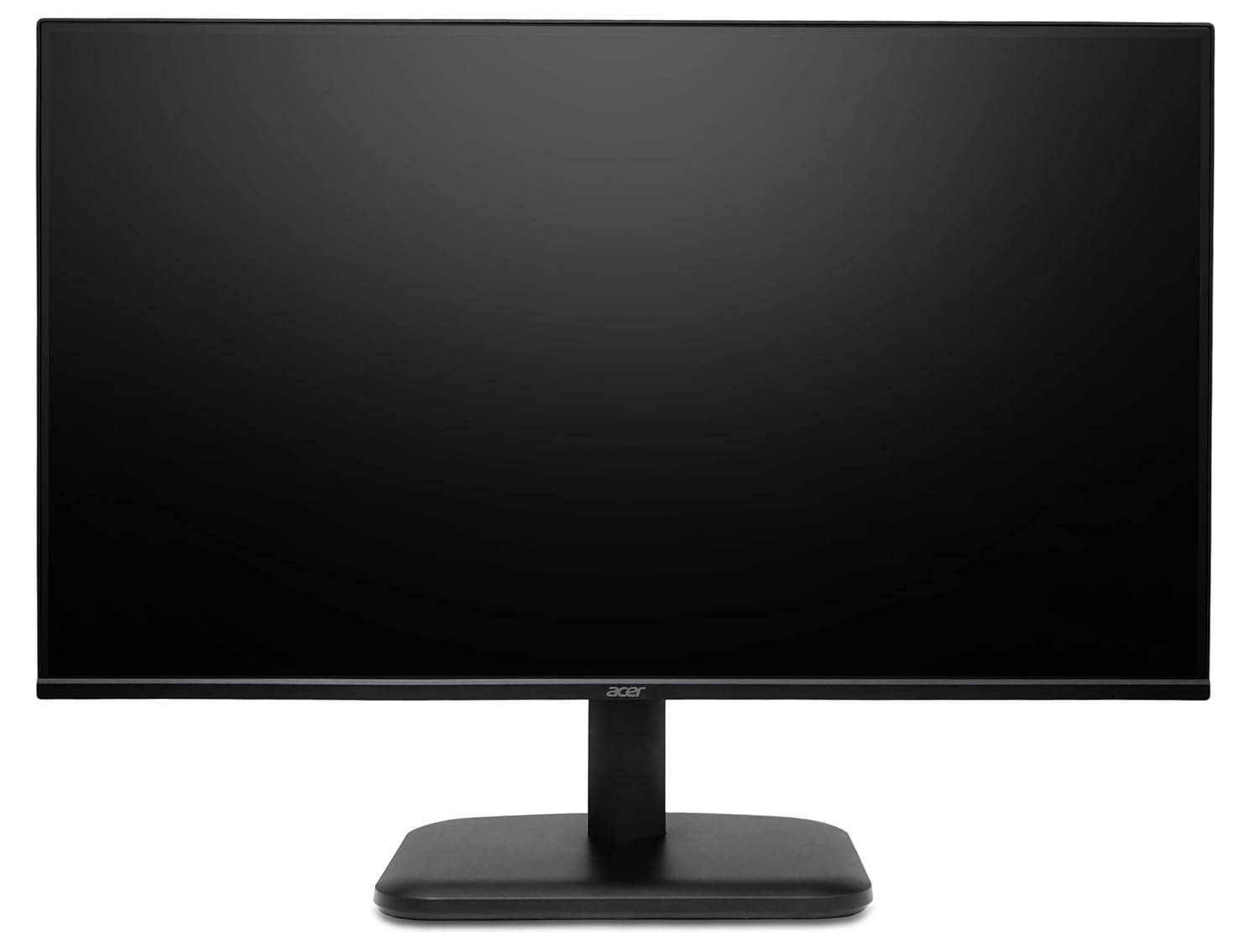
Acer EK240Y G0 23.8 Inch IPS Full HD 1080p Zero Frame LED Monitor 120Hz 1ms Black
Original price was: ₦8,229.00.₦6,399.00Current price is: ₦6,399.00.
Description
About the Product 🔑
| Visual Clarity 🌟 | Full HD Display 🖥️ |
| Vivid Colors ✨ | IPS Panel 👍 |
| Multiple Connectivity 🔌 | HDMI & VGA Ports 📺 |
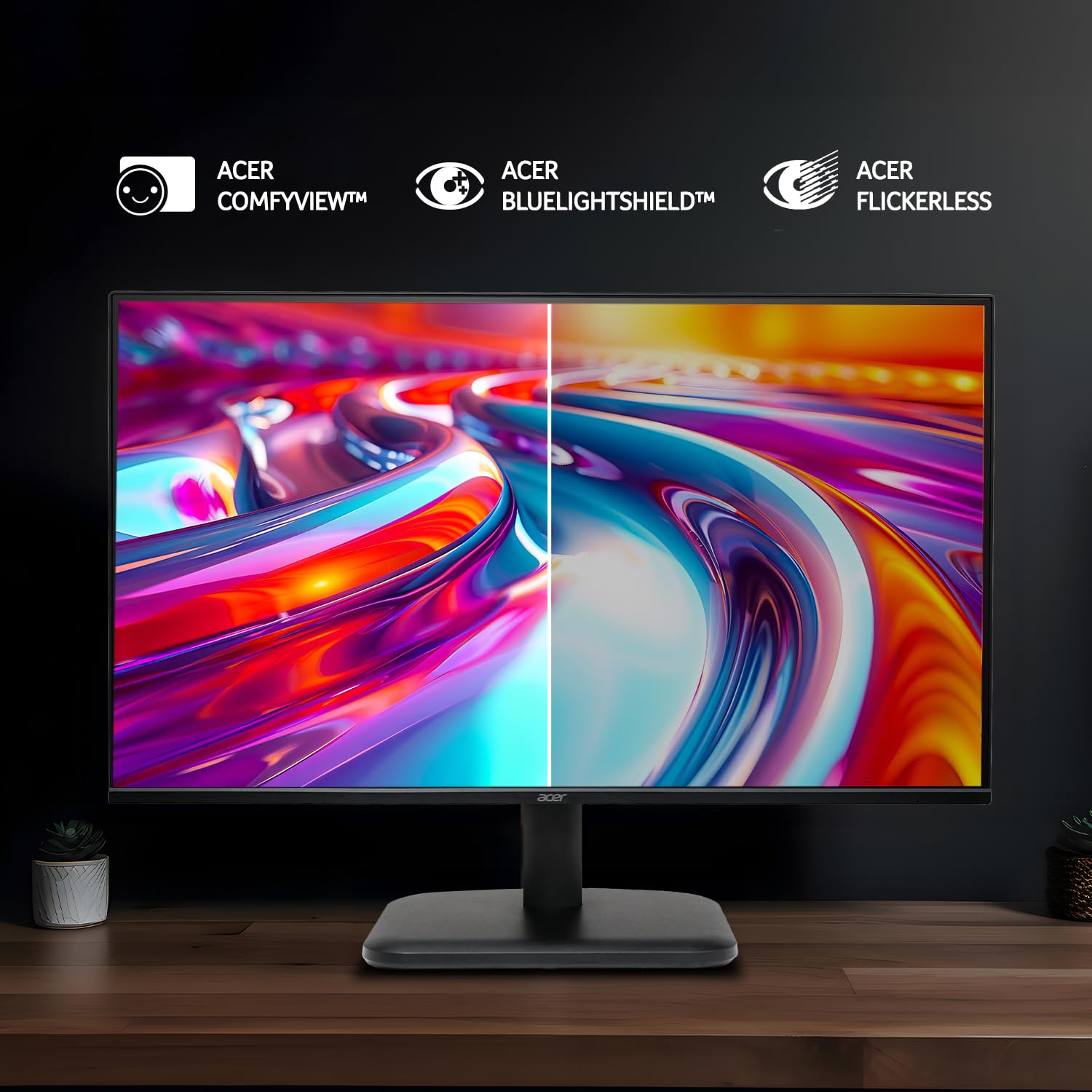
| Eye Care Features 👁️ | Blue Light Shield 🛡️ |
| Fast Response Time ⚡ | 1ms VRB 💨 |
| Smooth Gameplay 🎮 | AMD FreeSync ✅ |
| Wide Viewing Angle 📐 | 178 Degrees ↔️ |
| Zero Frame Design 🖼️ | Immersive Experience 😎 |
Key Features 🔑
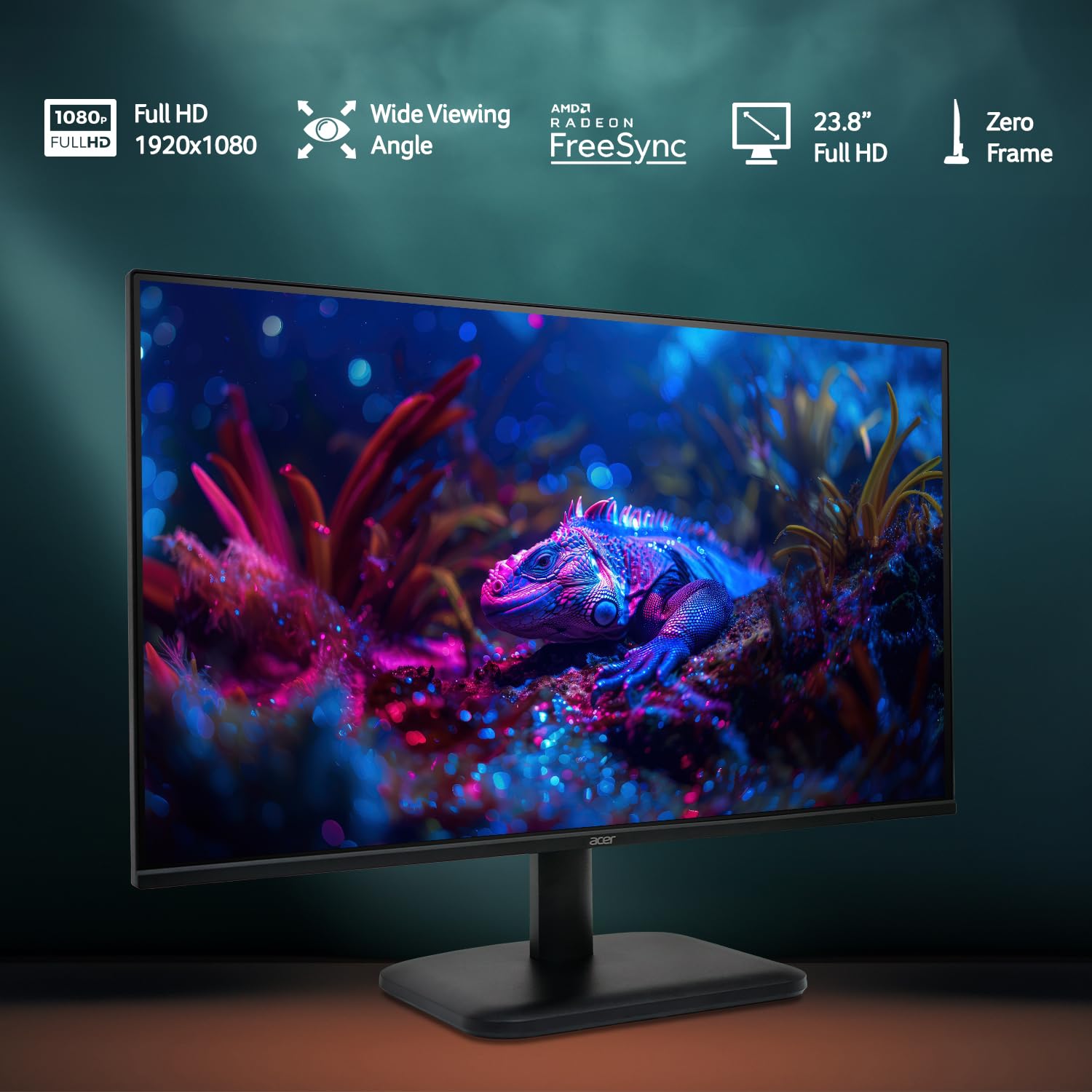
| Full HD 1920×1080 Resolution 🖥️ | Experience vivid, hyper-realistic colors with a stunning resolution. |
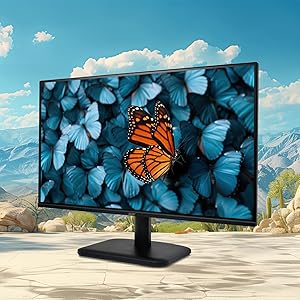
| 23.8 Inch IPS Panel 👍 | Ensures accurate and vibrant colors from a wide viewing angle of up to 178 degrees. |
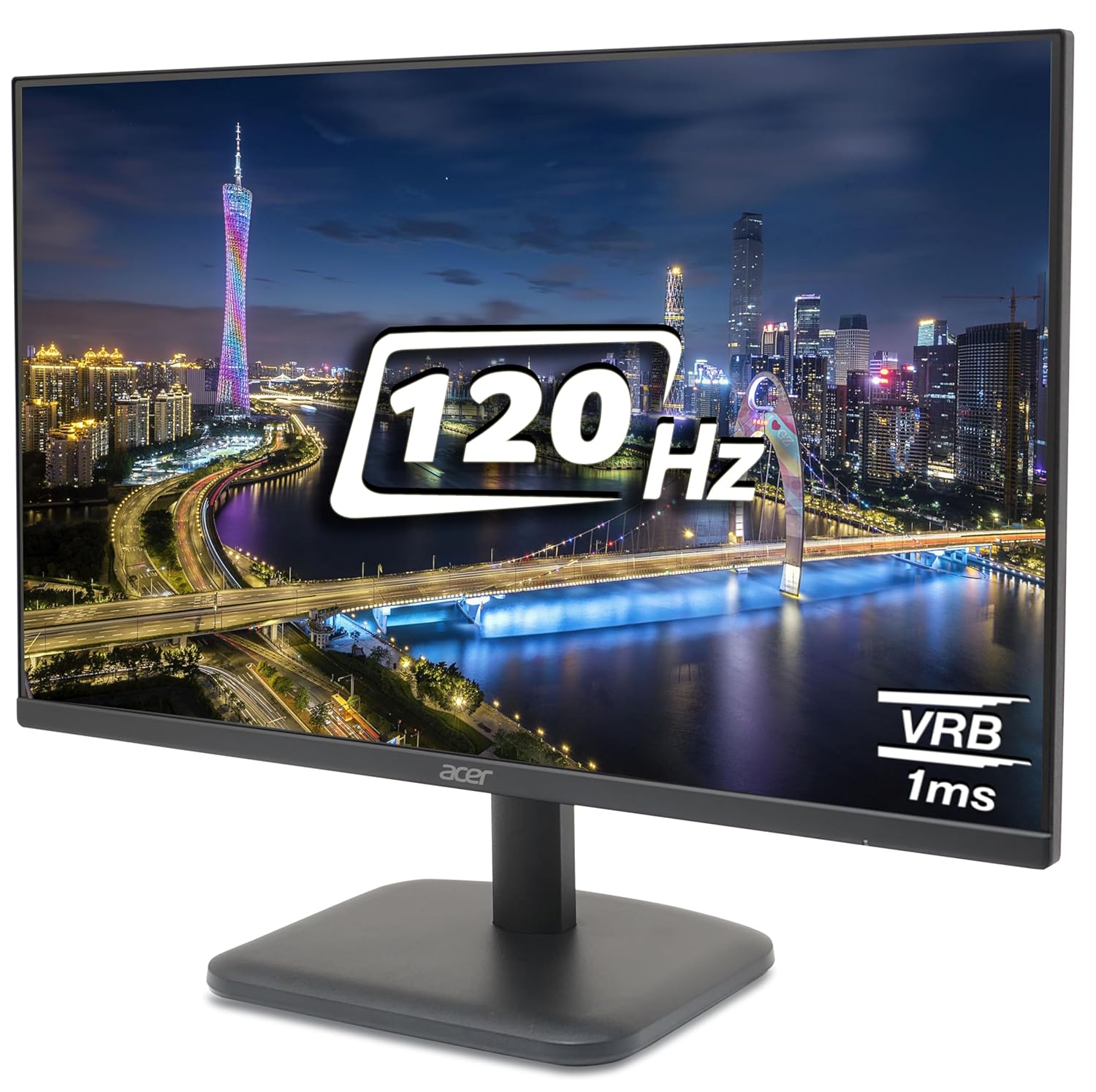
| 120Hz Refresh Rate ⚡ | Provides outstanding fluidity of images for an excellent gaming experience. |
| 1ms VRB Response Time 💨 | Helps reduce ghosting and smearing, eliminating blur on fast-moving objects. |
| AMD FreeSync 🎮 | Enables smooth gameplay, eliminating screen tearing and minimizing lag. |
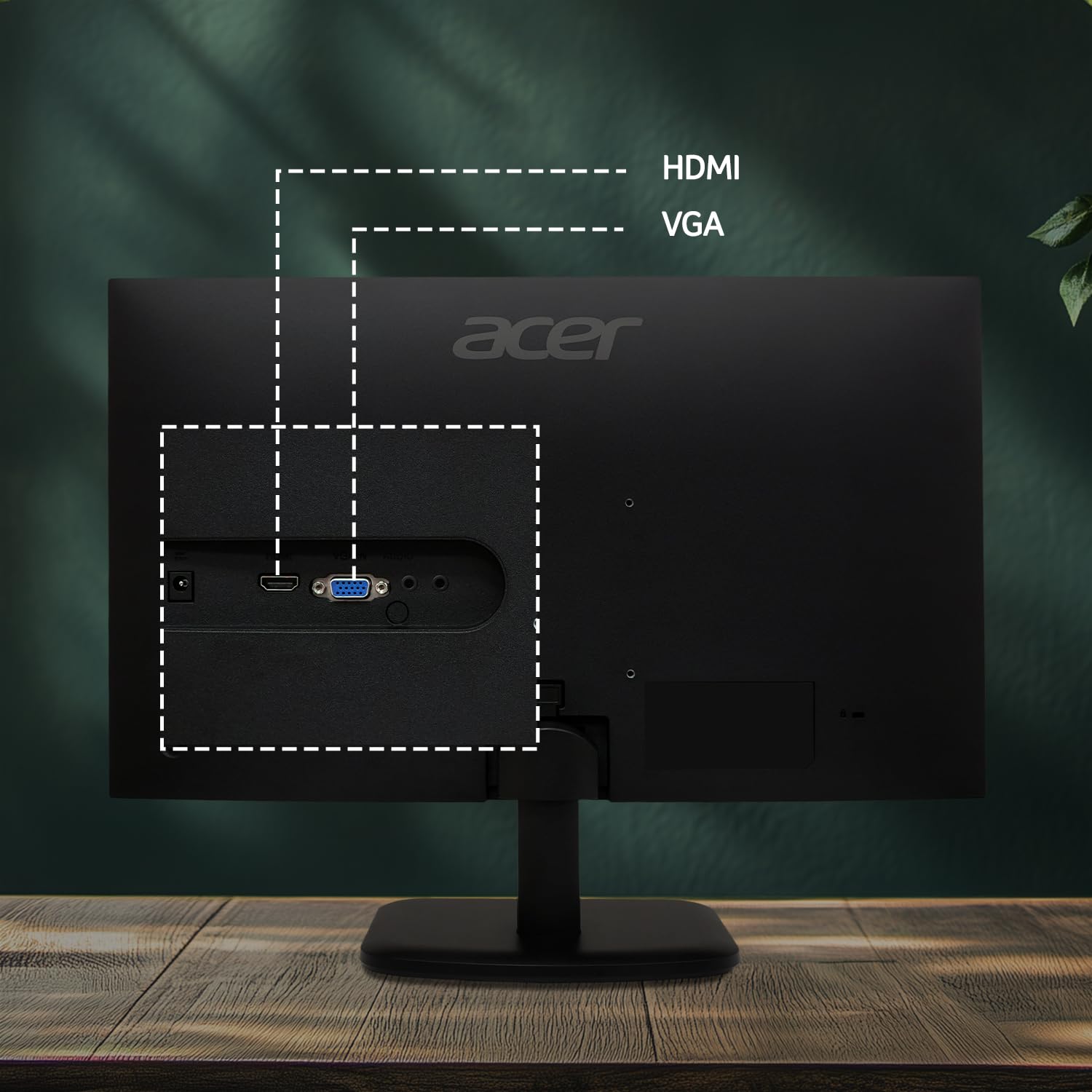
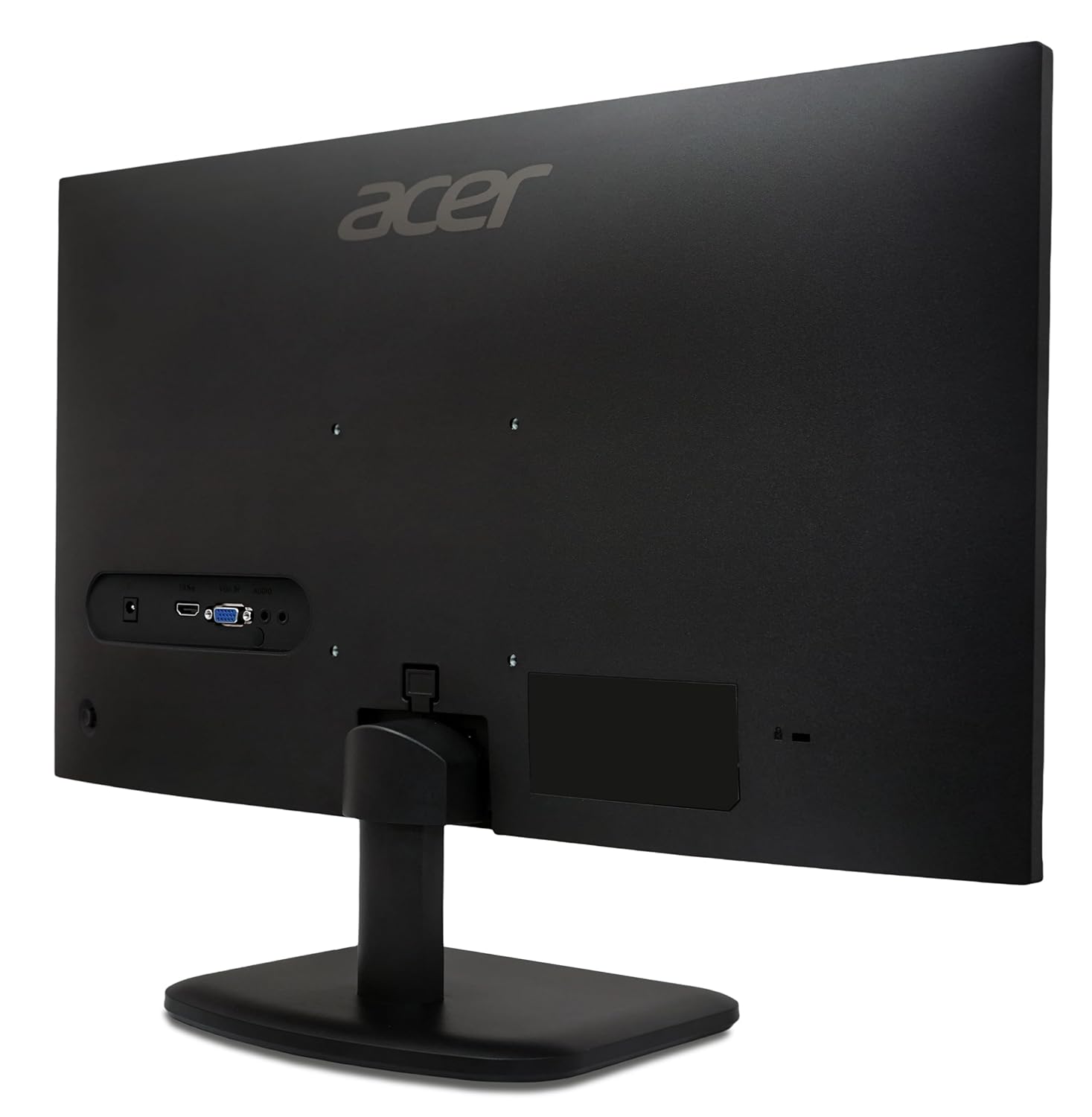
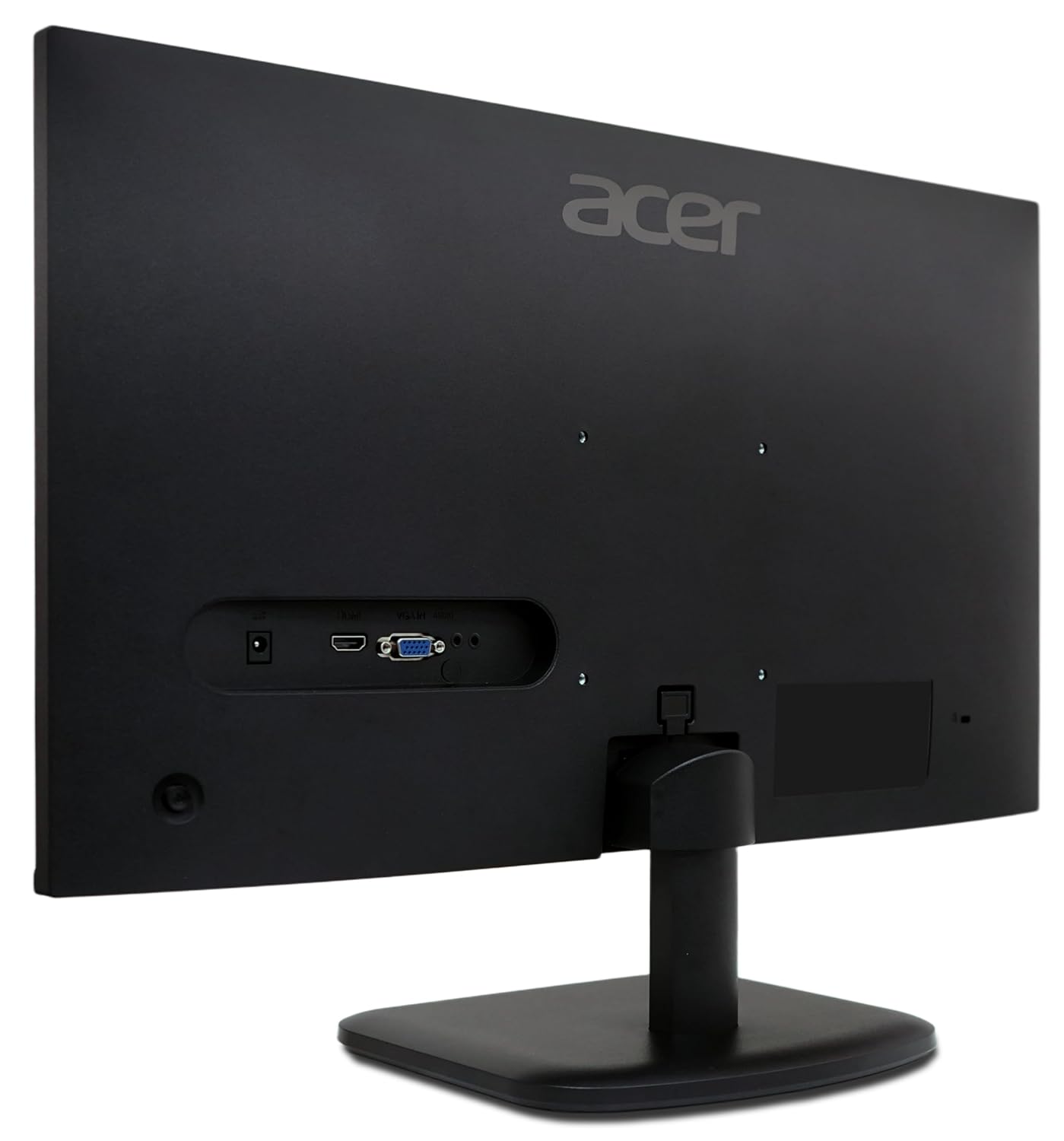
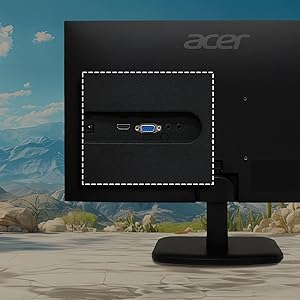
| Multiple Connectivity 🔌 | Supports dual sources with HDMI 1.4b and D-Sub (VGA) ports. |
| Acer Vision Care 👁️ | Includes Blue Light Shield to reduce harmful blue light emissions, Flickerless technology, and Acer ComfyView for comfortable viewing. |
| Zero Frame Design 🖼️ | Offers an immersive visual experience with a borderless look. |
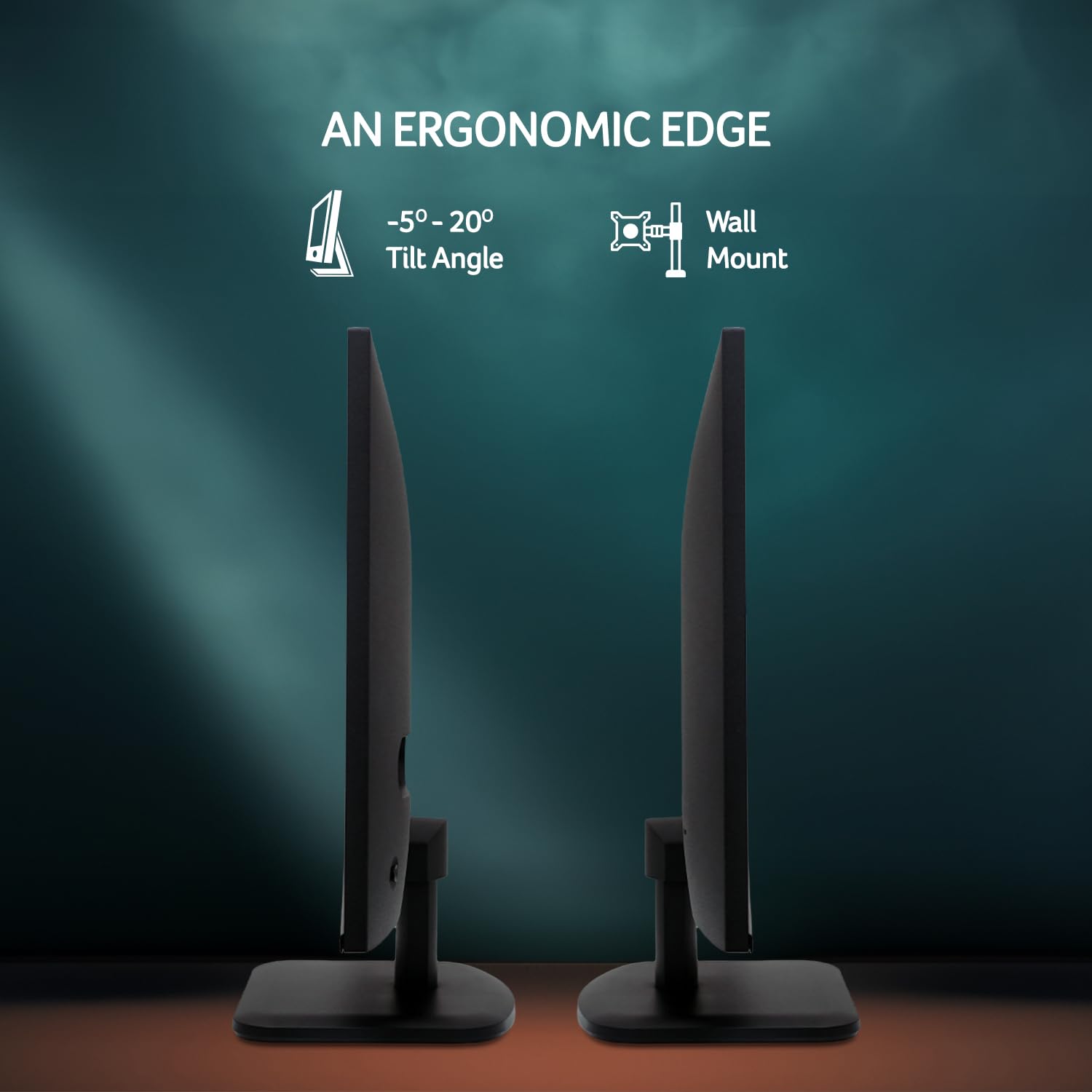
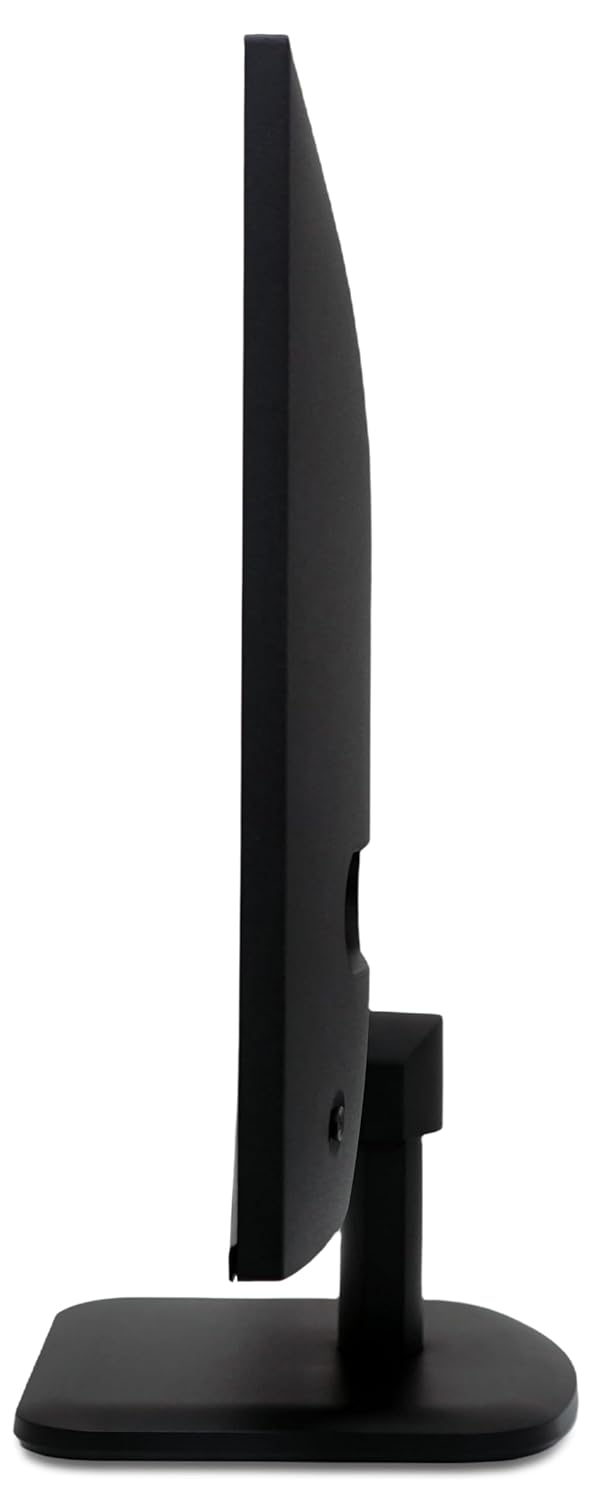
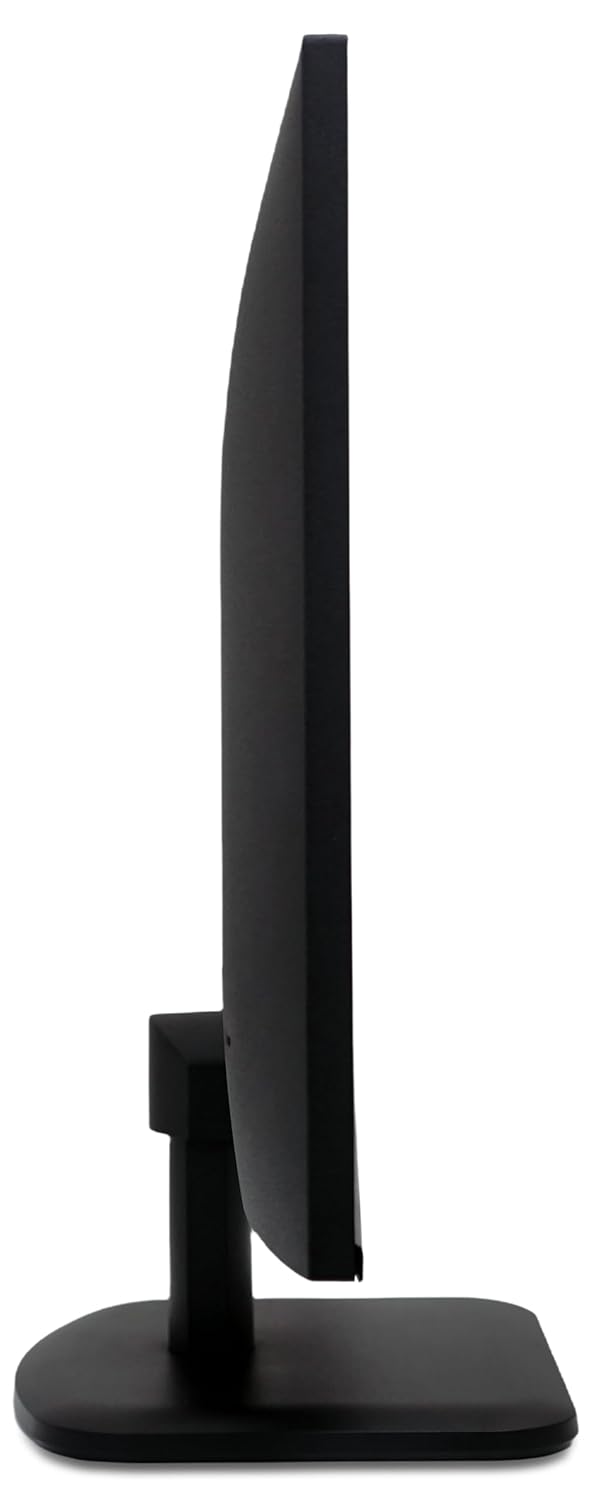
| Tilt and Ergonomic Movement ↕️ | Adjust the monitor to your liking with tilt functionality and VESA support. |
| Connectivity Bliss 🔗 | Connect with devices and stay on top of tech. |
Product Specification 📱
| Display Size | 23.8 Inch 📏 |
| Resolution | Full HD 1920×1080 🖥️ |
| Panel Type | IPS 👍 |
| Refresh Rate | 120Hz ⚡ |
| Response Time | 1ms VRB 💨 |
| Brightness | 250 Nits 💡 |
| Color Accuracy | sRGB 99% 🎨 |
| Connectivity | HDMI & VGA 🔌 |
| Viewing Angle | 178 Degrees ↔️ |
| Eye Care | Blue Light Shield, Flickerless, ComfyView 👁️ |
| Adaptive Sync | Yes ✅ |
| Frame Design | Zero Frame 🖼️ |
Usage Instruction 🛠️
- Step 1: 🔌 Connect the HDMI or VGA cable to your computer.
- Step 2: 💡 Power on the monitor using the power button.
- Step 3: ⚙️ Select the correct input source (HDMI or VGA) on the monitor.
- Step 4: 🖥️ Adjust display settings on your computer if needed.
- Step 5: 👀 Utilize Acer Vision Care features for eye comfort.

Product Details 🏷️
| Model | Acer EK240Y G0 🖥️ |
| Screen Size | 23.8 Inch 📏 |
| Resolution | Full HD 1920×1080 🌟 |
| Panel | IPS Panel 👍 |
| Refresh Rate | 120Hz ⚡ |
| Response Time | 1 MS VRB 💨 |
| Brightness | 250 Nits 💡 |
| Color Gamut | sRGB 99% 🎨 |
| Design | Zero Frame 🖼️ |
| Viewing Angle | 178 Degrees ↔️ |
| Connectivity Ports | 1 x VGA, 1 x HDMI 🔌 |
| Tilted Angle | -5 to 20 degrees ↕️ |
| Wall Mount Ready | 100×100 mm ✅ |
| Eye Care Features | Bluelight Shield, Flickerless, ComfyView 👁️ |
| Sync Technology | Adaptive Sync 🎮 |
Full Images
Product Standout Benefits
Key Features for an Enhanced Experience
This monitor offers a brilliant visual experience with its 23.8-inch Full HD display, boasting a sharp 1920 x 1080 resolution on a VA Panel. Enjoy vibrant visuals with 250 nits of brightness and wide 178/178-degree viewing angles, all presented with an edge-to-edge, zero-frame design for maximum screen real estate.
- 🌟 23.8 Inch Full HD 1920 x 1080 Resolution VA Panel Monitor
- 🌟 250 Nits Brightness
- 🌟 178 / 178 Degree View Angle
- 🌟 Edge to Edge Zero Frame Design
Smooth and Responsive Performance
Experience incredibly smooth motion with a 1ms VRB response time, effectively reducing ghosting and smearing, while eliminating blur in fast-moving objects. The 100 Hz refresh rate ensures outstanding fluidity of images, providing gamers with an excellent in-game experience.
- 🔥 1 MS VRB Response time helps Reduces Ghost & smearing effect also Elimination blur on fast moving object
- 🔥 100 Hz Refresh Rate for Outstanding fluidity of images & also provide gamers an excellent in-game experience
Comfortable Viewing and Gaming
The monitor is designed for comfortable use, featuring a tiltable angle from -5 to 20 degrees for optimal viewing. Integrated AMD FreeSync technology enables smooth gameplay by eliminating screen tearing, minimizing lag and latency, and delivering exceptionally fluid gaming experiences.
- 💡 Care for your eyes with Bluelight Shield, Flickerless, Low Dimming, ComfyView Display, help reduce strain on eyes for heavy users
- 💡 Integrated AMD FreeSync technology for Enabling smooth gameplay, Eliminating screen tearing, Minimizing lag and latency and delivers very smooth gaming experiences.
Connectivity and Convenience
Connect with ease using the included connectivity options: 1 x VGA and 1 x HDMI port, with an HDMI cable provided in the box. The monitor is also wall-mount ready for flexible placement.
- ✅ Connectivity Options Includes : 1 X VGA 1 X HDMI Ports with Inbox HDMI Cable
- ✅ -5 to 20 degree tilted angle for the comfortable viewing
- ✅ Wall Mount Ready
Customer Questions and Answers
Got Questions? We’ve Got Answers!
Here’s a quick rundown of what folks often ask.
-
Q: How do I set up this monitor?
A: Setting up your new monitor is straightforward! Just connect it using the provided power cord and HDMI cable, and you’re good to go!
-
Q: Is this monitor good for gaming?
A: Absolutely! It’s great for gamers because the 1 MS VRB response time reduces ghosting and smearing, while the 100 Hz refresh rate and AMD FreeSync technology provide incredibly smooth gameplay without tearing or lag.
-
Q: How do I take care of my eyes while using this monitor for long periods?
A: We’ve got your eyes covered! Features like Bluelight Shield, Flickerless, Low Dimming, and ComfyView Display are designed to help reduce eye strain, making it comfortable even for heavy users.
-
Q: What connectivity options does it have?
A: You can connect easily with 1 x VGA and 1 x HDMI port. An HDMI cable is included, so you’ll have everything you need to get started right away!
-
Q: What’s the warranty like?
A: No worries there! It comes with a 3 Years on-site Warranty, so you’re covered.
Buyer’s Guide
Let’s Get Your New Monitor Home!
Ready to bring this awesome monitor into your setup? Here’s a super simple guide to make it easy peasy.
-
Step 1: 📝 Review the Features & Benefits
Take a moment to check out all the cool features we’ve highlighted. Make sure it has everything you’re looking for in your next monitor!
-
Step 2: 🤔 Read the FAQs
Still have a few questions buzzing around? Pop over to the FAQs section. You might find the answers you’re looking for there!
-
Step 3: 🎨 Choose Your Options (If Applicable)
While this monitor comes in a sleek black, always double-check if there are any other versions or bundles available to best suit your needs.
-
Step 4: 🛒 Add to Cart & Checkout
Found your perfect match? Go ahead and add it to your cart. The checkout process is quick and simple!
-
Step 5: 📦 Upon Delivery
Once your monitor arrives, take a quick moment to check that it’s the correct item, ensure there’s no visible damage, and confirm all the included components (like the stand, power cord, and HDMI cable) are there.
-
Step 6: 🛠️ Consider Adding Accessories or Related Products
To really amp up your experience, think about adding a monitor stand for better ergonomics, a high-quality HDMI cable for optimal performance, or a screen cleaning kit to keep it looking pristine.
Related Products
-
Sale!

LG 27 Inch Full HD IPS Monitor 100Hz 5ms Tilt Height Adjustable Virtual Borderless Black
Original price was: ₦19,500.00.₦10,699.00Current price is: ₦10,699.00. -
Sale!

Dell SE2425HM 24-Inch FHD Monitor 100Hz IPS 5ms 3 Year Warranty ComfortView Plus
Original price was: ₦13,309.00.₦8,949.00Current price is: ₦8,949.00. -
Sale!

LG 27 Inch FHD IPS Smart Monitor with webOS ThinQ AirPlay 2 – White
Original price was: ₦24,500.00.₦15,199.00Current price is: ₦15,199.00. -
Sale!

LG Ultragear 27 Inch Full HD 165Hz Gaming Monitor with 1ms Response Time Black 27GQ50F
Original price was: ₦22,500.00.₦10,999.00Current price is: ₦10,999.00. -

LG Ultragear 27 Inch QHD IPS Gaming Monitor 165Hz 1Ms HDR10 G-Sync AMD FreeSync Premium Anti-Glare
₦15,990.00 -
Sale!
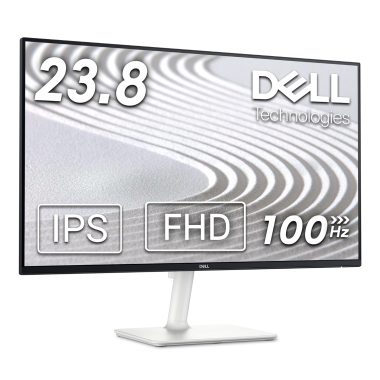
Dell S2425H 23.8 Inch FHD IPS 100Hz Monitor with 4ms Response Time and 99% SRGB, Sand-Inspired Design
Original price was: ₦18,999.00.₦9,699.00Current price is: ₦9,699.00. -
Sale!

LG 27 Inch FHD IPS Monitor 100Hz FreeSync 99% sRGB Black Stabilizer Reader Mode
Original price was: ₦19,000.00.₦9,699.00Current price is: ₦9,699.00. -
Sale!
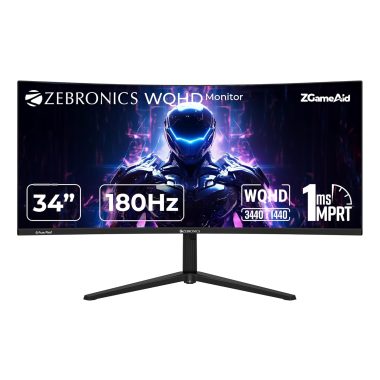
Zebronics N34A 34 Inch 1500R Curved Ultrawide WQHD Gaming Monitor 180Hz 1ms MPRT HDR10
Original price was: ₦64,999.00.₦26,000.00Current price is: ₦26,000.00. -
Sale!
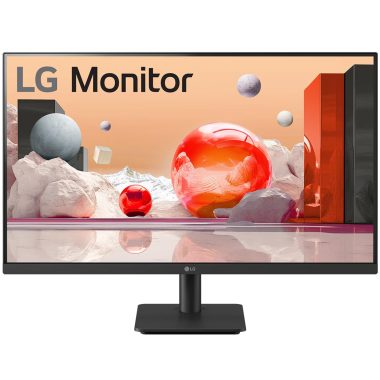
LG 27 Inch Full HD IPS Monitor 100Hz 99% sRGB Black Stabilizer Virtual Borderless Reader Mode HDMI VGA 27MS500
Original price was: ₦19,990.00.₦9,999.00Current price is: ₦9,999.00. -
Sale!

MSI PRO MP275 27″ Full HD 1080p Office Monitor 100Hz IPS, Eye-Friendly, Speakers, Tilt
Original price was: ₦26,000.00.₦9,299.00Current price is: ₦9,299.00. -
Sale!

BenQ GW2790 27-inch FHD 1080P IPS Monitor 100Hz 99% sRGB Black
Original price was: ₦17,990.00.₦10,498.00Current price is: ₦10,498.00. -
Sale!

Foxin Elite 27 Inch FHD IPS Flat LED Monitor 100Hz 1ms Frameless Slim
Original price was: ₦19,999.00.₦9,288.00Current price is: ₦9,288.00. -
Sale!

LG 25-Inch Smart IPS Monitor 1920×1080 webOS ThinQ Bluetooth White
Original price was: ₦22,500.00.₦13,999.00Current price is: ₦13,999.00. -
Sale!

LG Ultragear 34 Inch 2560×1080 Curved Ultrawide Gaming Monitor 144Hz IPS HDR10 Black
Original price was: ₦70,000.00.₦62,499.00Current price is: ₦62,499.00. -
Sale!

Acer SA222Q 21.5 Inch Full HD IPS Ultra Slim White LED Monitor 100Hz Refresh
Original price was: ₦10,000.00.₦6,630.00Current price is: ₦6,630.00. -
Sale!

Acer RS272 27 Inch Full HD IPS Ultra-Thin LED Monitor with 120Hz Refresh Rate
Original price was: ₦12,999.00.₦10,999.00Current price is: ₦10,999.00. -
Sale!

LG 32 Inch FHD IPS Smart Monitor White 1920×1080 with webOS ThinQ AirPlay 2
Original price was: ₦28,500.00.₦17,199.00Current price is: ₦17,199.00. -
Sale!
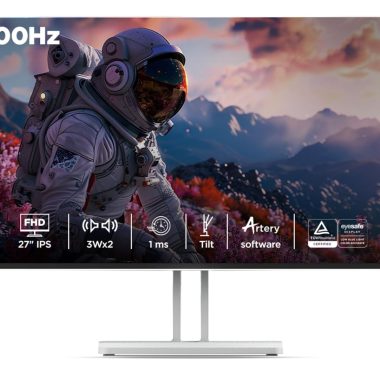
Lenovo L27i-4A 27 Inch FHD IPS 100Hz 1ms FreeSync Monitor Cloud Grey
Original price was: ₦15,590.00.₦10,299.00Current price is: ₦10,299.00. -
Sale!

Lenovo L22e-40 21.4-inch FHD Ultraslim Grey Monitor with AMD FreeSync
-
Sale!

Lenovo L27m-30 27 Inch FHD IPS Monitor Black 45W USB-C, HDMI, VGA, AMD FreeSync
Original price was: ₦28,490.00.₦13,990.00Current price is: ₦13,990.00.
Reviews
There are no reviews yet.