
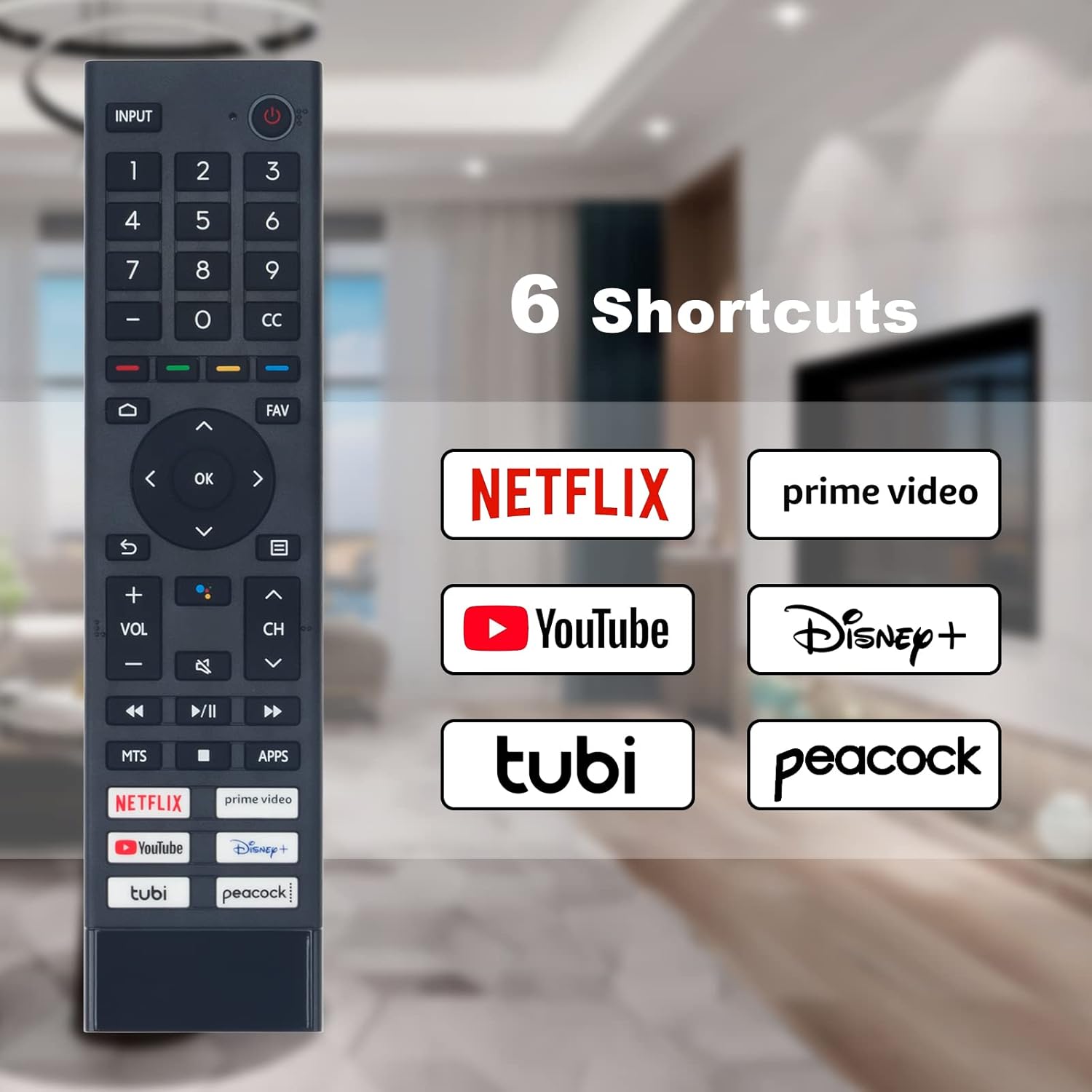
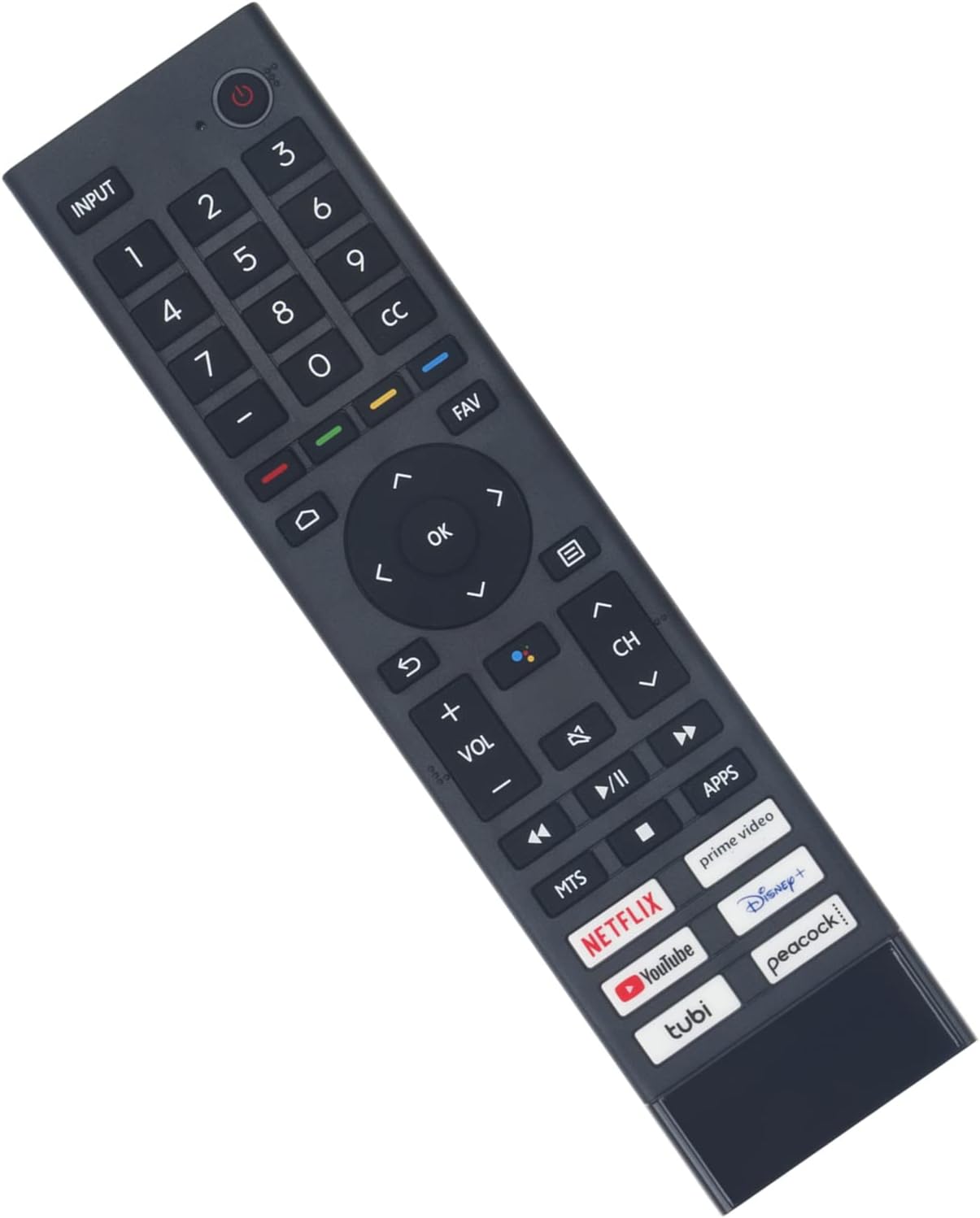
Voice Smart Replacement Remote for Hisense 4K UHD Android Smart TVs 55-75 Inch
₦16.48
Description
About the Product 🔑
| Feature 🌟 | Description ✅ |
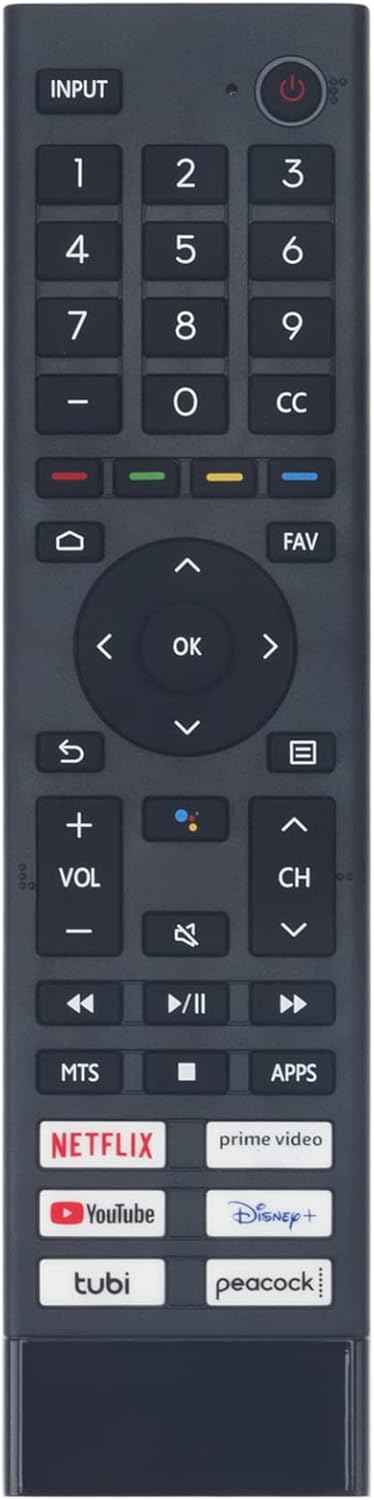
| Voice Remote Model | ERF3J80H 🎤 |
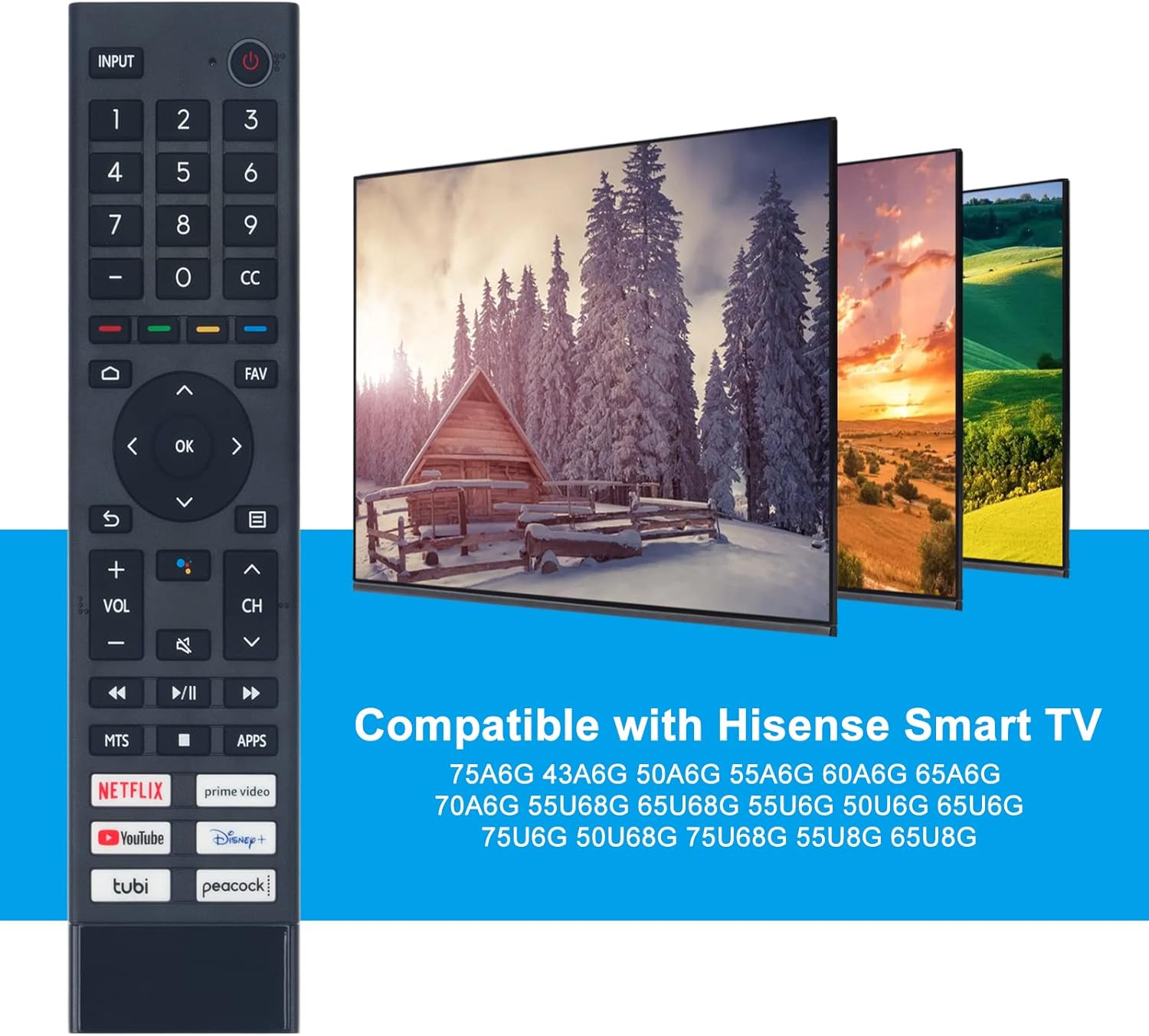
| Compatible Models | A6G Series, U6G Series, U8G Series 📺 |
| TV Compatibility | Hisense 4K UHD Android Smart TV 📱 |
| Package Included | 1 x IR Remote Control 📦 |
| Batteries | Not Included 🔋 |
Usage Instruction 🛠️
- Step 1: Please do pairing first.
- Step 2: Pair the remote to the TV after you power it on.
- Step 3: Keep the remote control within 10 feet from the TV.
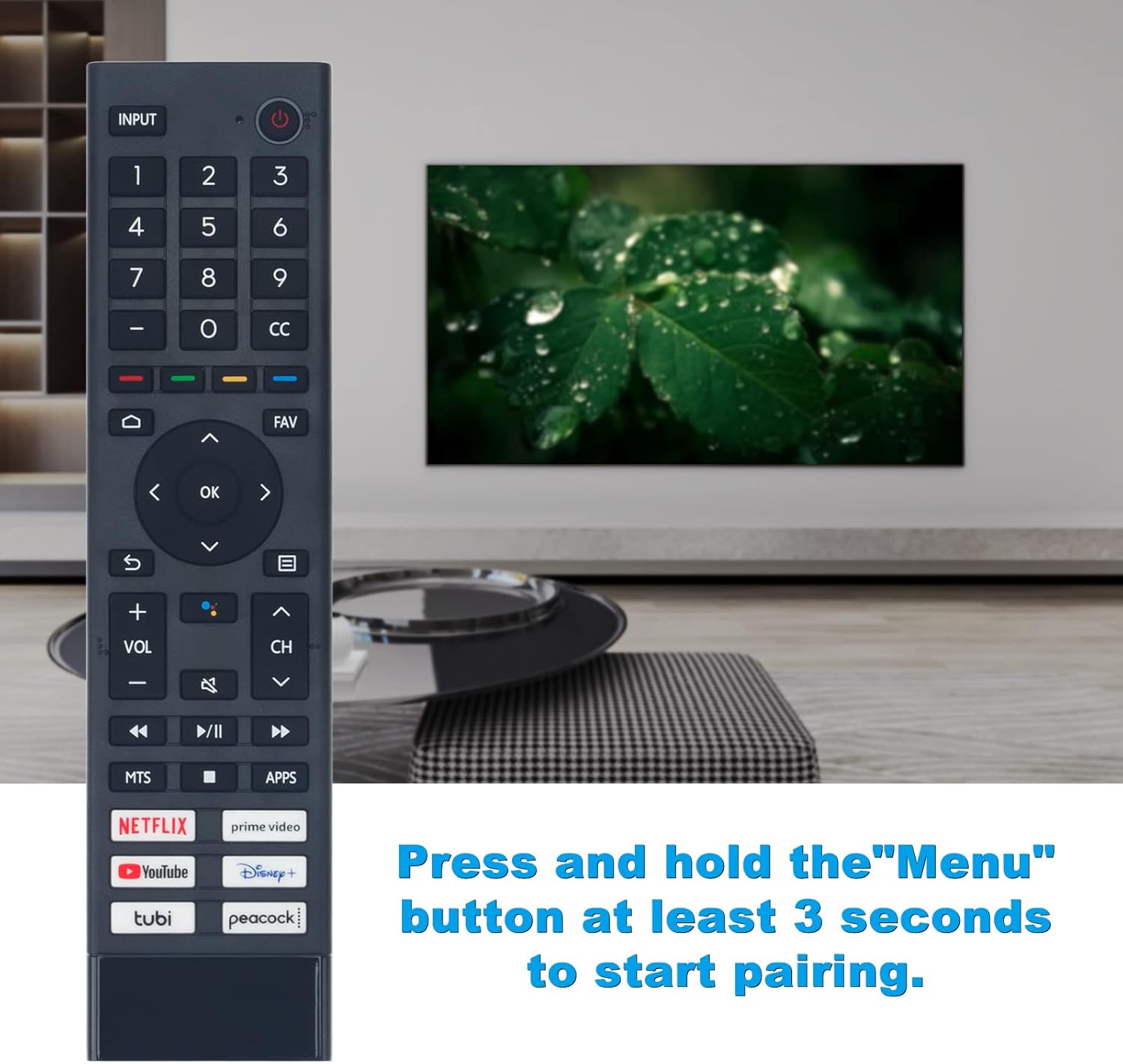
- Step 4: Press and hold the “Menu” button at least 3 seconds to start pairing.
- Step 5: If the remote paired successfully, a confirmation will display on the screen. If it did not pair successfully, an unsuccessful message will display. Repeat step 1.
Product Specification 📱
| Specification ⚙️ | Description 👍 |
| Model | ERF3J80H 🏷️ |
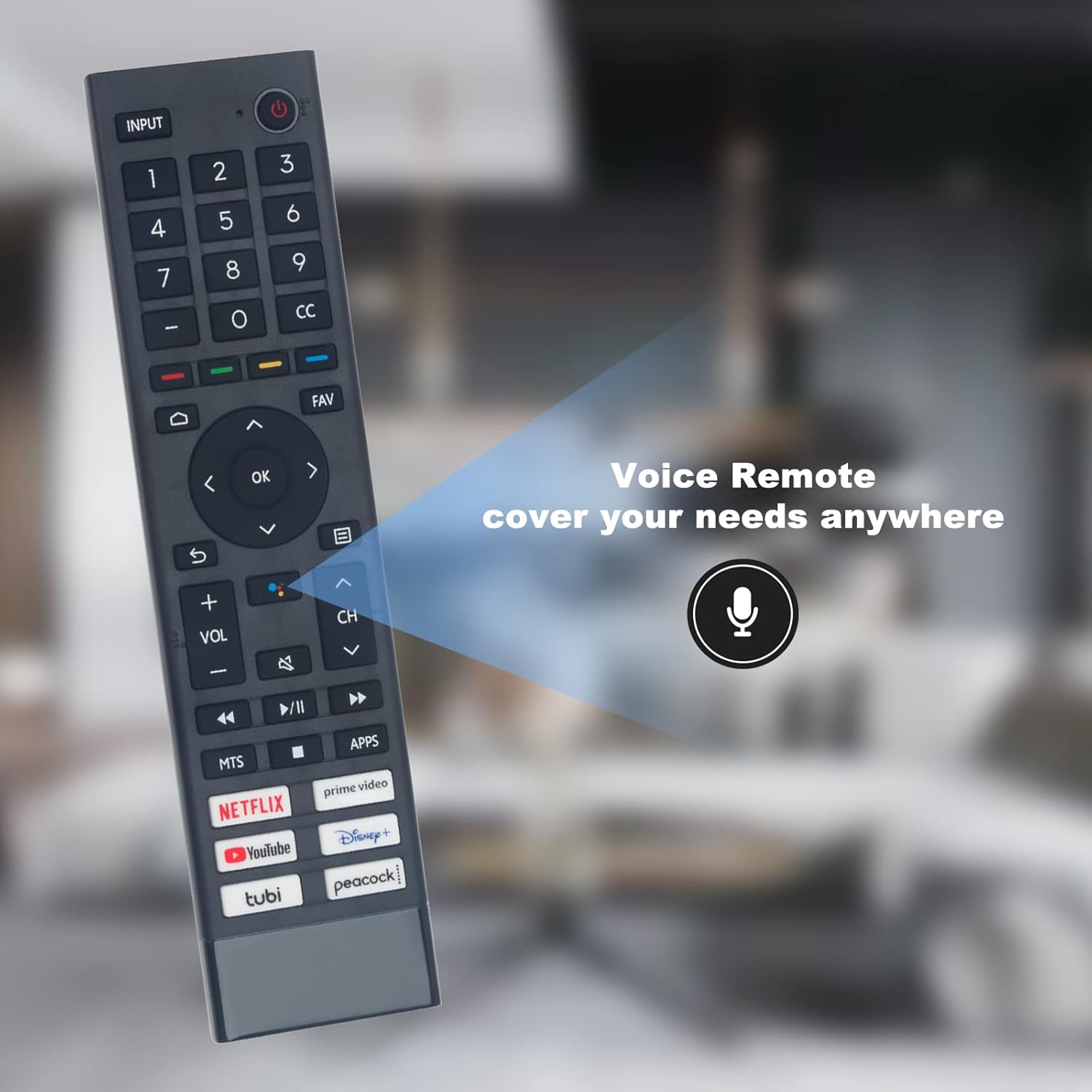
| Type | Voice Replacement Remote Control 🗣️ |
| Compatibility | Hisense TVs 📺 |
| Series Supported | A6G, U6G, U8G 🌟 |
| Range | Within 10 feet 📏 |
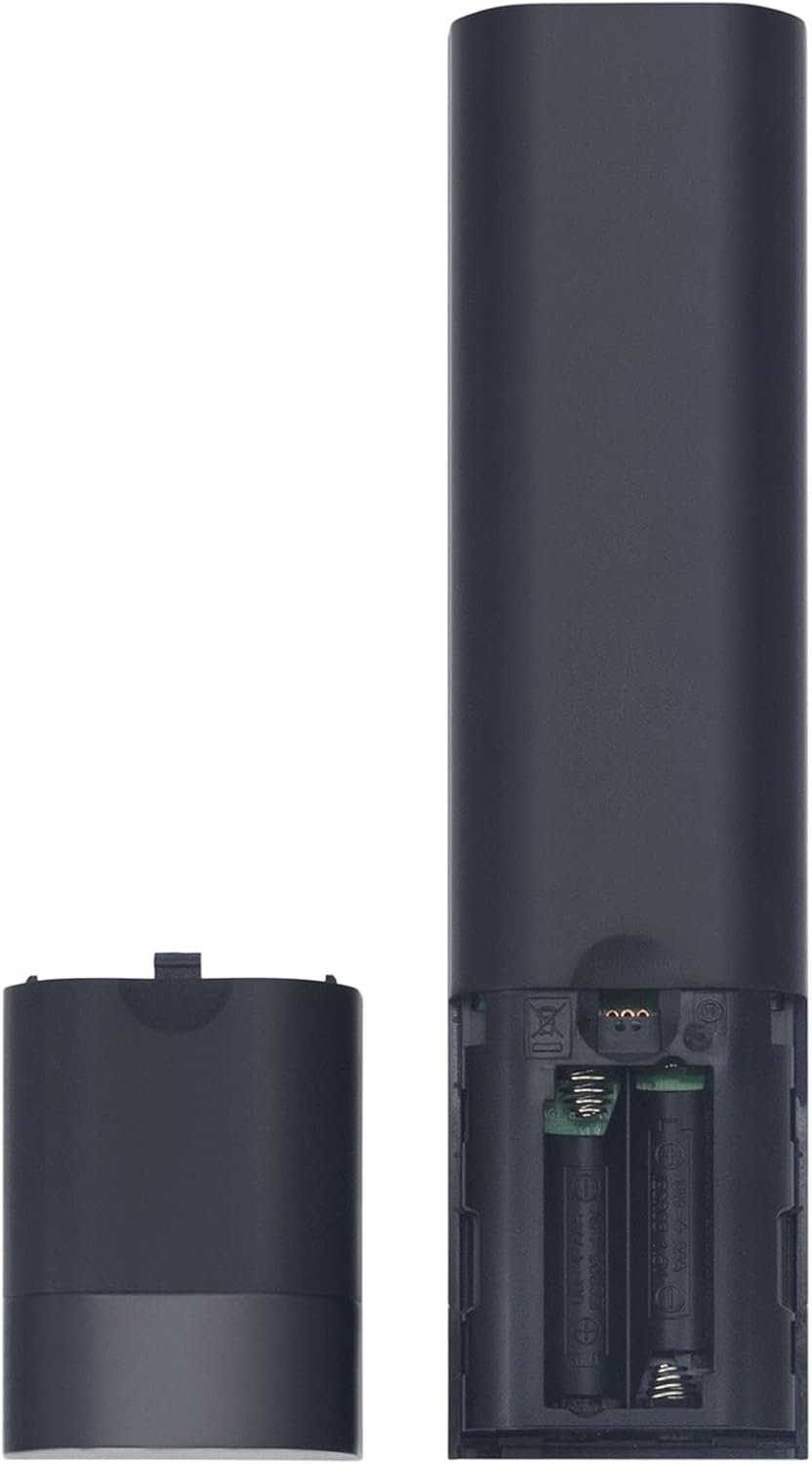
| Power Source | Batteries (Not Included) 🔋 |
Product Details 🏷️
About this item: Please do pairing first.Voice Remote Model: ERF3J80H Some Known Compatible Models: A6G 75A6G 43A6G 50A6G 55A6G 60A6G 65A6G 70A6G U6G 55U68G 65U68G 55U6G 50U6G 65U6G 75U6G 50U68G 75U68G Hisense 55U8G 65U8G U8G Series 4K ULED TV This is a Control, before you use with your . Pairing Step: 1. Pair the to the after you power it on. Keep the …
Some Known Compatible Models: A6G 75A6G 43A6G 50A6G 55A6G 60A6G 65A6G 70A6G U6G 55U68G 65U68G 55U6G 50U6G 65U6G 75U6G 50U68G 75U68G 55U8G 65U8G U8G Series
Package Included: 1 x IR Remote Control, Batteries NOT Included.
1 × ERF3J80H Voice Remote for Hisense TVs (batteries not included). It is also compatible with multiple series of Hisense smart TVs, covering mainstream sizes and models, including A6G Series : 75A6G, 70A6G, 65A6G, 60A6G, 55A6G, 50A6G, 43A6G;.
NOTES: If an unknown error occurred with the remote then it could have been caused by interference. Try to remove what’s causing the interference and pair it again. If an unknown error occurred in the remote control while the battery power is normal, you can take out the batteries and press any key for 1~2 seconds, then the remote control can work normally. The remote cannot be paired to the TV while the TV is in standby mode.
Kindly Notes: If you are not sure whether the remote can work for you or not, please feel free to leave us messages, we can help to check and give you suggestions.
Please use new alkaline batteries.
Please make sure there is nothing blocking the path between the remote and your TV.
When using the remote control, please be closer to your TV.
Full Images
Product Standout Benefits
This is a Voice Replacement Remote Control designed to seamlessly work with your Hisense TV. Before you can use it with your TV, you’ll need to pair it first.
Pairing Made Simple
Pairing the remote to your TV is straightforward:
- Ensure your TV is powered on.
- Keep the remote control within 10 feet from the TV.
- Press and hold the “Menu” button for at least 3 seconds to start the pairing process.
A confirmation will display on the screen if the remote paired successfully. If it did not pair successfully, an unsuccessful message will be shown. You can repeat the pairing step if needed.
Troubleshooting Tips
If an unknown error occurs with the remote, it might be due to interference. Try removing potential sources of interference and pair it again.
If an unknown error occurs while the battery power is normal, you can take out the batteries, press any key for 1 to 2 seconds, and then the remote control should work normally.
Important Note: The remote cannot be paired to the TV while the TV is in standby mode.
Ensuring Optimal Performance
For the best experience:
- Please feel free to leave us messages if you are unsure whether the remote can work for you. We can help check and give suggestions.
- Please use new alkaline batteries.
- Make sure there is nothing blocking the path between the remote and your TV.
- When using the remote control, please be closer to your TV.
Customer Questions and Answers
Q: How do I get this remote to work with my TV? 🤔
A: Getting it set up is easy! First, make sure to pair it with your TV. Just power on your TV, keep the remote within 10 feet, and press and hold the “Menu” button for at least 3 seconds. You’ll see a confirmation on the screen if it works! ✨
Q: What if the remote isn’t pairing or acting strange? 🤔
A: No worries! If you see an error, try moving anything that might be causing interference. If it’s still acting up but the batteries are good, just pop the batteries out, press any button on the remote for a second or two, and then put the batteries back in. That usually does the trick! 💡
Q: Can I pair the remote while my TV is off? 🤔
A: Uh oh, nope! The remote needs the TV to be powered on, not in standby mode, to get paired up. So, make sure your TV is fully on first! 🖥️
Q: I’m not sure if this is the right remote for my TV. What should I do? ❓
A: Totally understand! If you’re unsure, just send us a message. We’d be happy to help you check and see if it’s the perfect fit for your TV. We’ve got your back! 👍
Q: What kind of batteries does it take? 🔋
A: This remote works best with 2 AAA batteries. Make sure to use fresh alkaline ones for the best performance! 🌟
Related Products
-
Roku 65-Inch QLED 4K Smart TV Pro Series with Voice Remote
₦798.00 -

RM-ANP114 Replacement Remote Control for Sony HT-CT770 HT-CT370 Soundbars
₦6.78 -
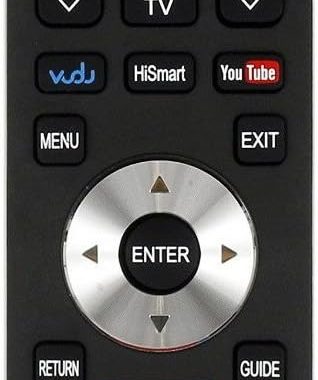
HISENSE Replacement TV Remote Control for 40K366WN 32K20 Series Models
₦9.98 -

Replacement Remote Control for Sony HT-Z9F 3.1 Channel Soundbar with Wireless Subwoofer
₦25.99 -
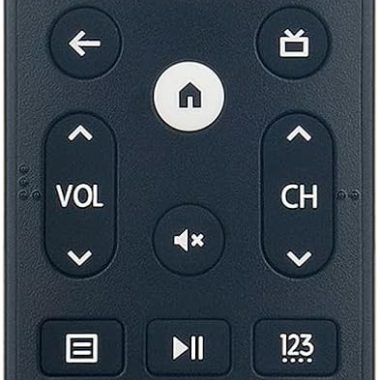
Hisense 4K Smart TV Replacement Voice Remote ERF3M90H for A6H U6H Series TVs
₦12.95 -

2 Pack Glow in Dark Silicone Replacement Remote Covers for Toshiba and Insignia Fire TV Remotes
₦5.98 -
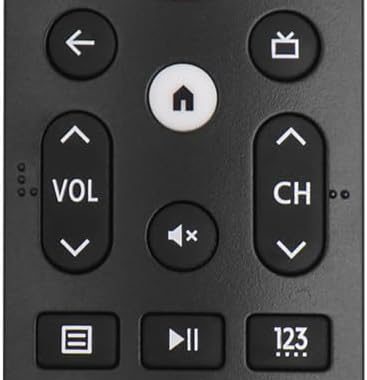
ERF3M90H Infrared Remote Control for Hisense Google TV 43A6H-75U8H 5000 mAh Capacity
₦13.98 -

RM-ADP069 Replacement Remote Control for Sony Blu-ray Player Home Theater System 2000mAh Capacity
₦7.58 -
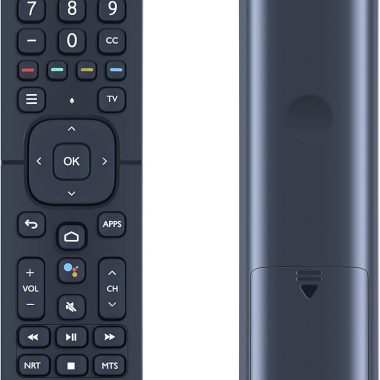
Hisense ERF2K60H Replacement Smart TV Remote Control for 4K UHD Android Models
₦8.49 -

Sony AV System Remote RM-AAU024 Replacement for Home Theater Models
₦8.98 -

TCL 50-Inch Q65 QLED 4K UHD Smart Google TV Dolby Vision HDR Pro+ 2024 Model Enhanced Gaming Voice Remote
₦239.99 -

RMT-AH514U Replacement Remote Control for Sony HT-A3000 Soundbar Home Theater System
₦14.58 -
PHILCO Universal Smart TV Remote Control 10000 Device Compatibility Ergonomic Design
₦7.99 -
Hisense 4K UHD Android Smart TV Replacement Remote Control Universal Compatibility
₦16.88 -
Replacement Remote Control for Hisense Smart TVs EN2D36H EN2B36H Series
₦13.99 -

Roku Voice Remote Pro Rechargeable with Hands-free Controls Lost Device Locator
₦29.99 -

Hisense Roku TV OEM Replacement Voice Remote Control 4K Smart TV Netflix Disney+
₦399.99 -
TCL Roku TV Remote RC280 Replacement with Volume Control Button
₦7.95 -

Roku 65-Inch Plus Series 2025 Mini-LED 4K QLED Smart TV with Enhanced Voice Remote
₦648.00 -

RMT-AH514U Genuine Replacement Remote Control for Sony HT-A3000 Soundbar 3.1ch Dolby Atmos
₦14.57
Reviews
There are no reviews yet.